
What Higgsfield is
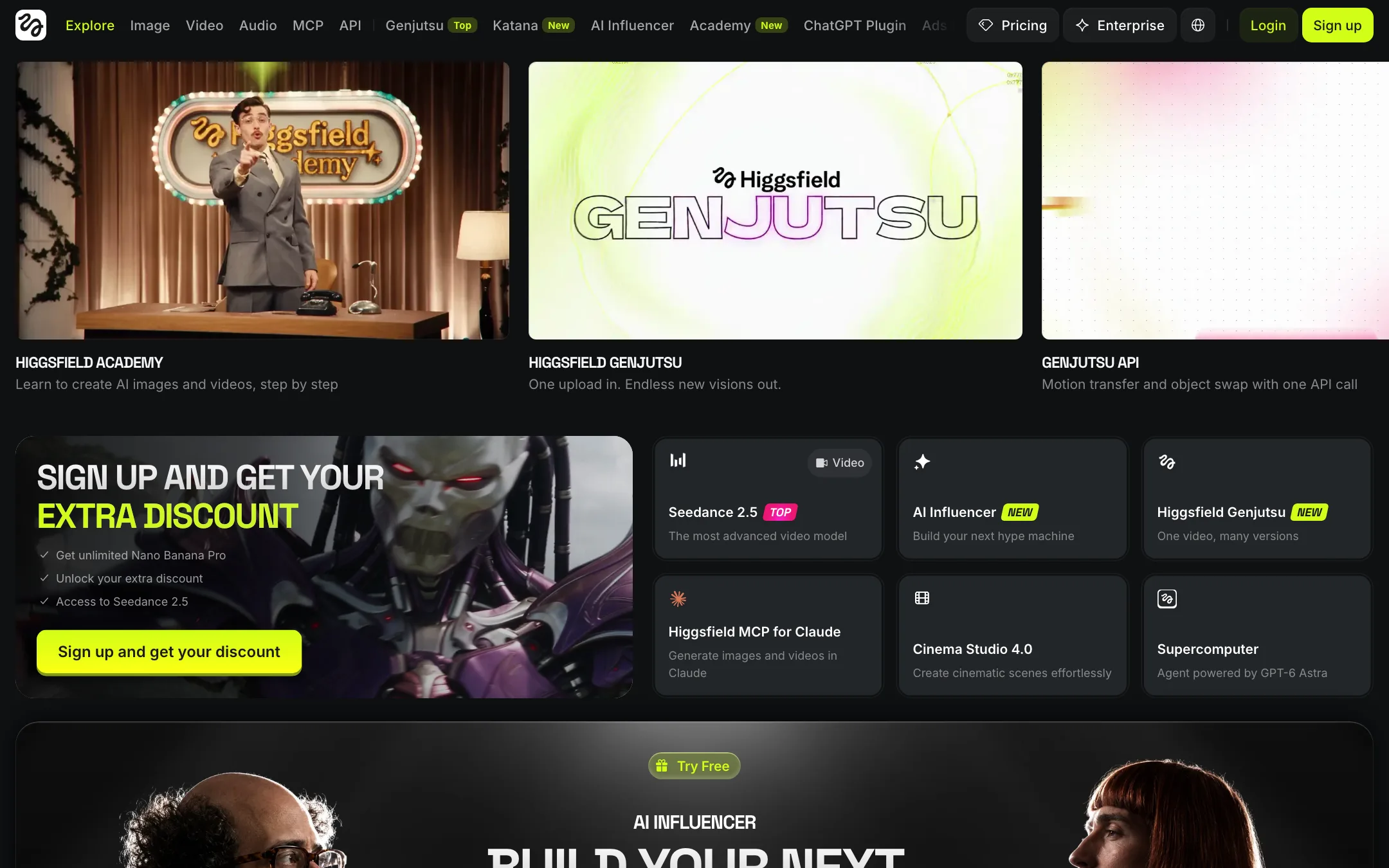
Higgsfield calls itself an “AI-native creative suite.” In practice it is a single subscription that puts most of the leading AI video and image models behind one credit balance, then wraps them in purpose-built studios.
On the video side, the model list in its footer includes Seedance 2.5 and 2.0, Kling 3.0, Sora 2, Veo 3.1, Wan 2.6, Grok Imagine 1.5 and Gemini Omni Flash. Treat the Sora 2 entries with care: OpenAI discontinued the Sora app in April 2026 and said the Sora API would shut on September 24, 2026, yet Higgsfield still listed Sora 2 on 2026-10-23. Check that it still generates before you pay for it. On the image side it has its own Soul models (Soul 2.0, Soul Cinema and Soul ID for consistent characters) alongside Nano Banana, Flux 2, Seedream 5, GPT Image 2 and Ideogram.
Higgsfield does not train its own video model. What it builds is the layer on top: Cinema Studio, Marketing Studio, Ads Studio, Lipsync Studio, an AI Influencer builder, Genjutsu motion transfer, Canvas, an agent called Supercomputer, and integrations for Claude, ChatGPT and developers.
Higgsfield says it has over 25 million users. It is one of the biggest creator-facing names in AI video.
Who it is for
Higgsfield fits you if:
- You want to try many video models without juggling separate subscriptions.
- You make social content or ads and like starting from a preset rather than a blank prompt.
- You want consistent virtual characters for an AI influencer account or a brand mascot.
- You run a small agency and want pooled credits across a team.
Skip it if:
- You want one clean model and a simple interface. Higgsfield’s menu is long and busy.
- You need predictable costs. Promotions, unlimited windows and per-model prices change often.
- Your main use would be swapping real people’s faces into footage. That is a consent and legal minefield, and we do not recommend it.
How it works
Higgsfield’s top menu gives a sense of scale: Image, Video, Audio, MCP, API, Genjutsu, Katana, AI Influencer, Academy, ChatGPT Plugin, Ads Studio, Effects, Cinema Studio, Contests, Marketing Studio, Supercomputer, Edit, Community, Plugins, Canvas and Originals. Here are the parts that matter most for video.
Plain generation
The Video page is a standard generator. Pick a model, write a prompt, add a start image if you want, and generate. Each model costs a different number of credits. Higgsfield’s plan picker gives two reference points: about 14 credits for an 8-second 720p Kling 3.0 clip, and 2 credits for a Nano Banana Pro image.
Cinema Studio
Cinema Studio 4.0 is Higgsfield’s tool for directed shots. Higgsfield says it lets you control the camera, lighting, color and acting in every shot, with more than 30 camera movement presets and more than 50 color palettes. Each scene can be edited on its own, and you can extend a story in either direction. This is the studio to start in if you want something that looks like a film shot rather than a meme.
Marketing Studio and Ads Studio
These target brands. Ads Studio includes an Ad Multiplier that recreates an existing ad with your own products and characters. Paid plans include a handful of free Ads Studio generations each month.
AI Influencer, Soul ID and Lipsync Studio
The AI Influencer builder lets you pick a look, add motion and generate a consistent character across photos and video. Soul ID locks a character’s identity across image generations. Lipsync Studio makes a character speak a script. Photodump Studio puts the same character into many scenes with one click.
Genjutsu
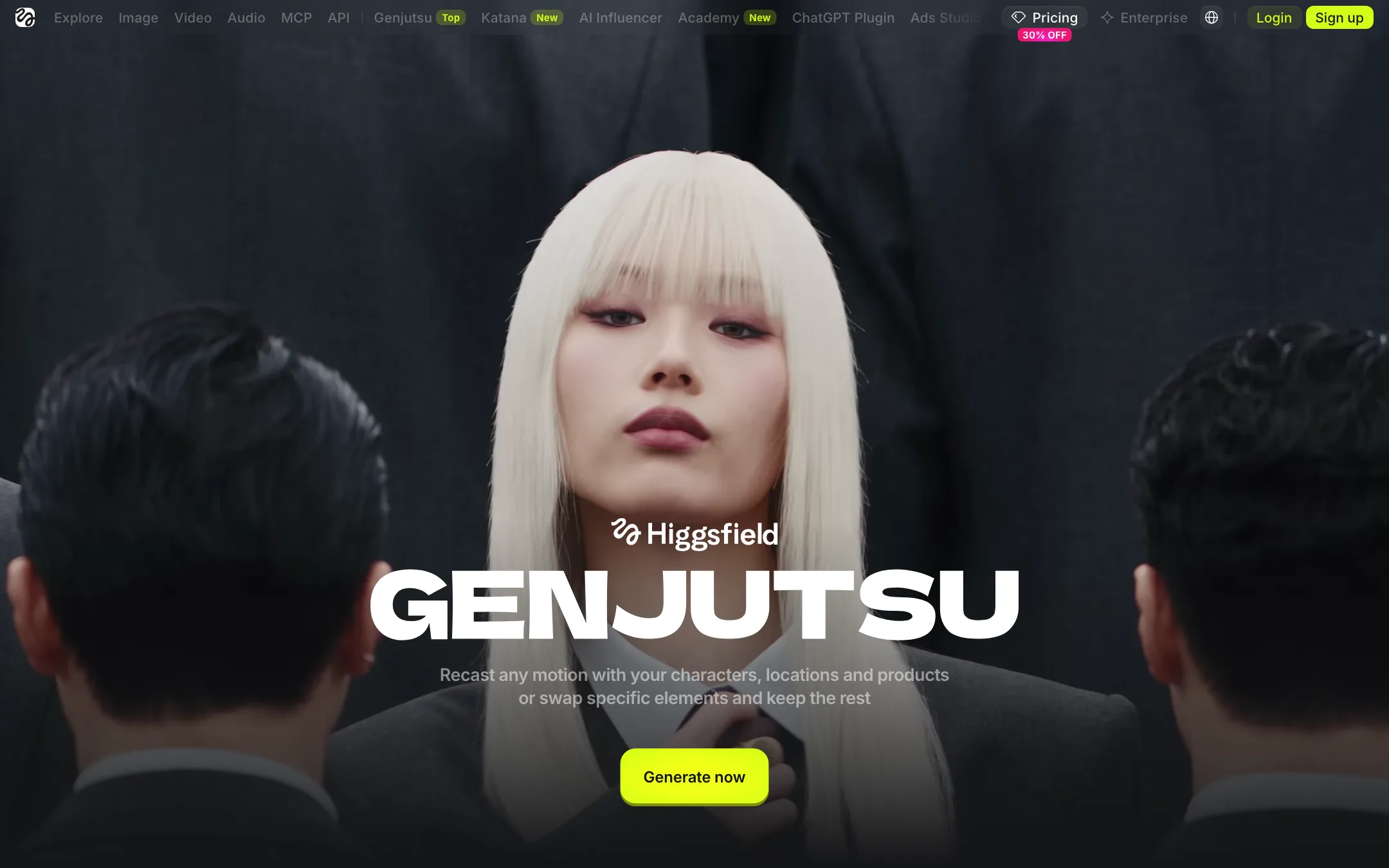
Genjutsu takes an uploaded video and changes it in two ways. Motion Transfer keeps the movement, camera and timing of the original and rebuilds everything else from your references: a new character, location or look. Object Swap replaces selected elements and keeps the rest. Higgsfield pitches it as “shoot on your phone, Genjutsu does the production.”
Canvas and Supercomputer
Canvas is a shared board for moodboards and chained workflows. Supercomputer is an agent that runs multi-step creative tasks across the suite. Note that unlimited models and free generations included in plans only work on the main website, not in Canvas, Supercomputer, MCP or CLI.
A typical product ad run
- Upload a clean product image.
- Open Ads Studio or Marketing Studio and pick a preset close to the ad you want.
- Generate a few variants on Plus or Ultra, where all models are available.
- Take the best variant into Cinema Studio if you need a specific camera move.
- Add a talking character with Lipsync Studio if the ad needs a presenter.
- Download without a watermark and cut the final edit elsewhere.
A word on face swap and recasting
Higgsfield’s footer lists an AI Face Swap tool, and Genjutsu can recast uploaded footage with other characters. The main site leads with generation studios, not face swap, but both tools can put a real person’s likeness into video they never made.
Use them only with people who have given clear permission, or on yourself. Do not use them on public figures, exes, coworkers or anyone else without consent. Third-party guides say Higgsfield’s terms require you to hold rights to any likeness you upload. You are still the one legally exposed if you misuse it.
Output quality
Output quality depends on the model you pick. Seedance, Kling and Veo are among the strongest video models available, and Higgsfield gives you all of them on Plus and above. What Higgsfield adds is the studios and presets, which make good results easier without prompt skill.
The community gallery is a useful way to judge quality before you pay. Each project shows its prompts and assets, so you can see how a result was made. These are cherry-picked showcases, though. We have not tested Higgsfield hands-on, and every model in this class still struggles with hands, small text and consistency across separate generations.
Pricing
Higgsfield sells individual plans and business plans. All prices below are from its pricing page and exclude VAT.
| Plan | Price | Credits a month | Model access |
|---|---|---|---|
| Free | $0 | None | Small set of models |
| Starter | $15/mo | 200 | Seedance 2.0 Fast and Mini, selected models |
| Plus | $39/mo yearly, $49 monthly | 1,000 | All models and features |
| Ultra | $99/mo yearly, $129 monthly | 3,000 (6,000 and 9,000 options) | All models and features |
| Team / Scale | From $65 per seat | 1,000 per seat, pooled | All models, priority queue on Scale |
| Enterprise | Contact sales | Custom, with rollover | All models, dedicated capacity |
Some things the pricing page makes easy to miss:
- Starter is a taster. 200 credits is about 11 Seedance 2.0 Fast videos by Higgsfield’s own estimate, and you do not get the full model library. Plus is the real starting plan.
- Unlimited windows are time-limited. Plus and Ultra include 7-day unlimited use of models like Nano Banana 2 and Kling 3.0. Unlimited access is a one-time grant, not a recurring perk, per the help center. Speed may be throttled at busy times.
- Promotions change often. During our check, banners advertised extra discounts, 30-day unlimited Seedance 2.5 on business plans and a 30% discount on Ultra. Prices you see may differ.
- Credits do not roll over on individual plans. Credit Packs and Auto-Refill are available for top-ups.
- No trial. The help center says there is no trial of paid plans. Refunds are only within 7 days if no credits were used, with a service fee of up to 6%. Renewals are not refundable.
Higgsfield vs buying models directly
Most of the video models inside Higgsfield are also sold elsewhere, either by their makers or on other platforms. So why pay Higgsfield?
The case for Higgsfield is convenience and the layer on top. One balance covers every model. Presets and studios save you from writing long prompts. Soul ID and the AI Influencer builder keep a character consistent across many generations. Plus and Ultra add time-limited unlimited use of some popular models, which can make heavy weeks much cheaper.
The case against is control and predictability. Each model’s price in credits is set by Higgsfield, not by the model maker. Promotions change what a plan includes from week to week. And features like unlimited generations do not carry over to the MCP, CLI, Canvas or the Supercomputer agent. If you mostly run one model through an API, buying it directly may be simpler and cheaper.
A sensible approach: start on Plus for one month, track which models you actually use, and then decide whether the suite is worth it or whether one direct subscription covers you.
Verdict
Higgsfield is one of the broadest AI video suites you can buy. If you want Seedance, Kling and Veo in one place, plus studios that turn those models into ads, cinematic shots and AI characters, Plus at $39 a month billed yearly is a strong deal.
It is not simple. The interface is crowded, credit costs move with every promotion, and Starter locks out most of the models. Treat the face swap and recasting tools with care, and only use real people’s likenesses with permission.