Best AI Text-to-Video Generators
The AI video generators creators actually use to turn a prompt or an image into a clip, ranked by real demand and reviewed in depth.
10 tools ranked · last checked 2026-10-19
Some links on this page are affiliate links. If you buy through them we may earn a commission at no extra cost to you. It never changes how we rank tools. Read our disclosure.
Quick comparison
| PixVerse | Steve AI | VO3 AI | Veo 4 (veo4.dev) | |
|---|---|---|---|---|
| Starting price | From $8/mo | From $19/mo | From $17.8/mo | From $19.99/mo |
| Free tier | ||||
| Pricing | Free plan with 30 daily credits. Paid plans from $8/mo billed yearly ($10 monthly). | Free plan with 1,200 seconds of AI video. Paid plans from $19/mo billed yearly ($29 monthly). | No free plan. Lite from $17.80/mo billed yearly ($19.90 monthly). One-time credit packs from $59.90. | One free 5-second 480p video for new users, plus 20 daily check-in credits. Paid plans from $19.99/mo billed yearly ($29.99 monthly). |
| Platforms | Web, iOS, Android, API | Web, iOS, Android | Web | Web |
| Best for | Social creators who want quick, eye-catching clips and viral templates without learning prompt engineering. | Faceless YouTube channels, teachers and marketers who want a script or blog turned into a narrated, animated or stock-footage video without editing skills. | Creators who want to try Veo, Sora, Kling and Seedance side by side from one account and one credit balance. | Budget-minded creators who want Veo 3.1 Fast and a few other big models in a simple browser form, and who understand they are buying through a reseller. |
| Last checked | 2026-10-18 | 2026-10-19 | 2026-10-19 | 2026-10-19 |
Jump to
Text-to-video is the noisiest corner of AI video. New models ship monthly and dozens of sites wrap the same few models under new names.
We split this list into two kinds of tools. Model makers train their own video models: PixVerse, Kling, Runway, Luma, Google Veo and OpenAI Sora. Wrappers and studios build an interface on top of other people’s models, often adding templates, story tools or a cheaper price. Both can be the right choice. Just know which one you are paying for.
How to choose
- You want the best-looking shot and can wait: start with a model maker.
- You make social content in volume: pick a tool with templates, effects and generous credits.
- You make stories or explainers: a studio tool that handles scenes, characters and voiceover saves hours.
The ranking
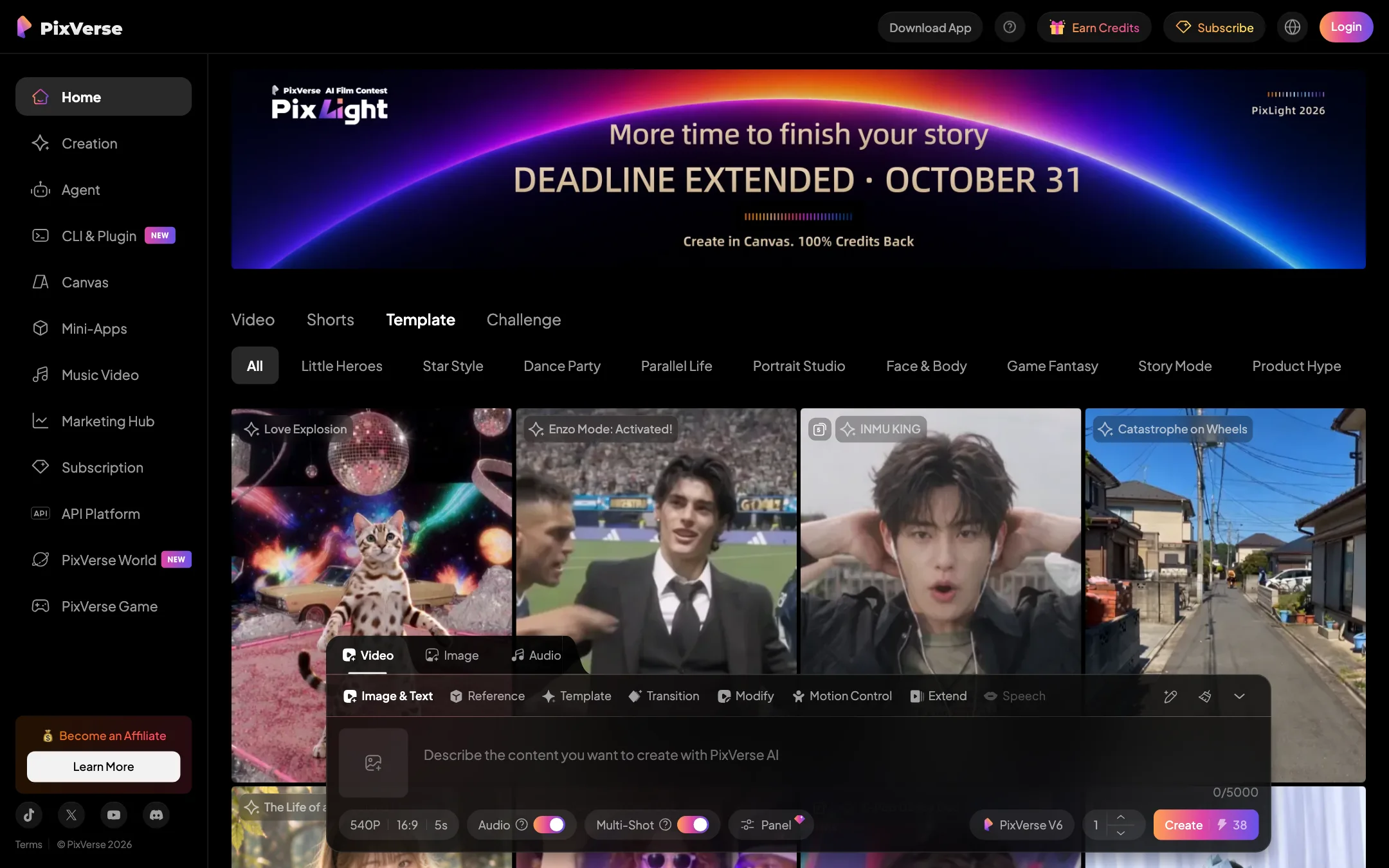

1.PixVerse
A fast, template-heavy AI video generator with its own V6 model, native audio and a generous free tier
From $8/moFree tierWebiOSAndroidAPIBest for: Social creators who want quick, eye-catching clips and viral templates without learning prompt engineering.
Verdict: The easiest way into AI video with a real free tier and a strong in-house model. Templates and effects are the draw. Serious filmmakers will hit the 720p cap on Standard and the credit math on longer clips fast.
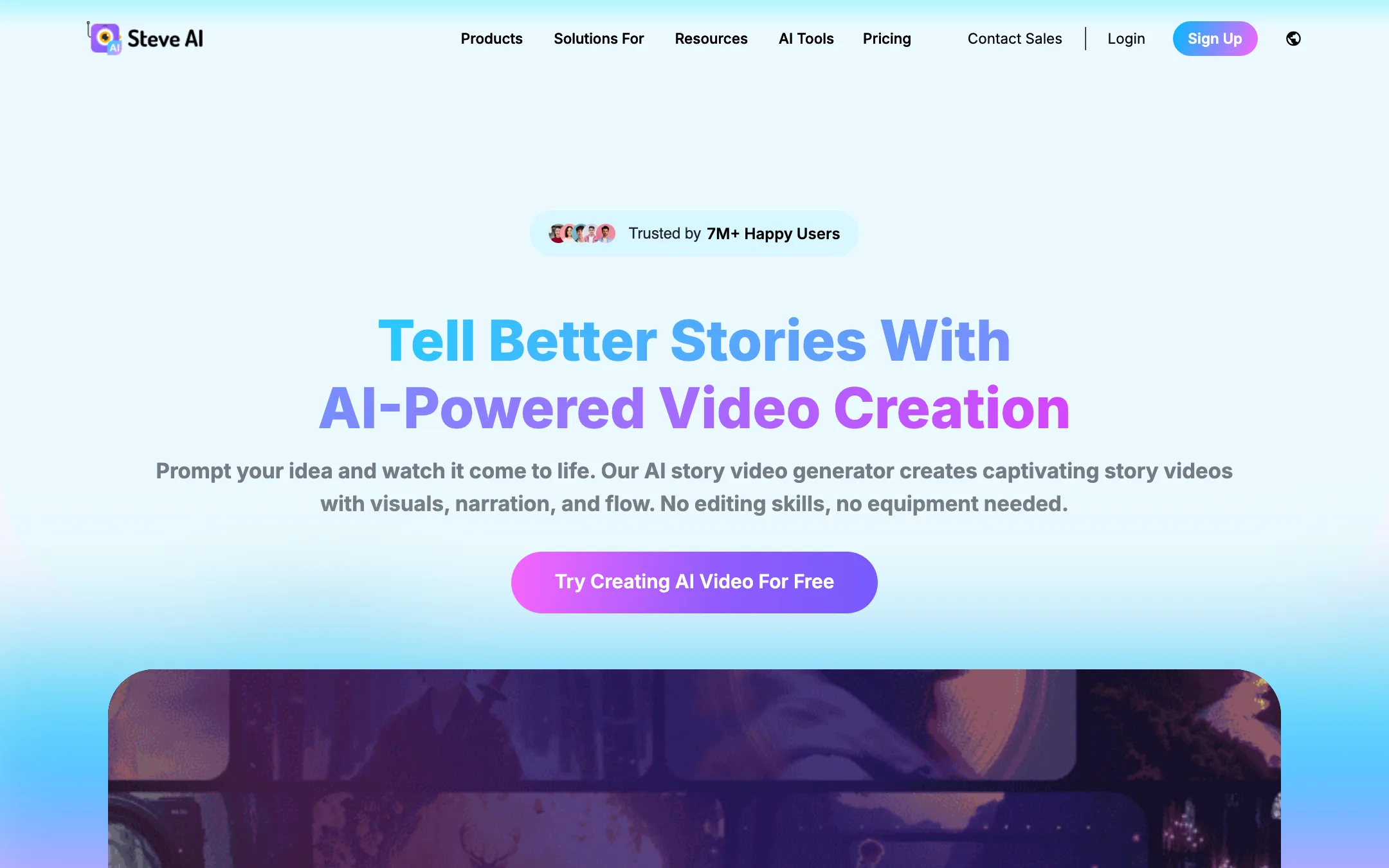

2.Steve AI
Prompt, script, blog or audio to finished video, in animated, stock or generative styles, from the makers of Animaker
From $19/moFree tierWebiOSAndroidBest for: Faceless YouTube channels, teachers and marketers who want a script or blog turned into a narrated, animated or stock-footage video without editing skills.
Verdict: A broad, beginner-friendly script-to-video studio with lots of styles and generous video minutes for the price. The catch is that "minutes of AI video" and "generative credits" are different things, and true generative AI footage is limited to 2 minutes a month until the $99 plan.
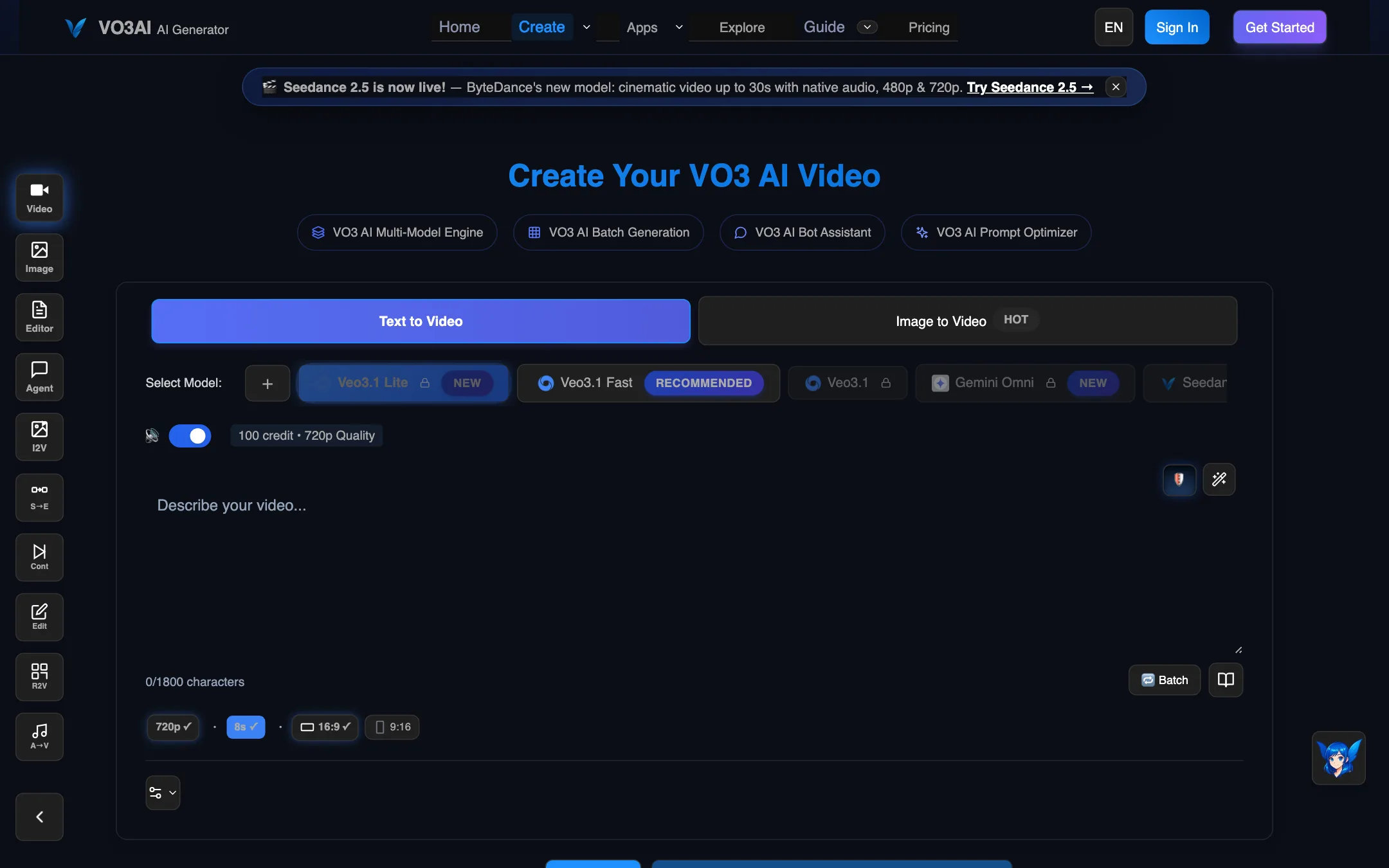
3.VO3 AI
A multi-model AI video studio that resells Veo 3.1, Sora 2, Kling, Seedance and more under one credit balance
From $17.8/moWebBest for: Creators who want to try Veo, Sora, Kling and Seedance side by side from one account and one credit balance.
Verdict: A convenient one-stop shop for the big third-party video models, with an agent and a long-video editor on top. You pay a reseller's markup, the pricing page contradicts itself in places, and refunds are tightly limited.
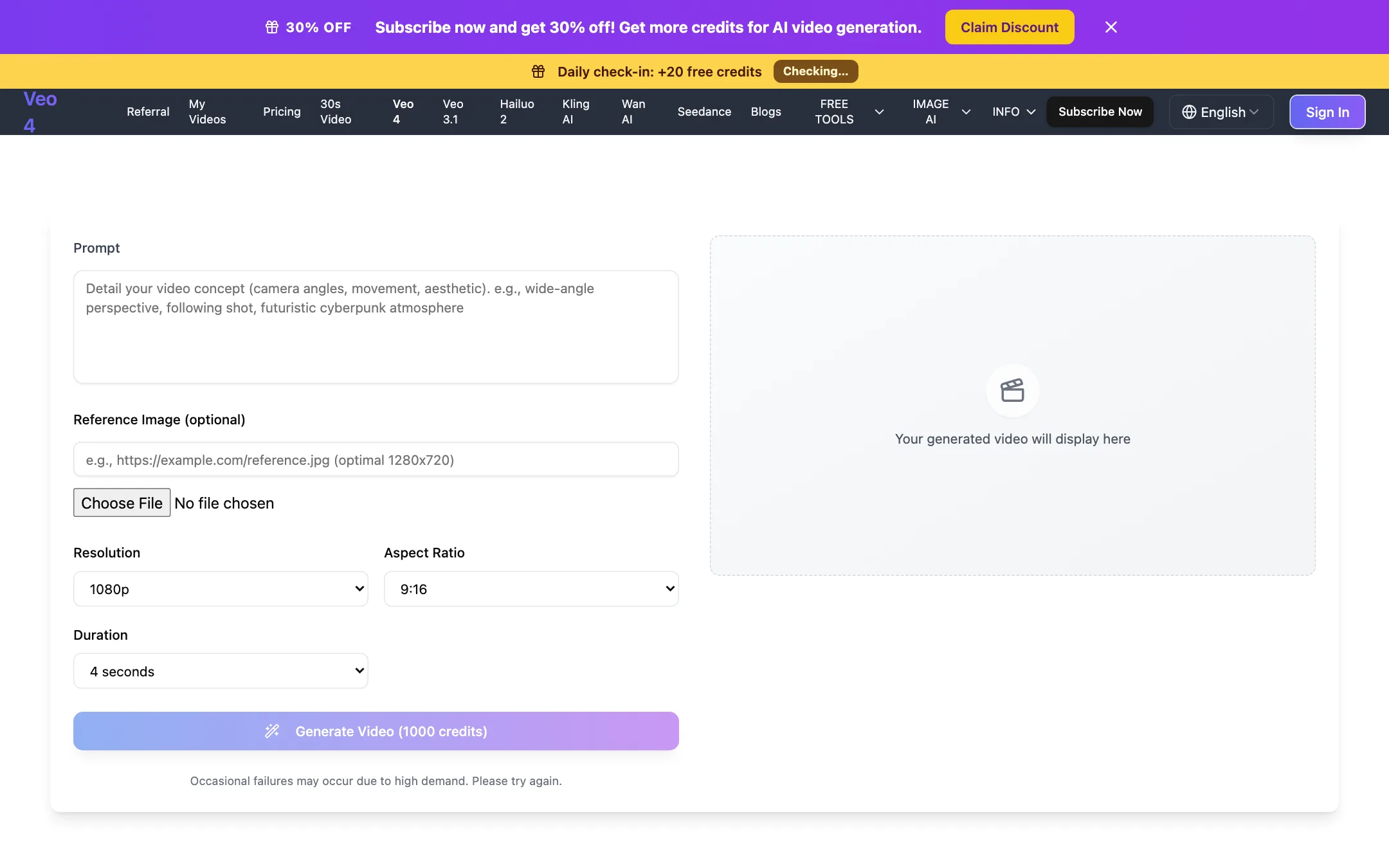
An independent web generator that sells Google Veo 3.1 Fast under a "Veo 4" label, plus Kling, Seedance, Hailuo and Wan
From $19.99/moFree tierWebBest for: Budget-minded creators who want Veo 3.1 Fast and a few other big models in a simple browser form, and who understand they are buying through a reseller.
Verdict: A simple, honest-about-itself reseller with a clean generator and fair credit refunds on failed jobs. The "Veo 4" name is a label for Google's Veo 3.1 Fast, not a new Google model, and refunds for anything else are close to impossible.
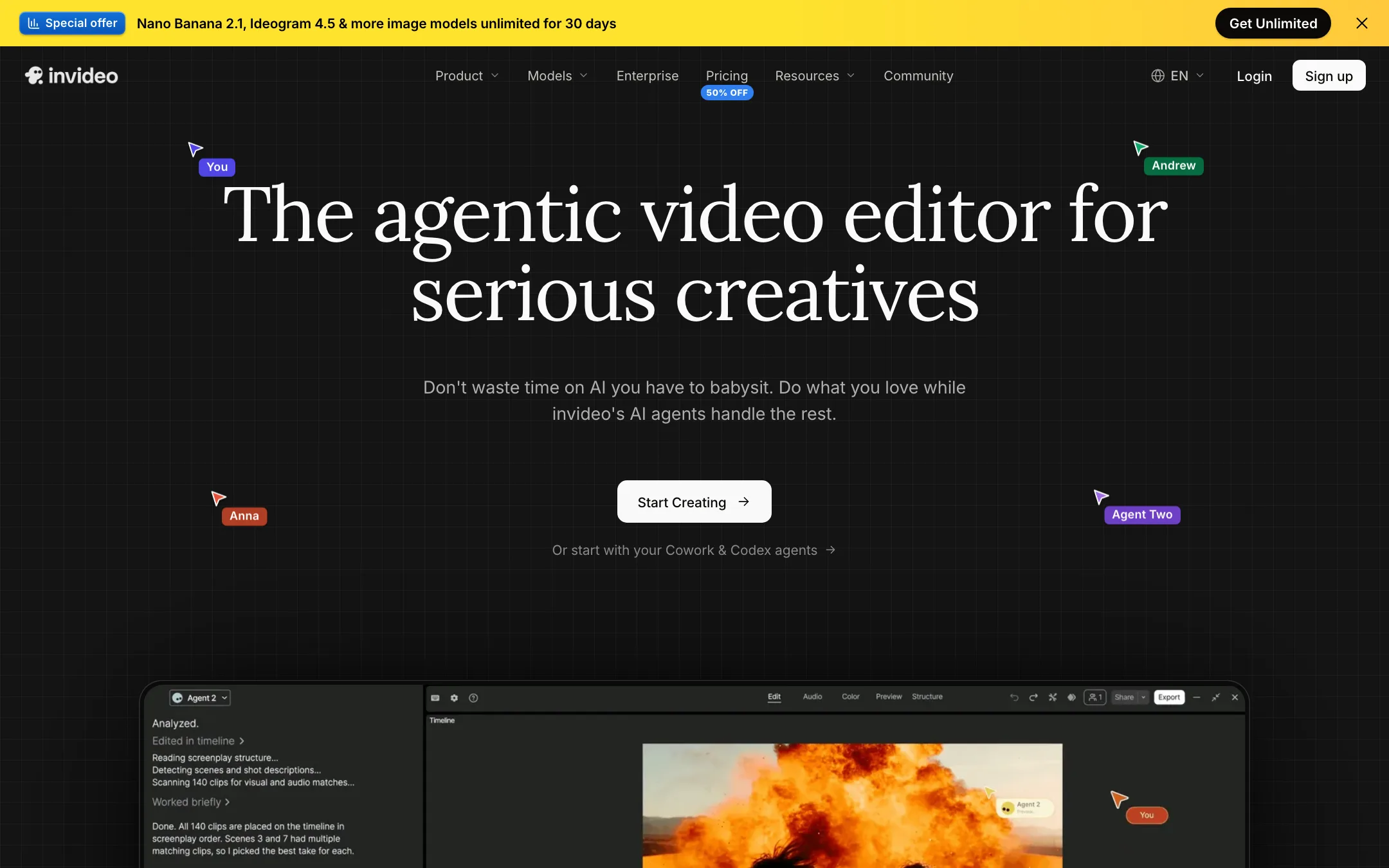
An agent-driven video editor with a real multitrack timeline, built-in access to Seedance, Veo, Kling and other models, and plain-language editing
From $10/moFree tierWebiOSAndroidMCPBest for: Marketers, YouTubers and small teams who want an AI agent to do the rough cut, b-roll and captions while keeping a real timeline to finish by hand.
Verdict: invideo has turned from a script-to-stock-video tool into an agentic editor with a proper timeline and a menu of big-lab models. It is a strong all-in-one if you edit often. The credit system, plan-gated agents and a confusing set of plan names mean you should test on the free plan before you pay.
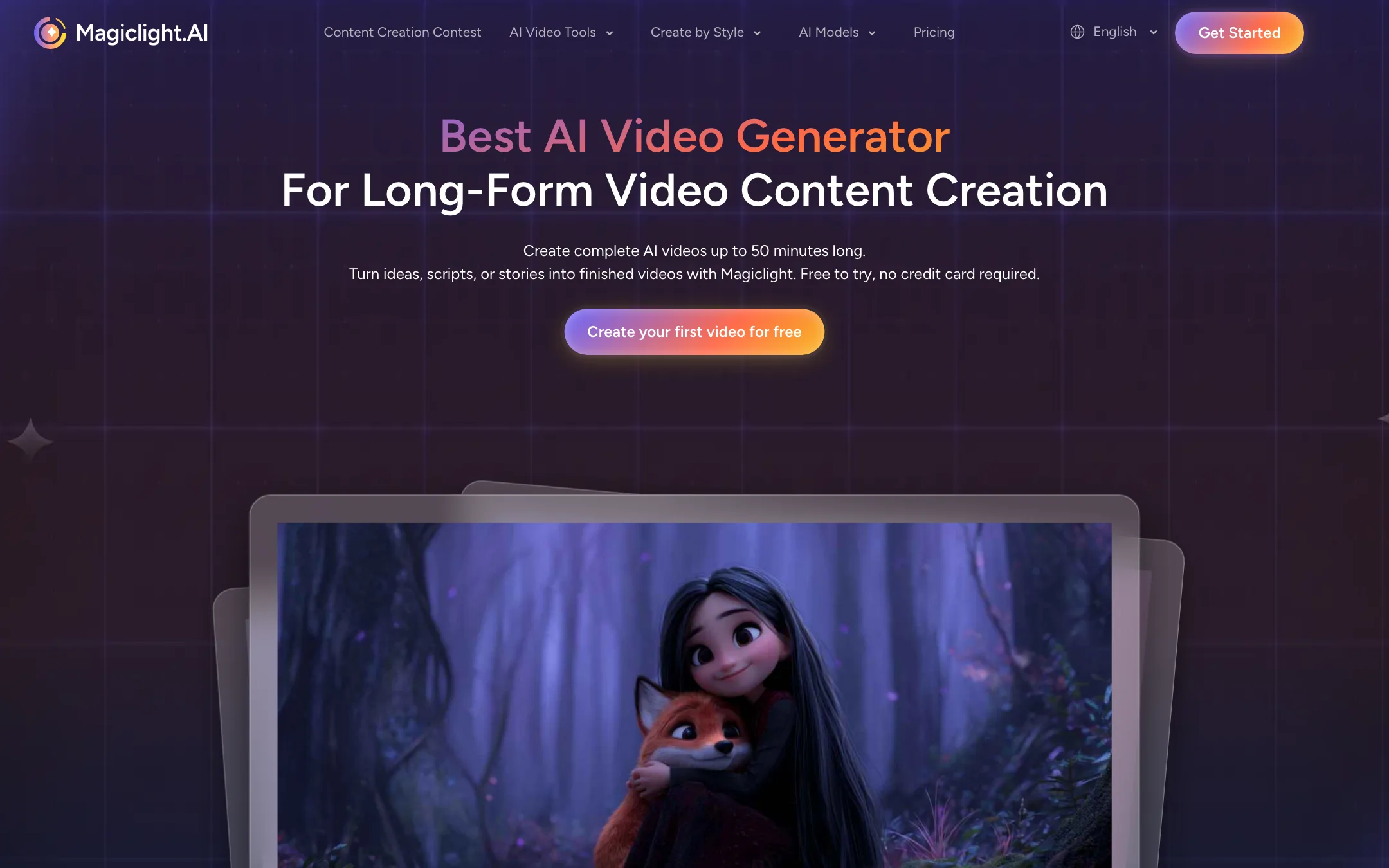
A story-first AI video studio that turns scripts into long, multi-scene animated videos with consistent characters
From $7.5/moFree tierWebiOSAndroidBest for: Storytellers, kids' channels, faith and education creators who want full narrated story videos with the same characters in every scene.
Verdict: The most purpose-built tool here for long, narrated story videos. Characters, scenes, voice and captions come out of one workflow. It is not a raw cinematic generator, and its marketing numbers and testimonials deserve some skepticism.
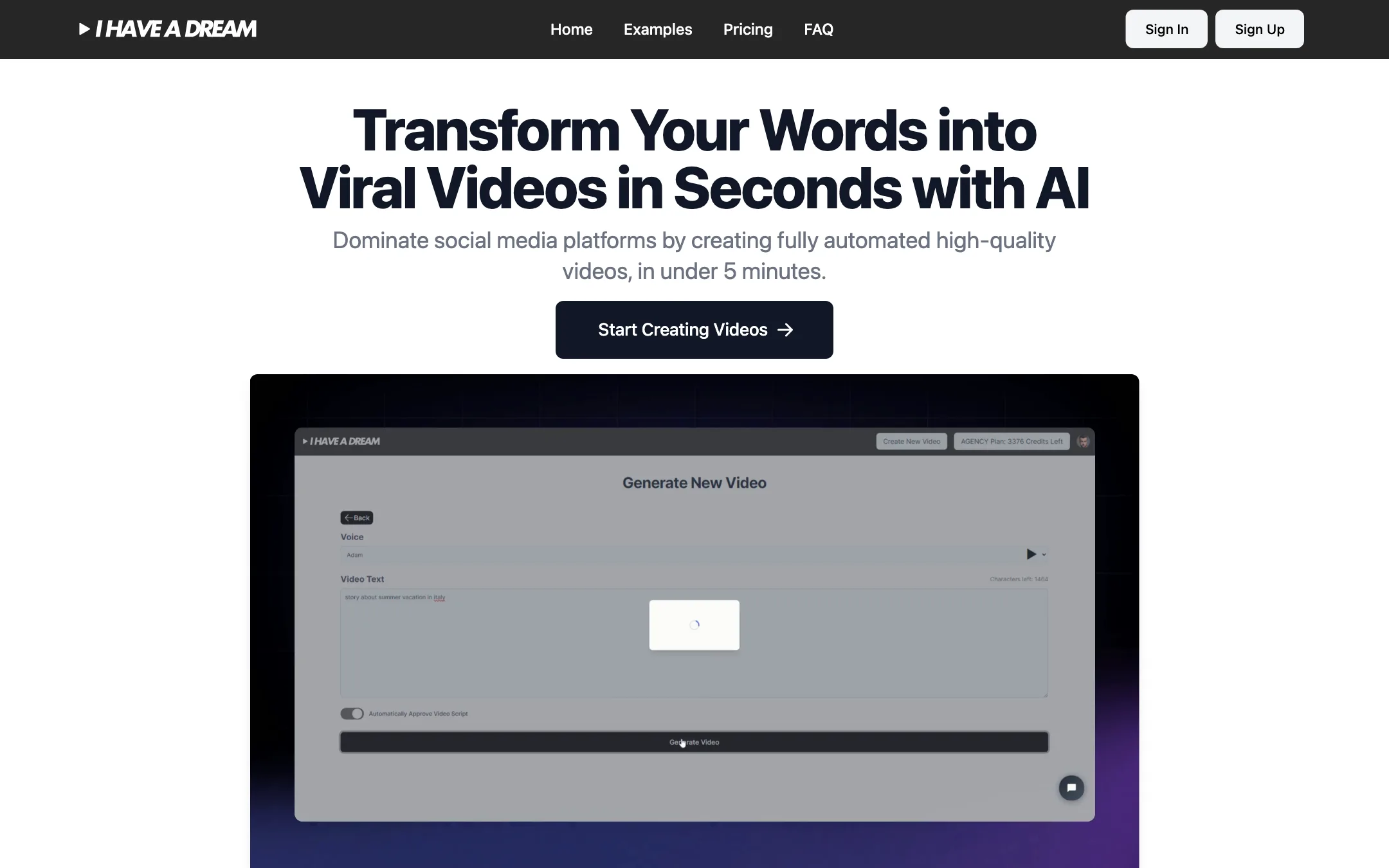
A faceless video generator that turns text or a link into a narrated short with AI images, voiceover and subtitles
From $29/moWebBest for: Faceless TikTok, Reels and Shorts channels that want a narrated, captioned video from a few words with almost no editing.
Verdict: A simple, fully automated way to turn text into a narrated, illustrated short. It makes slideshow-style faceless videos, not generated motion footage, and there is no free version to test it first.
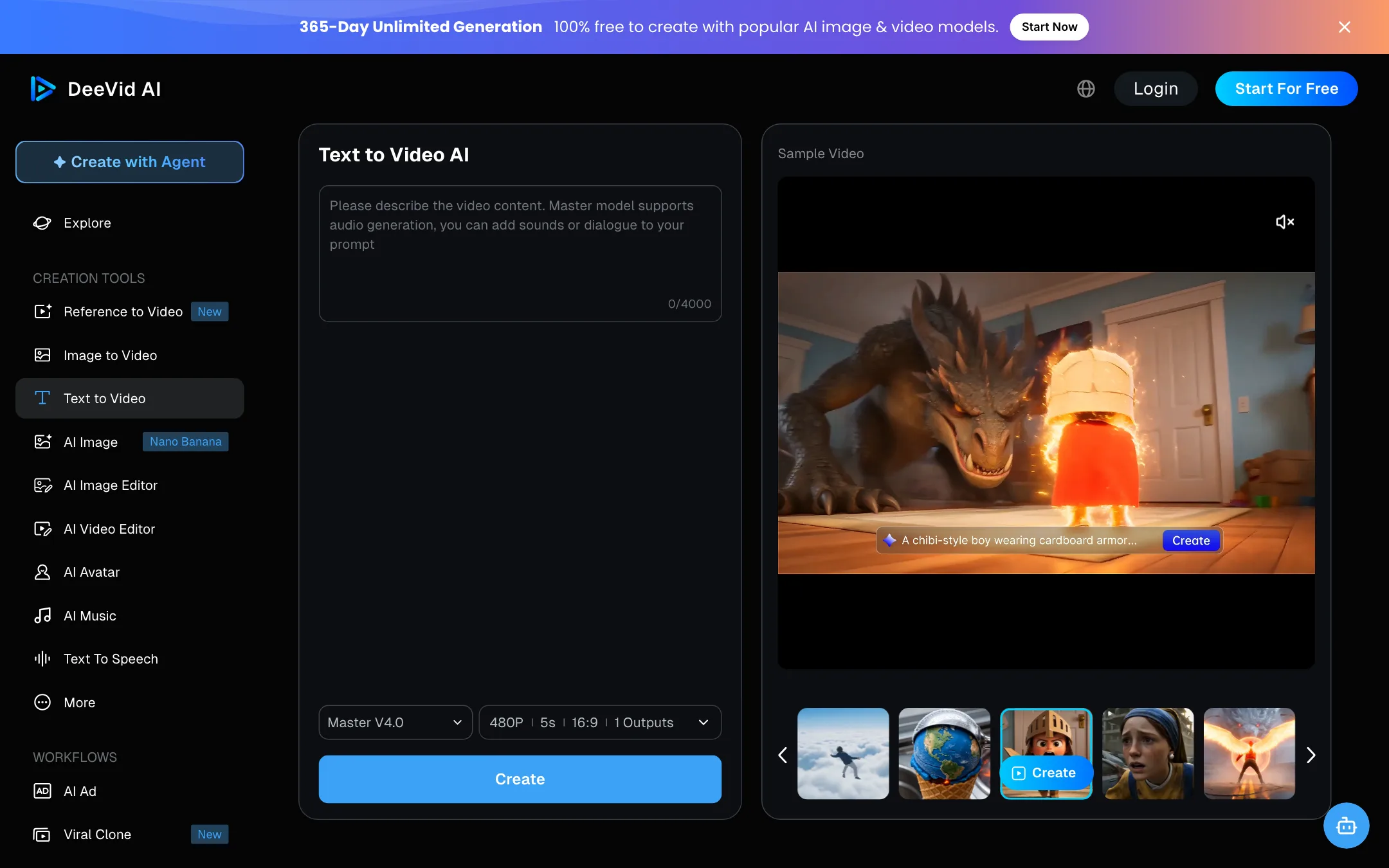
An all-in-one AI video studio that wraps several big-name models behind its own Fast, Quality and Master labels, with agent, canvas and ad workflows
From $10/moFree tierWebiOSAndroidBest for: Social creators and small e-commerce sellers who want text-to-video, image-to-video, avatars, music and ad templates in one subscription.
Verdict: A broad, reasonably priced studio with a useful agent and canvas, and the "unlimited" perks on Pro and Premium are the real draw. The catch is transparency. The model picker uses DeeVid's own labels, so you often cannot tell whose model is rendering your clip.
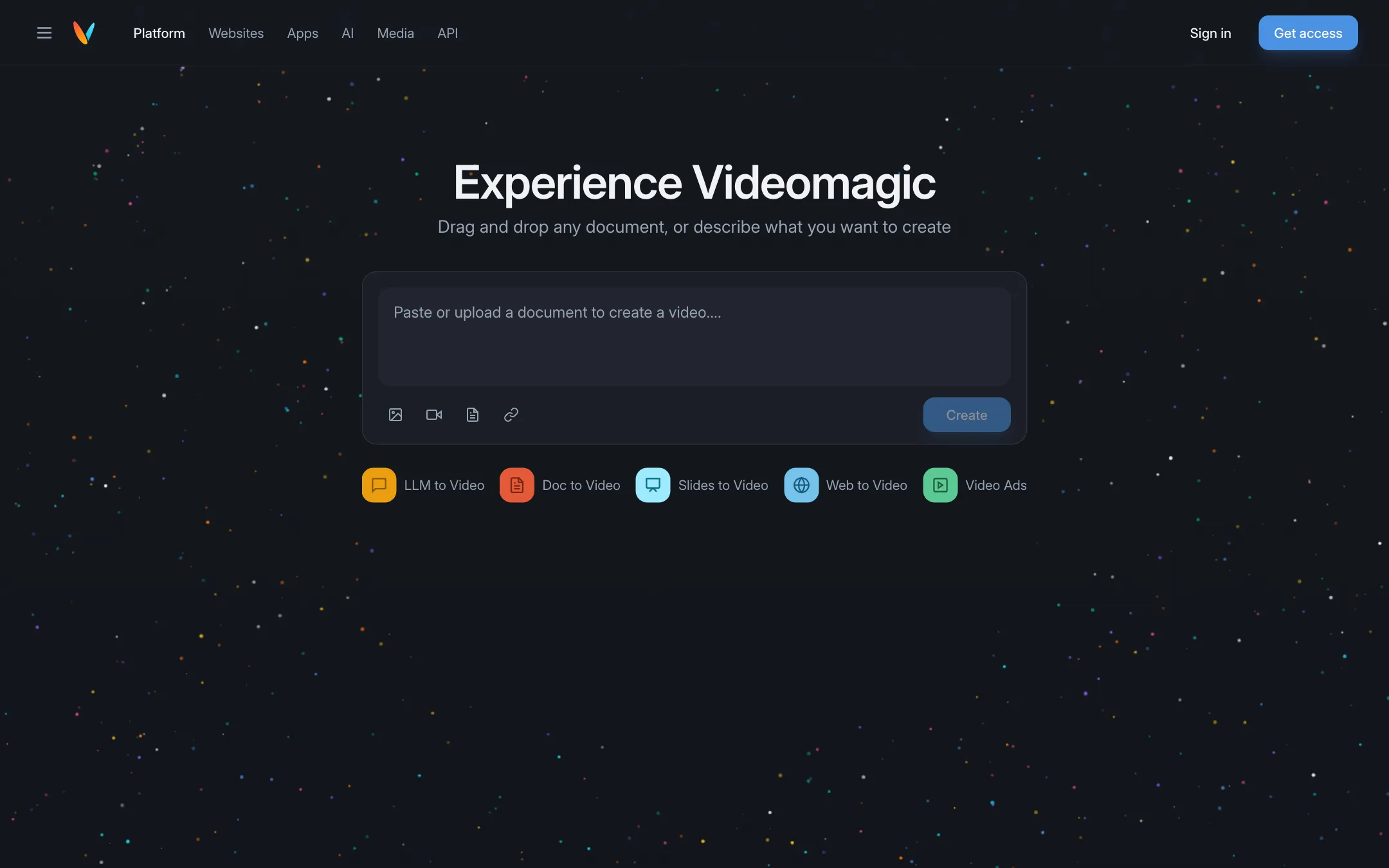
Turns documents, slides, web pages and AI chat answers into short narrated explainer videos you can question afterwards
From $39/moWebChrome extensionAPIBest for: Marketers, educators and teams who want to turn written material such as product pages, reports and slide decks into short narrated explainers.
Verdict: Videomagic is not a cinematic text-to-video generator. It is a document-to-explainer tool with a clever "ask why" chat on top. Useful if you have content to explain, expensive next to clip generators, and there is no free plan.
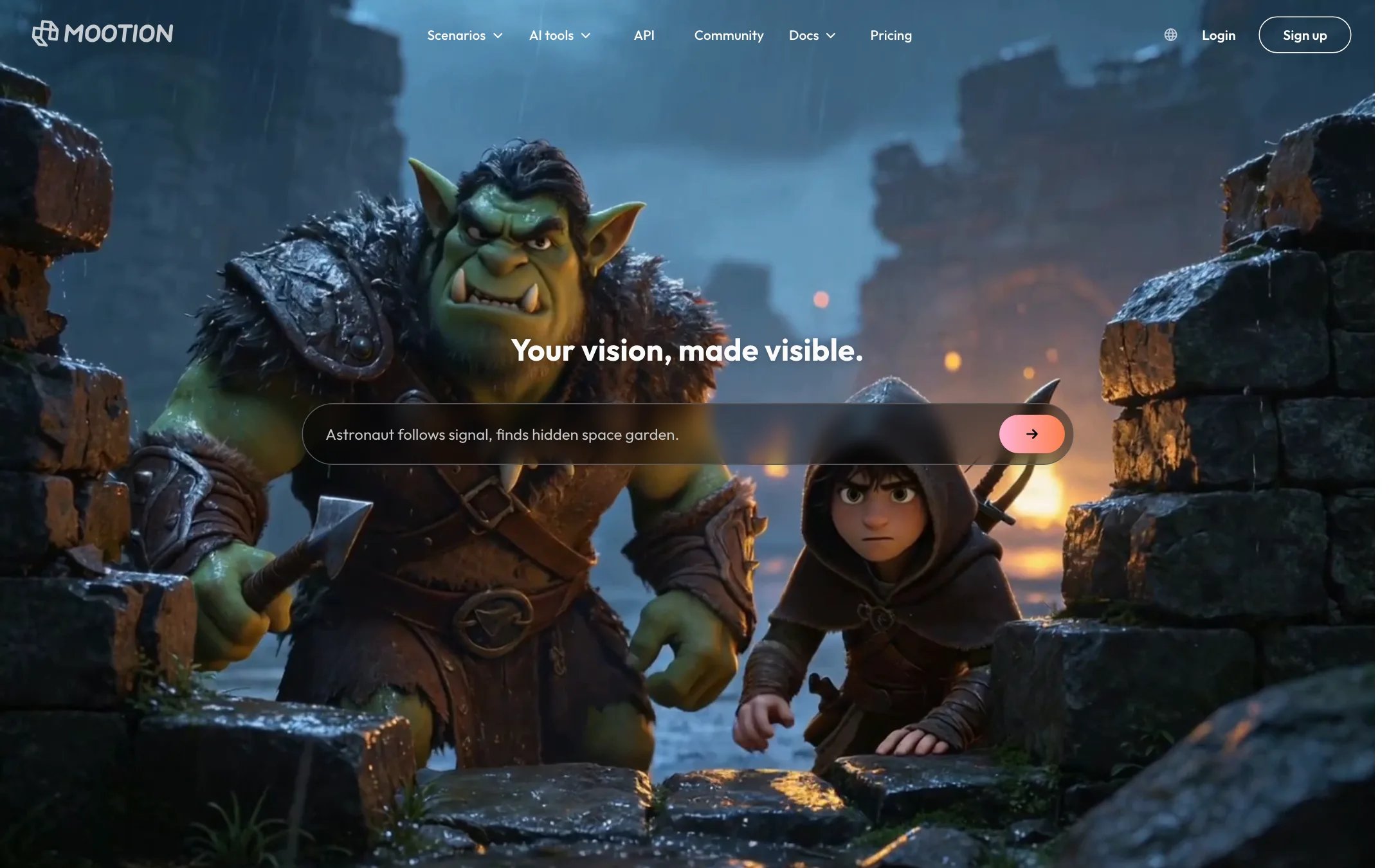
10.Mootion
An AI storyteller that turns an idea, script or recording into a full narrated video with scenes, voiceover and music, using Seedance and MiniMax models
From $12/moWebAPIBest for: Educators, storytellers and faceless YouTube or TikTok creators who want a complete narrated video from one prompt or script.
Verdict: Mootion is a story-first studio, not a single-clip generator. It plans scenes, writes the script, adds voice and music and lets you edit the storyboard. Credits run out fast on the premium models, and there is no free plan any more.




Compare them head to head
Frequently asked questions
What is the best AI text-to-video generator right now?
It depends on what you make. For realistic, cinematic shots the big labs (Google Veo, Kling, Runway) lead on raw quality. For fast, cheap social clips with effects and templates, PixVerse is the most popular pick with our readers.
Is there a free AI text-to-video generator?
Several tools on this list have a free tier or daily free credits, including PixVerse. Free output is usually watermarked, lower resolution, and slower to render.
Why do so many sites offer "Veo" or "Sora" access?
Many third-party sites resell access to Google Veo and other models through their APIs under their own branding. They can be convenient, but you pay a markup and depend on a middleman. Check whose model actually renders your clip.
How long can AI-generated videos be?
Most generators produce clips of 5 to 10 seconds per generation. Longer videos are built by extending a clip or stitching several together.