Best AI Caption and Subtitle Tools
Tools that add animated captions and accurate subtitles to video, ranked by real demand and reviewed in depth.
8 tools ranked · last checked 2026-10-19
Some links on this page are affiliate links. If you buy through them we may earn a commission at no extra cost to you. It never changes how we rank tools. Read our disclosure.
Quick comparison
| Submagic | Wondershare Filmora | VideoDubber | CapCut | |
|---|---|---|---|---|
| Starting price | From $12/mo | From $4.17/mo | From $9/mo | Pricing not published |
| Free tier | ||||
| Pricing | Free start with limited exports, no card. Paid plans from $12 per member/mo billed yearly ($19 monthly). | Free version exports with a watermark. Basic US$49.99/yr, Advanced US$59.99/yr, Perpetual license US$79.99. | 5 free minutes, no card. Paid plans from $9/mo for 25 translation minutes. | Free plan with basic editing and free templates. Pro, Ultra and Teams plans are priced per region; we saw Pro at MYR 48.9/mo. |
| Platforms | Web, API | Windows, macOS, iOS, Android, iPad | Web, API | Web, Windows, macOS, iOS, Android, iPad |
| Best for | Creators, coaches and small teams who post talking-head shorts and want polished animated captions without touching a timeline. | YouTubers, educators and small businesses who want a real desktop timeline that is easier than Premiere, with AI help built in. | YouTubers, course creators and small teams who want to translate a back catalog into several languages without paying premium per-minute dubbing rates. | Social creators who want one free editor on phone, browser and desktop, with auto captions and trend templates built in. |
| Last checked | 2026-10-19 | 2026-10-19 | 2026-10-19 | 2026-10-19 |
Jump to
Captions are no longer optional on social video. Most people watch with the sound off, and animated captions hold attention. AI caption tools transcribe your audio, time each word and style the text for you.
This page has one dedicated caption tool, Submagic, plus tools from other categories that caption well as part of a bigger job: clip makers like SendShort, Short AI and Revid, editors like CapCut, Filmora and VIDIO, and VideoDubber for translated subtitles.
How to choose
- Captions are the main job: a dedicated tool gives you the most styles, emoji and highlight options.
- You also cut long videos into shorts: a clip maker with captions saves a step.
- You edit everything yourself anyway: use the captions built into your editor.
- You need other languages: check how many languages the tool transcribes and whether it can translate and export SRT files.
The ranking
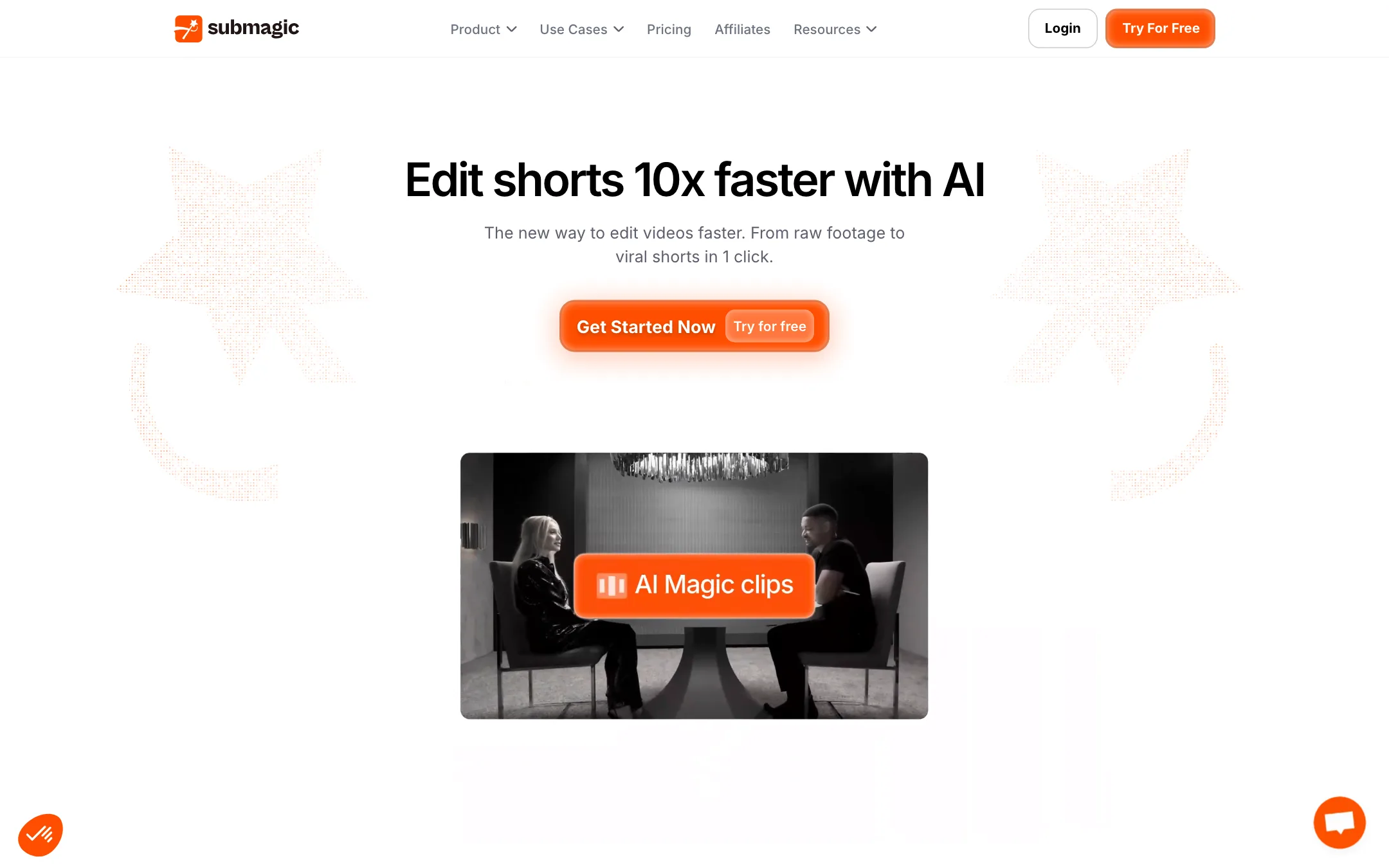

1.Submagic
An AI short-form editor built around animated captions, with clipping, B-roll, silence cutting and scheduling on top
From $12/moFree tierWebAPIBest for: Creators, coaches and small teams who post talking-head shorts and want polished animated captions without touching a timeline.
Verdict: One of the most popular caption tools for short-form video, and it now clips, trims and adds B-roll too. Per-seat pricing and short length caps on the cheaper plans are the catch, so check the duration limit against your footage before you pay.
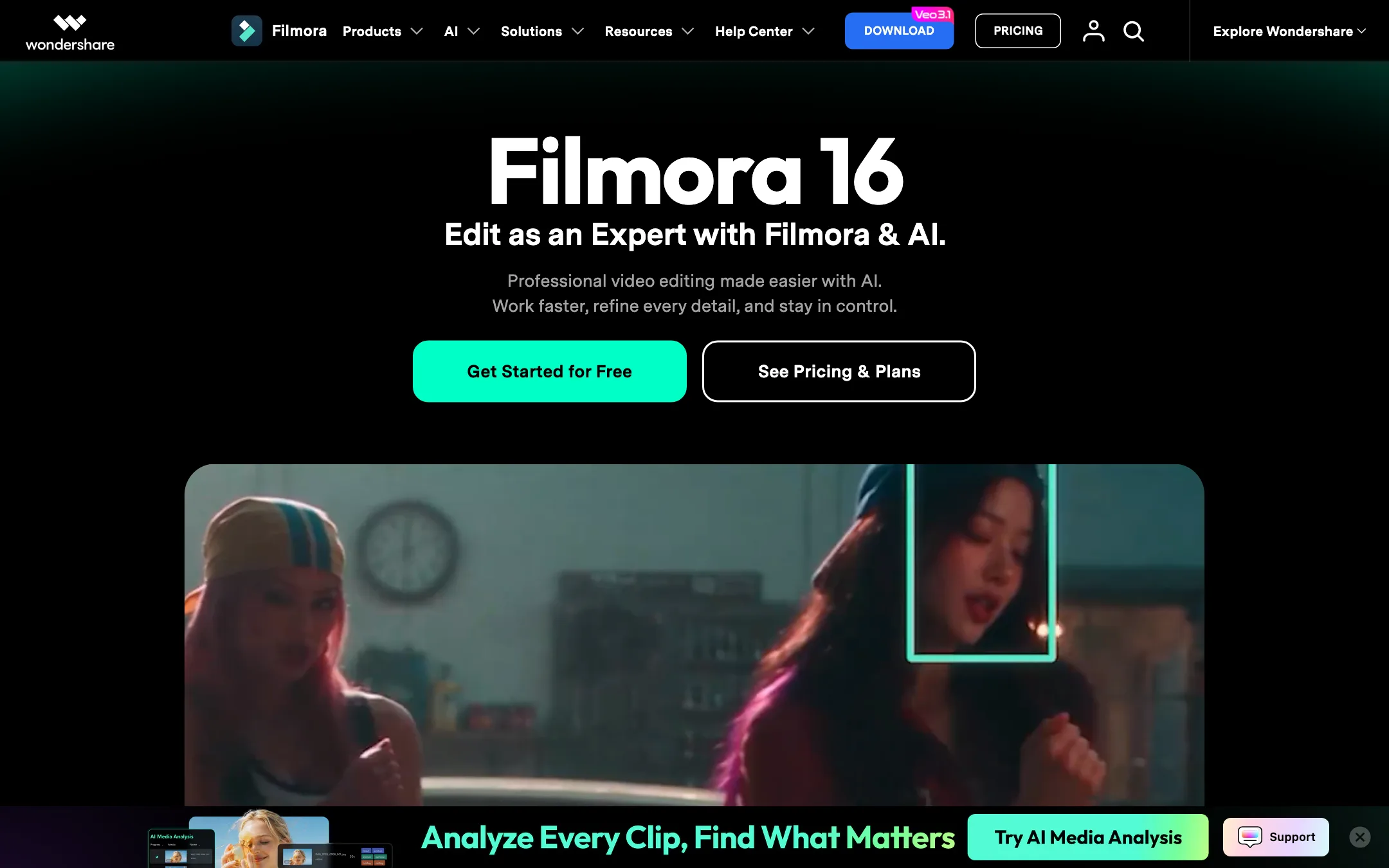
A beginner-friendly desktop video editor from Wondershare, now packed with AI tools and built-in Veo, Sora and Seedance generation
From $4.17/moFree tierWindowsmacOSiOSAndroidiPadBest for: YouTubers, educators and small businesses who want a real desktop timeline that is easier than Premiere, with AI help built in.
Verdict: Filmora sits in a useful middle ground. It is far more capable than a phone app, far easier than Premiere or Resolve, and its AI toolbox is huge. Budget for credits if you lean on the AI features, and check the price on checkout, because Wondershare showed us two different price sets on the same day.
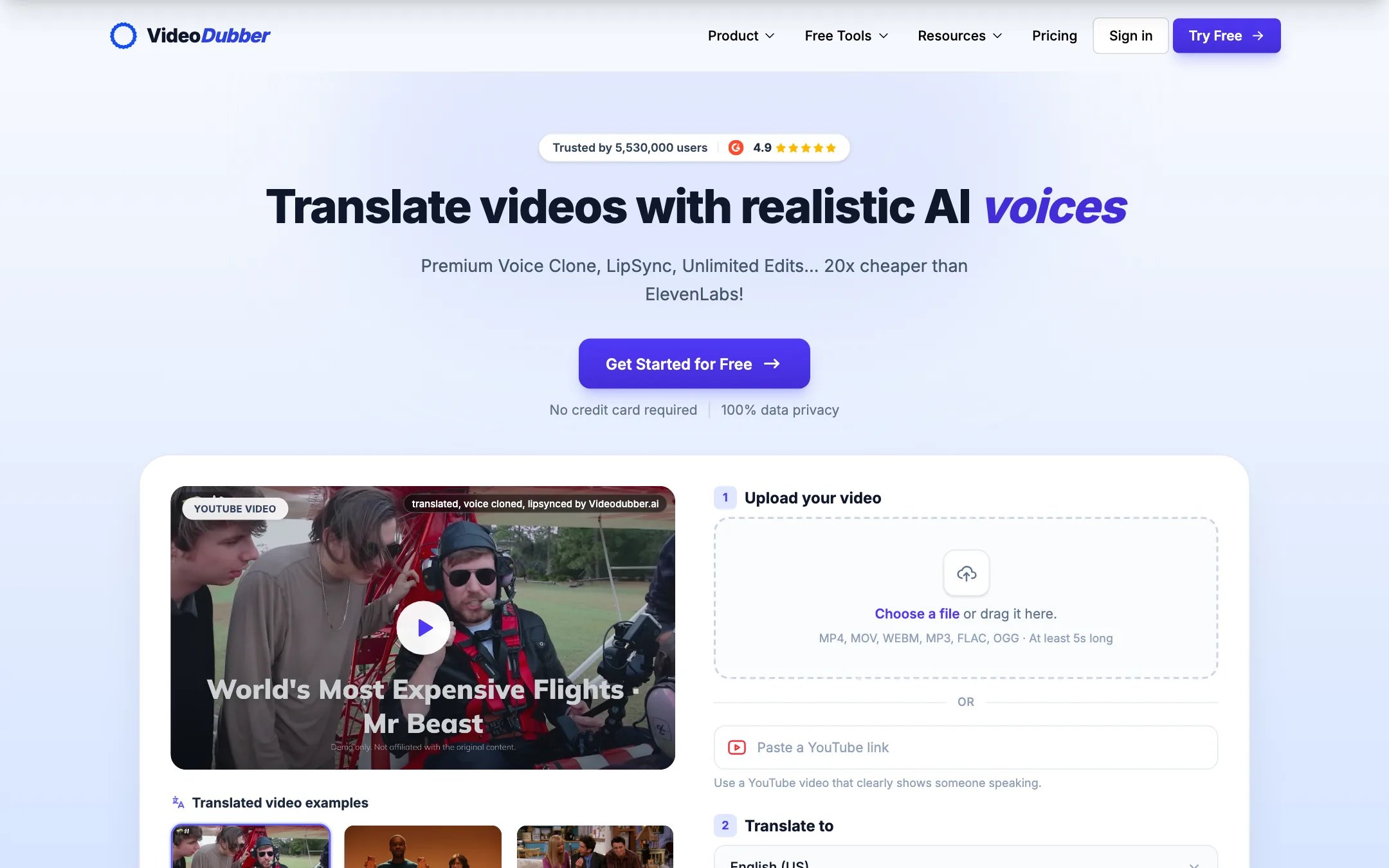
A low-cost AI video translator that dubs with voice cloning and lip sync, or just translates your subtitles, in 150+ languages
From $9/moFree tierWebAPIBest for: YouTubers, course creators and small teams who want to translate a back catalog into several languages without paying premium per-minute dubbing rates.
Verdict: One of the cheapest ways to get AI dubbing with voice cloning, plus subtitles and transcripts from the same upload. Lip sync starts on the $49 Growth plan, the prices on show are a time-limited offer, and the quality claims are the vendor's, so use the free minutes on a real clip first.

4.CapCut
ByteDance's free all-round video editor with auto captions, huge template library and built-in Seedance video generation
Pricing not publishedFree tierWebWindowsmacOSiOSAndroidiPadBest for: Social creators who want one free editor on phone, browser and desktop, with auto captions and trend templates built in.
Verdict: The default free editor for short-form creators, and for good reason. Captions, templates and effects are a tap away on every device. The catch is regional pricing you only see after sign-in, a credit system for the AI features, and ByteDance ownership, which some workplaces restrict.
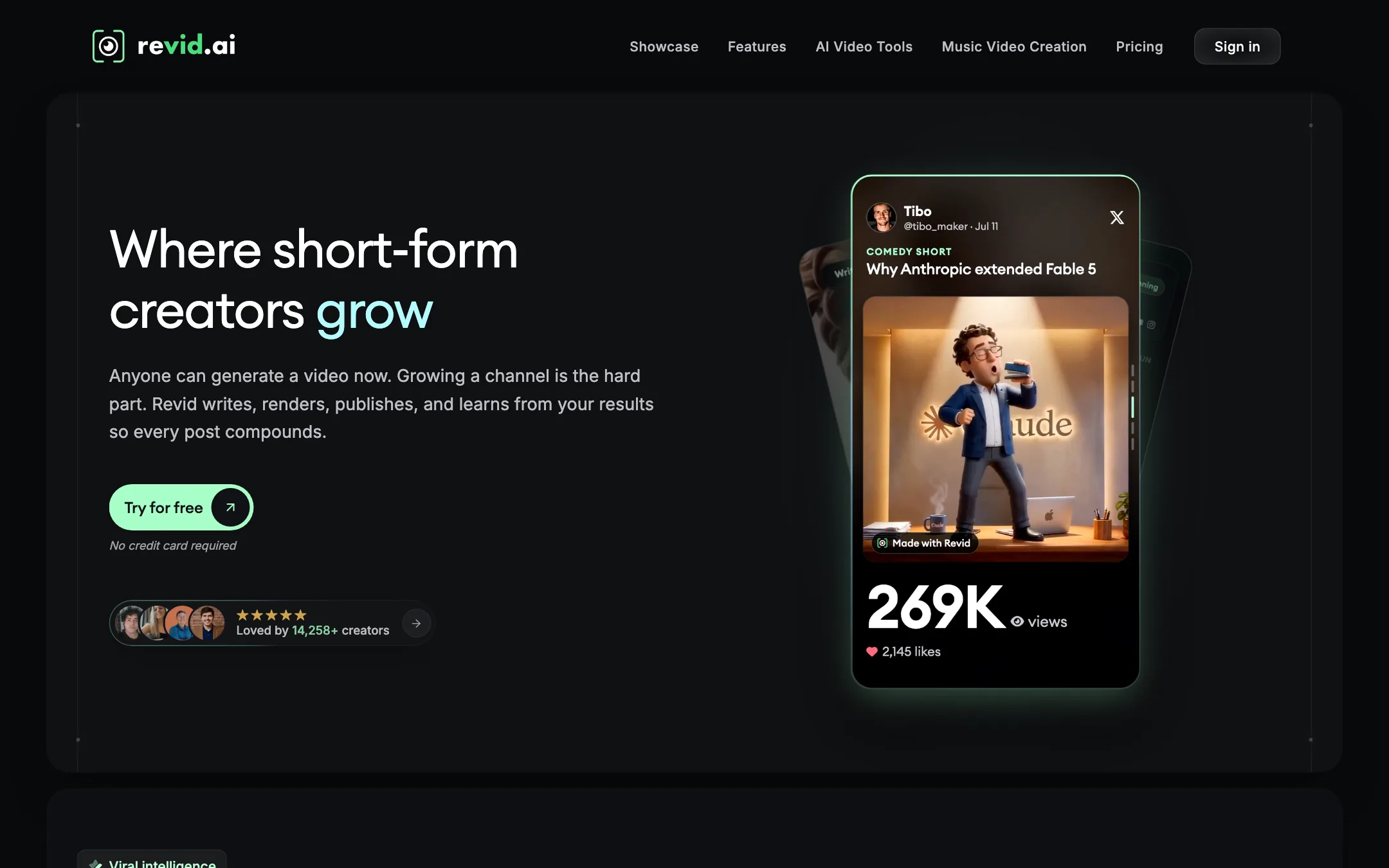

5.Revid.ai
An all-in-one short-form video studio that writes, renders, captions, publishes and automates videos from a prompt, link or viral format
From $32/moWebAPIBest for: Founders, small brands and faceless-channel operators who want one tool to script, generate, caption, publish and automate short videos.
Verdict: One of the most complete short-form studios we have looked at, with real automation and developer access on every main plan. The credit math needs attention once you use premium AI video models, and the plan lineup on the pricing page is confusing.
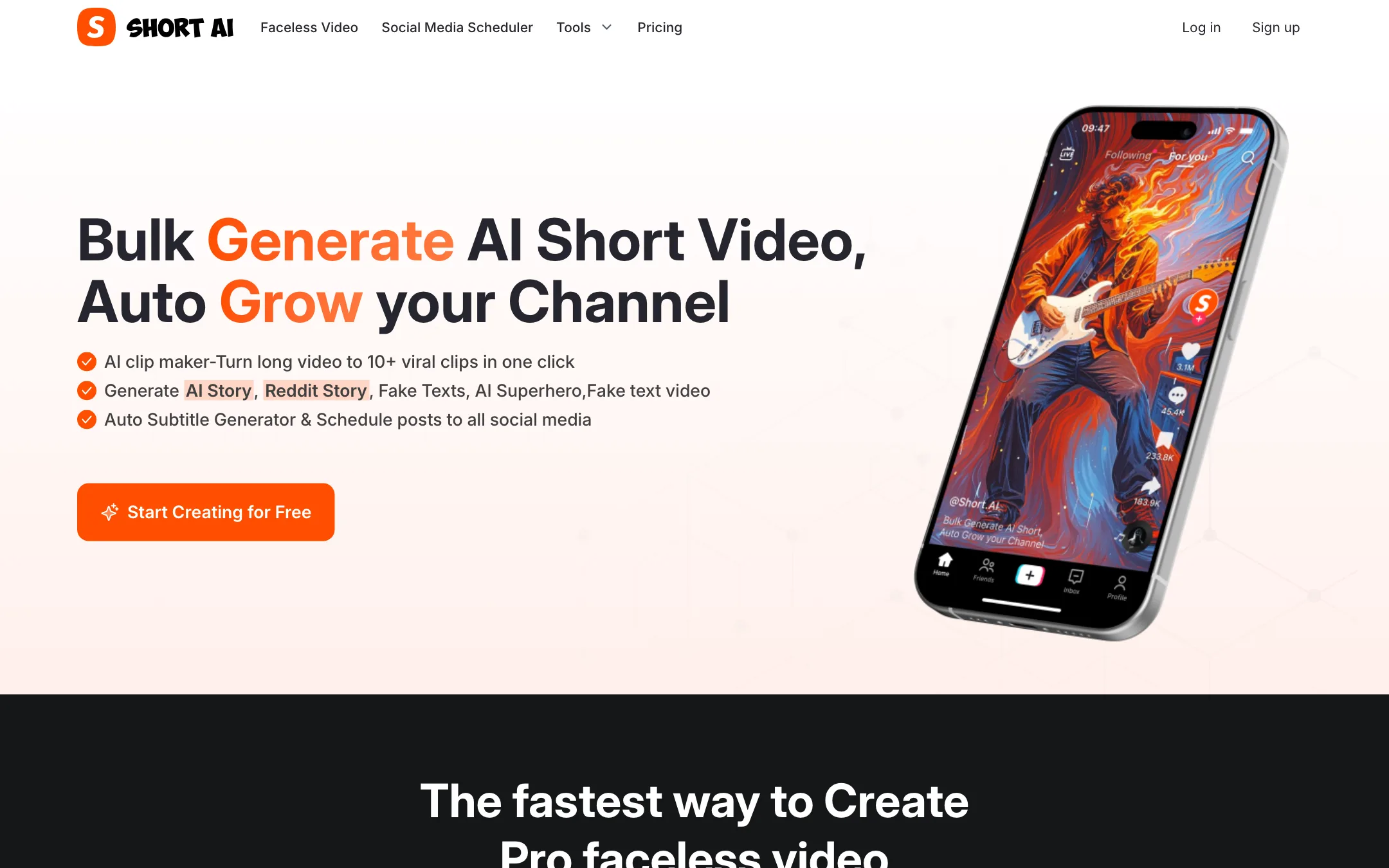
6.Short AI
A faceless short-video factory with story, Reddit and fake-text templates, auto captions, a clip maker and a built-in social scheduler
From $19/moWebBest for: Faceless channel operators who want story, Reddit and fake-text videos plus captions and scheduling in one cheap subscription.
Verdict: A practical all-in-one for faceless TikTok and Shorts channels, with clear per-video credit costs and a free scheduler. It is template-driven by design, so it suits volume formats more than original creative work, and there is no free creation plan to test with.
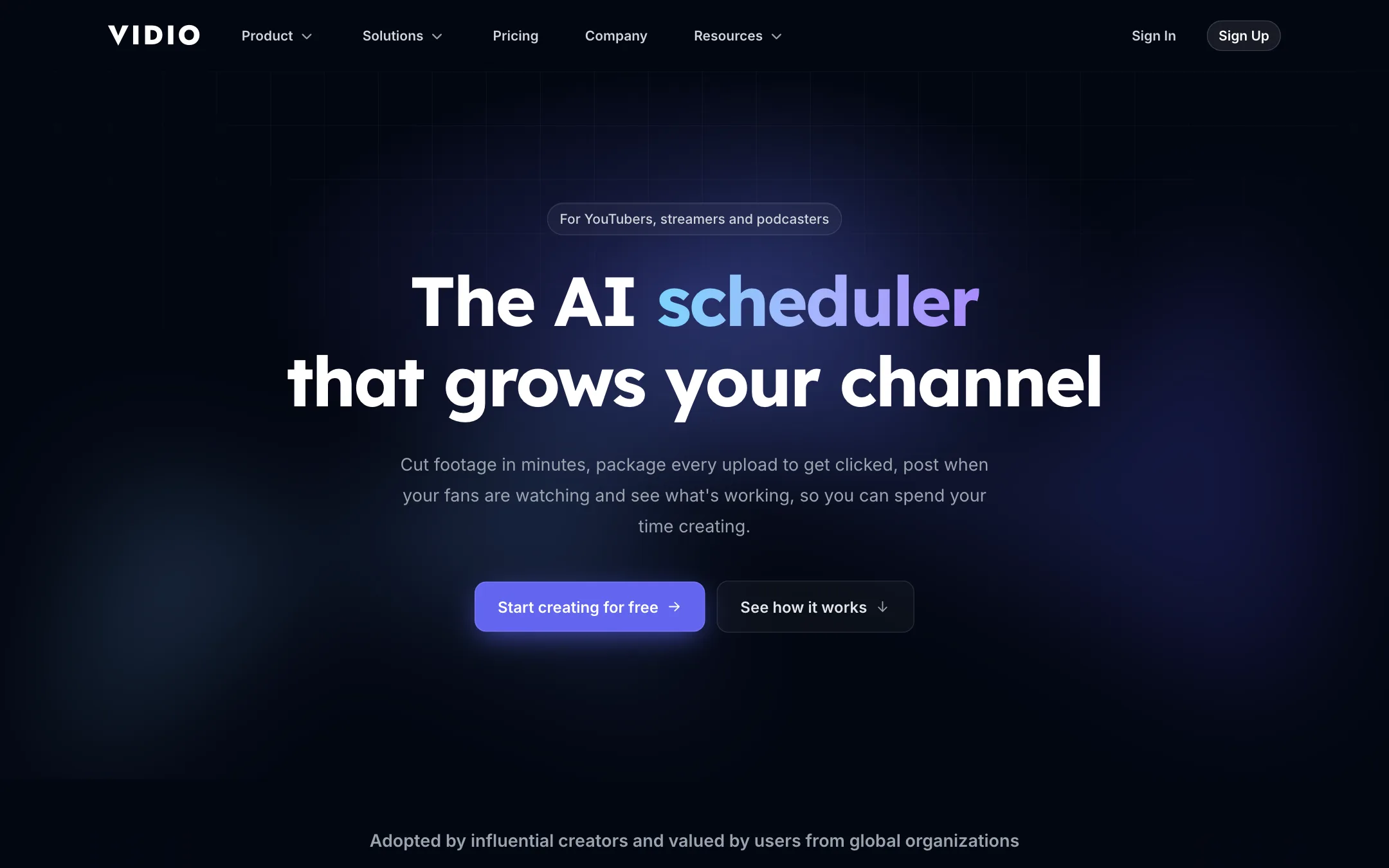
7.VIDIO
A browser-based AI editor for YouTubers, streamers and podcasters that cuts long recordings into Shorts, captions them, and helps you package and schedule uploads
From $8/moFree tierWebBest for: YouTubers, streamers and podcasters who want one browser tool to rough-cut long recordings, pull Shorts and highlights, caption them and schedule uploads.
Verdict: A broad, creator-focused toolkit that goes well beyond clipping, with a usable free plan and handy XML export to desktop editors. The credit system is the catch. The entry plan's 20 credits do not stretch far once you use the heavier tools, so check the credit table before you upgrade.
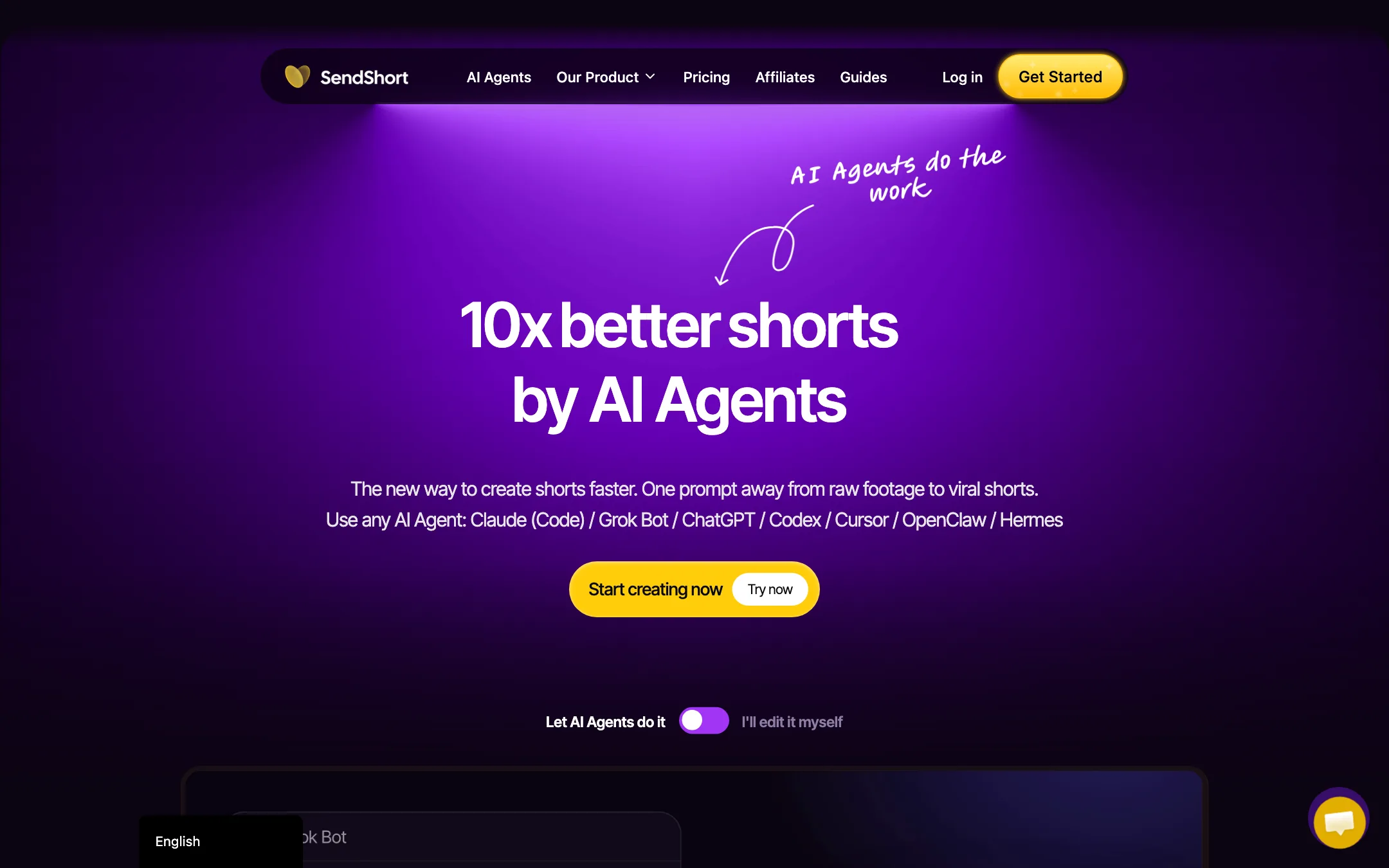
A long-video-to-shorts clipper with animated captions, a full editor, a TikTok and YouTube scheduler, and an MCP connector for AI agents
From $15/moWebAPIMCP connectorBest for: Podcasters, coaches and agencies who want long recordings cut into captioned shorts and posted to TikTok and YouTube from one place, optionally driven from an AI assistant.
Verdict: A broad, reasonably priced shorts workspace that now leans hard on AI-agent control. The catch is that the cheapest plan cannot clip long videos at all, so Professional is the real starting point for most people, and there is no free plan to test on.

Frequently asked questions
What is the best AI caption tool for short-form video?
Submagic is the most popular dedicated caption tool with our readers. It is built around animated, word-by-word captions for TikTok, Reels and Shorts. If you also need clipping or full editing, CapCut and several clip makers on this page include auto captions too.
Can I get free AI captions?
CapCut's free plan includes auto captions. Submagic, VIDIO and Filmora have free starts or free versions with limits or watermarks. Check whether free exports carry a watermark before you post.
How accurate are AI captions?
Vendors quote figures around 98 to 99 percent, but accuracy depends on audio quality, accents and jargon. Always review captions before you publish, especially names, numbers and brand terms.
What is the difference between burned-in captions and subtitle files?
Burned-in captions are drawn into the video and always show, which is what most social videos use. Subtitle files such as SRT sit alongside the video and viewers can turn them on or off, which suits YouTube, courses and accessibility needs. Some tools here export both.