Best AI Video Editors
Editing apps with AI features that speed up cutting, captions, effects and exports, ranked by real demand and reviewed in depth.
6 tools ranked · last checked 2026-10-19
Some links on this page are affiliate links. If you buy through them we may earn a commission at no extra cost to you. It never changes how we rank tools. Read our disclosure.
Quick comparison
| Wondershare Filmora | CapCut | Animaker | invideo AI | |
|---|---|---|---|---|
| Starting price | From $4.17/mo | Pricing not published | From $15/mo | From $10/mo |
| Free tier | ||||
| Pricing | Free version exports with a watermark. Basic US$49.99/yr, Advanced US$59.99/yr, Perpetual license US$79.99. | Free plan with basic editing and free templates. Pro, Ultra and Teams plans are priced per region; we saw Pro at MYR 48.9/mo. | Free plan with watermarked exports. Paid plans from $15/mo billed yearly ($27 monthly). | Free plan with weekly limits. Paid plans from $10 per seat a month billed yearly ($20 monthly). |
| Platforms | Windows, macOS, iOS, Android, iPad | Web, Windows, macOS, iOS, Android, iPad | Web, iOS, Android | Web, iOS, Android, MCP |
| Best for | YouTubers, educators and small businesses who want a real desktop timeline that is easier than Premiere, with AI help built in. | Social creators who want one free editor on phone, browser and desktop, with auto captions and trend templates built in. | Trainers, HR teams, teachers and marketers who need clear animated explainers and training videos without hiring an animator. | Marketers, YouTubers and small teams who want an AI agent to do the rough cut, b-roll and captions while keeping a real timeline to finish by hand. |
| Last checked | 2026-10-19 | 2026-10-19 | 2026-10-19 | 2026-10-19 |
Jump to
AI video editors are normal editing apps with AI built in. You still get a timeline, but AI handles the slow parts: captions, background removal, silence cutting, voiceover, templates and, more and more, generating whole shots.
The tools here range from classic editors with AI added (CapCut, Filmora, Videoleap) to AI-first editors where you describe the edit in plain language and an agent does the work (invideo), plus animation studios for explainers and training videos (Animaker).
How to choose
- You edit on your phone for social: CapCut or Videoleap.
- You want a desktop editor that is easy to learn: Filmora.
- You want to describe edits instead of doing them by hand: invideo.
- You make explainers, training or animated promos: Animaker.
- Price matters most: check whether the price you see is local, promotional or yearly. Several of these vendors change prices by region and season.
The ranking
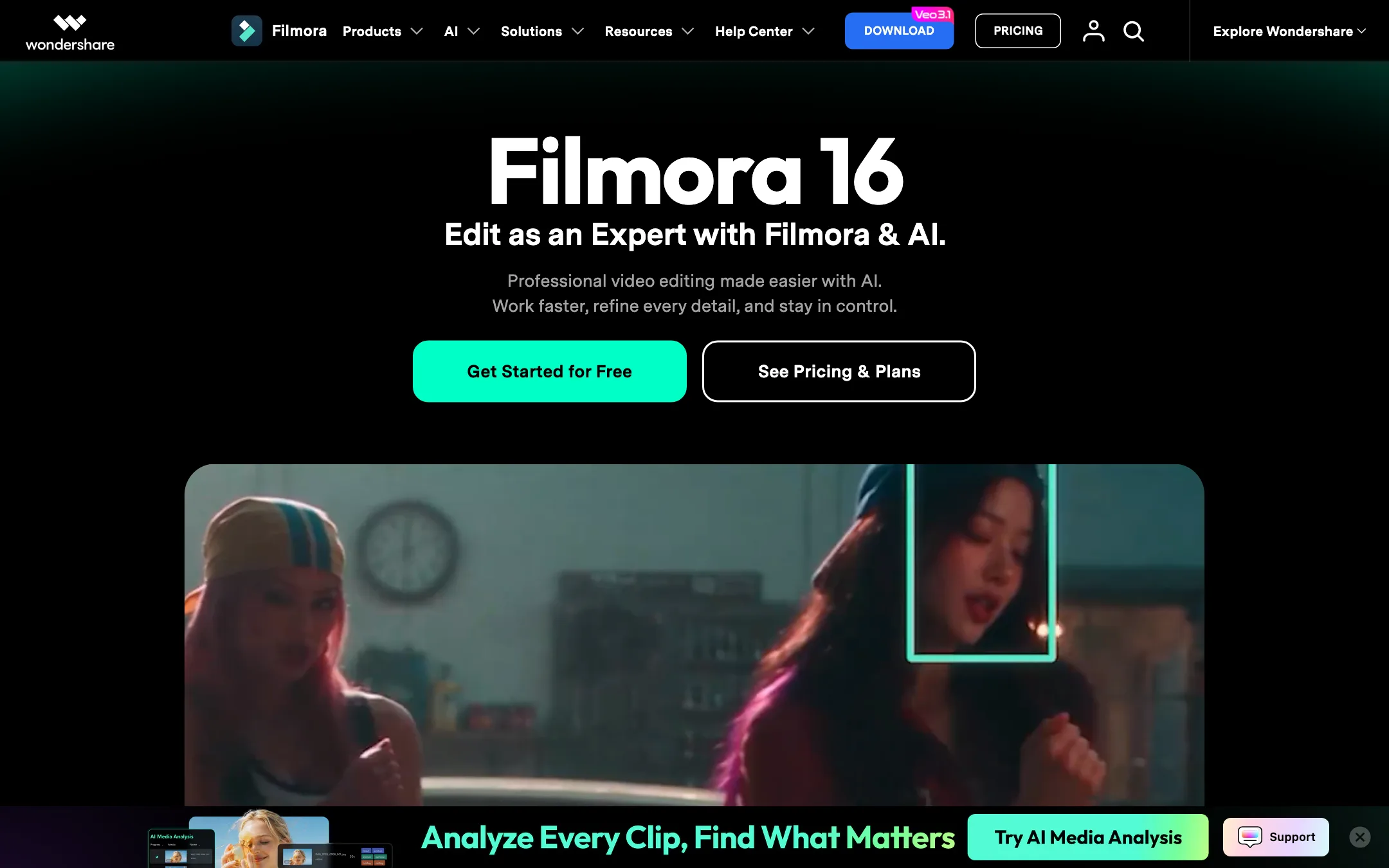
A beginner-friendly desktop video editor from Wondershare, now packed with AI tools and built-in Veo, Sora and Seedance generation
From $4.17/moFree tierWindowsmacOSiOSAndroidiPadBest for: YouTubers, educators and small businesses who want a real desktop timeline that is easier than Premiere, with AI help built in.
Verdict: Filmora sits in a useful middle ground. It is far more capable than a phone app, far easier than Premiere or Resolve, and its AI toolbox is huge. Budget for credits if you lean on the AI features, and check the price on checkout, because Wondershare showed us two different price sets on the same day.
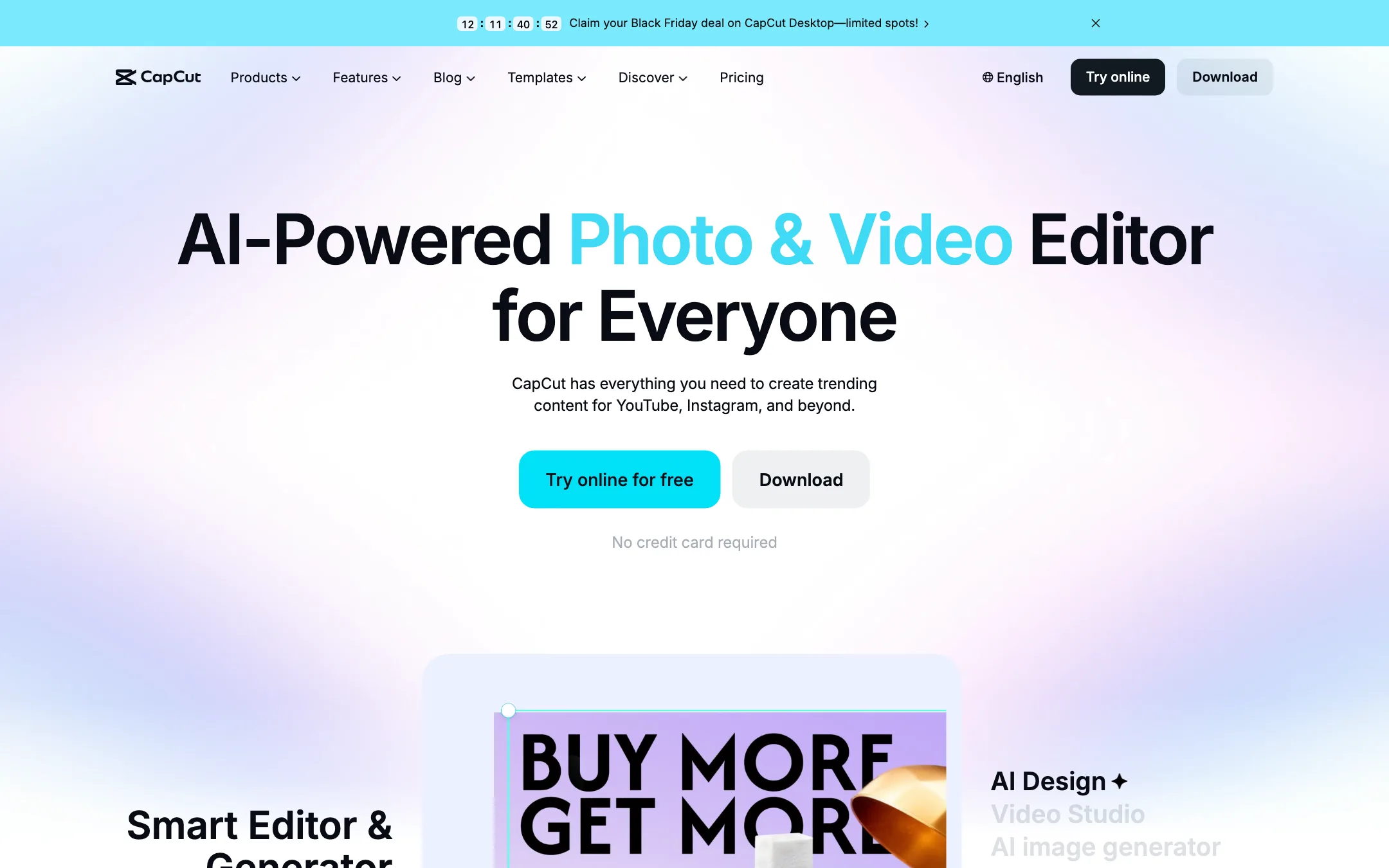
2.CapCut
ByteDance's free all-round video editor with auto captions, huge template library and built-in Seedance video generation
Pricing not publishedFree tierWebWindowsmacOSiOSAndroidiPadBest for: Social creators who want one free editor on phone, browser and desktop, with auto captions and trend templates built in.
Verdict: The default free editor for short-form creators, and for good reason. Captions, templates and effects are a tap away on every device. The catch is regional pricing you only see after sign-in, a credit system for the AI features, and ByteDance ownership, which some workplaces restrict.
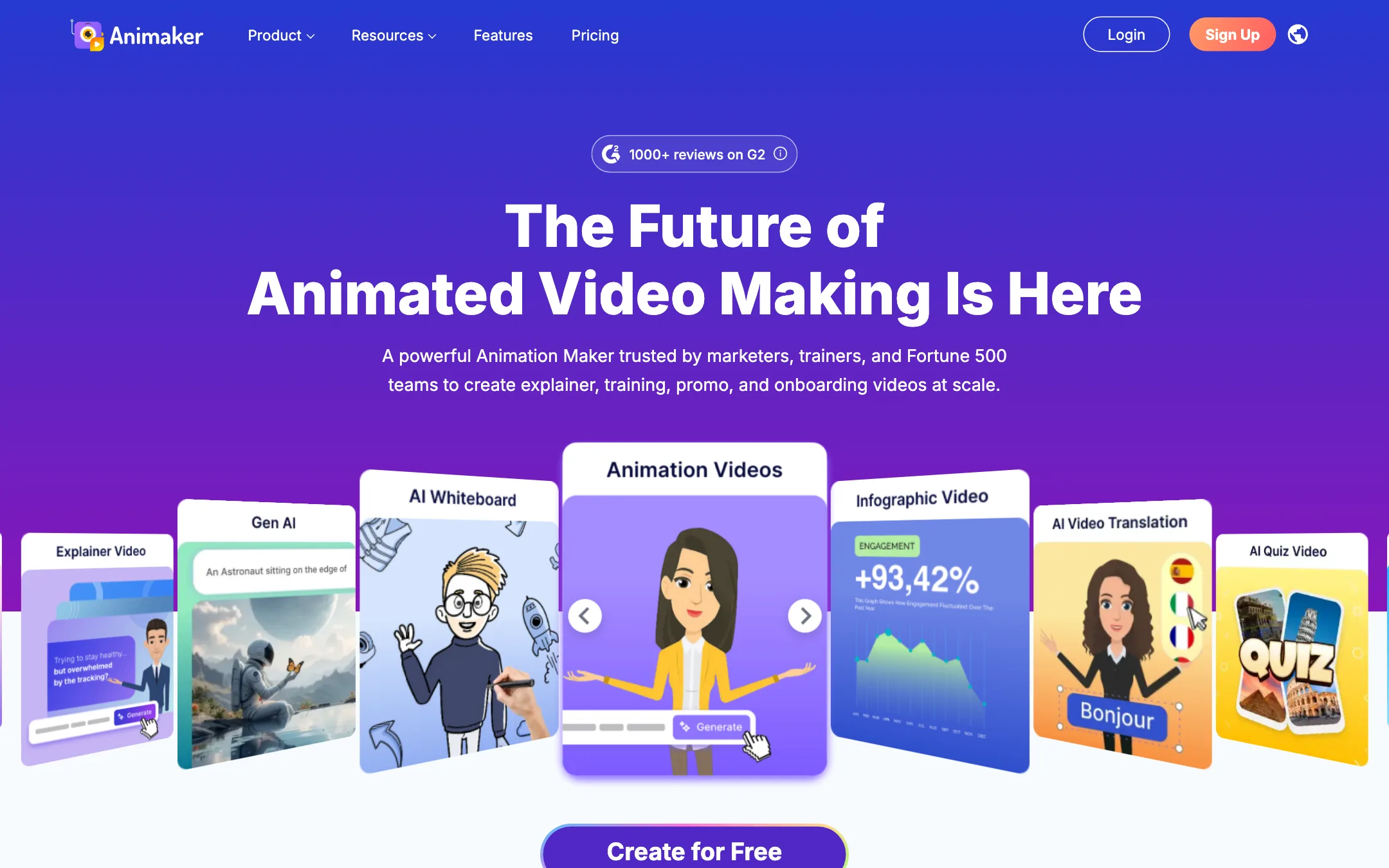

3.Animaker
A browser-based animation studio for explainer, training and promo videos, with a character builder, whiteboard mode, AI voices and prompt-to-animation
From $15/moFree tierWebiOSAndroidBest for: Trainers, HR teams, teachers and marketers who need clear animated explainers and training videos without hiring an animator.
Verdict: Animaker is a mature, template-rich animation maker that does explainers, whiteboard videos and custom cartoon characters well. It is not a cinematic AI video generator. Watch the plan limits closely, since commercial rights only start on Pro and generative video seconds are tiny on every plan.
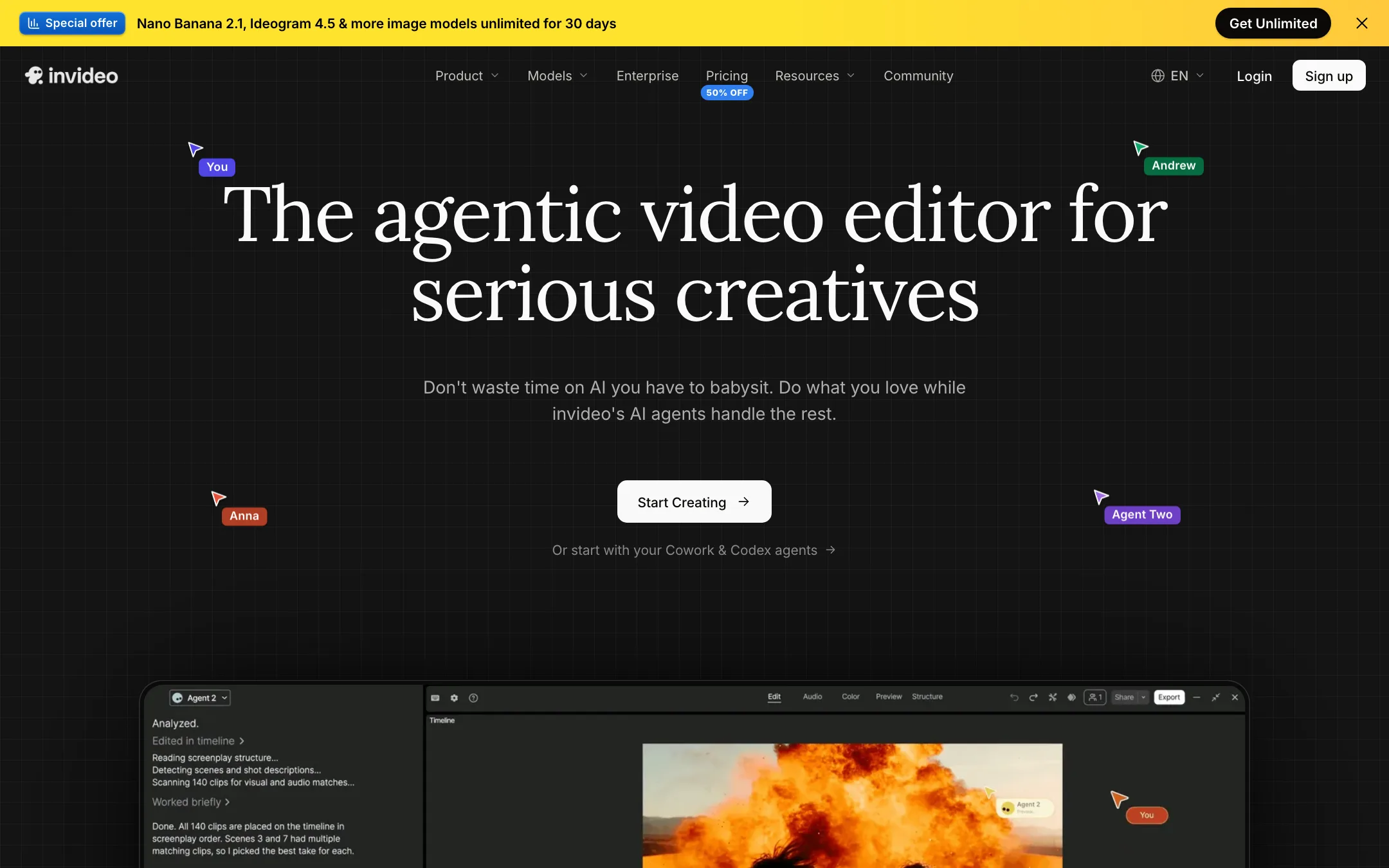
An agent-driven video editor with a real multitrack timeline, built-in access to Seedance, Veo, Kling and other models, and plain-language editing
From $10/moFree tierWebiOSAndroidMCPBest for: Marketers, YouTubers and small teams who want an AI agent to do the rough cut, b-roll and captions while keeping a real timeline to finish by hand.
Verdict: invideo has turned from a script-to-stock-video tool into an agentic editor with a proper timeline and a menu of big-lab models. It is a strong all-in-one if you edit often. The credit system, plan-gated agents and a confusing set of plan names mean you should test on the free plan before you pay.
Lightricks' layer-based mobile video editor with AI effects, remakeable templates and a 7-day free trial
From $9.99/moFree tieriOSAndroidWebBest for: Phone-first creators who want layers, keyframes and masks plus one-tap AI effects and templates, without moving to a desktop.
Verdict: Videoleap is one of the more capable phone editors, with real layers, keyframes, masking and blending alongside AI effects and remakeable templates. The downsides are opaque pricing, some AI tools that are iOS-only, and subscription complaints in App Store reviews that you should read before you start the trial.
6.VIDIO
A browser-based AI editor for YouTubers, streamers and podcasters that cuts long recordings into Shorts, captions them, and helps you package and schedule uploads
From $8/moFree tierWebBest for: YouTubers, streamers and podcasters who want one browser tool to rough-cut long recordings, pull Shorts and highlights, caption them and schedule uploads.
Verdict: A broad, creator-focused toolkit that goes well beyond clipping, with a usable free plan and handy XML export to desktop editors. The credit system is the catch. The entry plan's 20 credits do not stretch far once you use the heavier tools, so check the credit table before you upgrade.

Compare them head to head
Frequently asked questions
What is the best free AI video editor?
CapCut has the most generous free plan of the editors we reviewed, with basic editing and free templates. Filmora, Animaker and invideo also have free versions, but they add a watermark or tight usage limits.
Are AI video editors good enough to replace Premiere Pro or DaVinci Resolve?
For social videos, simple YouTube edits and explainers, often yes. For long projects, color work and complex audio, a professional editor still gives you more control. Some tools, like invideo, export timelines to Premiere, Final Cut and Resolve so you can finish there.
Do these editors include AI video generation?
Increasingly, yes. CapCut, Filmora and invideo all bundle third-party or in-house generation models, usually paid with credits on top of the subscription. Check the credit cost before you rely on it.
Which editor works on a phone?
CapCut and Videoleap are built for mobile and also run elsewhere. Filmora is primarily a desktop app with mobile versions. Animaker and invideo run in the browser and also list iOS and Android apps.