Higgsfield vs Luma AI
Two text to video tools side by side: pricing, free plans, features and who each one suits.

#42 in Text to video
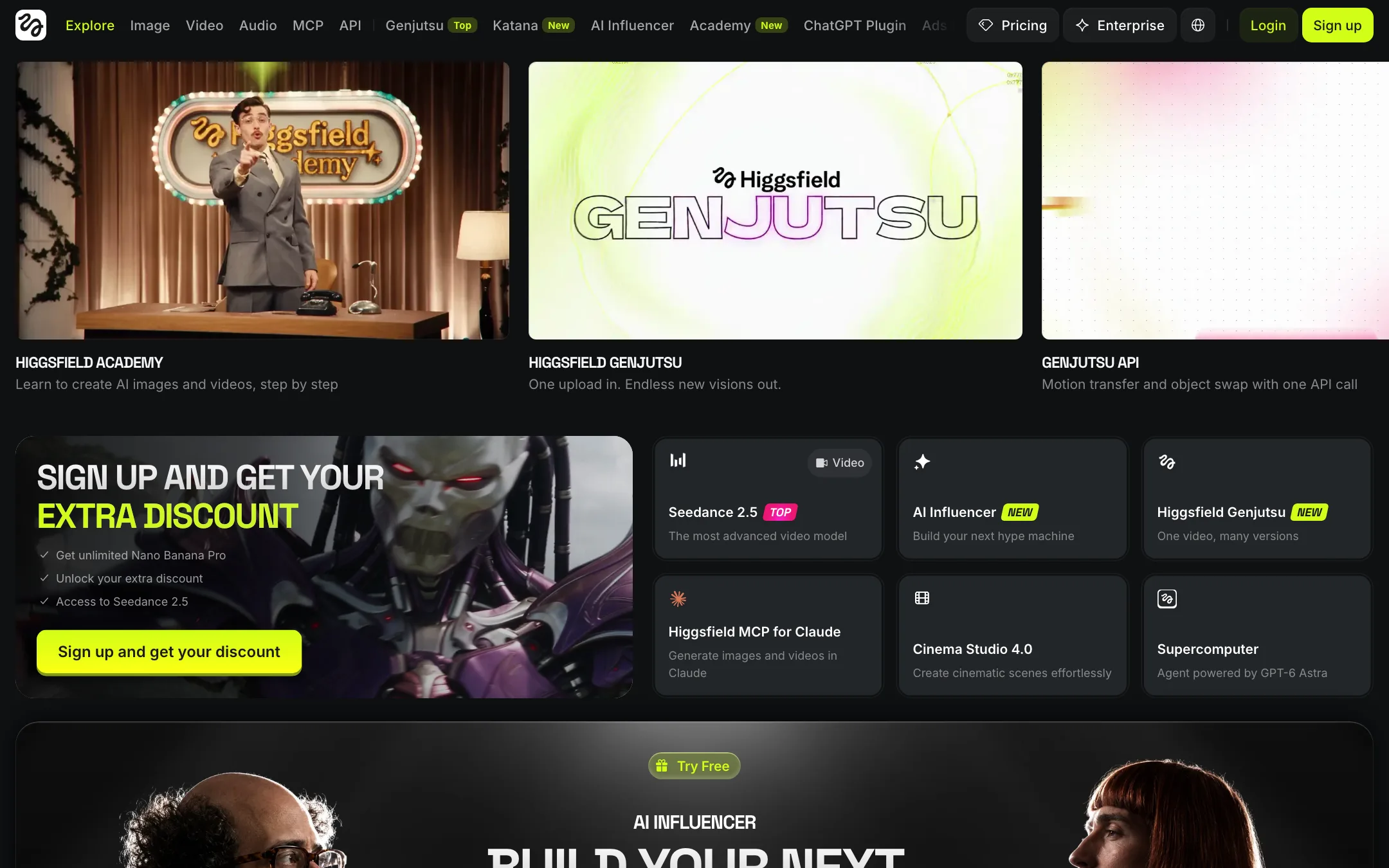
A sprawling AI creative suite that bundles Seedance, Kling, Veo and its own Soul image models behind studios for cinema, ads, lipsync and AI influencers
Best for: Creators, social teams and ad agencies who want every major video and image model plus ready-made studios for cinematic shots, ads and AI characters in one subscription.
Unranked in Text to video
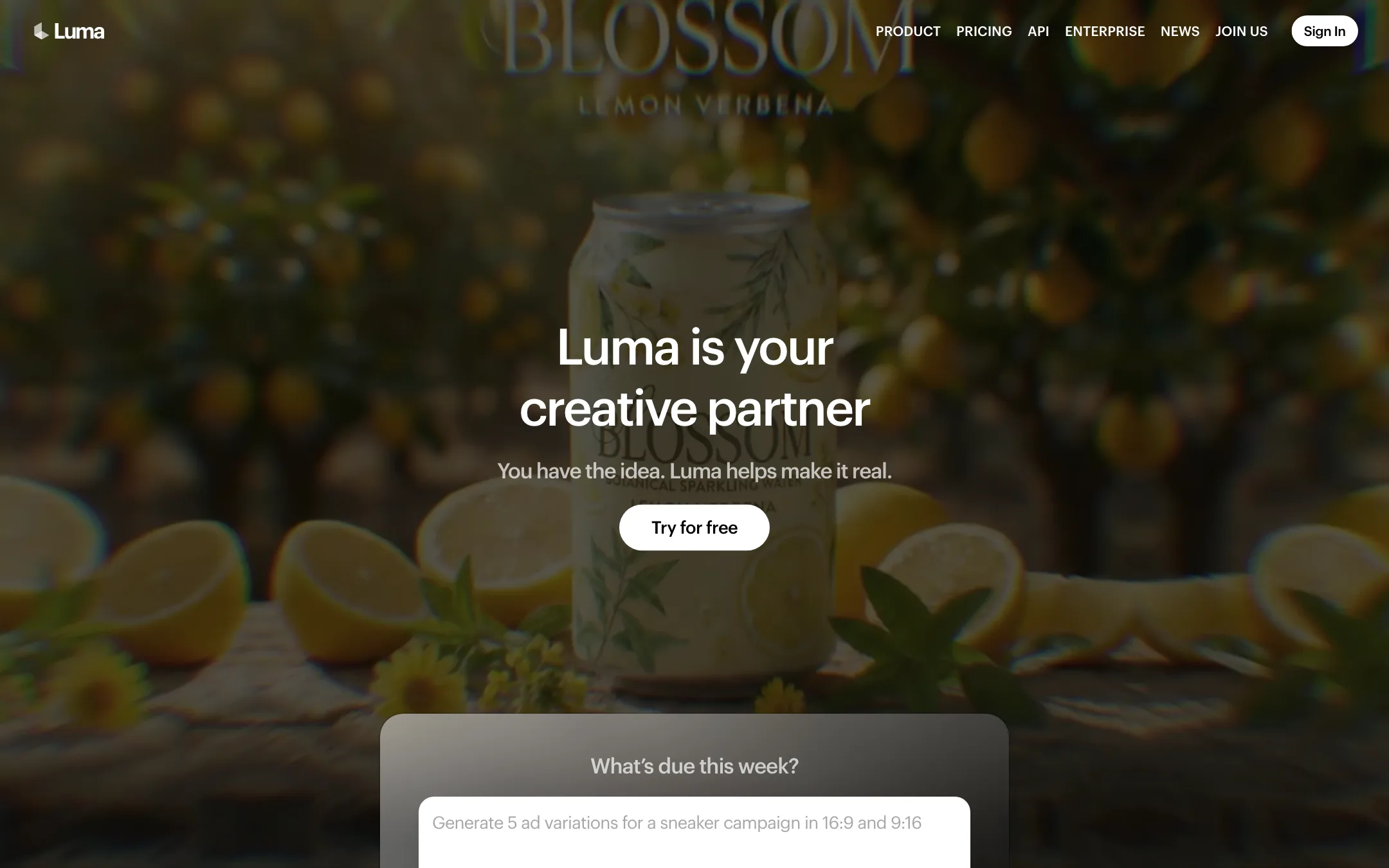
The lab behind Dream Machine and the Ray video models, now selling Luma Agents, an AI creative workspace with Ray3.2, Uni-1 and models like Veo, Kling and Seedance
Best for: Agencies, brand teams and filmmakers who want Luma's own Ray models plus Veo, Kling and Seedance in one agent-driven workspace, with HDR and EXR output for real post-production.
Higgsfield or Luma AI?
Both put partner models like Kling, Veo and Seedance behind one credit balance. The difference is who they serve. Luma aims at agencies and post-production, with its own Ray3.2 model and HDR output. Higgsfield aims at creators and social teams, with presets and character tools. If you deliver to a colorist, pick Luma. If you post to social feeds, pick Higgsfield.
What each one is built for
Luma trains Ray3.2, which takes up to 16 keyframes inside one clip and can export 16-bit HDR and EXR frames. An agent plans campaigns on a shared board. Modify Video restyles uploaded footage while keeping the actor’s performance. Ray3.2 makes no sound for text or image prompts, so audio comes from ElevenLabs models in the same workspace.
Higgsfield trains image models but no video model. Its draw is the studio layer: Cinema Studio presets, Ads Studio, Lipsync Studio and an AI Influencer builder. It has a limited free tier and apps for iOS and Android. Luma lists only an iOS app and states no free allowance.
What it costs at typical use
Assume 20 Kling 3.0 clips a month, each 8 seconds long.
- Luma Plus, $30 monthly or $25 yearly, 10,000 credits. Kling 3.0 at 1080p with audio costs 49 credits a second, so each clip is 392 credits and 20 clips use 7,840. That fits, at about $1.18 a clip on monthly billing.
- Higgsfield Plus, $49 monthly or $39 yearly, 1,000 credits. A 720p Kling 3.0 clip of this length is about 14 credits, so 20 use 280. That is about 69 cents a clip on monthly billing. Our review gives no 1080p rate for Higgsfield and does not say whether audio is included.
Higgsfield is cheaper per clip at 720p, but Luma’s lower plan price covers the whole job at 1080p with sound. Luma also refunds credits for failed generations and publishes every rate. Monthly credits expire on both.
Which to pick
- Pick Luma if you need fine keyframe control, HDR or EXR delivery, footage restyling, or fully published costs. See the Luma review.
- Pick Higgsfield if you want a cheaper way in at $15, Android support, or presets for ads and AI characters. See the Higgsfield review.
Specs side by side
| Higgsfield | Luma AI | |
|---|---|---|
| Starting price | From $15/mo | From $25/mo |
| Free tier | ||
| Pricing | Limited free tier with a small set of models and no credits. Paid plans from $15/mo (200 credits); Plus $39/mo yearly ($49 monthly). | Free trial (amount not stated). Paid plans from $25/mo billed yearly ($30 monthly), all with commercial use. |
| Platforms | Web, iOS, Android, API | Web, iOS, API |
| Best for | Creators, social teams and ad agencies who want every major video and image model plus ready-made studios for cinematic shots, ads and AI characters in one subscription. | Agencies, brand teams and filmmakers who want Luma's own Ray models plus Veo, Kling and Seedance in one agent-driven workspace, with HDR and EXR output for real post-production. |
| Last checked | 2026-10-23 | 2026-10-22 |
Pricing
Higgsfield
Limited free tier with a small set of models and no credits. Paid plans from $15/mo (200 credits); Plus $39/mo yearly ($49 monthly).
- FreeFree
- Starter$15/mo
- Plus$39/mo yearly · $49 monthly
- Ultra$99/mo yearly · $129 monthly
- Team and ScaleFrom $65 per seat/mo
- EnterpriseContact sales
Luma AI
Free trial (amount not stated). Paid plans from $25/mo billed yearly ($30 monthly), all with commercial use.
- Plus$25/mo yearly · $30 monthly
- Pro$75/mo yearly · $90 monthly
- Ultra$250/mo yearly · $300 monthly
- TeamContact sales
- EnterpriseContact sales
Key features
Higgsfield
- Video models including Seedance 2.5 and 2.0, Kling 3.0, Veo 3.1, Wan 2.6, Hailuo and Grok Imagine (it still lists Sora 2, though OpenAI has shut Sora down)
- Own Soul image models, Soul ID characters and image models like Nano Banana, GPT Image 2 and Flux 2
- Cinema Studio 4.0 with 30+ camera movement presets, 50+ color palettes and per-scene editing
- Marketing Studio and Ads Studio, including an Ad Multiplier that recreates an ad with your product
- Lipsync Studio and an AI Influencer builder for consistent virtual characters
- Genjutsu motion transfer and object swap that recast an uploaded video
- Canvas for moodboards and chained workflows shared with a team
- Supercomputer agent that runs multi-step creative tasks
- MCP, CLI, API and a ChatGPT plugin
- Web, iOS and Android apps
Luma AI
- Ray3.2, Luma's own video model, with text-to-video, image-to-video, Modify Video and Reframe in one model
- Multi-Keyframe control with up to 16 keyframes inside one clip
- Modify Video for restyling existing footage up to 20 seconds at 1080p while keeping the performance
- Native 16-bit HDR generation and EXR export for grading and compositing
- Luma Agents, which pick models and produce images, video, audio and text from a brief
- Brainstorm Mode for planning and Create Mode for generating
- Infinite boards for arranging, comparing and annotating assets
- Third-party models including Veo 3.1, Kling 3.0, Seedance 2.5, MiniMax H3, Nano Banana and GPT Image
- Uni-1, Luma's image model, plus ElevenLabs voice, music and sound effects
- Lip sync and video localization
- Luma Skills for saving a workflow and running it again
- Ray3.2 and Uni-1.1 APIs
Strengths and weaknesses
Higgsfield
- Nearly every leading video model in one account
- Studios and presets give non-prompters a fast path to polished shots
- Plus and above unlock all models, not just a subset
- Unlimited windows on selected models stretch heavy plans further
- Commercial use of outputs is not restricted, per the help center
- Large community gallery shows the prompts and assets behind each project
- Starter only gets selected models; most of the catalog starts at Plus
- Credit math shifts with promotions, unlimited windows and per-model prices
- Unlimited models and free generations do not work in MCP, CLI, Canvas or Supercomputer
- Footer lists an AI Face Swap tool, and Genjutsu recasts real footage, both easy to misuse without consent
- No trial of paid plans; refunds only within 7 days with no credits used, minus a fee up to 6%
- The interface is crowded, and the vendor's own reviews call it overwhelming
Luma AI
- Builds its own frontier video models, not only resold ones
- Ray3.2's 16 keyframes give unusual control over a single shot
- HDR and 16-bit EXR output fit VFX and color pipelines
- Every model's credit cost is published, down to the second
- Commercial use on every paid plan
- Failed generations refund their credits
- Cheapest plan is $30 a month, and the free trial amount is not stated
- Ray3.2 text-to-video and image-to-video have no native audio
- Partner models are costly; Veo 3.1 with audio is 280 credits a second
- Monthly credits expire at the end of each billing cycle
- Two product lines (Luma Agents and legacy Dream Machine) make it unclear what you are buying
- The agent and board workflow is more than a casual creator needs
Try Higgsfield
Limited free tier with a small set of models and no credits. Paid plans from $15/mo (200 credits); Plus $39/mo yearly ($49 monthly).
Try Luma AI
Free trial (amount not stated). Paid plans from $25/mo billed yearly ($30 monthly), all with commercial use.