Best AI Avatar and Talking-Head Video Generators
Tools that turn a script into a presenter video with an AI avatar, ranked by real demand and reviewed in depth.
4 tools ranked · last checked 2026-10-19
Some links on this page are affiliate links. If you buy through them we may earn a commission at no extra cost to you. It never changes how we rank tools. Read our disclosure.
Quick comparison
| Steve AI | DupDub | D-ID | Synthesia | |
|---|---|---|---|---|
| Starting price | From $19/mo | From $11/mo | From $4.7/mo | From $18/mo |
| Free tier | ||||
| Pricing | Free plan with 1,200 seconds of AI video. Paid plans from $19/mo billed yearly ($29 monthly). | 3-day free trial with a few credits, no card. Paid plans from $11/mo billed yearly ($15 monthly), or one-off credit packs from $68. | 14-day free trial with 3 minutes of watermarked video. Studio plans from $4.70/mo billed yearly ($5.90 monthly). | Free Basic plan with 10 minutes of watermarked video a month. Paid plans from $18/mo billed yearly ($29 monthly). |
| Platforms | Web, iOS, Android | Web, iOS, Android, API | Web, iOS, Android, API | Web, API |
| Best for | Faceless YouTube channels, teachers and marketers who want a script or blog turned into a narrated, animated or stock-footage video without editing skills. | Solo creators and small marketing teams who want voiceovers, video translation and talking-photo avatars in one subscription instead of three. | Marketers, educators and developers who want avatar videos or a talking AI agent on a small budget, especially if they plan to build on the API. | Companies and L&D teams that need a lot of presenter-style training or explainer video in many languages, with security and approval controls. |
| Last checked | 2026-10-19 | 2026-10-19 | 2026-10-19 | 2026-10-19 |
Jump to
Avatar tools replace the camera and the presenter. You write a script, choose a digital presenter and a voice, and get a talking-head video back. They are most useful for training, onboarding, product explainers and multilingual updates, where the message matters more than the performance.
The category splits in two. Business avatar platforms like Synthesia focus on realistic presenters, many languages, brand controls and team features. Developer and talking-photo tools like D-ID start cheaper, animate a single photo and offer APIs for real-time agents. Steve AI is listed here too because it offers animated 2D characters, though its main job is turning scripts and blogs into videos.
How to choose
- You make training or internal videos at a company: pick a business avatar platform with team seats, brand kits and language support.
- You want to animate a photo or build a talking agent into your app: pick a tool with a strong API.
- You want cartoon characters, not realistic people: an animation tool fits better than a photoreal avatar.
- You need long videos: check the per-video length cap on each plan, not just the monthly minutes.
The ranking
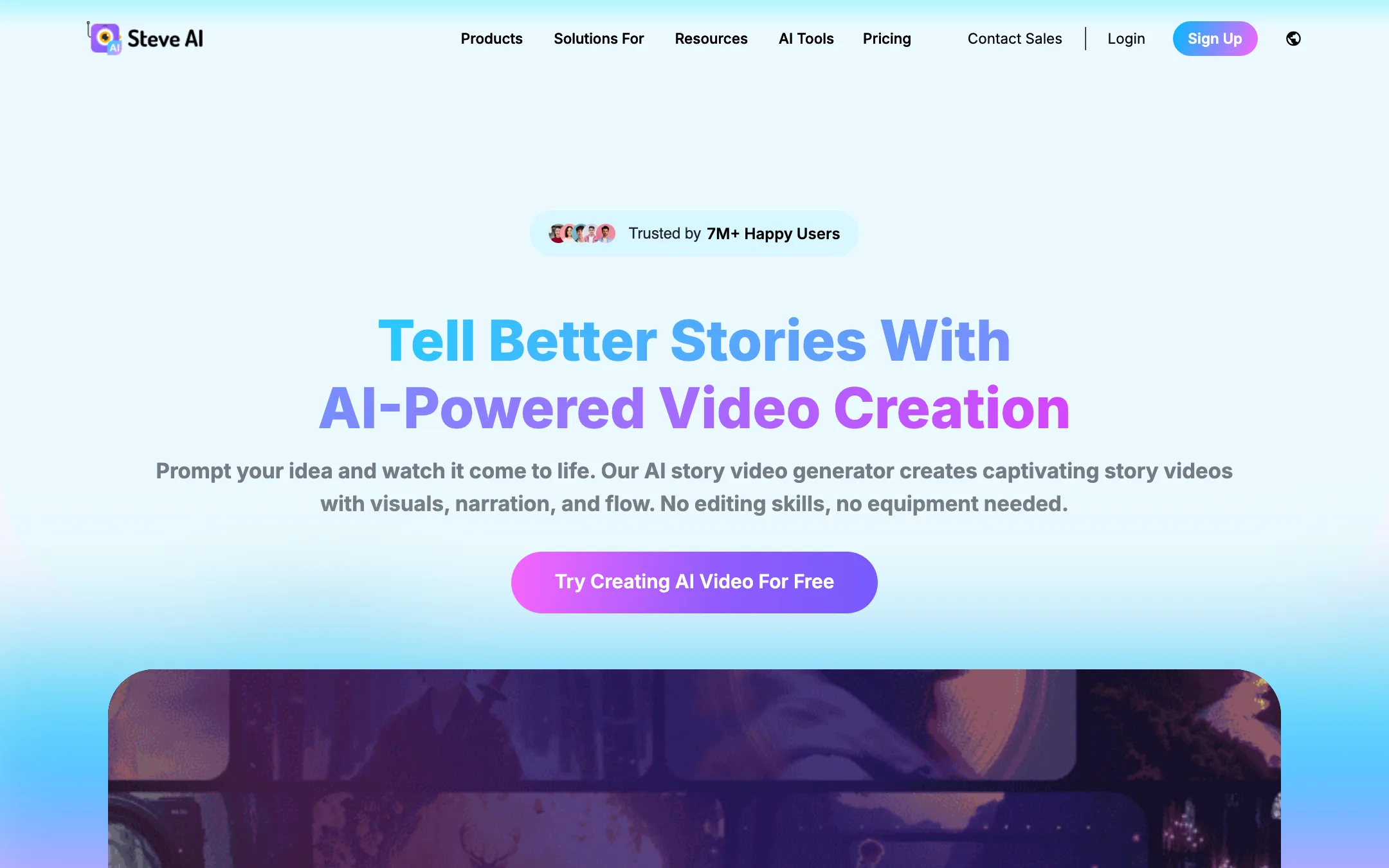

1.Steve AI
Prompt, script, blog or audio to finished video, in animated, stock or generative styles, from the makers of Animaker
From $19/moFree tierWebiOSAndroidBest for: Faceless YouTube channels, teachers and marketers who want a script or blog turned into a narrated, animated or stock-footage video without editing skills.
Verdict: A broad, beginner-friendly script-to-video studio with lots of styles and generous video minutes for the price. The catch is that "minutes of AI video" and "generative credits" are different things, and true generative AI footage is limited to 2 minutes a month until the $99 plan.
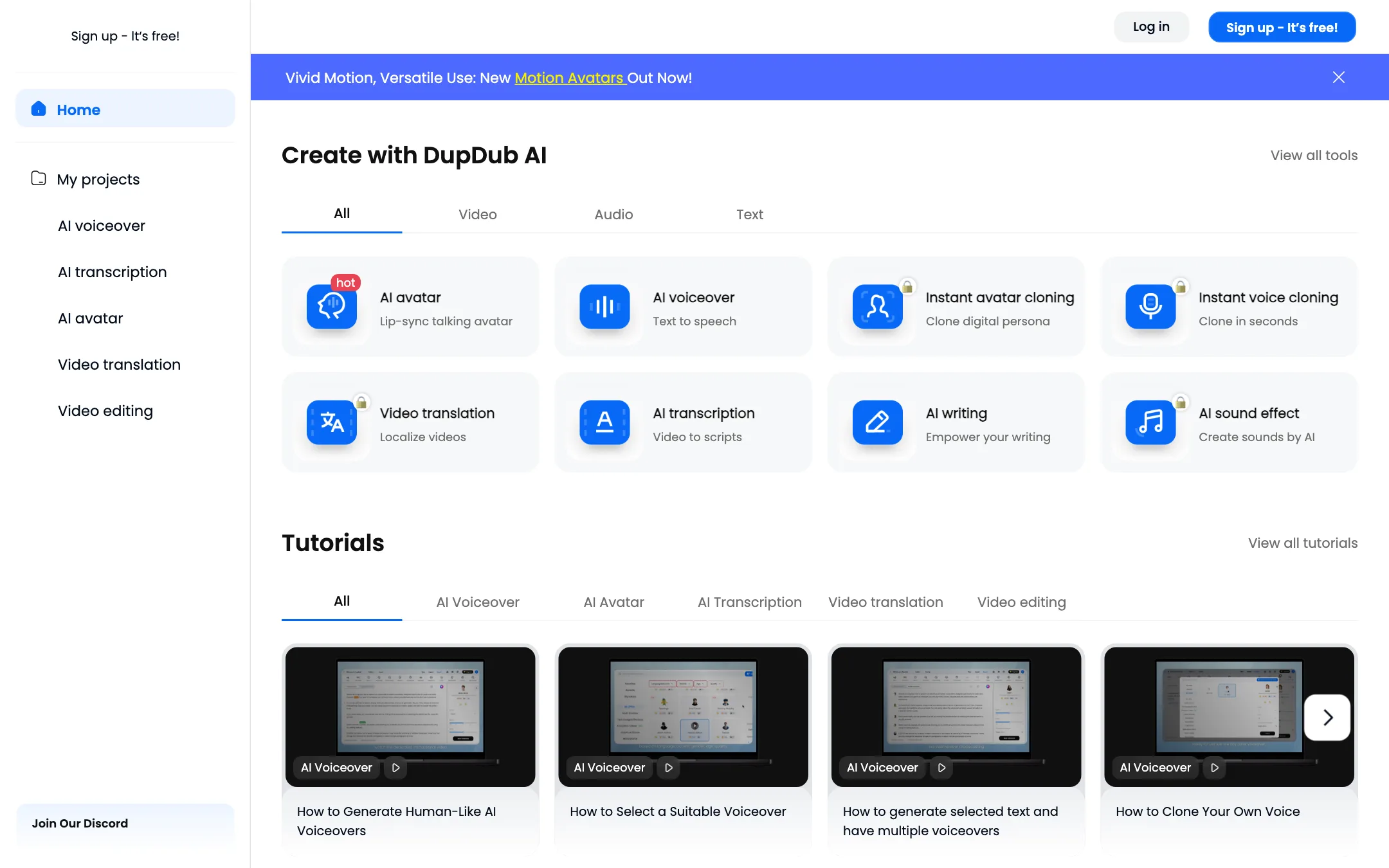
2.DupDub
An all-in-one AI content suite with voiceovers, video translation and dubbing, talking photo avatars and transcription on one credit balance
From $11/moFree tierWebiOSAndroidAPIBest for: Solo creators and small marketing teams who want voiceovers, video translation and talking-photo avatars in one subscription instead of three.
Verdict: A broad, reasonably priced toolkit where one credit balance covers voiceovers, dubbing, avatars and transcription. Video translation burns credits fast, the free trial is tiny, and the dubbing claims are the vendor's, so test with a real clip before you commit.
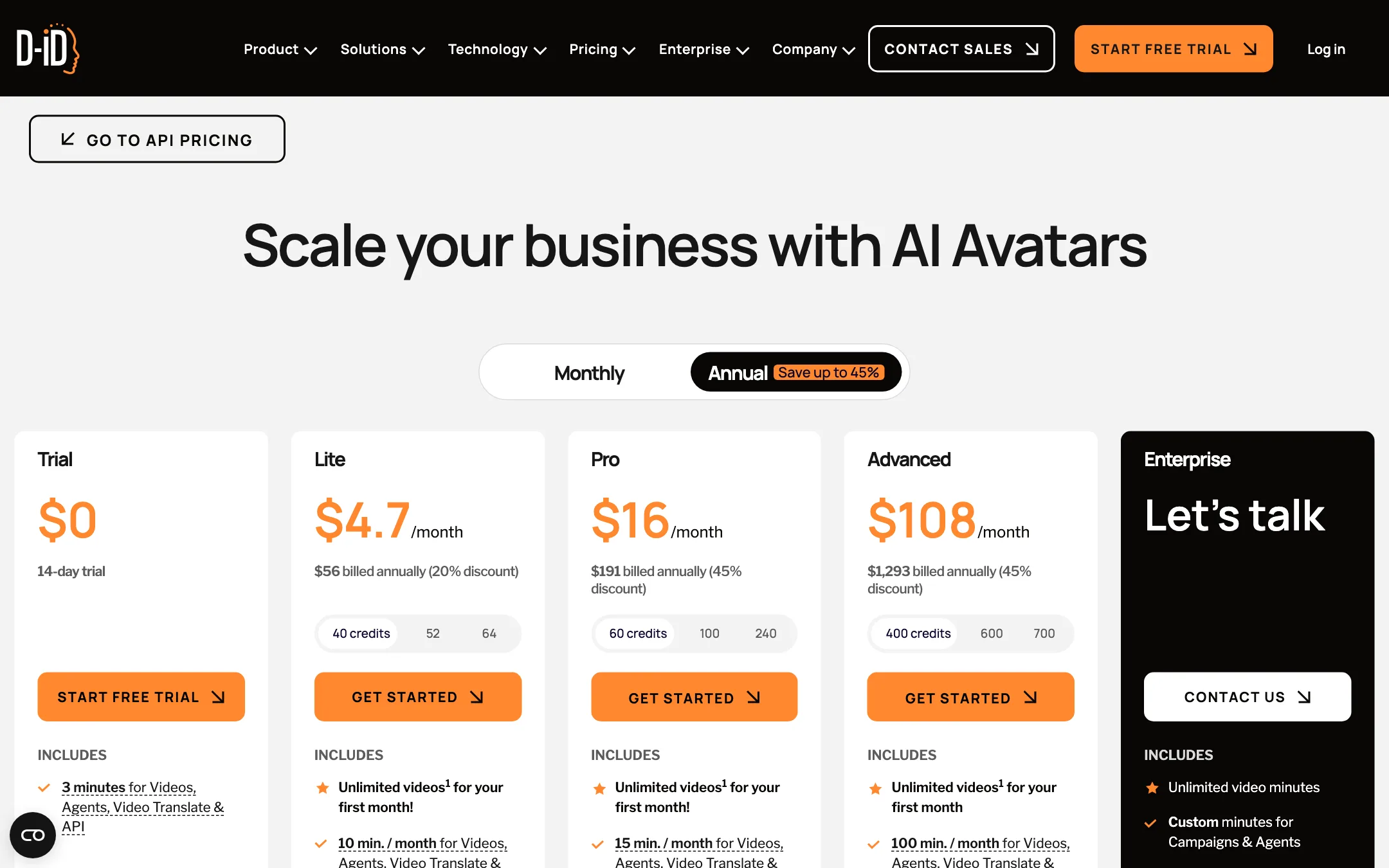
3.D-ID
Talking-photo pioneer turned avatar platform, with cheap entry plans, real-time visual agents and a developer-first API
From $4.7/moFree tierWebiOSAndroidAPIBest for: Marketers, educators and developers who want avatar videos or a talking AI agent on a small budget, especially if they plan to build on the API.
Verdict: The cheapest serious way into avatar video, with a strong API and real-time agents. The trade-off is that the low plans are thin. Lite and Pro give 10 to 15 minutes a month, Lite keeps the watermark, and only Pro and up allow commercial use.
The enterprise standard for AI avatar videos, built for training, onboarding and internal comms in 140+ languages
From $18/moFree tierWebAPIBest for: Companies and L&D teams that need a lot of presenter-style training or explainer video in many languages, with security and approval controls.
Verdict: The safest pick for business avatar video, with the widest language support, strong compliance and a usable free plan. It is built for training and internal comms, not for creators chasing social reach, and video length is capped at 3 minutes below Enterprise in the plan table.

Compare them head to head
Frequently asked questions
What is an AI avatar video?
A video where a digital presenter reads your script on camera. You type or paste the text, pick an avatar and a voice, and the tool renders the presenter speaking with matching lip movement. Most tools also let you create a custom avatar of yourself.
Is there a free AI avatar generator?
Synthesia has a free Basic plan with 10 minutes of watermarked video a month. D-ID offers a 14-day trial with 3 minutes of watermarked video. Free output always carries a watermark.
Can I use AI avatar videos commercially?
Usually on paid plans only, and terms differ. D-ID's cheapest Lite plan, for example, is for personal use. Read the plan details and the vendor's terms before you use avatar videos in ads or client work.
Can I make an avatar of myself?
Yes, on most paid plans. You record a short video or upload footage, and the tool trains a custom avatar. Vendors require consent from the person being cloned, and some reserve custom avatars and voice clones for higher tiers.