What Google Veo is
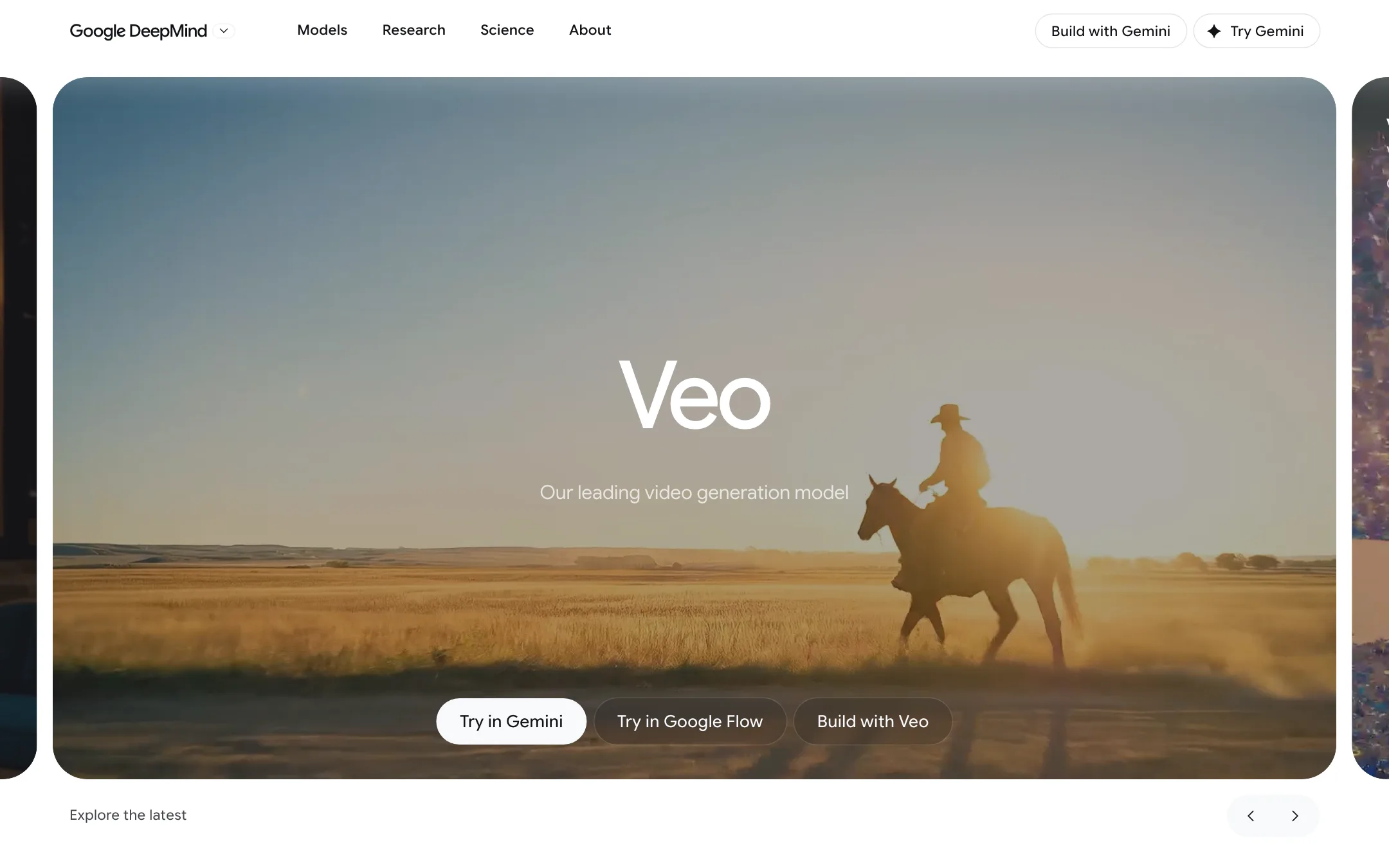
Veo is Google DeepMind’s video generation model. The current version is Veo 3.1, which Google calls its “leading video generation model, designed to empower filmmakers and storytellers.” It turns a text prompt or images into a short clip with sound. Dialogue, sound effects, ambient noise and music are generated in the same pass, so you do not add audio afterwards.
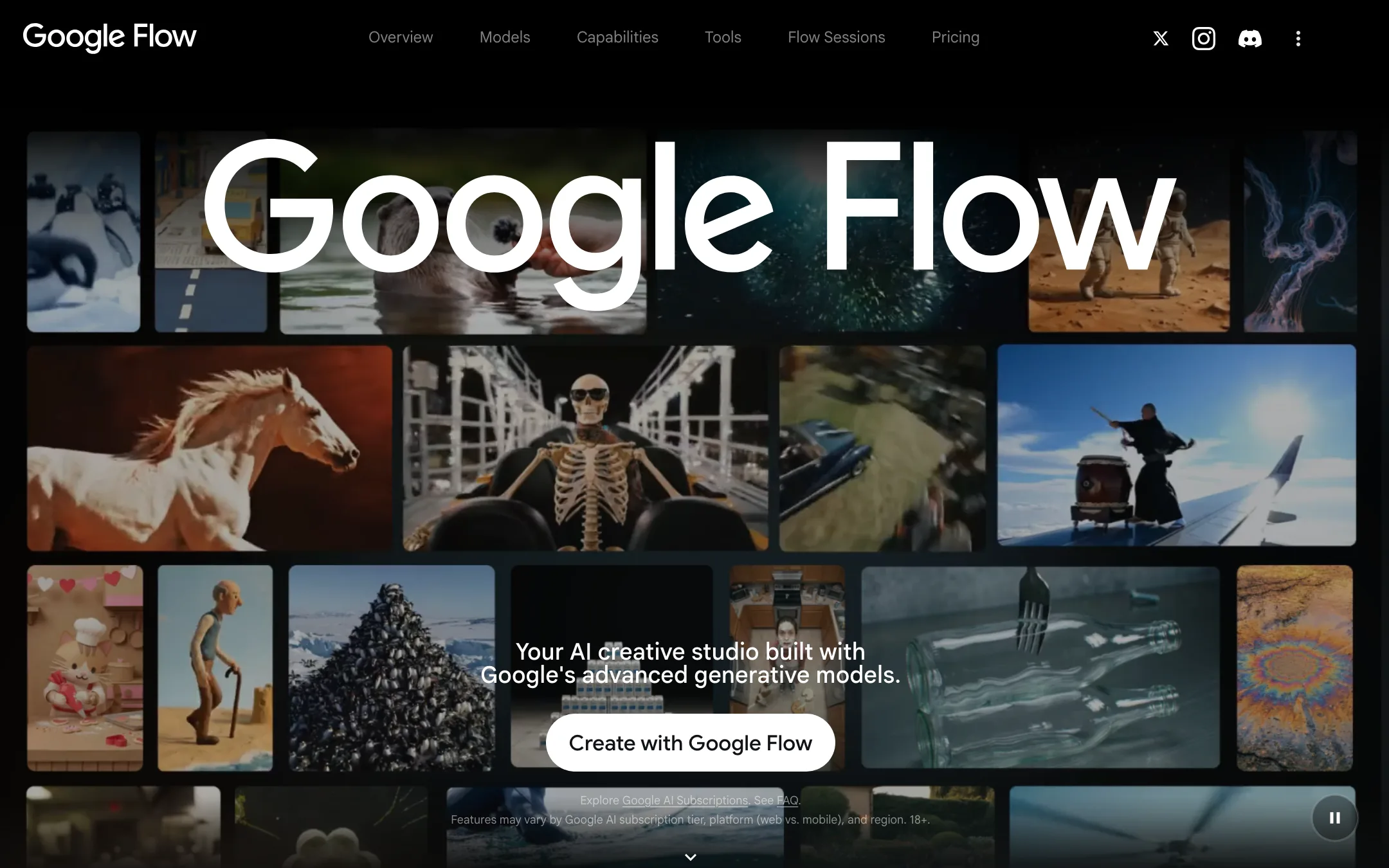
Veo is not a standalone app. You reach it through Google products: mainly Google Flow, Google’s AI creative studio, plus Google Cloud for developers. That makes Veo different from most tools on this site. You do not subscribe to Veo. You subscribe to a Google AI plan, and Veo is one of the models it unlocks.
The picture changed in 2026. At Google I/O in May, Google launched Gemini Omni Flash, a newer video model that takes text, images, audio and video as input and can edit video conversationally. Google’s Gemini video page now says Omni “will replace Veo in the Gemini app.” Veo 3.1 is still in Flow, with its own model picker entries and credit costs, and on Google Cloud. This review covers Veo where you can still choose it, and flags where Omni has taken over.
Who it is for
Veo fits you if:
- You already pay for Google AI Pro or Ultra and want video generation without another subscription.
- You want short cinematic clips with sound, such as ad shots, music video inserts or social clips.
- You want to try a major lab’s model for free before paying. The 50 daily Flow credits make that easy.
- You build on Google Cloud and want a per-second video API with enterprise terms.
Skip it if:
- You want long videos from one prompt. Each Veo generation is 8 seconds at most.
- You want templates, viral effects or a script-to-video editor. Tools like PixVerse are built for that.
- You need a heavy video editing suite with plugins for Premiere or Resolve. Runway goes further there.
- You want a product with a stable future roadmap. Google is putting its new video work into Gemini Omni.
How you get access
There are several routes to Veo, and they are not equal.
Google Flow (the main route)
Google Flow is where you pick Veo 3.1 directly. Flow is a web studio, also available on Android, that combines Veo 3.1, Gemini Omni Flash and the Nano Banana image models with an agent, editing tools and custom tools you can build. Google says Veo 3.1, Flow and Flow Music are available in more than 140 countries and territories. You must be 18 or older.
Any Google account can use Flow for free with 50 credits a day. Paid Google AI plans add a monthly credit pool on top.
The Gemini app
You used to make Veo videos by prompting the Gemini app. Google’s Gemini video page now says Gemini Omni 1.1 Flash replaces Veo 3.1 there, with 10-second videos and native audio. Google’s plan comparison lists “Omni Flash” as the video model for every tier. One version of Google’s subscriptions page still mentions Veo 3.1 for Ultra in the Gemini app, so the switch may not be uniform everywhere. If you specifically want Veo, use Flow.
Google Photos, Vids and YouTube
Google Photos has a Veo 3 photo-to-video feature in the US, with more generations on Pro and Ultra. DeepMind’s Veo page also points to Google Vids, the work video app. YouTube Shorts Remix now uses Gemini Omni, according to Google’s I/O announcements, so it is not a Veo route any more.
Google Cloud for developers
Developers get Veo 3.1 and Veo 3.1 Fast as generally available models on Vertex AI, which Google now calls the Gemini Enterprise Agent Platform. Google’s docs list a retirement date of “November 17, 2026 or later” for both. Veo 3.1 Lite is in preview there.
The Gemini API route is closing. Google’s deprecations page says the Veo 3.1 preview models in the Gemini API (standard, Fast and Lite) shut down on October 22, 2026, and recommends Gemini Omni Flash as the replacement.
How it works in Flow
You start a project in Flow, write a prompt and pick a model from the settings in the prompt box. Settings include aspect ratio, number of outputs, model and length.
Google’s help pages list what each Veo model supports:
- Veo 3.1 Lite does text to video, first frame and first-and-last frame to video, ingredients (8 seconds only) and extensions.
- Veo 3.1 Fast does text to video, frames to video and ingredients (8 seconds only).
- Veo 3.1 Quality does text to video and frames to video at the highest quality.
All three make 4, 6 or 8 second clips in landscape or portrait. On Google Cloud, Veo 3.1 outputs 720p, 1080p or 4K at 24 fps, and Fast outputs up to 1080p.
The main creation modes:
- Text to Video. Describe the shot, the camera move, the sound and any dialogue in one prompt.
- Frames to Video. Give a start frame, or a start and end frame, and Veo fills the motion between them.
- Ingredients to Video. Upload reference images of a character, object or style and Veo builds a scene that keeps them consistent.
- Extend. Continue a clip from its last moment. In Flow’s Scenebuilder you chain clips and extensions into a longer sequence.
Around the model, Flow adds an agent that helps plan and iterate, Characters and Avatars, 1080p upscaling on paid plans, 4K upscaling on Ultra, and Flow Tools built by Google, such as Type Overlays, Video Resizer and Storyboard Studio. Paid plans can also build their own tools by describing them.
Output quality
We have not generated Veo videos ourselves for this review. What Google publishes:
- Preference tests. Google DeepMind says human raters preferred Veo 3.1 overall on Meta’s MovieGenBench prompts, and that its Ingredients to Video led on overall preference and visual quality in internal head-to-head tests. Those results were last updated in October 2025, before newer rivals such as Kling 3.0 and Gemini Omni shipped. Treat them as Google’s claim and test your own prompts.
- Native audio is the headline. Veo 3 introduced sound effects, ambient noise and dialogue generated with the picture. Google itself lists a limitation: “natural and consistent spoken audio, particularly for shorter speech segments, remains an area of active development.”
- Production users. Google cites Promise Studios using Veo 3.1 for storyboarding and previsualization, and OpusClip using it inside Agent Opus. It also partnered with Darren Aronofsky’s Primordial Soup on short films.
- Watermarking. Every Veo output carries SynthID, Google’s invisible AI watermark. Google Cloud outputs also support C2PA Content Credentials.
Pricing
Veo is paid for with Google Flow credits. Google publishes the cost of each model per generation on its Flow help pages, and notes that costs can change.
| Model | Credits per clip (non-Ultra) | Credits per clip (Ultra) |
|---|---|---|
| Veo 3.1 Lite | 10 | 5 |
| Veo 3.1 Fast | 20 | 10 |
| Veo 3.1 Quality | 100 | 100 |
| Gemini Omni Flash, 8s at 720p | 12 | 12 |
Credits are charged per generation, not per request, so asking for four outputs costs four times as much. Failed generations are free. The cost is the same for a 4, 6 or 8 second Lite or Fast clip, so 8 seconds is the best value.
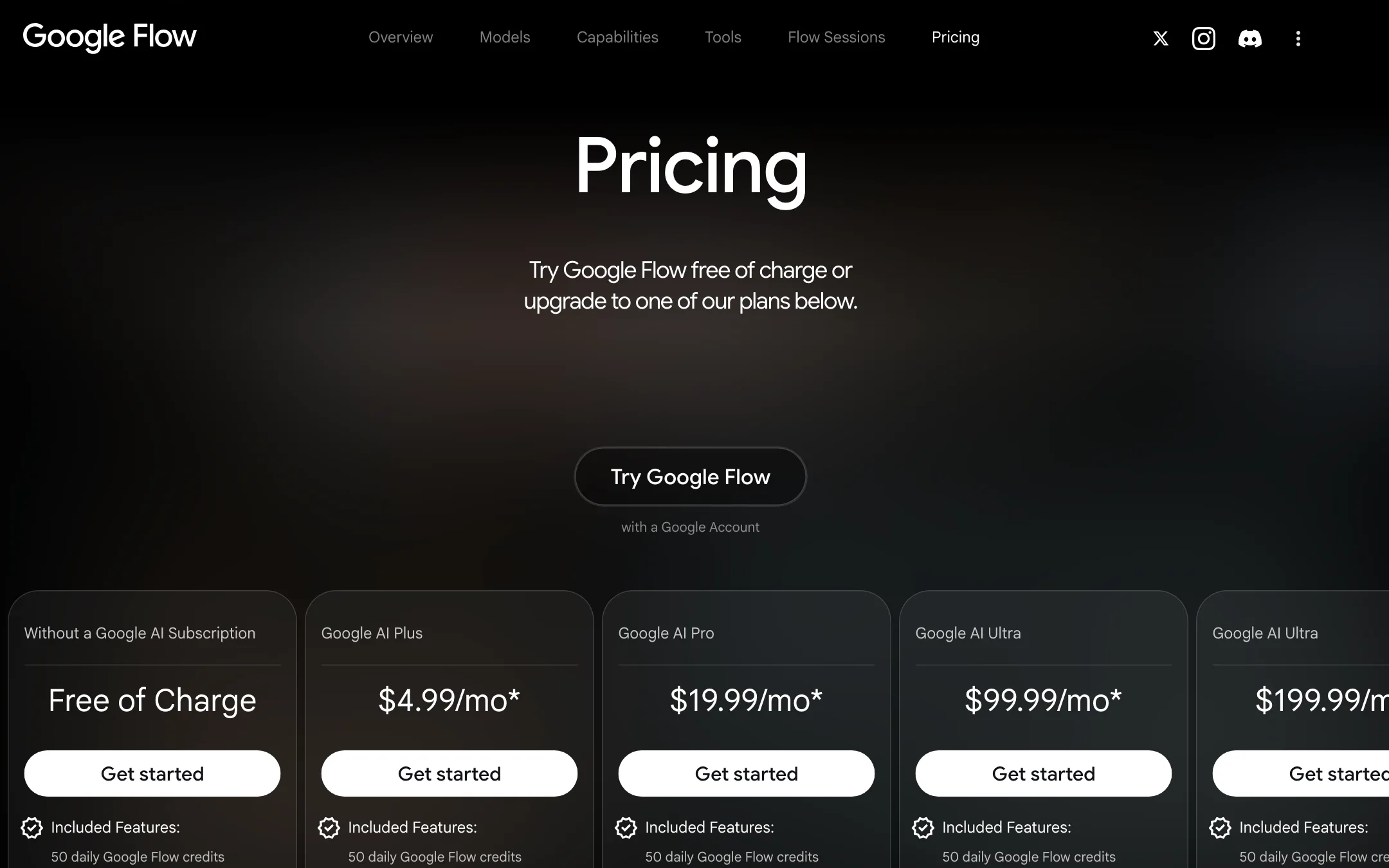
The plans, at US prices from Google’s Flow page:
| Plan | Price | Flow credits |
|---|---|---|
| Free | Free | 50 a day |
| Google AI Plus | $4.99/mo | 50 a day plus 200 a month |
| Google AI Pro | $19.99/mo | 50 a day plus 1,000 a month |
| Google AI Ultra | $99.99/mo | 50 a day plus 10,000 a month |
| Google AI Ultra | $199.99/mo | 50 a day plus 25,000 a month |
What the credits buy
- Free. 50 credits a day is two Fast clips or five Lite clips. Quality costs 100, more than a day’s free allowance.
- Plus at $4.99. 200 monthly credits buy 10 Fast clips (80 seconds) or two Quality clips (16 seconds). That works out to about 50 cents a Fast clip or $2.50 a Quality clip, before the daily credits.
- Pro at $19.99. 1,000 credits buy 50 Fast clips (about 6.7 minutes), 100 Lite clips or 10 Quality clips (80 seconds). That is about 40 cents a Fast clip or $2 a Quality clip.
- Ultra at $99.99. Fast and Lite cost half, so 10,000 credits buy 1,000 Fast clips or 100 Quality clips (about 13 minutes of Quality). Quality comes to about $1 a clip. Ultra subscribers can also run Veo 3.1 Lite at 0 credits in a lower-priority queue.
- Ultra at $199.99. 25,000 credits buy 250 Quality clips, about 33 minutes.
The daily 50 credits stack on top of every plan. If you generate every day, that adds up to 1,500 credits a month, more than the Pro plan’s monthly pool, but only if you use them daily. Neither daily nor monthly credits roll over. Pro and higher can buy top-up credits.
The plans are bundles. Pro also includes 5 TB of storage, YouTube Premium Lite and Gemini features across Gmail and Docs. If you would pay for those anyway, Veo is close to free on top.
API pricing
Before its shutdown, the Gemini API listed Veo 3.1 at $0.40 a second for 720p or 1080p with audio, $0.10 a second for Fast at 720p and $0.05 for Lite at 720p. An 8-second Quality clip at those rates is $3.20, a Fast clip 80 cents and a Lite clip 40 cents. Vertex AI bills Veo per second too; check Google Cloud’s pricing page for current rates.
Strengths and weaknesses
The best thing about Veo right now is the entry price. Fifty free credits a day and a $4.99 plan make it one of the cheapest ways to use a frontier lab’s video model. Native audio is a real time saver if you want clips that already sound finished.
The weak points are length and direction. Eight seconds per generation means longer scenes cost several extensions. Quality clips are expensive on anything below Ultra. And Google’s own pages now lead with Gemini Omni: the Gemini app has switched, the Gemini API preview is gone, and the plan comparison lists Omni as the video model. Veo 3.1 still works in Flow and on Vertex AI, but you should expect Omni to get Google’s new features first.
How Veo compares
Veo’s closest rivals are the other model makers: Runway, Kling, PixVerse, Vidu and Gemini Omni inside Google’s own Flow. Runway has the deeper editing suite and plugins for professional editors, at a higher price per second. PixVerse and Vidu lean on templates, effects and cheaper credits for social clips. Inside Flow you can switch between Veo and Omni in the same project, which is the easiest way to see whether you still need Veo.
Verdict
Veo 3.1 is a capable clip model with sound, and Google Flow makes it easy and cheap to try. If you already pay for Google AI Pro, you have about 50 Fast clips a month plus daily free credits, which is plenty to test it on real work. Ultra makes it a serious production tool at about $1 a Quality clip.
The caution is the roadmap. Google is moving its consumer video to Gemini Omni, and Veo’s Gemini API preview has already ended. Start on the free daily credits in Flow, compare Veo against Omni on your own prompts, and only upgrade once you know which model you are paying for.