
What Vidu is
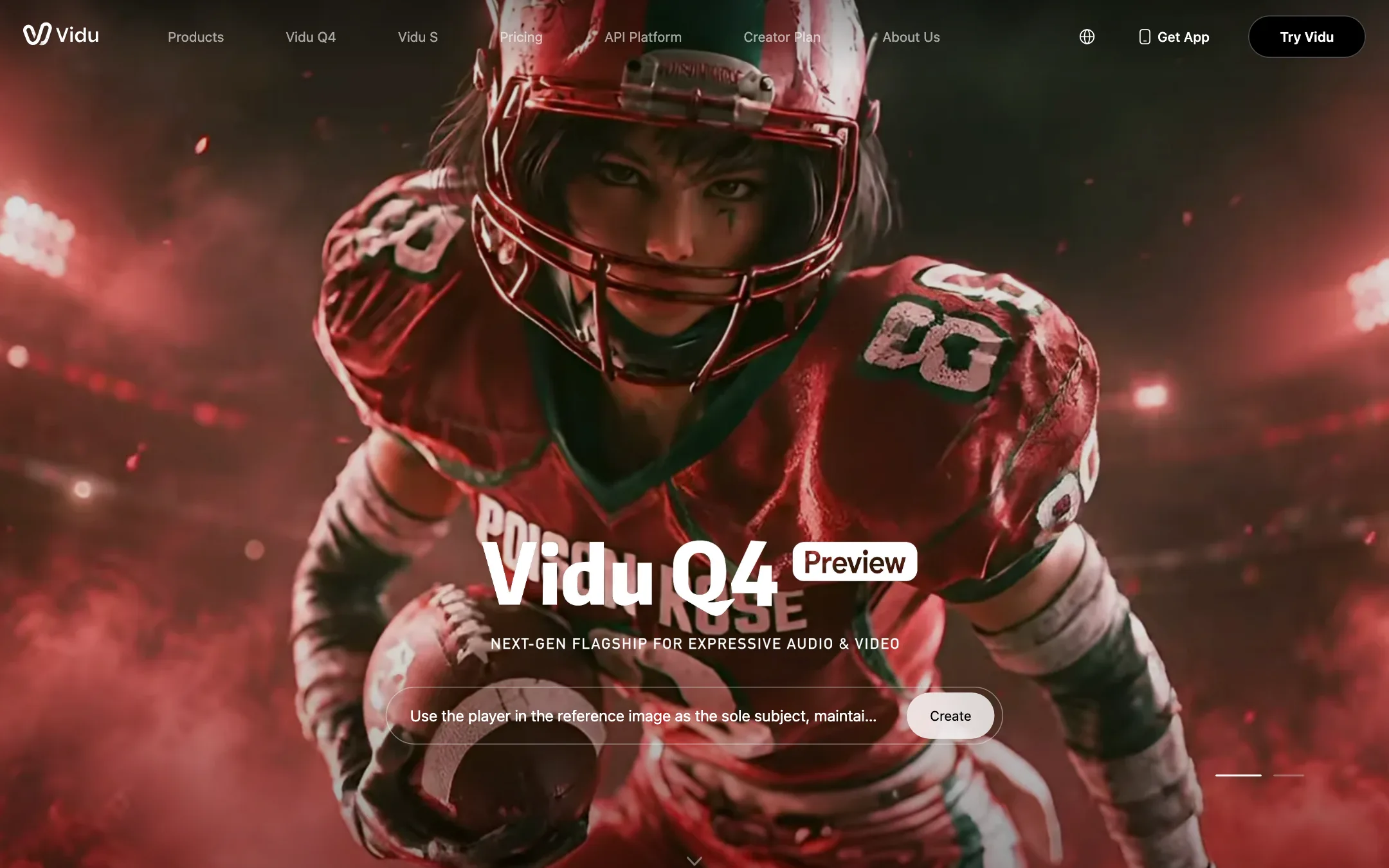
Vidu is an AI video generator from ShengShu Technology. ShengShu trains its own models. The current flagship is Vidu Q4, with Vidu Q3 still offered and a real-time model called Vidu S2 on the developer side. You type a prompt, upload an image or feed in several reference images, and get a short clip back, often with sound.
That matters in a category full of resellers. Many “AI video generators” are a credit wrapper around Veo, Kling or Seedance. Vidu is one of the model makers those wrappers resell. When you pay Vidu, you pay the people who built the model.
Vidu has built its reputation on two things. The first is Reference to Video, which keeps a character or object consistent across clips. The second is anime and stylised animation. Many of the testimonials on its homepage, a good share of them in Japanese, single out its anime motion and character expressions.
This review is based on Vidu’s own pages, pricing and FAQ. We did not generate clips for it, so quality claims are Vidu’s or its users’.
Who it is for
Vidu fits you if:
- You make anime, cartoon or stylised content and want motion that feels animated rather than live action.
- You are building a short series, an AI drama or a recurring mascot, and the same character has to look the same in every clip.
- You want a paid plan with commercial rights for around $10 a month.
- You are a developer and want an API from the model maker rather than a third-party aggregator.
Skip it if:
- You want a template-first app where you never write a prompt. Vidu has templates, but its strength is reference-based generation.
- You need long footage. Sixteen seconds is the per-clip ceiling, so longer pieces mean stitching.
- You want every big model in one place. Vidu runs Vidu. For a model picker, look at an aggregator.
How it works
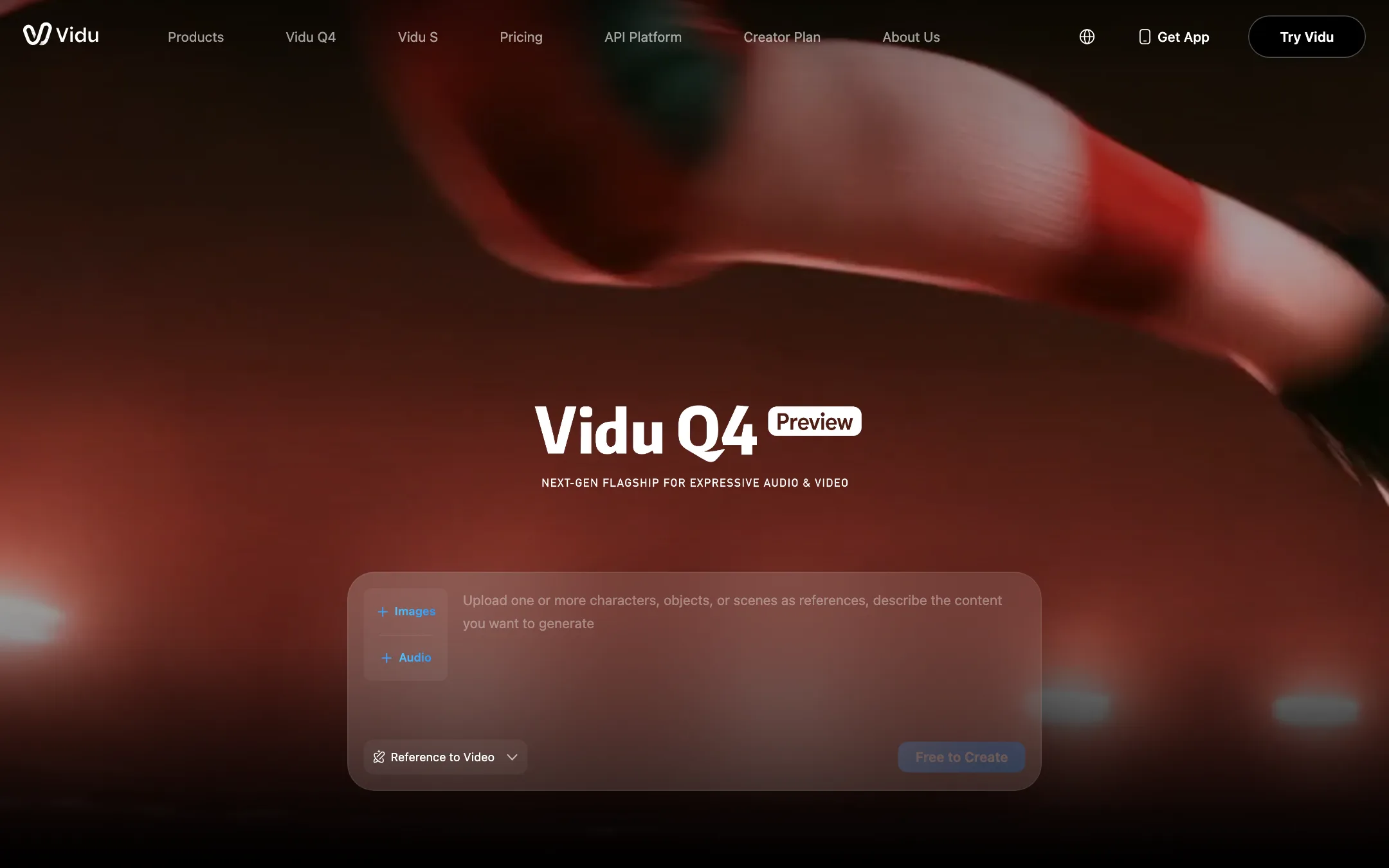
Vidu splits creation into modes. You pick one, write a prompt, choose duration, resolution and aspect ratio, and generate.
- Text to Video. A prompt in, a clip out.
- Image to Video. Animate a single image. You can set both the first and last frames, which gives you real control over where a shot starts and ends.
- Reference to Video. Upload several images of a character, object or scene, and Vidu blends them into one clip.
- Reference to Image and Text to Image. Make stills, including character sheets, to feed back into video.
Reference to Video and My References
This is the reason to pick Vidu. On Q4, Vidu says Reference to Video accepts 1 to 15 reference images and up to 3 voice references. The voice references clone a character’s voice with lip sync, so a recurring character can look and sound the same in every clip.
Vidu suggests uploading several angles of the same character for better consistency. You can save characters, props and scenes in My References and reuse them. The Free plan allows 10 saved references a month, and every paid plan allows 300.
Reference to Video supports clips from 1 to 16 seconds. Image to Video supports 3 to 16 seconds and keeps your image’s original aspect ratio. Q4 offers 2K and 4K output.
A typical character clip
- Generate or upload three or four images of your character from different angles.
- Save them in My References.
- Open Reference to Video, add the character and a scene reference.
- Write the shot like a director’s note. Vidu’s own example prompt breaks a 10-second clip into timed beats: close-up, hard cut to a tracking shot, hard cut to a frontal shot.
- Add a voice reference if the character speaks.
- Generate at 540p to check motion, then rerun the keeper at higher resolution.
Agent and tools
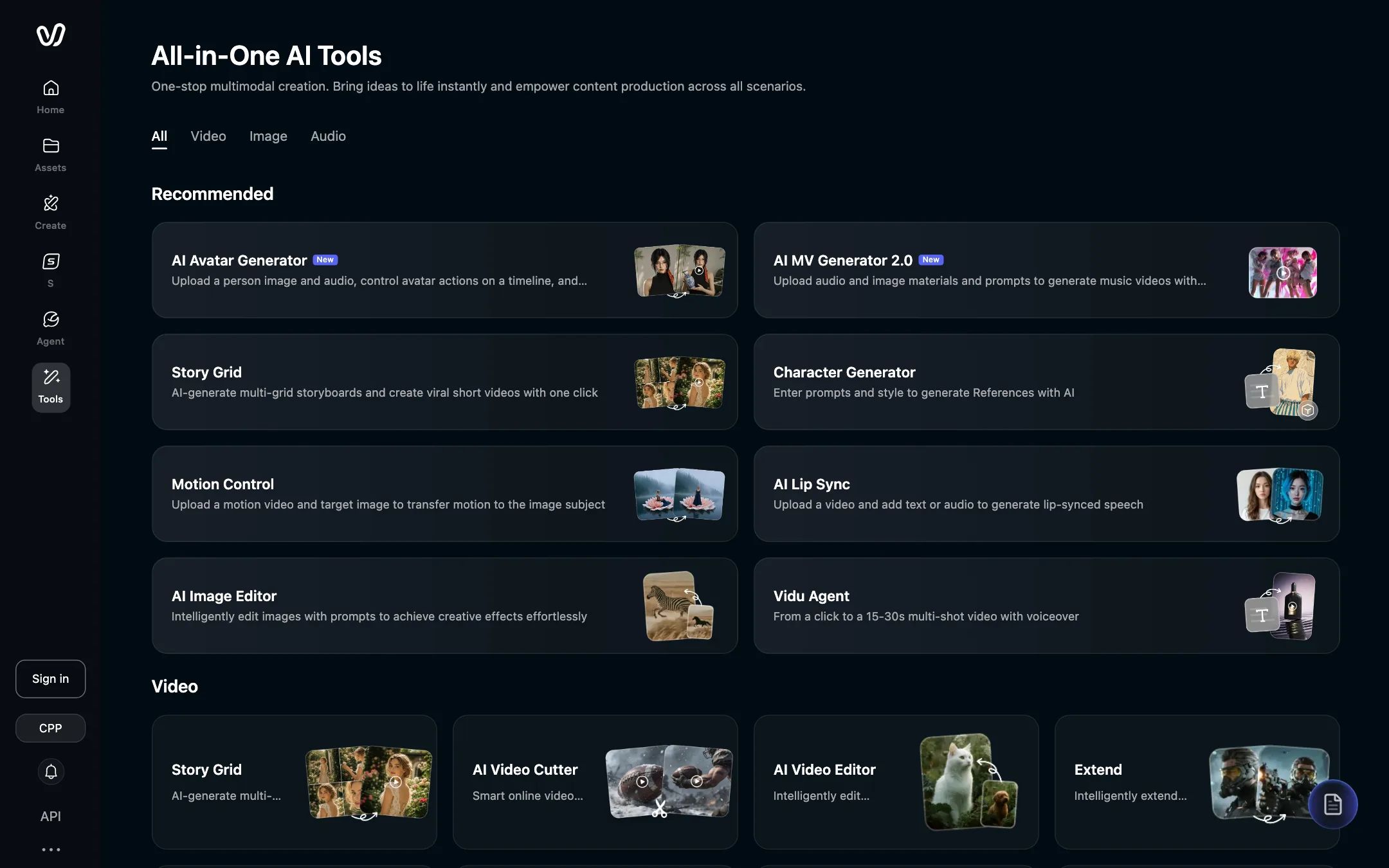
Vidu has grown a large toolbox around the core generator:
- Vidu Agent turns a click into a 15 to 30 second multi-shot video with voiceover, per the tools page.
- Story Grid generates multi-panel storyboards for short videos.
- AI Avatar Generator takes a person image and audio and makes a talking video, with actions on a timeline.
- Motion Control transfers motion from one video to the subject of an image.
- AI Lip Sync, Extend, Video Enhancer and AI Video Editor cover touch-ups.
- Audio tools include sound effects, text to speech and voice clone.
- AI MV Generator builds music videos from audio and images.
Templates, and a caution
Vidu also has a template gallery for one-click effects. Its own description of that gallery leads with “kissing, hugging, trend, and effect videos from photos.” The site footer links to an “AI Hug Generator” and an “AI Kissing Generator,” Vidu’s FAQ lists kissing and hugging clips among popular uses, and the tools page includes one-click AI Face Swap.
These are side features, not the core product. Still, be careful with them. Do not upload photos of real people who have not agreed to be put in a kissing, hugging or face-swapped clip. That applies to friends, exes, coworkers and public figures alike.
Output quality
Vidu says Q4 brings smoother motion in martial arts, running and combat, with fewer deformations and stutters, plus more natural explosions, smoke and particle effects. Q3 introduced native audio with dialogue, voiceover, effects and music in one export, and 16-second clips in a single run.
Its user testimonials are consistent on a few points. They praise anime expressions and character emotion, natural-sounding dialogue in Japanese, and Reference to Video for consistency. One user calls out Off-Peak mode for giving room to experiment. Treat testimonials on a vendor’s own page as marketing, but the pattern does match Vidu’s reputation.
Where this class of model still struggles:
- Long continuous action. Sixteen seconds is the limit per clip.
- Text, logos and fine detail in busy frames.
- Run-to-run variation. Reference images narrow it, but two generations from the same prompt will differ.
For realistic live-action footage, compare Vidu against Veo and Kling on the same prompt. For anime and character continuity, Vidu is worth testing first.
Pricing
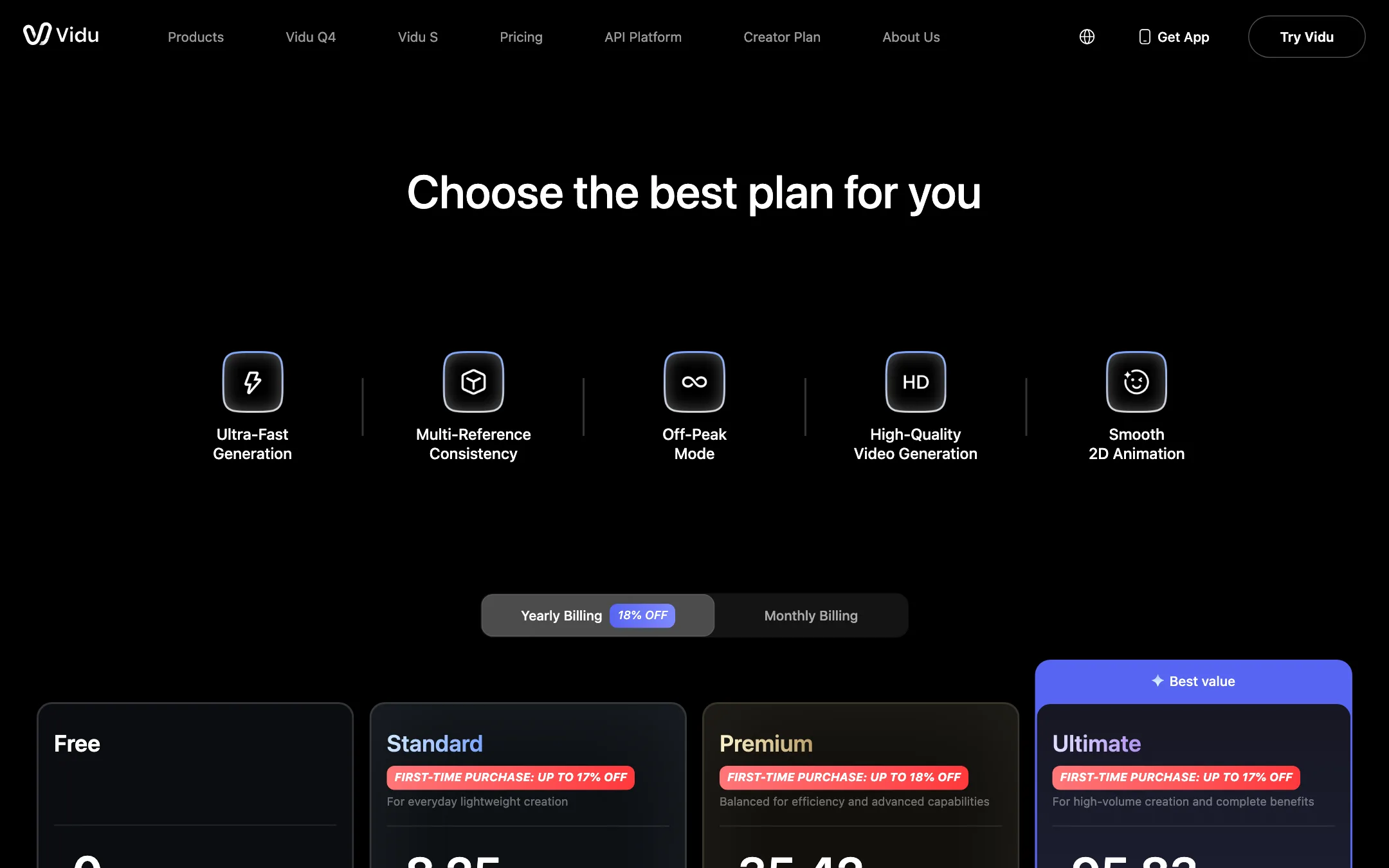
Vidu runs on credits. Paid plans get a monthly credit balance, a faster queue, batch generation of four clips, and commercial use without a watermark.
| Plan | Yearly | Monthly | Credits a month | Highlights |
|---|---|---|---|---|
| Free | Free | Free | Not published | Q4 540p at 4 credits a second, 10 references |
| Standard | $8.25/mo ($99/yr) | $10 | 800 | Q4 540p at 2 credits a second, fast channel |
| Premium | $35.42/mo ($425/yr) | $43 | 3,500 | 20 off-peak videos a day, ultra-fast channel |
| Ultimate | $95.83/mo ($1,150/yr) | $115 | 10,000 | 200 off-peak videos a day |
Things the page does not make obvious:
- The Ultimate plan has two prices. The plan card says $115 a month, or $95.83 billed yearly, for 10,000 credits. The comparison table further down the same page says $230, or $191.67 billed yearly, for 8,000 credits. One of them is wrong. Check what checkout charges before you pay.
- Free costs double per second. Q4 at 540p is 4 credits a second on Free and 2 on paid plans. A 5-second 540p clip is 20 free credits or 10 paid ones.
- Off-peak starts at Premium. Standard has no off-peak quota. If you can queue work overnight, Premium’s 20 off-peak videos a day stretch your credits a long way.
- Discounts move around. The site banner advertised up to 47% off yearly and 40% off monthly during our check, and each plan card listed a first-purchase discount of up to 17% or 18%. Expect the prices you see to shift.
- The API is separate. Developers buy credits on platform.vidu.com at about $0.0035 a credit, with a one-time starter pack of 5,000 credits for $18 and Q4 launch packs from $105.
Refunds
The pricing FAQ has a refund question, but the answer is hidden behind a click, and the public pages we read do not state the policy. Ask [email protected] before buying a yearly plan.
Earning with Vidu
Vidu does not run a classic affiliate program with a commission on referrals. Vidu Earn has three tiers: Rookie Partner for new creators, Showcase Partner for active posters, and the Creative Partner Program (CPP) for advanced filmmakers. Rewards include credits, cash for social posts and contests, and co-production work with the Vidu team. You apply through a Google Form.
Verdict
Vidu is one of the few tools on this site that builds its own models, and it is cheap to try properly. Standard at $8.25 a month billed yearly gets you commercial rights, no watermark and half-price Q4 generations. If you make anime, character-driven shorts or a recurring series, Reference to Video is the feature to test.
Go in with your eyes open on the rest. The pricing page contradicts itself on the top plan, the free credit amount is not published, and the template gallery pushes kissing, hugging and face swap effects you should only use with people who have agreed to it.