Google Veo vs Runway
Two text to video tools side by side: pricing, free plans, features and who each one suits.
Unranked in Text to video
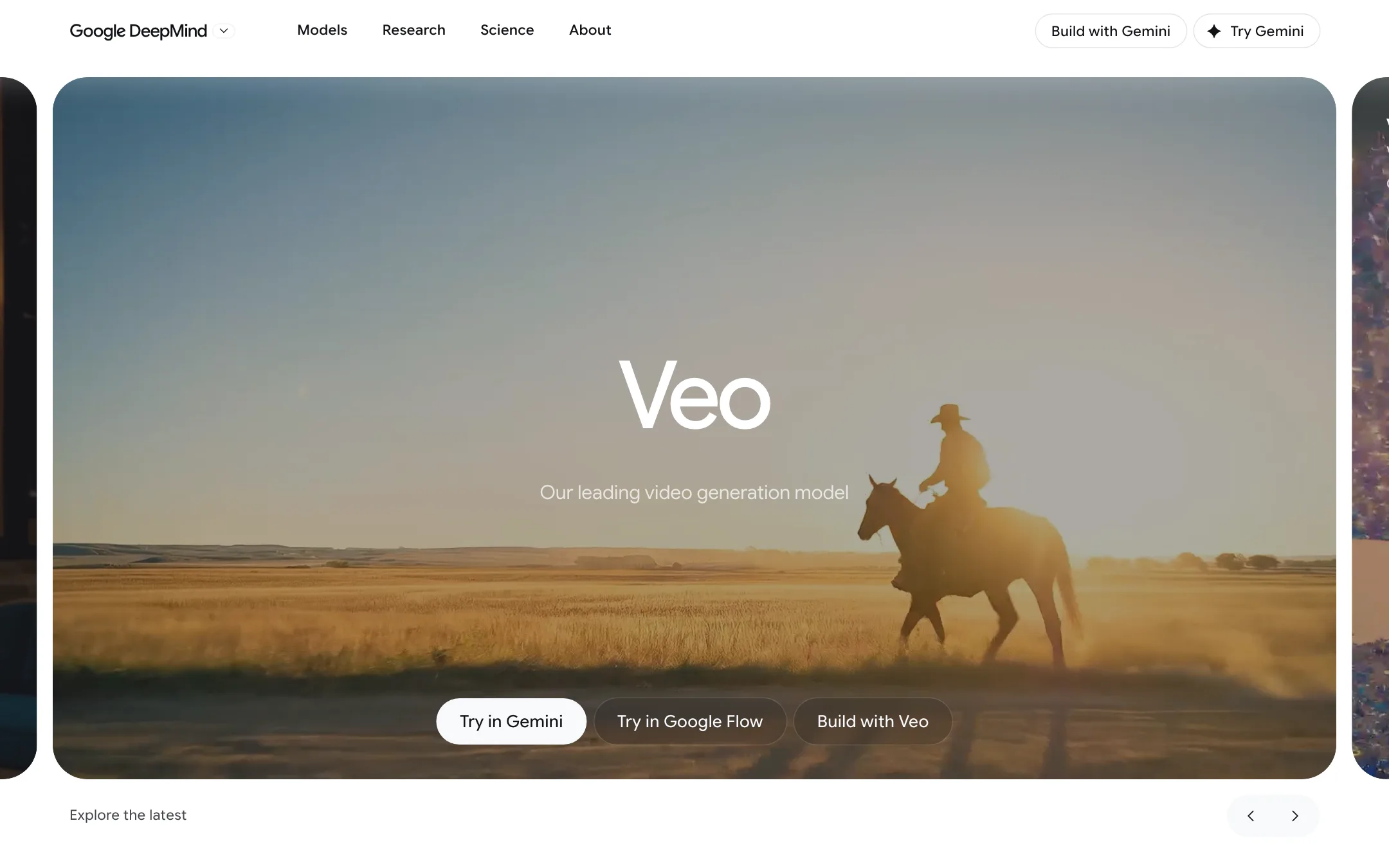
Google DeepMind's video model with native audio, now used mainly through Google Flow on a Google AI plan, with Gemini Omni taking over in the Gemini app
Best for: Creators who already pay for Google AI, or want to, and need short cinematic clips with sound, plus developers and businesses building on Google Cloud.

#10 in Text to video
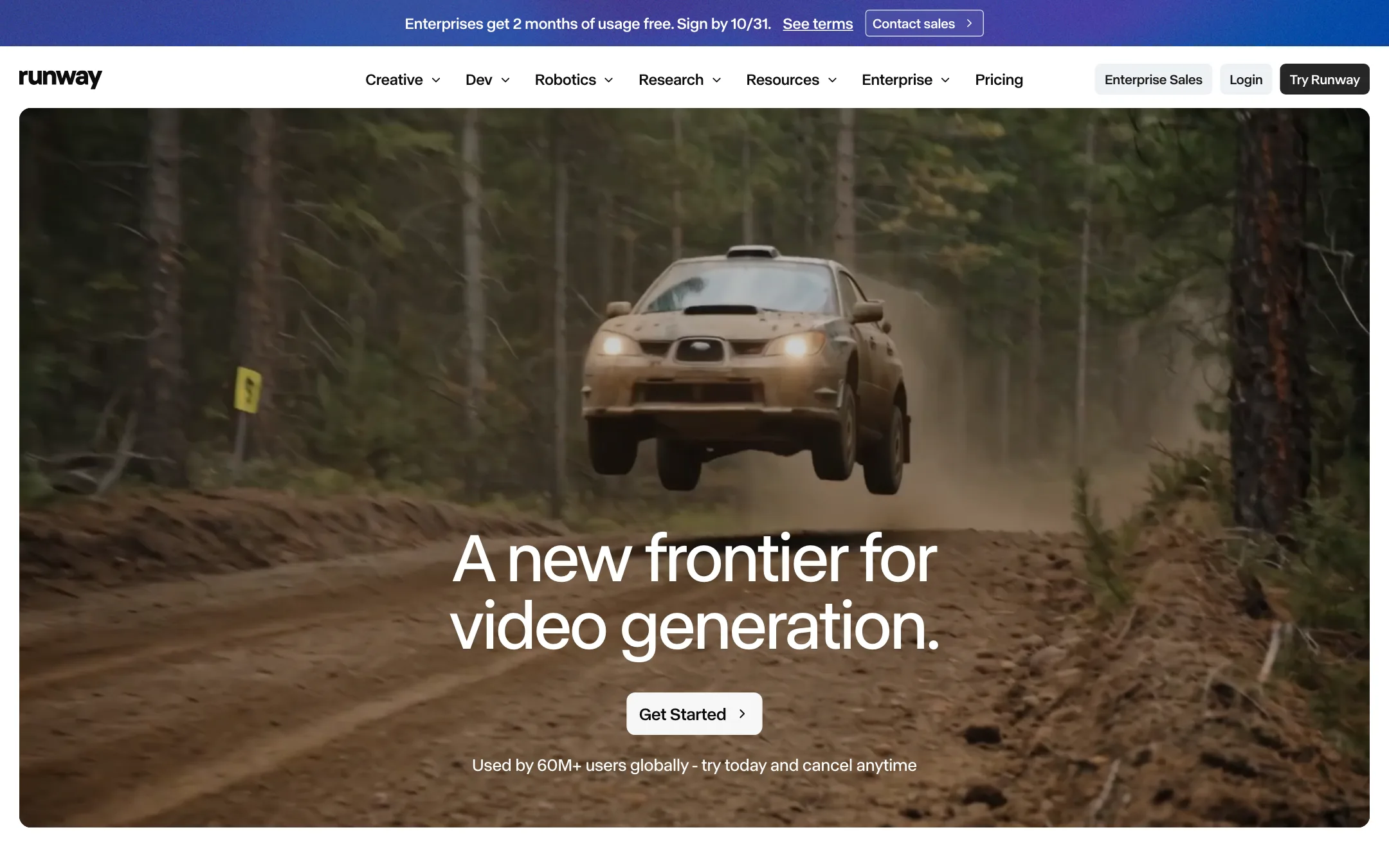
The AI video lab behind Gen-4.5 and Aleph, with a full creative suite for generating, editing and extending footage, plus Kling, Seedance and other models
Best for: Filmmakers, editors, agencies and brand teams who want frontier video models plus serious editing tools, and are willing to pay per second of footage.
Google Veo or Runway?
If you want short clips with sound for as little money as possible, start with Veo 3.1 in Google Flow. If you edit footage for a living, work in Premiere Pro or After Effects, or need a shared team workspace, Runway is the stronger tool. Veo is a model inside a Google plan; Runway is a full suite.
What each one is built for
Veo is a clip model. Each generation runs 4, 6 or 8 seconds and arrives with dialogue, effects and music already in it. You reach it mainly through Flow, since the Gemini app now uses Gemini Omni Flash for video.
Runway is a production suite around its own Gen-4.5 and Aleph 2.0 models. Its strength is changing footage after the fact: editing one frame and carrying it through a clip, relighting, removing objects, plus plugins for the big editors and a team plan with pooled credits.
What it costs at typical use
Say you need 10 clips of 8 seconds a month. Veo charges per clip, so 8 seconds costs the same as 4.
- Veo 3.1 Fast: 20 credits a clip, so 200 in total. Google AI Plus at $4.99 gives exactly 200 monthly credits, and the 50 free daily credits could cover the same 10 clips over five days without paying.
- Veo 3.1 Quality: 100 credits a clip, so 1,000. That is Google AI Pro at $19.99.
- Runway Gen-4.5: 12 credits a second, so 96 a clip and 960 in total. Standard’s 625 is not enough, so you need Pro at $35 monthly ($28 yearly), which leaves about 1,290 credits. Gen-4 Turbo at half the rate would fit Standard at $15. The Runway review does not list Gen-4.5’s allowed lengths or say whether it makes sound natively, so check both in the app.
Veo wins on price by a wide margin here. Runway earns its cost only if you use the editing tools, which can save you regenerations.
Which to pick
- Pick Veo if you want cheap, short clips with sound, already pay for Google AI, or want to test a major lab’s model on free daily credits. See the Google Veo review.
- Pick Runway if you edit and extend real footage, cut in a professional editor, or need team review and pooled credits. See the Runway review.
Specs side by side
| Google Veo | Runway | |
|---|---|---|
| Starting price | From $4.99/mo | From $12/mo |
| Free tier | ||
| Pricing | 50 free Google Flow credits a day. Google AI plans from $4.99/mo add monthly credits; Veo 3.1 costs 5 to 100 credits per clip. | Free plan with 125 one-time credits. Paid plans from $12/mo billed yearly ($15 monthly). |
| Platforms | Web, Android, iOS, API | Web, iOS, Android, API |
| Best for | Creators who already pay for Google AI, or want to, and need short cinematic clips with sound, plus developers and businesses building on Google Cloud. | Filmmakers, editors, agencies and brand teams who want frontier video models plus serious editing tools, and are willing to pay per second of footage. |
| Last checked | 2026-10-22 | 2026-10-21 |
Pricing
Google Veo
50 free Google Flow credits a day. Google AI plans from $4.99/mo add monthly credits; Veo 3.1 costs 5 to 100 credits per clip.
- Free (Google account)Free
- Google AI Plus$4.99/mo
- Google AI Pro$19.99/mo
- Google AI Ultra$99.99/mo
- Google AI Ultra (higher tier)$199.99/mo
- Google Cloud (Vertex AI)Per second
Runway
Free plan with 125 one-time credits. Paid plans from $12/mo billed yearly ($15 monthly).
- FreeFree
- Standard$12/mo yearly · $15 monthly
- Pro$28/mo yearly · $35 monthly
- Max$76/mo yearly · $95 monthly
- Team$55/seat/mo yearly · $69 monthly
- EnterpriseCustom
Key features
Google Veo
- Veo 3.1 text-to-video and image-to-video with natively generated sound, dialogue and music
- Three speed tiers in Flow, Lite, Fast and Quality, each with its own credit cost
- Clips of 4, 6 or 8 seconds in 16:9 or 9:16 at 24 fps
- Frames to Video, with a first frame or first and last frames
- Ingredients to Video, which builds a clip from reference images of characters, objects or style
- Video extension to continue a clip, chained into longer scenes in Flow's Scenebuilder
- 1080p upscaling on paid plans and 4K upscaling on Ultra
- Google Flow agent, Characters, Avatars and custom Flow Tools in the same studio
- SynthID watermark on every output
- Developer access through Google Cloud's Vertex AI (Gemini Enterprise Agent Platform)
Runway
- Gen-4.5, Runway's own text-to-video and image-to-video model
- Aleph 2.0 and Edit Studio, which apply an edit made on one frame to the rest of the video
- Third-party models in the same app, including Kling 3.0, Seedance 2.0 and 2.5, Nano Banana Pro, Wan and FLUX
- Runway Agent for building end-to-end videos through conversation
- Apps for removing objects, relighting, changing backdrops or time of day, adding dialogue and upscaling
- Node-based Workflows that chain models and steps
- Act-Two and Add Performance for mapping your voice and expressions onto a character
- Plugins for Premiere Pro, After Effects and DaVinci Resolve
- Music, voice and sound effects generation
- Runway MCP, a ChatGPT plugin and a developer API
- iOS and Android apps
Strengths and weaknesses
Google Veo
- 50 free Flow credits every day, enough for a couple of Veo 3.1 Fast clips without paying
- Native audio in the same generation, so clips come with sound and speech
- Google AI Plus at $4.99 is one of the cheapest paid ways into a major lab's video model
- Ultra halves the cost of Fast and Lite clips and adds 4K upscaling
- Flow puts Veo, Gemini Omni, Nano Banana and editing tools in one project
- Google publishes the credit cost of each model on its help pages
- Clips are 8 seconds at most per generation; longer scenes need extensions
- Veo 3.1 Quality costs 100 credits a clip, so Pro's 1,000 monthly credits buy only ten
- Monthly and daily credits do not roll over
- The Gemini app now uses Gemini Omni for video, not Veo
- The Gemini API's Veo 3.1 preview models shut down on October 22, 2026; developers must move to Vertex AI or Omni
- Plan pages focus on Gemini Omni, so it is hard to tell what Veo will look like in a year
- Availability and features vary by country, and the plans are for adults only
Runway
- Runs its own frontier models, not only resold ones
- Video editing tools go well beyond generation, from object removal to relighting
- Premiere Pro, After Effects and Resolve plugins fit real post-production
- Public per-model credit costs make budgeting predictable
- Every paid plan gets all video and image models and no watermark
- Team plan with pooled credits and frame-accurate comments
- Standard's 625 credits buy only about 52 seconds of Gen-4.5 a month
- Free credits are one-time, roughly 10 seconds of Gen-4.5
- Credits do not roll over on Standard or Pro
- Pricing page labels yearly billing both "2 months free" and "20% off"; the actual saving is 20%
- Studio-grade output such as HDR and ProRes is Max-only
- The breadth of tools and models has a learning curve for casual creators
Try Google Veo
50 free Google Flow credits a day. Google AI plans from $4.99/mo add monthly credits; Veo 3.1 costs 5 to 100 credits per clip.
Try Runway
Free plan with 125 one-time credits. Paid plans from $12/mo billed yearly ($15 monthly).