Google Flow vs Google Veo
Two text to video tools side by side: pricing, free plans, features and who each one suits.

Unranked in Text to video
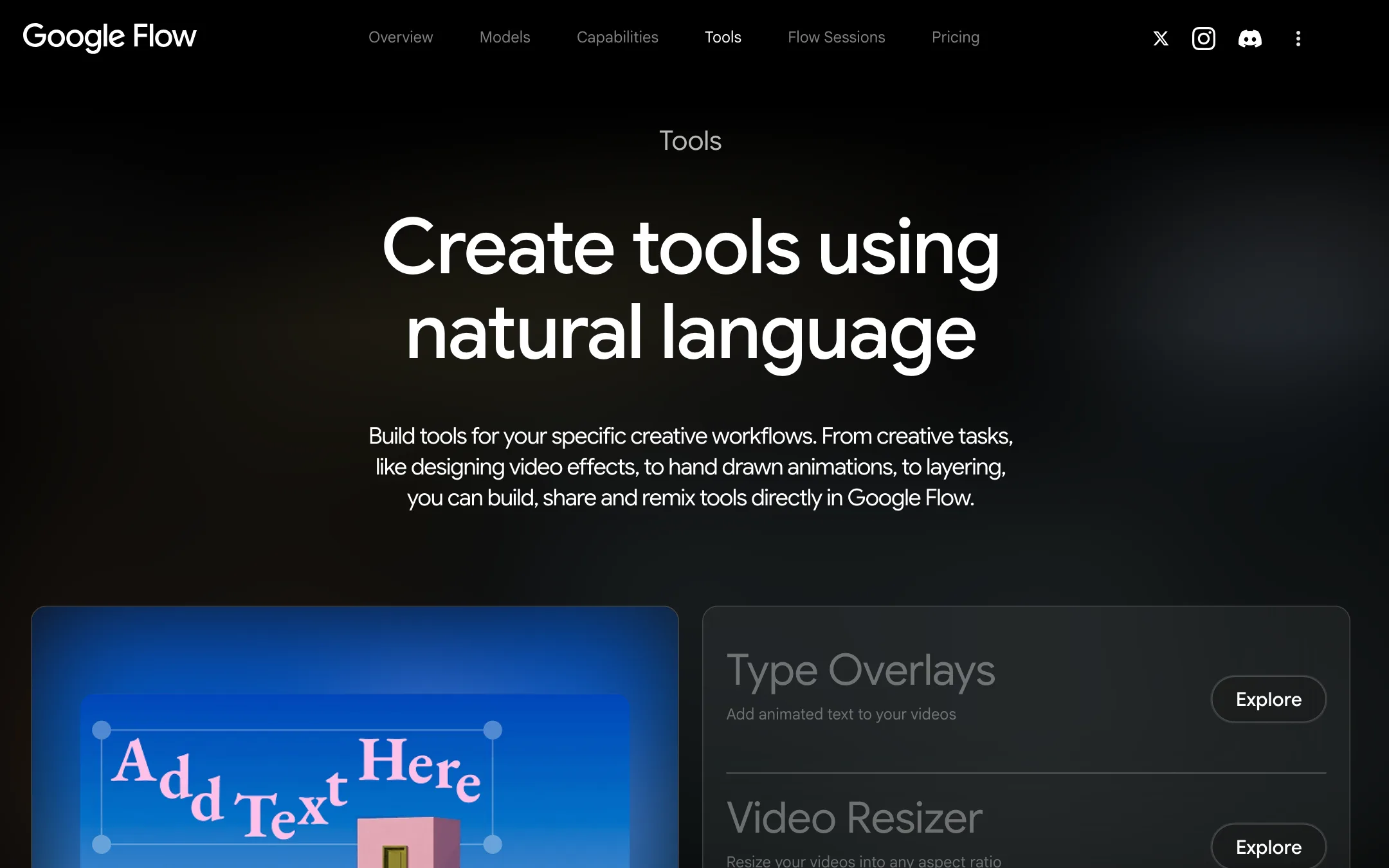
Google's AI filmmaking studio, where you build shots with Veo 3.1, Gemini Omni Flash and Nano Banana, then trim, edit and sequence them into scenes
Best for: Storytellers, ad makers and social creators who want to build short multi-shot pieces with consistent characters inside one Google workspace, from a free daily allowance up to production volume on Ultra.
Unranked in Text to video
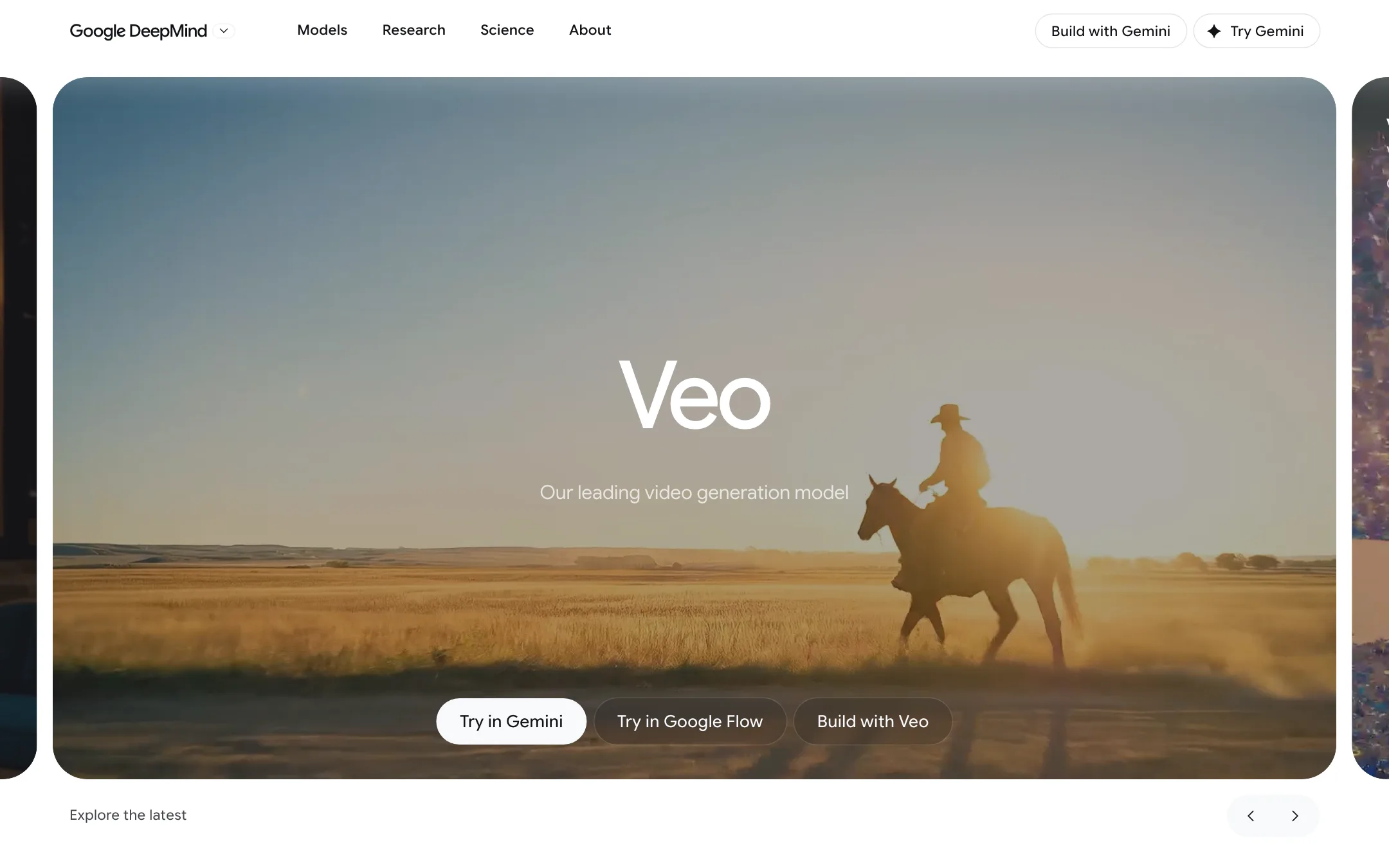
Google DeepMind's video model with native audio, now used mainly through Google Flow on a Google AI plan, with Gemini Omni taking over in the Gemini app
Best for: Creators who already pay for Google AI, or want to, and need short cinematic clips with sound, plus developers and businesses building on Google Cloud.
Google Flow or Google Veo?
You do not have to choose between them. Veo is the model that renders the video. Flow is the studio where you type the prompt. If you are a creator, the thing you sign up for is Flow, through your Google account and, if you pay, a Google AI plan. Veo on its own only matters if you are a developer.
What each one is built for
Veo 3.1 makes short clips with sound, 8 seconds at most per generation. You never buy it by itself as a consumer. It is one of several models in Flow’s picker, next to Gemini Omni Flash for video and Nano Banana for stills.
Flow is everything around the model. It adds the chat Agent, reusable Characters, Omni edits on your own uploads, version history and Scenebuilder for putting clips in order. It runs on the web, on Android and on iPhone and iPad, though some features stay on the web.
Outside Flow, your options for Veo are thin. The Gemini app now uses Omni Flash for video. The Gemini API’s Veo preview shut down on October 22, 2026. What remains is Vertex AI on Google Cloud, billed per second of output. That suits a team putting video generation inside its own product or pipeline. Current Vertex rates are not given in our review.
What it costs at typical use
Say you want 20 clips of 8 seconds a month on Veo 3.1 Fast, with sound.
- In Flow on Google AI Plus: each Fast clip costs 20 credits, so you need 400. Plus gives 200 a month for $4.99, and the 50 free daily credits cover two more clips each day. Generate on five separate days and the plan covers all 20. If you prefer one big session, Pro at $19.99 gives 1,000 credits.
- On Vertex AI: the review lists no current per-second price. The closed Gemini API billed Fast at $0.10 per second of 720p output, or $16 for these 160 seconds. Use that only as a rough guide.
Which to pick
- Pick Google Flow if you make videos yourself and want Veo alongside Omni, characters and editing in one place. See the Google Flow review.
- Pick Google Veo on its own if you are a developer calling the model from Google Cloud, or you want the detail on its tiers and quality claims. See the Google Veo review.
Specs side by side
| Google Flow | Google Veo | |
|---|---|---|
| Starting price | From $4.99/mo | From $4.99/mo |
| Free tier | ||
| Pricing | 50 free Flow credits a day on any Google account. Google AI plans from $4.99/mo add 200 to 25,000 monthly credits; a clip costs 4 to 100 credits. | 50 free Google Flow credits a day. Google AI plans from $4.99/mo add monthly credits; Veo 3.1 costs 5 to 100 credits per clip. |
| Platforms | Web, Android, iOS | Web, Android, iOS, API |
| Best for | Storytellers, ad makers and social creators who want to build short multi-shot pieces with consistent characters inside one Google workspace, from a free daily allowance up to production volume on Ultra. | Creators who already pay for Google AI, or want to, and need short cinematic clips with sound, plus developers and businesses building on Google Cloud. |
| Last checked | 2026-10-22 | 2026-10-22 |
Pricing
Google Flow
50 free Flow credits a day on any Google account. Google AI plans from $4.99/mo add 200 to 25,000 monthly credits; a clip costs 4 to 100 credits.
- Free (Google account)Free
- Google AI Plus$4.99/mo
- Google AI Pro$19.99/mo
- Google AI Ultra$99.99/mo
- Google AI Ultra (higher tier)$199.99/mo
- Google WorkspaceIncluded
Google Veo
50 free Google Flow credits a day. Google AI plans from $4.99/mo add monthly credits; Veo 3.1 costs 5 to 100 credits per clip.
- Free (Google account)Free
- Google AI Plus$4.99/mo
- Google AI Pro$19.99/mo
- Google AI Ultra$99.99/mo
- Google AI Ultra (higher tier)$199.99/mo
- Google Cloud (Vertex AI)Per second
Key features
Google Flow
- Model picker with Gemini Omni Flash 1.1, Veo 3.1 Lite, Fast and Quality, and Nano Banana Pro, 2.1 and 2 Lite for images
- Text, Frames (start and end) and Ingredients to Video, with clips of 4 to 10 seconds
- Flow Agent that brainstorms, writes prompts, batch-generates variations, edits and organizes assets by chat
- Characters that bundle face, outfit and voice into one reusable @reference, plus an @me Avatar of yourself
- Video-to-video editing with Omni Flash on generated or uploaded clips, with up to three follow-up turns
- Extend for Veo 3.1 clips, using Veo 3.1 Lite
- Scenebuilder to order, trim, preview and download a sequence of clips
- Preset and custom voices for dialogue in Omni Flash generations
- Flow Tools, a library of Google and community mini-apps, and custom tools you build by describing them
- Projects, collections, version history, search and keyboard shortcuts for asset management
- 1080p upscaling on paid plans and 4K upscaling on Ultra
- Download as video or GIF, share links, publish clips straight to YouTube, export everything with Google Takeout
- SynthID watermark on every output, with an optional visible watermark
Google Veo
- Veo 3.1 text-to-video and image-to-video with natively generated sound, dialogue and music
- Three speed tiers in Flow, Lite, Fast and Quality, each with its own credit cost
- Clips of 4, 6 or 8 seconds in 16:9 or 9:16 at 24 fps
- Frames to Video, with a first frame or first and last frames
- Ingredients to Video, which builds a clip from reference images of characters, objects or style
- Video extension to continue a clip, chained into longer scenes in Flow's Scenebuilder
- 1080p upscaling on paid plans and 4K upscaling on Ultra
- Google Flow agent, Characters, Avatars and custom Flow Tools in the same studio
- SynthID watermark on every output
- Developer access through Google Cloud's Vertex AI (Gemini Enterprise Agent Platform)
Strengths and weaknesses
Google Flow
- Every Google account gets 50 credits a day, enough to try a few shots before paying
- Gemini Omni Flash drafts at 360p cost 4 to 7 credits, so you can explore cheaply and upscale the keepers
- Characters keep a face and voice consistent across shots without re-uploading references
- The Agent can plan a storyboard and generate batches of variations, and it asks before spending credits by default
- Edits keep a full version history, so you can always go back
- Credit costs per model are published, and failed generations cost nothing
- Google AI Plus at $4.99 is a low-cost way into a major lab's video studio
- Scenebuilder only orders and trims clips; there are no tracks, titles, transitions or audio mixing
- Daily and monthly credits do not roll over
- Without a subscription, video generation may be unavailable at peak hours, roughly 2 to 5 PM UTC
- Extend works only on Veo clips, and only through Veo 3.1 Lite
- Editing uploaded video, avatars and some voices are restricted by country; avatars are not offered in the EEA, UK or Switzerland
- The Agent and Tools are web-only, and Google says the mobile apps do not have every feature
- Google's own help pages disagree on whether a subscription is needed to use Flow at all
Google Veo
- 50 free Flow credits every day, enough for a couple of Veo 3.1 Fast clips without paying
- Native audio in the same generation, so clips come with sound and speech
- Google AI Plus at $4.99 is one of the cheapest paid ways into a major lab's video model
- Ultra halves the cost of Fast and Lite clips and adds 4K upscaling
- Flow puts Veo, Gemini Omni, Nano Banana and editing tools in one project
- Google publishes the credit cost of each model on its help pages
- Clips are 8 seconds at most per generation; longer scenes need extensions
- Veo 3.1 Quality costs 100 credits a clip, so Pro's 1,000 monthly credits buy only ten
- Monthly and daily credits do not roll over
- The Gemini app now uses Gemini Omni for video, not Veo
- The Gemini API's Veo 3.1 preview models shut down on October 22, 2026; developers must move to Vertex AI or Omni
- Plan pages focus on Gemini Omni, so it is hard to tell what Veo will look like in a year
- Availability and features vary by country, and the plans are for adults only
Try Google Flow
50 free Flow credits a day on any Google account. Google AI plans from $4.99/mo add 200 to 25,000 monthly credits; a clip costs 4 to 100 credits.
Try Google Veo
50 free Google Flow credits a day. Google AI plans from $4.99/mo add monthly credits; Veo 3.1 costs 5 to 100 credits per clip.