Hailuo AI vs Google Veo
Two text to video tools side by side: pricing, free plans, features and who each one suits.

Unranked in Text to video
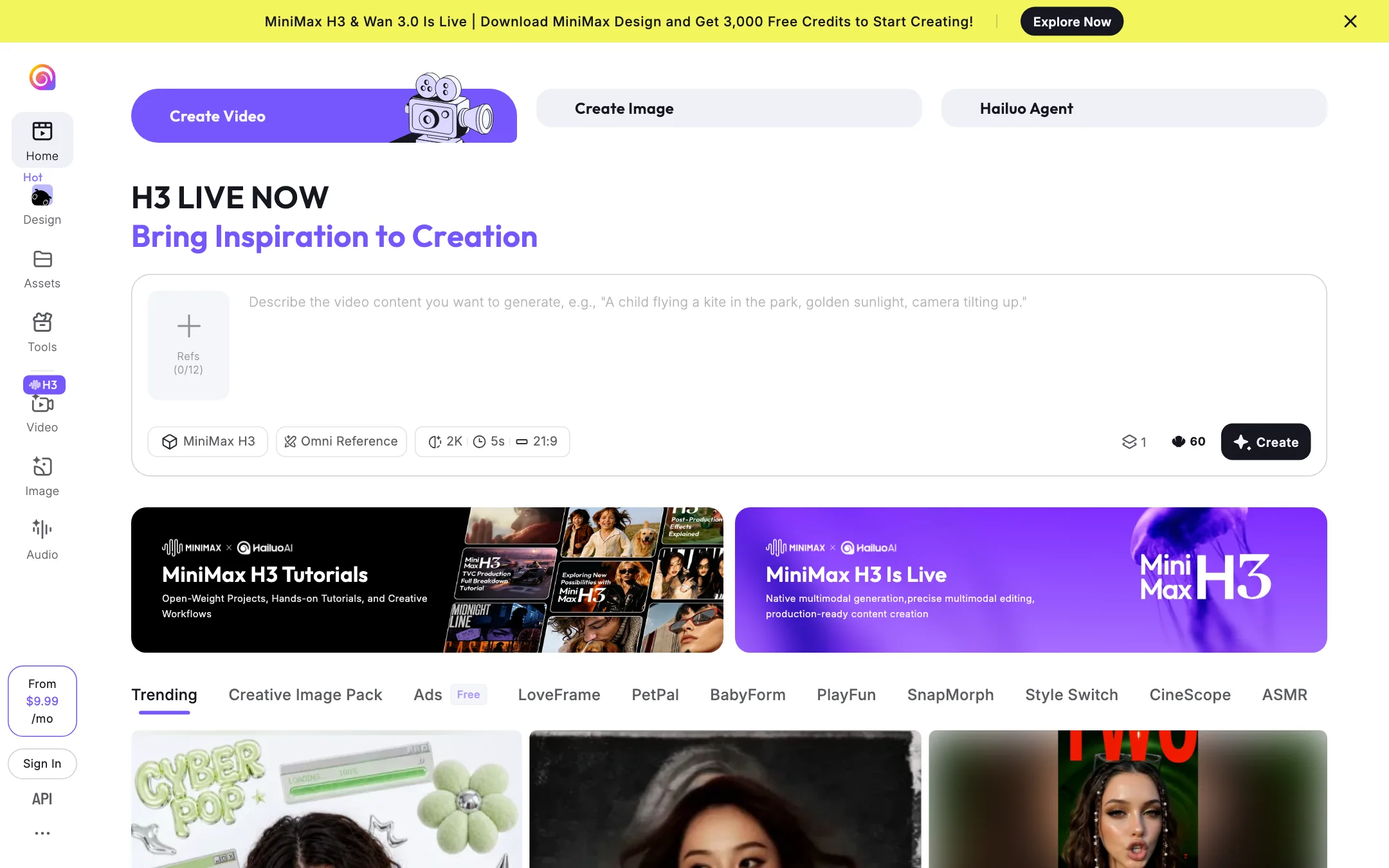
MiniMax's AI video app, built on its own open-weight MiniMax H3 model with 2K output, native audio and up to 12 references, plus Hailuo 2.3, templates and an agent
Best for: Creators who want a capable, low-cost video model from a major lab, with references, native audio and fun templates in one app, and developers who want cheap per-second API pricing.
Unranked in Text to video
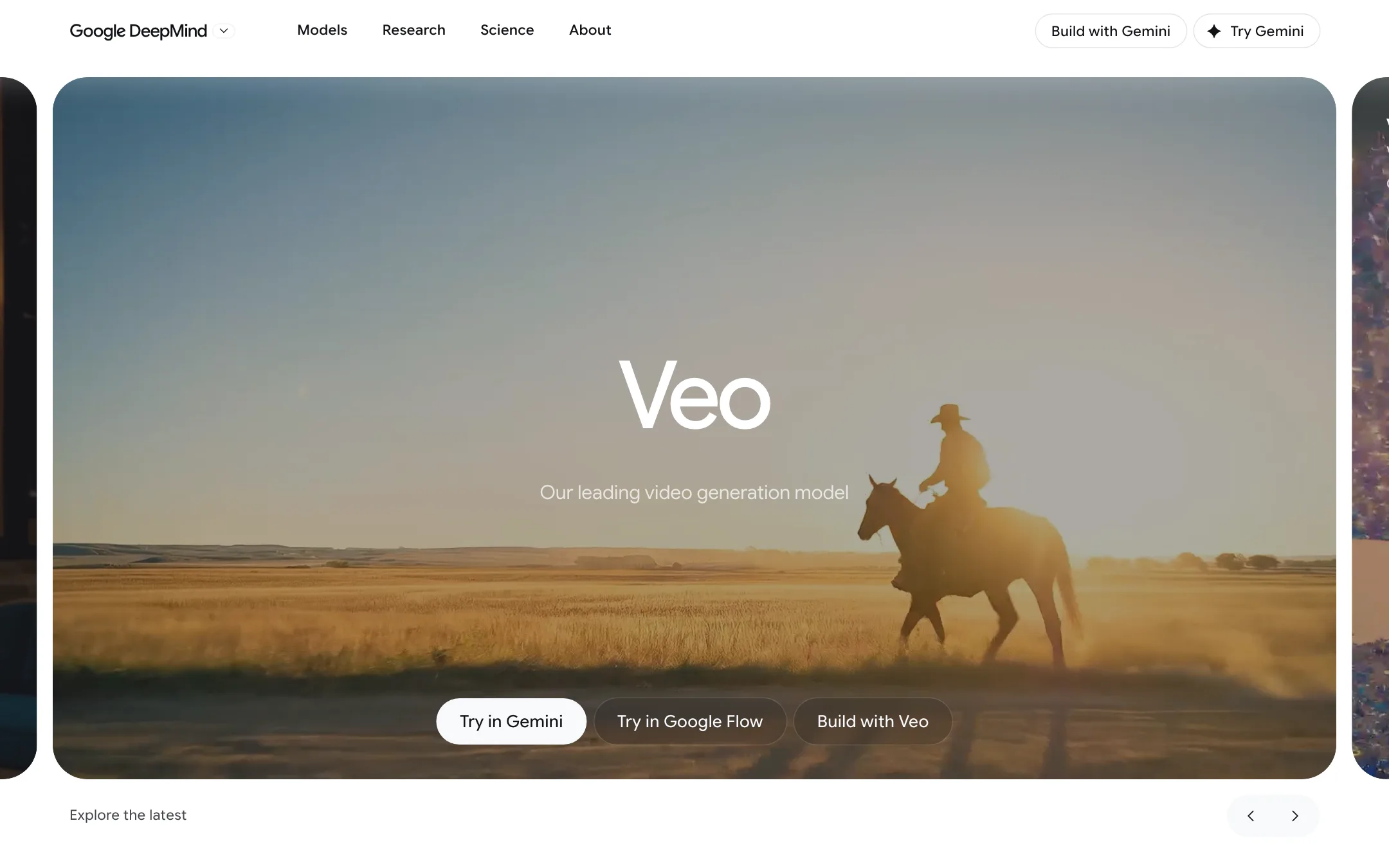
Google DeepMind's video model with native audio, now used mainly through Google Flow on a Google AI plan, with Gemini Omni taking over in the Gemini app
Best for: Creators who already pay for Google AI, or want to, and need short cinematic clips with sound, plus developers and businesses building on Google Cloud.
Hailuo AI or Google Veo?
For a cheap first try, Google Veo is hard to beat. Every Google account gets 50 free Flow credits a day. For longer clips, heavier reference work or an API you can build on, Hailuo is the stronger choice.
What each one is built for
Veo 3.1 is Google’s clip model, used mainly inside Google Flow. Clips run 4 to 8 seconds, and longer scenes come from chained extensions. Google is shifting its consumer video to Gemini Omni Flash, which has already replaced Veo in the Gemini app, and the Gemini API preview of Veo has closed. Developers now use Veo through Vertex AI.
Hailuo is MiniMax’s app for its own H3 model. One generation can reach 15 seconds at 2K with stereo sound and take up to 12 references. H3 can also edit a clip you already have. MiniMax has released it as open weights, and the app adds templates and an agent.
What it costs at typical use
Say you want 10 short clips with sound at 1080p.
- Veo on Google AI Plus: $4.99 a month for 200 Flow credits. A Veo 3.1 Fast clip costs 20 credits at any length up to 8 seconds, so ten clips use all 200, with the daily free credits as a buffer. Paid plans include 1080p upscaling; its credit cost is not in our review. Ten Quality clips need Pro at $19.99.
- Hailuo Standard: a third-party review reports $14.99 a month, or a $7.99 promotion that reverts, for 1,000 credits. A 6-second 1080p Hailuo 2.3 clip is reported at 80 credits, so ten clips use 800. H3 clip costs are not published.
Veo wins on price for this job. Hailuo leaves you more spare credits, and its clips can go longer once you move to H3.
Developers get public H3 rates from MiniMax: 8 cents a second at 768p, 13 cents at 2K. Vertex AI bills Veo per second, but current rates are not in our review.
Which to pick
- Pick Google Veo if you already pay for Google AI, want free daily credits, and your shots fit in 8 seconds. See the Google Veo review.
- Pick Hailuo if you need 15-second clips, many references, editing in the same model, or a clearly priced API. See the Hailuo review.
Specs side by side
| Hailuo AI | Google Veo | |
|---|---|---|
| Starting price | From $9.99/mo | From $4.99/mo |
| Free tier | ||
| Pricing | Free credits for new users, with watermarked output. Paid plans from $9.99/mo per Hailuo's homepage; full plan details sit behind sign-in. | 50 free Google Flow credits a day. Google AI plans from $4.99/mo add monthly credits; Veo 3.1 costs 5 to 100 credits per clip. |
| Platforms | Web, iOS, Android, API | Web, Android, iOS, API |
| Best for | Creators who want a capable, low-cost video model from a major lab, with references, native audio and fun templates in one app, and developers who want cheap per-second API pricing. | Creators who already pay for Google AI, or want to, and need short cinematic clips with sound, plus developers and businesses building on Google Cloud. |
| Last checked | 2026-10-22 | 2026-10-22 |
Pricing
Hailuo AI
Free credits for new users, with watermarked output. Paid plans from $9.99/mo per Hailuo's homepage; full plan details sit behind sign-in.
- FreeFree
- Standard$14.99/mo regular, $7.99 promo (reported)
- Pro$54.99/mo regular, $24.99 promo (reported)
- Master$94.99/mo regular, $63.99 promo (reported)
- Ultra$124.99/mo (reported)
- Max$199.99/mo (reported)
- MiniMax API$0.08/s at 768p
Google Veo
50 free Google Flow credits a day. Google AI plans from $4.99/mo add monthly credits; Veo 3.1 costs 5 to 100 credits per clip.
- Free (Google account)Free
- Google AI Plus$4.99/mo
- Google AI Pro$19.99/mo
- Google AI Ultra$99.99/mo
- Google AI Ultra (higher tier)$199.99/mo
- Google Cloud (Vertex AI)Per second
Key features
Hailuo AI
- MiniMax H3 (Hailuo 3.0), MiniMax's own video model with 2K output and native stereo audio
- Omni Reference with up to 12 references in one generation
- Text, image, video and audio inputs in one prompt, with editing in the same model, per MiniMax
- Clips up to 15 seconds and native multi-shot generation, per MiniMax
- Older Hailuo 2.3, 2.3-Fast, 02 and 01 models still in the app
- Third-party Wan 3.0 model available alongside MiniMax's own
- Hailuo Agent for building videos through conversation
- Image and audio generation in the same app
- Template gallery with one-tap effects such as PetPal, Style Switch and ASMR
- Wide aspect ratios up to 21:9
- Open-weight H3 release, per MiniMax
- MiniMax API with per-second H3 pricing
- iOS and Android apps
Google Veo
- Veo 3.1 text-to-video and image-to-video with natively generated sound, dialogue and music
- Three speed tiers in Flow, Lite, Fast and Quality, each with its own credit cost
- Clips of 4, 6 or 8 seconds in 16:9 or 9:16 at 24 fps
- Frames to Video, with a first frame or first and last frames
- Ingredients to Video, which builds a clip from reference images of characters, objects or style
- Video extension to continue a clip, chained into longer scenes in Flow's Scenebuilder
- 1080p upscaling on paid plans and 4K upscaling on Ultra
- Google Flow agent, Characters, Avatars and custom Flow Tools in the same studio
- SynthID watermark on every output
- Developer access through Google Cloud's Vertex AI (Gemini Enterprise Agent Platform)
Strengths and weaknesses
Hailuo AI
- MiniMax trains its own models, so new versions land here first
- H3 combines generation, references and editing in one model
- 2K output with native audio
- Up to 12 references in a single generation
- Very low API prices, from $0.05 a second on H3-Max
- Templates make it easy for casual creators
- Public affiliate program with published commission tiers
- The full plan table is only visible after sign-in
- The credit cost of an H3 clip is not on any public page we found
- Third-party reports disagree on prices, and promo prices revert to regular
- Hailuo does not support refunds, per AI Academy's reading of its terms
- Free output carries a watermark
- Template gallery leans toward novelty effects rather than production tools
Google Veo
- 50 free Flow credits every day, enough for a couple of Veo 3.1 Fast clips without paying
- Native audio in the same generation, so clips come with sound and speech
- Google AI Plus at $4.99 is one of the cheapest paid ways into a major lab's video model
- Ultra halves the cost of Fast and Lite clips and adds 4K upscaling
- Flow puts Veo, Gemini Omni, Nano Banana and editing tools in one project
- Google publishes the credit cost of each model on its help pages
- Clips are 8 seconds at most per generation; longer scenes need extensions
- Veo 3.1 Quality costs 100 credits a clip, so Pro's 1,000 monthly credits buy only ten
- Monthly and daily credits do not roll over
- The Gemini app now uses Gemini Omni for video, not Veo
- The Gemini API's Veo 3.1 preview models shut down on October 22, 2026; developers must move to Vertex AI or Omni
- Plan pages focus on Gemini Omni, so it is hard to tell what Veo will look like in a year
- Availability and features vary by country, and the plans are for adults only
Try Hailuo AI
Free credits for new users, with watermarked output. Paid plans from $9.99/mo per Hailuo's homepage; full plan details sit behind sign-in.
Try Google Veo
50 free Google Flow credits a day. Google AI plans from $4.99/mo add monthly credits; Veo 3.1 costs 5 to 100 credits per clip.