Google Veo vs Luma AI
Two text to video tools side by side: pricing, free plans, features and who each one suits.
Unranked in Text to video
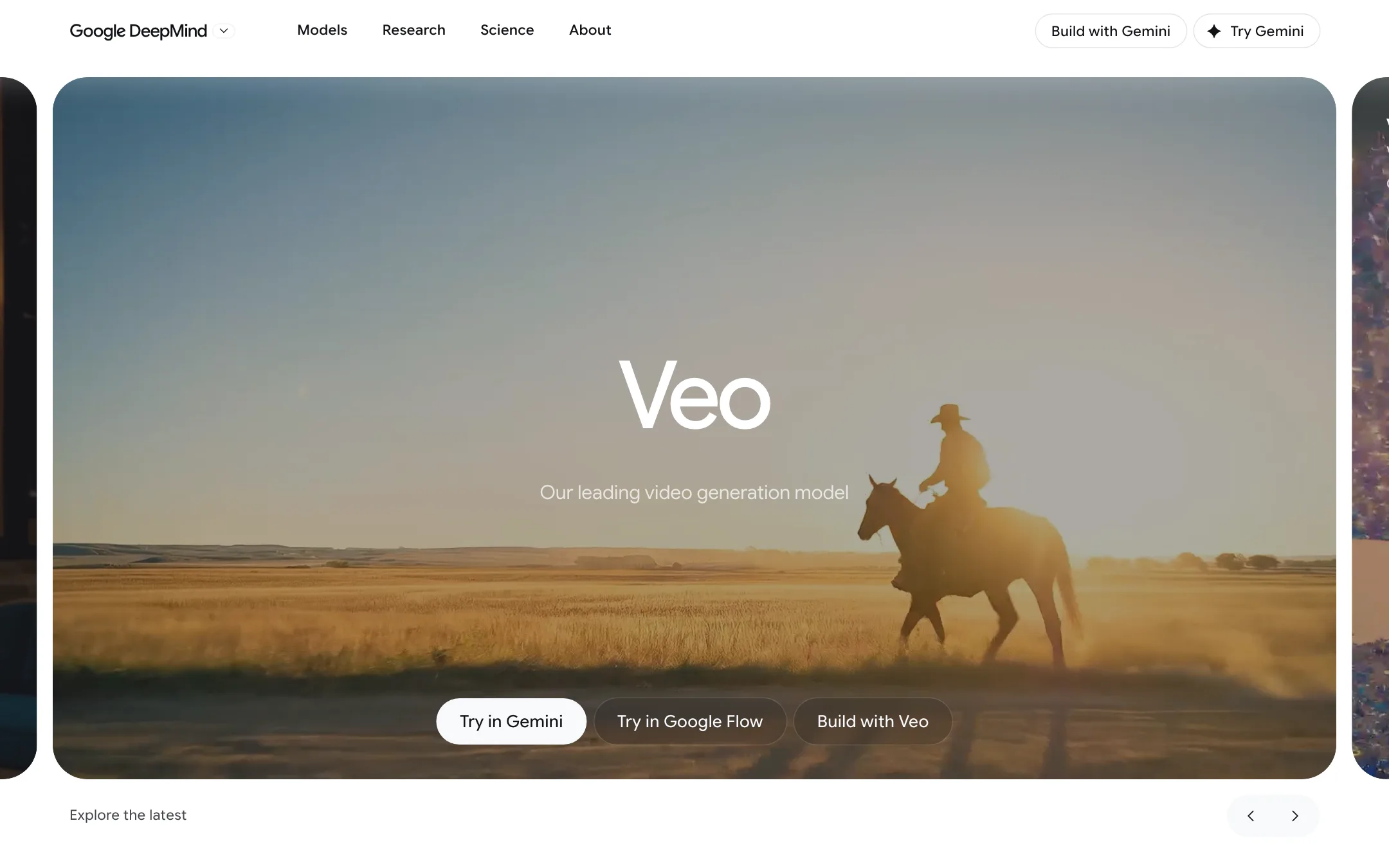
Google DeepMind's video model with native audio, now used mainly through Google Flow on a Google AI plan, with Gemini Omni taking over in the Gemini app
Best for: Creators who already pay for Google AI, or want to, and need short cinematic clips with sound, plus developers and businesses building on Google Cloud.
Unranked in Text to video

The lab behind Dream Machine and the Ray video models, now selling Luma Agents, an AI creative workspace with Ray3.2, Uni-1 and models like Veo, Kling and Seedance
Best for: Agencies, brand teams and filmmakers who want Luma's own Ray models plus Veo, Kling and Seedance in one agent-driven workspace, with HDR and EXR output for real post-production.
Google Veo or Luma AI?
If you want Veo, buy it from Google. Luma sells Veo 3.1 inside its app, but at its rates a Veo clip costs several times what Flow charges. Pick Luma for its own Ray3.2 model and its agent workspace, not as a route to Veo.
What each one is built for
Veo 3.1 is a short-clip model with native audio. In Flow you get 4, 6 or 8 second clips, frames-to-video, reference images and extensions. Google now puts Gemini Omni Flash first in the Gemini app, so Flow is the main place to choose Veo directly.
Luma is a workspace for agencies and post-production. An agent plans on boards and produces variants across many models. Ray3.2 gives you up to 16 keyframes, Modify Video for restyling footage, and 16-bit HDR with EXR export. It does not add sound to text or image prompts.
What it costs at typical use
Take 10 short 1080p clips a month on monthly billing.
- Veo in Flow: 10 Veo 3.1 Quality clips cost 1,000 credits, which is Google AI Pro at $19.99. 10 Fast clips cost 200, which Google AI Plus covers at $4.99. Clips can run to 8 seconds at no extra cost. Flow upscales to 1080p on paid plans.
- Ray3.2 in Luma: 400 credits for a 5-second 1080p clip, so 4,000 for 10. That fits Plus at $30, with 6,000 credits left. These clips are silent.
- Veo inside Luma: Veo 3.1 with audio is 280 credits a second. Ten 8-second clips would need 22,400 credits, beyond Plus, so you would need Pro at $90. At Luma’s Plus rate of about $0.003 a credit, one such clip is about $6.72, against about $2 for a Quality clip on Google AI Pro. Luma’s review does not say which Veo 3.1 variant it runs.
Neither tool rolls credits over. Flow gives every Google account 50 free credits a day. Luma mentions a free trial without stating its size.
Which to pick
- Pick Veo if you want clips with sound at the lowest cost, already pay for Google AI, or want to try a frontier model free each day. See the Google Veo review.
- Pick Luma if you need precise keyframe control, restyle real footage, deliver HDR and EXR, or want one agent running many models for a campaign. See the Luma review.
Specs side by side
| Google Veo | Luma AI | |
|---|---|---|
| Starting price | From $4.99/mo | From $25/mo |
| Free tier | ||
| Pricing | 50 free Google Flow credits a day. Google AI plans from $4.99/mo add monthly credits; Veo 3.1 costs 5 to 100 credits per clip. | Free trial (amount not stated). Paid plans from $25/mo billed yearly ($30 monthly), all with commercial use. |
| Platforms | Web, Android, iOS, API | Web, iOS, API |
| Best for | Creators who already pay for Google AI, or want to, and need short cinematic clips with sound, plus developers and businesses building on Google Cloud. | Agencies, brand teams and filmmakers who want Luma's own Ray models plus Veo, Kling and Seedance in one agent-driven workspace, with HDR and EXR output for real post-production. |
| Last checked | 2026-10-22 | 2026-10-22 |
Pricing
Google Veo
50 free Google Flow credits a day. Google AI plans from $4.99/mo add monthly credits; Veo 3.1 costs 5 to 100 credits per clip.
- Free (Google account)Free
- Google AI Plus$4.99/mo
- Google AI Pro$19.99/mo
- Google AI Ultra$99.99/mo
- Google AI Ultra (higher tier)$199.99/mo
- Google Cloud (Vertex AI)Per second
Luma AI
Free trial (amount not stated). Paid plans from $25/mo billed yearly ($30 monthly), all with commercial use.
- Plus$25/mo yearly · $30 monthly
- Pro$75/mo yearly · $90 monthly
- Ultra$250/mo yearly · $300 monthly
- TeamContact sales
- EnterpriseContact sales
Key features
Google Veo
- Veo 3.1 text-to-video and image-to-video with natively generated sound, dialogue and music
- Three speed tiers in Flow, Lite, Fast and Quality, each with its own credit cost
- Clips of 4, 6 or 8 seconds in 16:9 or 9:16 at 24 fps
- Frames to Video, with a first frame or first and last frames
- Ingredients to Video, which builds a clip from reference images of characters, objects or style
- Video extension to continue a clip, chained into longer scenes in Flow's Scenebuilder
- 1080p upscaling on paid plans and 4K upscaling on Ultra
- Google Flow agent, Characters, Avatars and custom Flow Tools in the same studio
- SynthID watermark on every output
- Developer access through Google Cloud's Vertex AI (Gemini Enterprise Agent Platform)
Luma AI
- Ray3.2, Luma's own video model, with text-to-video, image-to-video, Modify Video and Reframe in one model
- Multi-Keyframe control with up to 16 keyframes inside one clip
- Modify Video for restyling existing footage up to 20 seconds at 1080p while keeping the performance
- Native 16-bit HDR generation and EXR export for grading and compositing
- Luma Agents, which pick models and produce images, video, audio and text from a brief
- Brainstorm Mode for planning and Create Mode for generating
- Infinite boards for arranging, comparing and annotating assets
- Third-party models including Veo 3.1, Kling 3.0, Seedance 2.5, MiniMax H3, Nano Banana and GPT Image
- Uni-1, Luma's image model, plus ElevenLabs voice, music and sound effects
- Lip sync and video localization
- Luma Skills for saving a workflow and running it again
- Ray3.2 and Uni-1.1 APIs
Strengths and weaknesses
Google Veo
- 50 free Flow credits every day, enough for a couple of Veo 3.1 Fast clips without paying
- Native audio in the same generation, so clips come with sound and speech
- Google AI Plus at $4.99 is one of the cheapest paid ways into a major lab's video model
- Ultra halves the cost of Fast and Lite clips and adds 4K upscaling
- Flow puts Veo, Gemini Omni, Nano Banana and editing tools in one project
- Google publishes the credit cost of each model on its help pages
- Clips are 8 seconds at most per generation; longer scenes need extensions
- Veo 3.1 Quality costs 100 credits a clip, so Pro's 1,000 monthly credits buy only ten
- Monthly and daily credits do not roll over
- The Gemini app now uses Gemini Omni for video, not Veo
- The Gemini API's Veo 3.1 preview models shut down on October 22, 2026; developers must move to Vertex AI or Omni
- Plan pages focus on Gemini Omni, so it is hard to tell what Veo will look like in a year
- Availability and features vary by country, and the plans are for adults only
Luma AI
- Builds its own frontier video models, not only resold ones
- Ray3.2's 16 keyframes give unusual control over a single shot
- HDR and 16-bit EXR output fit VFX and color pipelines
- Every model's credit cost is published, down to the second
- Commercial use on every paid plan
- Failed generations refund their credits
- Cheapest plan is $30 a month, and the free trial amount is not stated
- Ray3.2 text-to-video and image-to-video have no native audio
- Partner models are costly; Veo 3.1 with audio is 280 credits a second
- Monthly credits expire at the end of each billing cycle
- Two product lines (Luma Agents and legacy Dream Machine) make it unclear what you are buying
- The agent and board workflow is more than a casual creator needs
Try Google Veo
50 free Google Flow credits a day. Google AI plans from $4.99/mo add monthly credits; Veo 3.1 costs 5 to 100 credits per clip.
Try Luma AI
Free trial (amount not stated). Paid plans from $25/mo billed yearly ($30 monthly), all with commercial use.