
What Detail is
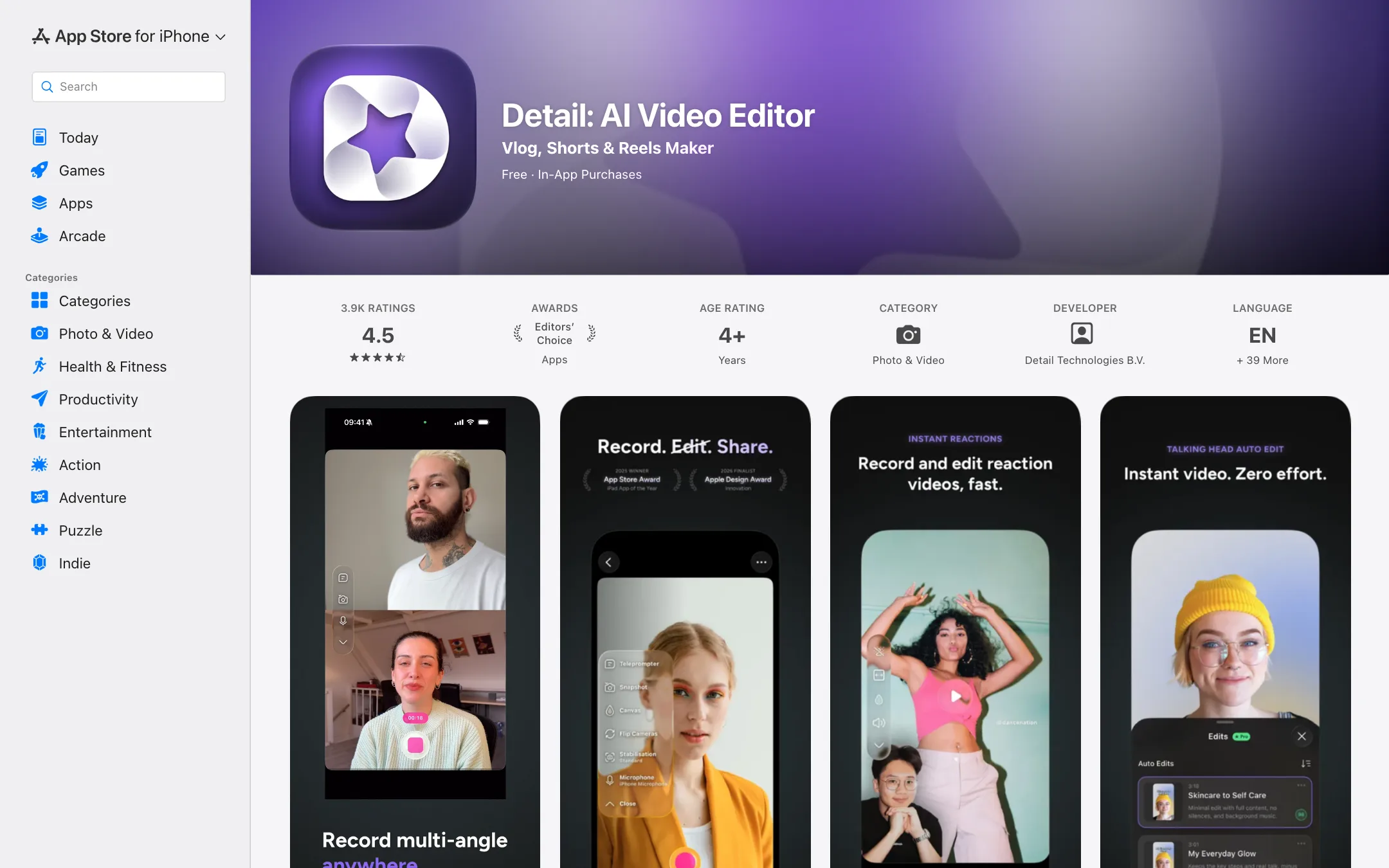
Detail is a camera app and a video editor in one, built for iPhone and iPad. It is made by Detail Technologies B.V., a Dutch company. The App Store lists it as “Detail: AI Video Editor”, which is how it shows up in some directories, but the product’s home is detail.co.
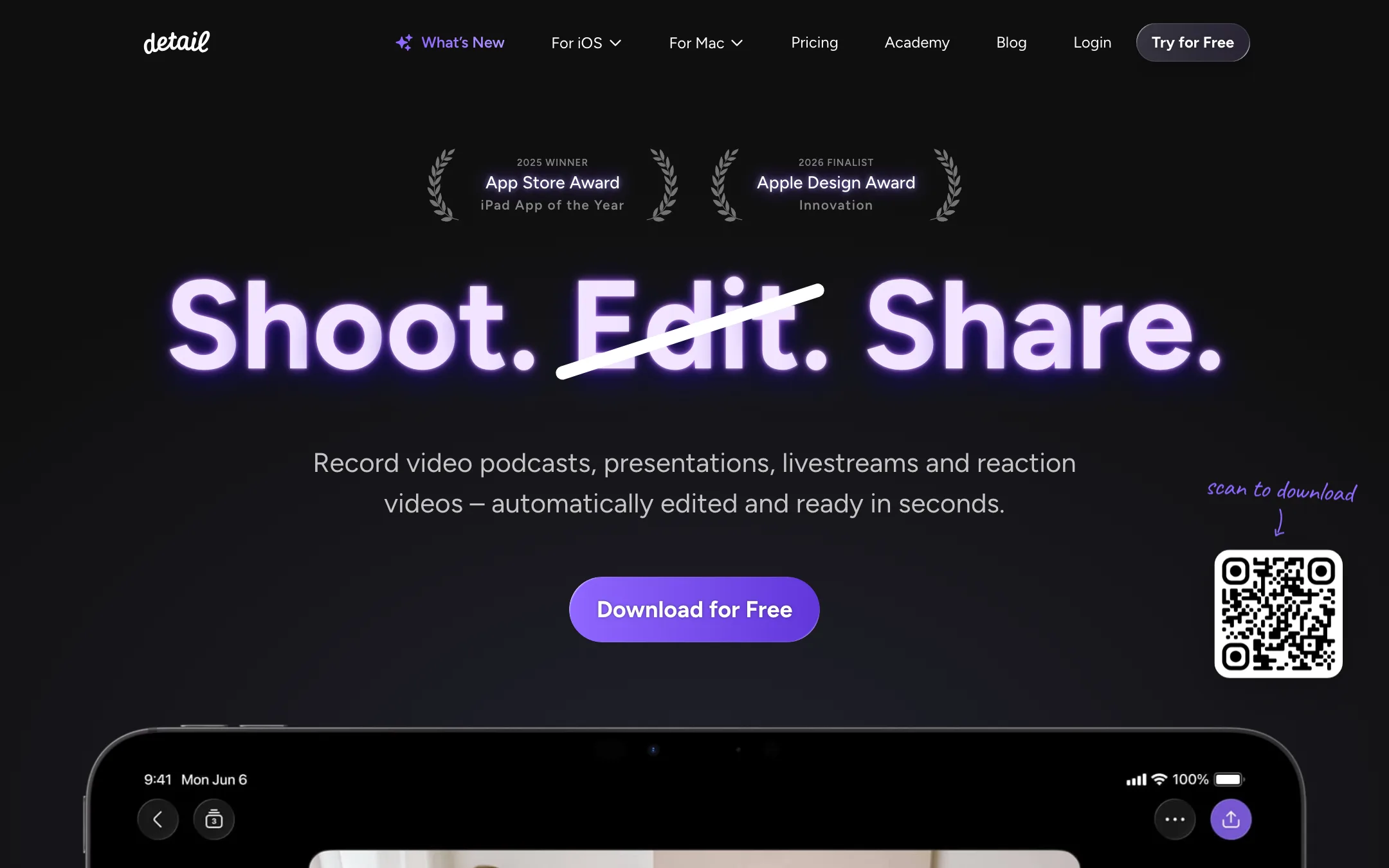
The idea is simple. You record yourself talking, and Detail turns the raw take into something you can post. Auto Edit cuts the silences and filler words, adds zoom cuts, titles, captions and music, and can pull short clips out of a longer recording. Around that sit the tools a talking-head creator needs: a teleprompter, multicam, remote guests, green screen, reaction layouts and livestreaming.
It has a strong track record with Apple. The App Store gives it an Editors’ Choice badge and a 4.5 rating from about 3,900 reviews. Detail says it won 2025 iPad App of the Year at the App Store Awards and is a 2026 Apple Design Award finalist.
This review is based on Detail’s website, pricing page, changelog and App Store listing. We did not install or test the app. Feature claims are Detail’s own, and quality notes come from App Store reviews.
Who it is for
Detail fits you if:
- You record to camera on an iPhone or iPad: vlogs, explainers, lessons, product talks or sales videos.
- You run a video podcast and want to record a guest and edit in the same app.
- You make reaction videos and are tired of screen recording.
- You want a teleprompter and an editor without paying for two apps.
- You want your footage to stay on your device.
Skip it if:
- You use Android or Windows. Detail is Apple-only.
- You want AI to generate video from a prompt. Detail edits what you shoot.
- You need full brand control. Detail says you cannot add your own logo or caption font yet.
- You cut long, complex projects with many layers. A desktop editor will serve you better.
How it works
Detail is built around one loop: record, tap Auto Edit, review, share.
Recording
The camera side is where Detail differs from most AI editors, which expect you to upload finished footage.
- AI Director teleprompter. Your script scrolls on screen while you record. Detail says it listens to you and keeps pace, so you can read naturally. Since early 2026 it tracks your voice.
- Multicam. Connect several iPhones and iPads and switch angles live. On iPhone Duo, Detail can record with all three cameras.
- Remote guests. Invite a guest to join from a second device or a browser link for podcasts and interviews.
- Green screen. Remove or swap your background without a physical screen.
- Reactions. Paste a YouTube or TikTok link and record yourself reacting in a split-screen layout.
- Livestreaming. Go live to YouTube, Twitch, Facebook, LinkedIn or any RTMP destination, with overlays and camera switching.
Auto Edit
Auto Edit is the headline feature. Record or import a video, tap once, and Detail writes the transcript, cleans up the audio, cuts filler words and silences, adds captions and picks moments worth turning into short clips. You can choose an edit style first.
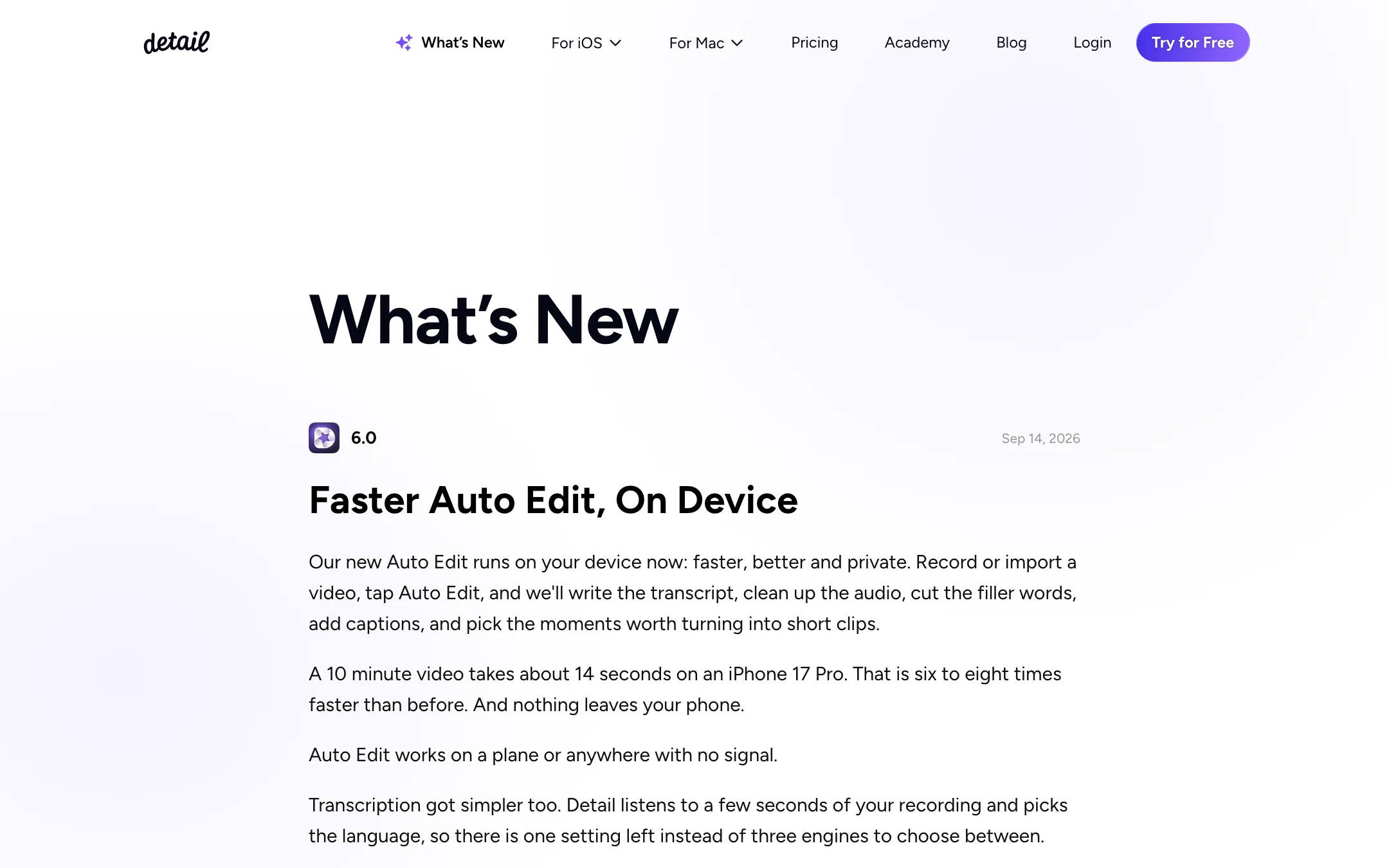
The big change came in version 6.0 in September 2026. Detail moved Auto Edit onto the device. It says a 10-minute video now takes about 14 seconds on an iPhone 17 Pro, six to eight times faster than before, and nothing leaves your phone. It also works with no signal. The catch: on-device Auto Edit needs an A13 chip or newer.
Podcast Auto Edit does the same for interviews. Detail says it switches between speakers automatically and produces several long-form edits plus short clips for social.
Manual editing
When you want control, Detail has a timeline with trim, split, speed, text, stickers, overlays, filters and color. You can also edit from the transcript: delete a sentence in the text and it disappears from the video. Filler words are marked so you can remove them all at once. On iPad, the transcript and video sit side by side.
Recent updates added Artwork overlays (collages of images, text and drawings), Image Playground images as b-roll, and slideshow presentations. The full release history is public on detail.co/changelog.
Captions
Captions come in 50+ languages, according to the App Store listing. You can edit the text, change fonts, colors and styles, and export captions as a separate subtitle file. Free users get three caption styles. Pro unlocks the rest. Transcription now runs on device, and Detail says a 10-minute recording becomes a transcript in under two seconds.
Mac and web
Detail Studio is a separate Mac app for multicam recording, screen recording, scene switching and auto-editing, with support for iPhones and mirrorless cameras as sources. It has its own subscription. Detail’s help center also lists an AI podcast editor for the web.
Output quality
We have not tested exports ourselves, so here is what the public record shows.
Apple’s editors rate it highly. Editors’ Choice and App Store awards are not handed out for weak apps. Apple’s note praises Auto Edit and the teleprompter for making production easier for non-editors.
Reviewers like the record-and-edit flow. Several App Store reviews single out recording and editing on the same screen, the auto captions and the zoom effects.
Export speed is the recurring complaint. A November 2025 review describes exports that freeze, take very long or fail. Detail replied that export speed depends on the device and that recent releases made it faster. The on-device rewrite in version 6 should help, but test a full-length export on your own phone before you rely on it for a deadline.
Remote guest audio has failed for some users. One review describes two interviews where the remote guest’s audio was not recorded. If you record podcasts, run a short test call before each important session and keep a backup recording.
Export goes up to 4K, per the App Store listing, so resolution is not the bottleneck. Your camera, light and mic matter more.
Pricing
Detail has a free plan and one Pro tier for the iOS app. The Mac app is priced separately.
| Plan | Price (US App Store) | What you get |
|---|---|---|
| Basic | Free | Unlimited recording and editing, remote recording, multicam, transcripts, teleprompter, green screen, 3 caption styles, watermarked exports |
| Pro | $69.99/yr ($5.83/mo) or $11.99/mo | Watermark-free exports, every caption style, AI clips, AI Framing, Podcast Auto Edit, portrait filters |
Detail’s own pricing page shows euros: €70 a year or €12 a month. It says annual billing saves 65%, but in its own figures it saves about half, so read the toggle rather than the label. The US App Store lists more options: $69.99 and $49.99 yearly, $11.99 monthly and $4.99 weekly, plus older legacy plans. Which yearly price you see may depend on an offer or when you subscribe. The weekly plan is poor value; it costs more than monthly within three weeks.
What the free plan really gives you
Basic is unusually generous on features. You can record, edit, use remote guests, multicam, the teleprompter and green screen with no time limits. The only real wall is the watermark on video exports. Audio-only exports and transcripts are available on Basic too. That makes Basic a full test drive: record a real video, run Auto Edit, check the result, then decide.
The Mac catch
An iOS Pro subscription does not unlock Detail Studio Pro on Mac. If you want both, you pay twice. Plan for that if your workflow spans phone and desktop.
Getting the most out of the free plan
A few habits will tell you quickly whether Pro is worth it:
- Record a real video, not a test clip. Auto Edit is built for talking-head footage with pauses and filler words. A two-minute take with your normal pacing shows what it actually cuts.
- Check your chip first. On-device Auto Edit needs an A13 or newer, and the app itself needs an A12 and iOS 17. Older phones will miss the headline feature.
- Export once at full length. Export speed is the most common complaint in reviews. Time an export of your usual video length before you commit to a schedule.
- Test remote recording with a friend. If you plan to record guests, run a short call and confirm both audio tracks are there.
- Use the transcript editor. Deleting sentences in text is usually faster than trimming on the timeline, and it works on the free plan.
If the watermark is the only thing stopping you after all that, Pro is an easy call.
Affiliate program
Detail runs an affiliate program. It pays 40% of each new customer’s payments for their first 12 months. You apply with a short form and Detail decides whether you qualify.
Verdict
Detail is the best fit on iPhone and iPad if you talk to camera. It puts the teleprompter, camera, editor and captions in one app, the free plan is real, and Pro costs less than most AI editors. The move to on-device Auto Edit makes it faster and more private.
Its limits are clear too. It is Apple-only, the Mac app costs extra, and some users report slow exports and lost remote audio. Use the free plan to record and edit a real video on your own device, test an export and a remote call, and upgrade once both work.