What AutoCut is
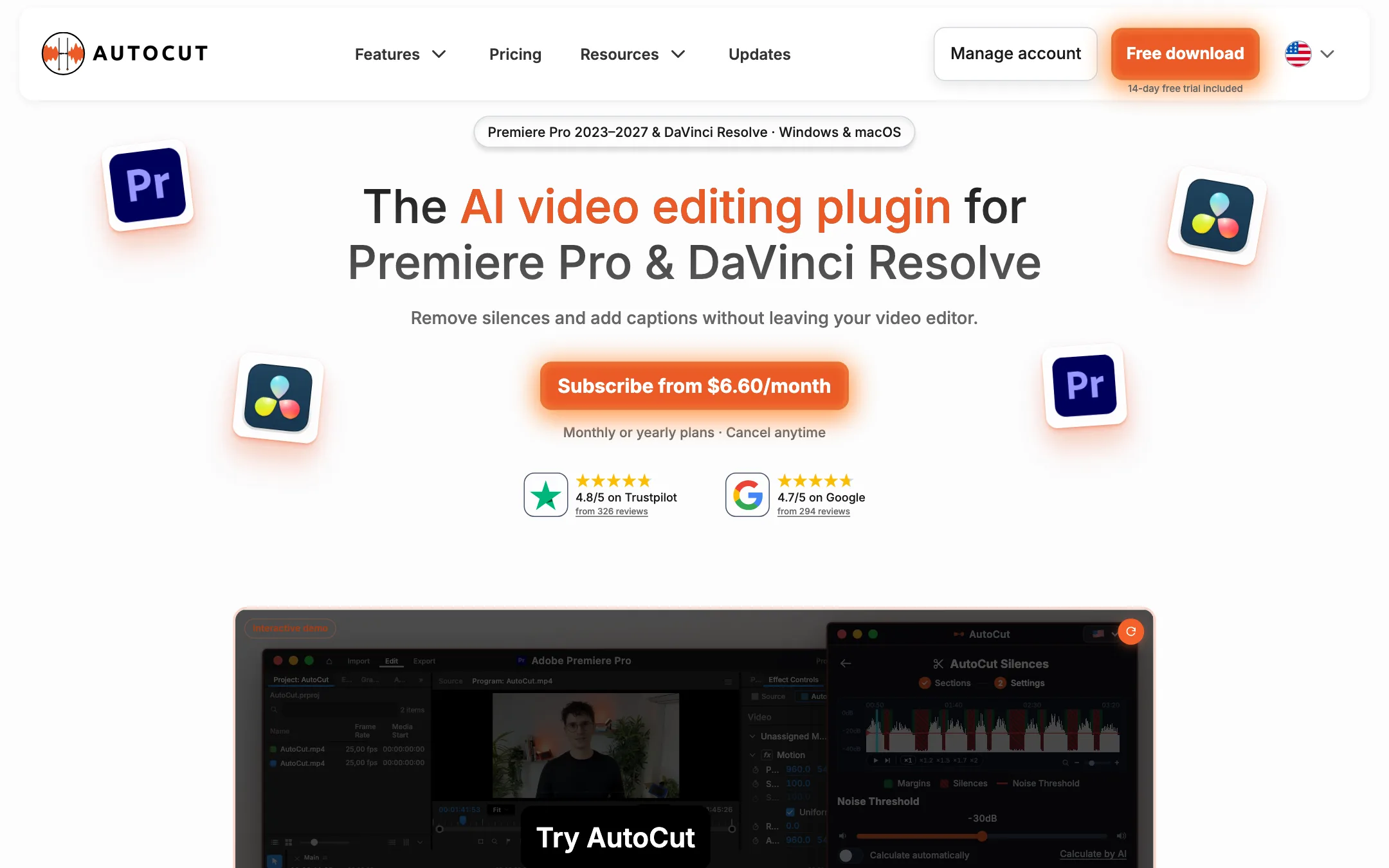
AutoCut is a plugin, not a video editor. It installs into Adobe Premiere Pro or DaVinci Resolve and adds a panel of AI tools that work on the timeline you already have open. You keep your project, your footage and your export settings. AutoCut does the repetitive steps for you.
The tool started as a silence remover, and that is still what the cheapest plan does. Today the full plan bundles about ten features: silence cuts, animated captions, automatic camera switching, zooms, B-roll, viral clip finding, bad-take removal, profanity bleeping, chapters and reframing. AutoCut is a French company and says it is an Adobe video partner.
That makes it a different kind of product from most tools on this site. Browser tools like CapCut or a faceless shorts generator want you to work inside their app. AutoCut assumes you already edit in a professional NLE and want it to go faster.
Who it is for
AutoCut fits you if:
- You edit talking-head videos, tutorials, podcasts or interviews in Premiere Pro or Resolve.
- You spend real time trimming pauses, adding captions and keyframing punch-in zooms by hand.
- You record with two or three cameras and want a first pass of camera switches done for you.
- You cut long episodes into Shorts and want help finding the moments worth clipping.
Skip it if:
- You do not use Premiere Pro or DaVinci Resolve. AutoCut does nothing on its own.
- You want an AI to generate video from a prompt. AutoCut edits footage you shot; its only generative piece is AI images in AutoB-Rolls.
- You want something free to keep. The trial lasts 14 days and then you pay.
- You do not know your way around a timeline. AutoCut’s cuts still need a human check, and fixing them means using the editor.
How it works
You download AutoCut from its site and install it. Then you open the AutoCut extension inside Premiere Pro or Resolve, start the trial from there, and the panel sits beside your timeline. A redesigned home screen lets you pin your two most-used modes for quick access.
Each feature is a mode with its own settings. You pick the mode, set it up, and launch it on the active sequence. The result lands on your timeline as normal cuts, clips, captions or keyframes that you can edit like anything else.
Silence removal
AutoCut Silences is the original feature and the one on the Basic plan. From the settings shown on AutoCut’s site, you get:
- A noise threshold, set by hand or calculated automatically or by AI.
- Pace presets from Calm to Jumpy.
- Minimum lengths for silences to remove and talk to keep, plus margins before and after speech.
- A choice to remove silences, keep them, mute them, or remove them but keep the gap.
- Transitions between cuts, including J-cut, L-cut and constant power audio crossfades.
That level of control matters. Silence removers that cut too tight make speech sound breathless. Margins and J and L cuts are how editors avoid that by hand.
Captions
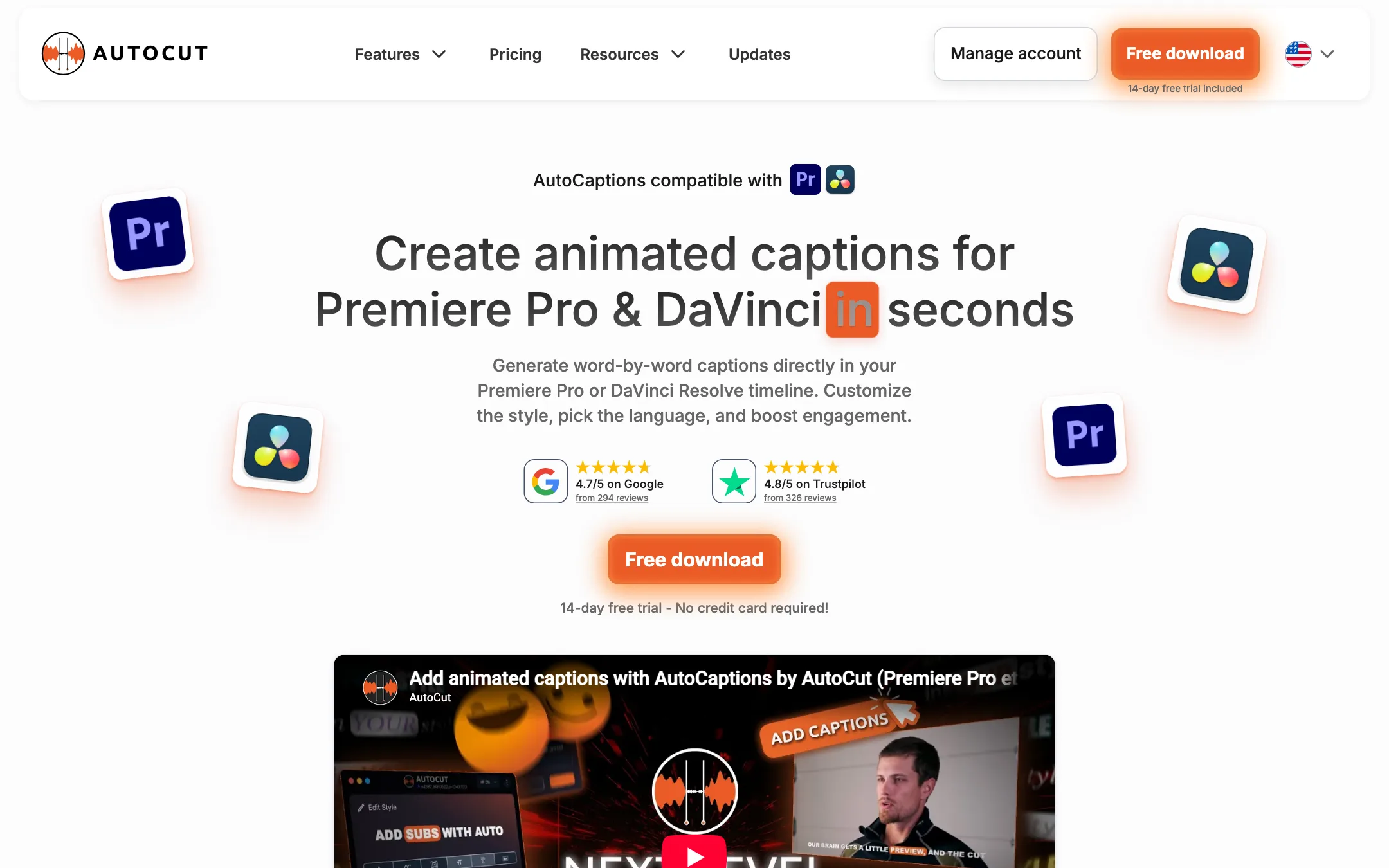
AutoCaptions transcribes your audio and builds animated, word-by-word captions on the timeline. AutoCut says it supports 80+ languages and can translate captions. You set font, color and size, and you can add emojis automatically.
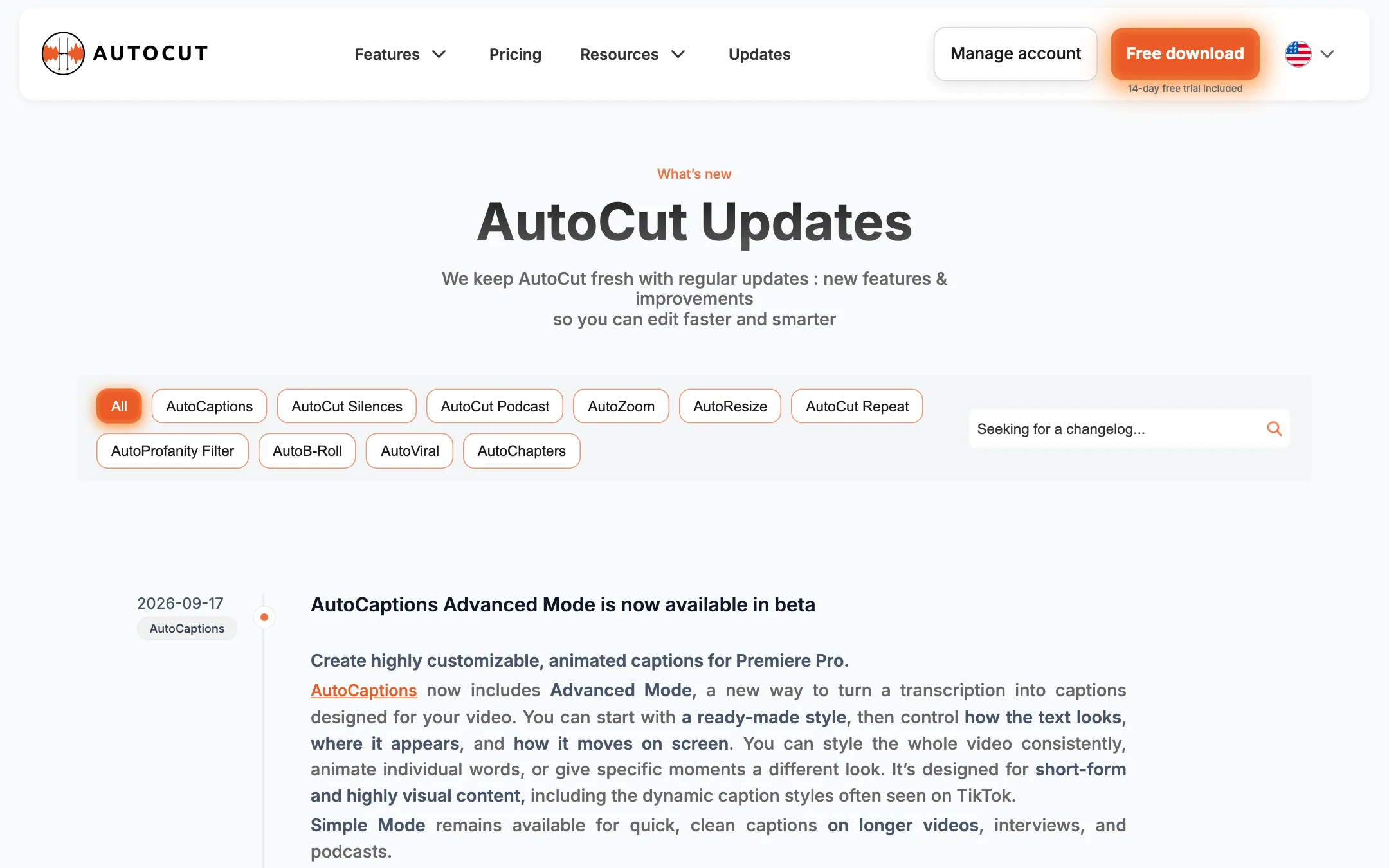
In September 2026 AutoCut added Advanced Mode in beta. It works from presets, including community presets, and lets you animate single words, restyle specific moments and preview everything in a larger workspace with safe zones for landscape, square and portrait video. It is aimed at the busy TikTok caption style. For now Advanced Mode is Premiere Pro only. Resolve users get Simple Mode, which AutoCut positions for longer videos, interviews and podcasts.
Podcast and multicam switching
Two modes handle camera switching:
- AutoCut Podcast detects speakers and switches angles in a multi-person recording.
- AutoCut Angles, added in August 2026, is built for solo creators with several cameras. You pick the voice track, add camera tracks such as face cam, side angle and close-up, and set a priority for each.
Angles can switch on existing cuts, silences, emotion in your voice or topic changes in the transcript. You can combine these triggers and set a minimum shot length. A multicam mode leaves your footage untouched and builds a separate multicam sequence, so you can override any choice later. That non-destructive option is a good sign the tool was designed by people who edit.
Zooms, B-roll and the rest
- AutoZoom adds punch-in zooms timed to speech. AutoCut’s August 2026 update mentions zooms that follow meaning, custom zoom sounds and simulated camera movement.
- AutoB-Rolls places relevant AI-generated images or Storyblocks stock footage on your timeline.
- AutoCut Repeat finds repeated takes and keeps the best version.
- AutoProfanity Filter finds swear words and bleeps, mutes or removes them.
- AutoChapters writes YouTube chapters with timestamps for you to paste.
- AutoResize reframes a sequence for vertical or square output and keeps the subject centered.
Clips from long videos
AutoViral is AutoCut’s answer to browser clip makers. You choose the audio language and a detection method based on transcription, emotion AI or both. AutoCut returns a list of candidate clips, each with a “viral potential score,” and you pick the ones to keep and adjust their length. Paired with AutoResize and AutoCaptions, you can go from a podcast episode to vertical clips without leaving Premiere or Resolve.
Output quality
We did not run AutoCut ourselves, so what follows is what AutoCut and its users say.
AutoCut shows ratings of 4.8 out of 5 on Trustpilot from 326 reviews, 4.7 on Google, 4.6 on G2 and 4.8 on Capterra. Its homepage quotes editing YouTubers such as Film Riot and Jordan Orme on time saved. Keep in mind that AutoCut runs an ambassador program that gives free licenses or content funding to creators with 2,000+ followers, so some creator videos may come from people with a relationship to the company.
A few things are true of every tool in this class:
- Silence removal is a first pass. Thresholds that suit one mic and room will cut words in another. Expect to adjust settings per project and scrub the result.
- Auto captions need proofreading. Names, jargon and accents trip up transcription in every language.
- Viral scores are a guess. They can help you shortlist moments. They cannot know your audience.
The upside of working inside an editor is that every cut AutoCut makes is a normal timeline edit. Nothing is baked in. If a zoom or camera switch is wrong, you fix that one spot.
Pricing
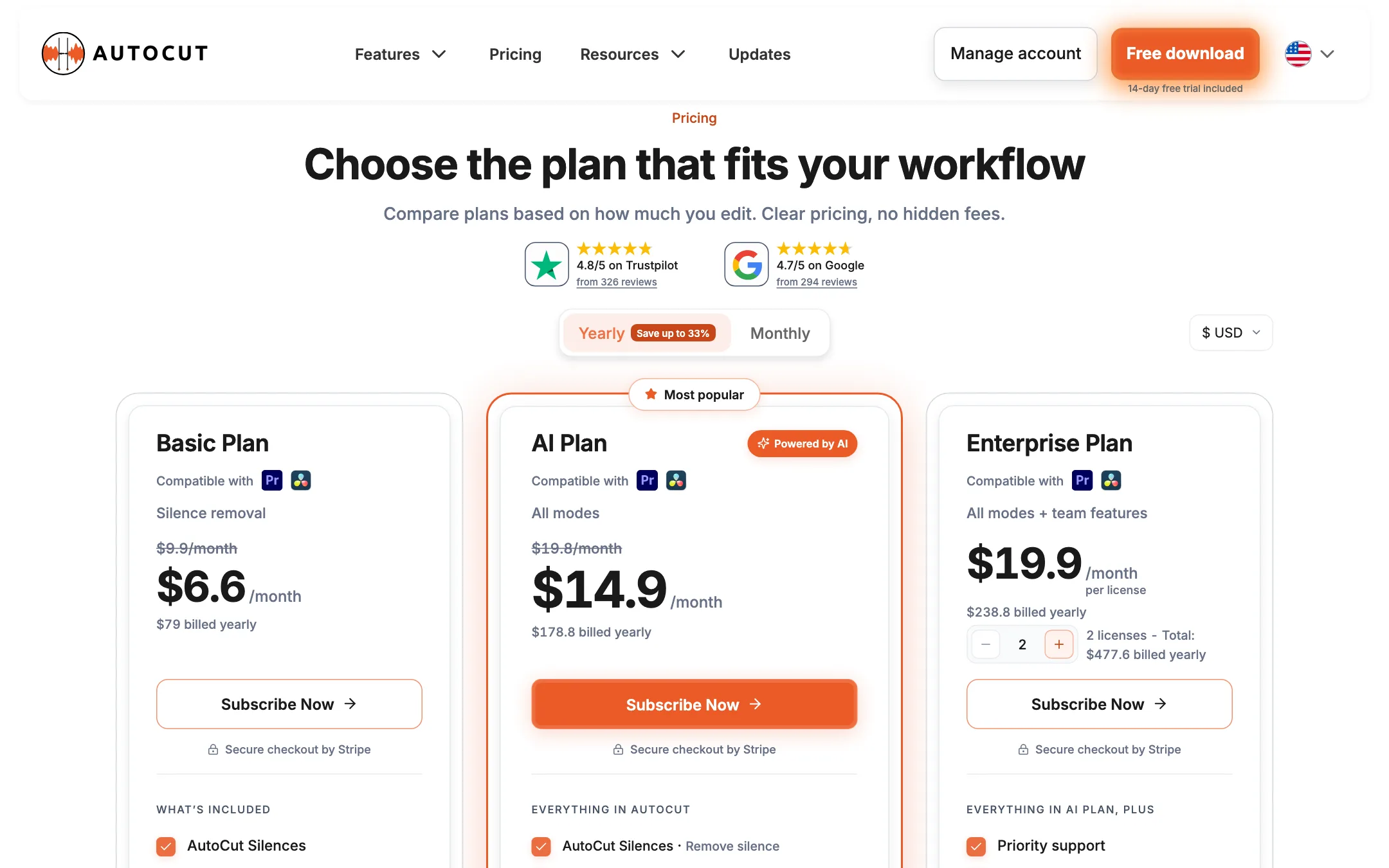
AutoCut sells three plans, priced in USD or EUR. There is no free plan, only a 14-day trial with all features and no card.
| Plan | Price | What you get |
|---|---|---|
| Free trial | 14 days | Every feature, no card |
| Basic | $6.60/mo yearly ($79), $9.90 monthly | Silence removal only |
| AI Plan | $14.90/mo yearly ($178.80), $19.80 monthly | All ten AI features |
| Enterprise | $19.90/mo per license, yearly | AI Plan plus team licensing and priority support |
A few things to know before you buy:
- Basic is narrow. It is silence removal and nothing else. Captions, zooms, multicam, B-roll and clips are all on the AI Plan.
- The yearly discount differs by plan. The pricing toggle says “Save up to 33%,” which matches Basic. The FAQ says “up to 25%,” which matches the AI Plan. Both are right for one plan each.
- One license, one computer at a time. You can move a license between machines, but you have to unlink the old one first.
- No usage meter. Unlike most AI tools, AutoCut does not sell credits. Its FAQ says there is no limit on video length, only automated safeguards against abuse.
- Cancel any time from your customer area. You can switch between Basic and the AI Plan from the same dashboard, and AutoCut says billing adjusts immediately.
Compared with browser caption and clip tools that charge by the minute or by the credit, a flat $14.90 a month for unlimited use inside your own editor is good value if you edit often. The catch is the cost of the editor itself. Premiere Pro is a separate Adobe subscription. DaVinci Resolve’s free version works with AutoCut, which keeps the total cost low if you can work in Resolve.
Referrals and ambassadors
AutoCut does not run a cash affiliate program. It has a referral scheme where you and a friend both get free months when the friend starts a trial, and an ambassador program that pays creators in licenses or content funding.
Verdict
AutoCut is one of the clearest wins on this site for people who already edit in Premiere Pro or DaVinci Resolve. It takes the slow, repetitive first pass, cutting pauses, captioning, zooming and switching angles, and does it on your own timeline where you can check and fix every decision. Flat pricing with no credits makes the cost easy to predict.
It is the wrong tool if you want AI to make the video for you, or if you do not edit in one of those two programs. Use the 14-day trial on a real project, with your own mic and your own pacing, before you decide between Basic and the AI Plan.