CapCut vs Detail
Two video editors tools side by side: pricing, free plans, features and who each one suits.
Some links on this page are affiliate links. If you buy through them we may earn a commission at no extra cost to you. Read our disclosure.
#4 of 73 in Video editors
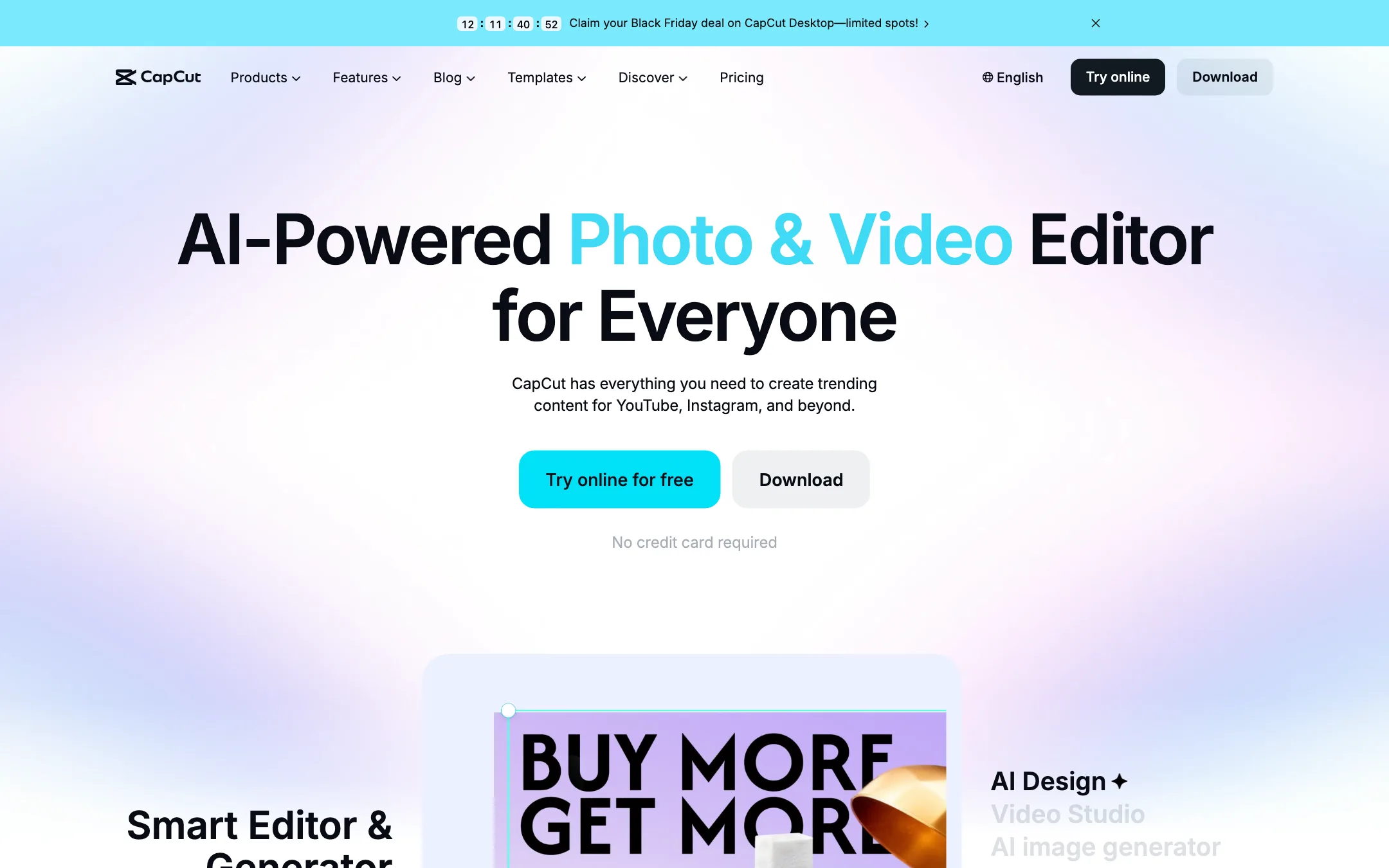
ByteDance's free all-round video editor with auto captions, huge template library and built-in Seedance video generation
Best for: Social creators who want one free editor on phone, browser and desktop, with auto captions and trend templates built in.

#8 of 73 in Video editors
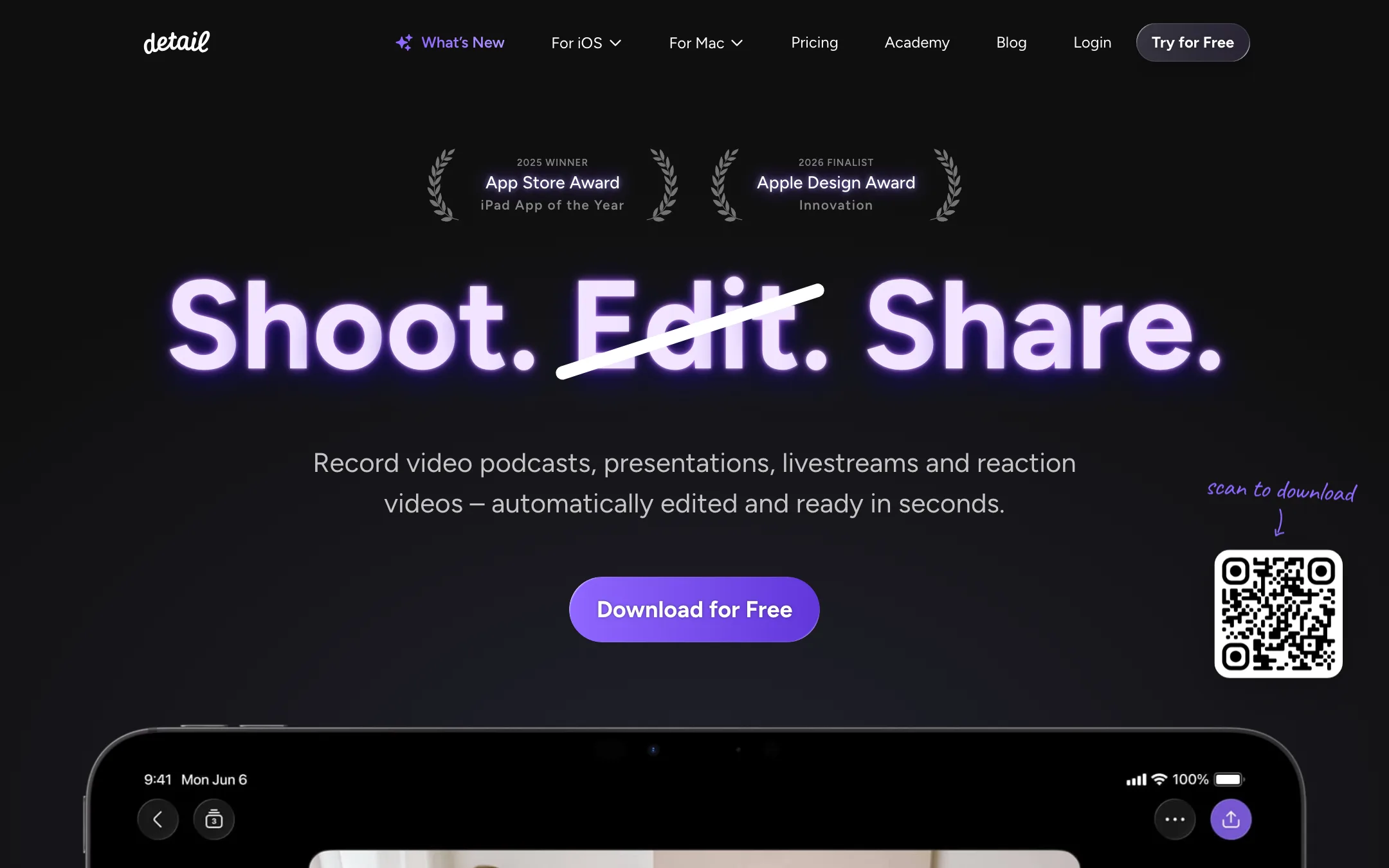
An award-winning iPhone and iPad camera and editor for talking-head videos, podcasts and reactions, with on-device Auto Edit and captions
Best for: People who talk to camera on an iPhone or iPad (vloggers, coaches, podcasters, reaction creators) and want recording, teleprompter, editing and captions in one app.
The short answer
More creators choose CapCut than Detail, and it ranks higher in our video editors list. Pick CapCut if you want social creators who want one free editor on phone, browser and desktop, with auto captions and trend templates built in. Pick Detail if you want people who talk to camera on an iphone or ipad (vloggers, coaches, podcasters, reaction creators) and want recording, teleprompter, editing and captions in one app.
CapCut: The default free editor for short-form creators, and for good reason. Captions, templates and effects are a tap away on every device. The catch is regional pricing you only see after sign-in, a credit system for the AI features, and ByteDance ownership, which some workplaces restrict.
Detail: The most polished all-in-one talking-video app on iPhone and iPad, with a usable free plan and a cheap Pro tier. It is Apple-only, the free plan watermarks every export, and App Store reviews report slow exports and a remote-guest audio bug.
Specs side by side
| CapCut | Detail | |
|---|---|---|
| Starting price | Pricing not published | From $5.83/mo |
| Free tier | ||
| Pricing | Free plan with basic editing and free templates. Pro, Ultra and Teams plans are priced per region; we saw Pro at MYR 48.9/mo. | Free Basic plan with unlimited recording and editing but watermarked exports. Pro from $5.83/mo billed yearly ($11.99 monthly) on iOS. |
| Platforms | Web, Windows, macOS, iOS, Android, iPad | iOS, iPadOS, Mac |
| Best for | Social creators who want one free editor on phone, browser and desktop, with auto captions and trend templates built in. | People who talk to camera on an iPhone or iPad (vloggers, coaches, podcasters, reaction creators) and want recording, teleprompter, editing and captions in one app. |
| Last checked | 2026-10-19 | 2026-10-21 |
Pricing
CapCut
Free plan with basic editing and free templates. Pro, Ultra and Teams plans are priced per region; we saw Pro at MYR 48.9/mo.
- FreeFree
- ProMYR 48.9/mo · MYR 314.9/yr
- UltraMYR 324.9/mo · MYR 3,699/yr
- TeamsFrom MYR 22.5/seat/mo (2 seats)
Detail
Free Basic plan with unlimited recording and editing but watermarked exports. Pro from $5.83/mo billed yearly ($11.99 monthly) on iOS.
- BasicFree
- Pro (iOS)$69.99/yr ($5.83/mo) · $11.99 monthly
- Detail Studio Pro (Mac)Separate subscription
Key features
CapCut
- Timeline editor on web, Windows, macOS, iPhone, iPad and Android
- Auto captions with language detection and caption translation
- Caption templates with styled, animated text
- Large library of templates for Reels, TikTok and Shorts
- Text to speech, custom voices, voice enhance and noise reduction
- Background removal for video and images
- AI video generation with ByteDance's Seedance models inside the editor
- AI image generation and image tools (enhancer, upscaler, inpainting, text remover)
- Teams plan with shared space and brand kit
Detail
- Auto Edit that removes silences and filler words, adds zoom cuts, titles, captions and music, and runs on device in version 6
- AI Director teleprompter that listens and scrolls with your voice
- Multicam recording with several iPhones and iPads, switched live
- Video podcast mode with remote guests and Podcast Auto Edit that switches speakers
- Split-screen reaction videos from any pasted URL
- Live green screen without a physical screen
- Auto captions in 50+ languages, editable and exportable as subtitle files
- Livestreaming to YouTube, Twitch, Facebook, LinkedIn and any RTMP destination
- Text-based editing on the transcript, with side-by-side transcript editing on iPad
- On-device audio enhancement and transcription that works offline
- Separate Detail Studio app for Mac, plus a web podcast editor
Strengths and weaknesses
CapCut
- Free plan covers real editing on every platform
- Auto captions and caption styles are built into the timeline
- Template library is huge and tracks current trends
- Same account across phone, browser and desktop
- Seedance video generation lives inside the editor, so you can generate and cut in one place
- Pro includes 1 TB of cloud storage
- Prices vary by country and the final price only shows after sign-in
- Many effects, templates and AI tools sit behind Pro
- AI features run on credits, and generation pricing is quoted per second of video
- Owned by ByteDance, which some companies and schools block
- The sheer number of tools and menus can feel cluttered
- The affiliate program only pays for referrals from four countries
Detail
- Free plan has no recording or editing limits, only a watermark
- Pro is cheap next to most AI editors at $69.99 a year
- Auto Edit and transcription now run on device, so your footage stays on your phone
- Records and edits in one app, so there is no export step between camera and editor
- Apple Editors' Choice, 2025 iPad App of the Year and a 2026 Apple Design Award finalist
- Frequent updates, with a public changelog going back years
- iPhone, iPad and Mac only; there is no Android or Windows version
- Every free export carries a watermark
- iOS Pro and Mac Studio Pro are separate subscriptions
- Recent App Store reviews report slow or failing exports and remote-guest audio not recording
- Branding is limited; Detail says you cannot add your own logo or caption font yet
- Not a generator: it edits footage you shoot, it does not make video from a prompt
Try CapCut
Free plan with basic editing and free templates. Pro, Ultra and Teams plans are priced per region; we saw Pro at MYR 48.9/mo.
Try Detail
Free Basic plan with unlimited recording and editing but watermarked exports. Pro from $5.83/mo billed yearly ($11.99 monthly) on iOS.