Detail vs Videoleap
Two video editors tools side by side: pricing, free plans, features and who each one suits.
Some links on this page are affiliate links. If you buy through them we may earn a commission at no extra cost to you. Read our disclosure.

#8 of 73 in Video editors
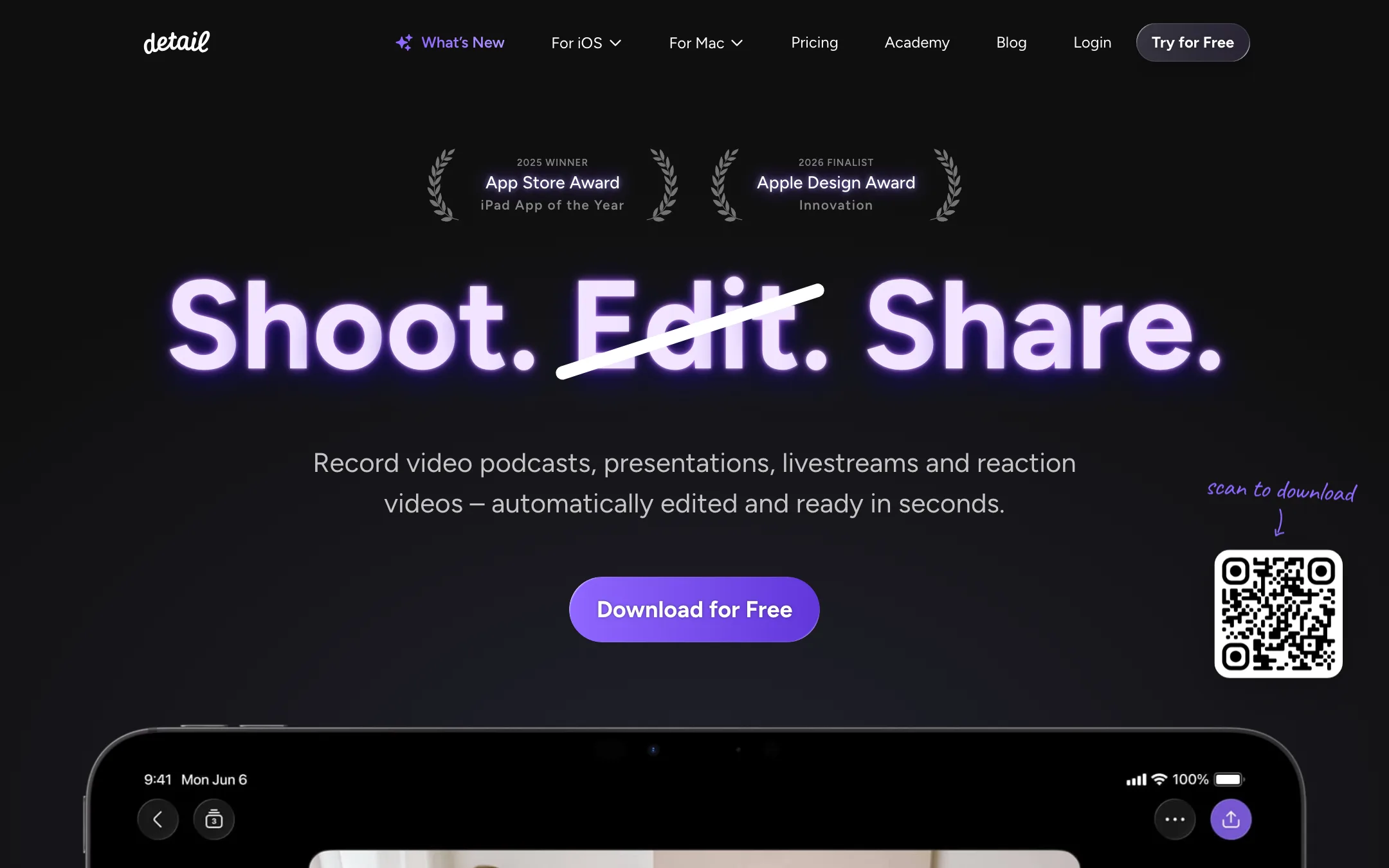
An award-winning iPhone and iPad camera and editor for talking-head videos, podcasts and reactions, with on-device Auto Edit and captions
Best for: People who talk to camera on an iPhone or iPad (vloggers, coaches, podcasters, reaction creators) and want recording, teleprompter, editing and captions in one app.

#9 of 73 in Video editors
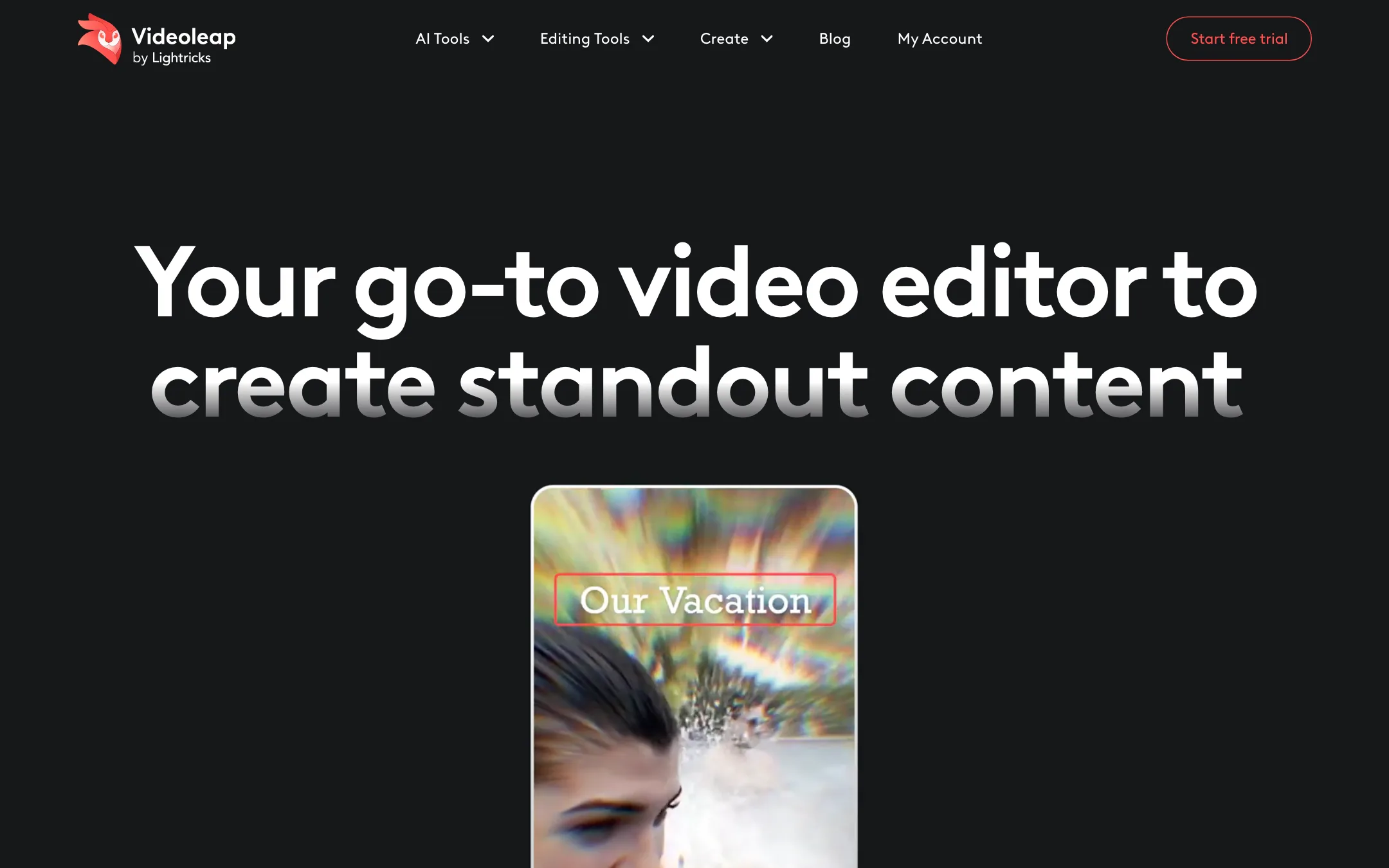
Lightricks' layer-based mobile video editor with AI effects, remakeable templates and a 7-day free trial
Best for: Phone-first creators who want layers, keyframes and masks plus one-tap AI effects and templates, without moving to a desktop.
The short answer
More creators choose Detail than Videoleap, and it ranks higher in our video editors list. Pick Detail if you want people who talk to camera on an iphone or ipad (vloggers, coaches, podcasters, reaction creators) and want recording, teleprompter, editing and captions in one app. Pick Videoleap if you want phone-first creators who want layers, keyframes and masks plus one-tap ai effects and templates, without moving to a desktop.
Detail: The most polished all-in-one talking-video app on iPhone and iPad, with a usable free plan and a cheap Pro tier. It is Apple-only, the free plan watermarks every export, and App Store reviews report slow exports and a remote-guest audio bug.
Videoleap: Videoleap is one of the more capable phone editors, with real layers, keyframes, masking and blending alongside AI effects and remakeable templates. The downsides are opaque pricing, some AI tools that are iOS-only, and subscription complaints in App Store reviews that you should read before you start the trial.
Specs side by side
| Detail | Videoleap | |
|---|---|---|
| Starting price | From $5.83/mo | From $9.99/mo |
| Free tier | ||
| Pricing | Free Basic plan with unlimited recording and editing but watermarked exports. Pro from $5.83/mo billed yearly ($11.99 monthly) on iOS. | Free download with a 7-day free trial of Pro. The US App Store lists a $9.99 subscription; full plan prices are not published. |
| Platforms | iOS, iPadOS, Mac | iOS, Android, Web |
| Best for | People who talk to camera on an iPhone or iPad (vloggers, coaches, podcasters, reaction creators) and want recording, teleprompter, editing and captions in one app. | Phone-first creators who want layers, keyframes and masks plus one-tap AI effects and templates, without moving to a desktop. |
| Last checked | 2026-10-21 | 2026-10-19 |
Pricing
Detail
Free Basic plan with unlimited recording and editing but watermarked exports. Pro from $5.83/mo billed yearly ($11.99 monthly) on iOS.
- BasicFree
- Pro (iOS)$69.99/yr ($5.83/mo) · $11.99 monthly
- Detail Studio Pro (Mac)Separate subscription
Videoleap
Free download with a 7-day free trial of Pro. The US App Store lists a $9.99 subscription; full plan prices are not published.
- FreeFree
- Pro trial7 days free
- Pro$9.99 (US App Store listing)
Key features
Detail
- Auto Edit that removes silences and filler words, adds zoom cuts, titles, captions and music, and runs on device in version 6
- AI Director teleprompter that listens and scrolls with your voice
- Multicam recording with several iPhones and iPads, switched live
- Video podcast mode with remote guests and Podcast Auto Edit that switches speakers
- Split-screen reaction videos from any pasted URL
- Live green screen without a physical screen
- Auto captions in 50+ languages, editable and exportable as subtitle files
- Livestreaming to YouTube, Twitch, Facebook, LinkedIn and any RTMP destination
- Text-based editing on the transcript, with side-by-side transcript editing on iPad
- On-device audio enhancement and transcription that works offline
- Separate Detail Studio app for Mac, plus a web podcast editor
Videoleap
- Layer-based editing with masks, blend modes and transforms
- Keyframe animation and motion tracking
- Green screen and chroma key
- AI video effects and premade AI templates you can remake with your own media
- AI object removal and video background removal
- AI background generator, image extender and infinite zoom
- AI subtitle generator (iOS only, per Videoleap)
- Community feed to remake and share templates
- Sound effects, voiceover recording and music sync
- Non-destructive editing with unlimited undo
Strengths and weaknesses
Detail
- Free plan has no recording or editing limits, only a watermark
- Pro is cheap next to most AI editors at $69.99 a year
- Auto Edit and transcription now run on device, so your footage stays on your phone
- Records and edits in one app, so there is no export step between camera and editor
- Apple Editors' Choice, 2025 iPad App of the Year and a 2026 Apple Design Award finalist
- Frequent updates, with a public changelog going back years
- iPhone, iPad and Mac only; there is no Android or Windows version
- Every free export carries a watermark
- iOS Pro and Mac Studio Pro are separate subscriptions
- Recent App Store reviews report slow or failing exports and remote-guest audio not recording
- Branding is limited; Detail says you cannot add your own logo or caption font yet
- Not a generator: it edits footage you shoot, it does not make video from a prompt
Videoleap
- Real layers, masks, blend modes and keyframes on a phone
- AI effects and templates are a tap away
- Community templates make it easy to copy a trending edit
- 7-day free trial of Pro
- No in-app ads, according to the latest App Store release notes
- Made by Lightricks, an established app maker (Facetune, Photoleap, LTX Studio)
- Lightricks does not publish plan prices; you see them only in the app or after creating an account
- AI subtitle generator is iOS only
- Several App Store reviews complain about subscriptions and refunds
- Web and app subscriptions are separate and must be cancelled separately
- Built for short social edits, not long projects
- Affiliate commission rate is not disclosed
Try Detail
Free Basic plan with unlimited recording and editing but watermarked exports. Pro from $5.83/mo billed yearly ($11.99 monthly) on iOS.
Try Videoleap
Free download with a 7-day free trial of Pro. The US App Store lists a $9.99 subscription; full plan prices are not published.