HitPaw Edimakor vs Detail
Two video editors tools side by side: pricing, free plans, features and who each one suits.
Some links on this page are affiliate links. If you buy through them we may earn a commission at no extra cost to you. Read our disclosure.
#1 of 73 in Video editors
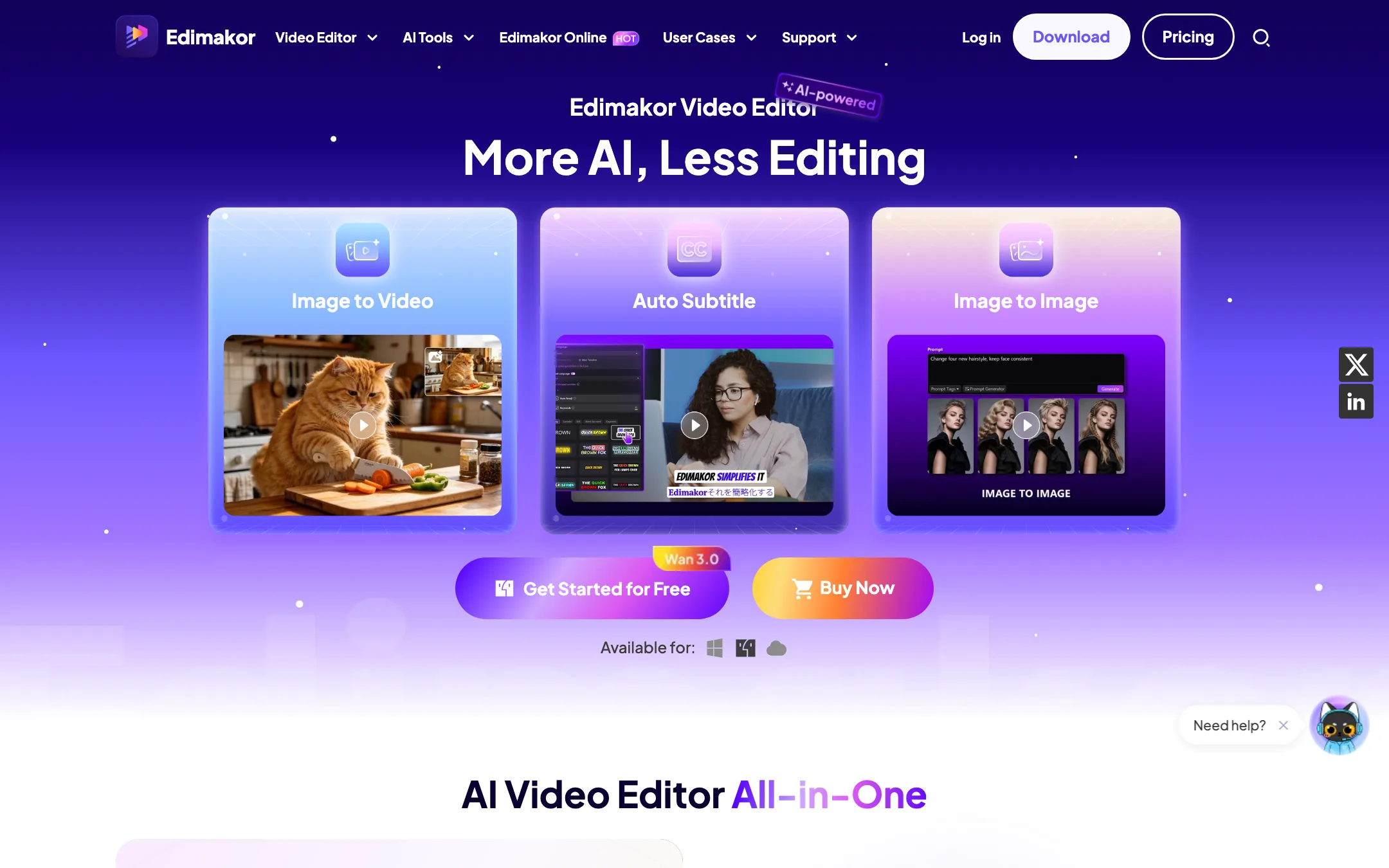
A desktop video editor for Windows and Mac from HitPaw, with a long list of AI tools and third-party video models paid for in credits
Best for: Beginner and intermediate creators on Windows or Mac who want a normal timeline editor with AI subtitles, voiceover, translation and AI video generation in the same app.

#8 of 73 in Video editors
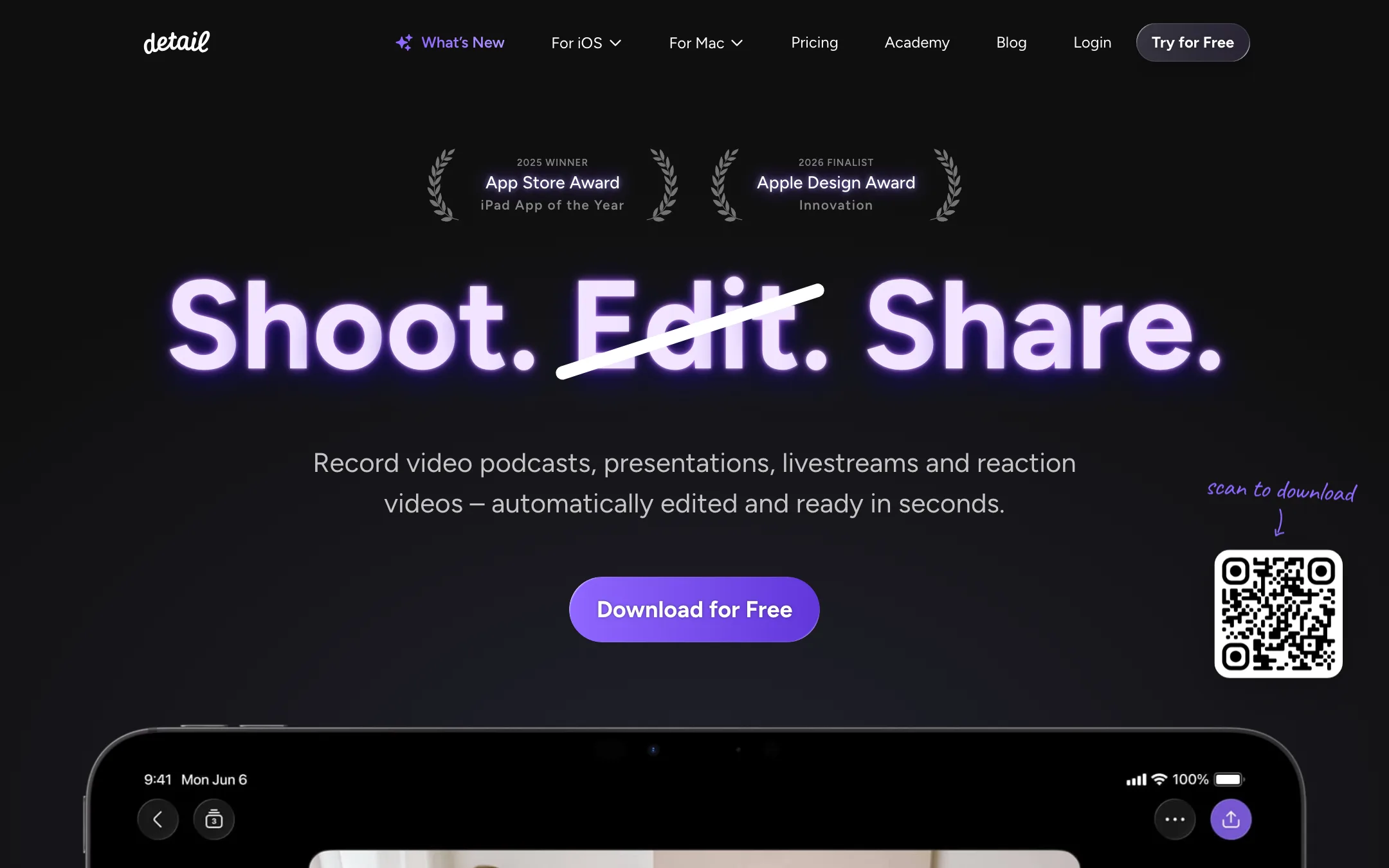
An award-winning iPhone and iPad camera and editor for talking-head videos, podcasts and reactions, with on-device Auto Edit and captions
Best for: People who talk to camera on an iPhone or iPad (vloggers, coaches, podcasters, reaction creators) and want recording, teleprompter, editing and captions in one app.
The short answer
More creators choose HitPaw Edimakor than Detail, and it ranks higher in our video editors list. Pick HitPaw Edimakor if you want beginner and intermediate creators on windows or mac who want a normal timeline editor with ai subtitles, voiceover, translation and ai video generation in the same app. Pick Detail if you want people who talk to camera on an iphone or ipad (vloggers, coaches, podcasters, reaction creators) and want recording, teleprompter, editing and captions in one app.
HitPaw Edimakor: A capable, easy-going desktop editor with a huge AI menu bolted on. The editing side is cheap, especially the perpetual license. The AI side is where the costs hide, because the bundled credits run out fast on premium video models like Veo 3.
Detail: The most polished all-in-one talking-video app on iPhone and iPad, with a usable free plan and a cheap Pro tier. It is Apple-only, the free plan watermarks every export, and App Store reviews report slow exports and a remote-guest audio bug.
Specs side by side
| HitPaw Edimakor | Detail | |
|---|---|---|
| Starting price | From $4.16/mo | From $5.83/mo |
| Free tier | ||
| Pricing | Free version exports with a watermark and includes 30 AI credits. Paid from $19.95/mo, $49.95/yr or $69.95 one-time, one computer per license. | Free Basic plan with unlimited recording and editing but watermarked exports. Pro from $5.83/mo billed yearly ($11.99 monthly) on iOS. |
| Platforms | Windows, macOS, Web | iOS, iPadOS, Mac |
| Best for | Beginner and intermediate creators on Windows or Mac who want a normal timeline editor with AI subtitles, voiceover, translation and AI video generation in the same app. | People who talk to camera on an iPhone or iPad (vloggers, coaches, podcasters, reaction creators) and want recording, teleprompter, editing and captions in one app. |
| Last checked | 2026-10-20 | 2026-10-21 |
Pricing
HitPaw Edimakor
Free version exports with a watermark and includes 30 AI credits. Paid from $19.95/mo, $49.95/yr or $69.95 one-time, one computer per license.
- FreeFree
- 1 Month$19.95/mo
- 1 Year$49.95/yr
- Perpetual$69.95 one-time
- Edimakor Online3-day trial, then $29.99/mo
Detail
Free Basic plan with unlimited recording and editing but watermarked exports. Pro from $5.83/mo billed yearly ($11.99 monthly) on iOS.
- BasicFree
- Pro (iOS)$69.99/yr ($5.83/mo) · $11.99 monthly
- Detail Studio Pro (Mac)Separate subscription
Key features
HitPaw Edimakor
- Timeline editor for Windows and Mac with keyframes, masking, chroma key, speed ramping, motion tracking and stabilization
- AI text-to-video and image-to-video with third-party models including Veo 3 and 3.1, Seedance, Kling 3.0, Vidu Q3, Hailuo and Wan
- Auto subtitles and speech-to-text
- Text to speech in 50+ languages and voice cloning in 35+ languages, per HitPaw
- AI video translation with optional voice-over
- AI avatars, talking photos and lip sync
- AI Clip Maker that cuts long videos into short vertical clips
- Background remover, watermark remover, object remover and video enhancer
- Built-in screen recorder
- Assets library HitPaw puts at 1,000+ effects, 50k+ stock photos and videos and 50k+ templates
- Separate Edimakor Online web app for AI image and video generation
Detail
- Auto Edit that removes silences and filler words, adds zoom cuts, titles, captions and music, and runs on device in version 6
- AI Director teleprompter that listens and scrolls with your voice
- Multicam recording with several iPhones and iPads, switched live
- Video podcast mode with remote guests and Podcast Auto Edit that switches speakers
- Split-screen reaction videos from any pasted URL
- Live green screen without a physical screen
- Auto captions in 50+ languages, editable and exportable as subtitle files
- Livestreaming to YouTube, Twitch, Facebook, LinkedIn and any RTMP destination
- Text-based editing on the transcript, with side-by-side transcript editing on iPad
- On-device audio enhancement and transcription that works offline
- Separate Detail Studio app for Mac, plus a web podcast editor
Strengths and weaknesses
HitPaw Edimakor
- Free version includes every non-AI editing feature
- Perpetual license at $69.95 if you dislike subscriptions
- One app covers editing, subtitles, voiceover, translation and AI video
- Access to big-name video models without separate subscriptions
- Exports up to 4K with ProRes on Mac and many other formats
- 30-day money-back guarantee, with conditions
- Bundled AI credits do not stretch far on premium models
- A license covers one computer and one operating system only
- No mobile app yet, by HitPaw's own FAQ
- Pages contradict each other on credits, transitions and user numbers
- Edimakor Online is a second subscription with its own pricing
- Struck-through "regular" prices make every plan look like a permanent sale
Detail
- Free plan has no recording or editing limits, only a watermark
- Pro is cheap next to most AI editors at $69.99 a year
- Auto Edit and transcription now run on device, so your footage stays on your phone
- Records and edits in one app, so there is no export step between camera and editor
- Apple Editors' Choice, 2025 iPad App of the Year and a 2026 Apple Design Award finalist
- Frequent updates, with a public changelog going back years
- iPhone, iPad and Mac only; there is no Android or Windows version
- Every free export carries a watermark
- iOS Pro and Mac Studio Pro are separate subscriptions
- Recent App Store reviews report slow or failing exports and remote-guest audio not recording
- Branding is limited; Detail says you cannot add your own logo or caption font yet
- Not a generator: it edits footage you shoot, it does not make video from a prompt
Try HitPaw Edimakor
Free version exports with a watermark and includes 30 AI credits. Paid from $19.95/mo, $49.95/yr or $69.95 one-time, one computer per license.
Try Detail
Free Basic plan with unlimited recording and editing but watermarked exports. Pro from $5.83/mo billed yearly ($11.99 monthly) on iOS.