Animaker vs Detail
Two video editors tools side by side: pricing, free plans, features and who each one suits.
Some links on this page are affiliate links. If you buy through them we may earn a commission at no extra cost to you. Read our disclosure.

#6 of 73 in Video editors
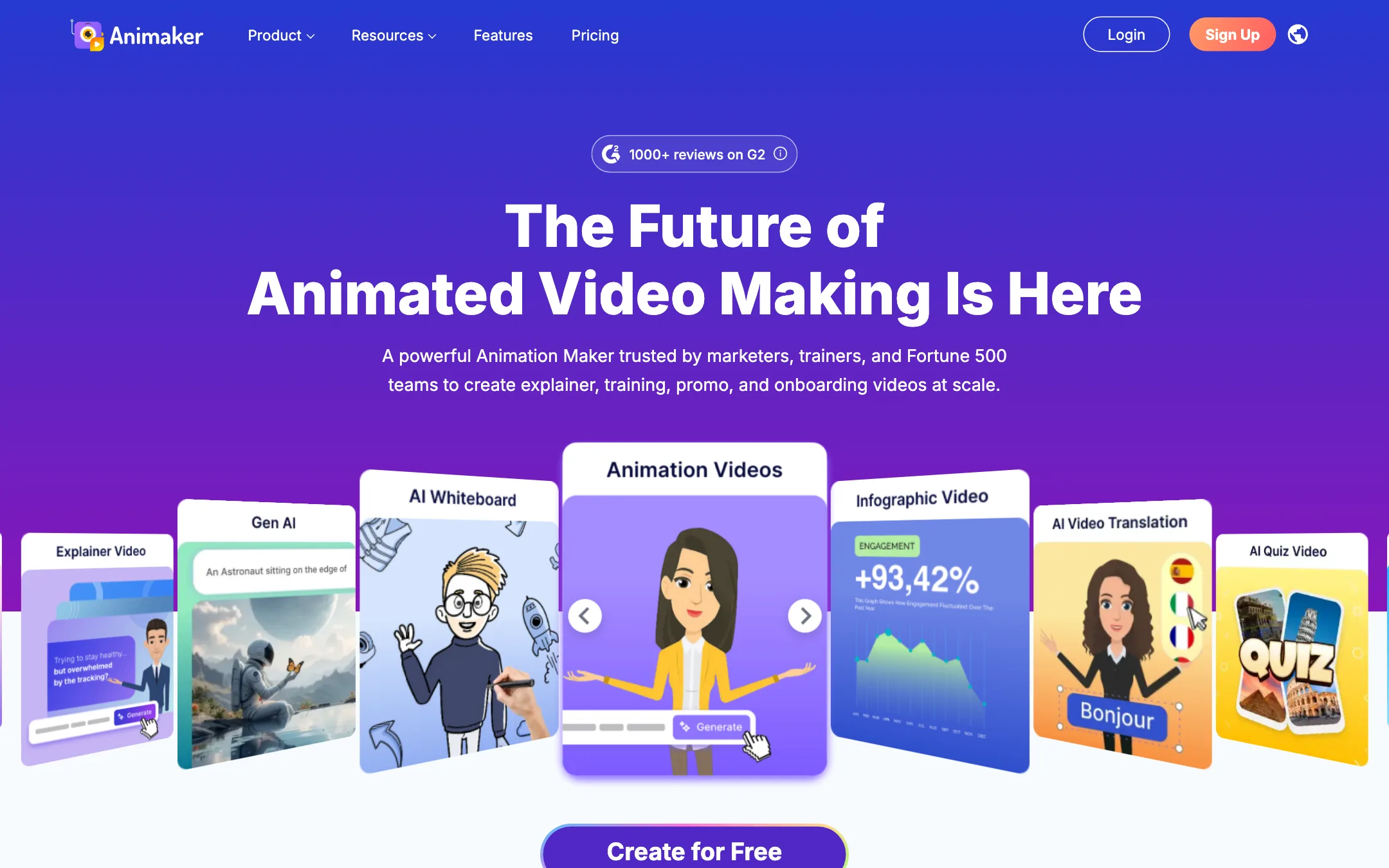
A browser-based animation studio for explainer, training and promo videos, with a character builder, whiteboard mode, AI voices and prompt-to-animation
Best for: Trainers, HR teams, teachers and marketers who need clear animated explainers and training videos without hiring an animator.

#8 of 73 in Video editors
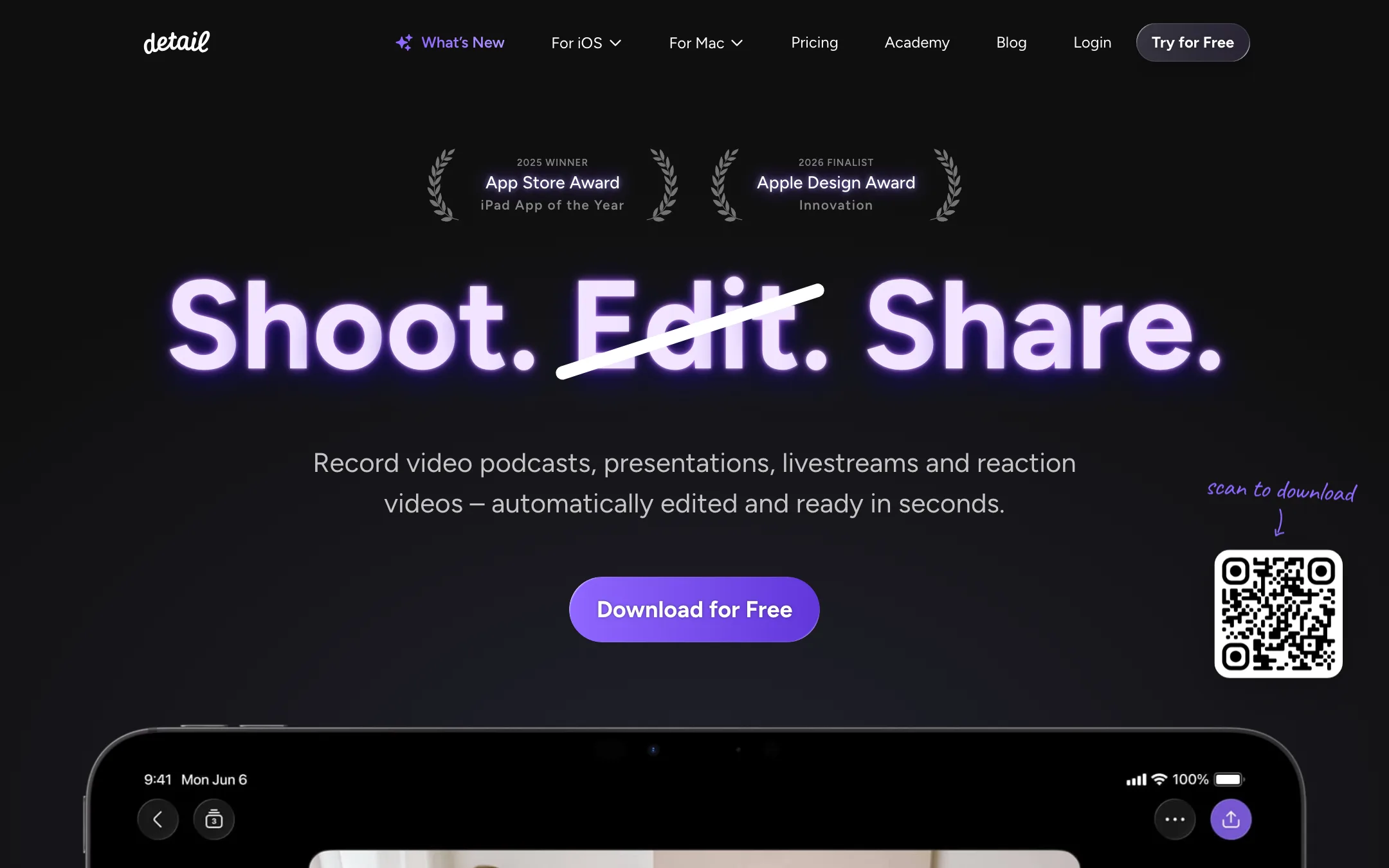
An award-winning iPhone and iPad camera and editor for talking-head videos, podcasts and reactions, with on-device Auto Edit and captions
Best for: People who talk to camera on an iPhone or iPad (vloggers, coaches, podcasters, reaction creators) and want recording, teleprompter, editing and captions in one app.
The short answer
More creators choose Animaker than Detail, and it ranks higher in our video editors list. Pick Animaker if you want trainers, hr teams, teachers and marketers who need clear animated explainers and training videos without hiring an animator. Pick Detail if you want people who talk to camera on an iphone or ipad (vloggers, coaches, podcasters, reaction creators) and want recording, teleprompter, editing and captions in one app.
Animaker: Animaker is a mature, template-rich animation maker that does explainers, whiteboard videos and custom cartoon characters well. It is not a cinematic AI video generator. Watch the plan limits closely, since commercial rights only start on Pro and generative video seconds are tiny on every plan.
Detail: The most polished all-in-one talking-video app on iPhone and iPad, with a usable free plan and a cheap Pro tier. It is Apple-only, the free plan watermarks every export, and App Store reviews report slow exports and a remote-guest audio bug.
Specs side by side
| Animaker | Detail | |
|---|---|---|
| Starting price | From $15/mo | From $5.83/mo |
| Free tier | ||
| Pricing | Free plan with watermarked exports. Paid plans from $15/mo billed yearly ($27 monthly). | Free Basic plan with unlimited recording and editing but watermarked exports. Pro from $5.83/mo billed yearly ($11.99 monthly) on iOS. |
| Platforms | Web, iOS, Android | iOS, iPadOS, Mac |
| Best for | Trainers, HR teams, teachers and marketers who need clear animated explainers and training videos without hiring an animator. | People who talk to camera on an iPhone or iPad (vloggers, coaches, podcasters, reaction creators) and want recording, teleprompter, editing and captions in one app. |
| Last checked | 2026-10-19 | 2026-10-21 |
Pricing
Animaker
Free plan with watermarked exports. Paid plans from $15/mo billed yearly ($27 monthly).
- Free$0
- Basic$15/mo yearly ($180/yr) · $27 monthly
- Starter$25/mo yearly ($300/yr) · $45 monthly
- Pro$43/mo yearly ($516/yr) · $79 monthly
- EnterpriseCustom
Detail
Free Basic plan with unlimited recording and editing but watermarked exports. Pro from $5.83/mo billed yearly ($11.99 monthly) on iOS.
- BasicFree
- Pro (iOS)$69.99/yr ($5.83/mo) · $11.99 monthly
- Detail Studio Pro (Mac)Separate subscription
Key features
Animaker
- Drag-and-drop animation editor with thousands of templates
- Character builder for custom cartoon characters, with actions and expressions
- Prompt-to-animation generator that drafts a video from a text idea
- Whiteboard and infographic animation modes
- AI voiceovers with auto lip sync, using voices from providers such as ElevenLabs, Microsoft and Google
- AI subtitles with translation into 100+ languages
- One-click video translation (Enterprise)
- Generative AI clips and AI image, background and prop generators
- Stock library of 100M+ assets and 30K+ music tracks and effects
- Avatar-based presentation maker with PowerPoint import
- Real-time collaboration and brand kit (Enterprise)
Detail
- Auto Edit that removes silences and filler words, adds zoom cuts, titles, captions and music, and runs on device in version 6
- AI Director teleprompter that listens and scrolls with your voice
- Multicam recording with several iPhones and iPads, switched live
- Video podcast mode with remote guests and Podcast Auto Edit that switches speakers
- Split-screen reaction videos from any pasted URL
- Live green screen without a physical screen
- Auto captions in 50+ languages, editable and exportable as subtitle files
- Livestreaming to YouTube, Twitch, Facebook, LinkedIn and any RTMP destination
- Text-based editing on the transcript, with side-by-side transcript editing on iPad
- On-device audio enhancement and transcription that works offline
- Separate Detail Studio app for Mac, plus a web podcast editor
Strengths and weaknesses
Animaker
- Free plan lets you build and export real videos
- Very large template and asset library for business and training topics
- Character builder is a genuine differentiator for branded cartoons
- Whiteboard mode included on every paid plan
- Paid plans remove the watermark from Basic up
- Web, iOS and Android apps
- Commercial rights are listed only from Pro ($43/mo yearly) upward
- Generative AI video is capped at 90 or 180 seconds a month on Starter and Pro, and none on Basic
- Premium downloads are counted, as low as 5 a month on Basic
- Collaboration, brand kit and video translation sit behind custom Enterprise pricing
- Monthly billing costs up to 45% more than yearly
- Output style is template animation, not realistic AI footage
Detail
- Free plan has no recording or editing limits, only a watermark
- Pro is cheap next to most AI editors at $69.99 a year
- Auto Edit and transcription now run on device, so your footage stays on your phone
- Records and edits in one app, so there is no export step between camera and editor
- Apple Editors' Choice, 2025 iPad App of the Year and a 2026 Apple Design Award finalist
- Frequent updates, with a public changelog going back years
- iPhone, iPad and Mac only; there is no Android or Windows version
- Every free export carries a watermark
- iOS Pro and Mac Studio Pro are separate subscriptions
- Recent App Store reviews report slow or failing exports and remote-guest audio not recording
- Branding is limited; Detail says you cannot add your own logo or caption font yet
- Not a generator: it edits footage you shoot, it does not make video from a prompt
Try Animaker
Free plan with watermarked exports. Paid plans from $15/mo billed yearly ($27 monthly).
Try Detail
Free Basic plan with unlimited recording and editing but watermarked exports. Pro from $5.83/mo billed yearly ($11.99 monthly) on iOS.