What Luma is
Luma AI is a Palo Alto lab that builds its own video and image models. Many creators know it for Dream Machine, the video app it launched in 2024. In 2026 Luma moved its main product to something broader. The site now just calls it Luma, a workspace run by Luma Agents that plan, generate and refine work across video, image, audio and text.
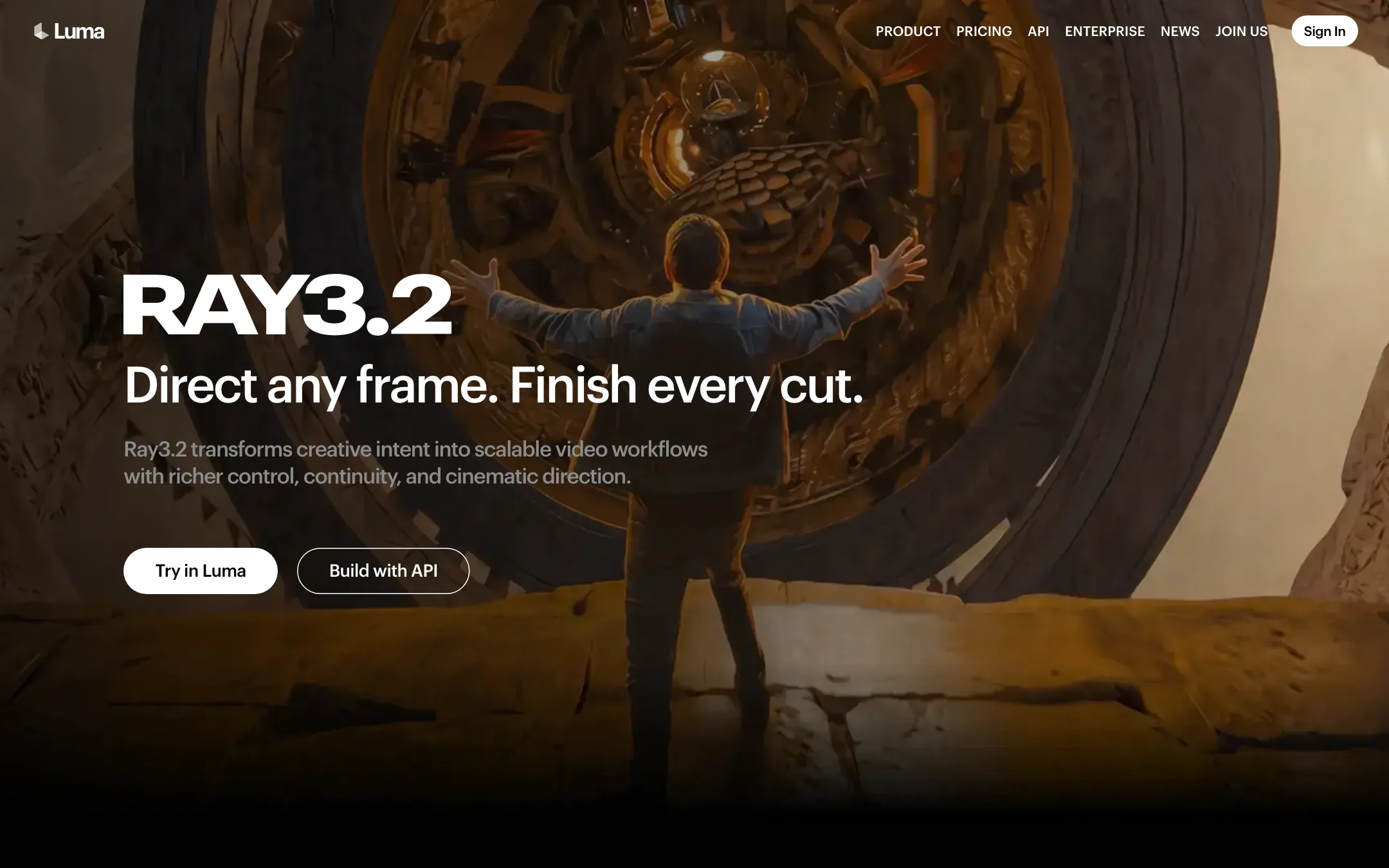
The video model underneath is Ray3.2, announced in June 2026. Luma calls it its “newest and most versatile video model.” Ray3.14 is still available as a cheaper option. Uni-1 is Luma’s image model. Next to them sit partner models: Veo 3.1, Kling 3.0, Seedance 2.0 and 2.5, MiniMax H3, Nano Banana, GPT Image, Seedream and ElevenLabs audio.
The old Dream Machine page on Luma’s site now redirects to the new product. Dream Machine itself still runs at its own address and in the iOS app. This review covers the current Luma product, which is what new sign-ups get.
Who it is for
Luma fits you if:
- You work at an agency or brand team and need many variants of a campaign, fast.
- You want fine control over a single shot. Ray3.2 lets you set up to 16 keyframes in one clip.
- You restyle real footage. Modify Video keeps an actor’s performance while changing the world around them.
- You deliver into color and VFX pipelines and need HDR or EXR frames.
- You want Veo, Kling and Seedance without separate subscriptions.
Skip it if:
- You want a free tier for regular use. Plans start at $30 a month.
- You want native audio from Luma’s own model. Ray3.2 does not generate sound for text or image prompts.
- You only make the odd social clip. The agent and board workflow is built for bigger projects.
How it works
Luma is a web app built around boards and an agent.
Boards and the agent
A board is an infinite, zoomable canvas. You place, group and compare assets, annotate them with notes and shapes, and organise them in frames.
The agent works in two modes. Brainstorm Mode plans and explores ideas without making media. Create Mode generates. Luma says the agent picks the right model for each request, so you do not need to know which model to use. You can still choose models and settings yourself.
Luma’s examples include brand identity explorations, product shots from every angle, social video ads with hooks and captions, storyboards, slide decks, localized videos and podcast clips turned into video. Luma Skills, launched in June 2026, lets you save a workflow and run it again.
Ray3.2
Ray3.2 rolls four jobs into one model:
- Text-to-video and image-to-video, in 5 or 10 second clips at 360p draft, 540p, 720p or 1080p.
- Multi-Keyframe, up to 16 keyframes inside a clip. Earlier Ray models only took a start frame and sometimes an end frame.
- Modify Video, which restyles footage you upload. Luma says it keeps body pose, gestures and facial expression (up to 8 faces) while you change the setting, wardrobe or lighting. Clips run up to 20 seconds at 24fps, 15 at 30fps and 7 at 60fps.
- Reframe, which changes the aspect ratio of a clip.
Output is MP4 by default. Ray3.2 can also generate native 16-bit HDR and export EXR frames in ACES2065-1, which Luma pitches at colorists and compositors working in Resolve or Nuke.
Luma’s own FAQ says Ray3.2 text-to-video and image-to-video have no native audio. Modify Video and Reframe keep your source audio.
Audio, lip sync and localization
Luma adds sound through partner models: ElevenLabs v3 for speech, SFX v2 and Music v1, plus Seed Audio and Whisper for transcription. Lip sync uses Sync models. You can upload a character video, add a voice track and sync the lips, then switch the language and sync again.
API and apps
The Ray3.2 API exposes multi-keyframe, performance tracking and EXR output. It is pay as you go, with a Scale plan for guaranteed throughput. The Uni-1.1 API covers images. For mobile, the Luma Dream Machine app is on the App Store.
Output quality
We have not run Luma ourselves for this review. What its pages show:
- Ray3.2 is pitched at production. Luma promises “cinema-grade output” and 1080p across every mode. Treat that as the vendor’s claim and test it on your own shots.
- Agencies vouch for it. Luma’s case studies quote Aperture, Boundless and The Wonder Project, and the CEO of Publicis Groupe Middle East and Turkey. Luma and The Wonder Project also launched a production company together in April 2026.
- Modify Video has clear limits. Luma says it works best on steady cameras, clear lighting and one or a few well-separated subjects. Shaky, fast, dark or crowded footage will struggle.
- Partner models look like partner models. A Veo 3.1 or Kling 3.0 clip in Luma should match those models elsewhere. You pay Luma’s credit rate for them.
Pricing
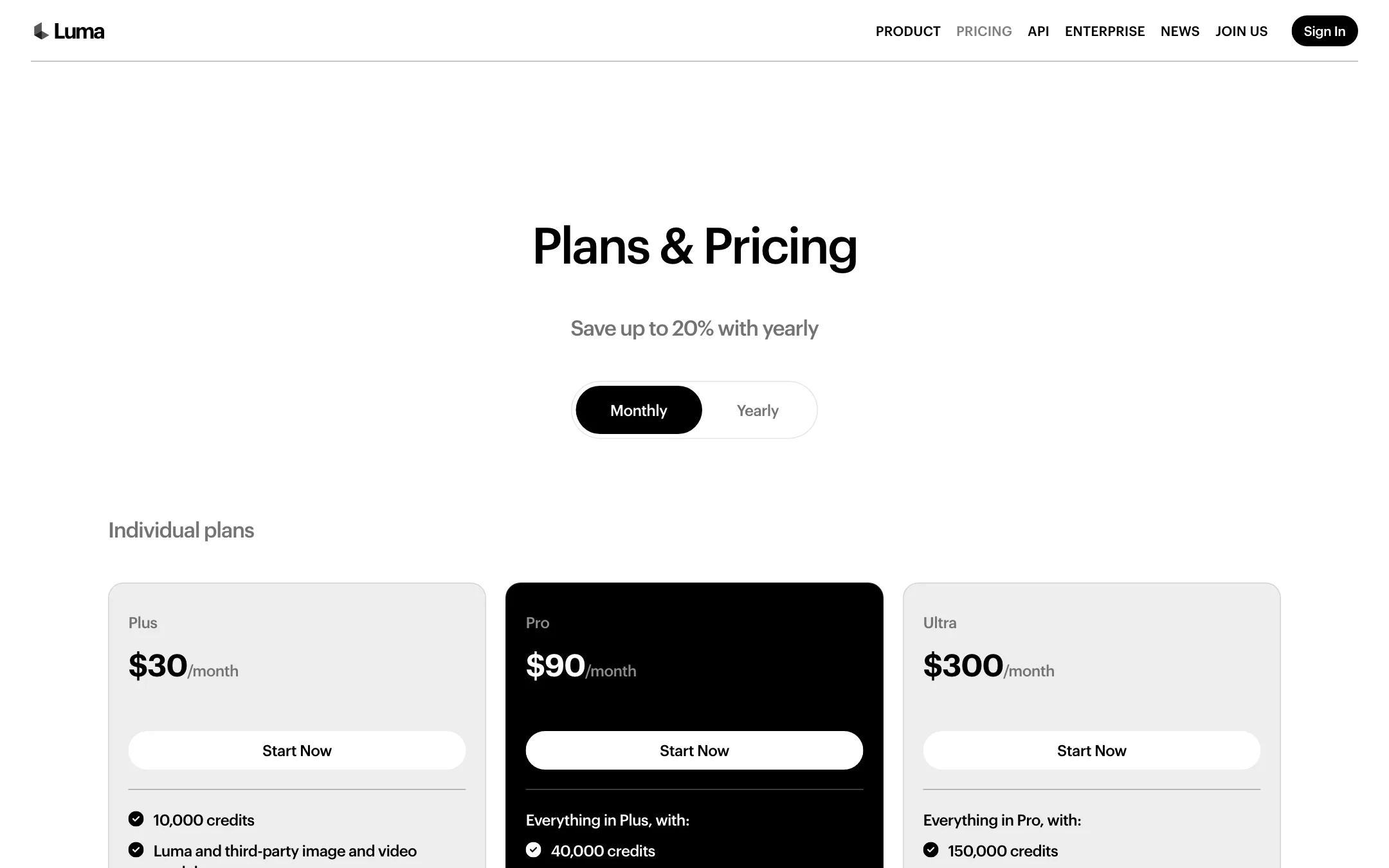
Luma charges in credits that work across its own and partner models. Every paid plan includes commercial use.
| Plan | Price | Credits a month |
|---|---|---|
| Plus | $25/mo yearly, $30 monthly | 10,000 |
| Pro | $75/mo yearly, $90 monthly | 40,000, 4x Luma Agents usage |
| Ultra | $250/mo yearly, $300 monthly | 150,000, 15x Luma Agents usage |
| Team | Contact sales | Shared team credits, SSO |
| Enterprise | Contact sales | Custom fine-tuning, training |
What credits buy
Luma publishes the cost of every model. For Ray3.2 in standard (SDR) output:
| Ray3.2 | Draft | 540p | 720p | 1080p |
|---|---|---|---|---|
| 5-second clip | 20 | 50 | 100 | 400 |
| 10-second clip | 60 | 150 | 300 | 1,200 |
HDR doubles these costs. HDR with EXR triples them.
Worked out per plan:
- Plus (10,000 credits): about 100 five-second clips at 720p, or about 8 minutes of footage. At 1080p it is 25 clips, about 2 minutes. If you draft first, 500 draft clips cost the same as the whole allowance.
- Pro (40,000 credits): about 400 clips at 720p or 100 at 1080p.
- Ultra (150,000 credits): about 375 clips at 1080p, roughly half an hour.
At $30 for 10,000 credits, one credit costs $0.003. That makes a 5-second 720p Ray3.2 clip about $0.30 and a 1080p clip about $1.20, the same as Luma’s pay-as-you-go API price.
Partner models cost more. Seedance 2.5 at 720p is 78 credits a second, so a 5-second clip is 390 credits and Plus covers about 25. Kling 3.0 at 1080p with audio is 49 credits a second. Veo 3.1 with audio is 280 credits a second, so 5 seconds costs 1,400 credits and Plus buys about 7.
Things to know before you pay
- No stated free allowance. Luma’s FAQ says you can try the platform free, but it does not say how much. Third-party guides, such as eesel’s June 2026 pricing breakdown, describe the Luma Agents plans as having no free tier.
- Credits expire each month. Luma says unused credits do not carry over.
- Overage is capped by you. If you run out, you set an extra spending limit, and Luma pauses at it.
- Failed generations are refunded in credits.
- Yearly saves about 17%. Plus drops from $30 to $25 a month. Luma’s headline says “up to 20%.”
Legacy Dream Machine plans
Existing Dream Machine users may still be on older plans. Luma does not list them on its pricing page. Eesel’s guide reports Lite at $9.99, Plus at $29.99 and Unlimited at $94.99 a month, with a free tier limited to draft quality, a watermark and personal use. We could not confirm these on Luma’s own pages, so check your account before relying on them.
How Luma compares
Luma’s nearest rival is Runway. Both train their own frontier models and both resell partner models in one app. Runway leans on editing tools, Aleph and Premiere and After Effects plugins, and starts at $12 a month. Luma leans on an agent that runs whole campaigns, plus Ray3.2’s keyframes and EXR output, and starts at $30.
Against LTX Studio, which also plans and storyboards whole productions, Luma has its own frontier model and stronger finishing formats. Against Krea, a broad model menu with a lower entry price, Luma is more focused on production teams.
Verdict
Luma has grown from the Dream Machine app into a full creative platform for professionals. It still builds its own video models, and Ray3.2’s 16 keyframes, Modify Video and HDR and EXR output are rare. Every credit cost is public, and a 720p Ray3.2 clip works out to about 30 cents on the Plus plan.
The catch is the entry point. There is no clear free tier, the cheapest plan is $30 a month, and Ray3.2 does not generate sound. If you run campaigns or post-production, try the free trial, then start on monthly Plus to see how much the agent saves you. If you only want a few clips, a cheaper generator will serve you better.