Kling AI vs Luma AI
Two text to video tools side by side: pricing, free plans, features and who each one suits.

Unranked in Text to video
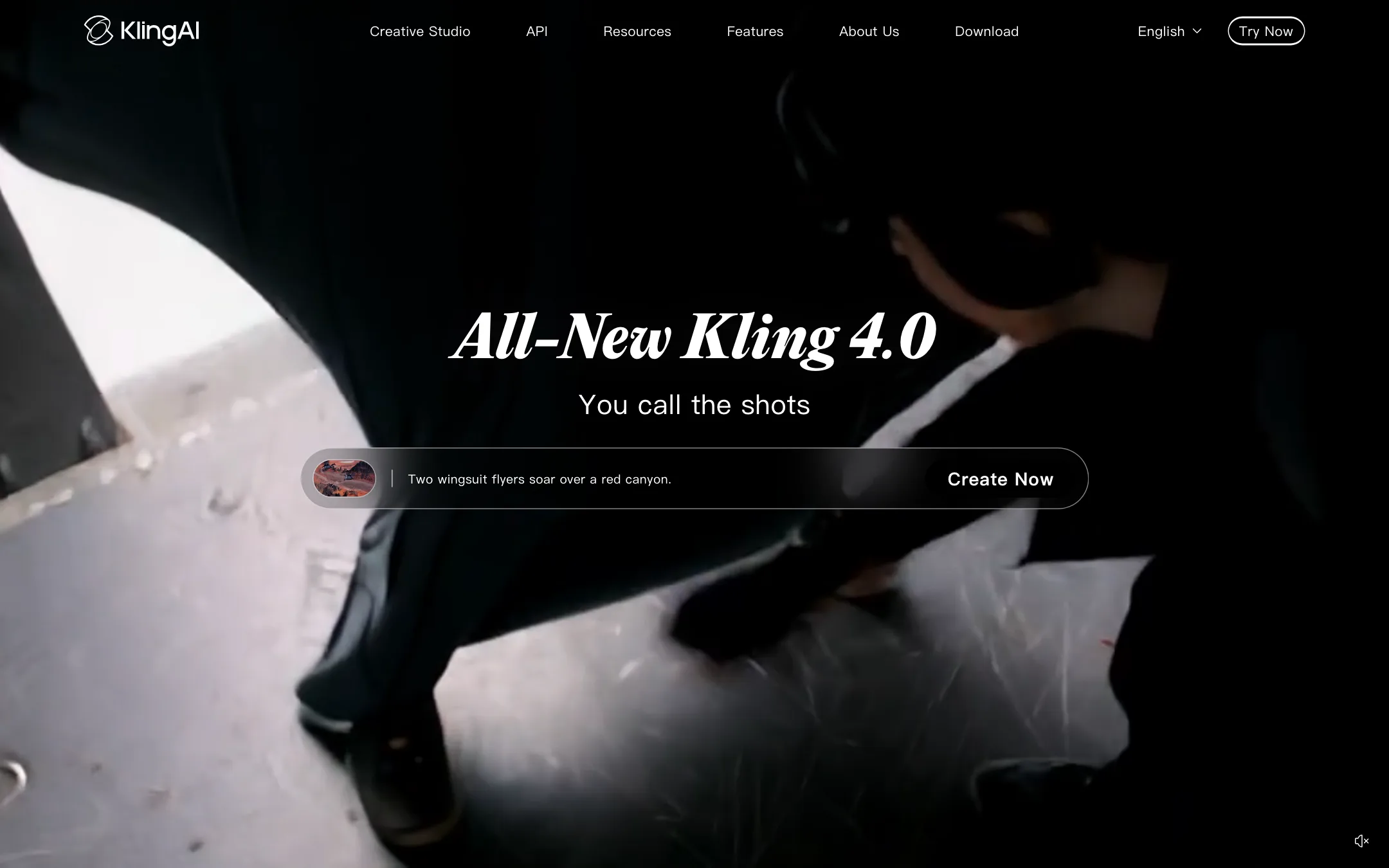
Kuaishou's AI video studio, home of Kling 4.0 with native 30-second clips, stereo audio and up to 15 reference assets, plus 4K output, Motion Control and an API
Best for: Filmmakers, ad makers and social creators who want one of the leading video models direct from its maker, with long native clips, sound and fine control over references and keyframes.
Unranked in Text to video
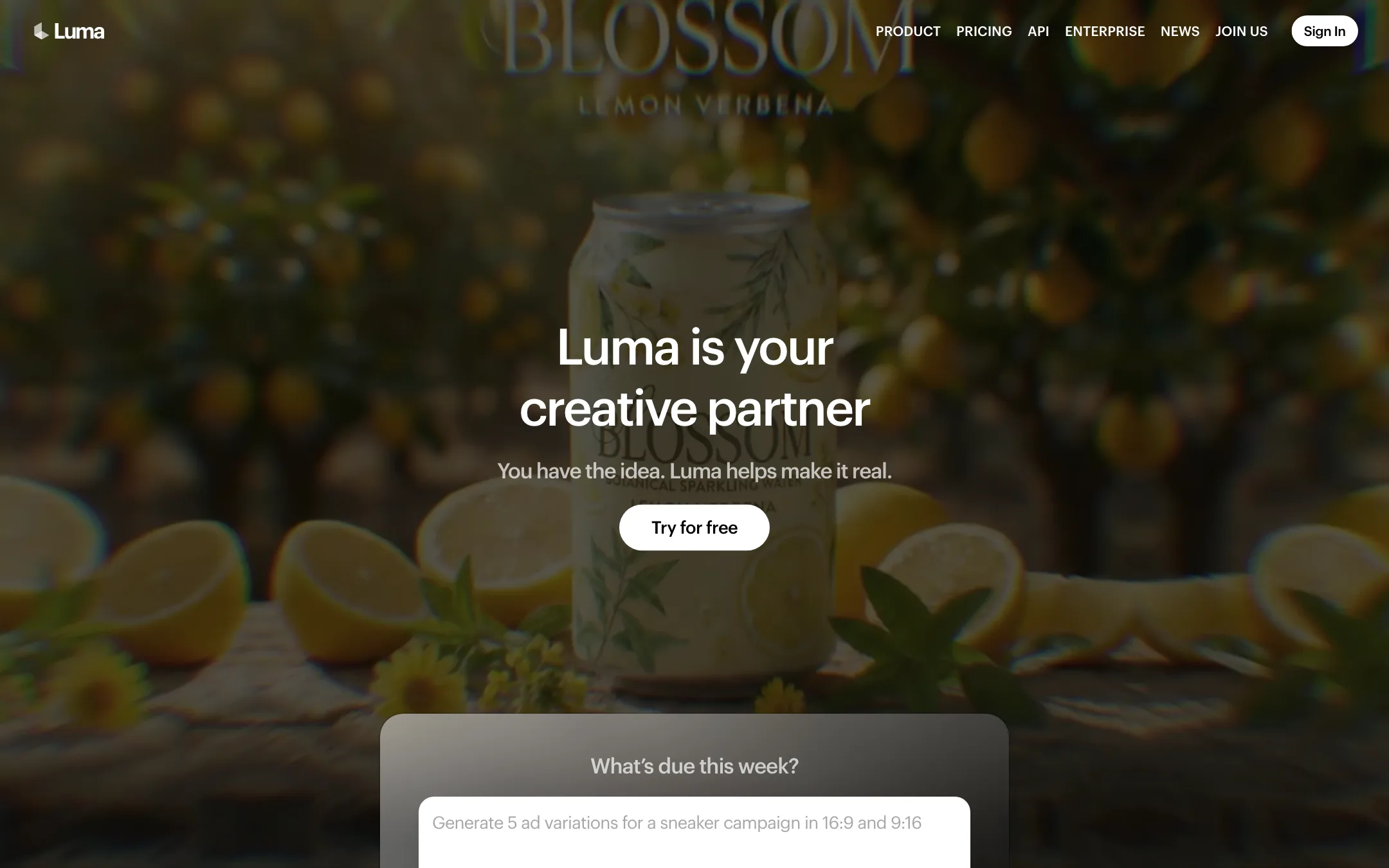
The lab behind Dream Machine and the Ray video models, now selling Luma Agents, an AI creative workspace with Ray3.2, Uni-1 and models like Veo, Kling and Seedance
Best for: Agencies, brand teams and filmmakers who want Luma's own Ray models plus Veo, Kling and Seedance in one agent-driven workspace, with HDR and EXR output for real post-production.
Kling AI or Luma AI?
For most solo creators, Kling is the better buy. It starts under $10 a month, generates up to 30 seconds in one take on Kling 4.0, and puts sound in the same generation. Luma makes more sense for agencies and post-production teams who want an agent to run whole campaigns and need HDR or EXR frames.
What each one is built for
Kling is a director’s studio. You steer a shot with up to 15 reference assets, extra keyframes, Motion Control and multi-shot prompts, with apps for desktop, phone and web.
Luma is a production workspace. An agent plans on boards, chooses models and produces sets of variants. Its own Ray3.2 model offers 16 keyframes per clip and Modify Video for restyling real footage, but it makes no sound from text or image prompts. Luma also resells Kling 3.0.
What it costs at typical use
Take 10 five-second 1080p clips a month, on monthly billing.
- Kling Standard, $8.80 ($6.99 the first month): Kling’s plan page does not list clip costs. Using a third-party figure of 60 credits for a 5-second Kling 3.0 clip at 1080p with audio, 10 clips use 600 of 660 credits. Kling 4.0’s credit cost is not published, so treat this as a floor.
- Luma Plus, $30: Ray3.2 at 1080p is 400 credits, so 10 silent clips use 4,000 of 10,000. If you want Kling 3.0 with sound inside Luma, it is 49 credits a second, or 245 a clip, so 10 clips use 2,450.
Per clip, the gap is smaller than the plan prices suggest. At Kling’s $8.80 renewal price, 60 credits cost about $0.80. A Kling 3.0 clip bought inside Luma costs about $0.74 at the Plus rate, provided you use the whole allowance. The real difference is the entry price: Kling lets you stop at $8.80, while Luma asks for $30 before you make anything. Kling also gives daily free credits, with a watermark and no commercial use. Luma’s free trial amount is not stated.
Which to pick
- Pick Kling if you want long takes with sound, tight control over references and motion, apps on every device, or the lowest monthly bill. See the Kling review.
- Pick Luma if you run campaigns for clients, restyle live-action footage, or deliver HDR and EXR to colorists and compositors. See the Luma review.
Specs side by side
| Kling AI | Luma AI | |
|---|---|---|
| Starting price | From $8.8/mo | From $25/mo |
| Free tier | ||
| Pricing | Free Basic plan with daily free credits and a watermark. Paid plans from $8.80/mo ($6.99 first month) for 660 credits. | Free trial (amount not stated). Paid plans from $25/mo billed yearly ($30 monthly), all with commercial use. |
| Platforms | Web, iOS, Android, macOS, Windows, API | Web, iOS, API |
| Best for | Filmmakers, ad makers and social creators who want one of the leading video models direct from its maker, with long native clips, sound and fine control over references and keyframes. | Agencies, brand teams and filmmakers who want Luma's own Ray models plus Veo, Kling and Seedance in one agent-driven workspace, with HDR and EXR output for real post-production. |
| Last checked | 2026-10-22 | 2026-10-22 |
Pricing
Kling AI
Free Basic plan with daily free credits and a watermark. Paid plans from $8.80/mo ($6.99 first month) for 660 credits.
- BasicFree
- Standard$6.99 first month, then $8.80/mo (list $10)
- Pro$25.99 first month, then $32.56/mo (list $37)
- Premier$135 first month, then $181.99/mo (list $207)
- Ultra+$402 first month, then $544.99/mo (list $619)
- API packsFrom $700
Luma AI
Free trial (amount not stated). Paid plans from $25/mo billed yearly ($30 monthly), all with commercial use.
- Plus$25/mo yearly · $30 monthly
- Pro$75/mo yearly · $90 monthly
- Ultra$250/mo yearly · $300 monthly
- TeamContact sales
- EnterpriseContact sales
Key features
Kling AI
- Kling 4.0, with native clips up to 30 seconds and two-channel stereo audio
- Omni Reference with up to 15 combined images, videos and subject references per generation
- Up to 10 keyframes plus start and end frames to steer a shot
- Kling 3.0 and 3.0 Omni with multi-shot storyboarding of up to five connected shots
- Native dialogue and sound, with Kling 4.0 dialogue in 9 languages per Kling
- 720p, 1080p and native 4K output on paid plans
- Motion Control to copy movement and facial expression from a reference
- Canvas, a node workspace with an Agent that writes scripts and generates storyboards
- Kling Image 3.0 for stills, with native 4K and image series
- Digital Human, Restyle and lip sync tools
- Team workspaces with roles and shared assets
- MCP and CLI access for agents, plus a developer API
- Web, iOS, Android, macOS and Windows apps
Luma AI
- Ray3.2, Luma's own video model, with text-to-video, image-to-video, Modify Video and Reframe in one model
- Multi-Keyframe control with up to 16 keyframes inside one clip
- Modify Video for restyling existing footage up to 20 seconds at 1080p while keeping the performance
- Native 16-bit HDR generation and EXR export for grading and compositing
- Luma Agents, which pick models and produce images, video, audio and text from a brief
- Brainstorm Mode for planning and Create Mode for generating
- Infinite boards for arranging, comparing and annotating assets
- Third-party models including Veo 3.1, Kling 3.0, Seedance 2.5, MiniMax H3, Nano Banana and GPT Image
- Uni-1, Luma's image model, plus ElevenLabs voice, music and sound effects
- Lip sync and video localization
- Luma Skills for saving a workflow and running it again
- Ray3.2 and Uni-1.1 APIs
Strengths and weaknesses
Kling AI
- Sold direct by Kuaishou, the company that trains the models
- Native 30-second clips on Kling 4.0, longer than most rivals per generation
- Deep control with references, keyframes, Motion Control and multi-shot prompts
- Native audio, including dialogue, in the same generation
- Apps for every major platform, including desktop
- Public API with a per-second price list
- Credits get cheaper per 100 on bigger plans, from $1.33 down to $0.96 at renewal prices
- The plan page does not list how many credits a clip costs, so you only see it in the app
- Headline prices are first-month discounts; renewals cost more
- Free Basic plan has a watermark, no 1080p and no commercial use
- Premier and Ultra+ jump to $135 and $402 for the first month
- API packs start at $700, too much for casual developers
- So many models, modes and tools that newcomers can get lost
Luma AI
- Builds its own frontier video models, not only resold ones
- Ray3.2's 16 keyframes give unusual control over a single shot
- HDR and 16-bit EXR output fit VFX and color pipelines
- Every model's credit cost is published, down to the second
- Commercial use on every paid plan
- Failed generations refund their credits
- Cheapest plan is $30 a month, and the free trial amount is not stated
- Ray3.2 text-to-video and image-to-video have no native audio
- Partner models are costly; Veo 3.1 with audio is 280 credits a second
- Monthly credits expire at the end of each billing cycle
- Two product lines (Luma Agents and legacy Dream Machine) make it unclear what you are buying
- The agent and board workflow is more than a casual creator needs
Try Kling AI
Free Basic plan with daily free credits and a watermark. Paid plans from $8.80/mo ($6.99 first month) for 660 credits.
Try Luma AI
Free trial (amount not stated). Paid plans from $25/mo billed yearly ($30 monthly), all with commercial use.