
What EasySub is
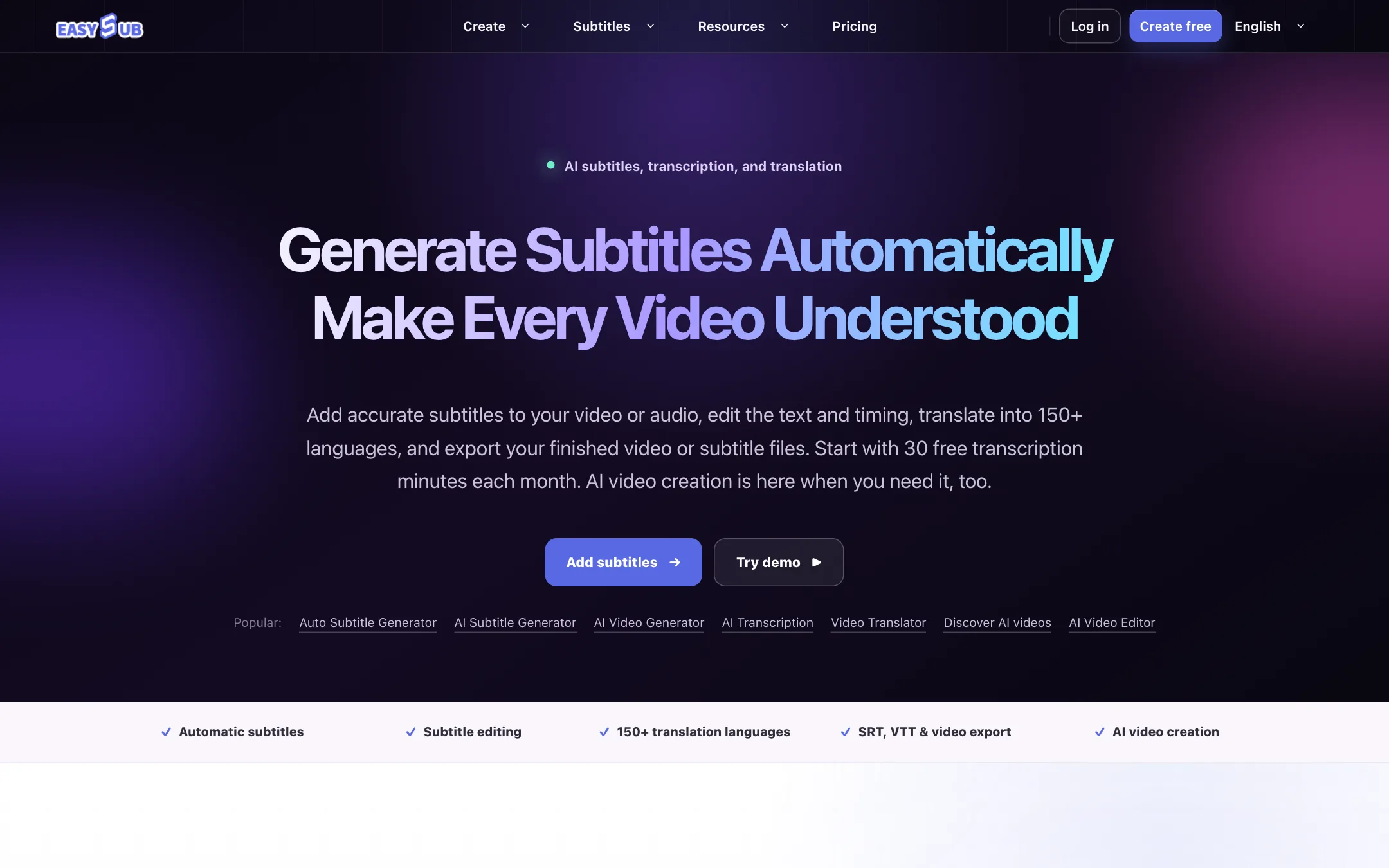
EasySub is a browser tool for automatic subtitles. You upload a video or audio file, it transcribes the speech, you fix the text and timing, translate it if you need to, and export either a subtitle file or a captioned video.
It has been around for a while. Its blog posts on auto subtitles go back to 2022. Over the last year it has bolted an AI video studio onto the subtitle core. The homepage now sells both: text-to-video, image-to-video, consistent-character “short dramas” and photo effects on one side, subtitles and translation on the other.
This review treats EasySub as a subtitle tool first, because that is what it does most clearly and where it stands out on price. The AI video side gets its own section.
Note the spelling. The product is EasySub, but the domain is easyssub.com with two s’s.
Who it is for
EasySub fits you if:
- You have existing videos, lectures, interviews or podcasts that need accurate subtitles.
- You need translated subtitles for an audience in other languages.
- You want SRT or VTT files to upload to YouTube or drop into your own editor.
- You are on a tight budget and caption a few hours of video a month.
- You want to try short AI clips occasionally without opening a second account.
Skip it if:
- You want animated, word-by-word TikTok-style captions. Tools built for short-form styling, like Submagic, are a better fit.
- You need AI video from a named, top-tier model. EasySub does not say what it runs.
- You need a team plan, an API or an affiliate deal. None is published.
- You want to buy an annual plan for heavy use. The yearly allowances are small.
How it works
Subtitles
EasySub describes the subtitle flow in three steps.
- Upload video or audio. Start a subtitle project with the media you already have.
- Generate and translate. Pick the spoken language, let it build an editable transcript and subtitle track, then create translated versions if needed.
- Review and export. Correct the text and timing, then download a subtitle file or continue to a captioned video export.
The editor is timeline-based. EasySub lists splitting lines, retiming them and repositioning them on screen. Export formats it names are SRT and VTT, plus burned-in video. Around that core sit smaller utilities: a subtitle downloader, a subtitle converter, an “add text to video” tool, an audio-to-text transcriber and an audio translator.
One thing we like is the tone of EasySub’s own FAQ. It tells you to treat automatic output as a first draft, select the language actually spoken, use clean audio, and check names, specialist terms, punctuation and speaker changes. It warns that background noise, overlapping speech and strong accents reduce accuracy. That is the right advice for any subtitle tool, and it is rare to see a vendor say it plainly.
For mixed-language files, the FAQ points you to handle each language with care rather than expecting one pass to cover everything.
Translation
EasySub says it translates subtitles into 150+ languages. You generate or import a subtitle track, choose a target language and review the result in context. Again, the FAQ is upfront: names, brand terms, humor and cultural references often need a human pass.
AI video
The newer half of the product lives in the same account and uses AI credits instead of subtitle hours.
- Text to Video builds a scene from a written prompt.
- Image to Video animates an uploaded still.
- AI Character Video keeps a recurring cast across connected scenes for episodic stories, with dialogue, action, camera direction and continuity frames. EasySub’s showcase is an eight-scene, 70-second story.
- AI Video Effects applies a ready-made motion template to one photo, with options like pet dances, angel wings, outfit swaps and holiday scenes.
- AI Video Editor is for assembling or finishing footage.
The preview controls on the homepage show aspect ratios from 21:9 to 3:4, durations from 4 to 15 seconds, 480p or 720p output with 1080p reserved for Pro, and an audio toggle.
EasySub does not name the models behind any of this. Other tools in this space are usually open about reselling Kling, Seedance, Veo or similar. Without a name, you cannot compare quality or cost against those tools before you sign in.
The footer also lists an AI Face Swap image tool, and the public gallery includes a few suggestive fashion portrait clips. That sits awkwardly next to a subtitle tool pitched at schools and global teams. It does not affect the subtitle workflow, but it is worth knowing if you are recommending the tool at work.
Output quality
We did not run EasySub hands-on for this review. Everything below comes from EasySub’s own pages.
For subtitles, the claims are modest and sensible: a “useful first draft” that you review. EasySub does not publish an accuracy figure, which is fair, since accuracy varies so much with audio quality. Test your own typical file on the free 30 minutes before you pay. Pay attention to names, jargon and line breaks, since those take the most time to fix.
For AI video, the showcase clips are short, colorful and stylized: fantasy vehicles, glowing creatures, fashion portraits. They show the kind of output EasySub wants to be known for, but a curated gallery tells you little about a typical run. Its own FAQ says generated video can produce “unexpected details or mistakes” and needs review before commercial use.
Pricing
EasySub has two allowances on every plan: AI credits for video, images, voice and effects, and subtitle hours for transcription and translation. They do not mix, which is a good thing if subtitles are your main job.
| Plan | Monthly | Monthly allowance | Annual | Annual allowance |
|---|---|---|---|---|
| Free | Free | 30 transcription minutes | n/a | n/a |
| Beginner | $5 | 500 credits, 1 subtitle hour | n/a | n/a |
| Starter | $9 | 1,200 credits, 3 subtitle hours | $48/yr | 6,600 credits, 20 hours |
| Creator | $15 | 2,000 credits, 6 subtitle hours | $69/yr | 9,600 credits, 30 hours |
| Pro | $26 | 3,600 credits, 10 subtitle hours | $89/yr | 12,600 credits, 40 hours |
Top-ups are 5,000 AI credits for $50, 14,000 for $100, or 38 subtitle hours for $100. You can buy them without changing plans.
What the pricing page does not spell out:
- Annual is not twelve months of monthly. Monthly Starter gives 36 subtitle hours over a year. Annual Starter gives 20. Monthly Pro gives 120 hours over a year. Annual Pro gives 40. The annual price is much lower, but so is the allowance, and it arrives once at the start of the year.
- That makes annual a good deal for light users. If you caption under two hours a month, annual Starter at $48 is about $2.40 per subtitle hour.
- For steady use, monthly wins on volume. Monthly Pro works out to $2.60 per subtitle hour plus 3,600 AI credits a month.
- AI credit costs are hidden. EasySub says the cost depends on the model and settings and is shown in the workspace, not on the pricing page.
- Subtitle top-ups are pricey. 38 hours for $100 is about $2.63 an hour, no cheaper than a plan.
How to make your subtitle hours go further
- Test on the free minutes first. Run one typical file through the free 30 minutes and time how long your corrections take. That tells you more than any accuracy claim.
- Pick the right source language. EasySub’s FAQ says choosing the language actually spoken is the biggest single fix for accuracy.
- Clean the audio before upload. Background music, crosstalk and room echo all cost you editing time later.
- Translate after you correct. Fix the original transcript first, then translate. Otherwise every mistake gets copied into every language.
- Export SRT when you can. A subtitle file is easy to fix later in YouTube or your editor. A burned-in video means a full re-export for every typo.
- Keep AI credits for AI work. Subtitle usage never touches your credits, so you do not need a bigger plan just because you caption a lot. Buy the plan that matches your subtitle hours, and only size up if you also generate video.
Subscriptions renew automatically until you cancel, and EasySub says you can cancel at any time.
Verdict
EasySub is a solid, low-cost choice if your job is turning existing videos into accurate, editable, translated subtitles. The workflow is simple, the export formats are the standard ones, the free 30 minutes let you test properly, and keeping subtitle hours separate from AI credits protects your captioning budget.
The AI video studio is the weaker half. It runs unnamed models, hides credit costs until you sign in, and shares a footer with a face swap tool. Use it for the occasional clip if you already pay for subtitles, not as a reason to sign up. And read the annual plan cards carefully, because the cheap yearly price comes with a much smaller allowance.