AutoCaption vs EasySub
Two captions and subtitles tools side by side: pricing, free plans, features and who each one suits.
Some links on this page are affiliate links. If you buy through them we may earn a commission at no extra cost to you. Read our disclosure.

#3 of 81 in Captions and subtitles
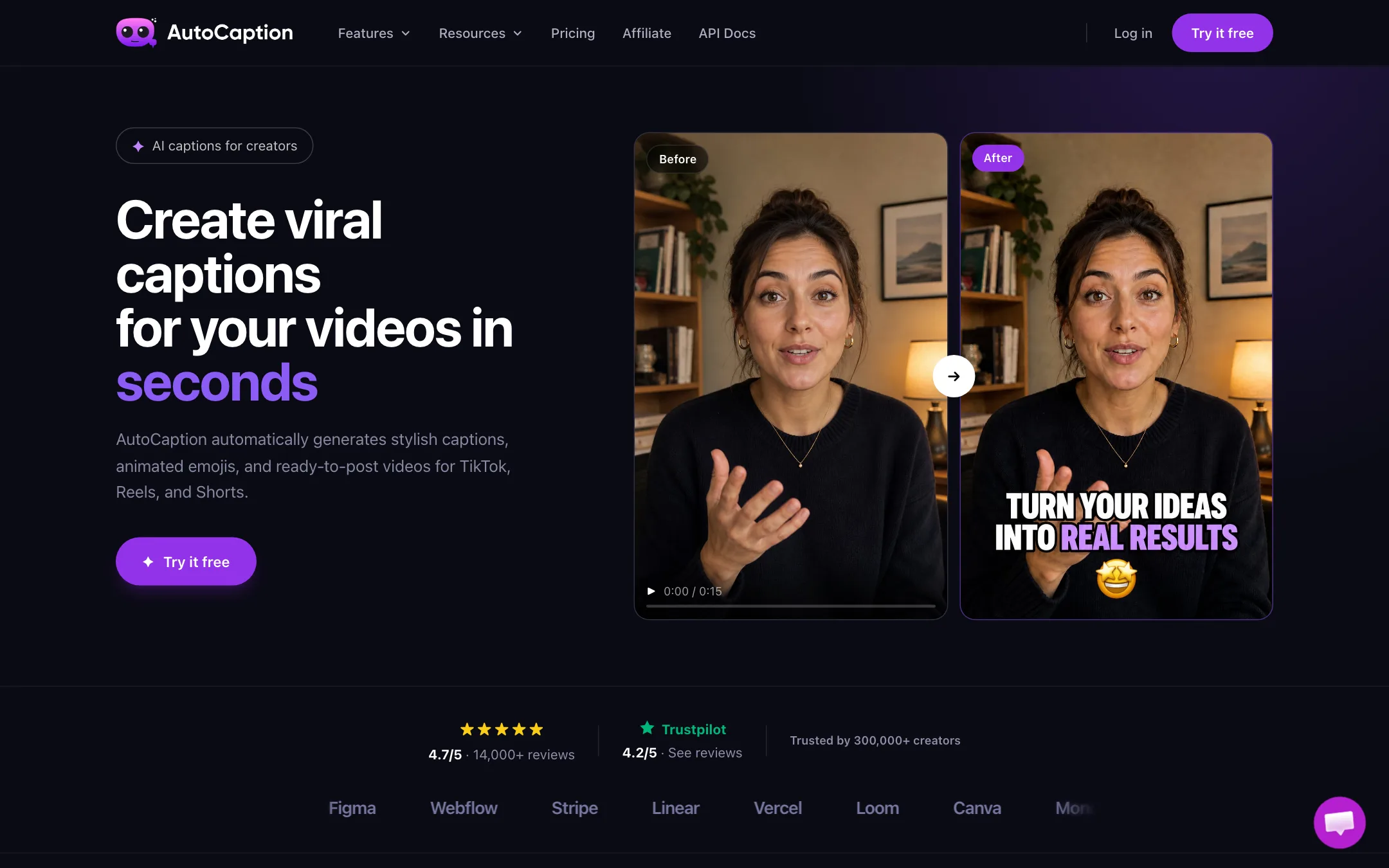
An AI caption generator for TikTok, Reels and Shorts that adds animated, styled captions and emojis to your own videos, with an AI Video tier for stories and POV ads
Best for: TikTok, Reels and Shorts creators who film their own short videos and want animated captions on them in a couple of minutes.

#9 of 81 in Captions and subtitles
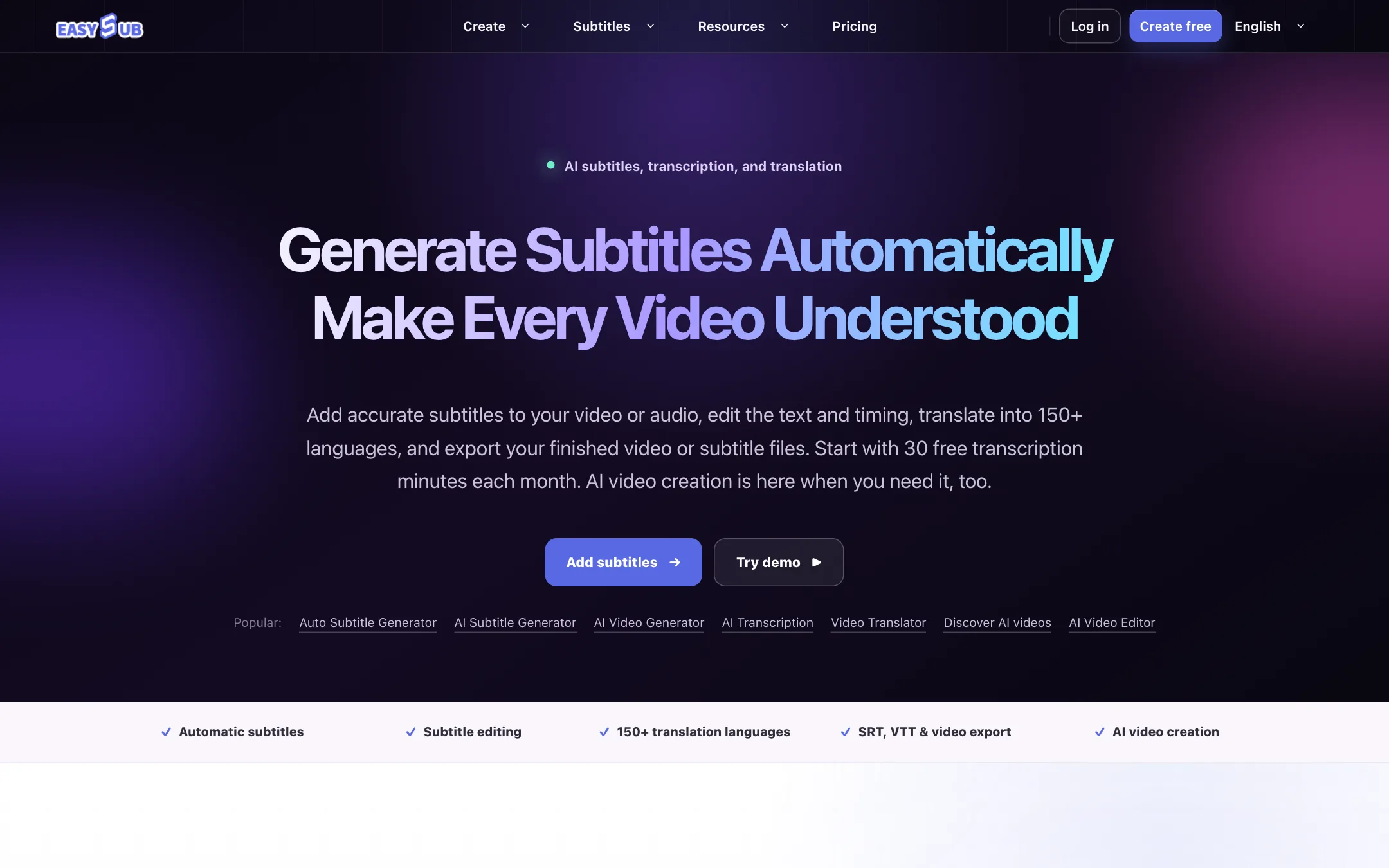
A browser auto subtitle generator with an editable transcript, translation into 150+ languages and SRT or VTT export, now bundled with text-to-video and consistent-character AI video
Best for: Creators, teachers and small teams who need accurate, editable subtitles and translations for existing videos, and want the option to generate short AI clips in the same account.
The short answer
More creators choose AutoCaption than EasySub, and it ranks higher in our captions and subtitles list. Pick AutoCaption if you want tiktok, reels and shorts creators who film their own short videos and want animated captions on them in a couple of minutes. Pick EasySub if you want creators, teachers and small teams who need accurate, editable subtitles and translations for existing videos, and want the option to generate short ai clips in the same account.
AutoCaption: A focused caption tool with sensible caption-plan prices and limits stated in plain videos per month. The free tier is vague, the annual discount does not match its own label, and the big logo wall and review counts are unverified.
EasySub: A cheap, straightforward subtitle workspace with an editable transcript, translation and SRT or VTT export, and subtitle hours kept separate from AI credits. The newer AI video side uses unnamed models, and annual plans give far less than twelve months of the monthly allowance, so read the plan cards closely.
Specs side by side
| AutoCaption | EasySub | |
|---|---|---|
| Starting price | From $18/mo | From $4/mo |
| Free tier | ||
| Pricing | Free tier per the FAQ, no card needed. Caption plans from $18/mo (about $14/mo billed yearly); AI Video plans from $39/mo. | 30 free transcription minutes a month. Paid plans from $5/mo (Beginner) or $48/yr (annual Starter), up to $26/mo for Pro. |
| Platforms | Web | Web |
| Best for | TikTok, Reels and Shorts creators who film their own short videos and want animated captions on them in a couple of minutes. | Creators, teachers and small teams who need accurate, editable subtitles and translations for existing videos, and want the option to generate short AI clips in the same account. |
| Last checked | 2026-10-21 | 2026-10-21 |
Pricing
AutoCaption
Free tier per the FAQ, no card needed. Caption plans from $18/mo (about $14/mo billed yearly); AI Video plans from $39/mo.
- FreeFree
- Starter$18/mo
- Expert$25/mo
- Pro$39/mo
- AI Video Creator$39/mo
- AI Video Power$89/mo
- AI Video Business$199/mo
EasySub
30 free transcription minutes a month. Paid plans from $5/mo (Beginner) or $48/yr (annual Starter), up to $26/mo for Pro.
- FreeFree
- Beginner$5/mo
- Starter$9/mo · $48/yr
- Creator$15/mo · $69/yr
- Pro$26/mo · $89/yr
- Top-ups$50 to $100
Key features
AutoCaption
- Automatic transcription and animated captions, with word emphasis and emojis
- Transcription and translation in 100+ languages, per AutoCaption
- Fonts, colors, animation, size, position and emphasis controls
- Saved caption templates with your brand fonts and colors
- Timeline editor for fixing words and timing
- One-click resize to 9:16 for TikTok, Reels and Shorts, and 1:1 or 16:9 for LinkedIn
- Direct publishing to TikTok, Reels and Shorts
- B-roll and AI tools on Expert and Pro
- AI Video plans that add AI stories and POV ads on a shared credit balance
- API access and team collaboration on the AI Video Business plan
EasySub
- Automatic transcription of video and audio into an editable subtitle track
- Subtitle editor for text, timing, line breaks, splitting and on-screen position
- Subtitle translation into 150+ languages, per EasySub
- Export SRT or VTT files, or burn subtitles into a finished video
- Long-video subtitles for movies, lessons, interviews and other long-form content
- Subtitle downloader, converter and "add text to video" utilities
- Text-to-video and image-to-video from 4 to 15 seconds at 480p, 720p or 1080p (Pro), with audio
- AI Character Video for reusable casts and multi-scene short dramas
- AI video effects templates that animate a single photo
- AI image generator and editor, text-to-speech and audio translation
Strengths and weaknesses
AutoCaption
- Plan limits are stated in videos per month, not opaque credits
- No watermark on any paid caption plan
- Starter at $18 a month undercuts several caption rivals
- Accepts MP4, MOV, AVI, MKV and WebM, up to 4K, per the FAQ
- Saved templates keep a consistent caption look across videos
- Open affiliate program at 40% recurring, so creators can refer it freely
- Short limits on cheaper plans: 2 minutes per video on Starter, 3 on Expert
- 4K export only on the $39 Pro plan
- The free tier is promised in the FAQ but not shown on the pricing page, and the terms call it a free trial
- Annual toggle says save 30%, but the cards show about 22% savings
- No refunds, including partial months, under the terms
- Logo wall of Adobe, Stripe, Linear and others is not explained or backed by case studies
- Its API docs link returned a not-found page when we checked
EasySub
- Free tier with 30 transcription minutes every month
- Monthly plans start at $5, among the cheapest paid subtitle plans we list
- Subtitle hours are a separate allowance, so AI video experiments do not eat your captioning budget
- Editable transcript and timing, with EasySub itself telling you to review automatic output
- Standard SRT and VTT export works with YouTube, Premiere Pro and most players
- Top-ups available without changing plan
- Annual plans deliver credits once a year and give far less than 12 months of the monthly allowance
- The AI video models are not named anywhere on the site
- AI credit cost per video depends on model and settings and is only shown inside the workspace
- Free tier's AI credit allowance, if any, is not stated
- Pricing, FAQ and tool pages sit behind a Cloudflare bot check that can block some visitors
- The footer lists an AI Face Swap tool and the gallery includes suggestive portrait clips, an odd fit for education and business users
- No affiliate, team or API plan published
Try AutoCaption
Free tier per the FAQ, no card needed. Caption plans from $18/mo (about $14/mo billed yearly); AI Video plans from $39/mo.
Try EasySub
30 free transcription minutes a month. Paid plans from $5/mo (Beginner) or $48/yr (annual Starter), up to $26/mo for Pro.