Taption vs EasySub
Two captions and subtitles tools side by side: pricing, free plans, features and who each one suits.
Some links on this page are affiliate links. If you buy through them we may earn a commission at no extra cost to you. Read our disclosure.
#7 of 81 in Captions and subtitles
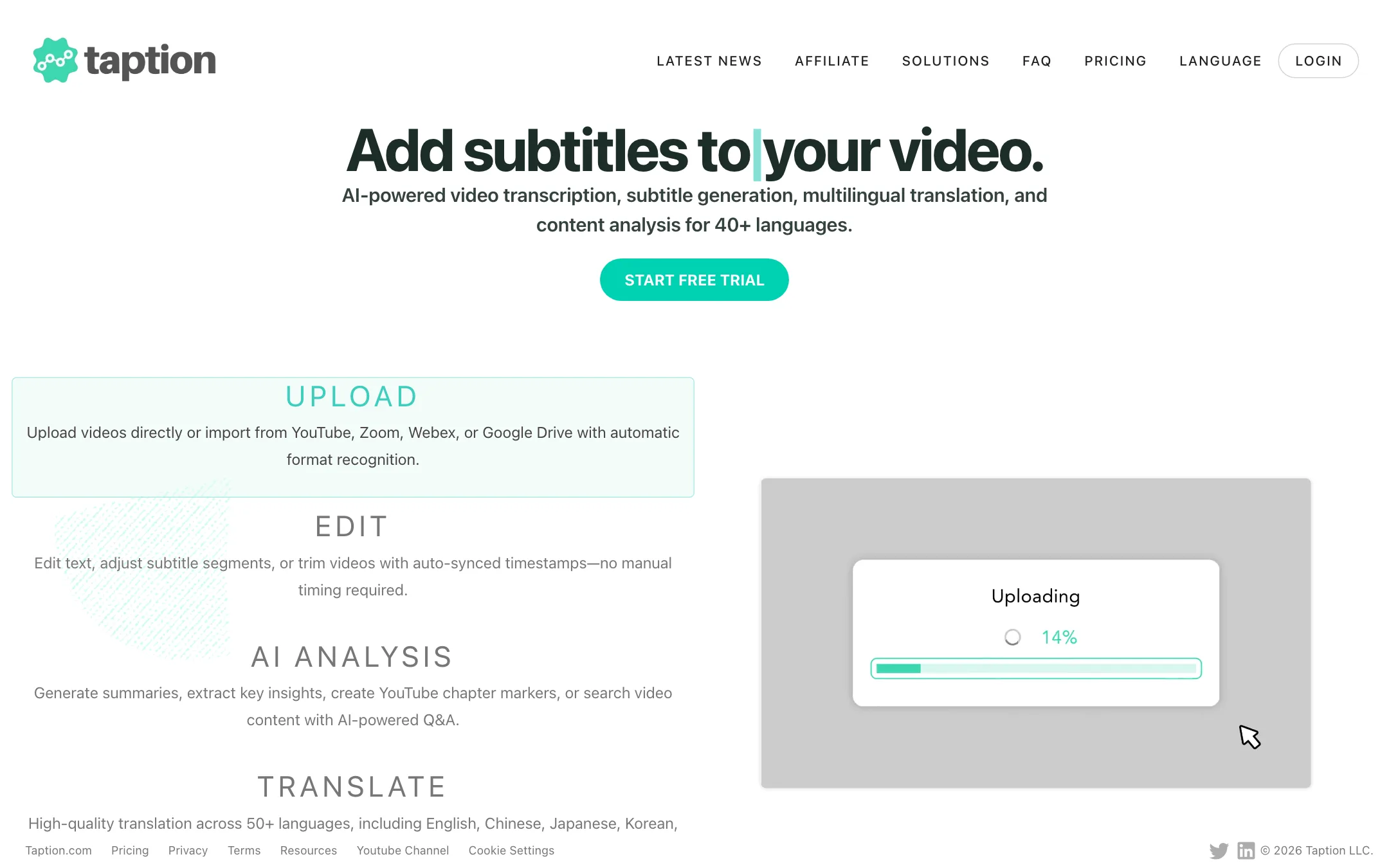
A browser-based transcription and subtitle editor with dual-language burned-in captions, translation into 50+ languages and pay-as-you-go minutes
Best for: Creators, educators and teams who caption and translate long recordings and want an accurate, editable subtitle file more than flashy animated captions.

#9 of 81 in Captions and subtitles
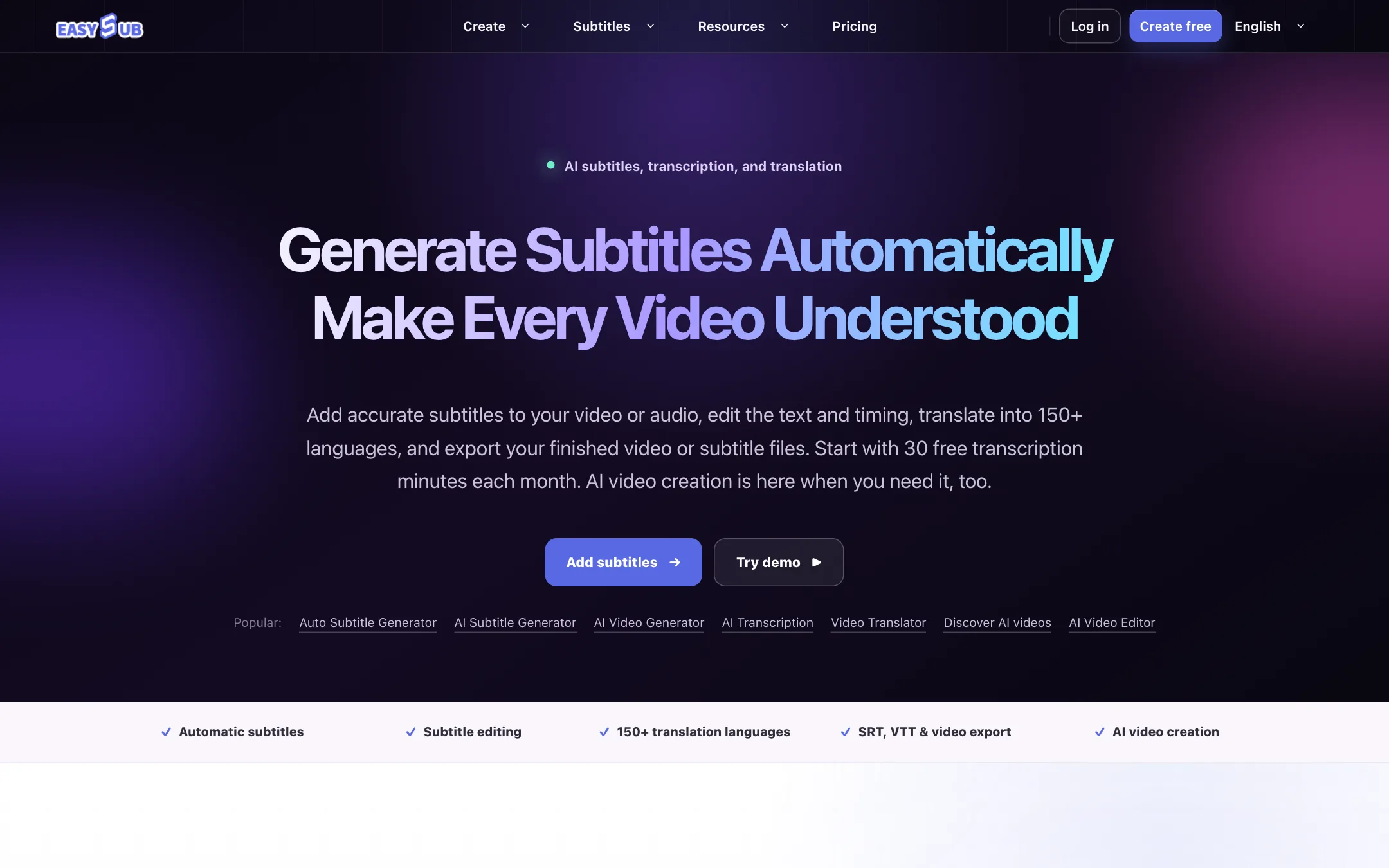
A browser auto subtitle generator with an editable transcript, translation into 150+ languages and SRT or VTT export, now bundled with text-to-video and consistent-character AI video
Best for: Creators, teachers and small teams who need accurate, editable subtitles and translations for existing videos, and want the option to generate short AI clips in the same account.
The short answer
More creators choose Taption than EasySub, and it ranks higher in our captions and subtitles list. Pick Taption if you want creators, educators and teams who caption and translate long recordings and want an accurate, editable subtitle file more than flashy animated captions. Pick EasySub if you want creators, teachers and small teams who need accurate, editable subtitles and translations for existing videos, and want the option to generate short ai clips in the same account.
Taption: A careful, editor-first subtitle tool with fair per-minute pricing, minutes that roll over and dual-language captions that few rivals match. It is built for accuracy and export formats, not for TikTok-style animated captions, and its AI analysis is rationed by a small credit allowance.
EasySub: A cheap, straightforward subtitle workspace with an editable transcript, translation and SRT or VTT export, and subtitle hours kept separate from AI credits. The newer AI video side uses unnamed models, and annual plans give far less than twelve months of the monthly allowance, so read the plan cards closely.
Specs side by side
| Taption | EasySub | |
|---|---|---|
| Starting price | From $10.8/mo | From $4/mo |
| Free tier | ||
| Pricing | 20 free minutes for new accounts, then pay as you go at $8/hour or Premium from $10.80/mo billed yearly ($12 monthly). | 30 free transcription minutes a month. Paid plans from $5/mo (Beginner) or $48/yr (annual Starter), up to $26/mo for Pro. |
| Platforms | Web, Premiere Pro plugin | Web |
| Best for | Creators, educators and teams who caption and translate long recordings and want an accurate, editable subtitle file more than flashy animated captions. | Creators, teachers and small teams who need accurate, editable subtitles and translations for existing videos, and want the option to generate short AI clips in the same account. |
| Last checked | 2026-10-21 | 2026-10-21 |
Pricing
Taption
20 free minutes for new accounts, then pay as you go at $8/hour or Premium from $10.80/mo billed yearly ($12 monthly).
- Pay as you go$0/mo + $8/hour
- Premium$10.80/mo yearly · $12 monthly
- Bulk$62.10/mo yearly · $69 monthly
- Free trialFree
EasySub
30 free transcription minutes a month. Paid plans from $5/mo (Beginner) or $48/yr (annual Starter), up to $26/mo for Pro.
- FreeFree
- Beginner$5/mo
- Starter$9/mo · $48/yr
- Creator$15/mo · $69/yr
- Pro$26/mo · $89/yr
- Top-ups$50 to $100
Key features
Taption
- AI transcription in 40+ languages with speaker labels and punctuation
- Subtitle translation into 50+ languages that reuses the original timecodes
- Single or dual-language subtitles burned into MP4, up to 4K original quality
- Export to SRT, VTT, TXT, PDF and FCPXML for Final Cut Pro
- Adobe Premiere Pro plugin
- Text-based video editing and trimming with subtitles that re-sync after each cut
- Caption tools for max characters per line, bulk duration changes and smooth transitions
- Personal AI Dictionary and Translation Memory for names and recurring terms
- AI Analysis for summaries, YouTube chapters, meeting notes and chat with the video
- Imports from YouTube, Zoom, Webex, Google Drive, Dropbox, OneDrive and social links
- Team seats, shared minutes, role permissions and timestamped memos
EasySub
- Automatic transcription of video and audio into an editable subtitle track
- Subtitle editor for text, timing, line breaks, splitting and on-screen position
- Subtitle translation into 150+ languages, per EasySub
- Export SRT or VTT files, or burn subtitles into a finished video
- Long-video subtitles for movies, lessons, interviews and other long-form content
- Subtitle downloader, converter and "add text to video" utilities
- Text-to-video and image-to-video from 4 to 15 seconds at 480p, 720p or 1080p (Pro), with audio
- AI Character Video for reusable casts and multi-scene short dramas
- AI video effects templates that animate a single photo
- AI image generator and editor, text-to-speech and audio translation
Strengths and weaknesses
Taption
- Pay as you go at $8 an hour means you never pay for an idle subscription
- Subscription minutes roll over while you stay subscribed, and bought minutes never expire
- Dual-language burned-in subtitles are rare in this category
- Wide export range, including FCPXML and a Premiere Pro plugin for editors
- Files up to 5 hours and 5 GB
- Clear minute rules, published in the FAQ
- No animated, word-by-word social caption styles like Submagic or Captions
- Translation is charged as extra minutes, so a translated video costs double
- Only 5 AI analysis credits a month on Premium
- Pay as you go exports at standard quality only and gets no AI credits
- Free trial is 20 minutes once, not a monthly allowance
- Commission rate for the affiliate program is not published
EasySub
- Free tier with 30 transcription minutes every month
- Monthly plans start at $5, among the cheapest paid subtitle plans we list
- Subtitle hours are a separate allowance, so AI video experiments do not eat your captioning budget
- Editable transcript and timing, with EasySub itself telling you to review automatic output
- Standard SRT and VTT export works with YouTube, Premiere Pro and most players
- Top-ups available without changing plan
- Annual plans deliver credits once a year and give far less than 12 months of the monthly allowance
- The AI video models are not named anywhere on the site
- AI credit cost per video depends on model and settings and is only shown inside the workspace
- Free tier's AI credit allowance, if any, is not stated
- Pricing, FAQ and tool pages sit behind a Cloudflare bot check that can block some visitors
- The footer lists an AI Face Swap tool and the gallery includes suggestive portrait clips, an odd fit for education and business users
- No affiliate, team or API plan published
Try Taption
20 free minutes for new accounts, then pay as you go at $8/hour or Premium from $10.80/mo billed yearly ($12 monthly).
Try EasySub
30 free transcription minutes a month. Paid plans from $5/mo (Beginner) or $48/yr (annual Starter), up to $26/mo for Pro.