What SNAPVID is
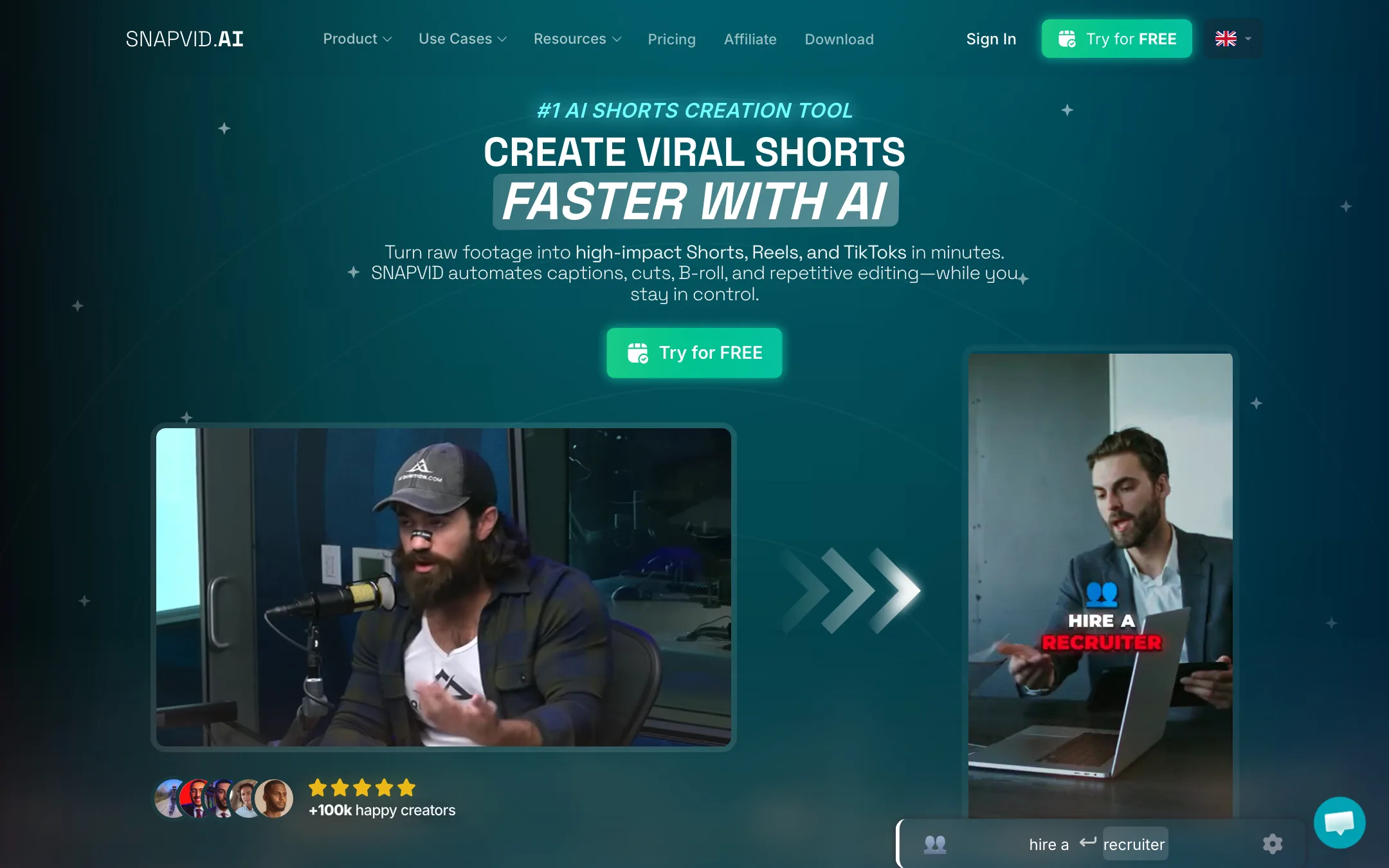
SNAPVID.ai is an AI editor for short-form video. You upload footage you filmed yourself, and it adds styled captions, cuts out dead air, drops in B-roll and tidies the clip for TikTok, Instagram Reels and YouTube Shorts. On the Pro plan it can also cut a long video into several shorts.
It is a French company. The footer reads “Made with love in” next to a French flag, a French version of the site sits at snapvid.ai/fr, its terms fall under French law, and the creator testimonials on the homepage are mostly French accounts. Its co-founder and CTO, Adam Pomposelli, sums up the pitch on the pricing page: if an AI can do the edit, an AI should do it.
SNAPVID does not generate video from a prompt. It is a caption-first editor, closer to Submagic than to a text-to-video tool. It lists AWS, Google Cloud and Deepgram among its partners, but does not say which models power its captions or cuts. We did not use the product; everything below is from SNAPVID’s public pages.
Who it is for
SNAPVID fits you if:
- You film talking-head clips, tutorials or podcast cuts and want captions on every one.
- You post every week and want the repetitive part of editing done for you.
- You run a small short-form agency and want consistent caption styles across clients.
- You create in French or another European language and want a tool built in Europe.
- You prefer a desktop app to a browser tab.
Skip it if:
- You want AI to make the video from a script. SNAPVID edits footage you already have.
- You make longer clips on a budget. Basic stops at 90 seconds.
- You want to see a US dollar price before you sign up.
- You need auto-publishing to your channels today. It is marked coming soon.
How it works
SNAPVID’s own flow has three steps.
- Import your footage. Drop in an MP4, MKV or MOV, or import from YouTube in HD. The homepage trial accepts uploads up to 3 minutes and 1 GB, in 9:16, 1:1 or 16:9.
- Generate and style captions. SNAPVID transcribes the video, writes the captions, and lets you correct the transcript. You choose a caption style, add emojis and B-roll, and SNAPVID says it applies smart cuts.
- Export. Render up to 4K and export vertical clips for each platform. Pro adds multi-export.
After the AI pass, the SNAPVID Pro Editor lets you change things by hand. SNAPVID says it balances “automation with practical editing control.” It also says its workflow avoids “timeline drag,” which suggests a transcript-led editor rather than a classic multi-track timeline. We could not see the editor without signing in, so check this in the trial.
Captions
Captions are the core of the product. Basic adds two custom subtitle styles and one custom font on top of the defaults. Pro adds five styles and up to 20 fonts. Both get animated emojis. SNAPVID’s free subtitle pages cover more than 45 languages, from English, French and Spanish to Hindi, Mandarin, Tamil and Welsh, which suggests broad transcription support. It does not publish an accuracy figure.
B-roll, cleanup and cuts
- AI Auto B-roll (both plans) pulls clips from an unlimited stock library and places them over your talking head.
- AI Auto Cleanup (Pro) tidies the footage. SNAPVID does not say exactly what it removes; the homepage talks about automating “repetitive editing.”
- AI Auto Cut (Pro) turns long videos into shorts. The menu calls this Magic Clips and promises to “find stronger moments.”
Desktop app
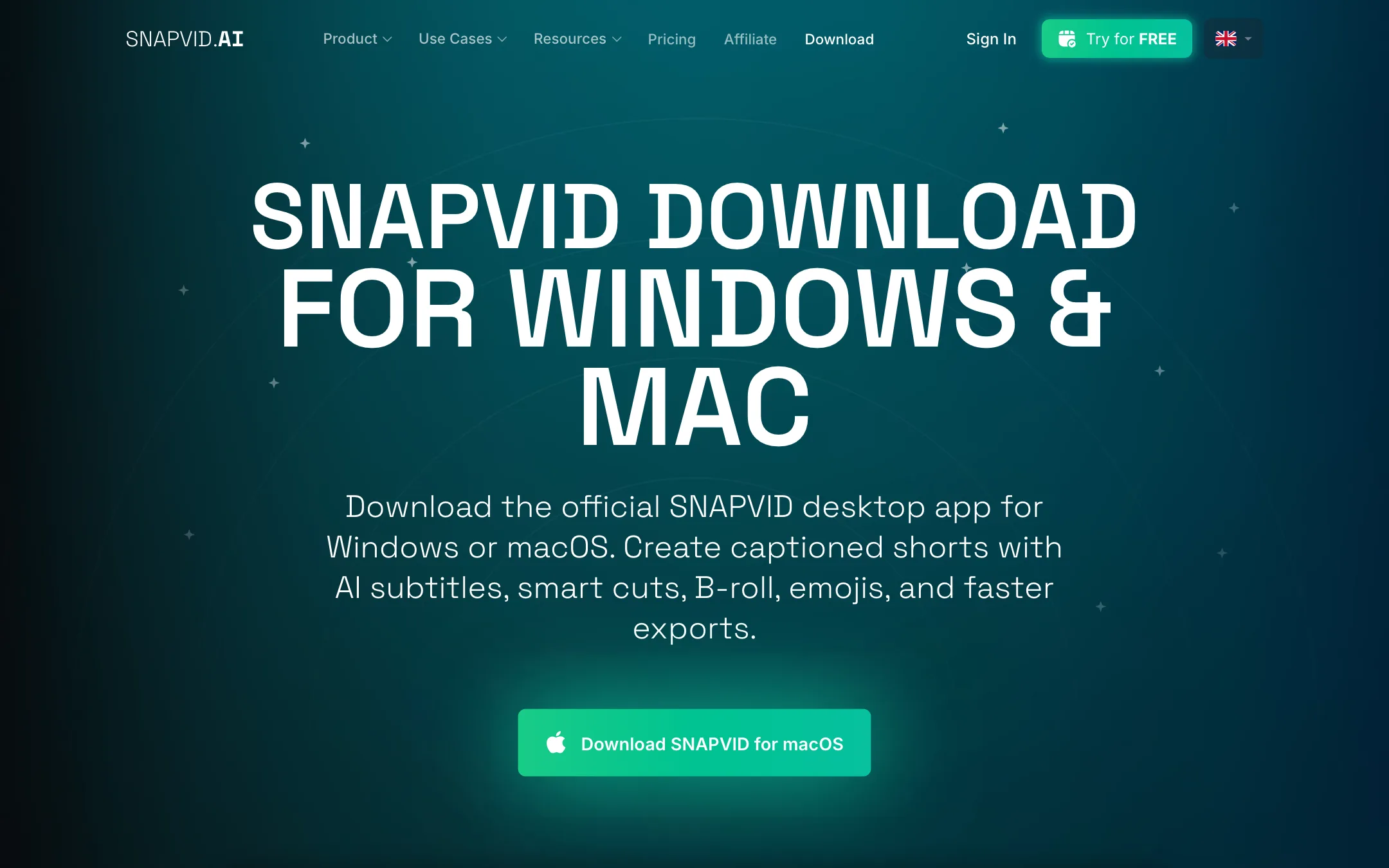
SNAPVID offers a Windows x64 installer and a universal macOS DMG on its download page. It says the desktop app is for creators who want a dedicated app for recurring production. It is a real plus if you edit large files and would rather not upload through a browser tab every time.
Free tools
SNAPVID runs a large set of free browser tools: video trimmers, croppers, mergers, format converters, SRT and VTT converters, transcript grabbers, and AI generators for hooks, scripts, titles, hashtags and bios. Many say “Free and Private.” They are handy on their own. They are also clearly a way to bring search traffic into the app, and the text on many of these pages is repetitive filler.
Where the site does not add up
A few things on SNAPVID’s pages do not match:
- Feature links. In the Features menu, “Magic Clips” opens the free Video Hook Generator, “Auto Description” opens the YouTube description generator, and “AI Video Editor” goes back to the homepage. There are no dedicated pages explaining these features.
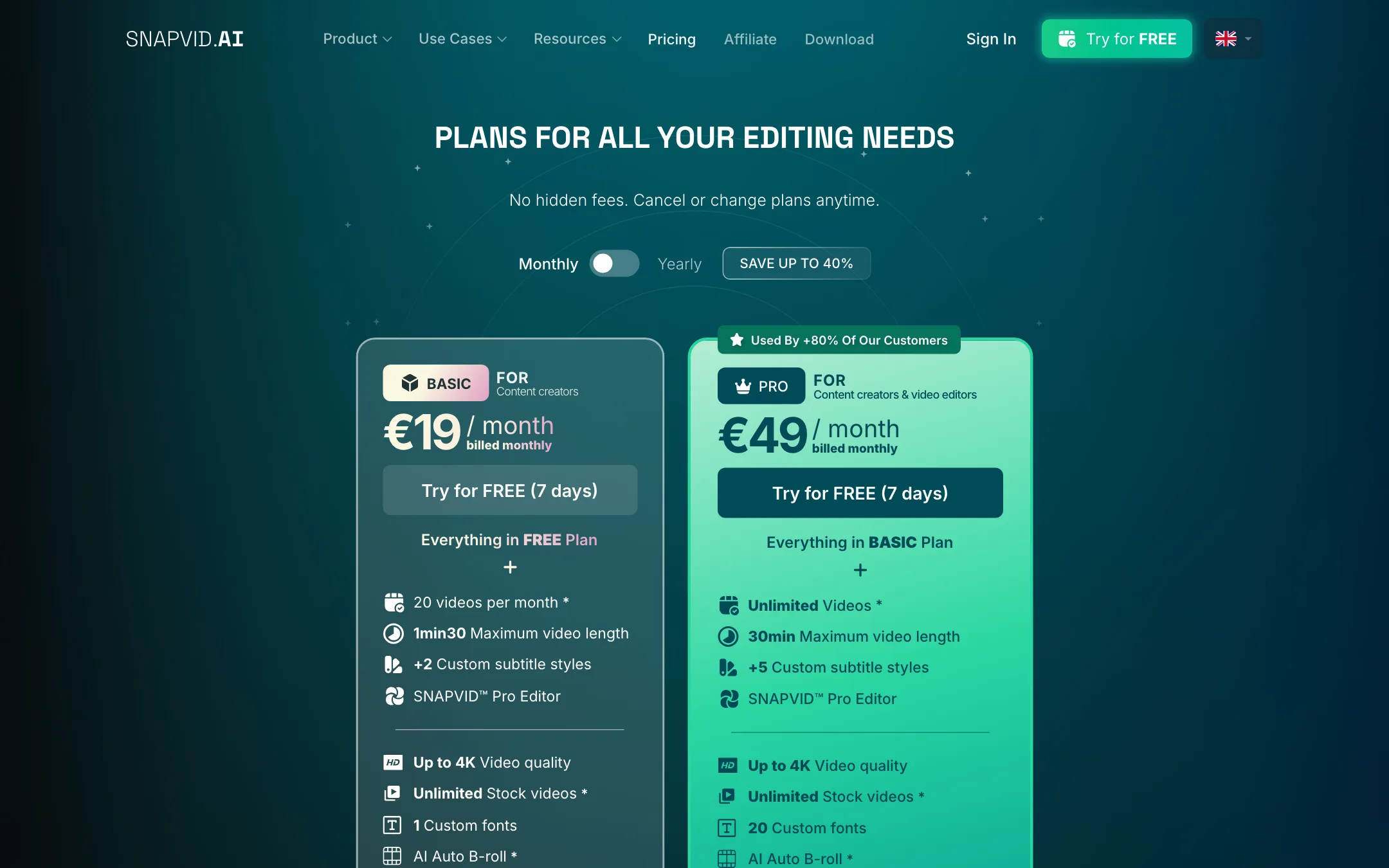
- Free plan. Both paid cards say “Everything in FREE Plan,” but no free plan is shown. The pricing page offers a 7-day free trial, while the terms describe “free access without requiring a credit card.”
- Hidden tier. The affiliate calculator has Basic, Pro and Creator buttons. The pricing page has no Creator plan.
- Coming soon. One-click publishing, cross-platform export, custom API integrations, Smart Zoom and Smart Music all appear in the plan table as coming soon.
- Comparison pages. SNAPVID’s “vs” pages for Klap, Opus Clip, CapCut and others are vendor-written, short and generic. Read them as marketing.
None of this stops the core product from being useful. It does mean you should rely on the trial, not the marketing pages, to judge it.
How to test it in seven days
Seven days goes fast. Plan the trial before you start it:
- Use your real footage. Upload the kind of clip you post every week, not a demo. Caption accuracy depends on your voice, your accent and your mic.
- Test your language. If you post in French, Spanish or anything other than English, check how many words you have to fix in the transcript. That correction time is the real cost of any caption tool.
- Try a long video on Pro. If you want shorts from podcasts or webinars, run Auto Cut on a full episode. See how many usable clips come back and how much you would still trim by hand.
- Check the B-roll fit. Stock B-roll can look generic. Note how often you swap or delete what Auto B-roll picks.
- Export at your target size. Render one clip in 9:16 at full quality and watch it on your phone before you decide.
- Set a reminder to cancel. You cancel from account settings, and refunds are not guaranteed after the first charge.
Pricing
SNAPVID shows prices in euros only. We could not find a US dollar price, so we list no dollar figure. Your bank will convert the charge.
| Plan | Monthly | Yearly (per month) | What you get |
|---|---|---|---|
| Free trial | 7 days | n/a | Test the editor on a short upload |
| Basic | EUR 19 | EUR 16 | 20 videos a month, 90-second max, 1 GB files, Auto B-roll |
| Pro | EUR 49 | EUR 30 | Unlimited videos, 30-minute max, 5 GB files, Auto Cleanup, Auto Cut, 4 collaborators |
What the table does not make obvious:
- Basic is tight. Twenty videos a month is fine for one posting schedule, but a 90-second cap rules out longer YouTube Shorts uploads, LinkedIn explainers and podcast segments.
- Pro is the real plan for most people. Auto Cut, cleanup, longer videos and collaborators all sit on Pro. SNAPVID itself says 80% of customers use it.
- Yearly is where the value is. Pro drops from EUR 49 to EUR 30 a month on yearly billing, a 40% saving. Basic saves 20%.
- There is a voice perk. Both plans include 10% off VoiceCheap.AI, a separate AI dubbing service listed as a partner.
Refunds and cancelling
You cancel from account settings. If a bug blocks that, you message support through the Crisp chat, and the date your message arrives counts as the cancellation date. Refunds are reviewed case by case, with no fixed window. Use the 7-day trial fully before your first charge.
Pros and cons in practice
SNAPVID does one job and aims it at the right people. If you film yourself talking, captions and B-roll are most of your editing time. A tool that does that pass for you, on the web or on your desktop, can save real hours each week.
The weaknesses are in the packaging. Basic is too limited for many creators, the pricing is euro-only, and the public site explains its own features poorly. The free tools are generous, but they tell you little about the paid editor.
Alternatives
- Submagic is the best-known caption-first editor, adding clipping, B-roll and scheduling, with published USD pricing.
- Hello8 focuses on subtitles and translation in 90+ languages, with an AI reviewer that proofreads each line.
- Klap is stronger on turning long videos into shorts automatically, if clipping matters more than caption styling.
Verdict
SNAPVID is a reasonable pick if you film your own short-form videos and want captions, cuts and B-roll done in one pass, with a desktop app as a bonus. French-speaking creators in particular will feel at home.
Plan on Pro, ideally billed yearly, because Basic’s 90-second cap and 20-video limit are easy to outgrow. Run the 7-day trial on your real footage, check the caption accuracy in your language, and remember that refunds are not guaranteed once you pay.