
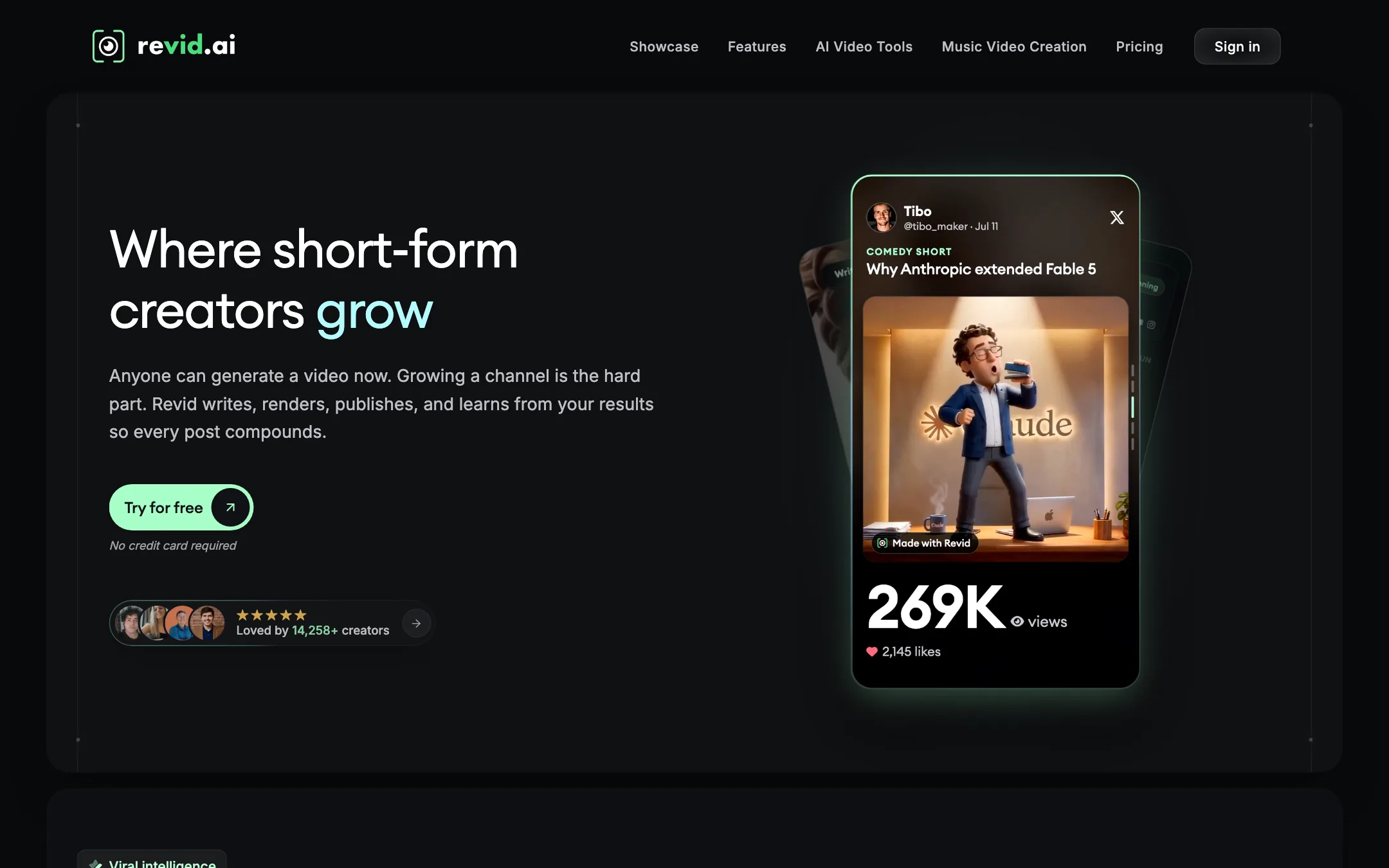



What Revid.ai is
Revid.ai is a web studio for short-form video. You give it an idea, a script, a link, an audio file or a viral video to riff on. It writes the script, picks or generates visuals, adds a voiceover, music and captions, and hands you an editable video. Then it can publish that video to TikTok, Instagram and YouTube for you.
It started in Paris in 2023 as Typeframes and became Revid in April 2024. If you have an old Typeframes bookmark, it now redirects here.
What sets Revid apart from simpler faceless-video makers is how far it goes on both ends. Before creation, it has a viral video search and a channel watcher to find ideas. After creation, it has scheduling, post stats and Auto-Mode workers that make and post a new video every day. And every paid plan includes an API, an MCP server and a CLI, so developers and AI agents can drive it too.
Who it is for
Revid fits you if:
- You are a founder or small business owner who needs a steady stream of product videos, demos and social posts without an editor.
- You run faceless channels and want daily posting to run on its own.
- You like to start from formats that already work, then make your own version.
- You build automations and want video generation you can call from code or from an AI assistant.
Skip it if:
- You mostly want to cut clips from your own long recordings. Revid has a YouTube clip maker, but it is one tool among many, not the focus.
- You want a low-cost tool for occasional use. There is no ongoing free plan, and $32 a month billed yearly is the floor.
- You plan to lean on premium 1080p or 4K AI video for every scene. The credits go quickly at those tiers.
How it works
The creation screens are behind a login. This walkthrough is based on Revid’s public documentation, which is unusually detailed, and its public pages, not a hands-on test.
Creating a video
You click Create in the left sidebar and choose a starting point under “What do you want to make?” Main options include:
- Short Video Generator: paste a script and get a vertical video.
- Prompt to Video: describe the video and let Revid handle everything.
- Article to Video and URL import: paste a link from YouTube, TikTok, X, LinkedIn, Reddit, Spotify, SoundCloud or any blog post.
- YouTube Long to Shorts, Audio to Video and Music to Video.
- AI Talking Avatar, Video Podcast Generator and Face Swap.
- Add Caption to Video and Ad Generator.
Then you set up the render:
- Choose visuals. Options include AI video at Low, Pro or Ultra tiers, Google Veo 3, animated AI images, motion graphics, stock footage, your own uploads or gameplay backgrounds.
- Pick a voice from 1,000+ ElevenLabs voices in 70+ languages, or clone your own on higher plans.
- Choose a caption preset and music.
- Check the estimated credit cost, which updates before you commit.
- Generate. The result opens in the editor.
Revid’s script tips are worth knowing. A line break starts a new scene. Text in [brackets] is never spoken and guides the visuals instead. A break tag inserts a timed pause. And short, punctuated sentences make the AI voice sound much more natural.
The editor
Every render lands in a timeline editor. You can edit text segments and timing, regenerate any scene’s media from a new prompt, split frames, manage voice, music and sound-effect tracks, swap caption presets and switch between 9:16, 16:9 and 1:1. Revid also lets you trim and rearrange by editing the transcript text. Exports go up to 1080p, or 4K in beta for 10 credits.
This matters. Many faceless tools give you a finished file and a “regenerate” button. Revid gives you a project you can fix scene by scene.
Viral search and remixing
Revid says its library holds about 2.77 million viral short-form videos. You can search by niche, sort by engagement, follow channels with the channel watcher and turn any post into your own remix, sequel or restyle. Growth watches 5 channels and Ultra 50.
This is a fast way to find formats that work. It also invites copying. Make sure your remix adds something, both for your audience and to stay on the right side of the original creator.
Captions
Revid has 16 caption presets, including Hormozi-style word highlights, with alignment, font and color controls. The Add Caption to Video tool transcribes and captions any uploaded video in 100+ languages, which is why we also list Revid under captions.
Publishing and Auto-Mode
Connect TikTok, YouTube and Instagram, then publish right away or schedule. Webhooks let you send finished videos into your own pipeline.
Auto-Mode is the standout. A worker is an always-on pipeline: you set a tool and a content source once, and it generates a fresh video every day, optionally posting it too. Growth includes 3 workers and Ultra 10. Revid’s docs also mention an Elite tier with 5 workers, but Elite was not on the pricing page when we checked.
API, MCP and CLI
Every paid plan includes a public REST API, an MCP server that connects to Claude, ChatGPT, Cursor and other assistants, and an npm CLI. The API covers script, prompt, article, music, audio, avatar, caption and ad workflows, and it can estimate credit costs without an API key. If you are building an automated content pipeline, this is a real advantage over tools that keep everything in the browser.
Output quality
We have not rendered videos in Revid, so we cannot rate its output from first-hand use.
What we can say is that output quality depends heavily on which visuals you choose. Revid is a studio on top of other models. Its Ultra tier uses Seedance 2.5 and MiniMax Hailuo H3, and it offers Google Veo 3. Stock footage and AI images are much cheaper and look like it. A video built from Low-tier AI images will look very different from one built with Seedance clips, and cost a fraction as much.
Revid’s pricing page quotes creators who report view and subscriber gains. Those are individual testimonials, not typical results. Revid’s own FAQ is more honest on this point, saying audience results still depend on the idea, the offer and distribution.
Voice quality should be solid, since Revid uses ElevenLabs voices, but voice is only one part of a good short.
Pricing
Revid sells subscriptions that include monthly credits, plus one-time booster packs. We checked the pricing page on 2026-10-19.
| Plan | Price | What you get |
|---|---|---|
| Hobby | $32/mo yearly, $39 monthly | Create from text or links, remix viral videos, editable videos |
| Growth | $32/mo yearly, $39 monthly | 2,000 credits, publishing, 3 Auto-Mode workers, API/MCP/CLI |
| Ultra | $166/mo yearly, $199 monthly | 12,000 credits, 10 workers, voice cloning, 50 watched channels |
| Credit Boost | $49 to $1,900 one-time | 1,000 to 100,000 credits that never expire |
The Ultra slider goes further: Revid’s docs list 30,000 credits at $459 a month up to 200,000 at $2,799.
The confusing part
Hobby and Growth showed the same price on both monthly and yearly billing. Growth listed 2,000 credits, publishing, Auto-Mode and API access. Hobby listed none of those and no credit amount. Revid’s own pricing docs, updated the same month, list Growth, Elite ($89) and Ultra and do not mention Hobby at all. The page may be mid-test. Until it settles, Growth is the plan to compare, and you should confirm what you are buying at checkout.
What credits buy
Revid publishes a full credit table. The main costs:
- AI video per 5 seconds: Low 15, Pro 50, Ultra and Veo 3 100, Seedance 1080p 250, Seedance 4K 500.
- AI images: 1 to 16 credits each.
- Voice: 10 credits per 500 characters.
- Avatars: 80 to 200 credits per 500 characters.
- AI music: 20 credits. 4K export: 10 credits.
Revid says a typical 30-second video with Pro-tier moving images costs about 40 to 80 credits. That is 25 to 50 videos on Growth. A 30-second video built entirely from Seedance 4K clips would cost 3,000 credits, more than a month of Growth.
Credit tips
- Mix tiers. Use premium AI video for the hook and cheaper images or stock for the rest.
- Check the estimate before every render. It is free.
- Fix scenes, do not rerun videos. Regenerating one scene in the editor costs far less than a full new render.
- Remember the reset. Plan credits refill to the plan amount each renewal and do not roll over. Booster credits sit in a separate balance and never expire, so buy those only for real overflow.
Verdict
Revid is one of the most complete short-form tools around. It finds ideas, writes and renders them, lets you edit every scene, captions and publishes, and can run all of that daily on autopilot. API, MCP and CLI access on every paid plan make it a strong pick for anyone building automated content pipelines.
The trade-offs are cost and clarity. Premium AI video eats credits fast, credits do not roll over, and the plan lineup on the pricing page was confusing when we checked. If you want a full content engine and will watch your credit spend, Revid is a strong choice. If you only need captions or a few clips a month, a smaller tool will cost you less.