What vidBoard is
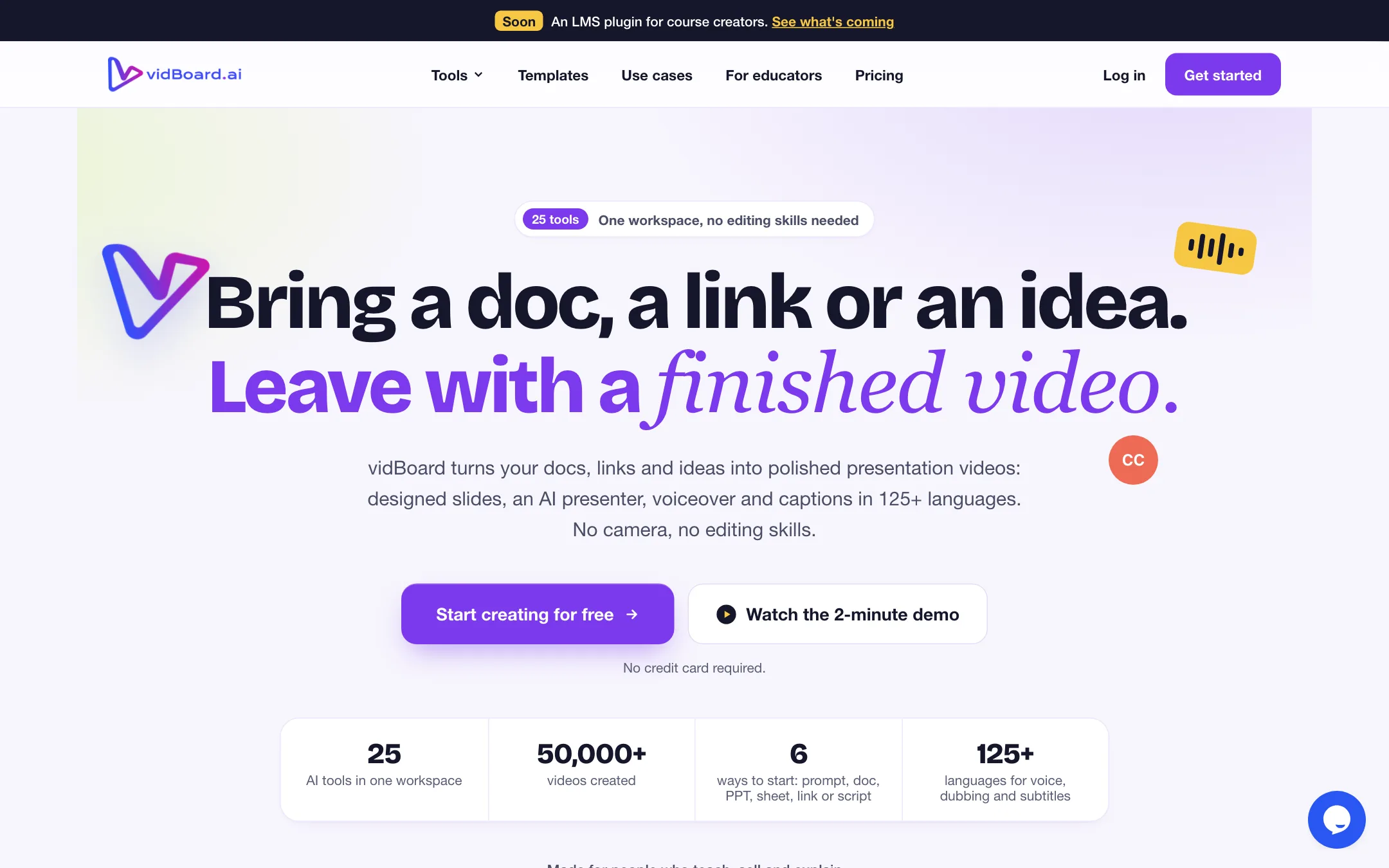
vidBoard.ai is a web app that turns material you already have into presentation videos. You bring a PDF, a Word file, a slide deck, a spreadsheet, a web link or one sentence. vidBoard writes a script, lays it out across designed slides, and puts an AI presenter and a voiceover on top. Captions and dubbing come from the same workspace.
It calls itself “a 25-tool video studio” and says it is “not an avatar tool.” That is fair as a description of the menu. Alongside the avatar maker you get a multi-track editor, a clip repurposer, a screen recorder, a thumbnail maker and free browser utilities for trimming, merging and mixing audio.
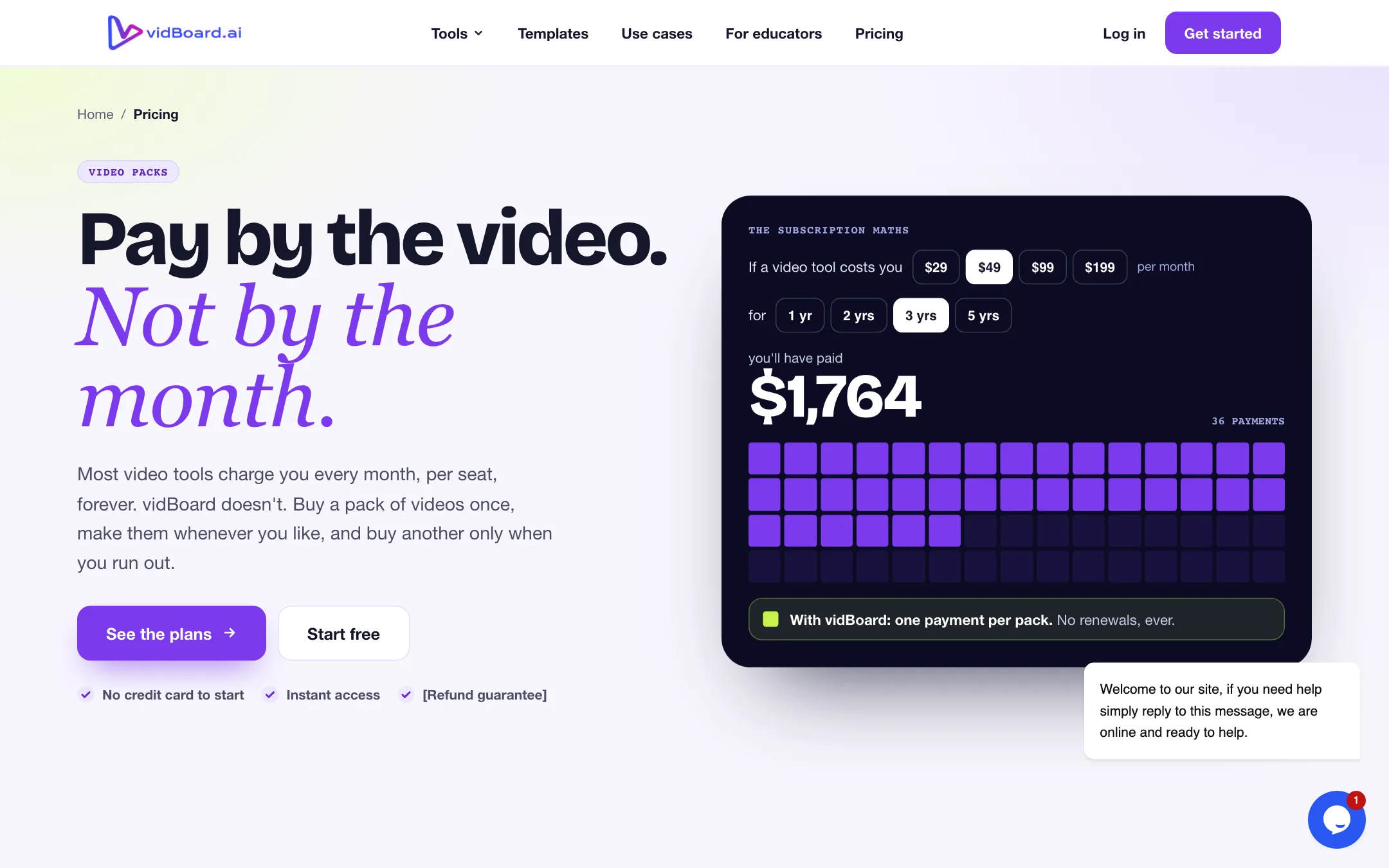
The thing that makes vidBoard stand out is how you pay. There is no monthly plan. You buy a pack of videos once, use them when you like, and buy another pack when you run out.
vidBoard says it runs its own avatar and lip-sync models. It also lists a long set of third-party voice providers by name: Microsoft Azure, Fish Audio, Deepgram Aura, Resemble AI and OpenAI, with ElevenLabs named on its roadmap. The VidAI generator for clips, images and music runs on FAL AI, using your own key. We did not use the product; everything below comes from vidBoard’s public pages.
Who it is for
vidBoard fits you if:
- You teach, coach or train, and your content already lives in slides, PDFs or notes.
- You want a presenter on screen but do not want to film yourself every week.
- You make videos in bursts, not every day, and a monthly subscription would sit idle.
- You need the same lesson in several languages.
Skip it if:
- You want cinematic AI footage. vidBoard makes slide-based explainers, not generated scenes.
- You only want avatars for free. The free plan covers non-avatar video only.
- You make short social clips from your own camera footage. A dedicated captions or clipping tool will fit better.
- You need a polished vendor with tidy documentation. Parts of vidBoard’s site still look half finished.
How it works
vidBoard gives you six ways to start: a prompt, a document, a PowerPoint, a spreadsheet, a link or a script. Each lands you in the same slide-and-presenter editor.
From a document, deck or link
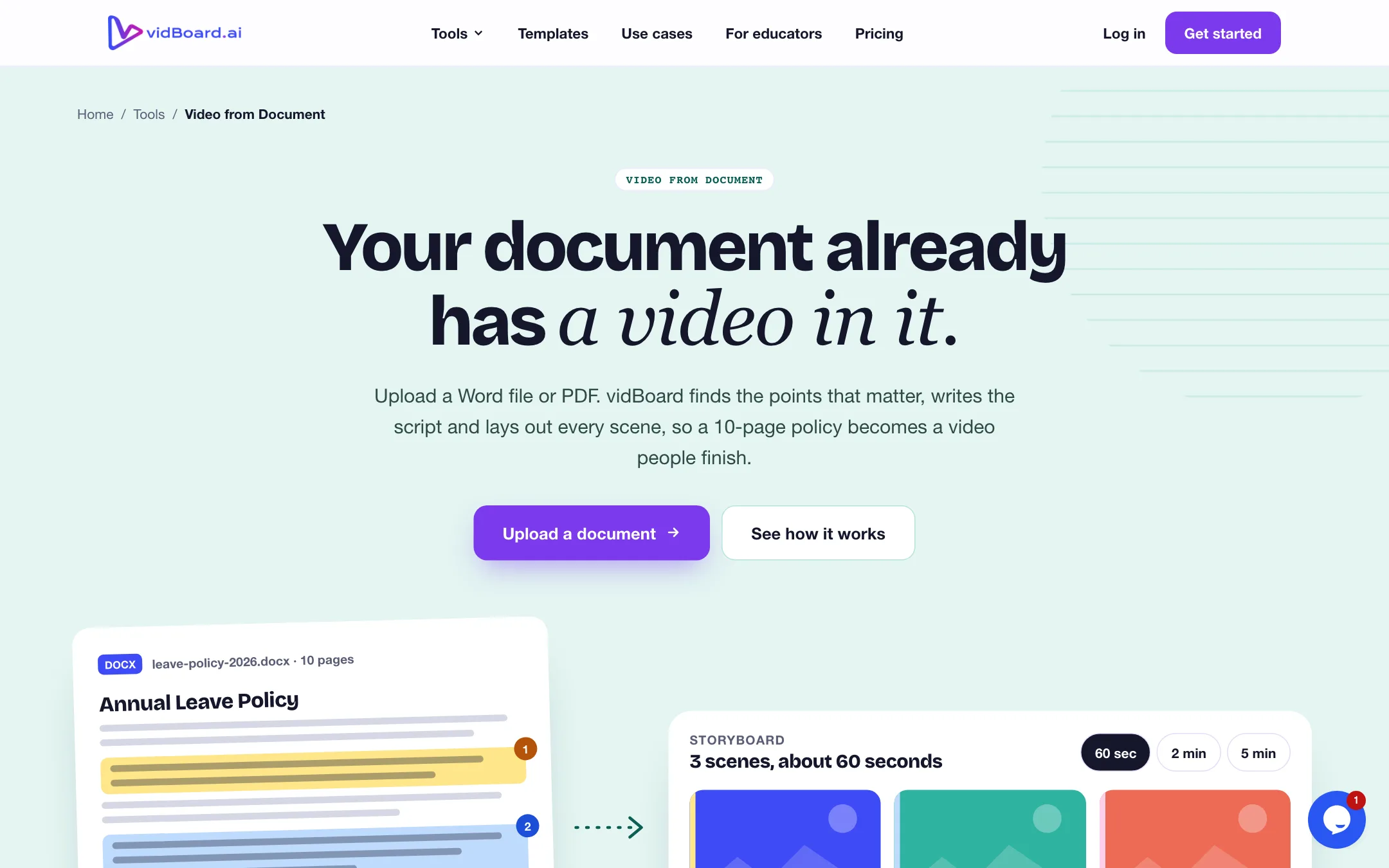
- Upload a PDF or DOCX (vidBoard’s tool page says up to 10 pages), a slide deck, or paste a URL.
- Pick the image source, how many slides you want, your Brand Kit and a template.
- vidBoard pulls out the key points, writes a script and builds a storyboard. Its example turns a 10-page leave policy into a short set of scenes: hook, scope, steps, roles, timing, FAQ and summary.
- Edit the first cut. Every slide, script line and layout can be changed before you render.
- Add a presenter and a voice, then generate.
This is the strongest part of the product on paper. Most avatar tools expect you to write the script. vidBoard starts from the material you already teach with.
With an avatar
The Video with Avatar tool gives each scene its own script and voice, with the slide beside it. You pick from 120+ stock presenters, sorted into roles like narrator, teacher, coach and corporate trainer, or use your own Digital Twin. vidBoard claims 99.5% lip-sync accuracy. We could not check that figure, and it does not say how it was measured.
Your Digital Twin
There are two kinds of twin:
- Talking Head from one photo: JPEG or PNG, 500 by 500 pixels, up to 1 MB. It gives natural head movement and expressions, per vidBoard.
- Motion Avatar from a short video: square MP4, 1080 by 1080, up to 50 MB. It adds upper body movement and hand gestures.
The tool walks you through a checklist before upload: face the camera, use even light, keep a plain background, and keep hats and sunglasses out of the frame. It also asks for consent, and vidBoard says only you can create your own twin. Pair it with a cloned voice and every lesson can sound and look like you.
AI Composer
If you have nothing to upload, type one sentence. The homepage shows “A 60-second explainer for our new invoicing feature” becoming a four-slide draft with a presenter, a voice and a template already chosen. You then edit it like any other project.
Templates
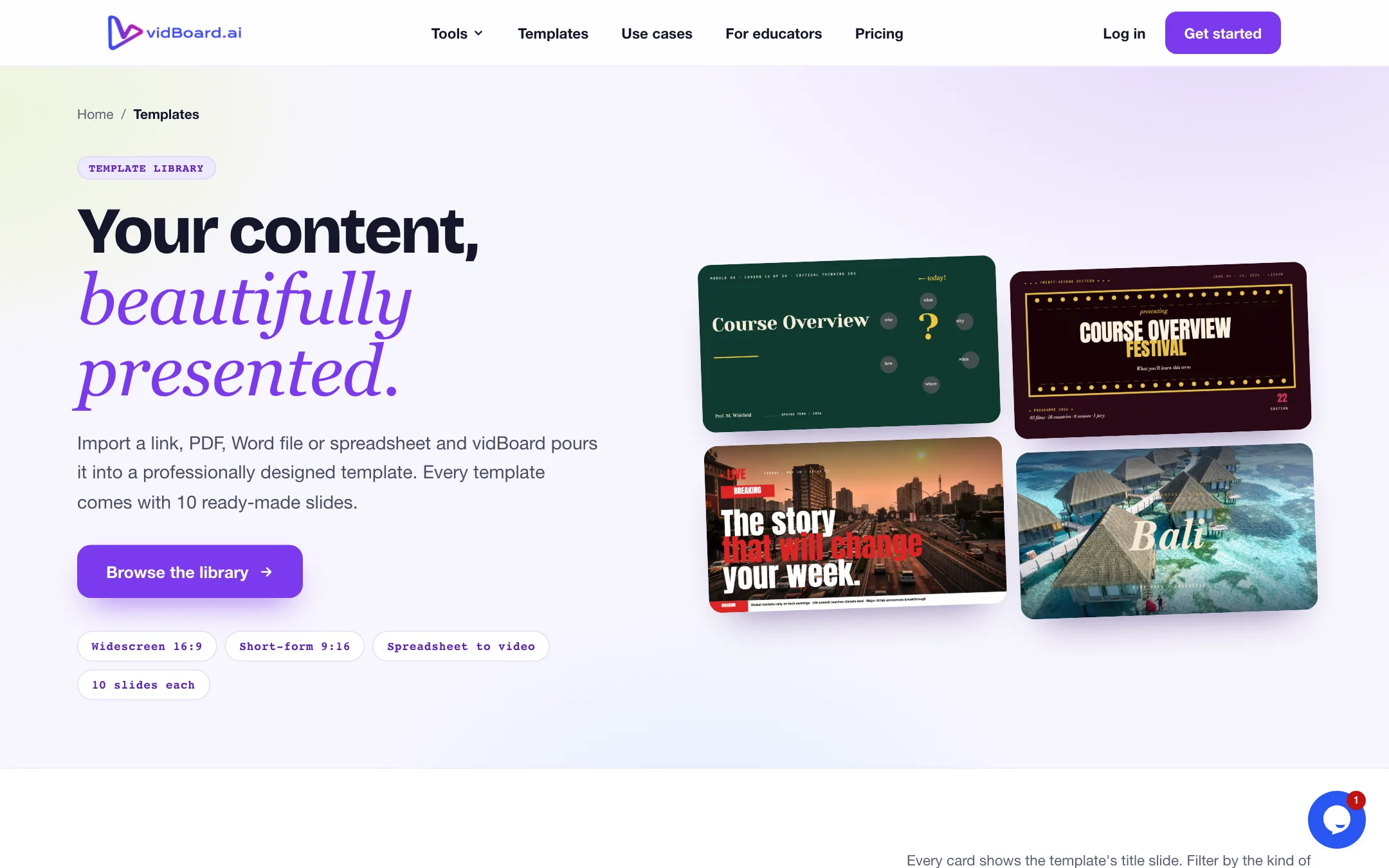
The template library is broad. Every template has ten ready-made slides, in widescreen, vertical or square. Categories run from education, business and training to food, real estate, fitness, weddings and esports. Each one works with the document, link, deck and spreadsheet tools.
Editing, dubbing and the extra tools
vidBoard bundles a lot beyond the avatar maker.
- Vidcut Editor is a multi-track browser timeline. You get separate video, text and audio layers, split at the playhead, speed from 0.5x to 2x, fades, titles, transitions, filters and stickers. It imports MP4, MOV, WebM, MP3, WAV, PNG and JPG.
- Video Repurpose cuts a long video into shorter clips. Packs include 2, 5 or 10 runs.
- AI Subtitles adds styled, timed captions.
- AI Dubbing transcribes your video, translates it and re-voices it with an AI voice or your clone.
- Screen Recorder records inside vidBoard so you can combine it with a presenter.
- Video Suite and Audio Suite trim, merge, reorder, cut and mix files. vidBoard says these run in your browser, so your files are never uploaded.
- Image tools remove backgrounds, compress images and make YouTube thumbnails.
Dubbing: read the small print
vidBoard’s own pages disagree about dubbing. The homepage and FAQ say voice, dubbing and subtitles work in 125+ languages. The AI Dubbing page says “in 29 languages,” limits uploads to MP4 or WebM up to 30 MB and 5 minutes, and states plainly that “lips aren’t re-synced.” Yet the roadmap describes AI Dubbing as shipping with “synced lip movement,” and the changelog mentions a dubbing engine update for more natural lip-sync.
Our reading: avatar videos you build inside vidBoard are lip-synced to the script, while dubbing an uploaded video replaces the audio without changing the mouth. If lip-synced translation of real footage matters to you, test one short clip before you rely on it.
VidAI needs your own key
VidAI generates video clips, images and music from a prompt, for B-roll, slide backgrounds and background tracks. It is not included in any pack. You paste your own FAL AI key under Profile, and FAL bills you directly for every generation. The VidAI page even shows an editor’s note in square brackets, saying no plan includes VidAI usage today. Treat VidAI as a convenience for people who already pay FAL, not a feature you get with your pack.
Pricing
vidBoard sells one-time packs. Nothing renews.
| Plan | Price | What you get |
|---|---|---|
| Free | $0 | 1 video up to 10 minutes, non-avatar, Azure voices, free toolboxes |
| Starter | $15 one-time | 10 videos of 30 seconds to 3 minutes, avatars, Vidcut editor |
| Creator | $99 one-time | 50 videos up to 10 minutes, doc, link and deck to video, 1 twin, 1 voice clone |
| Pro Studio | $199 one-time | 150 videos up to 10 minutes, spreadsheet to video, all avatars, dubbing |
| Enterprise | Contact sales | Bigger packs, longer runtimes, custom terms |
What the table does not make obvious:
- Starter is a taster, not a course pack. Ten videos capped at three minutes, with 15 photo avatars and 15 motion avatars. It does not include document, deck or link to video, which is the main reason an educator would pick vidBoard.
- Creator is the real starting plan for teachers. At $99 it unlocks doc, deck and link to video, one voice clone and one digital twin. That works out to about $2 a video if you use all 50.
- Some extras are counted. AI Subtitles is 10 runs on Creator and 20 on Pro Studio. AI Dubbing and the thumbnail maker appear only on Pro Studio, at 10 runs each.
- Packs do not expire, per vidBoard. The pricing page says you make the videos “whenever you like.” It does not state an expiry date for unused videos. Ask support before you buy the largest pack.
- VidAI costs extra. It is billed by FAL on your own key, outside any pack.
Contradictions to check before you pay
The pricing page is clear. Other pages are not:
- Refunds. The pricing FAQ answer for refunds reads “[Add refund policy]” and the hero badge reads “[Refund guarantee].” The actual refund policy page says refunds are not given for Lifetime Deal purchases, except requests within six hours of purchase.
- Subscriptions. The pricing page says no subscription and nothing renews. The terms on the same policy page still say “All subscriptions renew automatically unless cancelled.”
- Affiliate terms. The affiliate page offers 25% on “every Basic, Pro, LTD plan sale” and a free year of a “$75” Pro plan. Neither plan exists on today’s pricing page.
- Changelog. The footer’s Changelog link goes to a 404 page. The older change-log page lists entries titled “Test” and “Testing” next to real monthly updates.
None of this means the product does not work. It does mean the paperwork has not caught up with the new pricing. Keep the receipt, start with the free video, and buy the smallest pack that covers the features you need.
Pros and cons in practice
The pack model is the best reason to look at vidBoard. If you make a course once a quarter, a monthly avatar subscription bills you for eleven idle weeks. Here, $99 covers 50 videos, and you pay again only when they run out.
The second reason is the document-first workflow. Most teachers already have the material. Turning a PDF or deck into a storyboard with a script saves the hardest step, which is writing.
The weaknesses are about trust and limits, not features. The free plan does not let you try an avatar. The refund window is six hours. Dubbing claims vary from page to page. And VidAI, which looks like a headline feature, is really a bring-your-own-key add-on.
Alternatives
- Synthesia is the corporate standard for avatar training videos, with a deeper avatar library and team features, on a monthly subscription.
- D-ID focuses on talking photos and conversational agents, good if you mostly need a face reading a script.
- Vidnoz offers a free tier with avatars, which makes it easier to test the presenter itself before you pay.
If you want an LMS link, vidBoard lists an LMS plugin as coming soon, so check whether it has shipped before you plan around it.
Verdict
vidBoard is worth a look if you are a course creator, coach or trainer with a folder full of slides and PDFs. The document, deck and link tools start you from your own material, the Digital Twin keeps you on screen without filming, and one-time packs suit people who make video in bursts.
Go in with your eyes open. Start with the free non-avatar video to judge the slides and voices. Expect to need the $99 Creator pack for the features that make vidBoard useful to educators. Budget separately for FAL if you want VidAI. And because the refund window is only six hours, test what you can in that time before you commit to Pro Studio.