
What Vidnoz AI is
Vidnoz AI is an AI avatar video maker. You pick a template and an AI presenter, type a script, choose a voice, and Vidnoz renders a video of the avatar speaking your words with lip sync. It is aimed at explainers, training, sales, marketing and customer support videos.
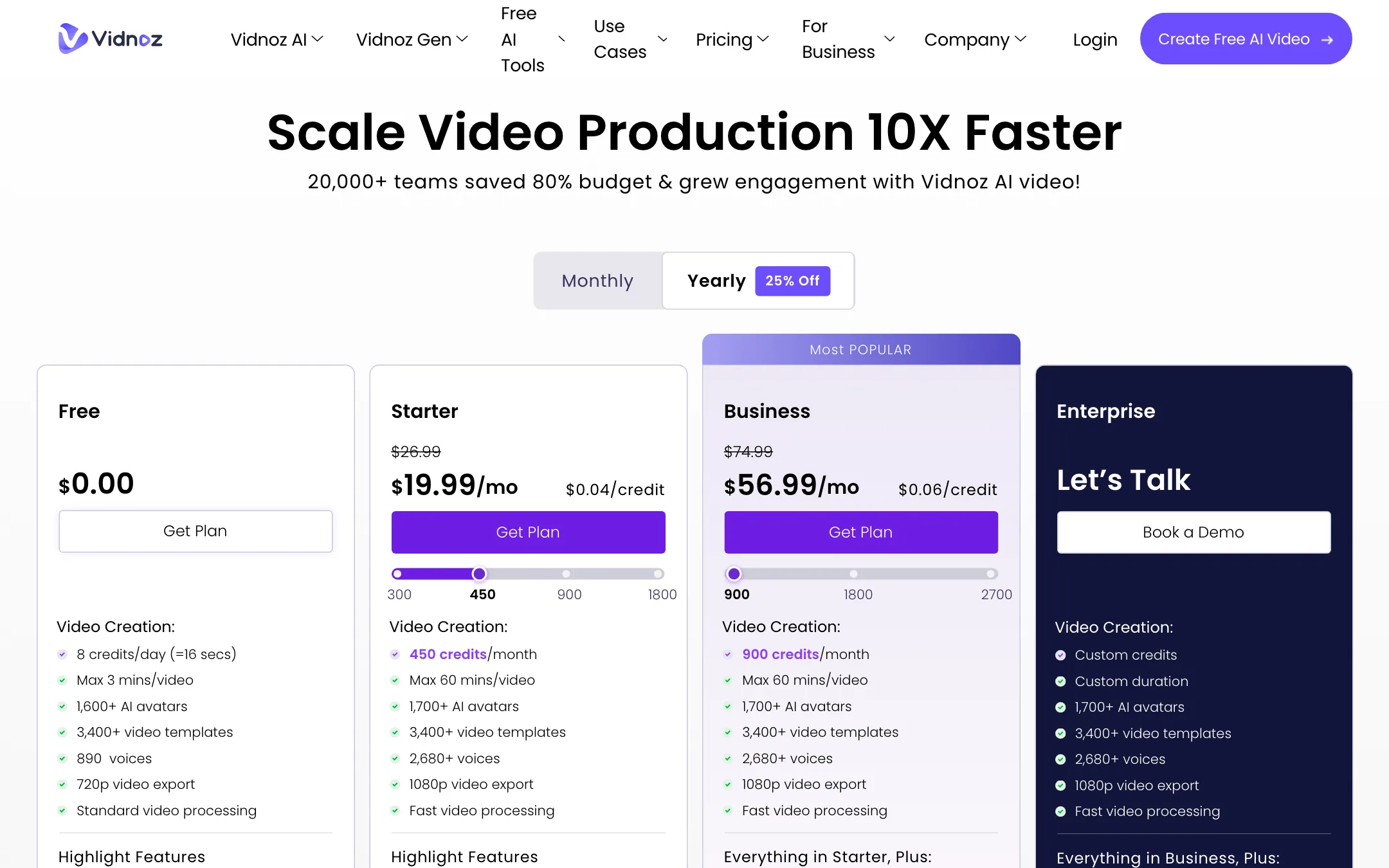
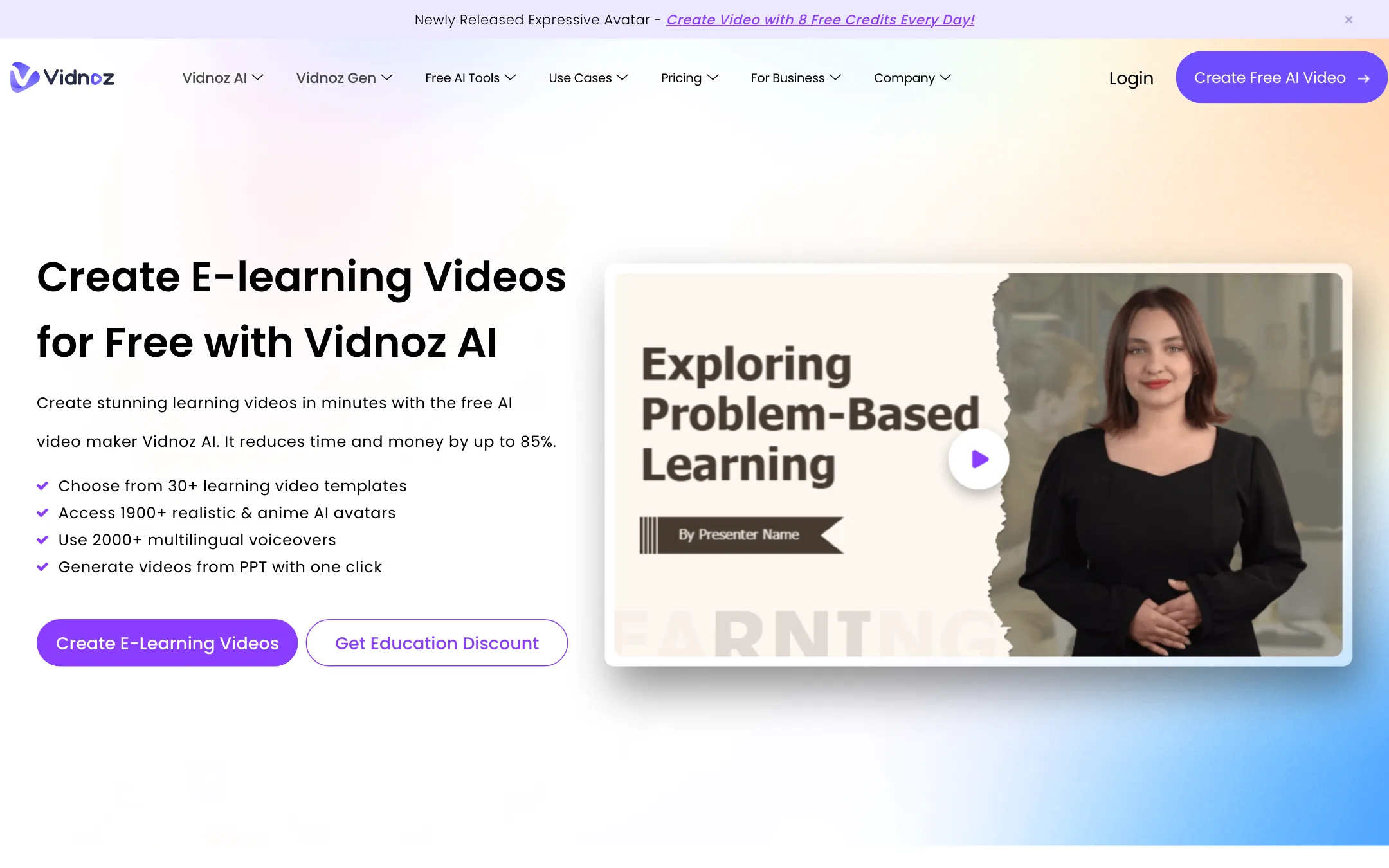
Vidnoz sells on volume. Its homepage promises 1,900+ avatars, 2,000+ voices and 2,800+ templates. Its pricing page lists different numbers: 1,700+ avatars on paid plans, 2,680+ voices and 3,400+ templates. Either way, the library is large.
The company runs several products under one login:
- Vidnoz AI, the avatar video maker this review covers.
- Vidnoz Gen, a separate generator for image-to-video, text-to-video and effects, with “multiple video models” on paid plans. Vidnoz’s free tools menu links Kling and Hailuo generator pages.
- Vidnoz AI Video Translator, for dubbing with lip sync.
- Vidnoz Voice, for text to speech and voice tools.
Each has its own price list, which makes the full picture harder to follow than it should be.
Who it is for
Vidnoz fits you if:
- You make training, onboarding or course videos and want a presenter without filming.
- You have slide decks or PDFs and want them turned into narrated videos.
- You need SCORM files for a learning management system on a small budget.
- You want a free plan to test avatar video before paying.
Skip it if:
- You need long free videos. The free plan covers about 16 seconds a day.
- You want avatars that pass as real people in close-up. Premium avatar tools put more work into realism.
- You want cinematic AI footage. Vidnoz is a presenter tool first.
How it works
Vidnoz’s own pages describe a four-step flow.
- Choose a template and avatar. Start from one of the templates, from an avatar, or from scratch.
- Create the voiceover. Type or paste your script and pick a voice. Vidnoz lists 140+ languages and says paid plans get voices with emotions. You can also upload your own voiceover.
- Add custom touches. Swap backgrounds, add images, music, text, transitions, filters and animations from the media library.
- Generate. Vidnoz renders the video. Paid plans get faster processing.
Ways to start a video
- Templates. Pick a ready-made layout for sales pitches, news, kids’ classes, investor decks and more, then replace the text.
- PPT or PDF import. Upload a deck or document. Vidnoz turns each page into a scene you can edit, then adds an avatar and narration.
- Text-to-video and prompt-to-video. Paste text or describe the video and let Vidnoz draft it. The AI script generator can write the script first.
Avatar types
Vidnoz has more avatar types than most tools in this price range:
- Studio avatars. The stock presenters, in realistic, anime and cartoon styles, as circle heads or full body.
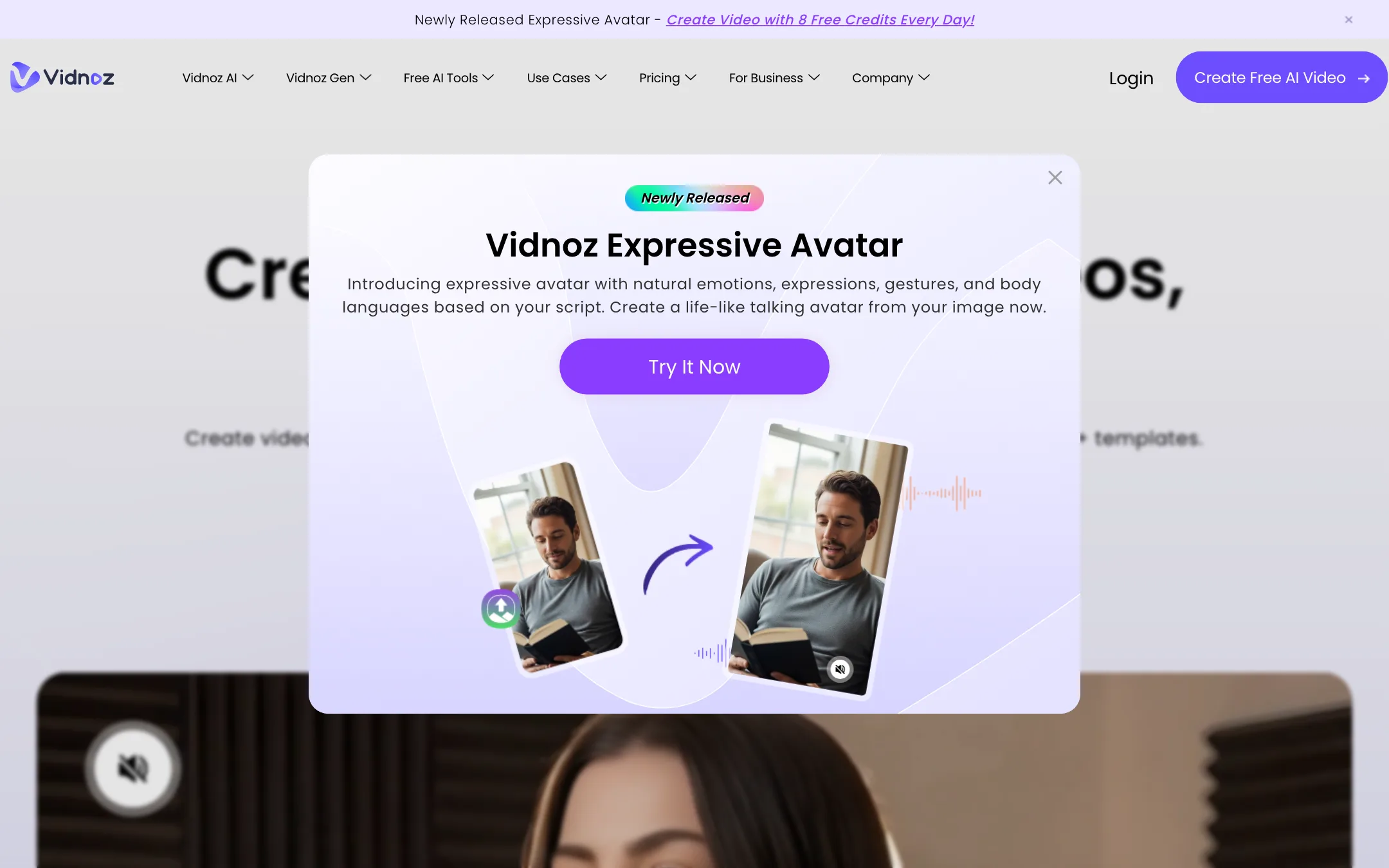
- Expressive avatars. Newer avatars with gestures and body language. The free plan gets one 30-second use.
- Photo avatars. Upload a portrait and Vidnoz animates it. Free gets 2 a day, Starter 100, Business unlimited.
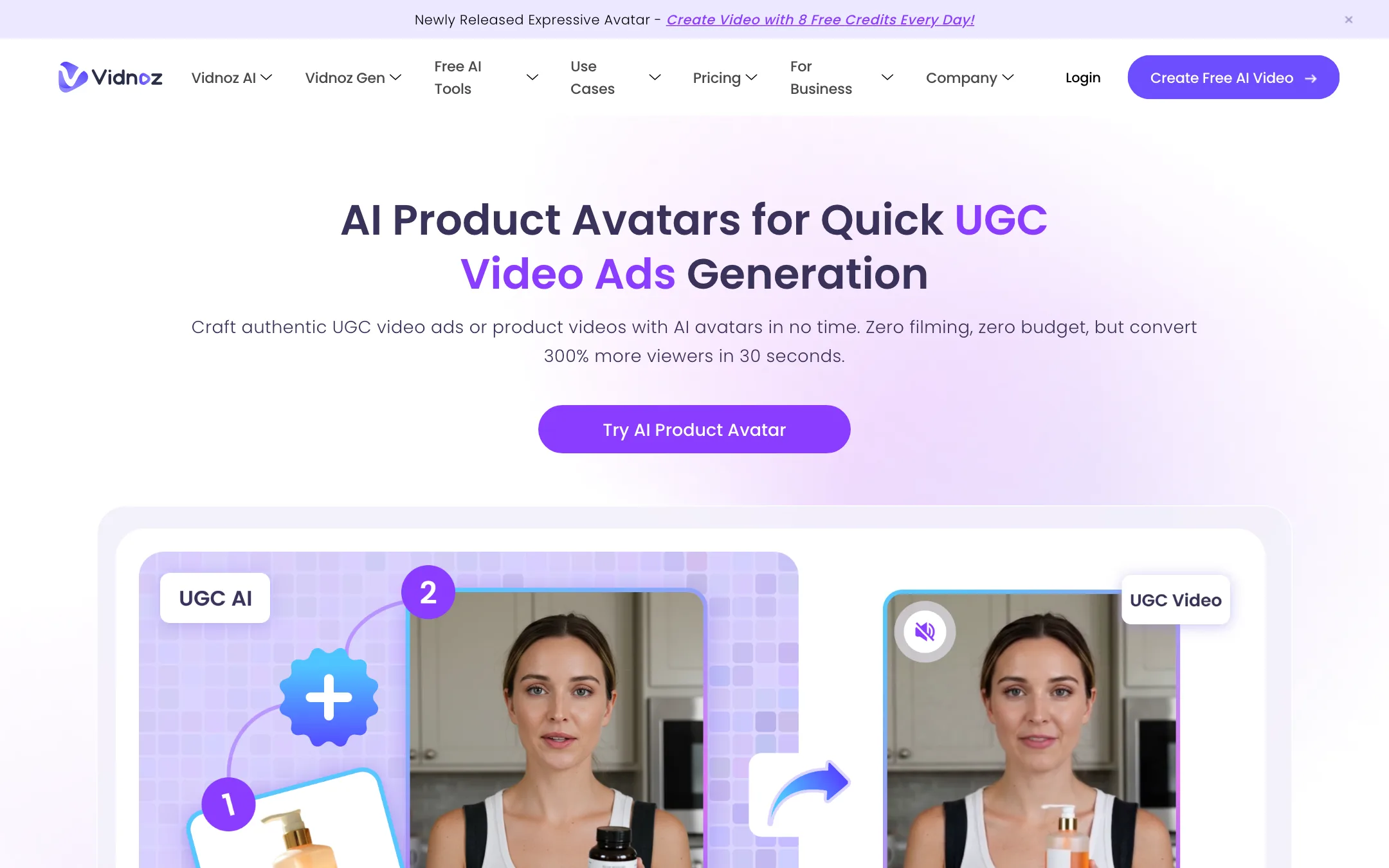
- Product avatars. A presenter holds or shows your product image for UGC-style ads. Vidnoz says you can create a free 15-second product avatar video once a day.
- Avatar Pro. A custom digital twin trained on a short video of a real person. It is an add-on at $299 a year.
Translation and voice
Video translation turns a finished video into another language with lip sync. Business includes it in the main plan; the free tier has a 1-minute limit. Proofreading, smart speed adjustment and SRT upload help clean up the result. Voice cloning creates a voice from your recording and is included once on Business, or as a $9.99 a month add-on on Starter.
Sharing and teams
Business adds a brand kit, branded intros and outros, a branded video page with a call-to-action button, embed codes, team workspaces with up to 1,000 seats, SSO and video analytics. Starter includes SCORM export, which is unusual at this price.
Output quality
We have not run Vidnoz hands-on, so this section reports what Vidnoz shows and claims.
Vidnoz’s pages lean on customer quotes from universities and businesses. A medical school says it uses photo avatars for communication training. A Spanish university says it uses the translator for academic videos and values the language range, down to Catalan.
What to expect from a tool in this class:
- Stock avatars look good at presenter distance. Close-ups, fast speech and emotional delivery show the limits of lip sync and facial motion.
- Photo avatars are the weakest type. Animating a single still photo gives less natural motion than a trained avatar.
- Voices vary by language. English voices usually sound best. Test your target language before you commit.
- Free output is 720p with a watermark. Judge quality on a paid trial or a short Starter month, not the free export.
Pricing
Vidnoz AI runs on credits. The Free plan’s 8 daily credits equal about 16 seconds, which suggests about 2 seconds of avatar video per credit for standard avatars.
| Plan | Price | What you get |
|---|---|---|
| Free | Free | 8 credits a day (about 16 seconds), 720p, watermark |
| Starter | $19.99/mo yearly, $26.99 monthly | 450 credits a month + 30 a day, 1080p, no watermark, SCORM |
| Business | $56.99/mo yearly, $74.99 monthly | 900 credits a month + 30 a day, voice clone, translation, team tools |
| Enterprise | Custom | Custom credits, Avatar Pro, account manager |
Starter also comes in larger credit tiers. The pricing page shows 300, 450, 900 and 1,800 credit options, with the price per credit around $0.04 on Starter and $0.06 on Business.
A few things the pricing page does not make obvious:
- The free plan is a demo. About 16 seconds a day is enough to test an avatar and voice, not to make a real video.
- Business costs more per credit. You pay for team features, translation and the voice clone, not cheaper rendering.
- Add-ons add up. Voice Clone and Avatar Pro are each listed at half price. Check the price at checkout.
- Credits roll over, or they do not. The Vidnoz AI FAQ says add-on credit packages expire at the end of each cycle. The Vidnoz Gen FAQ says unused credits carry over while you stay subscribed, and that both products share one credit pool.
- Other products have other plans. Vidnoz Gen starts at $9.99 a month billed yearly for 180 credits. The Video Translator starts at $22 a month for 450 credits. Odd pricing shows up here too: the Gen plan with 800 credits is listed at $24.99, only a dollar more than the 500-credit plan.
How to make your credits go further
- Use the daily credits first. Paid plans add 30 free credits a day on top of the monthly allowance. Spend those on drafts and tests.
- Preview before you render. Vidnoz’s own customer quotes mention a preview that shows what a video will cost. Check it before every long render.
- Cut the script, not the video. Credits track video length. Tighter scripts make shorter, cheaper and usually better videos.
- Import slides instead of rebuilding them. PPT and PDF import saves layout time and keeps your existing design.
- Pick the right avatar type. Expressive and product avatars have their own limits per plan. Use standard studio avatars for long training videos and save the special types for short ads.
- Translate once the master is final. Translation is charged on the finished length, so lock the source video first.
Refunds
Vidnoz gives a 7-day full money-back guarantee on yearly subscriptions only. It does not accept refund requests on monthly subscriptions. If you cancel, you keep paid features and credits until the end of the term.
Affiliate program
We found no cash affiliate program. Vidnoz’s partnership page offers a reseller program by email, and its Creator Fund, which paid creators per view for videos made with Vidnoz, closed in August 2024.
How Vidnoz compares
Vidnoz sits at the budget end of avatar video. Synthesia is the polished business option, with stronger avatars and enterprise controls at a higher price. D-ID focuses on talking photos and an API. DreamFace leans toward fun, social uses. Vidnoz’s edge is price, a free daily allowance and education features like SCORM export on its cheapest paid plan. If you need a presenter for internal training and do not need the most lifelike avatar on the market, it is a sensible place to start.
Verdict
Vidnoz AI is one of the most affordable ways to make avatar presenter videos. The libraries are huge, PPT import and SCORM export make it a real option for trainers and teachers, and Starter at $19.99 a month billed yearly covers a lot.
The catches are in the details. The free plan is tiny, the numbers change from page to page, and monthly plans cannot be refunded. Use the free daily credits to test an avatar and voice in your language. If you like the result, try one month of Starter before committing to a year, since only the yearly plan has a refund window and it lasts just 7 days.