vidBoard.ai vs Elai
Two ai avatars tools side by side: pricing, free plans, features and who each one suits.
Some links on this page are affiliate links. If you buy through them we may earn a commission at no extra cost to you. Read our disclosure.

#8 of 42 in AI avatars
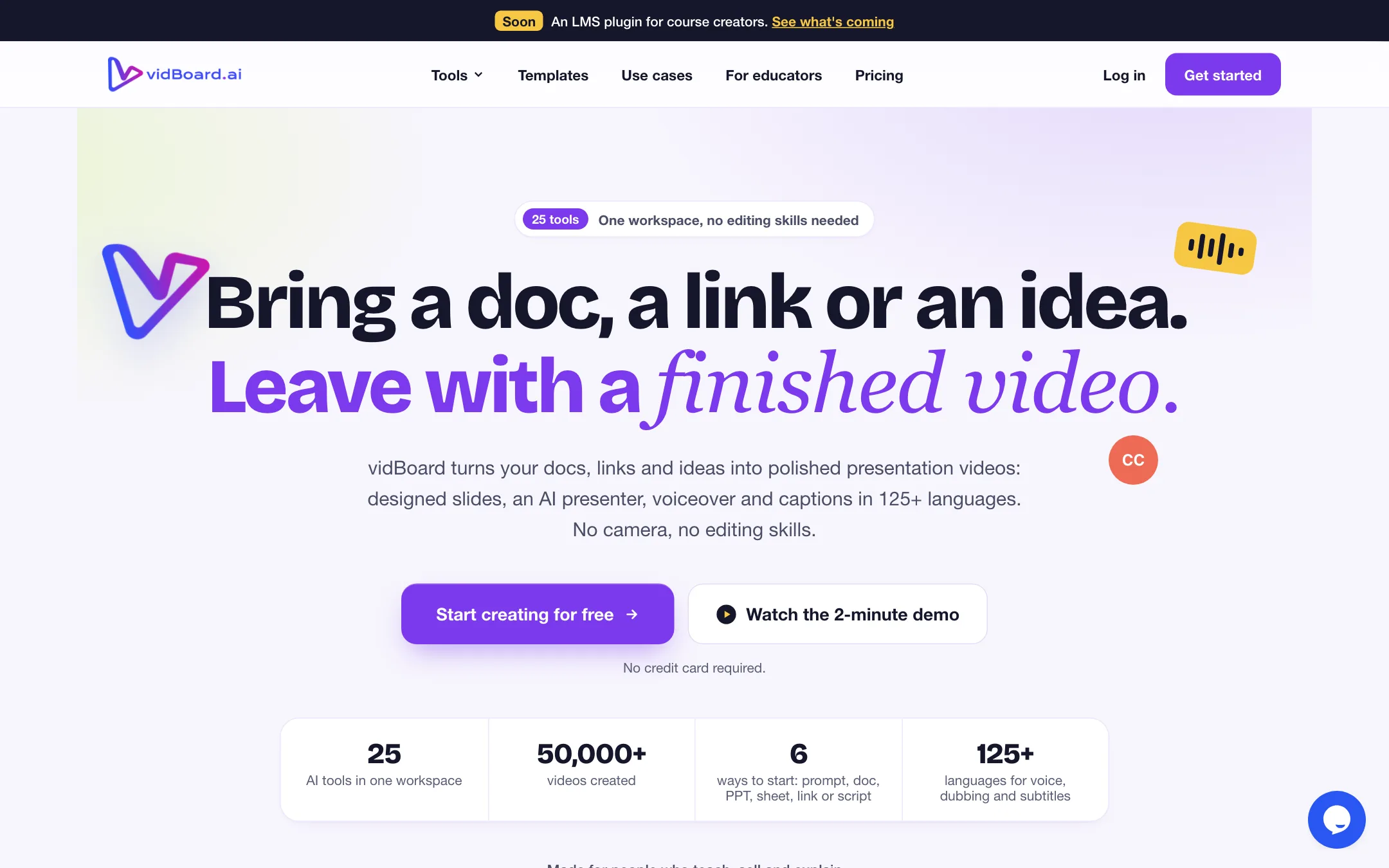
Turns docs, decks, links and prompts into presenter-led slide videos with AI avatars, voices and captions, sold in one-time video packs
Best for: Course creators, coaches and trainers who already have slides, PDFs or notes and want presenter-led lesson videos without filming or paying a monthly fee.

#9 of 42 in AI avatars
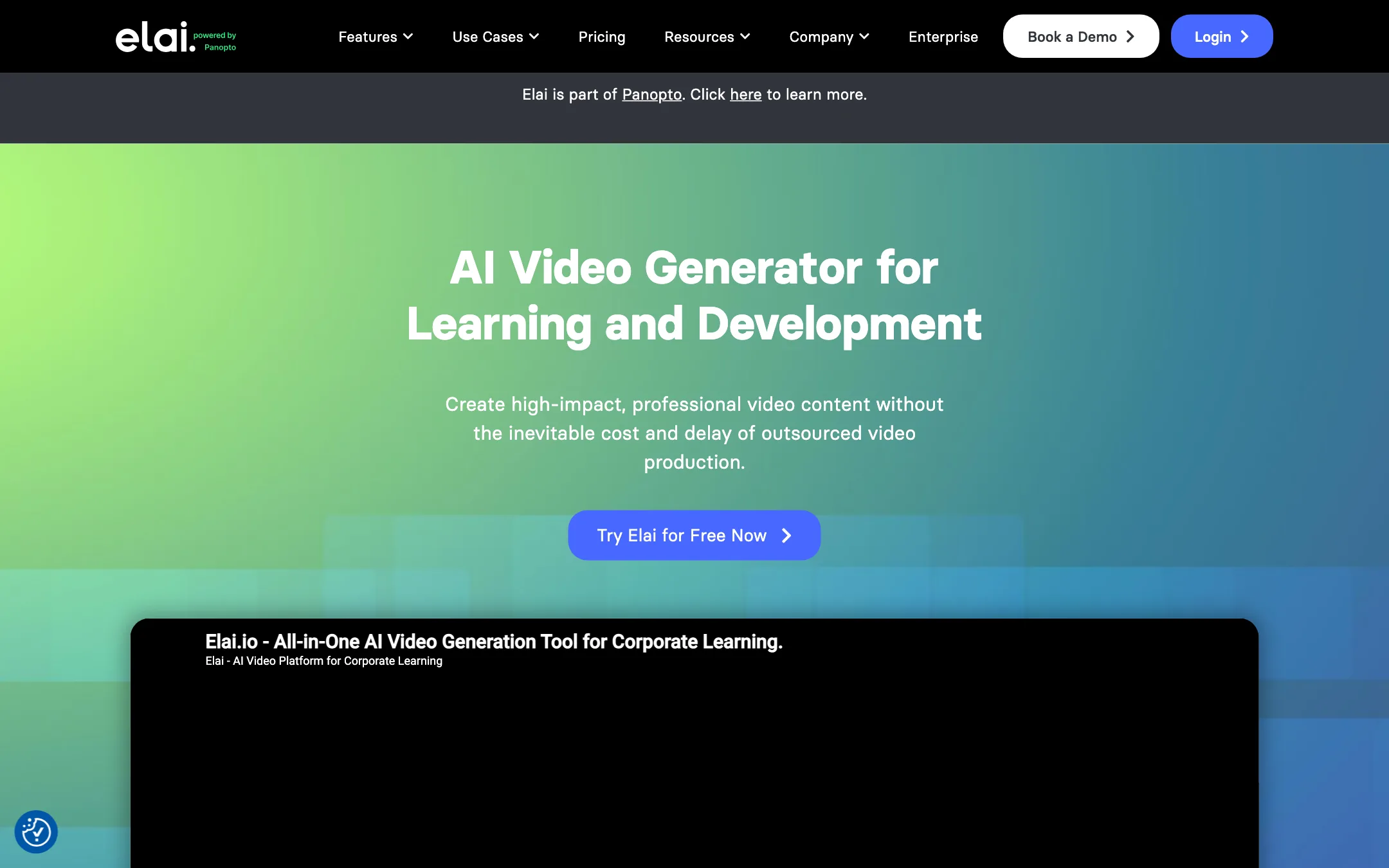
An AI presenter video studio that turns scripts, slides and web pages into avatar-led training videos, now owned by Panopto
Best for: Trainers, L&D teams and educators who need presenter-style explainer and course videos from scripts or slide decks, in many languages.
The short answer
More creators choose vidBoard.ai than Elai, and it ranks higher in our ai avatars list. Pick vidBoard.ai if you want course creators, coaches and trainers who already have slides, pdfs or notes and want presenter-led lesson videos without filming or paying a monthly fee. Pick Elai if you want trainers, l&d teams and educators who need presenter-style explainer and course videos from scripts or slide decks, in many languages.
vidBoard.ai: The pay-per-pack model is a genuine break from monthly avatar subscriptions, and the document-to-video flow suits educators well. Rough edges on the site, from placeholder text to a refund policy written for an old lifetime deal, mean you should test the free video and read the terms before you buy a big pack.
Elai: A capable, slide-based avatar studio with useful PPTX and URL import, quizzes and one-click translation. It is built for training departments now, the free plan is a single minute, and every re-render burns minutes, so creators chasing social content will find better fits.
Specs side by side
| vidBoard.ai | Elai | |
|---|---|---|
| Starting price | From $15/mo | From $23/mo |
| Free tier | ||
| Pricing | Free plan with 1 non-avatar video. One-time packs from $15 for 10 videos, no subscription. | Free plan with 1 minute of video. Creator from $23/mo billed yearly ($29 monthly) for 15 minutes a month. |
| Platforms | Web | Web, API |
| Best for | Course creators, coaches and trainers who already have slides, PDFs or notes and want presenter-led lesson videos without filming or paying a monthly fee. | Trainers, L&D teams and educators who need presenter-style explainer and course videos from scripts or slide decks, in many languages. |
| Last checked | 2026-10-21 | 2026-10-21 |
Pricing
vidBoard.ai
Free plan with 1 non-avatar video. One-time packs from $15 for 10 videos, no subscription.
- Free$0
- Starter$15 one-time
- Creator$99 one-time
- Pro Studio$199 one-time
- EnterpriseContact sales
Elai
Free plan with 1 minute of video. Creator from $23/mo billed yearly ($29 monthly) for 15 minutes a month.
- FreeFree
- Creator$23/mo yearly · $29 monthly
- Team$100/mo yearly · $125 monthly
- EnterpriseContact sales
- Add-ons$199 to $500 a year
Key features
vidBoard.ai
- Video from Document, PPT, Link and Spreadsheet, which write the script and lay out designed slides
- AI Composer that builds a slide video from one sentence
- 120+ stock avatars, plus a Digital Twin from one photo (talking head) or a short video (motion avatar)
- 500+ AI voices from Azure, Fish Audio, Deepgram, Resemble AI and OpenAI, plus voice cloning
- AI Dubbing and AI Subtitles, with captions and voices in 125+ languages per the homepage
- Vidcut Editor, a multi-track browser timeline for your own footage
- Video Repurpose that cuts long videos into short clips
- Template library with 10-slide designs in 16:9, 9:16 and 1:1
- VidAI generator for clips, images and music, run on your own FAL AI key
- Free browser toolboxes for trimming, merging, audio mixing, background removal and image compression
Elai
- 80+ stock AI presenter avatars, plus selfie, studio, photo and animated mascot custom avatars
- 75+ languages and 450+ voices and accents, per Elai
- Voice cloning into 28 languages
- One-click automatic translation of a finished video
- PPTX to video, where slide notes become the avatar's script
- URL and article to video, and prompt to video via AI Storyboard
- Two avatars on one slide for dialogue and role-play scenes
- Interactive video with branching, buttons, hotspots and quizzes
- Built-in screen recorder, 100+ templates, stock media and auto captions
- Public API for personalized video at scale (Creator and up)
Strengths and weaknesses
vidBoard.ai
- One-time packs, so nothing renews and unused months cost you nothing
- The $15 Starter pack is one of the cheapest ways to try avatar video
- Turns existing PDFs, decks and web pages into a first draft instead of starting from a blank script
- Digital Twin from a single photo, with a guided checklist before upload
- Editing and previewing are free; only the final render uses a video from your pack
- Basic audio, video and image tools stay free on every plan
- The free plan does not include avatars, the main reason most people come
- Document, link and slide-deck to video start at the $99 Creator pack
- VidAI generation needs your own FAL AI key and is billed by FAL, not included in any pack
- Refund policy allows requests only in the first six hours and still talks about a Lifetime Deal
- Public pages contain unfinished placeholder text, test entries in the changelog and a 404 on /changelog
- Dubbing page lists 29 languages and says lips are not re-synced, against 125+ languages and lip-synced dubbing elsewhere
Elai
- PPTX import uses your slide notes as the script, which suits existing training decks
- Translation and voice cloning are built in rather than sold as a separate tool
- Interactivity (quizzes, branching, hotspots) is rare in avatar tools at this price
- Creator plan includes the public API
- Pricing is per minute of finished video, which is easier to budget than opaque credits
- Annual billing cuts about 20% off monthly prices
- Free plan is one minute in total: enough to test, not to use
- Every render deducts minutes, even re-rendering the same video after a small edit
- Deleting a video does not refund its minutes
- Custom avatars and voice clones are paid add-ons on Free and Creator ($199 to $500 a year)
- After you cancel, you can watch and download old videos for a year but cannot edit or re-render them
- Since the Panopto acquisition the site and features lean hard toward corporate training, not creators
- No pay-as-you-go option; top-ups need an active subscription
Try vidBoard.ai
Free plan with 1 non-avatar video. One-time packs from $15 for 10 videos, no subscription.
Try Elai
Free plan with 1 minute of video. Creator from $23/mo billed yearly ($29 monthly) for 15 minutes a month.