AI Studios vs vidBoard.ai
Two ai avatars tools side by side: pricing, free plans, features and who each one suits.
Some links on this page are affiliate links. If you buy through them we may earn a commission at no extra cost to you. Read our disclosure.

#6 of 42 in AI avatars
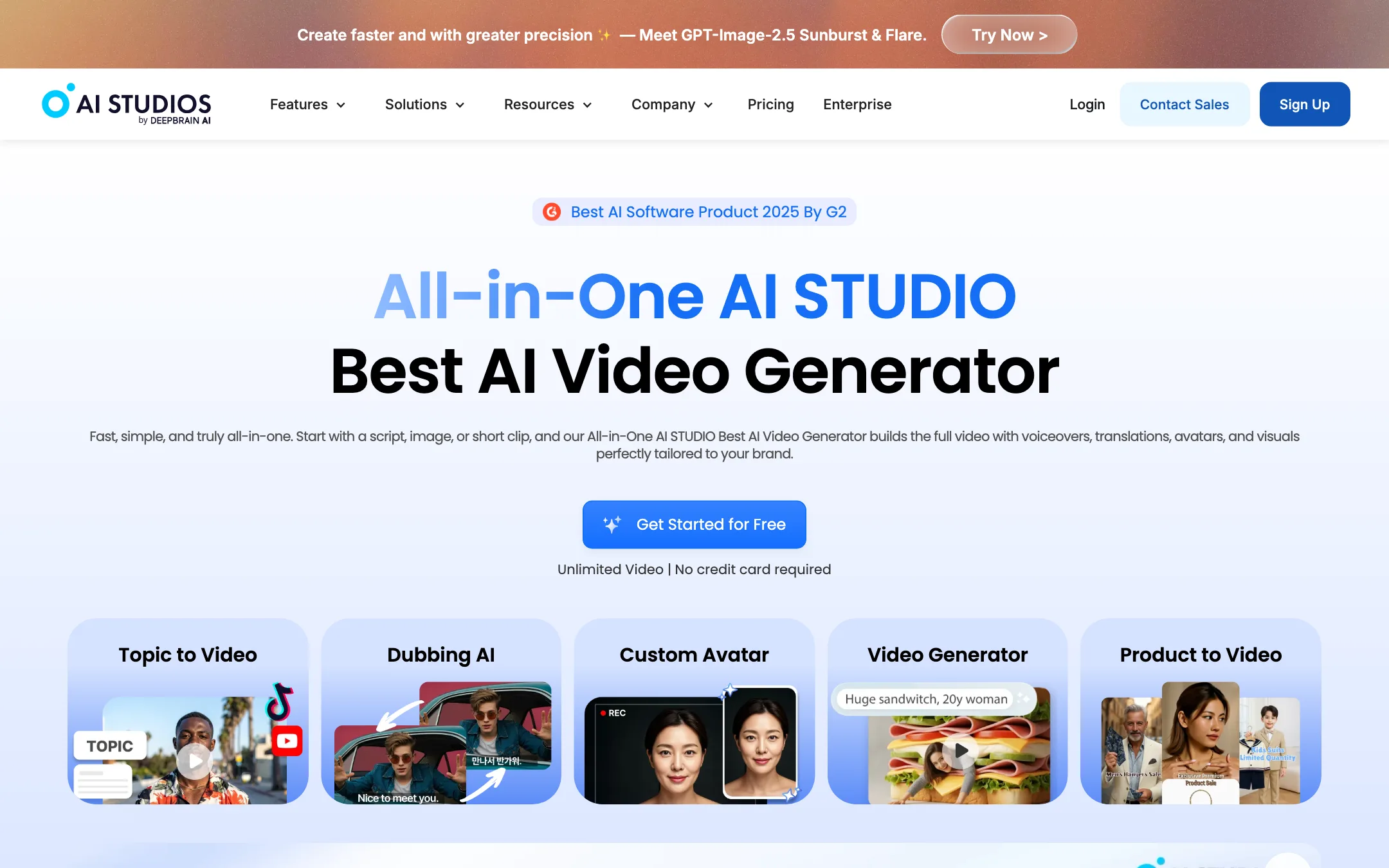
DeepBrain AI's avatar video platform, with 2,000+ stock avatars, custom avatars, lip-synced dubbing and resold generative models in one editor
Best for: Trainers, educators and marketers who need presenter-led explainers and translated versions without filming anyone.

#8 of 42 in AI avatars
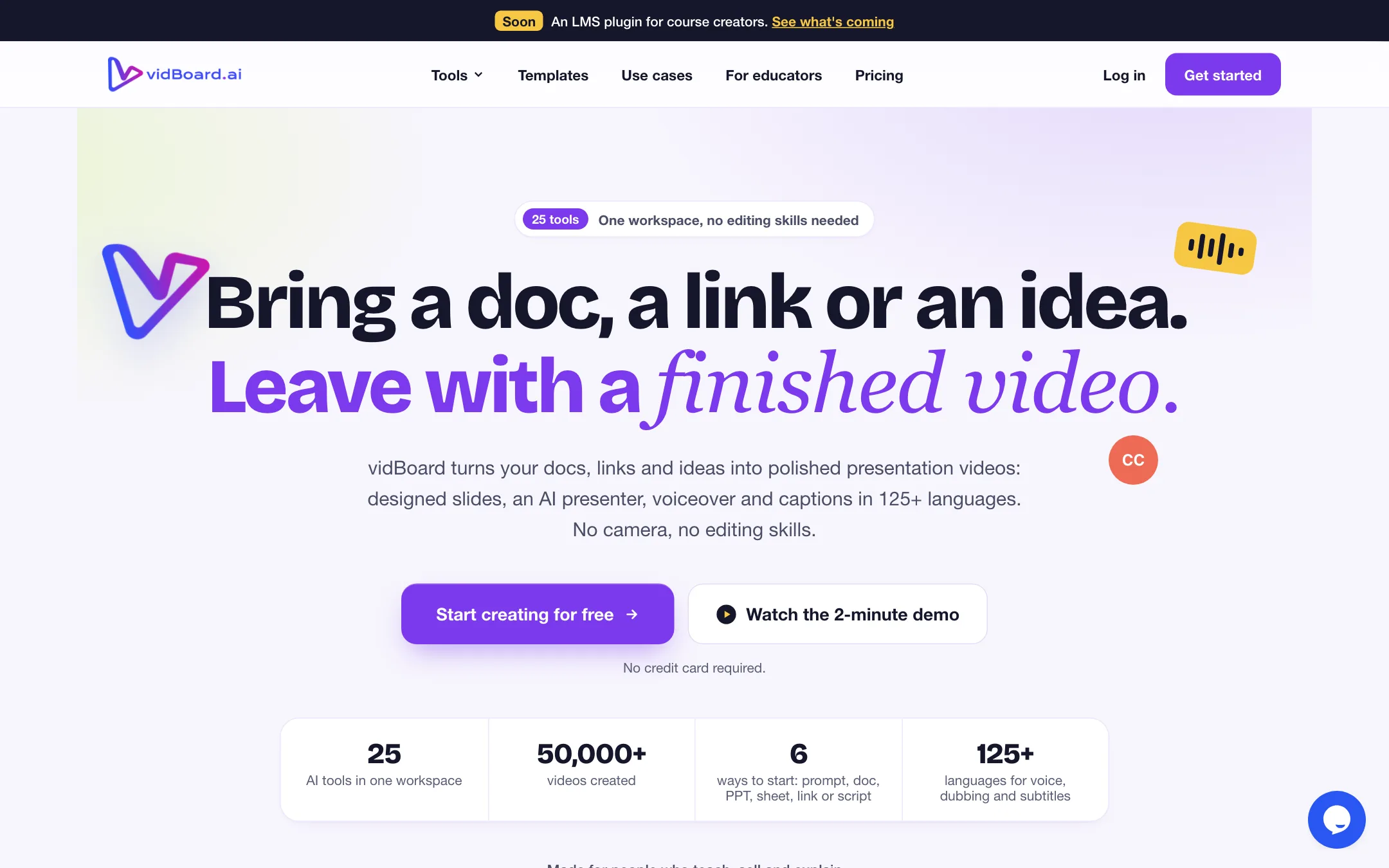
Turns docs, decks, links and prompts into presenter-led slide videos with AI avatars, voices and captions, sold in one-time video packs
Best for: Course creators, coaches and trainers who already have slides, PDFs or notes and want presenter-led lesson videos without filming or paying a monthly fee.
The short answer
More creators choose AI Studios than vidBoard.ai, and it ranks higher in our ai avatars list. Pick AI Studios if you want trainers, educators and marketers who need presenter-led explainers and translated versions without filming anyone. Pick vidBoard.ai if you want course creators, coaches and trainers who already have slides, pdfs or notes and want presenter-led lesson videos without filming or paying a monthly fee.
AI Studios: A mature avatar studio with a big stock cast, real dubbing minutes on the cheapest paid plan and a usable free trial. The numbers on its own pages disagree with each other, and the generative-model add-ons are a thin credit allowance bolted on top.
vidBoard.ai: The pay-per-pack model is a genuine break from monthly avatar subscriptions, and the document-to-video flow suits educators well. Rough edges on the site, from placeholder text to a refund policy written for an old lifetime deal, mean you should test the free video and read the terms before you buy a big pack.
Specs side by side
| AI Studios | vidBoard.ai | |
|---|---|---|
| Starting price | From $24/mo | From $15/mo |
| Free tier | ||
| Pricing | Free plan with 3 videos up to 1 minute at 720p. Personal from $24/mo billed yearly ($29 monthly) with unlimited videos up to 30 minutes at 1080p. | Free plan with 1 non-avatar video. One-time packs from $15 for 10 videos, no subscription. |
| Platforms | Web, API | Web |
| Best for | Trainers, educators and marketers who need presenter-led explainers and translated versions without filming anyone. | Course creators, coaches and trainers who already have slides, PDFs or notes and want presenter-led lesson videos without filming or paying a monthly fee. |
| Last checked | 2026-10-21 | 2026-10-21 |
Pricing
AI Studios
Free plan with 3 videos up to 1 minute at 720p. Personal from $24/mo billed yearly ($29 monthly) with unlimited videos up to 30 minutes at 1080p.
- FreeFree
- Personal$24/mo yearly · $29 monthly
- Team$55/seat/mo yearly · $69 monthly
- EnterpriseCustom
vidBoard.ai
Free plan with 1 non-avatar video. One-time packs from $15 for 10 videos, no subscription.
- Free$0
- Starter$15 one-time
- Creator$99 one-time
- Pro Studio$199 one-time
- EnterpriseContact sales
Key features
AI Studios
- 2,000+ AI avatars by DeepBrain AI's count, plus custom avatars from a short video recording
- Photo avatars from a still image and Product Avatars that hold your product
- Script, topic, URL, document and PowerPoint to video
- AI dubbing with lip-sync, multi-speaker detection and an editable translation script
- Text-to-speech with 1,000+ voices, voice cloning and emotional delivery
- Generative video and images through Veo 3.1, Seedance 2.0, Kling and Sora, paid in credits
- 7,000+ templates and a timeline editor with auto captions and screen recording
- Interactive videos with quizzes, branching and SCORM export on higher plans
- Interactive (real-time conversational) avatars sold as a separate plan
vidBoard.ai
- Video from Document, PPT, Link and Spreadsheet, which write the script and lay out designed slides
- AI Composer that builds a slide video from one sentence
- 120+ stock avatars, plus a Digital Twin from one photo (talking head) or a short video (motion avatar)
- 500+ AI voices from Azure, Fish Audio, Deepgram, Resemble AI and OpenAI, plus voice cloning
- AI Dubbing and AI Subtitles, with captions and voices in 125+ languages per the homepage
- Vidcut Editor, a multi-track browser timeline for your own footage
- Video Repurpose that cuts long videos into short clips
- Template library with 10-slide designs in 16:9, 9:16 and 1:1
- VidAI generator for clips, images and music, run on your own FAL AI key
- Free browser toolboxes for trimming, merging, audio mixing, background removal and image compression
Strengths and weaknesses
AI Studios
- Free plan lets you make three real videos before paying
- Avatar videos do not use credits, so the core workflow is not metered per render
- Personal includes 120 minutes of lip-synced dubbing a month
- Videos up to 30 minutes on Personal suit full lessons and explainers
- Strong training features, including SCORM export and quizzes on Enterprise
- Security paperwork in place: ISO 27001, SOC 2 Type II and GDPR, per DeepBrain AI
- Language and voice counts contradict each other across pages (150+ vs 73 dubbing languages, 1,000+ vs 2,000+ voices)
- The headline $24 and $55 prices are annual-billed; monthly is $29 and $69
- Generative credits are thin (720 a year on Personal) and reset each cycle
- Free and Personal get only a fraction of the stock avatars (40+ and 100+ of the 2,000+)
- Unused dubbing minutes and credits never roll over
- The site also sells face swap, which sits oddly next to a training-video brand
vidBoard.ai
- One-time packs, so nothing renews and unused months cost you nothing
- The $15 Starter pack is one of the cheapest ways to try avatar video
- Turns existing PDFs, decks and web pages into a first draft instead of starting from a blank script
- Digital Twin from a single photo, with a guided checklist before upload
- Editing and previewing are free; only the final render uses a video from your pack
- Basic audio, video and image tools stay free on every plan
- The free plan does not include avatars, the main reason most people come
- Document, link and slide-deck to video start at the $99 Creator pack
- VidAI generation needs your own FAL AI key and is billed by FAL, not included in any pack
- Refund policy allows requests only in the first six hours and still talks about a Lifetime Deal
- Public pages contain unfinished placeholder text, test entries in the changelog and a 404 on /changelog
- Dubbing page lists 29 languages and says lips are not re-synced, against 125+ languages and lip-synced dubbing elsewhere
Try AI Studios
Free plan with 3 videos up to 1 minute at 720p. Personal from $24/mo billed yearly ($29 monthly) with unlimited videos up to 30 minutes at 1080p.
Try vidBoard.ai
Free plan with 1 non-avatar video. One-time packs from $15 for 10 videos, no subscription.