What Taption is
Taption is a browser-based tool for transcripts, subtitles and translation. You upload a video or paste a link, and it gives you a time-coded transcript, subtitles you can edit, translations into more than 50 languages and an AI summary.
It is made by Taption LLC. It is not a viral caption app. There are no bouncing word-by-word styles or emoji presets. Taption is closer to a subtitle editor for people who care that the words, timings and line breaks are right.
That makes it a different pick from most tools in this category. If you caption long YouTube videos, lectures, interviews or meetings, and need clean SRT files or bilingual subtitles, Taption is built for you. If you want TikTok captions that pop, look elsewhere.
Who it is for
Taption fits you if:
- You publish long-form video and need accurate SRT or VTT files for YouTube or a course platform.
- You make content in two languages and want both burned into the same video.
- You edit in Premiere Pro or Final Cut Pro and want subtitles as an editable track.
- You caption irregularly and would rather pay per hour than keep a subscription.
- You record meetings or interviews and want speaker labels and notes.
Skip it if:
- You want animated, styled captions for Shorts and Reels. Submagic and Captions do that better.
- You need AI dubbing with a cloned voice. Taption translates text, not speech.
- You need heavy AI summarizing. The AI credit allowance is small.
How it works
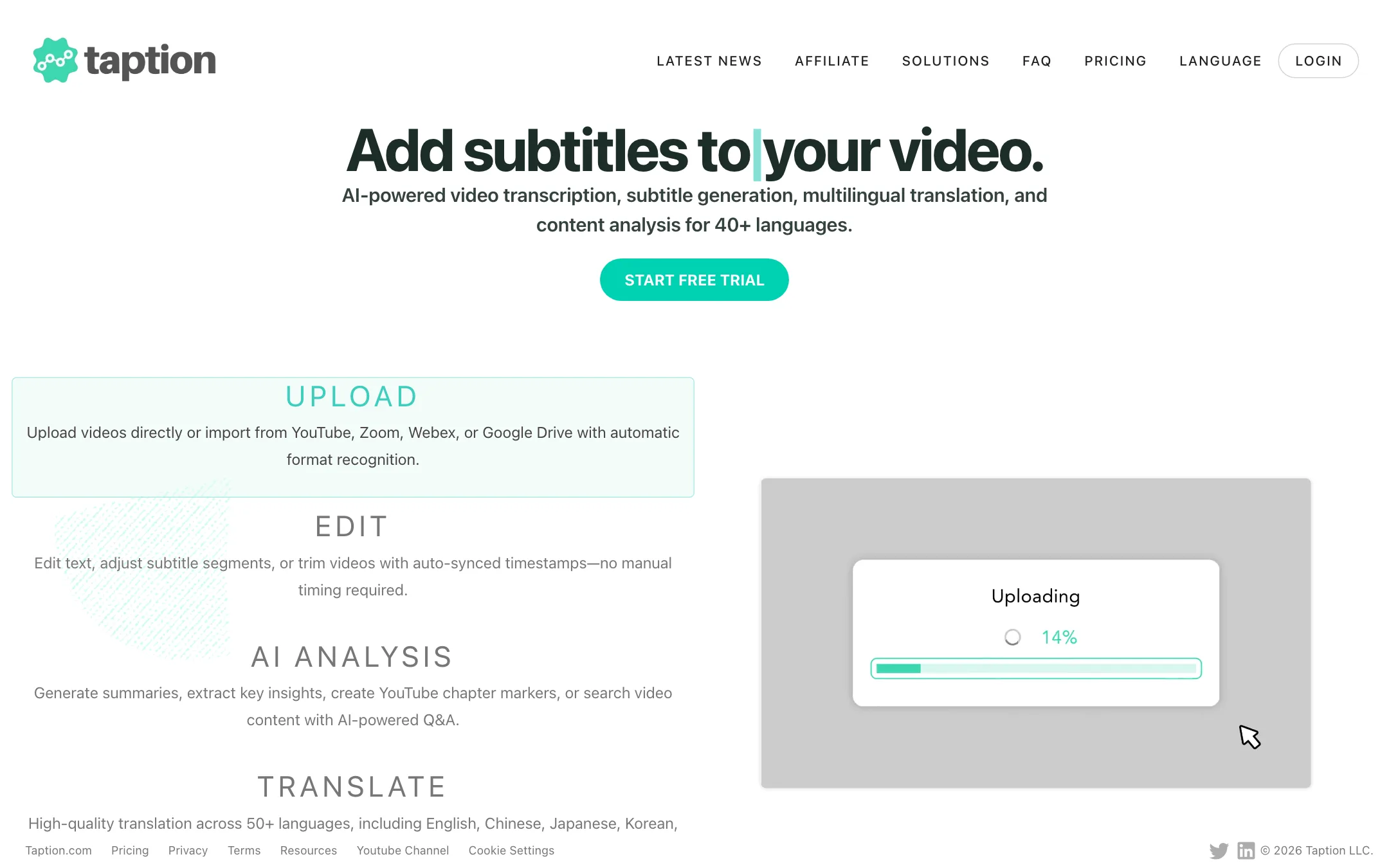
Taption’s workflow has five steps: upload, edit, AI analysis, translate and export.
1. Upload
You can upload a file or import from YouTube, Zoom, Webex, Google Drive, Dropbox, OneDrive and public links from TikTok, Instagram, Facebook and Vimeo. Taption accepts most common video and audio formats, including MP4, MOV, AVI, MP3, WAV and FLAC.
Files can be up to 5 hours and 5 GB. Pay as you go users are limited to 2 GB per file. Before transcribing, you choose the spoken language. Taption’s FAQ says picking the wrong language is the most common cause of a bad transcript.
There is one known gap. A YouTube video uploaded in roughly the last 24 hours may not import yet.
2. Edit
The editor is where Taption earns its keep. Click any word to jump the video to that moment. Fix text inline while the video stays in sync. Merge and split caption lines, drag timecodes on the timeline and search and replace across the whole file.
For subtitles specifically, you can:
- Set a maximum number of characters per line.
- Extend every subtitle’s duration at once.
- Smooth transitions so captions do not flicker between short pauses.
- Add custom text wrappers around lines.
The Personal AI Dictionary stores names, brands and jargon on your account and applies them to every future upload. Translation Memory keeps terminology consistent across files. For a weekly podcast or a course series, these two save a lot of repeated fixes.
You can also edit the video itself. Delete a sentence from the transcript and Taption cuts that segment. Subtitles and timecodes re-adjust after each cut, so your exports stay in sync.
3. AI analysis
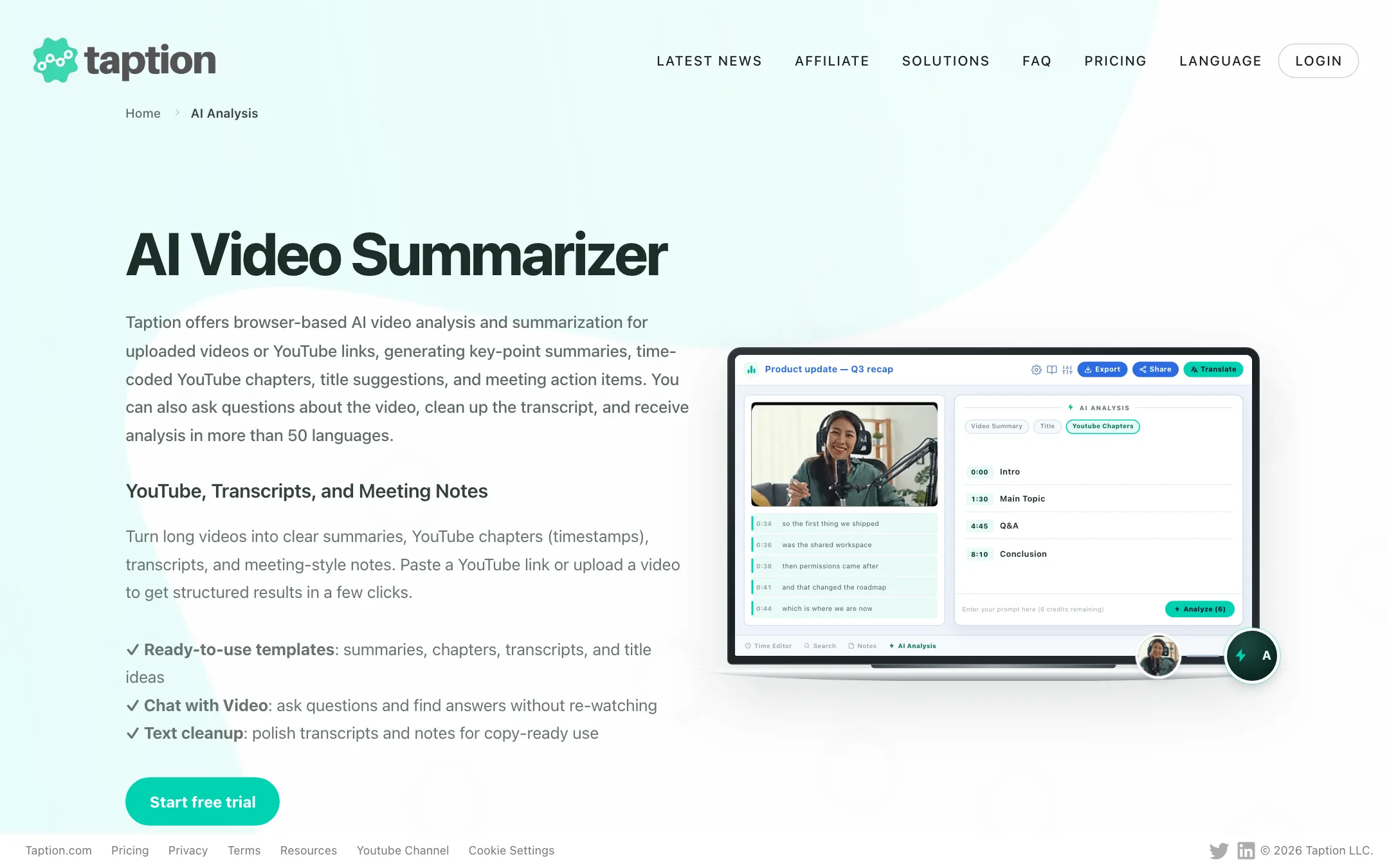
Taption’s AI Analysis uses templates rather than open prompts. It can produce a summary, key takeaways, YouTube chapters with timestamps, meeting notes with action items, title ideas and a cleaned-up transcript. Chat with Video answers questions based on the recording.
Each run uses AI credits. Premium includes 5 a month and Bulk 30. Pay as you go includes none. You can buy more, but if summaries are your main need, a meeting-notes tool may be better value.
4. Translate
Pick a target language from more than 50. Taption reuses the original timecodes, so translated subtitles stay in sync. You see the source and translation side by side and can edit both.
Translation costs minutes at the same 1:1 rate as transcription. A 30-minute video transcribed and translated uses 60 minutes.
5. Export
Export options are broad:
- Subtitles: SRT and VTT.
- Transcripts: TXT and PDF, with speaker labels and timestamps, using templates you can customize.
- Editing timelines: FCPXML for Final Cut Pro, as text layers or a caption track.
- Video: MP4 with burned-in single or dual-language subtitles, up to 4K original quality on paid plans.
- Audio to video: turn an audio file into an MP4 with a background image for YouTube.
There is also an Adobe Premiere Pro plugin, listed on the Adobe Exchange, for working inside Premiere.
Output quality
We did not transcribe our own files with Taption, so these are the vendor’s figures.
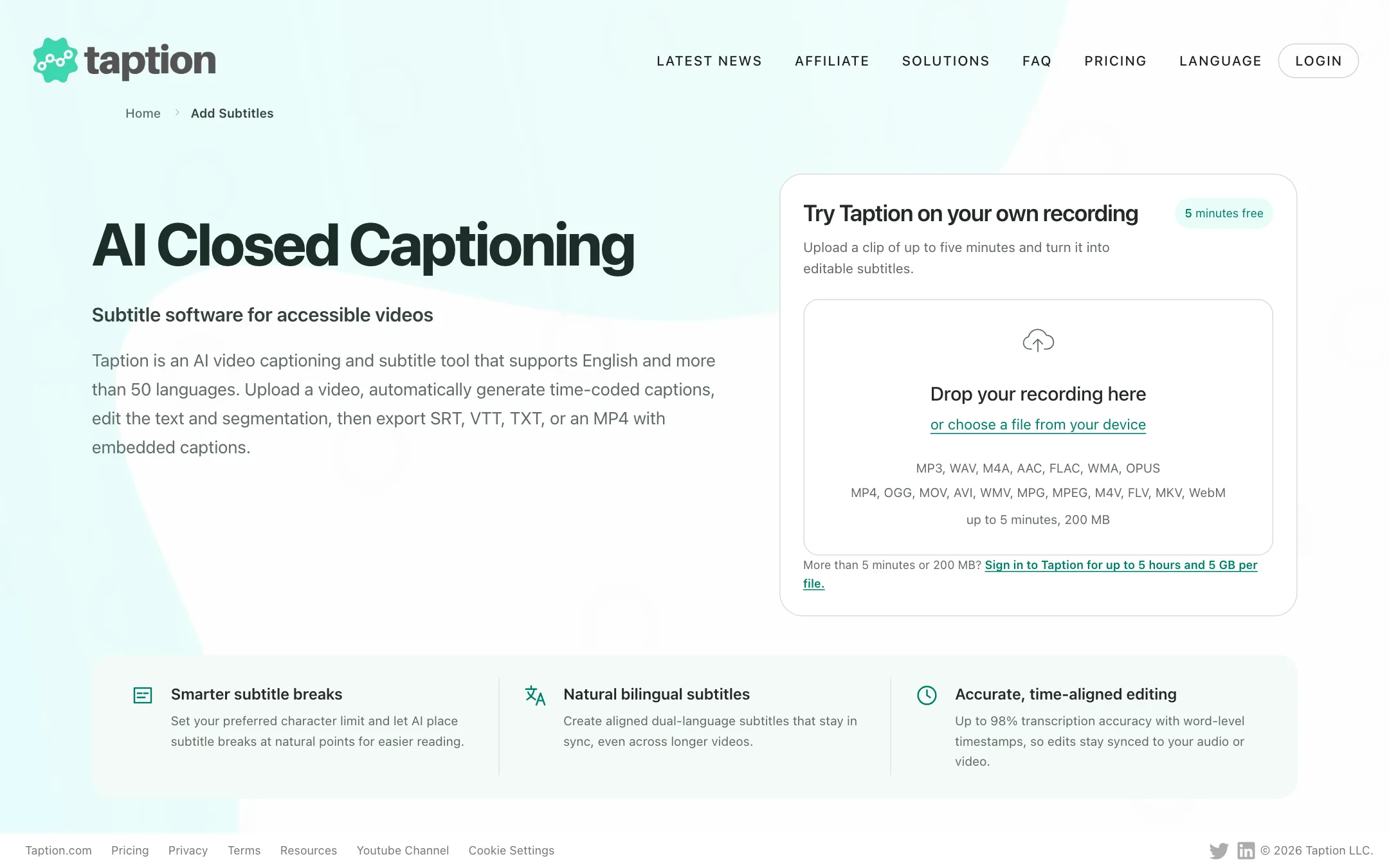
- Accuracy. Taption says 90% to 98% on clear recordings, and up to 98% on its captioning page. Clean single-speaker audio near a microphone lands at the top. Noisy, overlapping speech full of jargon lands lower. That range is similar to what most speech models achieve.
- Languages. Transcription covers 40+ languages, including English variants, Mandarin with traditional or simplified output, Cantonese, Japanese, Korean, Spanish, French, German, Hindi, Vietnamese and Arabic. Translation covers 50+. Both figures appear on the site and refer to different jobs.
- Speaker labels. Taption detects speaker changes and lets you rename “Speaker 1” once for the whole file. It works best when people do not talk over each other.
- Security. Uploads use HTTPS and you can delete files at any time. Taption says it is working toward SOC 2 Type II, ISO 27001 and HIPAA readiness. Those are in progress, not finished certifications.
Pricing
Taption sells minutes. You can buy them by the hour or subscribe for a monthly bundle.
| Plan | Price | What you get |
|---|---|---|
| Free trial | $0 | 20 minutes once |
| Pay as you go | $8 per hour | Full editor, standard-quality export, no AI credits |
| Premium | $10.80/mo yearly, $12 monthly | 120 minutes a month, $6/hour add-ons, 5 AI credits |
| Bulk | $62.10/mo yearly, $69 monthly | 1,000 minutes a month, $4/hour add-ons, API, 30 AI credits |
Some details that matter:
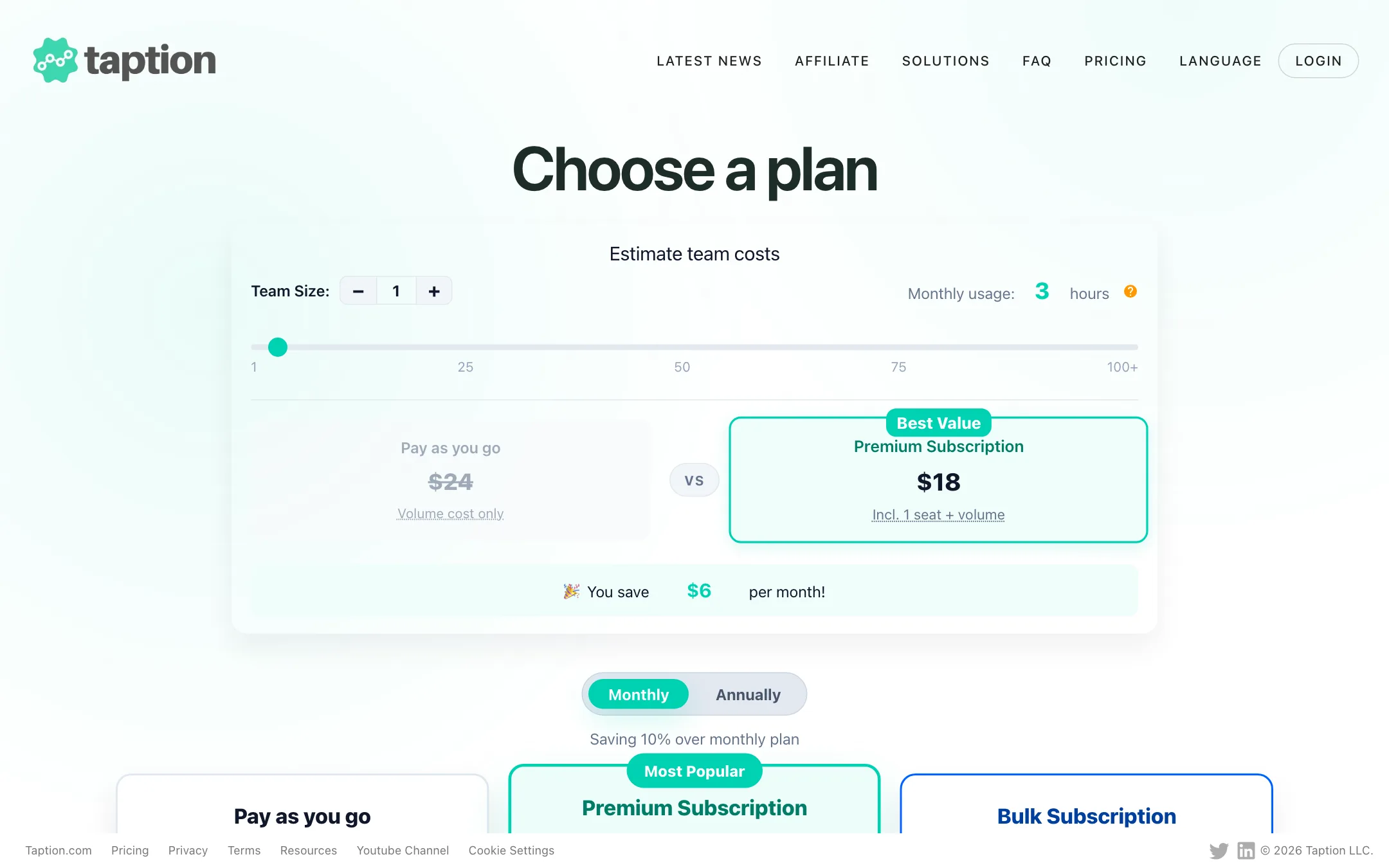
- Premium pays off fast. At $12 for 120 minutes, Premium costs $6 an hour against $8 on pay as you go, and adds dual-language burn-in, unlimited exports and bulk upload. The pricing page’s own calculator shows a saving at three hours a month.
- Minutes roll over. Subscription minutes carry over each month while you stay subscribed. They are used before bought minutes. Bought minutes never expire.
- Burned-in export is free on subscriptions. Pay as you go users pay minutes for each burned-in MP4 export.
- Translation doubles the bill. Plan for twice the file length if you translate everything.
- Seats cost extra. Each added team member is $10 a month on Premium or Bulk.
- Yearly saves only 10%. That is a smaller discount than most tools offer, so monthly billing is a fair choice if you are unsure.
Pros and cons
Taption’s strengths are its editor, its export range and its pricing model. Minutes that roll over and never-expiring top-ups are friendlier than the use-it-or-lose-it credits most tools use. Dual-language burned-in subtitles are a real differentiator for bilingual creators and educators.
Its weaknesses are style and AI depth. There are no animated social caption templates, and AI analysis is rationed to a handful of credits a month. It also does not dub. Translation is text only.
How Taption compares
Most tools in our captions category are built for short social video. Submagic, Captions and similar apps compete on animated styles, emojis and zooms. Taption competes on accuracy, editing control and file formats instead.
- Against Checksub and EasySub, Taption is closest in purpose. All three translate subtitles and export SRT. Taption adds dual-language burn-in, a Premiere Pro plugin, FCPXML export and minutes that roll over.
- Against Submagic, Taption looks plain. There are no viral caption templates. But Submagic is not built for a 3-hour lecture with three speakers, and Taption is.
- Against general transcription tools, Taption is more video-focused. The subtitle editor, trimming and burned-in export are the parts a pure transcription service lacks.
Getting the most from the 20 free minutes
- Pick a recording that represents your real audio: same mic, same room, same speakers.
- Add names and jargon to the Personal AI Dictionary before you upload.
- Choose the exact spoken language and regional variant.
- Export an SRT and load it into YouTube or your editor to check the line breaks and timings.
- Save one or two minutes to test translation on a short clip, since it uses minutes too.
Verdict
Taption is one of the better picks for accurate, editable subtitles on long videos. The editor handles the boring, important parts of captioning well, the export list covers YouTube, course platforms and both major editing suites, and bilingual burned-in subtitles are rare at this price.
If you mainly make Shorts and want captions that bounce, use Submagic or a similar style-first tool. If you caption lectures, interviews, podcasts or long YouTube videos, start with Taption’s 20 free minutes and check the transcript against your own audio.