SNAPVID.ai vs Checksub
Two captions and subtitles tools side by side: pricing, free plans, features and who each one suits.
Some links on this page are affiliate links. If you buy through them we may earn a commission at no extra cost to you. Read our disclosure.
#4 of 81 in Captions and subtitles
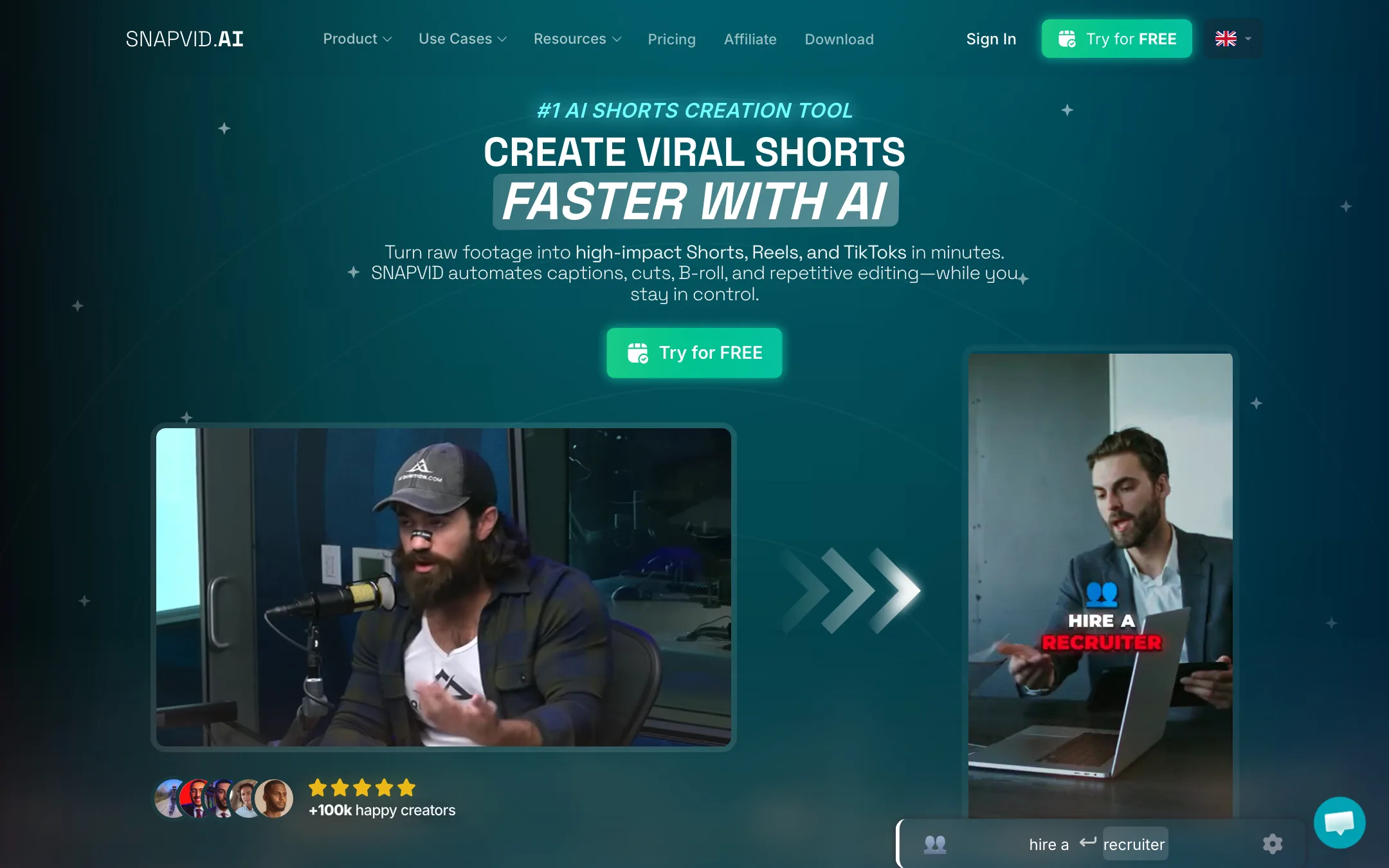
A French AI shorts editor that adds styled captions, smart cuts, B-roll and cleanup to your own footage for TikTok, Reels and Shorts
Best for: Talking-head creators and small agencies who film their own clips and want styled captions, cuts and B-roll added fast, especially French-speaking creators.

#8 of 81 in Captions and subtitles
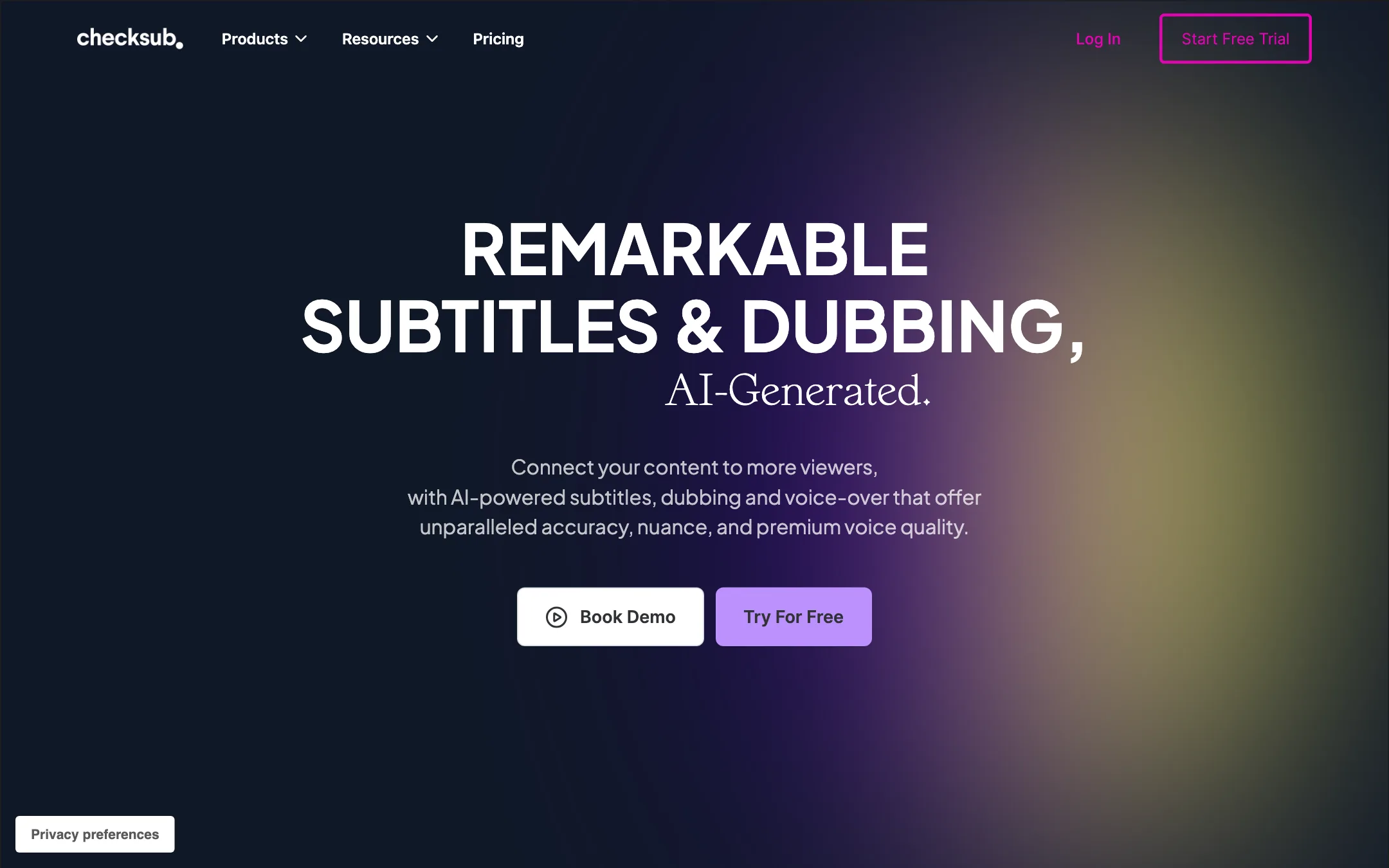
A French subtitling and AI dubbing platform that transcribes, translates, voice-clones and lip-syncs your videos, priced in minutes of credit
Best for: Course creators, training teams and YouTubers who need accurate subtitles in several languages, and later want AI dubbing in the same tool.
The short answer
More creators choose SNAPVID.ai than Checksub, and it ranks higher in our captions and subtitles list. Pick SNAPVID.ai if you want talking-head creators and small agencies who film their own clips and want styled captions, cuts and b-roll added fast, especially french-speaking creators. Pick Checksub if you want course creators, training teams and youtubers who need accurate subtitles in several languages, and later want ai dubbing in the same tool.
SNAPVID.ai: A focused Submagic-style caption editor with a desktop app and a recurring affiliate program. Basic's 90-second cap and 20-video limit push most people to Pro, prices are only in euros, and several feature pages are thin or point to unrelated free tools.
Checksub: A mature subtitling and translation tool with a real editor and a clear minutes-based credit system. Dubbing, voice cloning and the watermark removal all sit on the $48-a-month plan, and the site cannot agree on how many languages it supports.
Specs side by side
| SNAPVID.ai | Checksub | |
|---|---|---|
| Starting price | Pricing not published | From $12/mo |
| Free tier | ||
| Pricing | 7-day free trial plus free browser tools. Paid plans from EUR 19/mo monthly or EUR 16/mo billed yearly; no USD pricing published. | Free trial with credits for about 1 hour of video. Paid plans from $12/mo billed yearly ($18 monthly); dubbing and voice cloning start at $48/mo yearly ($59 monthly). |
| Platforms | Web, Windows, macOS | Web, API |
| Best for | Talking-head creators and small agencies who film their own clips and want styled captions, cuts and B-roll added fast, especially French-speaking creators. | Course creators, training teams and YouTubers who need accurate subtitles in several languages, and later want AI dubbing in the same tool. |
| Last checked | 2026-10-21 | 2026-10-21 |
Pricing
SNAPVID.ai
7-day free trial plus free browser tools. Paid plans from EUR 19/mo monthly or EUR 16/mo billed yearly; no USD pricing published.
- Free trial7 days
- BasicEUR 16/mo yearly · EUR 19 monthly
- ProEUR 30/mo yearly · EUR 49 monthly
Checksub
Free trial with credits for about 1 hour of video. Paid plans from $12/mo billed yearly ($18 monthly); dubbing and voice cloning start at $48/mo yearly ($59 monthly).
- Free trialFree
- Junior$12/mo yearly · $18 monthly
- Starter$48/mo yearly · $59 monthly
- EnterpriseFrom $299/mo, billed yearly
Key features
SNAPVID.ai
- AI captions with custom subtitle styles, animated emojis and custom fonts
- Smart cuts that remove silences and repetitive edits, per SNAPVID
- AI Auto B-roll from a built-in stock library
- AI Auto Cleanup and AI Auto Cut (long videos to shorts) on Pro
- SNAPVID Pro Editor for manual tweaks after the AI pass
- Up to 4K export in 9:16, 1:1 and 16:9
- HD YouTube import, multi-export and shareable project previews
- Desktop app for Windows x64 and macOS (universal DMG)
- Subtitle generator pages for 45+ languages
- Large set of free browser tools for converters, trimming, hooks, scripts and captions
Checksub
- Automatic subtitles from your video's audio, with an editor to fix text and timing
- Script to subtitles, which syncs a script you already have to the video
- Machine translation of subtitles, tuned for subtitle length and timing per Checksub
- AI dubbing that replaces each speaker's voice while keeping music and background sound
- Voice cloning in 30 languages, per Checksub
- Lip-sync in beta, regenerated after you change the script
- Styled and animated subtitles, including a one-click karaoke animation and templates
- Burned-in export or subtitle files (SRT, VTT, TXT)
- Publish translated versions straight to a connected YouTube channel
- API and bank-transfer billing on Enterprise
Strengths and weaknesses
SNAPVID.ai
- Built for short-form creators, not a general editor you have to learn
- Desktop app on Windows and Mac as well as the web
- Pro gives unlimited videos up to 30 minutes long
- Yearly billing cuts Pro from EUR 49 to EUR 30 a month
- Collaborators (up to 4) on Pro, useful for small agencies
- Free browser tools you can use without an account
- Prices shown only in euros; no USD price published
- Basic caps videos at 90 seconds and 20 a month
- Auto Cut, the long-to-shorts feature, is Pro only
- One-click publishing, Smart Zoom and Smart Music are still marked coming soon
- Refunds are case by case only, with no stated window
- Feature menu links such as Magic Clips and Auto Description open generic free tools, not feature pages
Checksub
- Credit math is published and simple, measured in minutes of video
- Unused yearly credits roll over to the next year; monthly credits last six months
- Free trial covers about an hour of video and every feature
- Subtitles, translation and dubbing live in one editor
- Dubbing keeps the original music and background audio, per Checksub
- 4K export and 4GB uploads on every paid plan
- Dubbing, voice cloning and lip-sync need the $48 Starter plan or higher
- Junior allows only one translation per project, and so does Starter
- Language counts disagree across the site (80, 120, 180, 187 and 200 all appear)
- Lip-sync is still labelled beta and costs 5 minutes of credit per minute of video
- Every translation also burns credits for the source transcription
- Single user only below Enterprise
- Reviews quoted on the homepage date from 2022
Try SNAPVID.ai
7-day free trial plus free browser tools. Paid plans from EUR 19/mo monthly or EUR 16/mo billed yearly; no USD pricing published.
Try Checksub
Free trial with credits for about 1 hour of video. Paid plans from $12/mo billed yearly ($18 monthly); dubbing and voice cloning start at $48/mo yearly ($59 monthly).