
What AutoShorts.ai is
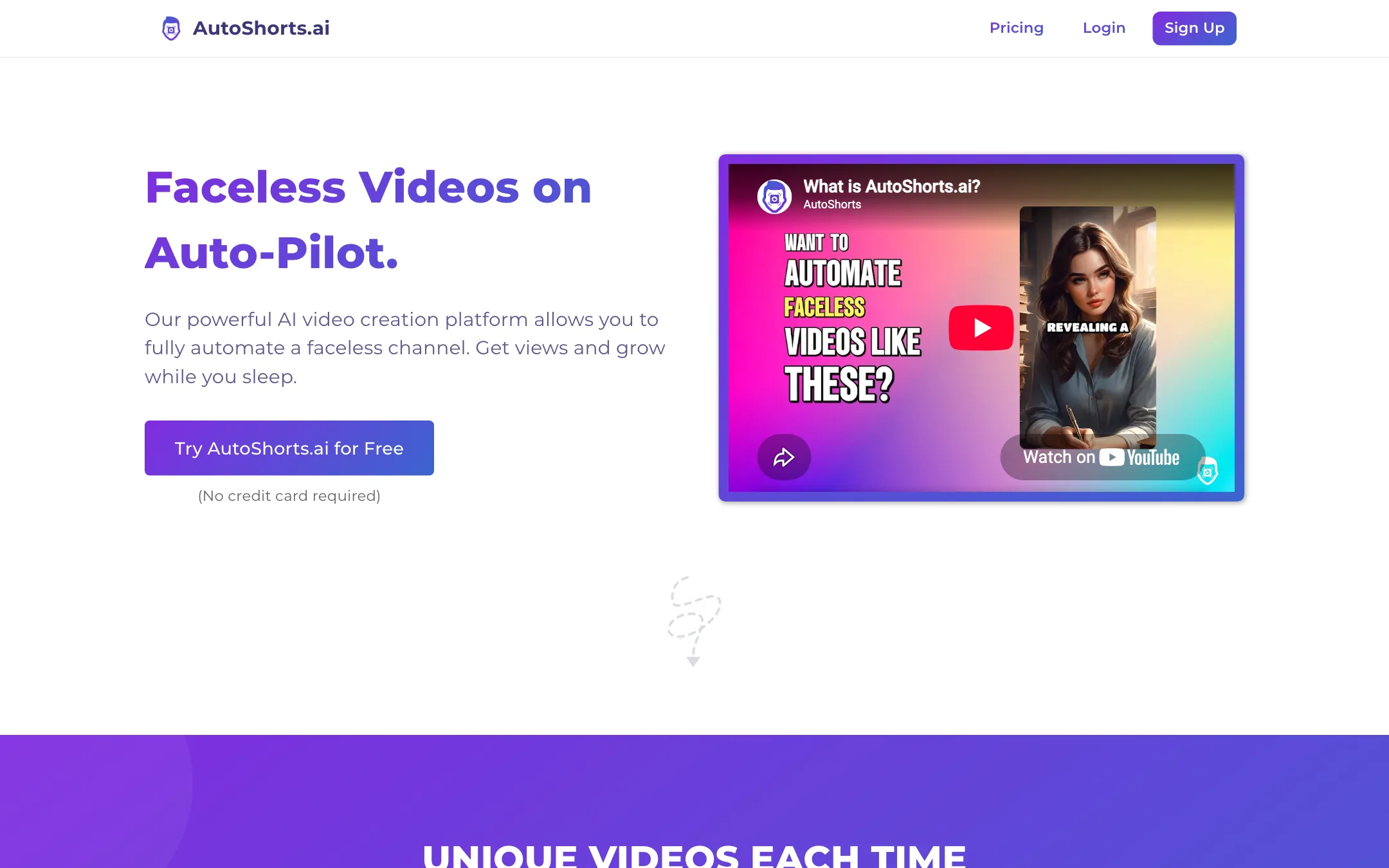
AutoShorts.ai is a tool for running a faceless video channel on autopilot. You do not make videos one at a time. You set up a series: a topic, a style and a posting schedule. AutoShorts then writes a script, generates images, adds a voiceover and music, renders the video and posts it to your TikTok, YouTube or Instagram account. Then it does it again on the next scheduled day.
That is the whole product, and it is deliberately narrow. Its own FAQ says it “wasn’t designed for single video creation.” If you want a tool that fills a channel with fresh short videos while you do something else, this is what AutoShorts sells.
Who it is for
AutoShorts fits you if:
- You want to test a faceless channel idea without spending time on it every day.
- You have a clear niche, such as scary stories, history facts or motivational quotes, that works as a repeating series.
- You value hands-off posting more than creative control over each video.
- You want pricing you can understand in one glance.
Skip it if:
- You want to make individual videos for a client or brand. The series model fights you.
- You want to run many channels cheaply. Each plan includes one series.
- You need videos longer than 90 seconds, or polished, fully animated AI footage.
- You want to cut clips from your own recordings. AutoShorts generates content from scratch and does not do clipping or captions on uploads.
How it works
The app sits behind a login, so this walkthrough is based on AutoShorts’ public site and FAQ, not a hands-on session.
1. Create a series
A series is the core unit. You pick a destination (your TikTok, YouTube or Instagram channel) and a content topic. You can choose a preset topic or write a custom prompt.
Custom prompts work like a standing brief. AutoShorts’ example: tell it “discuss an interesting fact about Genghis Khan” and each video covers a different fact, his military, his leadership, his legal code, while trying not to repeat earlier videos. Write a broader prompt, like “a highly interesting event in history related to war,” and each video picks a different event.
You also choose:
- Video length: 30 to 60 seconds or 60 to 90 seconds.
- Visual style: the homepage shows styles like AutoShorts, Childrens Book, Lego, Disney Toon, Minecraft, GTA V, Comic Book and Expressionism.
- Language: 30 options, including English, Spanish, French, German, Hindi, Japanese, Korean, Arabic and Indonesian.
- Voice: including your own cloned voice on paid plans.
- Motion credits per video: how much of each video gets animated.
The first video is queued for creation as soon as you save the series.
2. Preview and customize
Before a video posts, you can review it and edit the script, title, images and background music. You can regenerate images you do not like with image credits, which refill on a rolling 30-day basis.
By default each scene is a still AI image. Motion credits animate those stills. You set how many motion credits each video may use, and AutoShorts applies them automatically. You can also spend them by hand in the media editor.
This is a light editing layer. There is no timeline, no transitions panel and no B-roll library. You are tweaking a generated video, not editing one.
3. Let it post
Set your posting schedule, connect your channels and AutoShorts handles the rest. A series can link to one channel per platform, so one series can post the same video to TikTok, YouTube and Instagram at once.
You can delete a series and start a new one up to 10 times a day if you want to change topic.
Background music and video storage
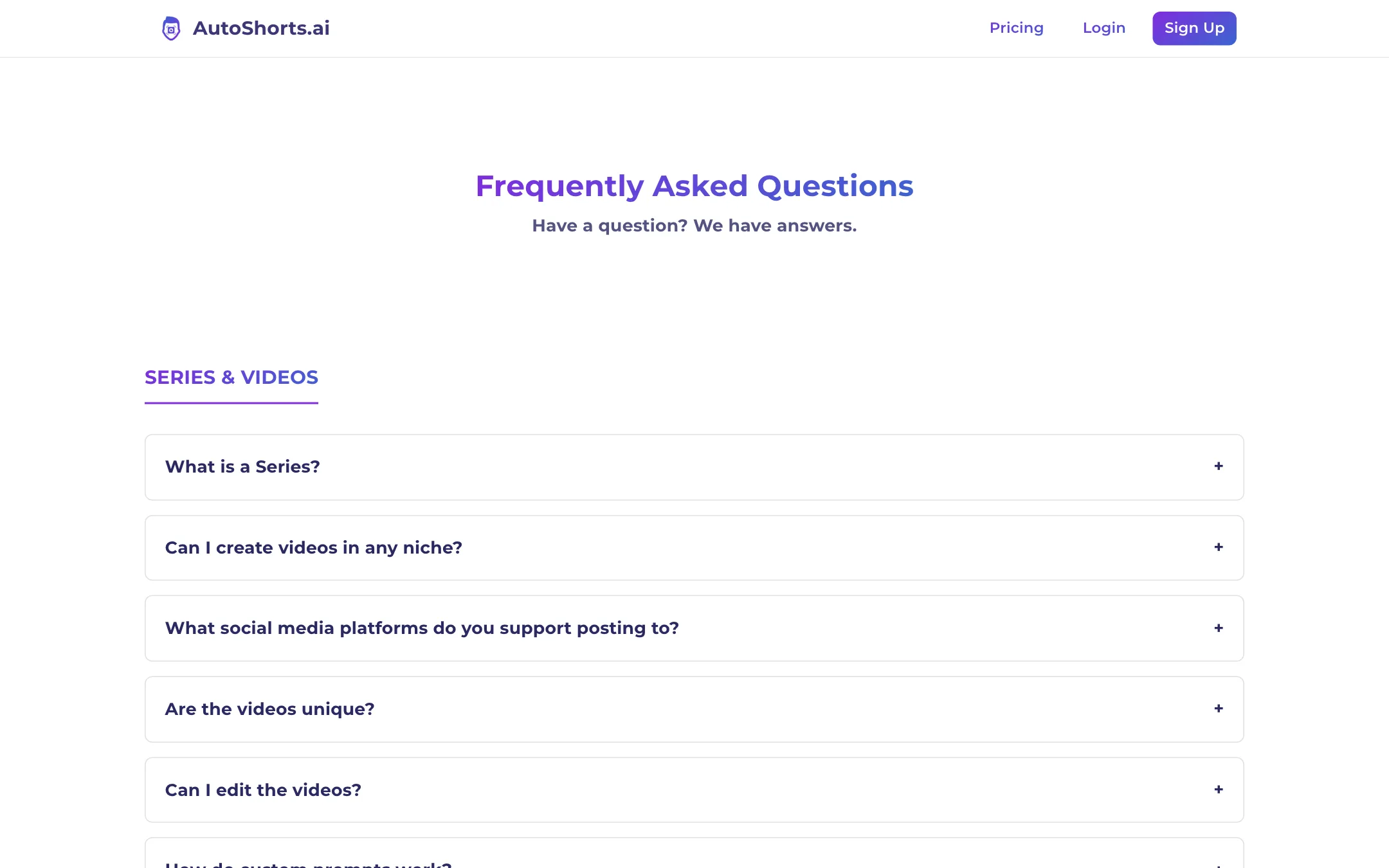
Two practical details from the FAQ. Background music stops at 60 seconds, because TikTok does not allow uploaded music longer than a minute. And past videos stay available to download for 120 days, then AutoShorts deletes them. Deleting a series deletes its videos immediately. Download anything you want to keep.
Output quality
We have not generated videos with AutoShorts, so we cannot rate the output first-hand.
From the outside, a few things are clear. Videos are built mostly from still AI images with a voiceover, captions and music, with motion added where you spend motion credits. That is the standard faceless-short format. It is not cinematic AI video, and the plans are priced accordingly.
The styles on the homepage cover a wide range, from storybook and comic looks to game-inspired ones like Minecraft and GTA V. AutoShorts stresses that each video is generated fresh, so two videos on the same topic will have different scripts and images. That matters on platforms that penalize duplicate content.
The view counts shown on the homepage examples are AutoShorts’ own showcase. They are not a promise. AutoShorts’ FAQ is refreshingly direct here. It says low or zero views usually mean the platform thinks your account is a bot, and recommends warming up a new account for 48 hours, starting at one post a day, and uploading a few videos by hand first. Take that advice whatever tool you use.
Pricing
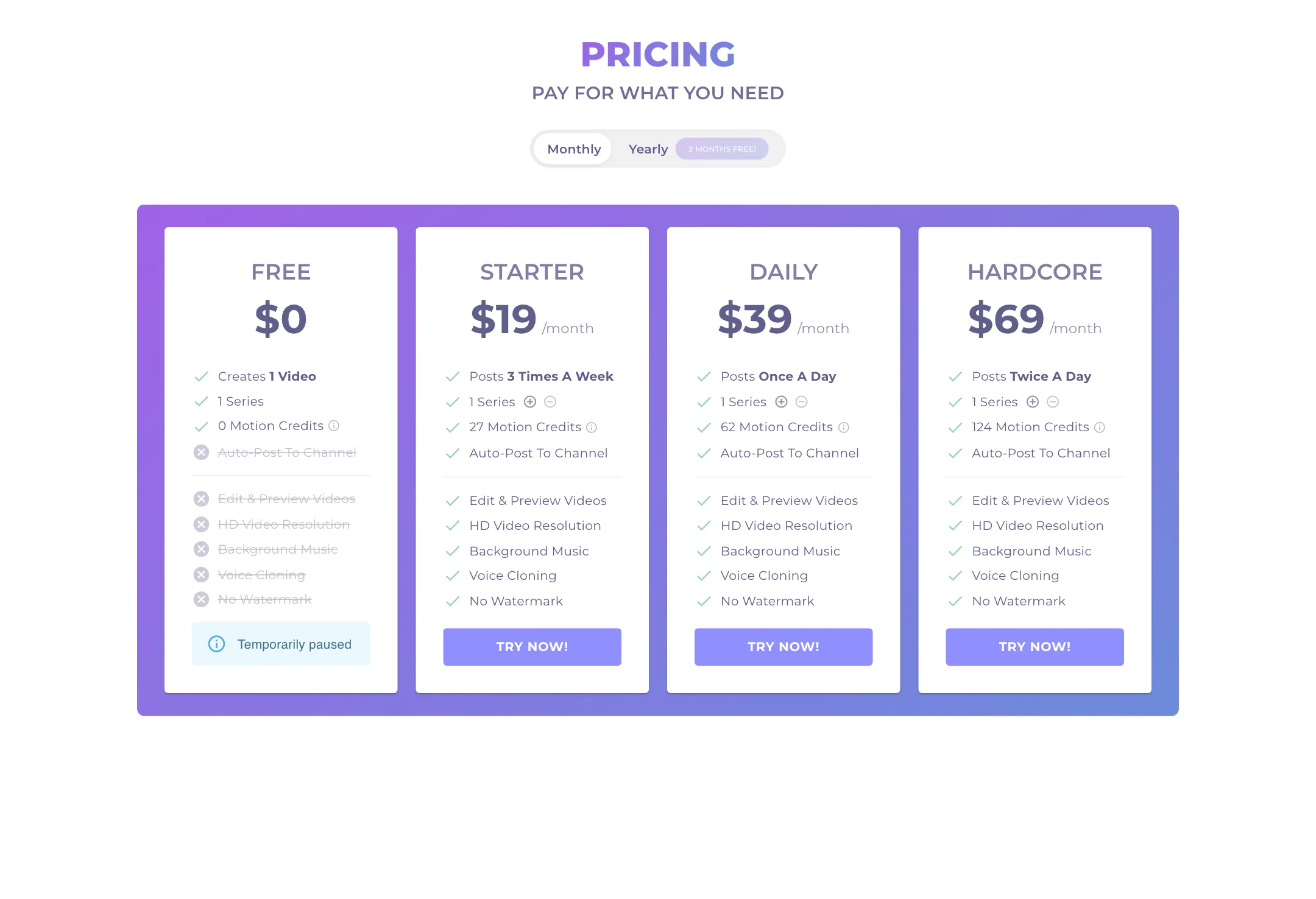
AutoShorts prices plans by how often they post, which makes them easy to compare. We checked the pricing on 2026-10-19.
| Plan | Price | What you get |
|---|---|---|
| Free | $0, paused | 1 video, 1 series, no auto-posting, watermark |
| Starter | $16/mo yearly, $19 monthly | 3 posts a week, 27 motion credits |
| Daily | $33/mo yearly, $39 monthly | 1 post a day, 62 motion credits |
| Hardcore | $58/mo yearly, $69 monthly | 2 posts a day, 124 motion credits |
Every paid plan includes one series, auto-posting, editing and preview, HD output, background music, voice cloning and no watermark. Yearly billing is sold as “2 months free.”
What the price works out to
- Starter makes about 13 videos a month, roughly $1.50 each on monthly billing.
- Daily makes about 30 videos a month, roughly $1.30 each.
- Hardcore makes about 60 videos a month, roughly $1.15 each.
AutoShorts says re-renders from script edits or series changes do not count against your plan. Motion credits are the real constraint. Starter’s 27 motion credits spread across 13 videos is about two animated scenes per video. Extra motion credits can be bought as top-ups that never expire, with optional auto-reload.
Things to know before you pay
- No refunds. AutoShorts says the GPU costs of generation make refunds impossible, and you agree to waive your refund right at sign-up. Since the free plan is paused, your first month is your trial.
- One series per plan. The pricing cards show controls to add series, but extra series cost more.
- Downgrades disable series. If you move to a plan with fewer series than you run, the extras are switched off.
- Cancelling is easy. One click from the billing page.
Which plan to pick
Start with Starter unless you already have a warmed-up account. AutoShorts itself advises new channels not to post more than once a day, so Hardcore’s two posts a day only makes sense on an established account. Starter’s three posts a week is enough to learn whether your topic gets any traction. Move to Daily once you see views, not before.
Tips for running a series well
AutoShorts takes the work out of making videos. It does not take the thinking out of running a channel. A few habits, drawn from AutoShorts’ own guidance and from how faceless channels generally work, make a difference:
- Write a specific custom prompt. Presets are a fine start, but every other AutoShorts user can pick the same ones. A prompt with a clear angle, tone and audience gives you videos that do not look like everyone else’s.
- Preview before posting, at least early on. AutoShorts runs an NSFW filter but says it cannot guarantee every video is appropriate. Check the first week of videos by hand.
- Fix the hook. The first line of the script decides whether people keep watching. Editing the script is free, so rewrite weak openings.
- Spend motion credits on the opening scene. A moving first shot does more than motion buried halfway through.
- Warm up new accounts. Follow the FAQ: 48 hours of normal use, then one post a day, then build up.
- Download your winners. Videos disappear after 120 days, and deleting a series deletes everything in it.
Verdict
AutoShorts does one thing and keeps it simple. Set a topic, pick a style and schedule, and a faceless channel keeps posting without you. Pricing tied to posting frequency is easy to follow, and the FAQ is more honest about views and account risk than most tools in this space.
The narrow design is also its main weakness. You get one series per plan, videos under 90 seconds, mostly still images and only light editing. There are no refunds and no free plan to test with right now. If you want a hands-off channel experiment for $19, AutoShorts is a fair bet. If you want control over each video, or to run several channels, a broader studio will serve you better.