What AiClips is
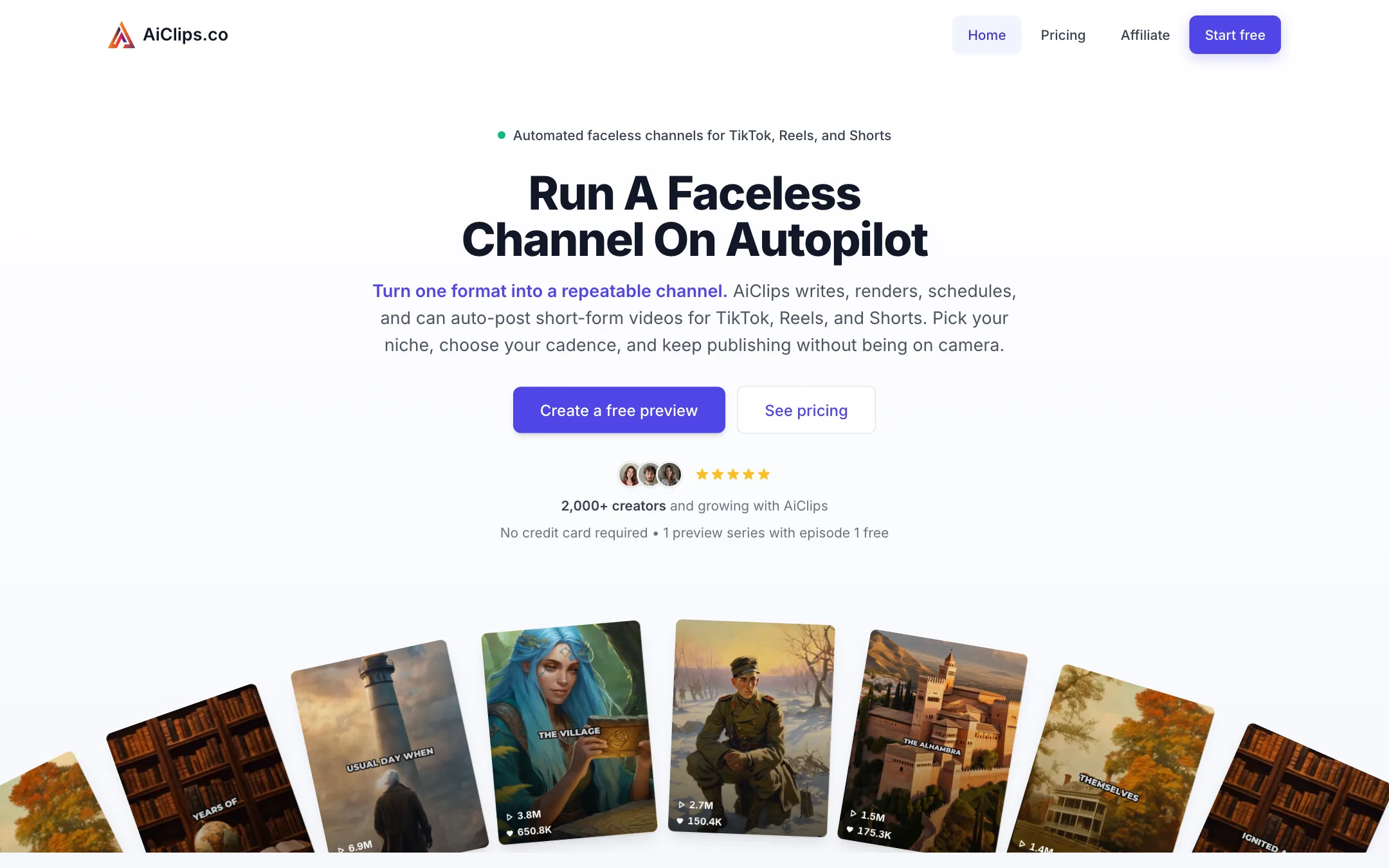
AiClips is a tool for running a faceless short-form channel on autopilot. You pick a niche and a format once. AiClips then writes a script, generates visuals, adds an AI voice, subtitles and music, renders a vertical video, and can post it to TikTok, Instagram Reels or YouTube Shorts on a schedule.
The name is a little misleading. AiClips does not clip anything. It does not take your podcast or YouTube video and cut it into shorts. Every video it makes is generated from scratch, from a topic you give it. That puts it in the same family as AutoShorts and Cliplama rather than clippers like Opus Clip or SendShort.
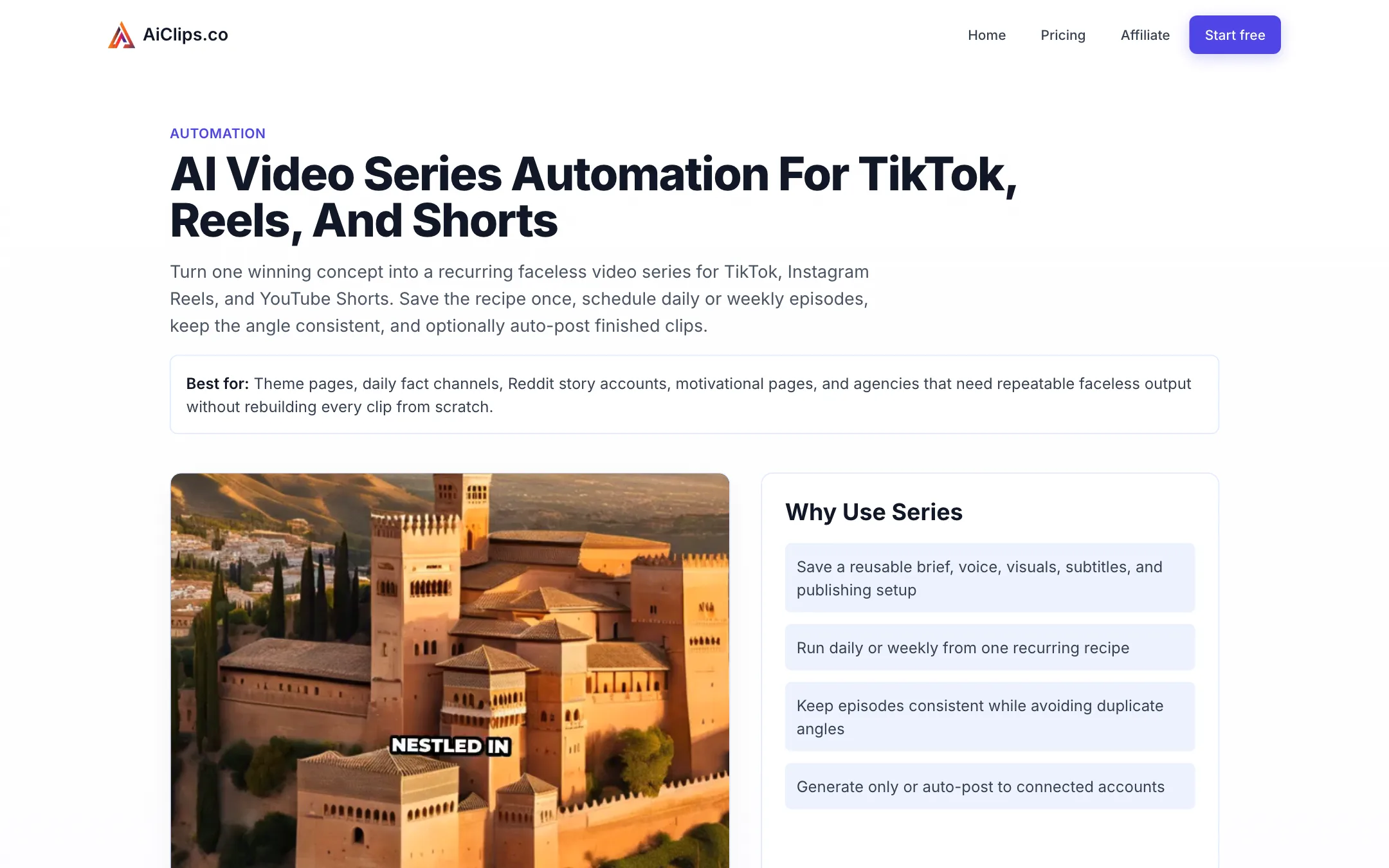
The product is built around one idea: the series. A series is a saved recipe for a recurring video format, such as “a daily scary story with Minecraft gameplay” or “one surprising history fact a day.” Once the first episode looks right, AiClips keeps making new ones on the cadence you choose.
AiClips says more than 2,000 creators use it. The site is small and focused. There is no mobile app, no editor timeline and no stock footage library.
Who it is for
AiClips fits you if:
- You want to start a faceless channel in a story, facts, motivation or “Reddit story” niche.
- You do not want to show your face or record your voice.
- You want posting to happen without logging in every day.
- You want the cheapest possible monthly cost while you test whether a niche works.
- You manage several small theme pages and want to run them from one place.
Skip it if:
- You have your own videos and want to repurpose them. AiClips cannot do that.
- You care about a distinctive brand look or voice. Six voices and a handful of visual modes are not much room to stand out.
- You want a polished explainer or ad. A studio tool like InVideo or a text-to-video model gives you far more control.
- You want to try several months before committing. There is no yearly plan to discount, and no refund once you pay.
How it works
AiClips describes the workflow in three stages: create, preview, autopilot.
1. Create the series
You start by choosing a topic. You can pick a preset or write your own prompt that describes the channel. This is where you define the format: what each episode is about, who it is for, and the angle.
Then you choose the building blocks:
- Story type for the kind of script, such as a story, facts or motivation.
- Voice from six options, three male and three female.
- Language from the 13 AiClips supports.
- Subtitle settings for the burned-in captions.
- Visual mode: AI-generated images or gameplay footage.
AiClips generates the first episode right away.
2. Preview and customize
Before anything goes live, you review the first episode. AiClips says you can adjust the script, title, visuals and music until the series “feels right.” Magic Edit lets you rewrite the script with AI guidance instead of typing changes by hand.
This step matters more than it sounds. The first episode sets the template for every episode after it. Spend your time here, not later.
3. Turn on autopilot
Once you approve the format, you set a schedule: daily or weekly, at a time and timezone you choose. Then you pick what happens to each new episode:
- Generate only, so finished clips wait for you to download and post.
- Auto-post, so AiClips uploads to your connected accounts.
AiClips says each series keeps a memory of recent episodes so it does not repeat the same angle too closely. That is a useful touch for daily channels, where repetition is the fastest way to lose viewers.
Visual modes
AiClips gives you two ways to fill the screen behind the voice-over.
AI images
The default mode generates images for each scene using what AiClips calls its “fine-tuned high quality image generation AI model.” AiClips says it creates fresh visuals for every video rather than recycling the same footage, so no two videos look identical.
Expect the usual AI image look: dramatic lighting, slightly glossy faces and the occasional odd detail. That suits horror, history and fantasy niches better than anything that needs to look real.
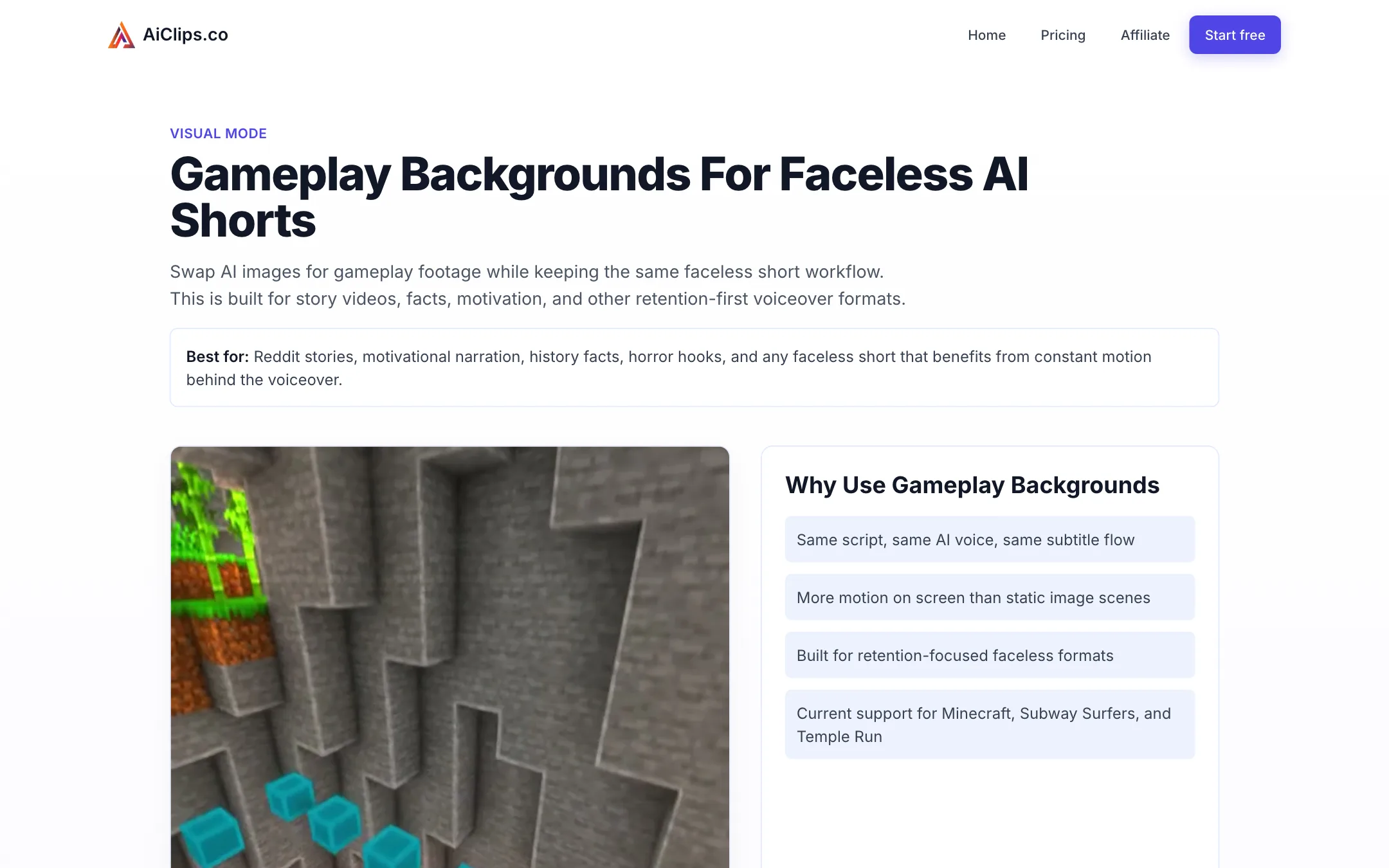
Gameplay backgrounds
You can swap AI images for gameplay footage from Minecraft, Subway Surfers or Temple Run. This is the classic Reddit-story format: a narrated story on top, satisfying gameplay underneath, big captions in the middle.
AiClips pitches each game for a different mood:
- Minecraft for calm storytelling, emotional narration and educational clips.
- Subway Surfers for fast facts, motivation and finance tips.
- Temple Run for horror, drama and comeback stories.
Three games is a short list. If your niche lives on this format, you will see the same backgrounds on competing channels.
Output quality
We have not generated a video with AiClips, so we cannot judge the scripts, voices or images ourselves. A few things are clear from the product itself.
The format is fixed. Every AiClips video follows the same structure: AI script, AI voice, subtitles, background visuals and music. That is the point of the tool. It also means your channel will look like other channels made the same way.
Voices are limited. Six voices across all 13 languages is thin next to tools that plug into large voice libraries such as ElevenLabs. Listen to all six before you pick a niche that needs a particular tone.
Results claims are the vendor’s. The homepage shows view and follower counts and testimonials like “347% views increase” and “20x ROI” from first-name-only customers. We could not verify any of them. Treat them as marketing.
Platform rules matter. TikTok, YouTube and Instagram have all moved against low-effort, mass-produced content in their monetization rules. An automated faceless channel can still grow, but your topic choice, script quality and posting discipline will matter far more than the tool.
Pricing
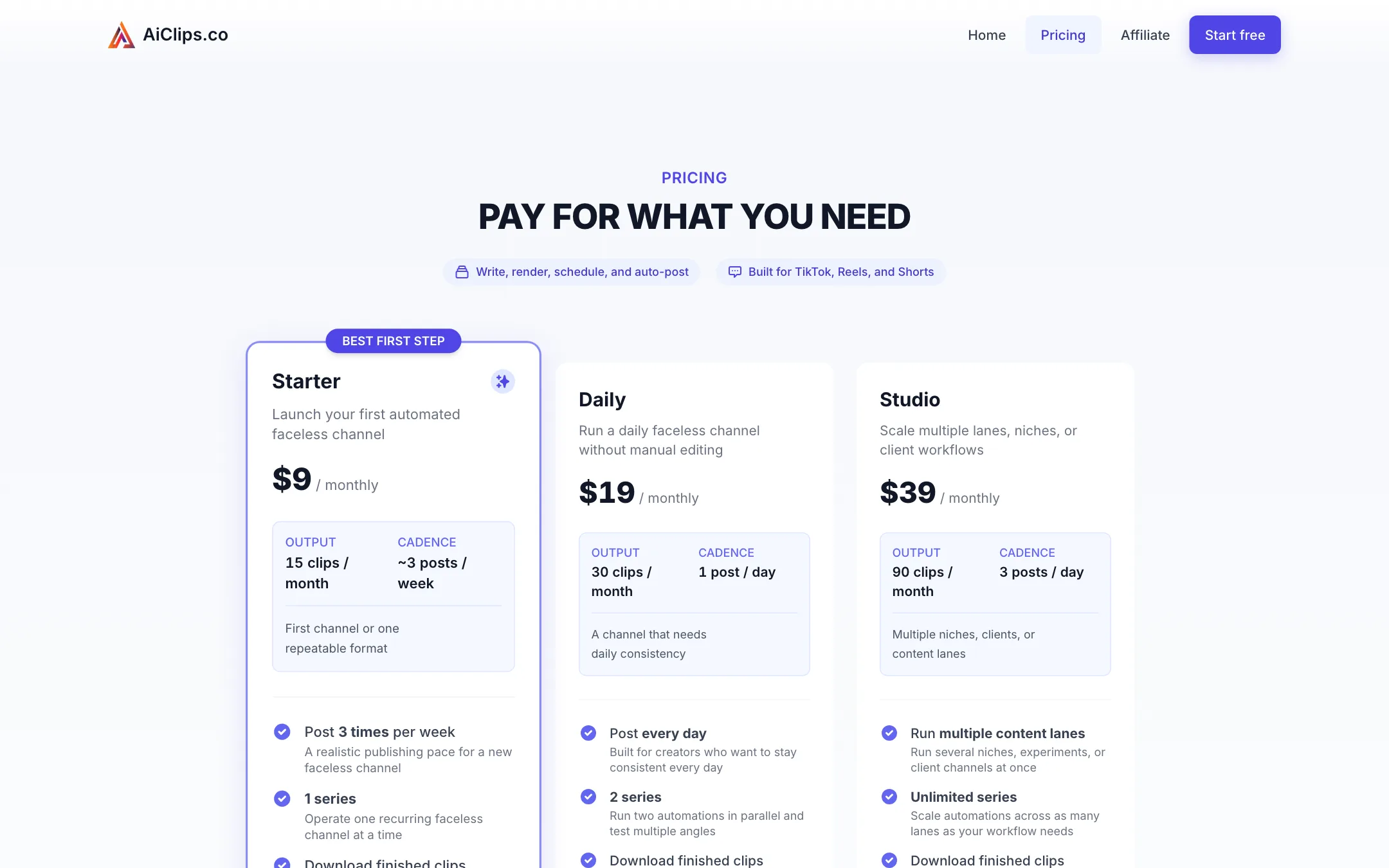
AiClips frames its plans around how often you post, not credits or minutes. Prices below were read from aiclips.co on 2026-10-19. All plans bill monthly. We did not see a yearly option.
| Plan | Price | What you get |
|---|---|---|
| Free preview | Free | 1 preview series, episode 1 free after signup |
| Starter | $9/mo | 15 clips a month, about 3 posts a week, 1 series |
| Daily | $19/mo | 30 clips a month, 1 post a day, 2 series |
| Studio | $39/mo | 90 clips a month, 3 posts a day, unlimited series |
Every paid plan includes downloads, Magic Edit, background music, auto-posting and no watermark. Custom plans for higher volume or agency work are available by emailing [email protected].
What to know before you pay:
- The free preview is a single episode. It shows you the workflow and the output. It does not give you a free channel. Downloads need a paid plan.
- Series count matters as much as clips. Starter runs one series. If you want to test two niches at once, you need Daily.
- No refunds. The FAQ and terms both say paid subscriptions are non-refundable except where the law requires it. You can cancel any time to stop the next charge.
- The cost per clip is low. Starter works out to 60 cents a clip, Daily about 63 cents and Studio about 43 cents. For an automated channel that is cheap, as long as the output works for your niche.
Getting the most from a plan
- Nail episode one in the free preview. Rewrite the script and test visual modes before you pay, since the first episode sets the format.
- Match the plan to cadence, not ambition. Posting three times a week on Starter is a fair test of a new niche. Move to Daily only once a format shows traction.
- Use generate-only at first. Review a week of episodes before you switch on auto-posting, so a weak script does not go live under your name.
- Run two niches on Daily. Two series on one $19 plan is a cheap way to see which angle your audience prefers.
Before you start a faceless channel
AiClips handles production, but it cannot pick a niche for you. A few checks before you subscribe:
- Watch ten channels in your niche. If they all use the same gameplay background and voice, decide how you will look different before you generate anything.
- Read the monetization rules. YouTube and TikTok both restrict payouts for repetitive or mass-produced content. Plan for scripts with a real point of view, not filler.
- Decide what success looks like after 30 days. Starter gives you 15 clips in a month. That is enough to see whether a format gets any traction.
Verdict
AiClips does one thing: it keeps a faceless short-form channel posting with very little effort from you. At $9 a month it is one of the cheapest ways to do that, and the series system with daily scheduling and auto-posting is exactly what that job needs.
Know what you are buying. It is not a clipper, the creative options are narrow, and the formats it makes are crowded. Use the free preview episode to judge the script and voice quality for your niche, because once you pay, there are no refunds.