Animaker vs invideo AI
Two video editors tools, side by side. Same test criteria, same honesty about what breaks.
Some links on this page are affiliate links. If you buy through them we may earn a commission at no extra cost to you. It never changes how we rank tools. Read our disclosure.

#3 of 6 in Video editors
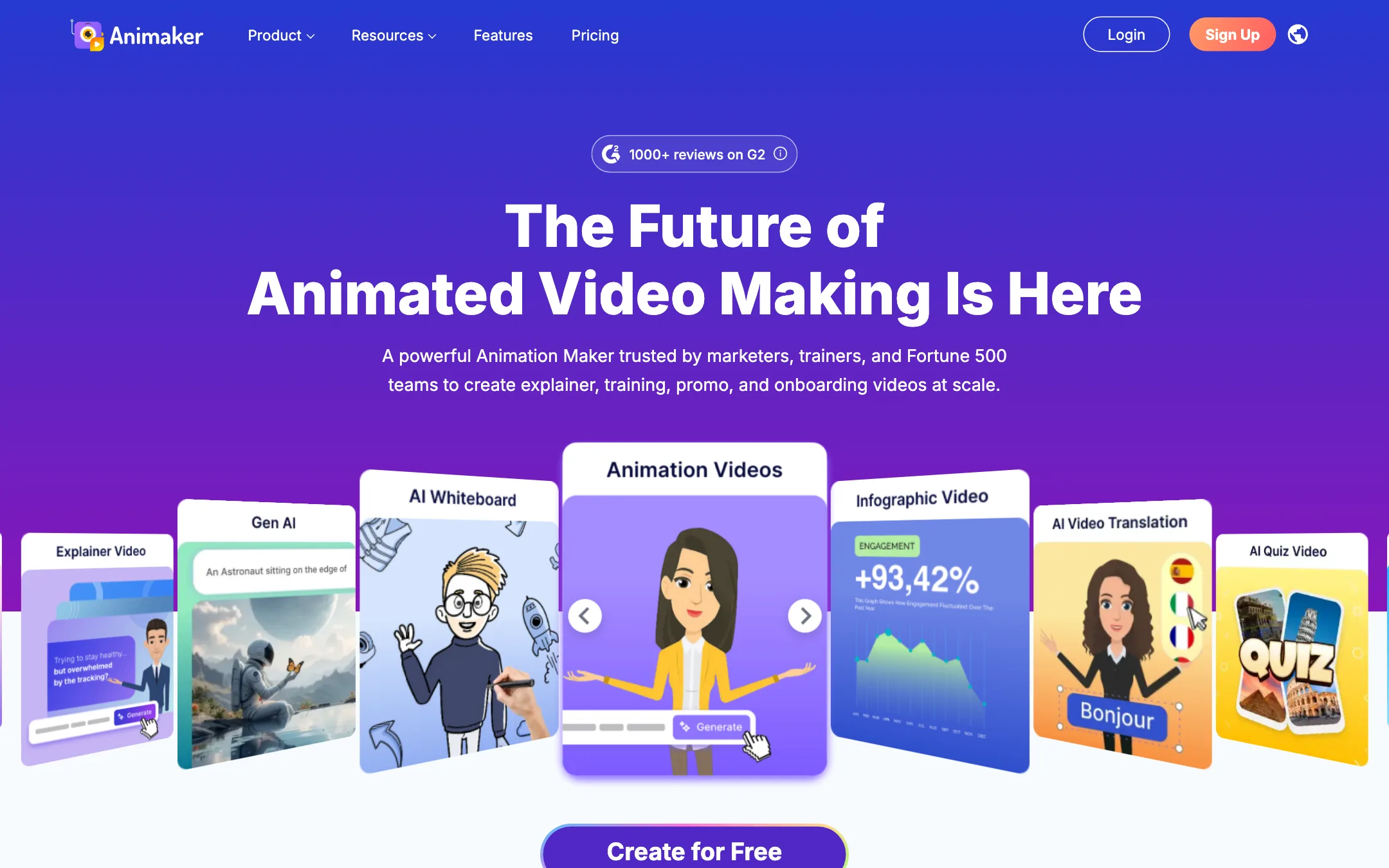
A browser-based animation studio for explainer, training and promo videos, with a character builder, whiteboard mode, AI voices and prompt-to-animation
Best for: Trainers, HR teams, teachers and marketers who need clear animated explainers and training videos without hiring an animator.
#4 of 6 in Video editors
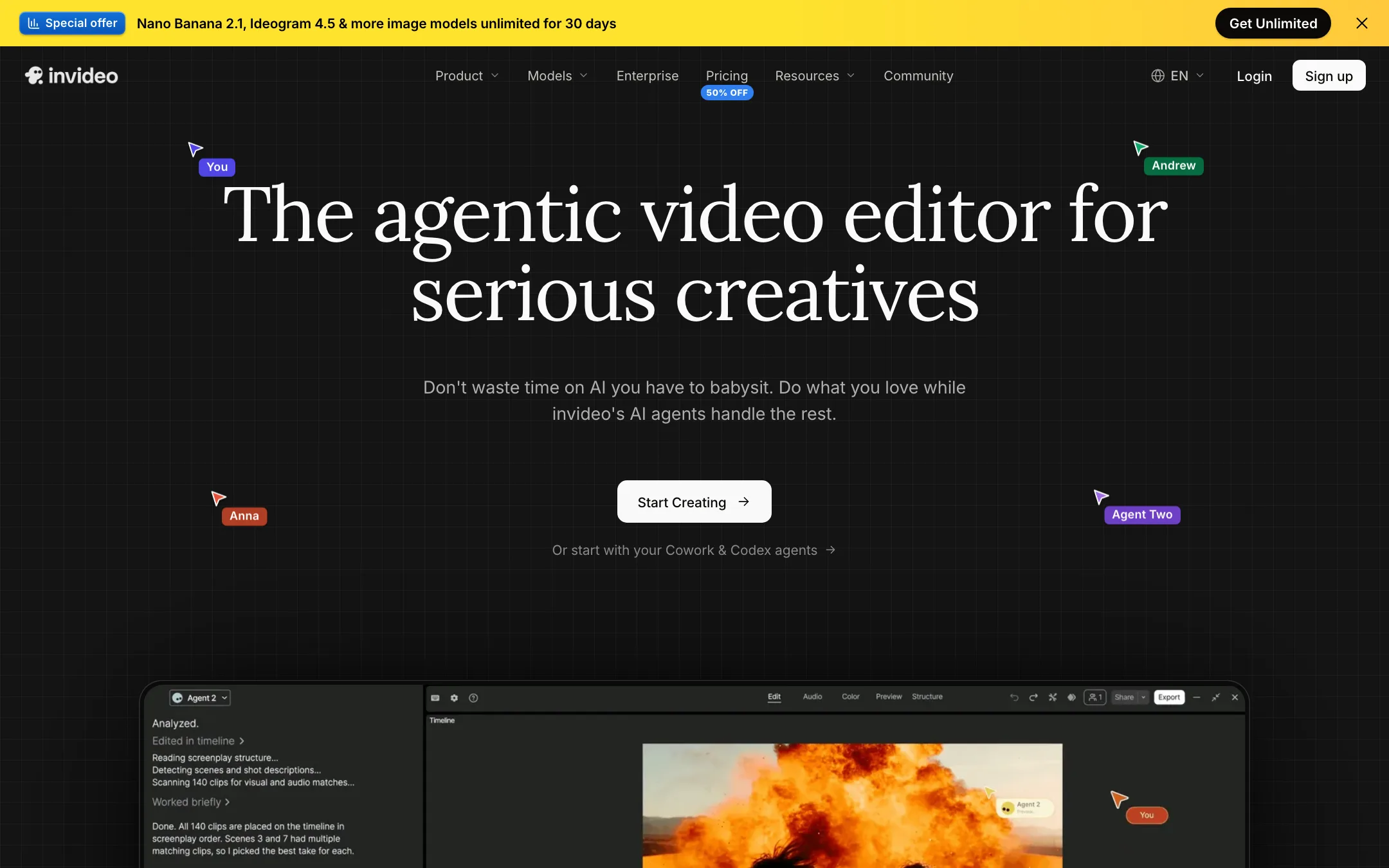
An agent-driven video editor with a real multitrack timeline, built-in access to Seedance, Veo, Kling and other models, and plain-language editing
Best for: Marketers, YouTubers and small teams who want an AI agent to do the rough cut, b-roll and captions while keeping a real timeline to finish by hand.
The short answer
More creators choose Animaker than invideo AI, and it ranks higher in our video editors list. Pick Animaker if you want trainers, hr teams, teachers and marketers who need clear animated explainers and training videos without hiring an animator. Pick invideo AI if you want marketers, youtubers and small teams who want an ai agent to do the rough cut, b-roll and captions while keeping a real timeline to finish by hand.
Animaker: Animaker is a mature, template-rich animation maker that does explainers, whiteboard videos and custom cartoon characters well. It is not a cinematic AI video generator. Watch the plan limits closely, since commercial rights only start on Pro and generative video seconds are tiny on every plan.
invideo AI: invideo has turned from a script-to-stock-video tool into an agentic editor with a proper timeline and a menu of big-lab models. It is a strong all-in-one if you edit often. The credit system, plan-gated agents and a confusing set of plan names mean you should test on the free plan before you pay.
Specs side by side
| Animaker | invideo AI | |
|---|---|---|
| Starting price | From $15/mo | From $10/mo |
| Free tier | ||
| Pricing | Free plan with watermarked exports. Paid plans from $15/mo billed yearly ($27 monthly). | Free plan with weekly limits. Paid plans from $10 per seat a month billed yearly ($20 monthly). |
| Platforms | Web, iOS, Android | Web, iOS, Android, MCP |
| Best for | Trainers, HR teams, teachers and marketers who need clear animated explainers and training videos without hiring an animator. | Marketers, YouTubers and small teams who want an AI agent to do the rough cut, b-roll and captions while keeping a real timeline to finish by hand. |
| Last checked | 2026-10-19 | 2026-10-19 |
Pricing
Animaker
Free plan with watermarked exports. Paid plans from $15/mo billed yearly ($27 monthly).
- Free$0
- Basic$15/mo yearly ($180/yr) · $27 monthly
- Starter$25/mo yearly ($300/yr) · $45 monthly
- Pro$43/mo yearly ($516/yr) · $79 monthly
- EnterpriseCustom
invideo AI
Free plan with weekly limits. Paid plans from $10 per seat a month billed yearly ($20 monthly).
- Free$0
- Starter$10/seat/mo yearly · $20 monthly
- Plus$30/seat/mo yearly · $60 monthly
- Max$75/seat/mo yearly · $150 monthly
- Extra creditsFrom $5
- Team, Scale, EnterpriseContact sales
Key features
Animaker
- Drag-and-drop animation editor with thousands of templates
- Character builder for custom cartoon characters, with actions and expressions
- Prompt-to-animation generator that drafts a video from a text idea
- Whiteboard and infographic animation modes
- AI voiceovers with auto lip sync, using voices from providers such as ElevenLabs, Microsoft and Google
- AI subtitles with translation into 100+ languages
- One-click video translation (Enterprise)
- Generative AI clips and AI image, background and prop generators
- Stock library of 100M+ assets and 30K+ music tracks and effects
- Avatar-based presentation maker with PowerPoint import
- Real-time collaboration and brand kit (Enterprise)
invideo AI
- Agent Two, an editing agent that cuts, captions, grades and mixes from plain-language instructions
- Multitrack timeline editor with color, audio and 3D tools on every plan
- Footage memory, so you can find a moment by describing it
- Prompt-to-video workflow that writes the script and adds visuals, voiceover, music and subtitles
- Built-in access to video models such as Seedance, Google Veo 3.1, Sora 2, Kling, Wan, PixVerse and Hailuo
- Image models (Nano Banana Pro, Ideogram, Seedream, Flux Kontext) and audio models (ElevenLabs, MiniMax)
- Real-time multiplayer editing with live cursors and comments
- Remote agents through an MCP server, so Claude, ChatGPT, Codex or Cursor can edit your timeline
- Export to Premiere Pro, Final Cut Pro and DaVinci Resolve project formats
- Stock media library with premium clips on paid plans
Strengths and weaknesses
Animaker
- Free plan lets you build and export real videos
- Very large template and asset library for business and training topics
- Character builder is a genuine differentiator for branded cartoons
- Whiteboard mode included on every paid plan
- Paid plans remove the watermark from Basic up
- Web, iOS and Android apps
- Commercial rights are listed only from Pro ($43/mo yearly) upward
- Generative AI video is capped at 90 or 180 seconds a month on Starter and Pro, and none on Basic
- Premium downloads are counted, as low as 5 a month on Basic
- Collaboration, brand kit and video translation sit behind custom Enterprise pricing
- Monthly billing costs up to 45% more than yearly
- Output style is template animation, not realistic AI footage
invideo AI
- Real timeline you can take over at any frame, not a black-box generator
- Many leading video, image and voice models under one subscription
- Timeline editing itself does not cost credits
- Generous storage and guest seats on Plus and Max
- Works with outside AI agents through MCP
- Project export to the big desktop editors
- Credits do not roll over, and top-up balances die if you cancel
- Starter locks out Seedance 2.5 and the Pro and Ultra agents
- The free plan's limits are not spelled out on the pricing page
- Help center plan names (Basic, Pro, Ultra) do not match the pricing page (Starter, Plus, Max)
- Refunds are case by case, and cancelling never triggers one
- Credit costs per model can change without notice, per invideo's own help pages
Try Animaker
Free plan with watermarked exports. Paid plans from $15/mo billed yearly ($27 monthly).
Try invideo AI
Free plan with weekly limits. Paid plans from $10 per seat a month billed yearly ($20 monthly).