Wondershare Filmora vs invideo AI
Two video editors tools, side by side. Same test criteria, same honesty about what breaks.
Some links on this page are affiliate links. If you buy through them we may earn a commission at no extra cost to you. It never changes how we rank tools. Read our disclosure.
#1 of 6 in Video editors
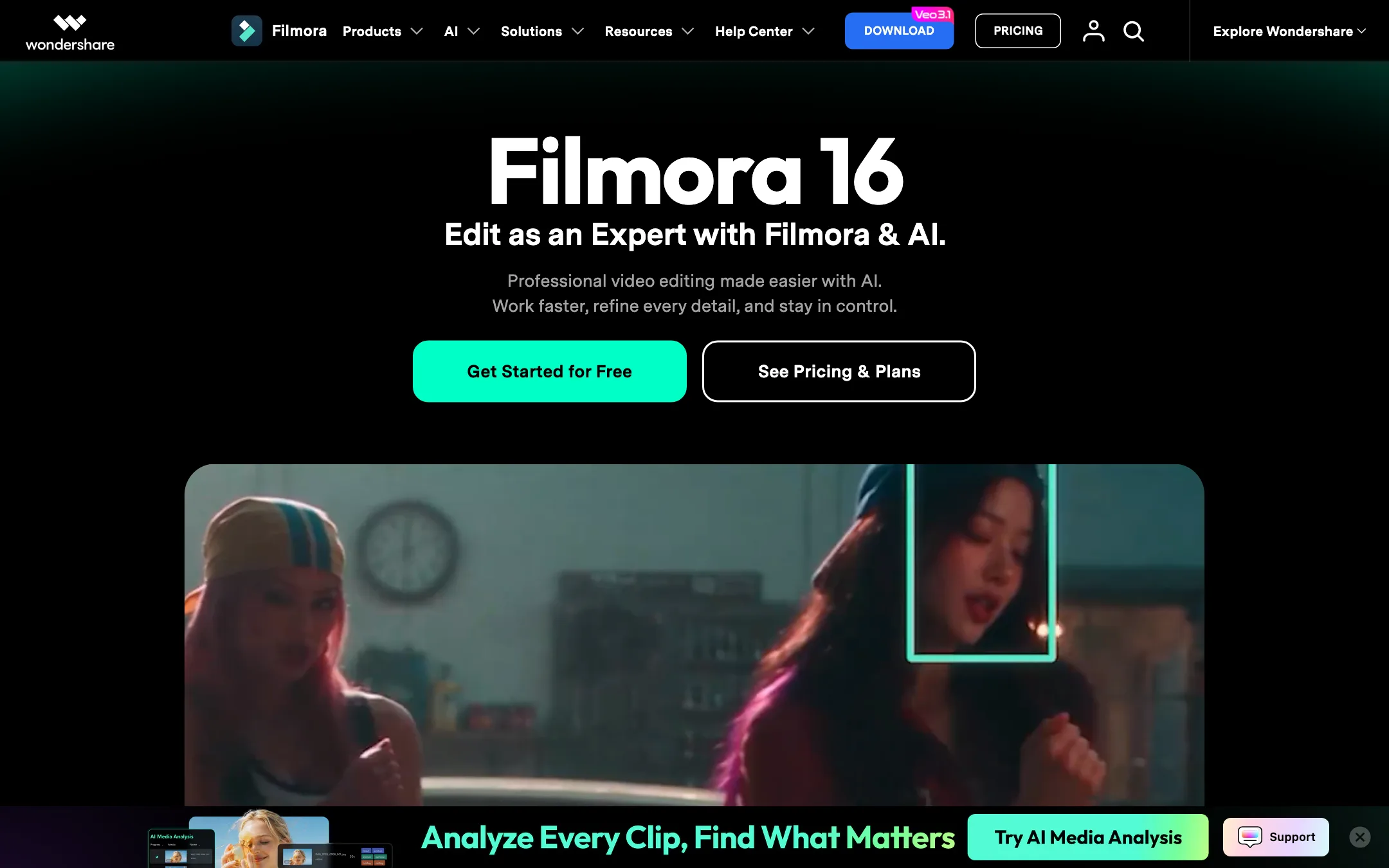
A beginner-friendly desktop video editor from Wondershare, now packed with AI tools and built-in Veo, Sora and Seedance generation
Best for: YouTubers, educators and small businesses who want a real desktop timeline that is easier than Premiere, with AI help built in.
#4 of 6 in Video editors
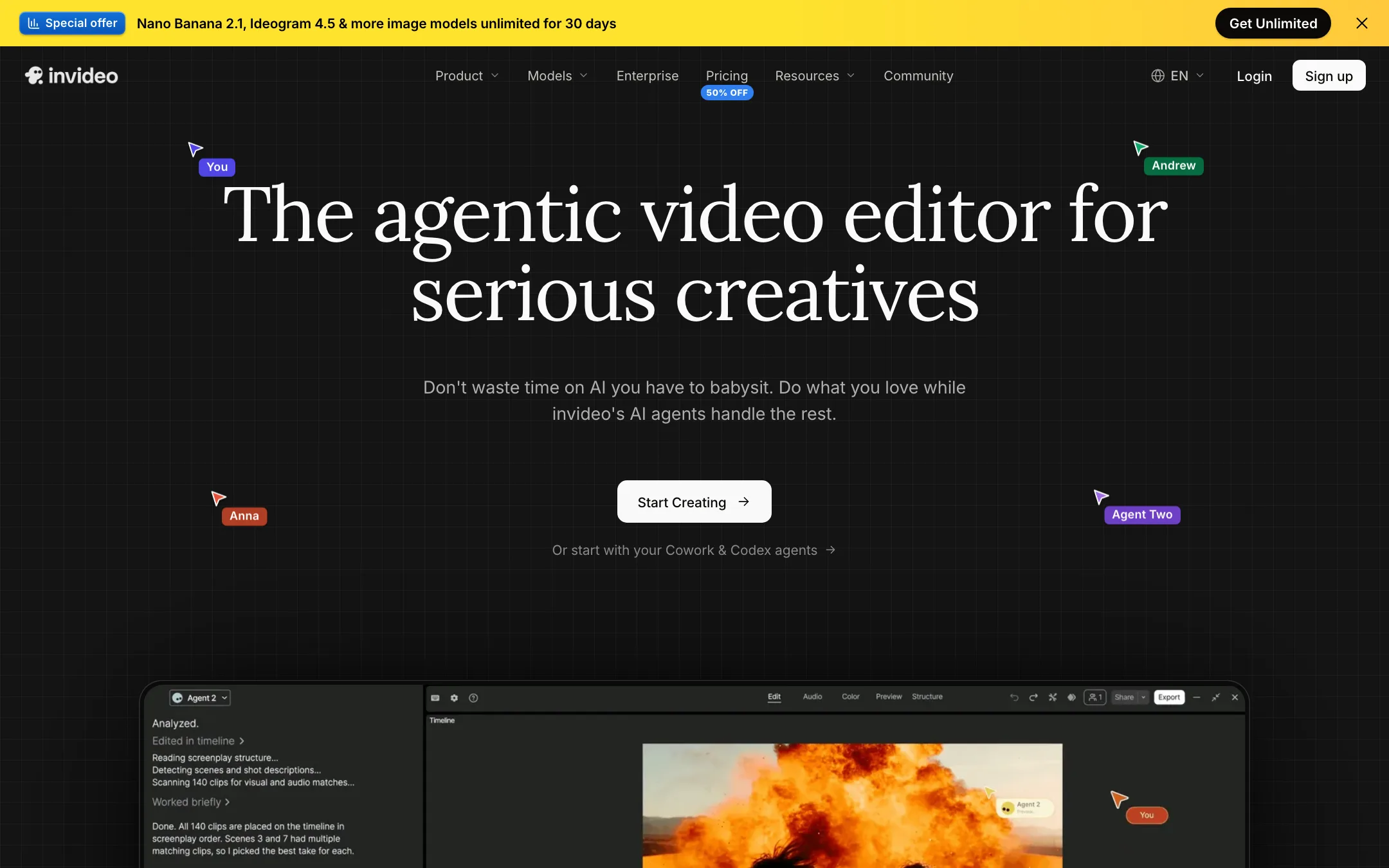
An agent-driven video editor with a real multitrack timeline, built-in access to Seedance, Veo, Kling and other models, and plain-language editing
Best for: Marketers, YouTubers and small teams who want an AI agent to do the rough cut, b-roll and captions while keeping a real timeline to finish by hand.
The short answer
More creators choose Wondershare Filmora than invideo AI, and it ranks higher in our video editors list. Pick Wondershare Filmora if you want youtubers, educators and small businesses who want a real desktop timeline that is easier than premiere, with ai help built in. Pick invideo AI if you want marketers, youtubers and small teams who want an ai agent to do the rough cut, b-roll and captions while keeping a real timeline to finish by hand.
Wondershare Filmora: Filmora sits in a useful middle ground. It is far more capable than a phone app, far easier than Premiere or Resolve, and its AI toolbox is huge. Budget for credits if you lean on the AI features, and check the price on checkout, because Wondershare showed us two different price sets on the same day.
invideo AI: invideo has turned from a script-to-stock-video tool into an agentic editor with a proper timeline and a menu of big-lab models. It is a strong all-in-one if you edit often. The credit system, plan-gated agents and a confusing set of plan names mean you should test on the free plan before you pay.
Specs side by side
| Wondershare Filmora | invideo AI | |
|---|---|---|
| Starting price | From $4.17/mo | From $10/mo |
| Free tier | ||
| Pricing | Free version exports with a watermark. Basic US$49.99/yr, Advanced US$59.99/yr, Perpetual license US$79.99. | Free plan with weekly limits. Paid plans from $10 per seat a month billed yearly ($20 monthly). |
| Platforms | Windows, macOS, iOS, Android, iPad | Web, iOS, Android, MCP |
| Best for | YouTubers, educators and small businesses who want a real desktop timeline that is easier than Premiere, with AI help built in. | Marketers, YouTubers and small teams who want an AI agent to do the rough cut, b-roll and captions while keeping a real timeline to finish by hand. |
| Last checked | 2026-10-19 | 2026-10-19 |
Pricing
Wondershare Filmora
Free version exports with a watermark. Basic US$49.99/yr, Advanced US$59.99/yr, Perpetual license US$79.99.
- FreeFree
- BasicUS$49.99/yr
- AdvancedUS$59.99/yr (listed down from US$69.99)
- PerpetualUS$79.99 one-time
invideo AI
Free plan with weekly limits. Paid plans from $10 per seat a month billed yearly ($20 monthly).
- Free$0
- Starter$10/seat/mo yearly · $20 monthly
- Plus$30/seat/mo yearly · $60 monthly
- Max$75/seat/mo yearly · $150 monthly
- Extra creditsFrom $5
- Team, Scale, EnterpriseContact sales
Key features
Wondershare Filmora
- Desktop timeline editor for Windows and Mac with magnetic timeline, keyframes and multicam
- AI speech-to-text subtitles with proofreading and dedicated subtitle tracks
- Text-based editing, silence detection and smart scene cut
- AI text-to-video and image-to-video with Veo 3.1, Sora 2 and Seedance 2.0
- Smart Short Clips to turn long videos into vertical clips
- AI video enhancer, object remover, smart cutout and relighting
- AI translation with voice cloning and lip-sync
- Text to speech, AI music, sound effects and vocal remover
- Screen recorder with separate tracks for screen, camera and mics
- 2.9M+ creative assets including effects, titles, music and stock media
invideo AI
- Agent Two, an editing agent that cuts, captions, grades and mixes from plain-language instructions
- Multitrack timeline editor with color, audio and 3D tools on every plan
- Footage memory, so you can find a moment by describing it
- Prompt-to-video workflow that writes the script and adds visuals, voiceover, music and subtitles
- Built-in access to video models such as Seedance, Google Veo 3.1, Sora 2, Kling, Wan, PixVerse and Hailuo
- Image models (Nano Banana Pro, Ideogram, Seedream, Flux Kontext) and audio models (ElevenLabs, MiniMax)
- Real-time multiplayer editing with live cursors and comments
- Remote agents through an MCP server, so Claude, ChatGPT, Codex or Cursor can edit your timeline
- Export to Premiere Pro, Final Cut Pro and DaVinci Resolve project formats
- Stock media library with premium clips on paid plans
Strengths and weaknesses
Wondershare Filmora
- Much easier to learn than Premiere Pro or DaVinci Resolve
- One subscription covers both Windows and Mac
- Perpetual license option if you hate subscriptions
- Huge AI toolbox inside a proper desktop timeline
- Large built-in library of effects, titles, music and stock
- 30-day money-back guarantee, subject to Wondershare's refund policy
- Free version watermarks every export
- Most AI features cost credits on top of the plan price
- Unused monthly credits are reclaimed when the next batch arrives
- Pricing shown to us changed between sessions on the same day
- Perpetual license covers only Filmora 16 updates and one platform
- Wondershare pushes upsells and cross-promotions for its other apps
invideo AI
- Real timeline you can take over at any frame, not a black-box generator
- Many leading video, image and voice models under one subscription
- Timeline editing itself does not cost credits
- Generous storage and guest seats on Plus and Max
- Works with outside AI agents through MCP
- Project export to the big desktop editors
- Credits do not roll over, and top-up balances die if you cancel
- Starter locks out Seedance 2.5 and the Pro and Ultra agents
- The free plan's limits are not spelled out on the pricing page
- Help center plan names (Basic, Pro, Ultra) do not match the pricing page (Starter, Plus, Max)
- Refunds are case by case, and cancelling never triggers one
- Credit costs per model can change without notice, per invideo's own help pages
Try Wondershare Filmora
Free version exports with a watermark. Basic US$49.99/yr, Advanced US$59.99/yr, Perpetual license US$79.99.
Try invideo AI
Free plan with weekly limits. Paid plans from $10 per seat a month billed yearly ($20 monthly).