What Zebracat is
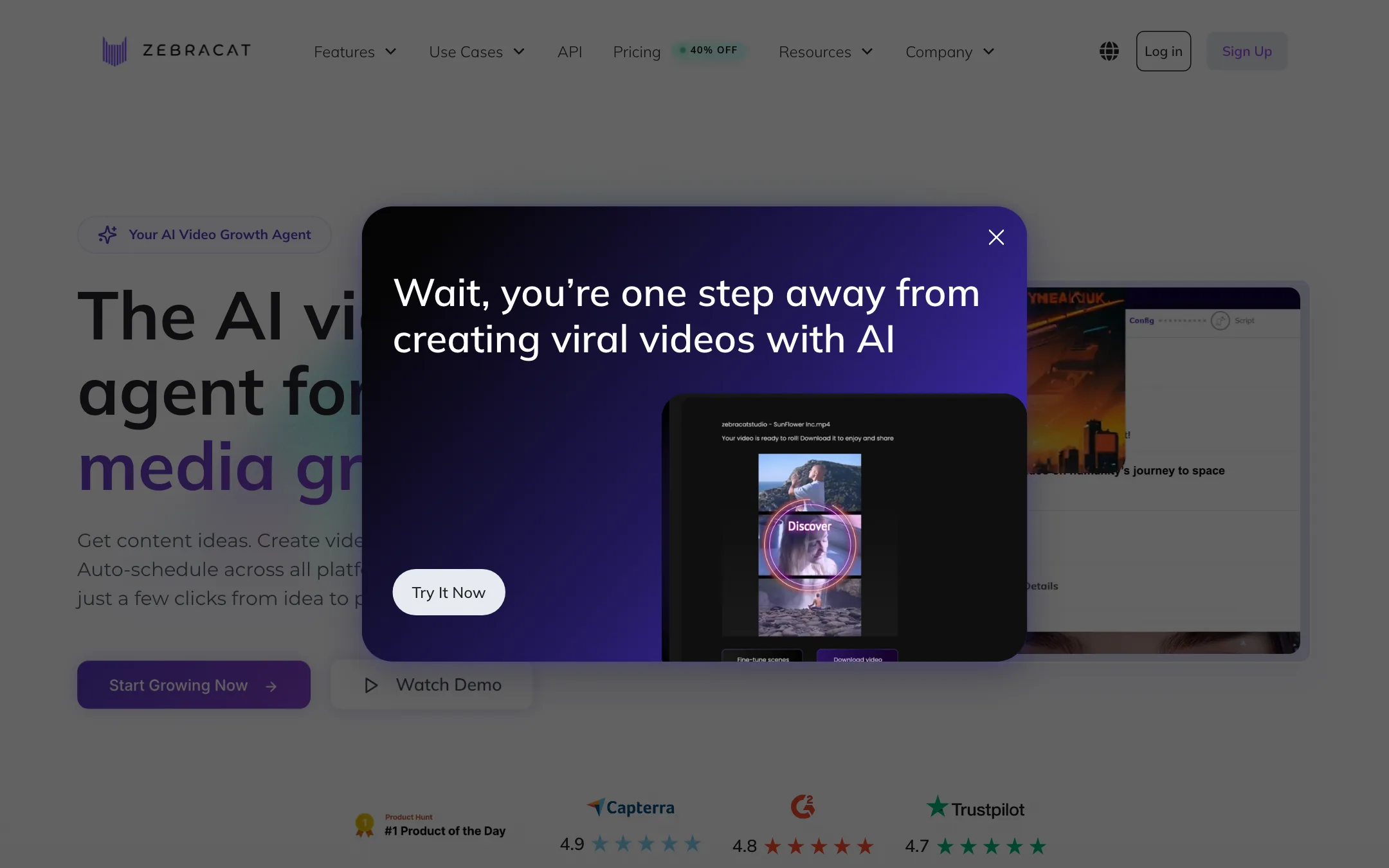
Zebracat is an AI video maker that calls itself a “video growth agent.” You give it a prompt, a script, a blog URL, an audio file or your whole website. It writes the script, generates or picks the visuals, adds an AI voiceover, captions and music, and hands you a finished short video.
Then it keeps going. Zebracat can schedule and post the video to your social accounts. It also says it tracks what performs and uses that to shape future videos.
That end-to-end loop is the pitch. Most text-to-video tools stop at a clip you still need to edit and upload. Zebracat wants to be the whole pipeline from idea to post.
Under the hood, Zebracat does not train its own video model. It routes each scene to third-party models and names Veo 3.1, Kling 3.0, Seedance 2.5 and Nano Banana among them. You get the models without picking them.
Who it is for
Zebracat fits you if:
- You run a faceless TikTok, Shorts or Reels channel and need several videos a week.
- You are a marketer or small business owner who wants social video without hiring an editor.
- You write blog posts or newsletters and want to turn them into videos.
- You like the idea of approving a content plan instead of making every video by hand.
Skip it if:
- You want cinematic, controllable AI footage for a film or a brand spot. A direct model tool like Runway, Kling or Veo gives you more control per shot.
- You want to edit your own camera footage. Zebracat is built around generated and stock visuals, not your recordings.
- You need dozens of videos a month on the cheapest plan. Cat Mode stops at 15.
How it works
Zebracat describes its workflow in four steps.
- Strategy. Enter your website and Zebracat analyzes your site, content and niche. It proposes themes, angles and a posting cadence. You review the plan before anything is made.
- Creation. Videos are generated from a prompt, a script, a URL or your website. You can edit the text, visuals, voice and pacing.
- Scheduling. Approved videos go out to your social channels on a schedule. No exporting or uploading.
- Learning. Zebracat says it tracks results and improves future videos from real performance data.
Ways to start a video
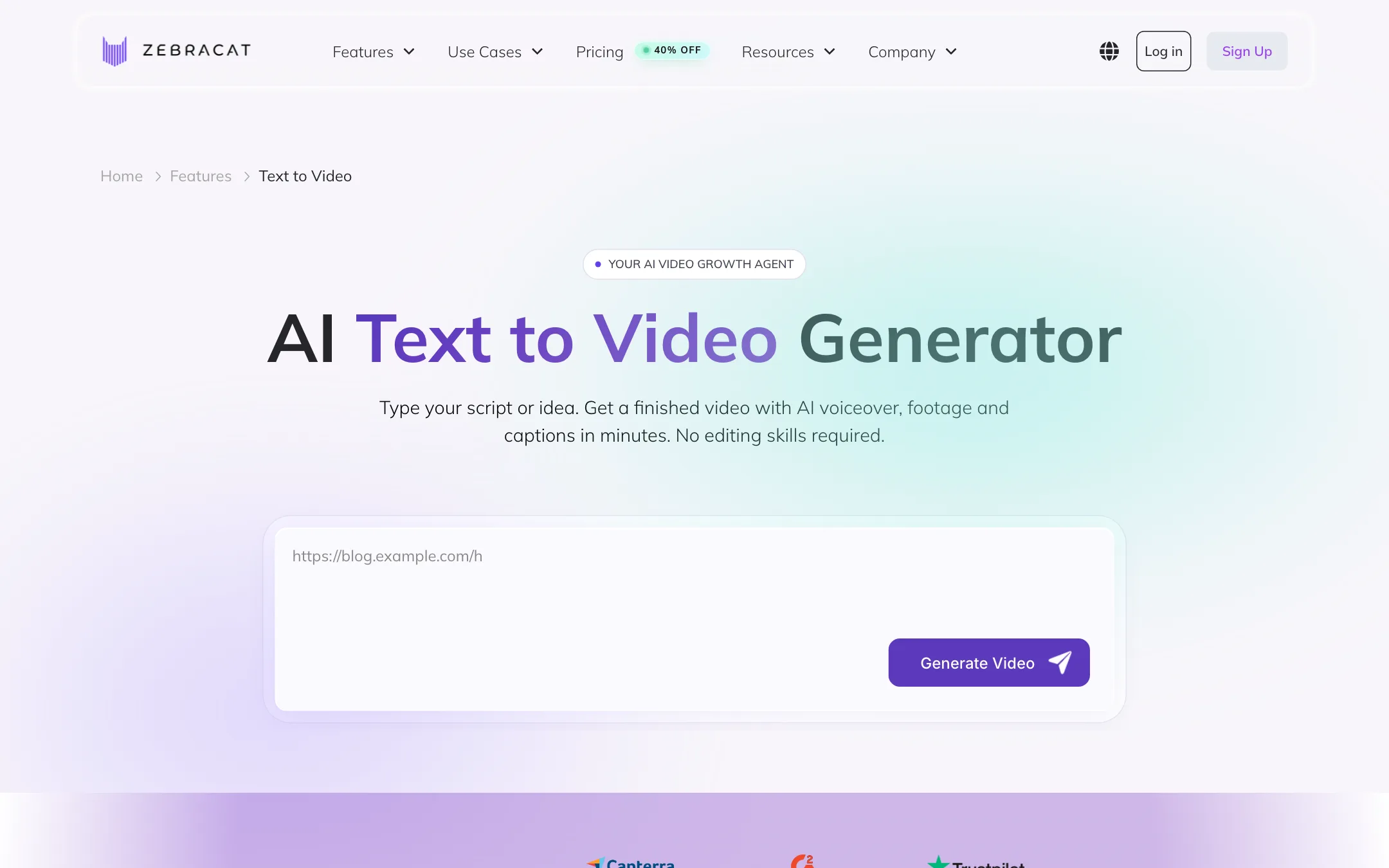
The text-to-video page lists four inputs:
- Prompt to video. One sentence, like “a 30-second TikTok about cold brew.” Zebracat writes the script, picks visuals, voices it and captions it.
- Script to video. Paste a finished script. Zebracat times scenes to your words and locks captions to the voiceover.
- Blog or article to video. Paste a URL. Zebracat summarizes it, scripts it and renders the video.
- Audio to video. Upload a voice memo, podcast clip or cloned voice. Zebracat builds visuals around it.
You pick 9:16, 16:9 or 1:1. Zebracat says videos run from 15 seconds up to five minutes, with the longer lengths on paid plans.
Image to video
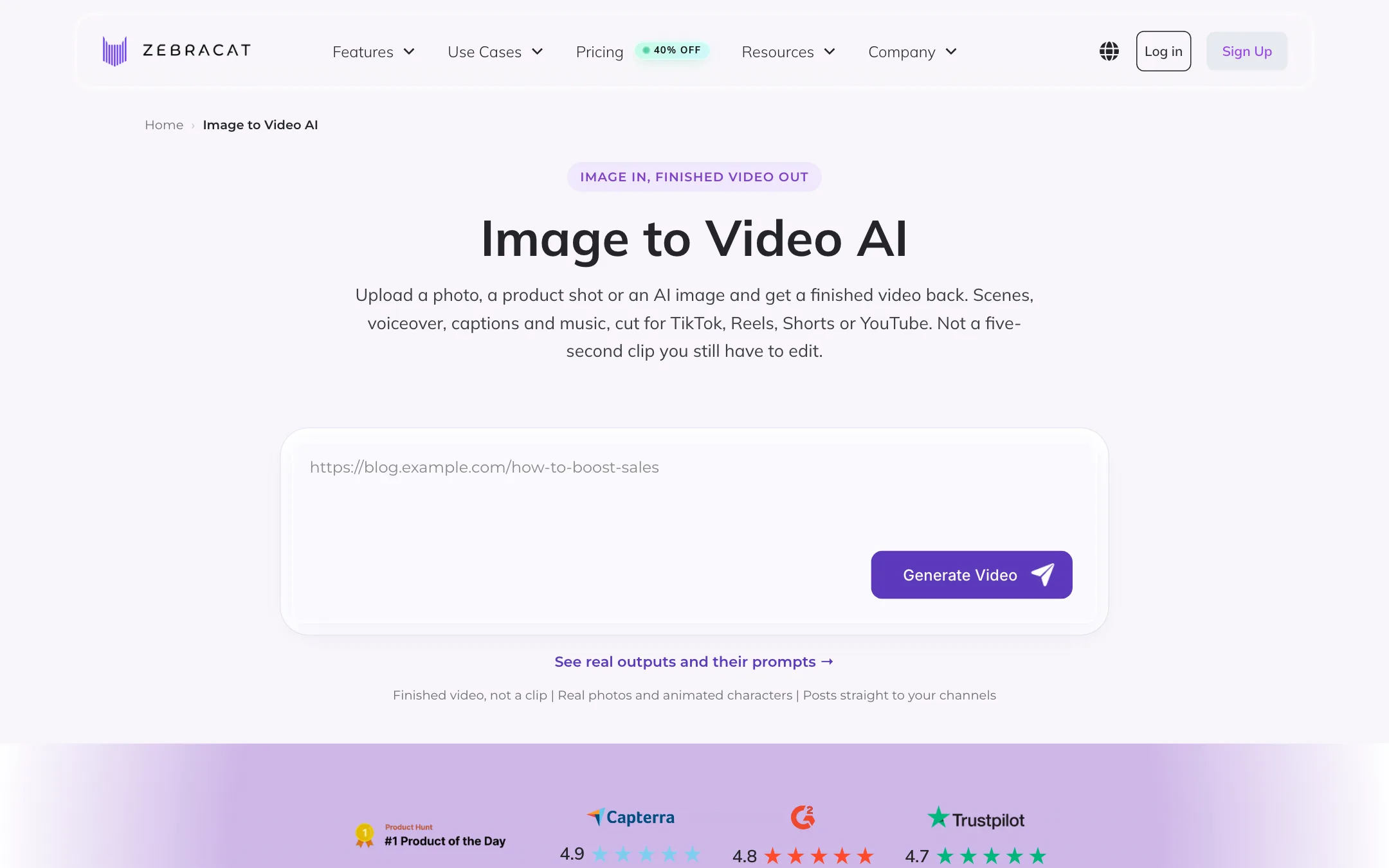
Image to video works differently from most tools. Instead of animating a photo into a short silent clip, Zebracat treats the image as an input to a whole video. Its page lists four uses:
- Animate it. The photo becomes the opening shot or the hero product.
- Cast it. A person, mascot or cartoon character stays consistent across scenes.
- Style it. A brand visual or mood image sets the colour and lighting for generated scenes.
- Voice it. A single portrait becomes a talking avatar with lip sync.
The examples on the page cover product ads, old family photos, real estate walkthroughs and illustrated characters.
Avatars and voices
Zebracat offers 120+ stock AI avatars on Super Cat and up, plus custom avatars of you. Voice cloning works from a 30-second sample, according to the voice cloning page. AI voices cover 170+ languages, and Super Cat adds translation of finished videos into 25+ languages.
This makes Zebracat more than a faceless video tool. You can put a talking presenter in front of the generated scenes.
Editing
Once a video is generated, you can change the script, swap scenes, change the voice, adjust pacing, restyle captions and apply a brand kit. Zebracat’s own pitch is that the AI makes the first cut and you stay in control of the final tweaks. It is not a full timeline editor, so heavy manual editing belongs in another app.
Free tools and extras
The site footer lists free generators for “Minecraft Parkour,” “Subway Surfers” and “Italian Brainrot” videos. These are the split-screen gameplay formats common on faceless TikTok accounts. There is also an API, offered on Enterprise, and an MCP server linked in the footer for people who want to drive Zebracat from their own tools.
Output quality
These notes come from Zebracat’s own pages, not from a hands-on test.
Zebracat’s quality depends heavily on which model it routes each scene to, and it chooses that for you. The image-to-video page names Veo 3.1, Kling 3.0 and Seedance 2.5. The text-to-video page is less precise. It lists “Sora-class generation,” “Runway-class motion,” “FLUX-class generators” and a “Stable Diffusion image pipeline” next to the named models. Those labels describe a quality tier, not a specific model, so you cannot tell from the page what will render a given scene.
What Zebracat focuses on is the edit around the footage:
- Hooks in the first second.
- Captions synced word by word to the voiceover.
- Pacing and aspect ratio set per platform.
Reviewers quoted on the site praise caption styles and speed. Those are testimonials Zebracat picked, so read them as marketing.
A few limits to expect from any tool built this way:
- Generic visuals. When the AI picks stock or generated scenes for a script, results can look interchangeable with other faceless channels.
- Model drift. Zebracat says new models land in your account the week they ship. That is good for quality, but the look of your videos may change without warning.
- Credit limits. Generative scenes draw on your monthly AI credits. When credits run out, expect more stock footage.
Pricing
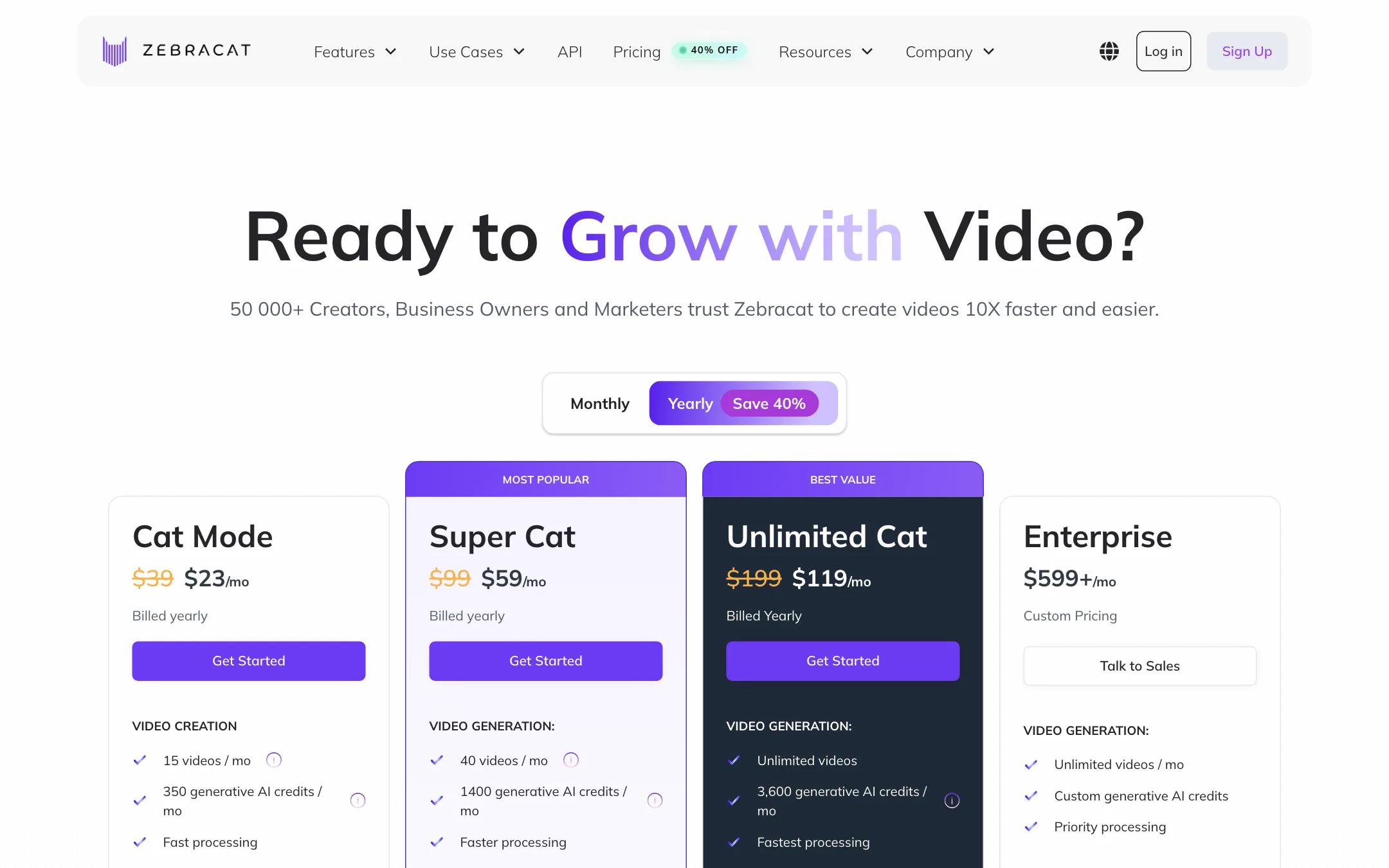
Zebracat charges by videos per month plus a separate pool of generative AI credits.
| Plan | Price | What you get |
|---|---|---|
| Free | Free | Short videos, small watermark, no commercial rights |
| Cat Mode | $23/mo yearly, $39 monthly | 15 videos, 350 credits, limited avatars |
| Super Cat | $59/mo yearly, $99 monthly | 40 videos, 1,400 credits, avatars, voice clones, translation |
| Unlimited Cat | $119/mo yearly, $199 monthly | Unlimited videos, 3,600 credits |
| Enterprise | From $599/mo | Custom credits, API, team roles |
Things the pricing page does not make obvious:
- Two limits, not one. Each plan caps both video count and generative credits. You can hit the credit limit long before the video limit if you lean on AI-generated scenes.
- The homepage price is off. The homepage compares Zebracat at “$49 per month” with the cost of freelancers. No plan on the pricing page costs $49. The affiliate calculator also assumes a $49 average plan.
- Free means personal. The FAQ says full commercial rights come with any paid subscription. Free videos are short and watermarked.
- Trial or free plan. Some buttons say “Start your free 7-day trial” while others say you can start free. Zebracat does not explain how the two relate.
- Refunds are narrow. The 7-day money-back guarantee applies only if you did not download any video.
- Credit cost per scene is not published. You will not know how many credits a five-minute video uses until you are inside.
If you post a few videos a week, Cat Mode on yearly billing is the cheapest way in. If you want your own avatar or a cloned voice, Super Cat is the real starting plan.
How it compares
Zebracat sits between two groups of tools.
- Faceless video makers such as Fliki, Pictory and VideoTok also turn scripts and articles into captioned, voiced videos. Zebracat’s difference is the strategy step and the built-in scheduler, so you can plan and post without another app.
- Model tools such as Runway, Kling or Veo give you far more control over each shot. They do not write the script, voice it or post it for you.
If you already have a scheduler you like, the posting loop matters less, and a cheaper faceless tool may cover the same ground. If you want one subscription for the whole job, Zebracat is one of the few that tries.
Verdict
Zebracat is one of the few text-to-video tools that covers the whole job: plan, create, caption and post. If you want a consistent flow of faceless or avatar-led shorts and hate the upload grind, that loop is worth a look. The many inputs, from a URL to a voice memo, make it easy to reuse what you already have.
Be clear about what you are paying for. You get an orchestration layer over other companies’ models, not a model of its own. Cat Mode’s 15 videos and 350 credits go fast, the pricing story is inconsistent across pages, and the free plan does not cover commercial use. Start free, make a few videos before you download anything, and only then decide which tier fits.