
What Pictory is
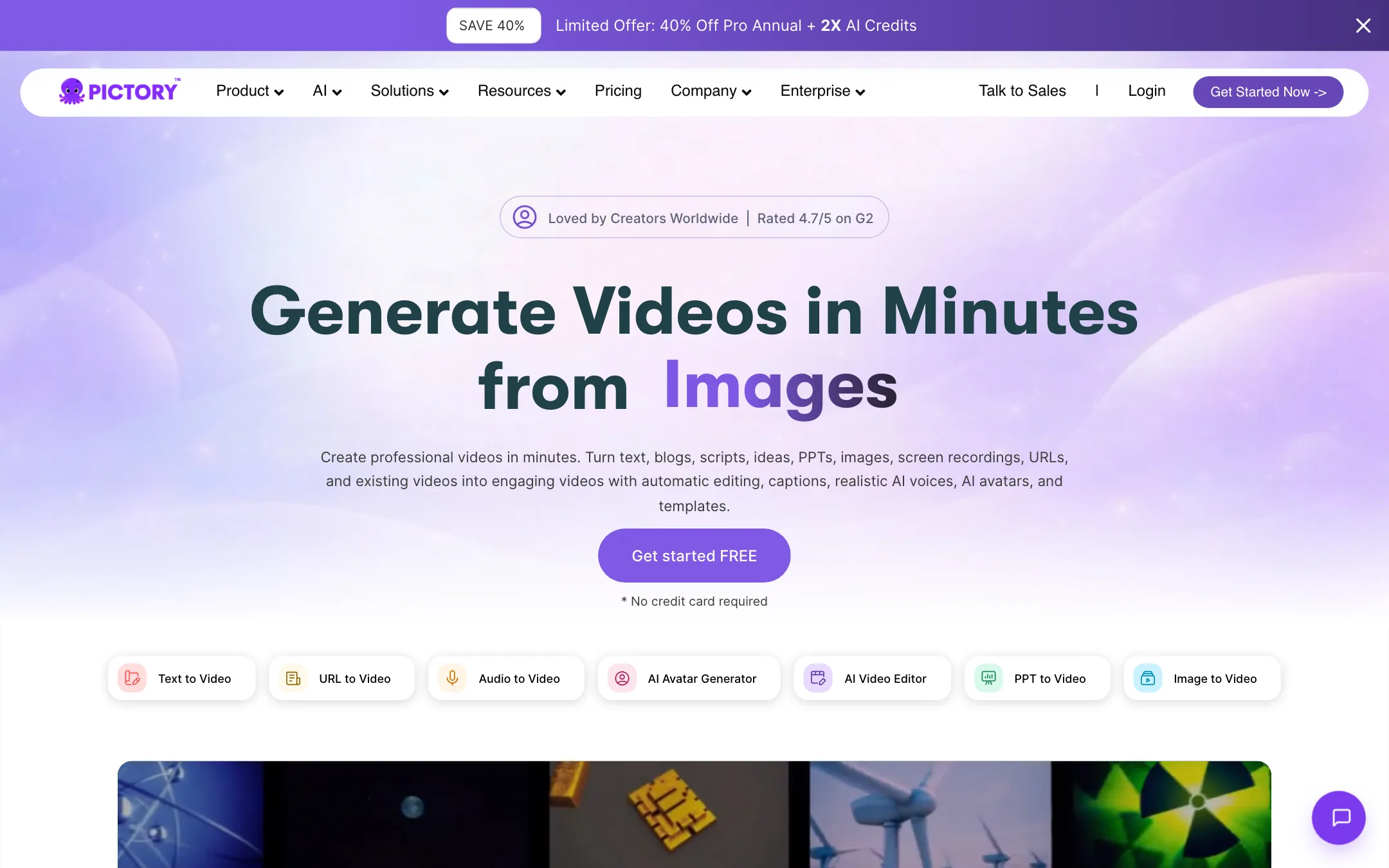
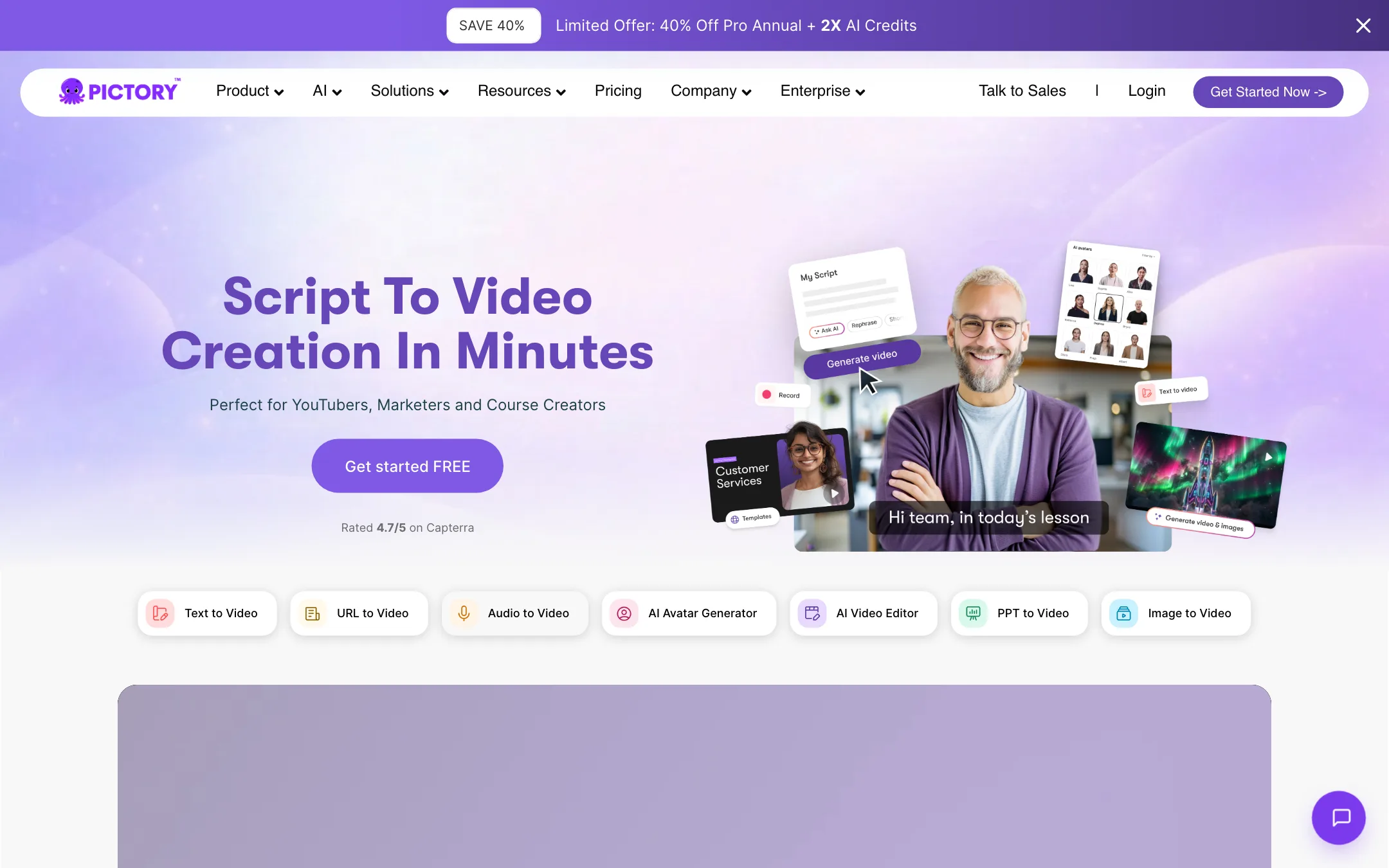
Pictory is a browser-based video maker built around one idea: you already have words, so turn them into video. Paste a script, a blog post or a URL, upload slides or a recording, and Pictory builds a scene-by-scene video with stock footage, music, captions and an AI voice.
It has been around since before the current wave of generative video. That shows in how it works. Most of its visuals come from licensed stock libraries, Getty Images and Storyblocks, not from an AI model dreaming up footage. The AI does the structuring: splitting your text into scenes, picking clips, timing captions and reading the script aloud.
Pictory has added newer AI on top. Its AI Studio generates images and short clips with third-party models, and it now offers AI avatars. But the core product is still a fast, template-driven way to make faceless videos from text.
Who it is for
Pictory fits you if:
- You blog or write newsletters and want each post as a YouTube or LinkedIn video.
- You make training, onboarding or course content from slides and documents.
- You record webinars, talks or podcasts and want to cut them by editing the transcript.
- You want licensed stock footage without hunting for it yourself.
Skip it if:
- You want cinematic, original AI footage. A model-first tool like Runway or PixVerse fits better.
- You create in a language other than English. Pictory’s FAQ says text-to-video is English only.
- You want a refund safety net. Pictory does not refund paid subscriptions.
How it works
Pictory’s own description of the workflow has four steps. Here is what each involves, based on its feature pages and help content.
1. Pick an input
The start screen offers several generators:
- Text or script to video: paste your words and keep them as is, or let AI tighten them.
- Idea to video: one sentence in, and Pictory writes the script and scenes.
- URL or blog to video: paste a link and Pictory pulls the article into a script.
- PPT and PDF to video: your slides and notes become narrated scenes.
- Audio to video: give a podcast visuals and captions.
- Images to video: upload photos and clips and get a story back.
- Edit video using text: upload a recording and edit it like a document.
2. Shape the storyboard
Pictory splits your script into scenes and estimates the length of each. You can edit text, merge or split scenes and reorder them. Each scene gets a stock clip that Pictory matched to its words.
3. Customize visuals and audio
This is where the time goes. Swap any clip you do not like by searching the stock library, uploading your own media, or generating one in AI Studio. Apply a brand kit with your fonts, colors and logo. Choose a voice, record your own, or upload a voiceover and let Pictory sync it.
4. Export
Preview the video, then export at 16:9, 9:16 or 1:1 in up to 1080p on paid plans. Video minutes only count when you export. Previewing, editing and sharing inside the app is free, according to Pictory’s pricing FAQ.
Editing recordings by text
The other half of Pictory is editing real footage. Upload a webinar or talk, and Pictory transcribes it. Delete words in the transcript and the matching video is cut. Pictory also offers automatic highlights, summaries of long videos on Professional and up, auto captions and subtitle export as SRT, VTT or TXT.
Recordings can run 60 minutes on Starter and 180 minutes on Professional and Team, with a 1 GB or 5 GB file size limit.
AI Studio and avatars
AI Studio generates images and short clips from prompts. Pictory names the models it uses: PixVerse 5.5, Veo 3.1 Fast and Veo 3.1 for video, and Flux, Seedream, Nano Banana, Nano Banana Pro and Nova Canvas for images. Pictory does not train these models. It resells them through a separate AI credit balance.
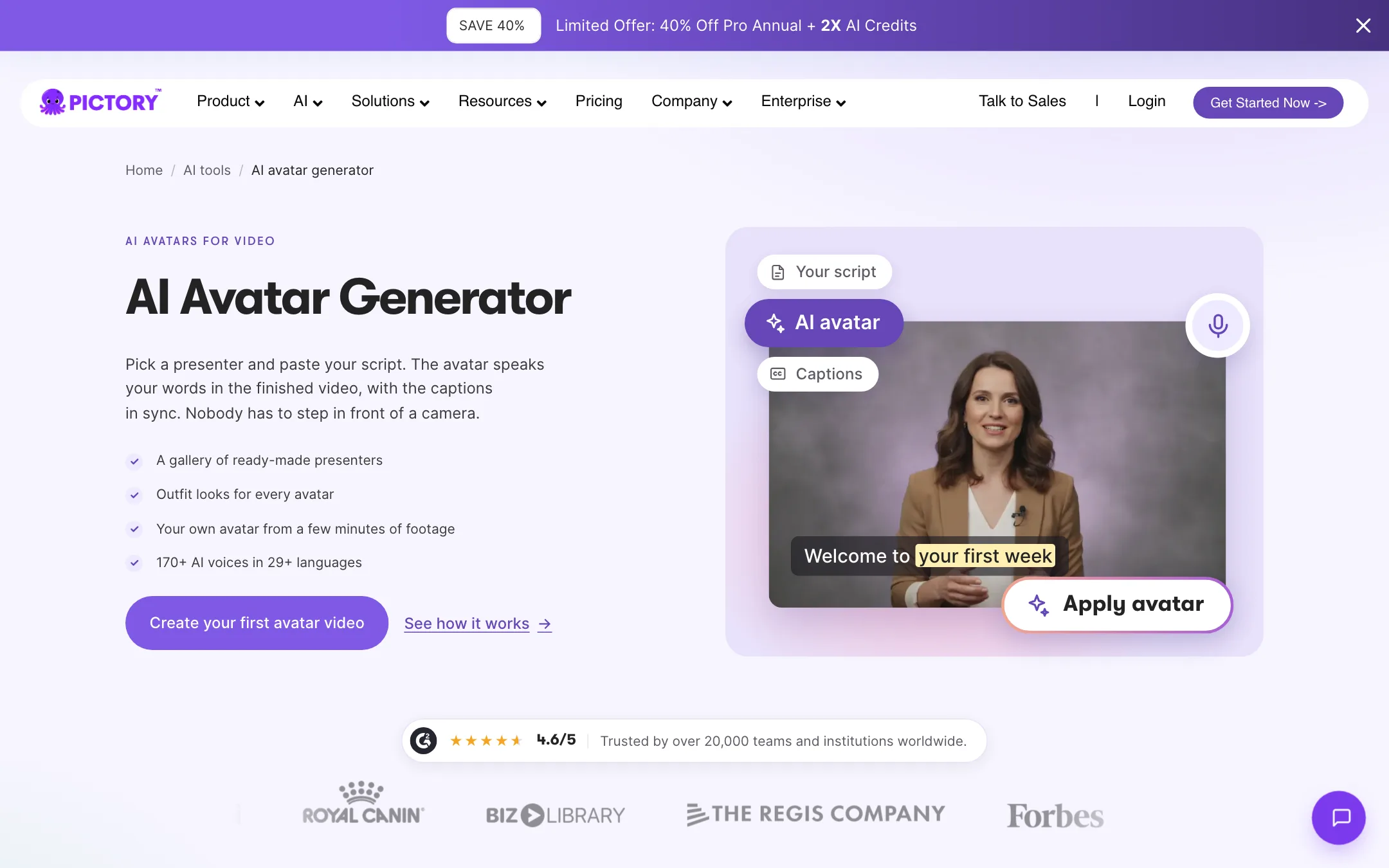
Avatars are a presenter layer you can place, resize, show or hide per scene. Professional includes two custom avatars per user. One note: Pictory’s homepage still describes avatars as “launching soon,” while its avatar page and FAQ say they are available now.
Output quality
We have not tested Pictory hands-on for this review. Here is what you can expect from how it is built.
- Stock-driven visuals. Results depend on how well Pictory’s keyword matching picks clips. Generic sentences get generic clips. Specific nouns get better matches.
- Voices. Pictory licenses its premium voices from ElevenLabs, a dedicated voice AI company. Starter includes 720 minutes a year of them.
- Captions. Auto captions are a core feature on every plan.
- AI clips. Generated footage from Veo or PixVerse is limited by credits. Pictory’s Starter credits cover about 12.5 minutes of AI video a year by its own estimate, so most of your video will still be stock.
The real limit of this approach is sameness. Stock clips matched by keyword can look like every other faceless channel. Plan to swap the weakest scenes by hand, use your own footage where you can, and lean on brand kits so videos look like yours.
Pictory’s own numbers vary a little. One feature page says 3 million clips, the pricing page 5 or 18 million depending on plan. Music is 15,000 tracks on one page and 5,000 to 15,000 by plan in the table. None of this matters much in practice, but it is a sign that some pages are older than others.
Pricing
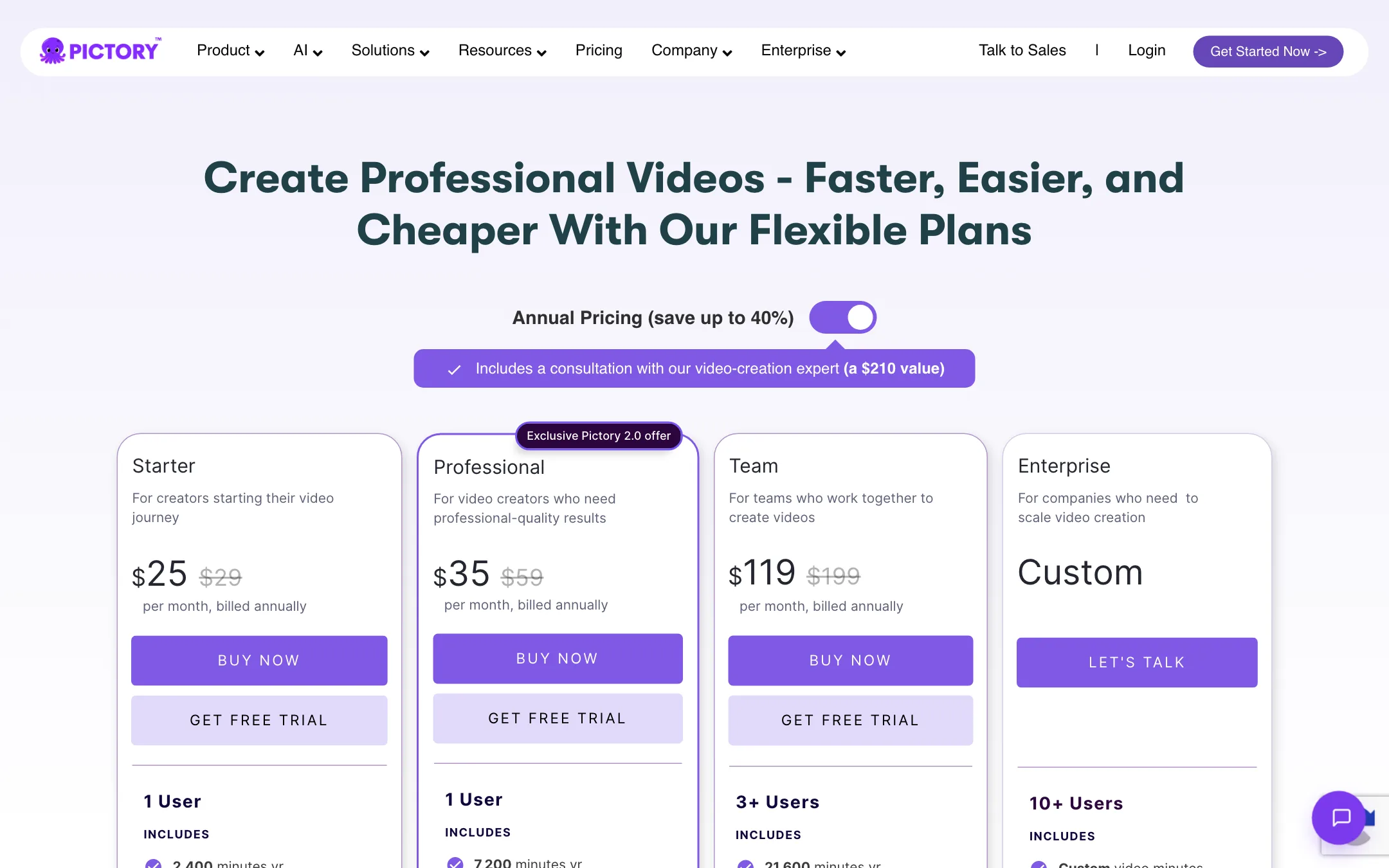
Pictory’s pricing page defaults to yearly billing and shows struck-through prices beside each plan. Monthly prices appear only after toggling or in upsell pop-ups.
| Plan | Price | What you get |
|---|---|---|
| Free trial | 14 days | 15 video minutes, 720p, 50 AI credits |
| Starter | $25/mo yearly | 200 video minutes a month, 1080p, Storyblocks |
| Professional | $35/mo yearly, $59 monthly | 600 minutes a month, Getty, avatars, voice cloning |
| Team | $119/mo yearly | 3+ users, 1,800 minutes a month, shared workspace |
| Enterprise | Custom | SSO, interactive hosting, SCORM |
Things to know before you pay:
- Yearly is a big discount. Pictory says annual Professional is 40% off monthly, at $35 against $59. If you plan to use Pictory for more than six months, yearly wins.
- Annual minutes come up front. Yearly plans hand you the full year of video minutes on day one. Monthly minutes reset on the first of each month and do not roll over.
- AI credits are separate. Video minutes cover exports. AI credits cover generated images, clips and avatar minutes, and run out much faster.
- Starter skips Getty. Starter gets Storyblocks only. Getty footage starts on Professional.
- No refunds. Pictory’s FAQ says paid subscriptions are not refunded. Cancel any time to stop renewal.
- Download before you cancel. All projects are permanently deleted when you cancel.
- Non-profits can ask. Pictory says non-profits can request a discount through in-app chat.
How to make your minutes go further
- Preview freely. Editing and previewing cost nothing. Only export spends minutes, so finish every change before you render.
- Export once per format. If you need 16:9 and 9:16, finish the edit first, then export both.
- Use AI credits only for gaps. Let stock cover most scenes and generate a clip only where stock fails.
- Start on the trial with a real project. Fifteen minutes is enough to build one full video and judge the stock matching.
Pictory compared with the alternatives
Pictory sits in a crowded corner. Here is how it lines up against the tools people most often weigh it against.
- Lumen5 works the same way: text or a blog post in, stock-footage video out. It leans harder on branded templates for marketing teams. If your videos need to look like your company’s slide deck, look there too.
- Steve AI adds animated and cartoon styles on top of stock footage. It suits explainers where live-action stock feels too corporate.
- Visla combines script-to-video with screen recording and team review. It is closer to Pictory’s “edit by text” half.
- Model-first generators such as Runway, PixVerse or Veo-based tools make original footage from prompts. They give you fresher visuals but no script structure, voiceover or captions out of the box.
The way to choose is simple. If your starting point is a script, a post or a recording, Pictory and its direct rivals fit. If your starting point is a visual idea, a generator fits better.
A sample workflow: blog post to YouTube video
Here is how a typical repurposing job would run, based on Pictory’s own feature pages.
- Paste the post’s URL into URL to video. Pictory pulls the article into a draft script.
- Cut the script to the key points. A 1,500-word post rarely needs more than 3 to 4 minutes of narration.
- Let Pictory build the storyboard, then swap any clip that does not match the sentence it sits under.
- Pick an ElevenLabs voice, or upload your own narration and let Pictory sync it.
- Apply your brand kit for fonts, colors, logo and intro.
- Export 16:9 for YouTube, then 9:16 for a Shorts cut of the strongest section.
Verdict
Pictory is a practical, proven tool for turning text, slides and recordings into narrated videos. If you have a backlog of blog posts, decks or webinars, it can turn them into a steady flow of YouTube and LinkedIn content with licensed footage and good voices.
It is not where you go for original AI visuals, and it is English-first for text-to-video. The lack of refunds and the confusing pricing page are real drawbacks. Use the 14-day trial on actual content, and if the stock matching suits your topics, Professional on yearly billing is the plan most creators will want.
