
What VideoTok is
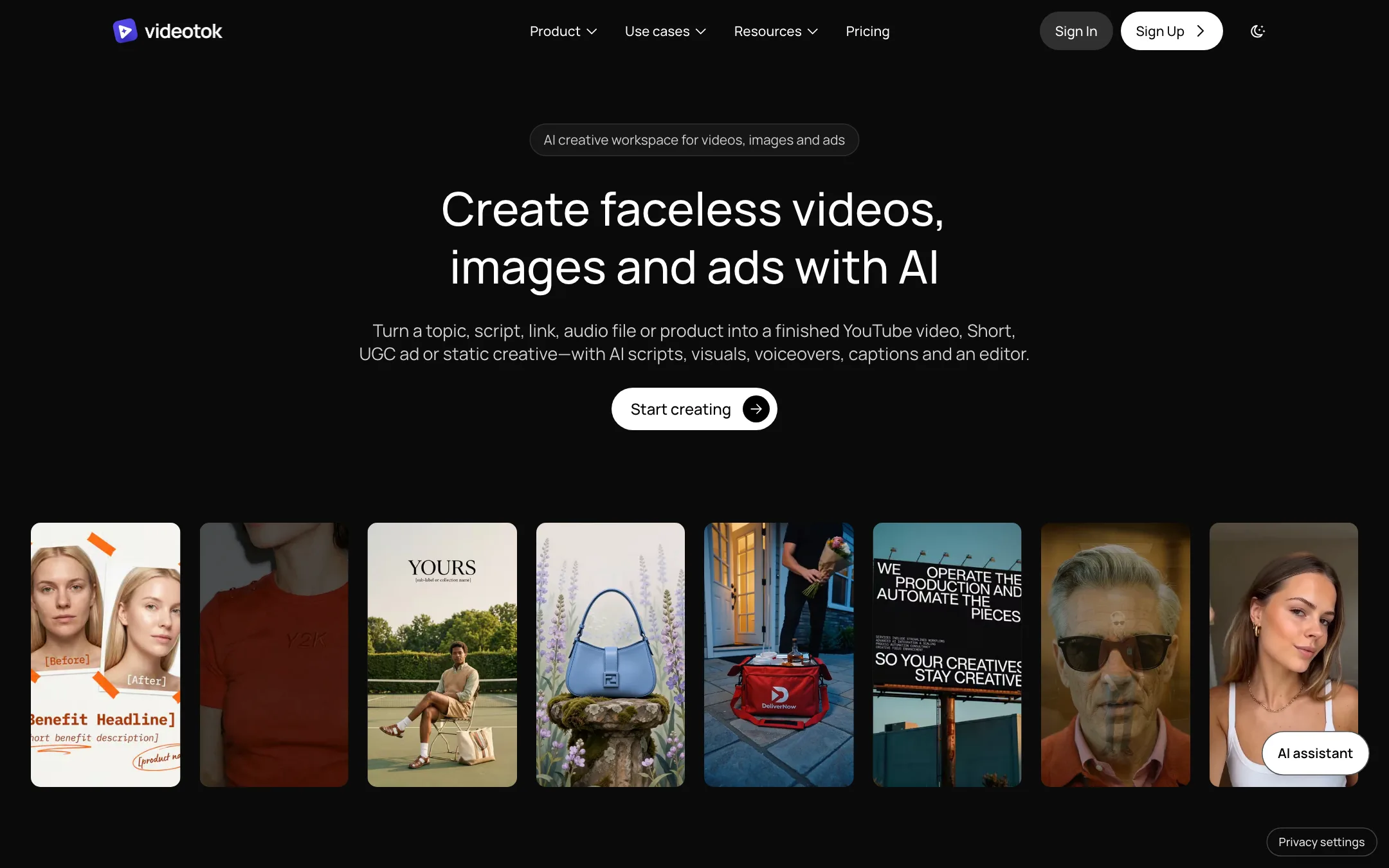
VideoTok is a web workspace for making faceless videos, UGC-style ads, video ads and static image ads with AI. It is run by The Formula AI S.r.l., a company registered in Milan.
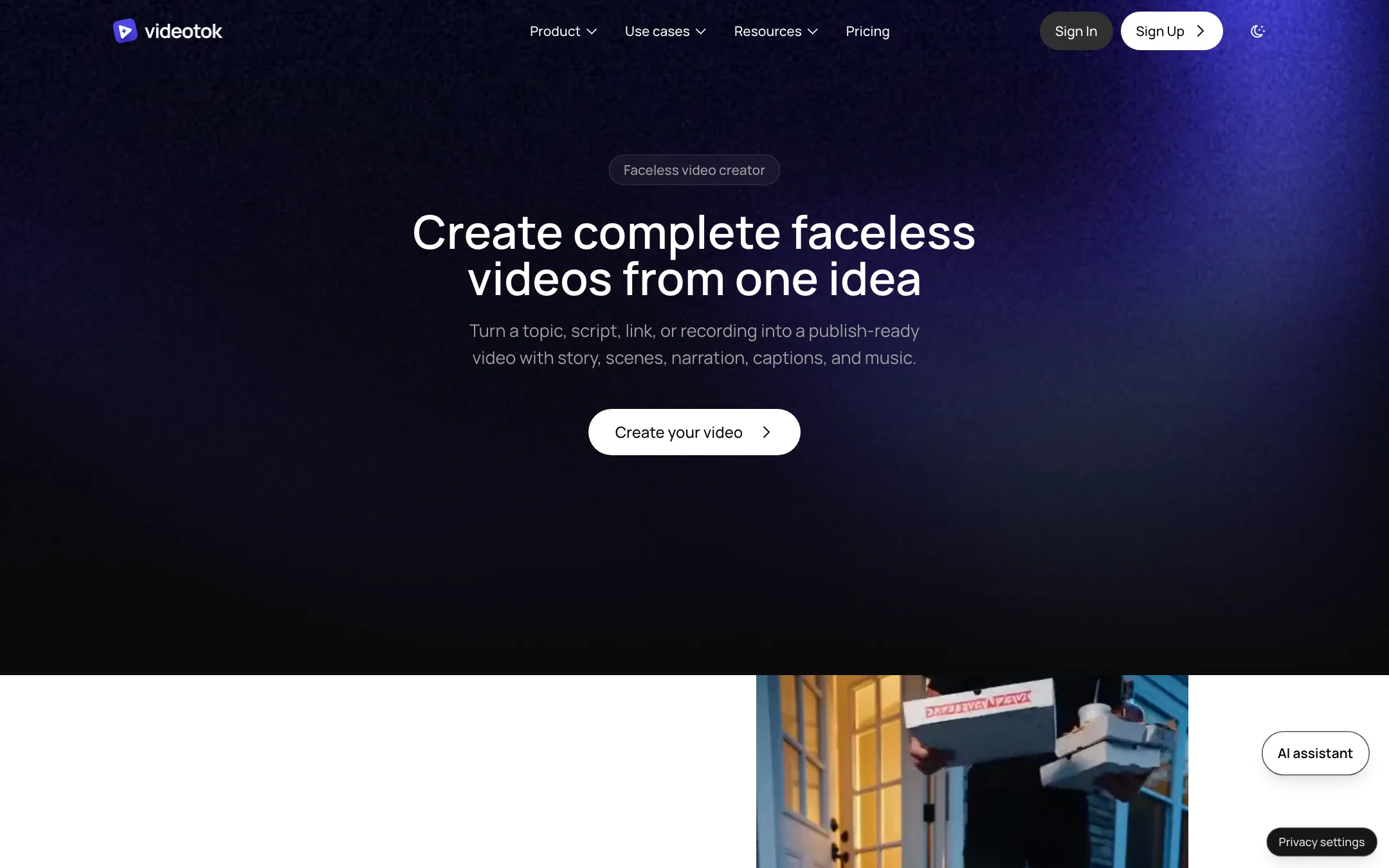
You give it a starting point. That can be a topic, a script, a web page, a YouTube link, an audio file or a product. VideoTok writes a script, plans the scenes, generates or finds visuals, adds a voiceover, captions and music, and drops the result into an editor. From there you can fix single scenes, export, or hand the whole thing to an automation agent that posts it on a schedule.
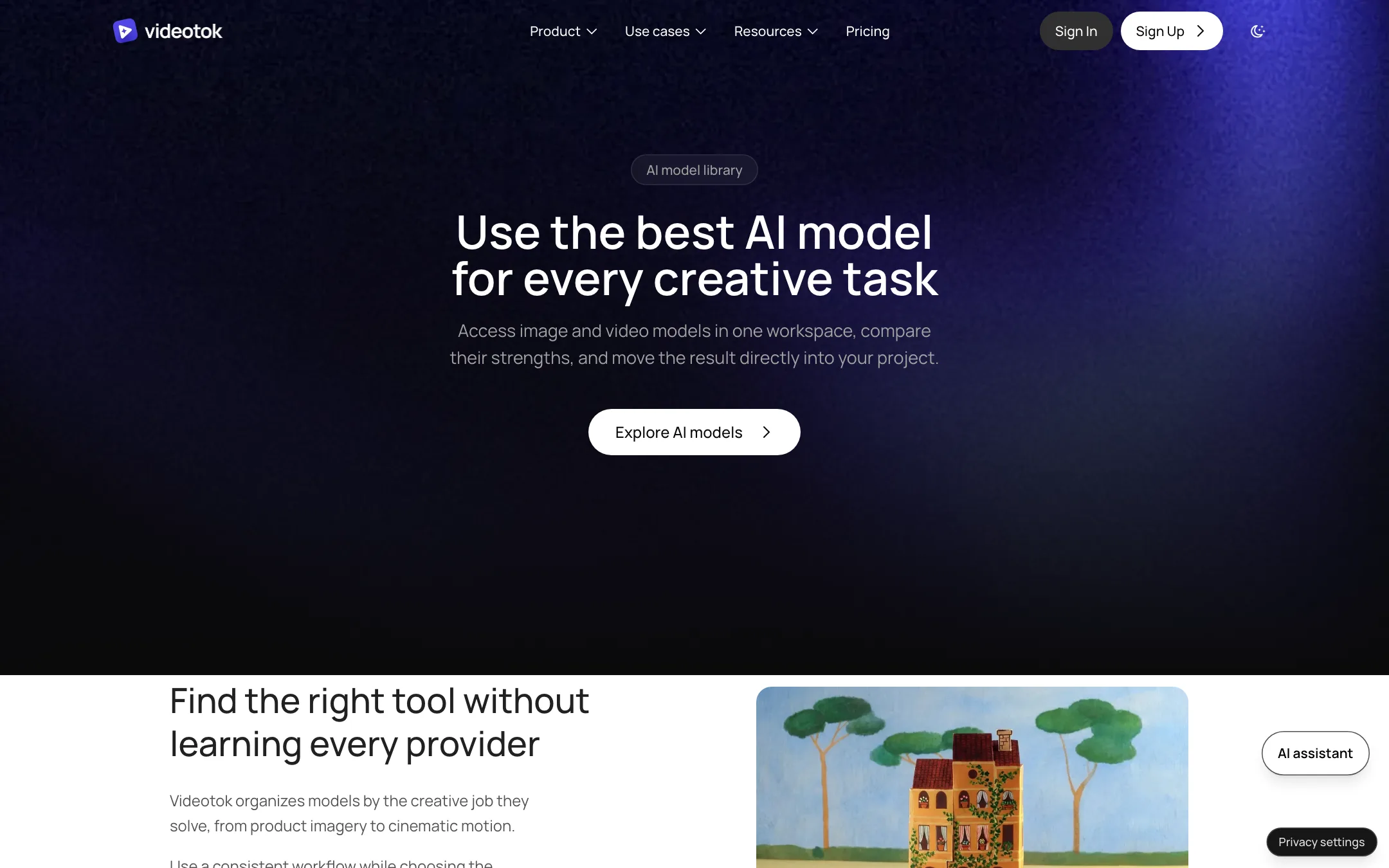
It does not train its own video model. The homepage lists a long menu of third-party models: Seedance 2.5, Seedance 2 with voice, Gemini Omni Flash, MiniMax H3 Max, LTX 2.5, Veo 3.1, Kling Video v3 Pro, Grok Imagine Video 1.5 and FLUX.3 for video, plus Nano Banana, Seedream, Flux 2 Pro, GPT Image 2.5 and others for images. VideoTok’s value is the workflow wrapped around those models, not the models themselves.
This review is based on VideoTok’s public pages, pricing and FAQ. We did not create an account or generate videos. Claims about output and automation are VideoTok’s own.
Who it is for
VideoTok fits you if:
- You run, or want to run, a faceless YouTube channel or Shorts account and need a steady stream of narrated videos.
- You sell a product and want UGC-style ads, product shots and static ad variations without hiring creators.
- You manage several brands and want one place to make content and post it.
- You like automation. VideoTok pushes its agents hard, and it has an API, an MCP server and n8n templates for people who want to wire it into other tools.
Skip it if:
- You want to try before you pay. There is no free plan and no trial.
- You only need short cinematic clips. A single-model generator is cheaper and simpler.
- You need 4K. Every plan stops at 1080p.
- You post a few videos a month. The cheapest plan is $39, and unused credits vanish at the end of each month.
How it works
VideoTok describes a three-step flow: add a source, choose a format, then generate, edit and export.
1. Add a source
You can start from:
- A topic for a faceless explainer or listicle.
- A script you wrote yourself.
- A URL, such as a blog post or product page.
- A YouTube link, to repurpose an existing video.
- An audio file, such as a podcast segment.
- A product, with images and a short brief, for ads.
2. Pick a format or a reference
This is the part VideoTok leans on. Instead of a blank prompt box, it offers a curated library of reference formats: faceless video styles, UGC ad structures and ad layouts that it says already work. You pick one, add your topic or product, and VideoTok turns the structure into a production plan. Its FAQ calls this the main thing that sets it apart: a reference library plus an agent that handles the steps, so you do not write prompts or connect nodes.
3. Generate, then edit
VideoTok produces a script with timed scenes, picks visuals and adds narration, captions and music. The editor lets you change the narration, the visual prompt, the duration or the media for any single scene. VideoTok says voice, captions, music and visuals stay in sync as you edit. You can also swap a generated clip for stock footage, a search result, a motion graphic or your own upload.
That scene-level control matters. With many one-shot generators, a bad scene means rerunning the whole video. Here you fix the scene and move on.
UGC and ad formats
For products, the pricing table lists several UGC formats:
- UGC only talking: an avatar speaking to camera.
- UGC talking with video behind: an avatar over product footage.
- Avatar holding product.
- Hook + Demo: a short hook followed by a product demo.
- Slideshow.
You can use the stock avatar library, build a custom avatar from your own footage, and clone your voice. The Creator plan includes one cloned voice. Scale gives you three and Invictus five.
Static ads are a separate output. VideoTok says it turns a product image and a campaign brief into product photography, social creatives and ad variations.
Automation agents
VideoTok sells itself as an AI marketing team, and the agents are the core of that pitch. Per the FAQ:
- You set up a brand once: colors, fonts, voice, style and products.
- The agent picks topics, chooses templates, makes the video and publishes it.
- You can require approval before anything goes live, or switch to autopilot and let it post every day.
- It connects to Instagram, TikTok, YouTube, LinkedIn, X and Pinterest, cross-posts one video to all of them and adapts captions and format per platform.
- Each brand keeps its own rules, avatars and connected accounts.
The FAQ goes further and says VideoTok “works as a CMO made of AI agents”. Treat that as marketing. An agent that posts daily without review can also post daily mistakes. Start with approvals on.
For developers
VideoTok has a REST API, an OpenAPI spec for generating typed clients, an MCP server for AI assistants, n8n templates and an “agent skill” file with short API instructions. That is more developer tooling than most tools in this price range offer.
Output quality
We have not generated anything with VideoTok, so we cannot judge its output directly. A few things are clear from its pages.
Quality depends on the model you pick. VideoTok routes generation to third-party models. A scene made with Veo 3.1 or Kling will look like Veo or Kling, at VideoTok’s credit price. If you already pay for one of those models elsewhere, compare the cost per clip.
Faceless videos are only partly generated. The faceless flow lets you choose static images, AI video clips, search visuals or motion graphics per scene. That keeps cost down, but a video built mostly from stills and stock will look like it.
Export is capped at 1080p. That is fine for Shorts, Reels and TikTok, and for most YouTube uploads. It is a limit if you need 4K masters.
Avatars carry the usual risks. VideoTok calls its avatar library “ultra realistic”. UGC-style avatar ads are a crowded category, and viewers are getting better at spotting them. Test a few before you spend a month’s credits on one style.
One smaller note: the pricing table lists “AI upscale & face swap” as a feature on every plan. VideoTok does not market face swap anywhere else we saw, but if you use it, only use faces you have the right to use.
Pricing
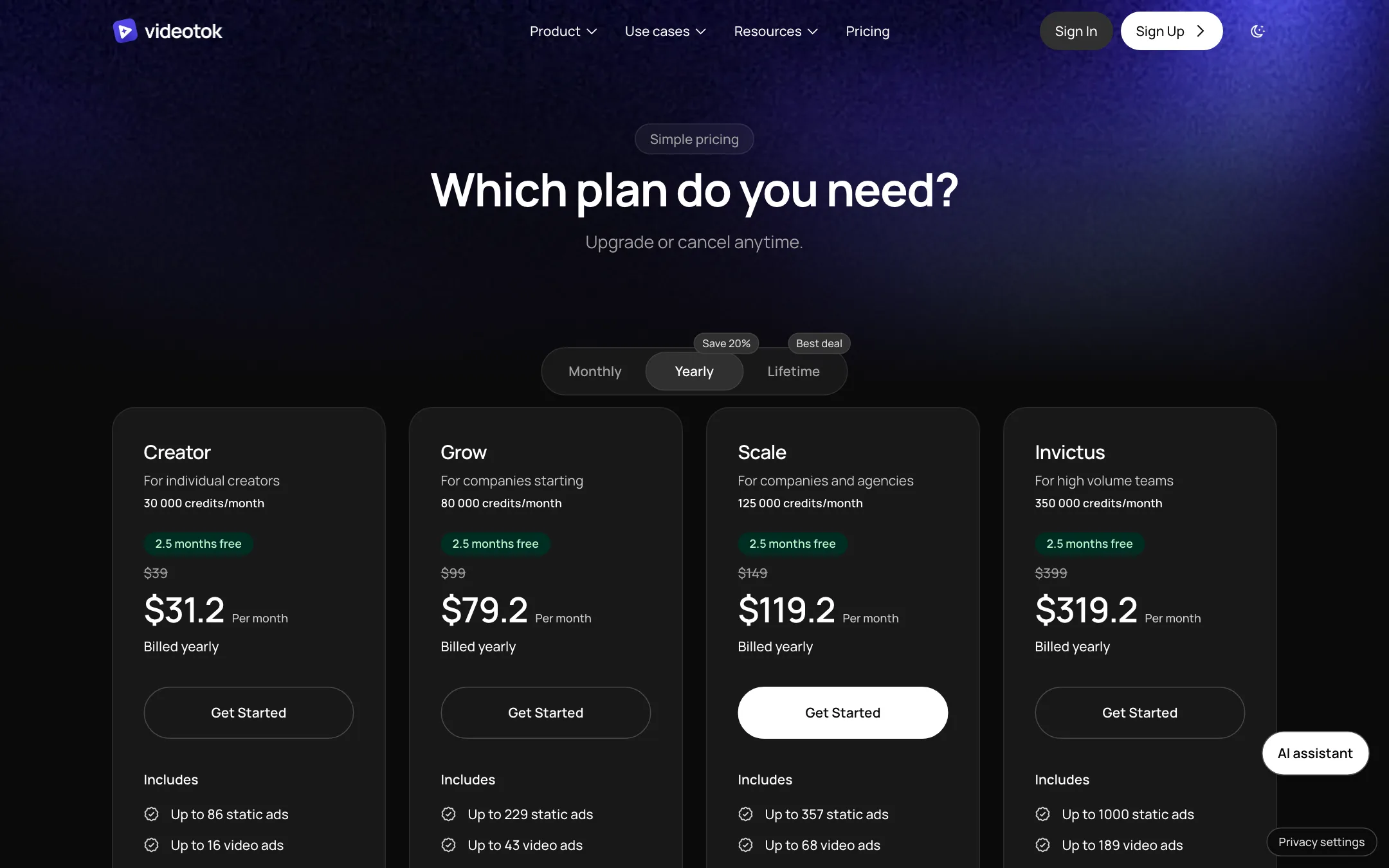
VideoTok runs on monthly credits. Every plan unlocks all models and all formats. The plans differ in credits, seats, cloned voices and social accounts.
| Plan | Price | Credits a month | Seats | Social accounts |
|---|---|---|---|---|
| Creator | $39/mo, or $31.20/mo yearly | 30,000 | 1 | 3 |
| Grow | $99/mo, or $79.20/mo yearly | 80,000 | 1 | 5 |
| Scale | $149/mo, or $119.20/mo yearly | 125,000 | 3 | 5 |
| Invictus | $399/mo, or $319.20/mo yearly | 350,000 | 5 | Unlimited |
Top-ups are one-time: 10,000 credits for $16, 50,000 for $75, 100,000 for $140 and 250,000 for $330. The pricing page also shows a “Lifetime” tab, but we could not see a lifetime price in our check.
What a plan actually buys
VideoTok translates credits into outputs, which helps. On Creator, it says 30,000 credits buy up to 16 video ads, or 86 static ads, or 29 slideshows. That works out to roughly 1,900 credits per video ad. Those are “up to” numbers and mix-and-match, not each. If you plan on daily video ads, Creator will not last a month. Grow covers up to 43 video ads.
The bigger plans are only slightly cheaper per credit. VideoTok lists Grow at about 5% less per credit than Creator, Scale about 9% less and Invictus about 14% less. You move up for seats, voices and accounts more than for value.
The fine print
- No free plan, no trial. The FAQ is direct about it. The faceless-video page still says “Start free”, which is out of step with the FAQ.
- Credits expire monthly. Unused credits do not roll over.
- Refunds are narrow. Only within 14 days of your first subscription, and only for the proportion of credits you have not used. VideoTok says this is because used credits already cost it money to produce.
- Cancel anytime. You keep access until the end of the billing period.
How to avoid wasting credits
Since you cannot test for free, be deliberate in your first month:
- Pay monthly first. The yearly discount is 20%, but you have no way to try VideoTok before you pay. One month at $39 is a cheaper test than a year at $374.
- Make one of each format early. Try a faceless video, a UGC ad and a static ad in your first days. If you want a refund, the 14-day window and the unused-credit rule both reward deciding fast.
- Use stills and stock for filler scenes. Save AI video generation for the hook and the key shots.
- Keep autopilot off at first. Approve posts by hand until you trust the output.
Verdict
VideoTok is a serious attempt at a full faceless-video and ad workspace. It covers more formats than most competitors, gives you an editor instead of a one-shot result, and actually posts the videos for you. The model list is long and the developer tools are a real bonus.
The weak point is the buying process. There is no way to try it free, credits disappear each month, and refunds are tight. If you already know you need a steady flow of faceless videos or product ads, Creator at $39 is a reasonable test. If you are still deciding whether AI video works for you, start with a tool that has a free tier.