What Vizard is
Vizard is an AI clipping tool. You give it a long video, such as a podcast, webinar, interview or course, and it finds the strongest moments, cuts them into vertical shorts, centers the speaker and adds captions. Then you can edit, schedule and publish them from the same place.
It is a direct competitor to Opus Clip and Klap. Vizard says it is used by “10 million+ creators and businesses.” Another of its own pages says “5,000,000+.” Either way, it is an established product, not a weekend project.
Vizard has grown sideways too. Vizard Agent is a separate app for templated edits, and AI Studio lets you generate video with third-party models such as Seedance, Kling and Veo on Vizard credits. The clipping engine is still the reason to use it.
Who it is for
Vizard fits you if:
- You record long talking content every week and want shorts from it without hiring an editor.
- You are a coach, consultant or marketer turning webinars and client calls into social posts.
- You run an agency and need many clips, brand templates and a shared workspace.
- You want scheduling and direct publishing in the same tool as the editor.
Skip it if:
- You want to generate video from a prompt. Vizard’s AI Studio can do it, but a dedicated generator gives you more control.
- Your footage is mostly music, action or silent B-roll. Vizard’s Spark model aims at low-dialogue clips, but it is still in beta.
- You need heavy, frame-accurate editing. Vizard’s timeline is for trims and polish, not full post-production.
How it works
Vizard’s own help center describes a three-step flow: upload, get AI clips, publish.
Upload and transcribe
You can upload a file or paste a link from YouTube, Google Drive, StreamYard and other sources. Vizard transcribes the video and detects speakers. The Free plan accepts uploads up to 60 minutes and 1 GB. Paid plans take up to 600 minutes and 30 GB, in up to 4K.
Get AI clips
Click “Get AI clips” and Vizard picks the highlights. Its homepage claims “30+ clips, in one click.” Clip Preferences let you steer length and format before processing.
Spark 1.0 is Vizard’s video-understanding model. Vizard says it reads visuals, audio and sentiment, so it can clip moments with little or no dialogue, such as sports or game streams. You can type prompts like “find every time the guest laughs” and reprompt up to 10 times per project. Vizard says reprompting is free during the beta, though new projects still use credits. Some users must contact support to get access.
Edit
The editor offers two ways to work:
- Edit by text. Delete words from the transcript and the matching video is cut. It works like editing a document.
- Timeline editing. Fine-tune cuts down to the second.
Around those you get one-click aspect ratio changes, auto subtitles, caption translation into more than 100 languages, AI emojis, highlighted keywords, AI B-roll and post suggestions. Brand templates keep fonts, colors and logos consistent. Business adds a brand kit and custom fonts.
Vizard’s help center has an article on why the AI frames the wrong person in multi-person videos. Check reframing on panel shows and interviews before you publish.
Publish
You can download, share as a link or publish straight to YouTube, TikTok, Instagram, LinkedIn and X. Creator plans can schedule posts across 6 social accounts, Business across 20. The plan table also lists saving to Google Drive.
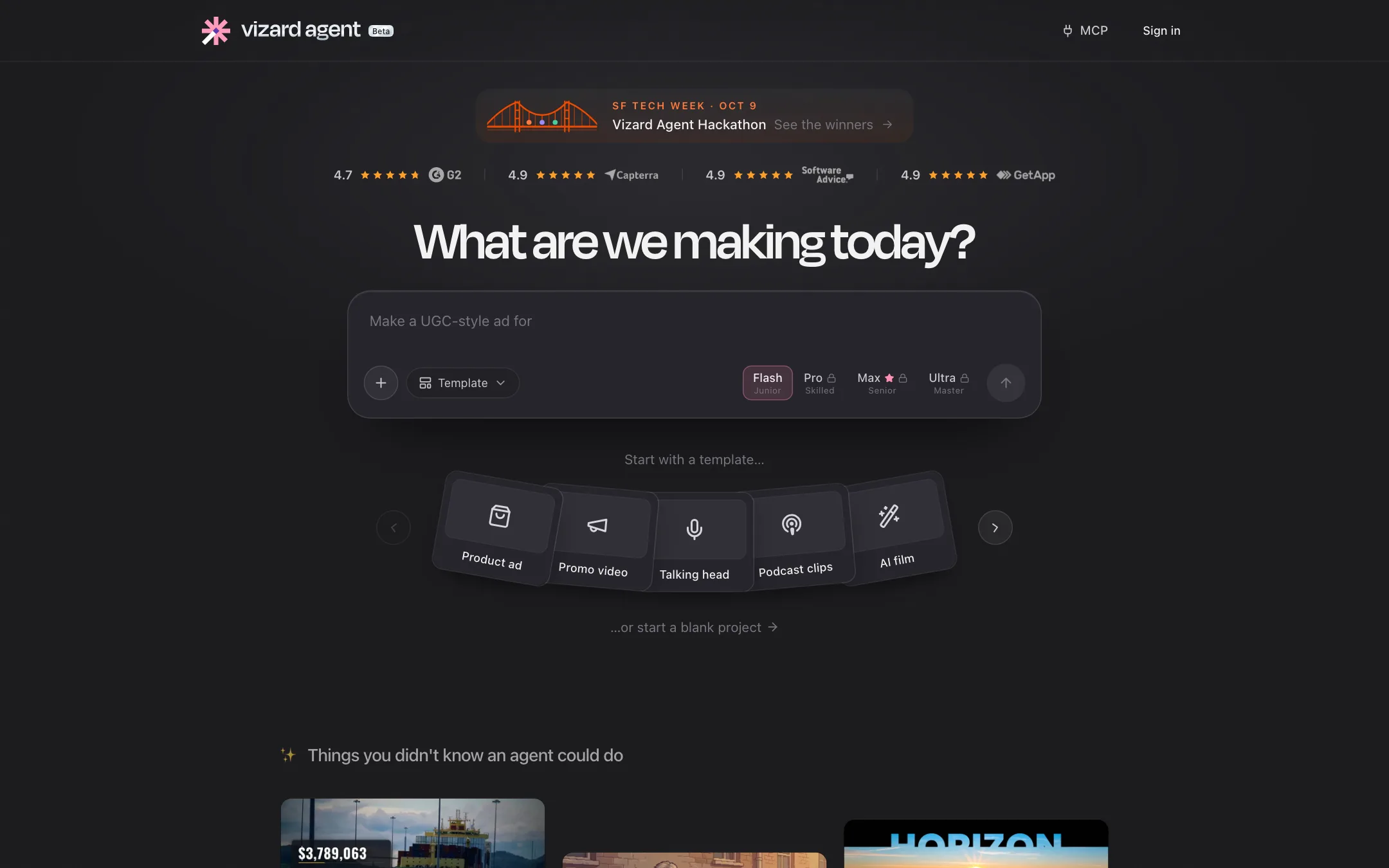
Vizard Agent
Vizard Agent lives at agent.vizard.ai and is labeled beta. You describe what you want or start from a template: product ad, talking head, podcast clips, software tutorial, UGC ad, explainer, localize, AI avatar, trailer, music video and more. Vizard lists showcase cases like turning a Zoom call into LinkedIn clips or a screenshot into a product ad. There is an iPhone app for it too.
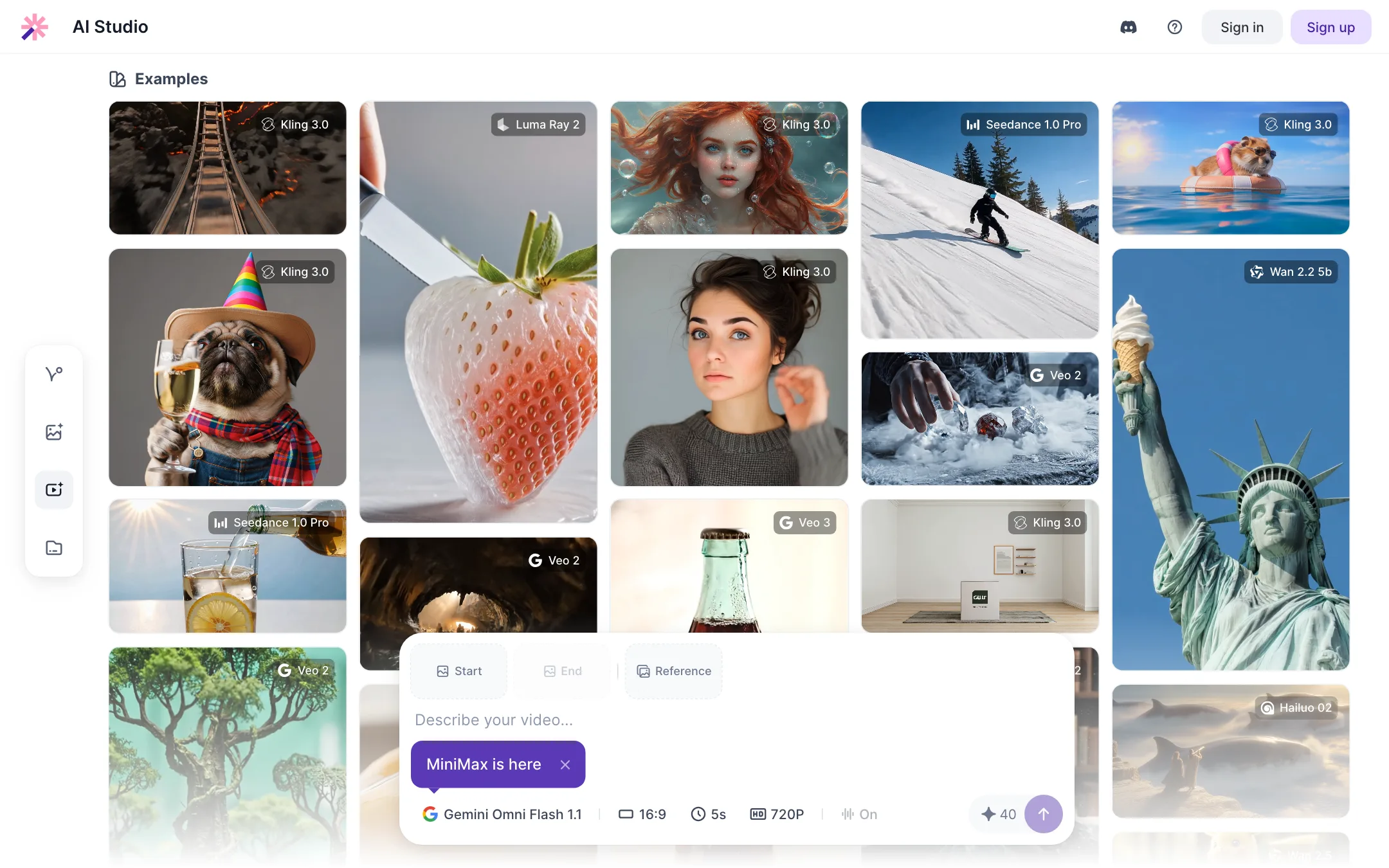
AI Studio
AI Studio is a model hub. Vizard’s pages name Seedance, Veo 2 and 3, Kling 2.0 to 3.0, Wan 2.2 and 2.5, Sora 2, Luma Ray 2, Hailuo 02 and Gemini Omni Flash. You pay with Vizard credits. It is handy for a quick B-roll shot, but it is a reseller layer, and model output is the model maker’s, not Vizard’s.
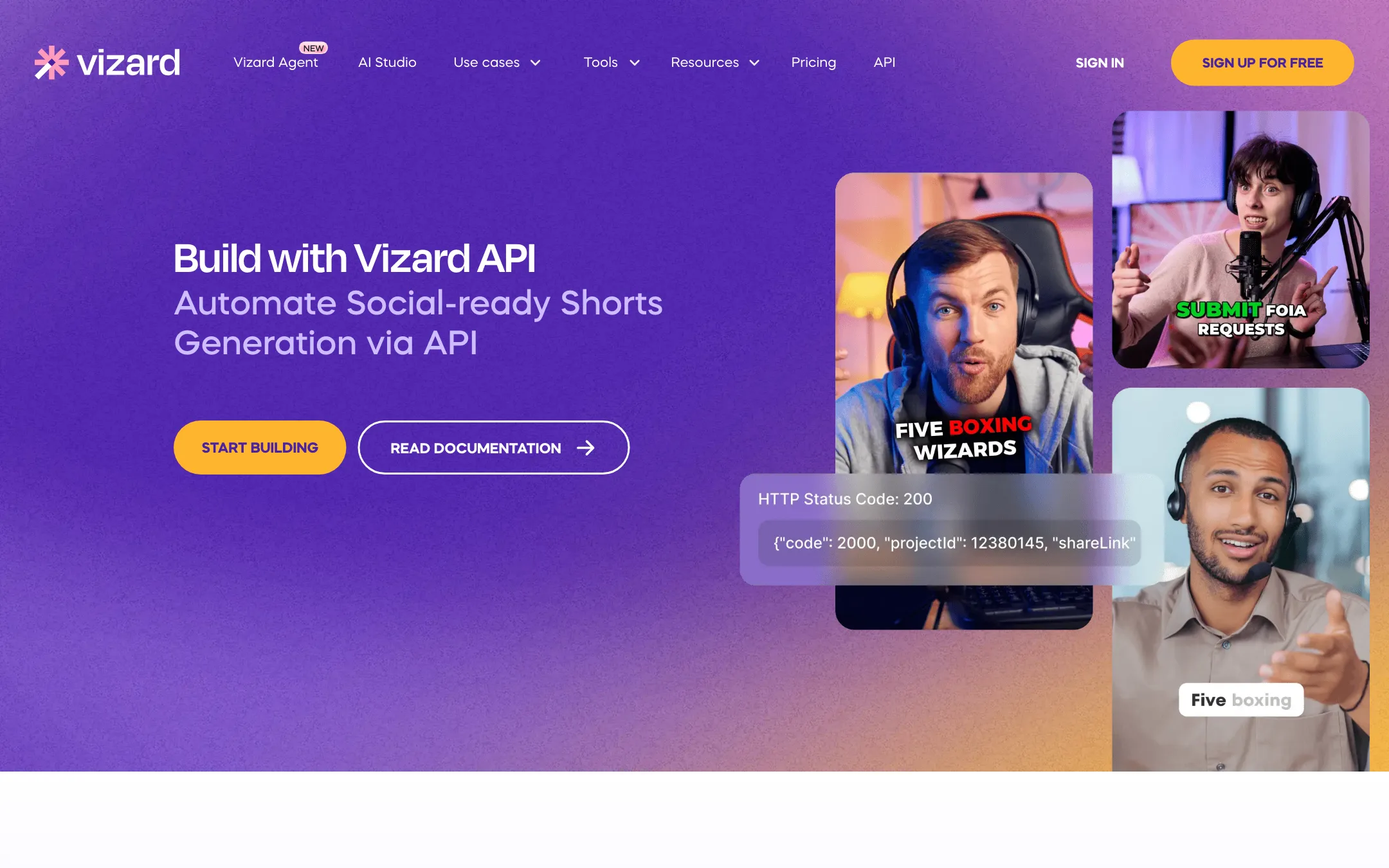
API
The Vizard API automates the clipping and publishing pipeline. Vizard offers an n8n workflow template and a skill file you can add to Claude Code or Cursor. Rate limits range from 1 request a minute on Free to 10 a minute on Business.
Output quality
We have not tested Vizard hands-on. The quality claims here are Vizard’s own.
Clip quality in this category comes down to two things: picking moments that stand alone, and framing the speaker well. Vizard leans on its own models for both and adds Spark for footage without much speech.
Things worth knowing:
- AI picks are a first draft. Every clipping tool sometimes cuts mid-thought or misses context. Expect to trim the start and end of most clips.
- Testimonials are not tests. Vizard’s homepage quotes users saying “100% no manual tweaks needed” and “5x increase in views.” Treat those as anecdotes.
- Captions depend on audio. Clean mic audio gives clean transcripts. Crosstalk and music beds will need fixes in the transcript editor.
The fairest test is to run the same episode through Vizard and Opus Clip on their free plans and compare which clips you would actually post.
Pricing
Vizard prices by credits, and the math is simple: 1 credit equals 1 minute of uploaded video. A 60-minute podcast costs 60 credits, whether you clip it, transcribe it or both.
| Plan | Price | What you get |
|---|---|---|
| Free | Free | 60 credits a month, 720p, watermark, 3-day storage |
| Creator | $14.50/mo yearly, $29 monthly | From 600 credits, 4K, no watermark, scheduling |
| Business | $19.50/mo yearly, $39 monthly | Shared workspace, brand kit, $5 per extra seat |
| Custom | Contact sales | Dedicated support |
Things the pricing page does not make obvious:
- The free plan is a trial. Sixty minutes a month, 720p, a watermark and 3-day storage are enough to judge clip quality, not to run a channel.
- Yearly halves the price. Creator drops from $29 to $14.50 a month on a yearly plan. That is the deal, but you pay $174 up front and refunds are strict.
- Credits may carry over. A Vizard help article says monthly usage “will accumulate to the next month.” The pricing page does not mention rollover, so confirm in your account before you rely on it.
- Seats add up. Business charges $5 a month per extra member. A help article’s example quotes $294 a year for Business, higher than the $234 on the pricing page today, so expect help pages to lag behind price changes.
- AI Studio and Agent use credits too. If you generate video with Seedance or Veo inside Vizard, that comes out of the same balance.
Refunds
Vizard’s refund policy is tight. You qualify if you were billed in error, or if you ask within 7 days and have not used the service. Uploading a video counts as use. Non-error refunds may have a processing fee taken off. Use the free plan to test before you subscribe.
How to get more out of your credits
Credits map to uploaded minutes, so the savings come from what you upload.
- Trim before you upload. Cut the pre-show chatter, ad reads and long outros first. A 70-minute recording trimmed to 50 minutes saves 20 credits.
- Use one project per video. Vizard charges once per project, so run clipping and transcription on the same upload rather than starting a second project.
- Reprompt instead of re-uploading. If the first batch of clips misses, Spark lets you prompt the same project again, up to 10 times. Uploading the video again costs credits again.
- Download before storage runs out. Free projects expire after 3 days. Export or publish the clips you want before then.
Alternatives
Vizard competes most directly with Opus Clip and Klap. Opus Clip is the best-known name in AI clipping. Klap focuses on fast, one-click shorts. Clip.fm is another option aimed at podcasters. All of them offer free tiers, so the cheapest test is to run one recording through two of them and compare the picks side by side.
Verdict
Vizard is one of the better-value clipping tools. The Creator plan gives you 4K, a large upload limit, transcript editing, caption translation and scheduling for $14.50 a month billed yearly. The 1 credit per minute model is easy to plan around.
Its weak spots are a thin free plan, a strict refund policy and a product that is spreading into agents and model reselling. If your job is turning long talks into shorts, the core is solid. Run a real episode through the free plan and compare the picks with Opus Clip before you pay for a year.
