
What OpusClip is
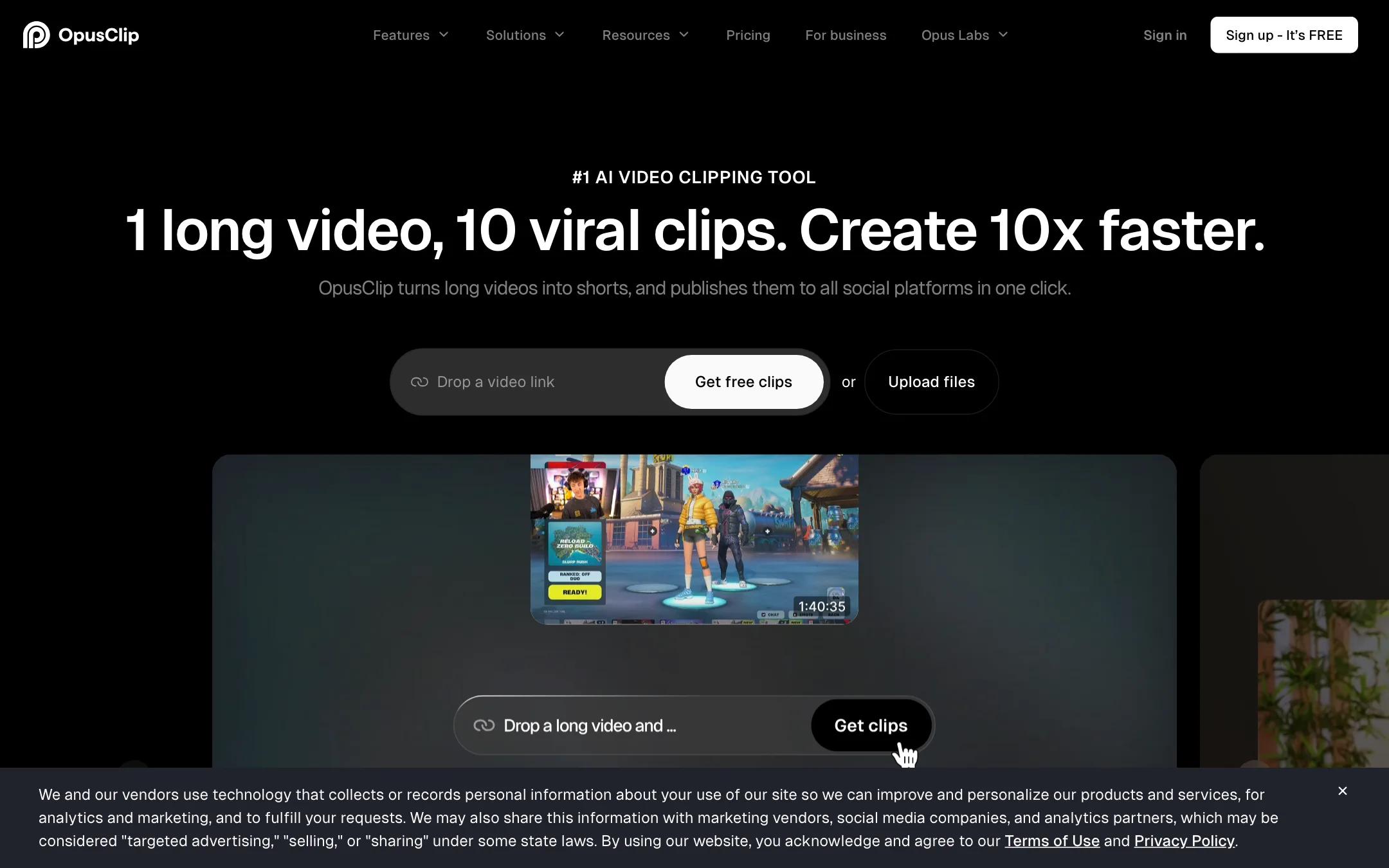
OpusClip is a web app that turns long videos into short clips. You paste a link or upload a file, and it picks the moments it thinks will work as Shorts, Reels or TikToks. Each clip comes back reframed to vertical, captioned and scored.
It is probably the best-known tool in this category. OpusClip says more than 20 million creators and businesses use it, and its homepage lists channels like Mark Rober, Logan Paul and Jubilee Media. The company has raised money from SoftBank’s Vision Fund 2, according to press coverage it links from its own pages.
What started as a podcast clipper has grown into a full short-form studio. It now includes a text-based editor, AI B-roll, voice-over, dubbing, brand templates, a social scheduler and an API.
Who it is for
OpusClip fits you if:
- You publish long videos, podcasts or streams every week and want Shorts from each one.
- You run an agency or a small team and need branded clips for several clients.
- You want to schedule and post clips from the same place you make them.
- You have an editor who wants a rough cut to finish in Premiere Pro or DaVinci Resolve.
Skip it if:
- You only make a few clips a month. The free plan or a cheaper one-off clipper may cover you.
- Your source videos are very long and your budget is small. Credits are spent on minutes of input, not on clips you keep.
- You need a full editor for original short-form content. OpusClip edits clips cut from long videos; it is not a replacement for CapCut or Premiere.
- You expect the virality score to predict views. It is a ranking signal, not a guarantee.
How it works
The workflow starts with a long video. You can upload a local file (up to 10GB on Starter, 30GB on Pro) or paste a link. OpusClip lists YouTube, Google Drive, Vimeo, Zoom, Rumble, Twitch, Facebook, LinkedIn, X, Loom, Riverside and StreamYard as link sources on the Pro plan. Pro and Starter can also auto-import new uploads from a verified YouTube account.
A typical clipping run
- Paste a link or upload your video.
- Set the clipping options. You can limit the timeframe, choose a clip length bucket (under a minute, 1 to 3 minutes, up to 15 minutes) and, on paid plans, search by topic.
- Optionally type a prompt such as “find the best Q&A moment” to steer what it picks. OpusClip calls this prompt-to-clip.
- Let it process. OpusClip says it analyses the video against current social trends, picks highlights, rearranges them into a short and adds captions, reframing and transitions.
- Review the results. Each clip shows a virality score so you can sort the likely winners to the top.
- Edit what needs fixing, apply your brand template, then download or schedule.
ClipAnything and ReframeAnything
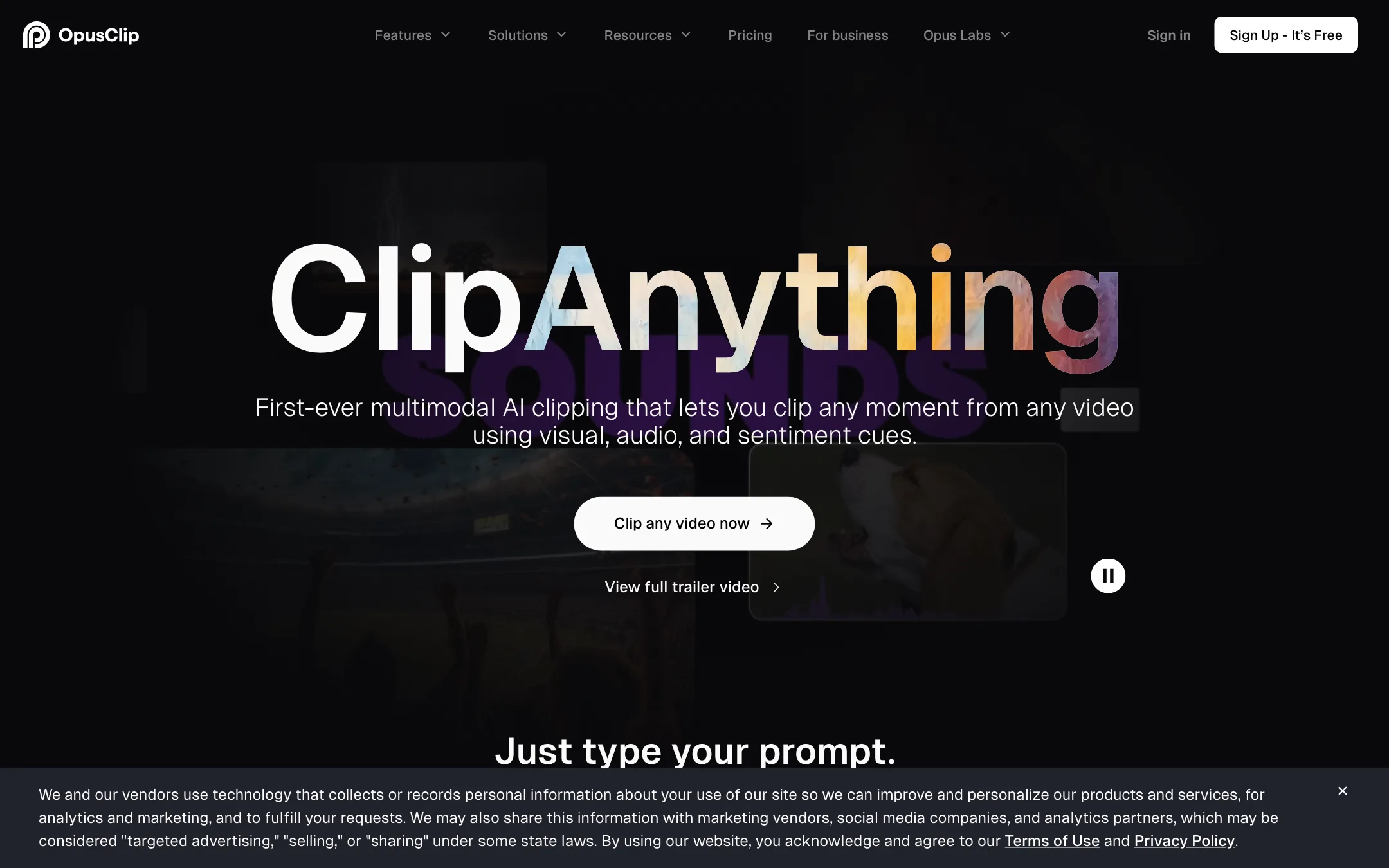
OpusClip names two in-house models. ClipAnything is its clipping model. OpusClip says it reads visual, audio and sentiment cues, so it can clip vlogs, sports, gaming and TV-style footage, not just talking heads. It also powers the prompt box, where you describe a moment in plain language.
ReframeAnything handles the switch from widescreen to vertical. OpusClip says it tracks moving subjects to keep them centred, with manual tracking when the AI follows the wrong thing. Pro adds layouts for screen shares and gameplay, plus a dynamic layout switch between speakers.
A note on the ClipAnything examples: OpusClip’s own demo prompts include clips from award shows, Senate hearings and sports broadcasts. The tool will clip whatever you give it, but posting other people’s footage can break copyright rules and platform policies. Clip your own content or content you have rights to.
Editing, captions and B-roll
Once a clip exists, you can edit it by transcript (delete words to cut them) or on a timeline. The editor covers:
- Animated captions in 20+ languages, with emoji and keyword highlighting. OpusClip claims over 97% caption accuracy.
- Filler and silence removal on every paid plan, with bad-take removal on Pro.
- Speech enhancement to clean up audio, 10 times a day on Pro.
- AI B-roll from stock footage and generated images. Starter gets 3 clips a month; Pro gets 50 a day for AI images and unlimited stock.
- AI voice-over and, on Pro, video dubbing into other languages.
- Brand templates with fonts, colors, logo and intro or outro cards.
- Auto-censoring of curse words, with a custom word list on Business.
Publishing
OpusClip has a built-in social scheduler. You connect your accounts and post or schedule clips to YouTube Shorts, TikTok and Instagram Reels, plus other platforms. Pro connects up to six social accounts. It also generates a title, description and hashtags for each clip. If you would rather finish clips elsewhere, Pro exports XML for Premiere Pro and DaVinci Resolve, or you can bulk-download MP4s.
Teams and developers
Pro includes a team workspace with two seats, and you can add seat packs. Business adds sub-teams, permissions, SSO and an MSA. Developers get a video editing API, a scheduler API, an MCP connector and Zapier integration on the higher plans.
Output quality
We did not run our own footage through OpusClip for this review, so the quality notes below come from OpusClip’s pages and how this category generally behaves.
What OpusClip claims:
- Clip selection that understands visuals and sentiment, not just transcripts, through ClipAnything.
- Reframing that keeps moving subjects in frame across genres.
- Captions with over 97% accuracy.
- Exports up to 1080p on Free and at the highest available resolution on paid plans, with 4K scheduling and download on Pro.
What to watch for with any AI clipper:
- Context. An AI pick can start mid-thought or end before the payoff. Expect to trim the start and end of many clips.
- Virality scores. They rank clips relative to each other. They do not know your audience. Treat the top-scored clips as a shortlist, not a final edit.
- Captions on names and jargon. Check spelling of guests, brands and technical terms. Pro and Business let you add a brand vocabulary to help.
- Reframing on busy shots. Group shots, fast action and screen shares are where auto-tracking slips. Use manual tracking or a split layout.
Customer stories on OpusClip’s site describe agencies getting 20 to 30 shorts from an hour-long podcast. Those are vendor case studies, so read them as best cases.
Pricing
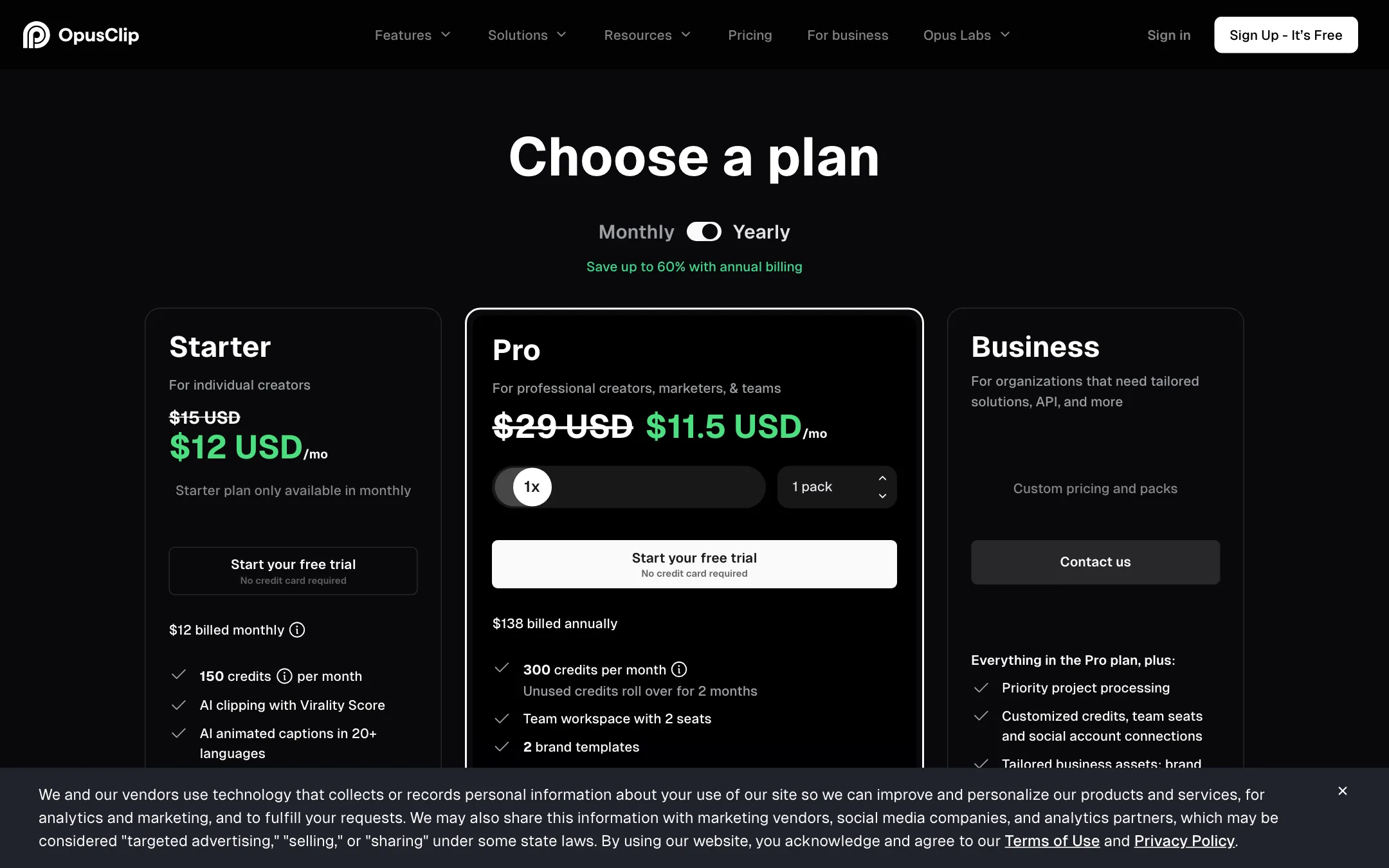
OpusClip prices in credits. Its FAQ ties credits to processing time: the free plan’s 60 credits are described as 60 minutes of video processing, and the 7-day Pro trial as 90 minutes (about 30 downloadable clips).
| Plan | Price | What you get |
|---|---|---|
| Free | $0 | 60 credits a month, watermark, no editing, 3-day export window |
| Starter | $15/mo, monthly only | 150 credits a month, editor, 1 brand template, 9:16 only |
| Pro | $14.50/mo yearly ($174), $29 monthly | 300 credits a month, 2 seats, B-roll, scheduler, all aspect ratios |
| Business | Custom | Custom credits and seats, API, SSO, priority support |
Things the pricing page does not spell out:
- Credits follow input length. A 90-minute podcast costs about 90 credits even if you only keep five clips. Use the timeframe setting to skip intros, ads and Q&A you do not need.
- Starter is a monthly-only plan. Yearly billing only applies to Pro, which makes yearly Pro cheaper per month than Starter.
- Starter stays vertical. Square and widescreen outputs, link imports from most platforms and the scheduler need Pro.
- Pro credits roll over for two months. Starter and Free credits do not.
- Media expires. Free uploads expire after 3 days and Starter after 29. Pro has 100GB of fixed storage.
Prices moved during our check. An earlier crawl of the same page showed Starter at $12 and Pro at $11.50 a month yearly ($138), with “save up to 60%”. When we loaded the page again it showed $15 and $14.50 ($174), with “save up to 50%”. The plan comparison table on the same page listed Pro at $23 a month. Confirm the price at checkout.
Free plan in practice
The free plan is enough to see whether OpusClip picks good moments from your videos. It is not a production plan. Free clips carry a watermark, cannot be edited and stop being exportable after three days. If a test clip works, download it right away.
Affiliate program
OpusClip runs an affiliate program. Its affiliate page offers 25% recurring commission through the first year of each new subscriber, with approval taking about a week. Our research record notes a $20 minimum payout via PayPal and that inactive affiliates are removed after six months. The page’s own FAQ also suggests commissions continue as long as the referral stays subscribed, which contradicts the “first year” line. Read the current terms before you rely on either.
Verdict
OpusClip is the default pick for turning long videos into short clips, and for good reason. It covers the whole job: clipping, reframing, captions, light editing, B-roll, branding and posting. The Pro plan’s team seats, Premiere export and scheduler make it a real tool for agencies, not just solo creators.
The weak spots are cost and control. Credits burn on input minutes, the cheapest plan is monthly only and vertical only, and the AI’s picks still need a human to trim and approve. If you publish long videos every week, Pro billed yearly is the plan to test. If you only clip occasionally, start on the free plan and compare it with Klap or Quso before you pay.
