What ClipFM is
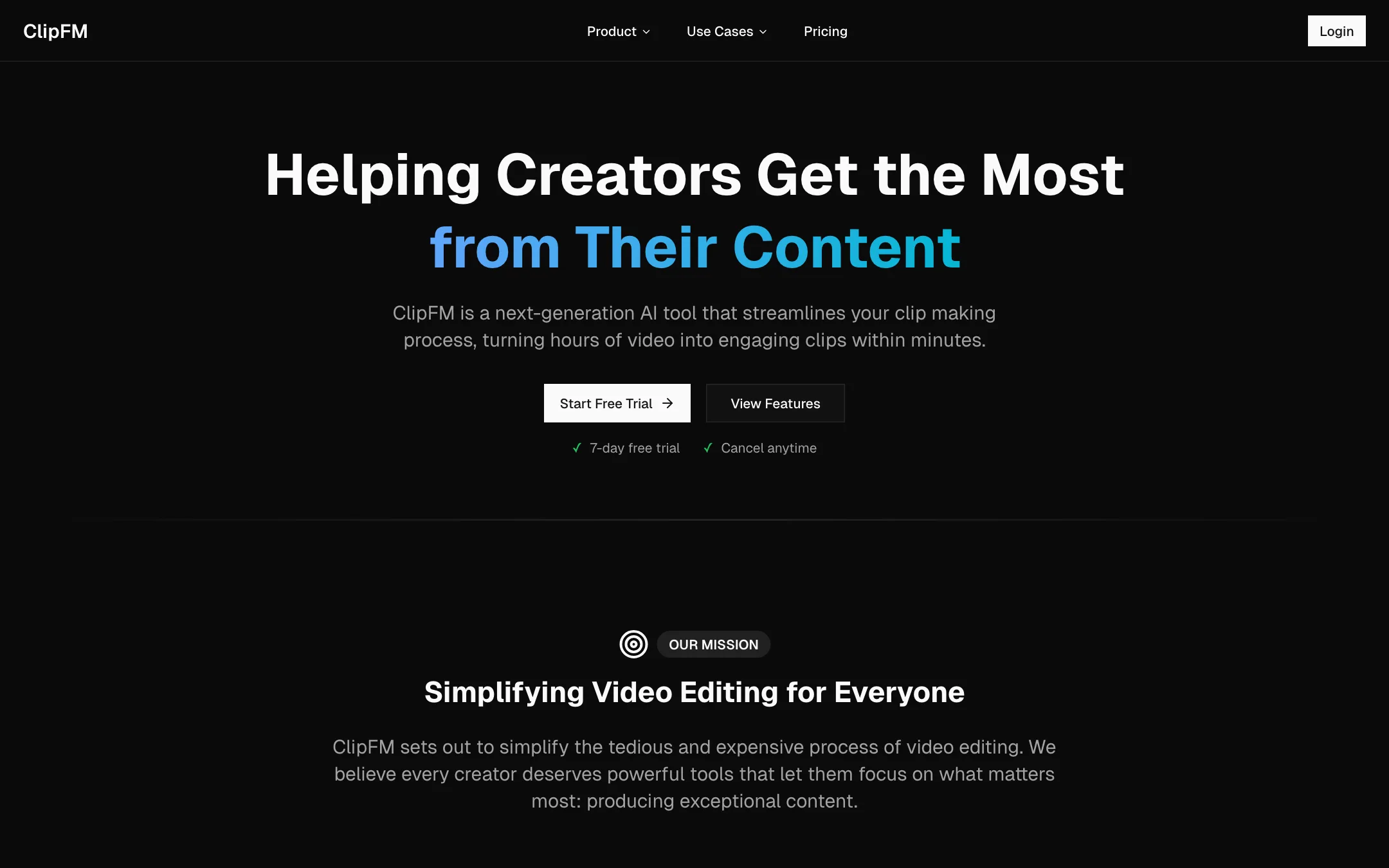
ClipFM turns long videos into short clips for social media. You upload a podcast episode, an interview or any long-form video. ClipFM’s AI picks the moments it thinks will travel, scores them for virality, adds animated captions and reframes them for TikTok, Reels, Shorts and the rest.
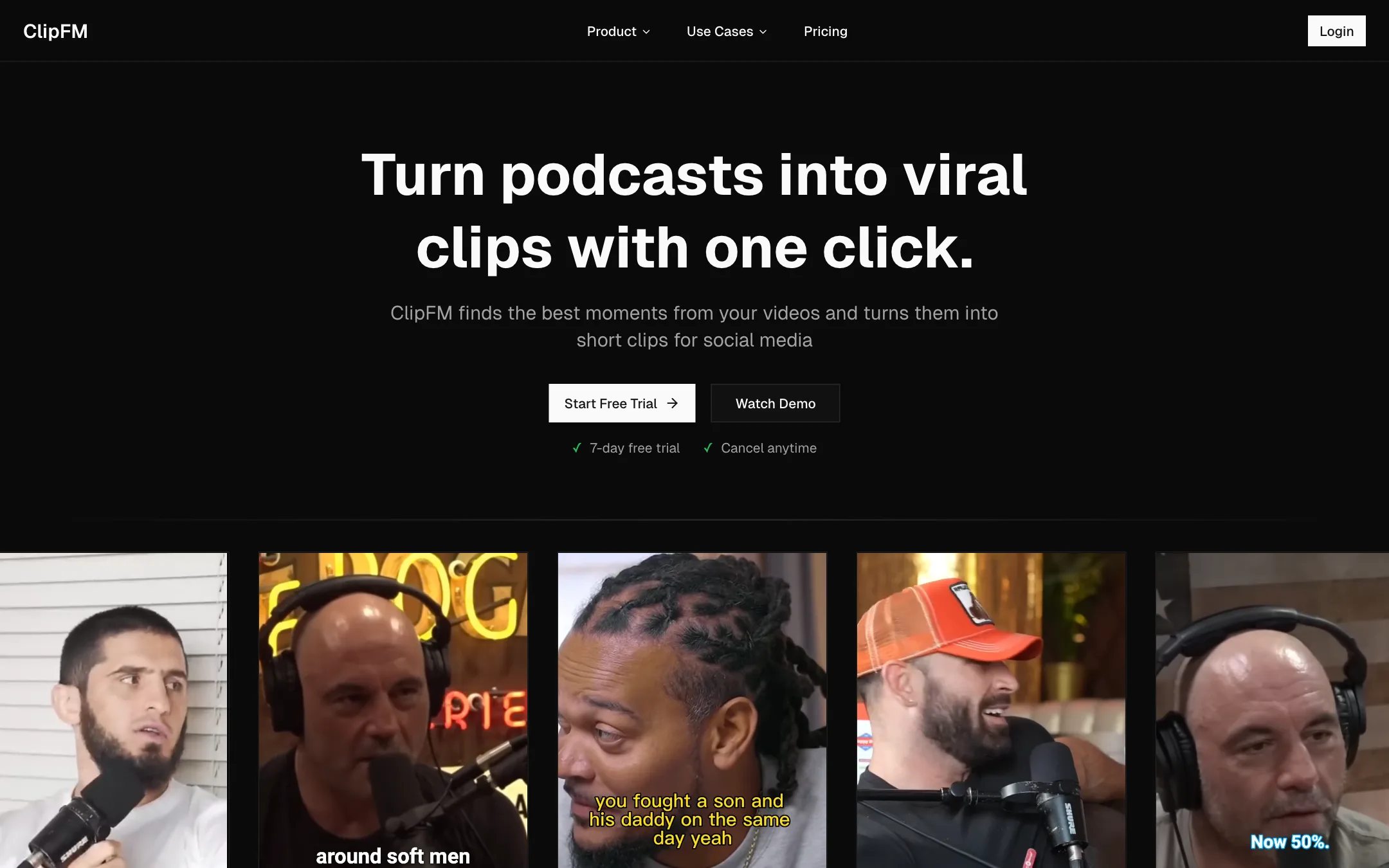
It is a podcast tool first. The homepage headline is “Turn podcasts into viral clips with one click.” Its about page says it was founded in November 2022 by two people named Cole and Cam, sold the service by hand before it had an interface, and launched publicly at the Podcast Movement Evolutions conference in Las Vegas in March 2023.
That focus is the main reason to look at it. Many clip makers try to be a full video studio. ClipFM stays narrow.
Who it is for
ClipFM fits you if:
- You run a podcast or interview show and want clips every week.
- You edit podcasts for clients and need a fast first pass of short-form cuts.
- You want a cheap, predictable price based on minutes, not credits.
Skip it if:
- You want to try before you pay. There is no free plan.
- You need 4K exports. Output tops out at 1080p.
- You want an editor with deep timeline control. ClipFM is about speed, not fine editing.
- You make faceless or generated content. ClipFM works with footage you already have.
How it works
ClipFM describes a three-step flow on its homepage.
1. Upload
Drop in a long video. ClipFM says it takes MP4, MOV and AVI files up to 10GB and 4K, and that you can batch upload. That is generous. A two-hour 4K podcast recording can be large, and some rivals cap uploads lower.
2. AI finds the moments
ClipFM says its AI analyses “speech patterns, engagement signals, and viral trends.” The homepage names four parts of that analysis:
- Emotion detection: spotting moments with energy.
- Hook analysis: checking whether a clip opens strongly.
- Auto-captioning: transcribing the speech.
- Virality score: a rating of how likely a clip is to perform.
Treat virality scores as a sorting aid, not a prediction. No tool can tell you what an algorithm will push next week. A score is useful for deciding which ten clips to review first out of forty.
3. Export for every platform
ClipFM formats each clip for the platform you pick, with presets for:
- TikTok, 9:16, up to 60 seconds
- Instagram, 9:16, up to 90 seconds
- YouTube Shorts, 9:16, up to 60 seconds
- X, 16:9, up to 2:20
- LinkedIn, 1:1, up to 10 minutes
- Facebook, various sizes
You also get custom branding, animated captions and one-click export. Paid plans include unlimited exports.
A sensible weekly routine
- Upload the full episode as soon as it is recorded.
- Sort suggestions by virality score and watch the top ten.
- Keep the ones with a clear hook in the first two seconds.
- Check the captions for names and jargon.
- Export a 9:16 version for TikTok, Reels and Shorts, and a 1:1 cut for LinkedIn if your audience lives there.
Output quality
We have not tested ClipFM hands-on, so quality claims here are ClipFM’s or its users’.
The homepage is full of strong claims. Testimonials talk about going from 1,000 to 100,000 followers in three months and earning $50,000 in sponsorships. Most are signed with a first name and an initial. One is a named podcaster. Read them as marketing.
A few points to keep in mind:
- Captions from any transcription tool need a proofread, especially for names, slang and crosstalk.
- Clip selection is the hardest part of this job. AI is good at finding complete sentences with energy. It is less good at knowing what your audience already cares about. Review the picks.
- Reframing two-person podcasts to 9:16 is tricky for every tool. Check that the right speaker is in frame.
- 1080p is fine for social platforms. If you need 4K masters, export them from your own editor.
The showcase clips on the homepage use well-known podcasts, including Joe Rogan clips and Shark Tank moments. Those are demos. Do not take them as permission to clip other people’s shows.
Contradictions on the site
ClipFM’s site is short, and it does not always agree with itself:
- Trial length: the call to action says a 7-day free trial. The pricing FAQ says a 14-day free trial on Starter.
- User numbers: a heading says “Join 1M+ Content Creators” and “millions of creators,” while the next section says “Join thousands of creators.”
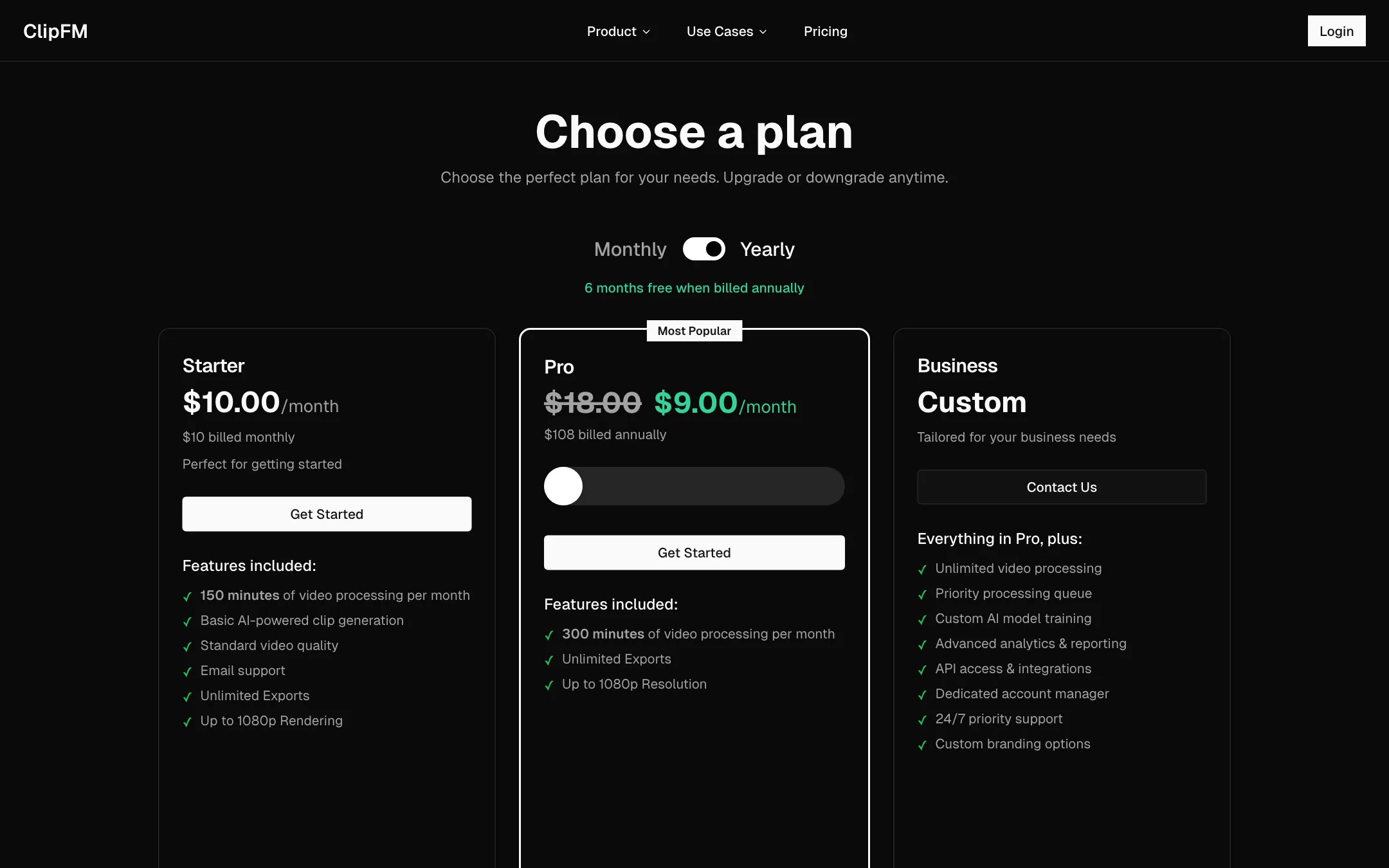
- Pricing toggle: the pricing page mixes monthly and yearly prices on one screen, with Starter shown monthly and Pro shown yearly.
- Comparison pages: the footer links to comparisons against Descript, Opus Clip and others. The Opus Clip page we opened returned a 404.
None of this says the product is bad. It does mean you should confirm terms in the checkout before you pay.
Pricing
ClipFM prices plans by minutes of video processed each month.
| Plan | Price | Minutes per month | Notes |
|---|---|---|---|
| Starter | $10/mo | 150 | Basic AI clip generation, up to 1080p |
| Pro | $18/mo, or $108/yr (about $9/mo) | 300 | Unlimited exports, up to 1080p |
| Business | Custom | Unlimited | Priority queue, API, custom model training, account manager |
What this means in practice:
- Starter covers about two hour-long episodes a month. Weekly shows need Pro.
- Pro billed yearly is the real deal. At $9 a month you get twice the minutes of Starter for less money. ClipFM calls it “6 months free.”
- No free plan. You can only test through the trial.
- Payment: ClipFM accepts cards and PayPal, and Business can pay by invoice.
- Cancelling: you can cancel any time and keep access until the end of the billing period.
ClipFM has no public affiliate program that we could find.
ClipFM compared with the alternatives
The clip-maker category is crowded. ClipFM’s own footer lists comparisons with Descript, Opus Clip, Vidyo, Munch, Zubtitle and Dumme, which tells you who it sees as rivals. Here is how to think about the choice:
- Choose ClipFM if you want the simplest possible podcast-to-clips flow at a low, fixed price, and you are happy to review clips elsewhere if needed.
- Choose a tool with a free plan if you want to judge clip quality before paying. Several rivals let you process a short video free with a watermark.
- Choose an all-in-one editor if you also want scheduling, a full timeline or brand templates in the same app. SendShort and Vidio both go further on editing and publishing.
- Choose a YouTube growth tool like vidIQ if Shorts are one part of a wider YouTube strategy and you want keyword and title help alongside clipping.
Whatever you pick, judge it on three things: how many of its suggested clips you would actually post, how much caption fixing you do, and how well it frames two speakers in a vertical crop. Those decide how much time you really save.
Tips for better podcast clips
A clip maker can only work with what you give it. A few habits help any tool, including ClipFM:
- Record each speaker on a separate camera. Reframing to 9:16 is much easier when every face has its own shot.
- Use decent mics. Clean audio gives cleaner transcripts, and cleaner transcripts give better clip picks and captions.
- Say the hook out loud. Guests who answer in short, complete thoughts produce more usable clips than long, winding answers.
- Keep a list of names and terms. Fix them once in the captions and check every clip for the same mistakes.
- Post more than you think. Short-form platforms reward volume. Ten decent clips usually beat two perfect ones.
Before you buy
Run through this list during the trial:
- Confirm the trial length in the checkout, since the site says both 7 and 14 days, and set a reminder to cancel.
- Upload your longest typical episode to check that processing time and file size limits suit you.
- Count the usable clips. If fewer than a third of the suggestions are worth posting, the time saved shrinks fast.
- Proofread three clips’ captions to see how much fixing you will do each week.
- Check speaker framing on a two-person conversation in 9:16.
- Work out your minutes. Add up a month of episodes and pick Starter or Pro from that number, not from the plan names.
Verdict
ClipFM is a focused, low-cost way to turn podcast episodes into social clips. Minute-based pricing is easy to plan around, Pro billed yearly is cheap, and large uploads suit long recordings.
The site does not inspire much confidence in the details. Trial terms and user numbers contradict each other, documentation is thin and there is no free plan. If you run a weekly show, use the trial on a real episode, check the captions and framing, and decide from that. If you need a free tier or a deeper editor, look at the alternatives below.