What Vexub is
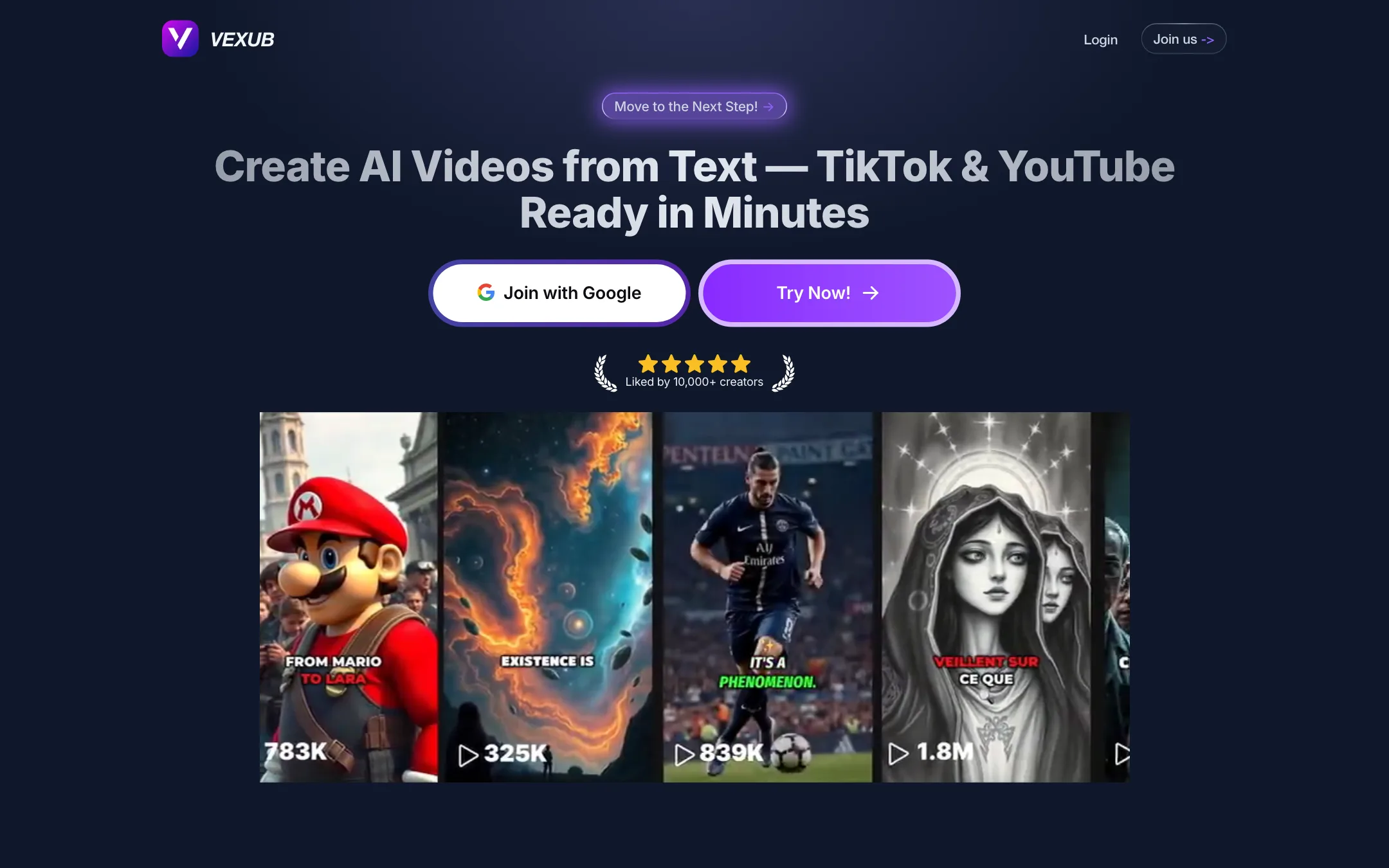
Vexub is a faceless video generator from a small French company in Paris. You give it text, an MP3 or a chat conversation. It returns a finished short video with AI visuals, an AI voiceover and animated subtitles, ready for TikTok, YouTube Shorts or Instagram Reels.
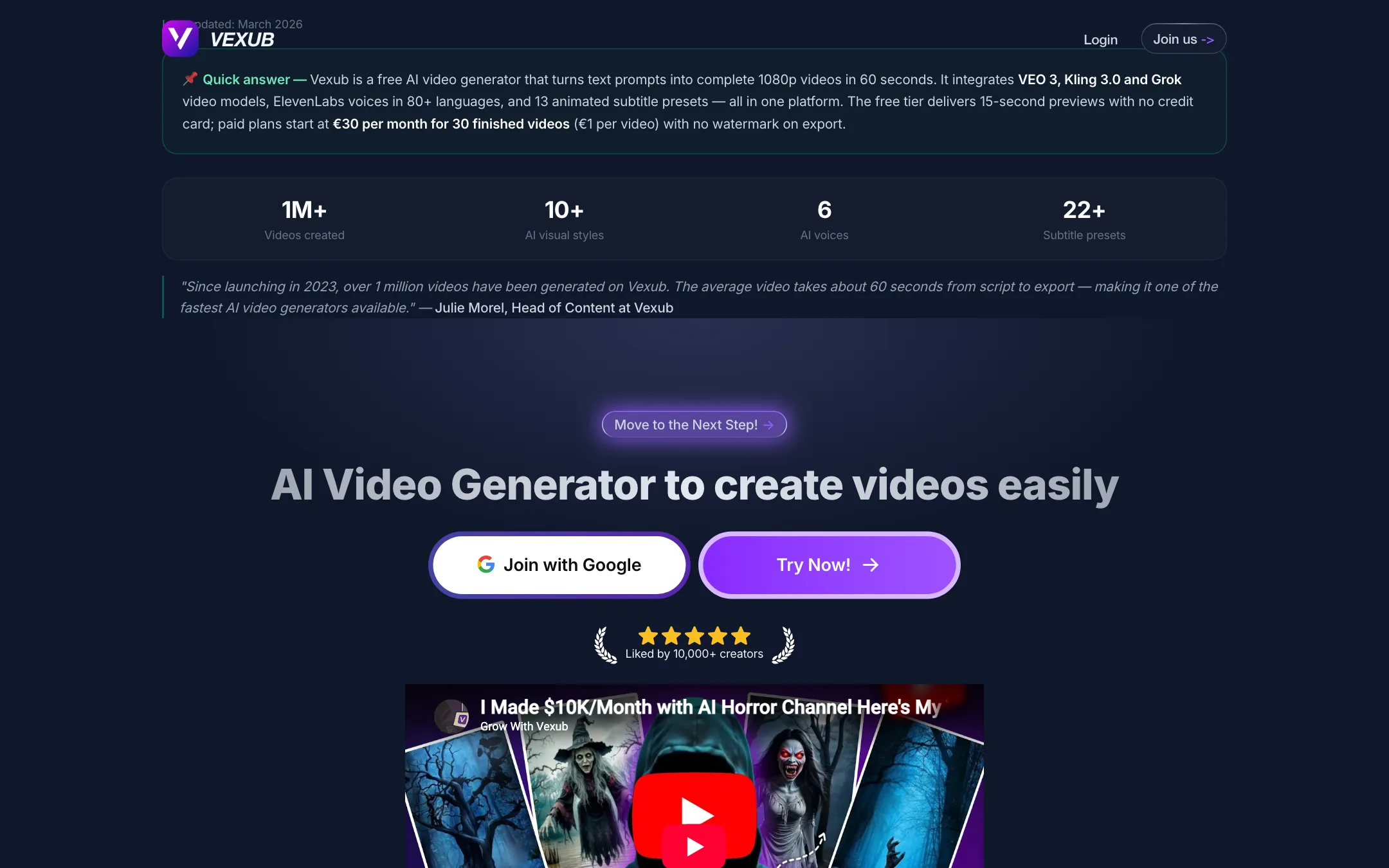
It sits in the same niche as AutoShorts, Revid and Hooked. The pitch is not creative control. It is volume. Vexub’s homepage counter claimed more than 1.3 million videos generated when we checked, and its marketing is built around making money from faceless channels through YouTube and TikTok monetization, affiliate links or online courses.
The voices come from ElevenLabs, which Vexub credits in its footer. Its generator pages also name Google’s VEO 3, Kling 3.0 and Grok as built-in video models.
Who it is for
Vexub fits you if:
- You run, or want to start, a faceless channel with stories, facts, mysteries or motivational clips.
- You want to post daily and do not want to edit each video.
- You like text-message story videos, the “SMS drama” format common on TikTok.
- You make content in more than one language. Vexub’s examples include English, French and Spanish channels.
Skip it if:
- You want to edit videos on a timeline. Vexub is a generator, not an editor.
- You need clips cut from long videos or podcasts. That is a job for a clipper like Klap or OpusClip.
- You want clear, predictable pricing before you sign up.
How it works
Vexub has four creation modes, all on the homepage:
- Text to Video. Paste a script or a topic. Vexub generates visuals, a voiceover and subtitles. Its FAQ says most videos take 5 to 10 minutes, while its feature pages say about 60 seconds.
- MP3 to Video. Upload your own narration. Vexub adds matching visuals and subtitles.
- Video Captioning. Upload an MP4 and Vexub adds animated captions.
- SMS Video. Build a text-message conversation and Vexub turns it into a video.
A typical faceless video
Based on Vexub’s own description:
- Paste your script, or let Vexub write one from an idea.
- Choose a voice from the ElevenLabs-powered library, or upload your own MP3.
- Pick a visual style and a subtitle style.
- Pick the format: 9:16 for TikTok and Shorts, 16:9 for YouTube, or square.
- Generate. Vexub adds visuals, voiceover, word-by-word captions and editing.
- Download the video, along with an auto-written description and hashtags.
The Worker
Every paid plan includes the Worker, which Vexub describes as a “channel on autopilot”. The public pages give no detail on how it works, such as whether it picks topics, schedules posts or publishes directly to your accounts. Expect it to generate videos on a schedule from a theme you set, and check inside the app before you rely on it.
Models and voices
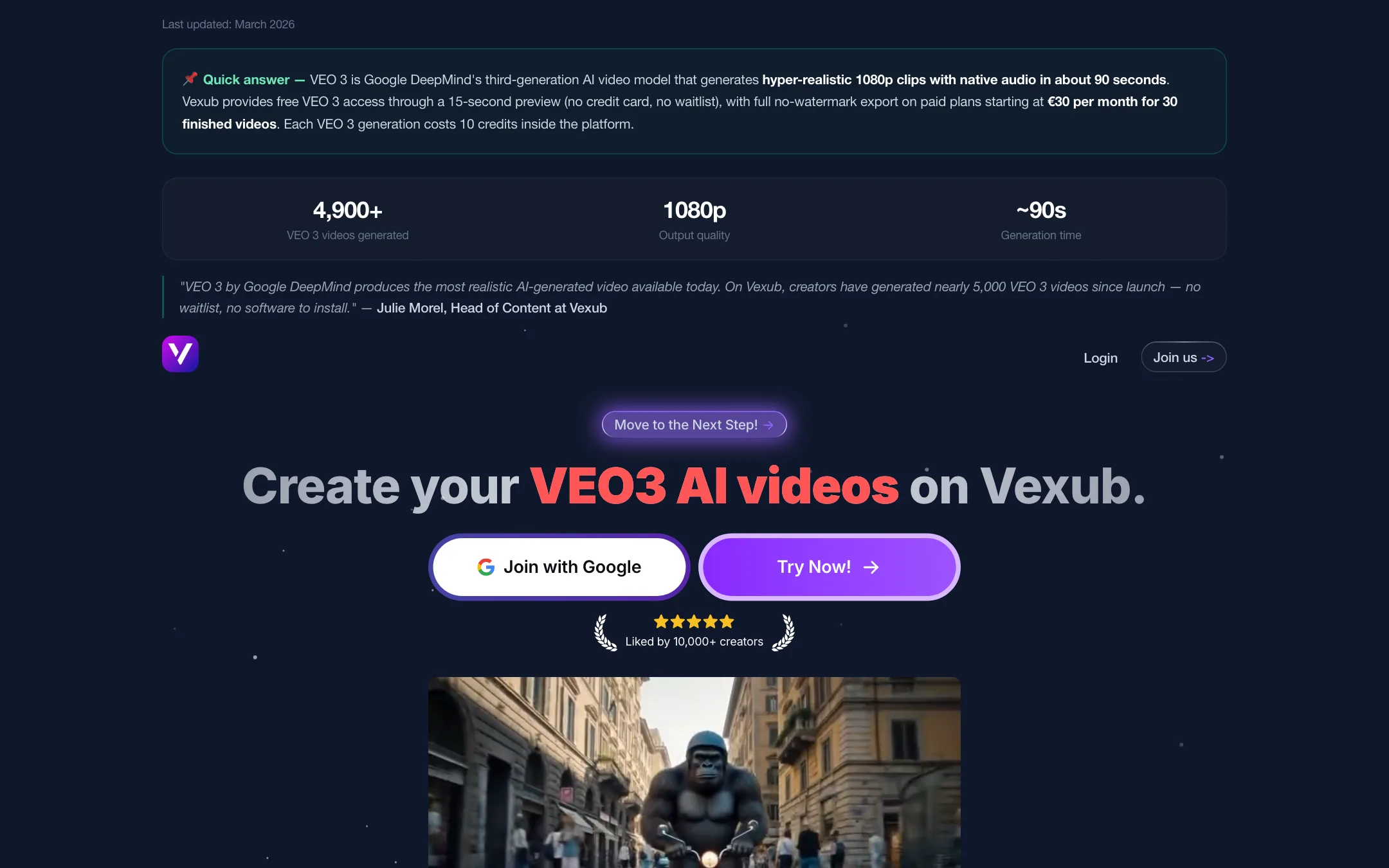
Vexub’s AI video generator page says it integrates VEO 3, Kling 3.0 and Grok video models, and that each VEO 3 generation costs 10 credits. The VEO 3 page quotes about 90 seconds per render at 1080p. These are third-party models. Vexub resells access to them inside its own workflow.
The voices are ElevenLabs. Vexub lists a “variety of voices”, “Pro Narrators” and a “Personalized AI voice”, while one feature page says “6 AI voices”. Language support is listed as 70+ on the pricing block and 80+ on feature pages.
Output quality
We have not run Vexub hands-on, so this section reports what Vexub shows and claims.
Vexub’s examples are classic faceless-channel content: the story of Betty and Barney Hill on its English channel, a French nutrition explainer and a French mysteries channel. The format is AI images or clips under a narrator, with bold word-by-word captions.
What to expect from this kind of tool:
- Voices are the strong point. ElevenLabs narration is among the most natural AI speech available.
- Visuals are generic. AI images or clips matched to each line work for stories and facts. They rarely look like a channel with its own visual identity.
- Captions sell the video. Word-by-word animated captions are what make faceless shorts watchable on mute. Vexub lists 13 or 22+ subtitle presets, depending on the page.
- Platform policies matter. YouTube and TikTok treat mass-produced, repetitive AI content cautiously. If you plan to monetize, add your own angle and research instead of posting raw output.
Pricing
Vexub sells plans by the number of finished videos.
| Plan | Price | Videos |
|---|---|---|
| Free trial | Free | First videos free, as 15-second previews |
| Basic | $30/mo | 30 videos |
| Plus | $50/mo | 55 videos |
| Pro | $100/mo | 120 videos |
All three paid plans list the same features: the Worker, voices, visual styles, automatic subtitles, advanced customization, descriptions and hashtags, downloads, a personalized AI voice, hook writing, full rights, 70+ languages, HD export, pro narrators and human support.
A few things the pricing block does not make obvious:
- Dollars or euros. The pricing block shows $30. The faceless video, VEO 3 and generator pages say “€30 per month for 30 finished videos (€1 per video)”. Expect to pay in euros at checkout if you are in Europe, and check the currency.
- The annual toggle does nothing visible. The block is labelled “Limited Annual Offer” with an “Annual (-60%)” option. Switching between Monthly and Annual did not change the prices. It is unclear whether $30 is the monthly price or the discounted annual rate.
- Videos versus credits. Plans are sold by videos, but the VEO 3 page says each VEO 3 generation costs 10 credits. How credits map to videos is not explained publicly.
- About $1 a video. On Basic, each video costs about a dollar. Pro brings it to about $0.83. That is cheap if the videos are usable as they come.
Refunds
Vexub advertises a 30-day money-back guarantee. Its terms narrow it a lot: it applies only to your first purchase, only within 30 days and only if you have used fewer than 3 credits in total. After that, no refunds. If you cancel, your plan runs to the end of the period with no refund for the remaining time.
In practice, use the free previews to judge quality before you pay.
How to get more from each video
With a fixed number of videos a month, every generation counts. A few habits help:
- Write your own script. Vexub can write one from an idea, but a script you wrote yourself, with a strong first line, gives the narrator something worth reading. The first two seconds decide whether a short gets watched.
- Test voices on the free previews. Pick the narrator and language before you pay, not after. Switching voices later costs you full videos.
- Keep one visual style per channel. Faceless channels that change look every day struggle to build recognition. Pick a style and stick with it.
- Check the captions. Proper names, numbers and foreign words are where auto captions slip. Read the subtitles once before you post.
- Use your own audio when it matters. MP3 to Video lets you record the narration yourself, which makes a channel feel less generic and keeps the voice consistent.
- Set up the Worker last. Make a handful of videos by hand first. Once you know which settings work, hand them to the autopilot.
How Vexub compares
Vexub is narrower than most of its rivals. AutoShorts and Revid also turn text into faceless shorts and can post to your accounts, and Revid adds more editing control. Hooked leans into templates and ad-style formats. Vexub’s edge is the SMS video mode and the ElevenLabs voices; its weak point is pricing clarity. If you only need story and fact videos with good narration, it is worth a test. If you want to tweak every scene, a tool with a real editor will suit you better.
One more point to weigh: Vexub is a small company. Its footer lists a Paris address and a French company number, which is more transparency than many tools in this niche offer, but support and roadmap depend on a small team.
Affiliate program
Vexub does not appear to run an affiliate program. “Affiliate Program” on its homepage is a suggestion for how you can make money with your videos, not a Vexub partner program.
Verdict
Vexub is a focused faceless video generator with a few good ideas. ElevenLabs voices, SMS chat videos and the autopilot Worker make it a reasonable pick for channel owners who want volume over polish.
The rough edges are on the business side. Prices switch between dollars and euros, the annual discount does not show, and the money-back guarantee is gone after 3 credits. Try the free previews first. If the voices and visuals fit your channel, Basic at about $1 a video is cheap, but compare it with AutoShorts and Revid before you pay for a bigger plan.