
What Topaz Labs is
Topaz Labs makes AI software that improves footage you already have. It does not generate video from prompts. It upscales, denoises, sharpens, stabilizes, adds frames for slow motion and converts standard footage to HDR.
The company has been around a long time. Its homepage says it was established in 2001, has processed over 2 billion images and holds an Emmy for its technology. For years it was best known among photographers. Today its video tools are what most creators come for.
That shift is driven by AI video. Clips from Veo, Kling, Sora and similar models often come out at 720p or 1080p, with soft, smooth textures. Topaz now pitches itself as the finishing step for that footage. Its site has landing pages for upscaling clips from Kling 3.0, Seedance 2.0, Sora 2, Veo and Midjourney.
There are three ways to use it:
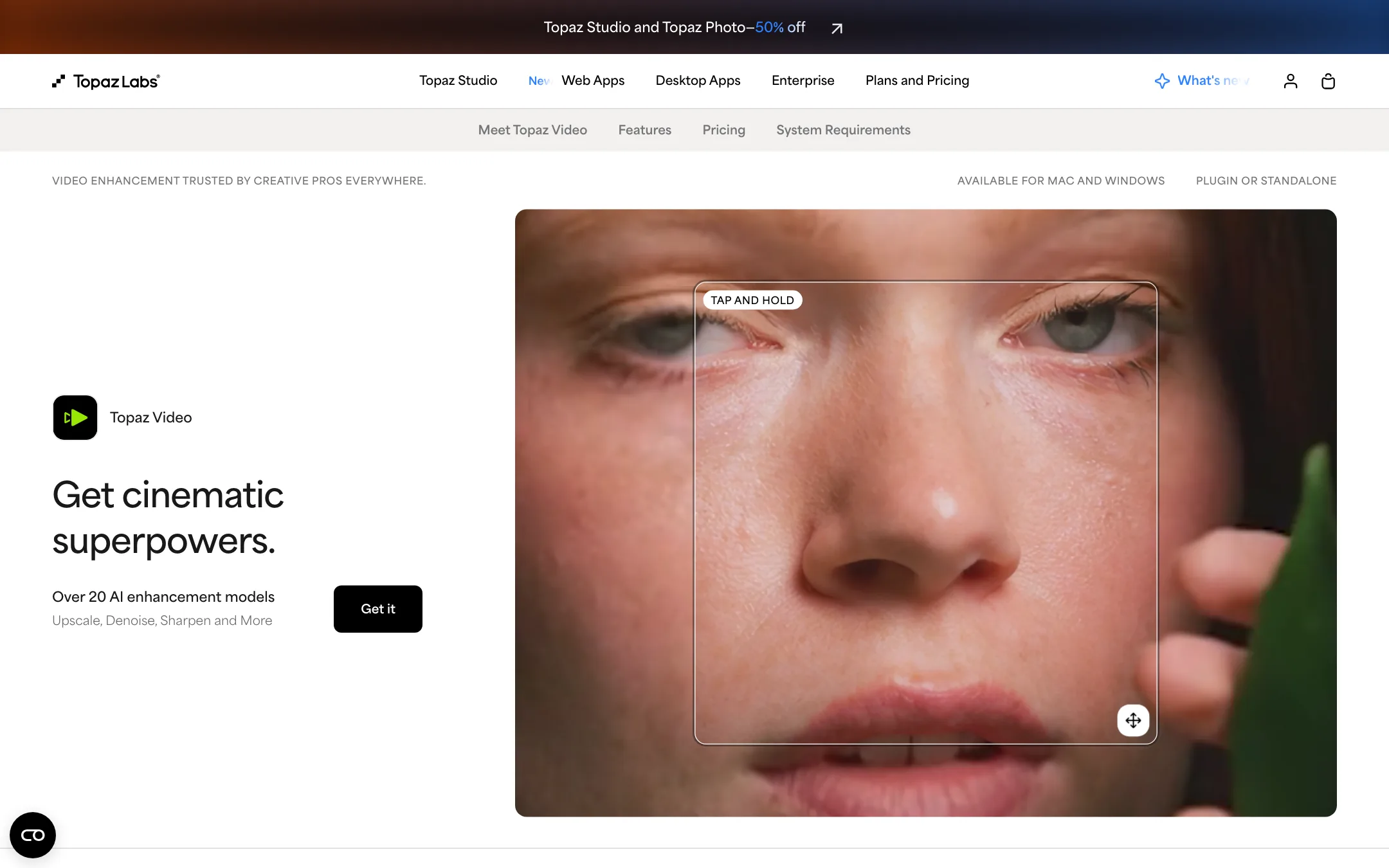
- Topaz Video. A desktop app for Mac and Windows that renders on your own hardware.
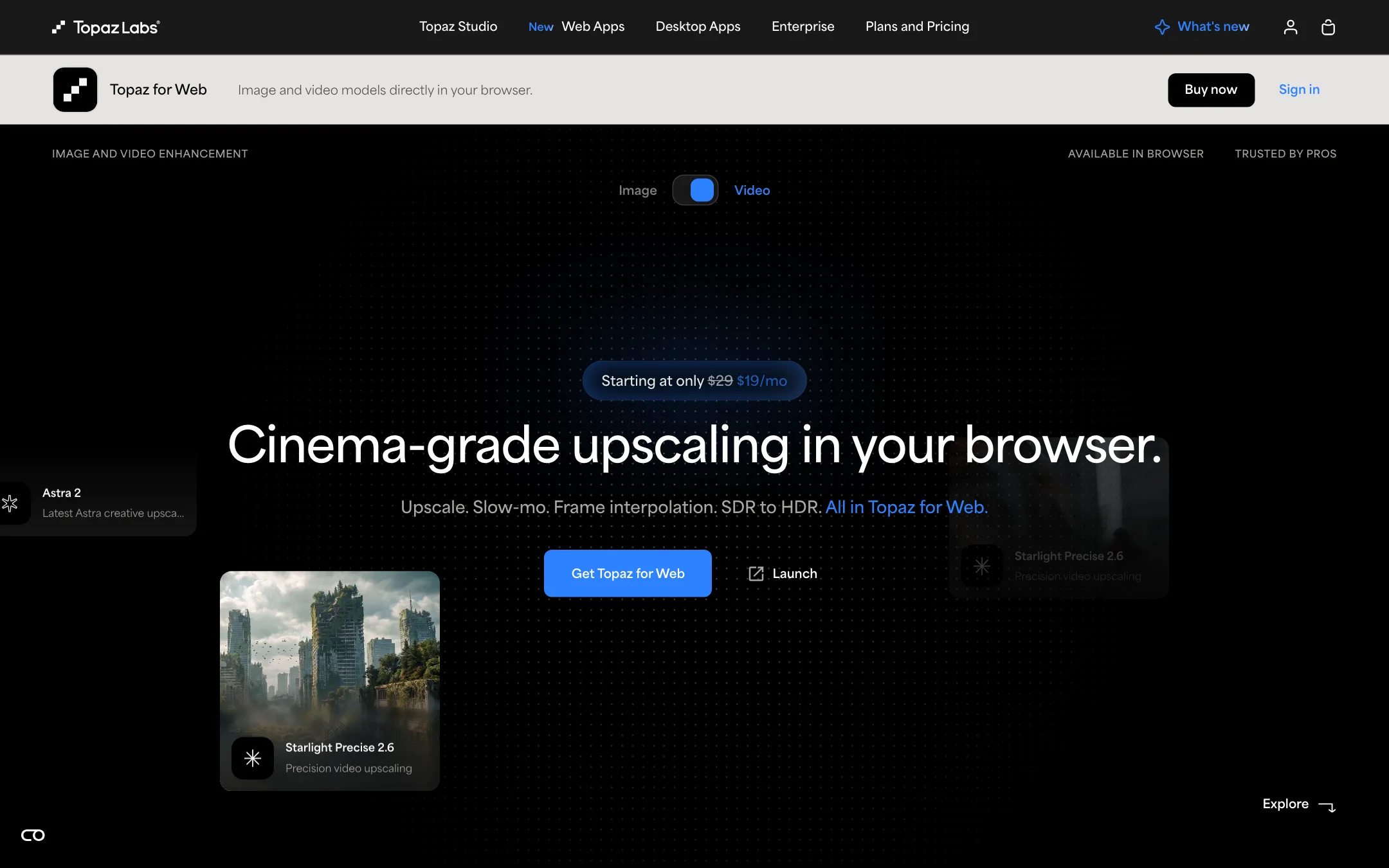
- Topaz for Web. A browser app that renders in the cloud, with separate video and image versions.
- Topaz for Mobile. An iPhone and iPad app focused on image workflows.
Who it is for
Topaz fits you if:
- You make AI video and want to deliver it at 4K or with more real-looking texture.
- You edit client work and need to rescue noisy low-light shots or shaky handheld footage.
- You restore old family videos, VHS transfers or archival film.
- You want slow motion or a new frame rate from footage shot at 24 or 30 fps.
- You work in After Effects, DaVinci Resolve or Premiere and want enhancement inside your editor.
Skip it if:
- You want to create video from scratch. Topaz only improves footage you give it.
- You need a full editor with cuts, captions and music. Topaz is a finishing tool.
- You want to try before paying with no time pressure. There is no free plan, only a 2-day refund window.
- Your business earns over $1M a year and you want the cheapest plan. You need Pro licenses.
How it works
Topaz Video (desktop)
Topaz Video is the flagship. You open a clip, choose what you want to fix, pick a model, preview the result on a few frames and then export. Topaz says the app has more than 20 AI models across:
- Upscaling and enhancement, including Starlight, Starlight Sharp and Proteus.
- Denoise and motion deblur for low-light and soft footage.
- Frame interpolation for slow motion and frame-rate conversion.
- SDR to HDR expansion.
- Stabilization after the fact.
- Grain to add a filmic texture back after cleanup.
Rendering is local and unlimited. Topaz stresses that your files never leave your computer, which matters for confidential client work. You can also send jobs to the cloud using credits if your hardware is slow. Each desktop plan includes a small monthly allowance of cloud credits.
Topaz Video runs as a standalone app or as a plugin in After Effects and DaVinci Resolve. A separate panel connects to Adobe Premiere.
Topaz for Web Video
The browser app is simpler. You drag in a clip and choose a workflow:
- Precise Upscale up to 4K with Starlight Precise 2.6, Starlight Precise 2.5, Starlight Fast 2 or Proteus.
- Creative Upscale up to 4K with Astra 2.
- SDR to HDR with Hyperion.
- Slow Motion and Frame Interpolation with Apollo.
Everything renders in the cloud, so it works on almost any machine. Topaz says Hyperion takes 8-bit footage to 10-bit ProRes or 16-bit EXR, which is useful if you grade AI clips alongside camera footage.
Precise or creative?
This is the key choice. Precise models aim to add resolution while staying true to the original. Topaz describes Starlight Precise 2.6 as its highest-quality upscaler with adjustable sharpness.
Astra 2 does something different. Topaz says Creative Upscale “adds both resolution and new detail to GenAI videos to fix plasticky, over-smoothed visuals.” In other words, it invents texture. That can make AI footage look more like real camera footage. It can also change faces, text or small objects. Use Precise for real footage and anything a client must recognize. Use Creative on AI clips where invented detail is welcome, and check every shot.
Photo apps
Topaz also sells Topaz Photo and Topaz Gigapixel for images, plus Topaz for Web Image. If you make thumbnails or product images alongside video, the Studio bundle covers all of them.
Output quality
We have not run Topaz hands-on for this review. The claims here come from Topaz and the users it quotes.
Topaz’s strength is that it trains its own models for one job. It says its video models are temporally aware, meaning they carry detail across frames so the result does not shimmer. A YouTube reviewer quoted on its site makes the same point: upscaling motion only works if detail stays consistent frame to frame. Its customer quotes come from VFX and post houses using it in finishing work, and recent case studies cover GenAI films and an immersive planetarium project.
Some things to keep in mind:
- Upscaling cannot recover what was never there. Very low-quality footage can come back smooth or waxy, especially faces. Creative models fill gaps with invented detail.
- Slow motion has limits. Frame interpolation can warp fast, overlapping movement such as hands, spokes or water.
- Render times are long locally. A strong GPU makes a big difference. Check the system requirements before you buy the desktop app.
- Cloud costs are hard to predict. Topaz does not publish a clear credits-per-minute rate on the pages we checked.
The best test is your own footage. Since there is no free plan, have your hardest clips ready before you buy, so you can judge the result inside the 2-day refund window.
Pricing
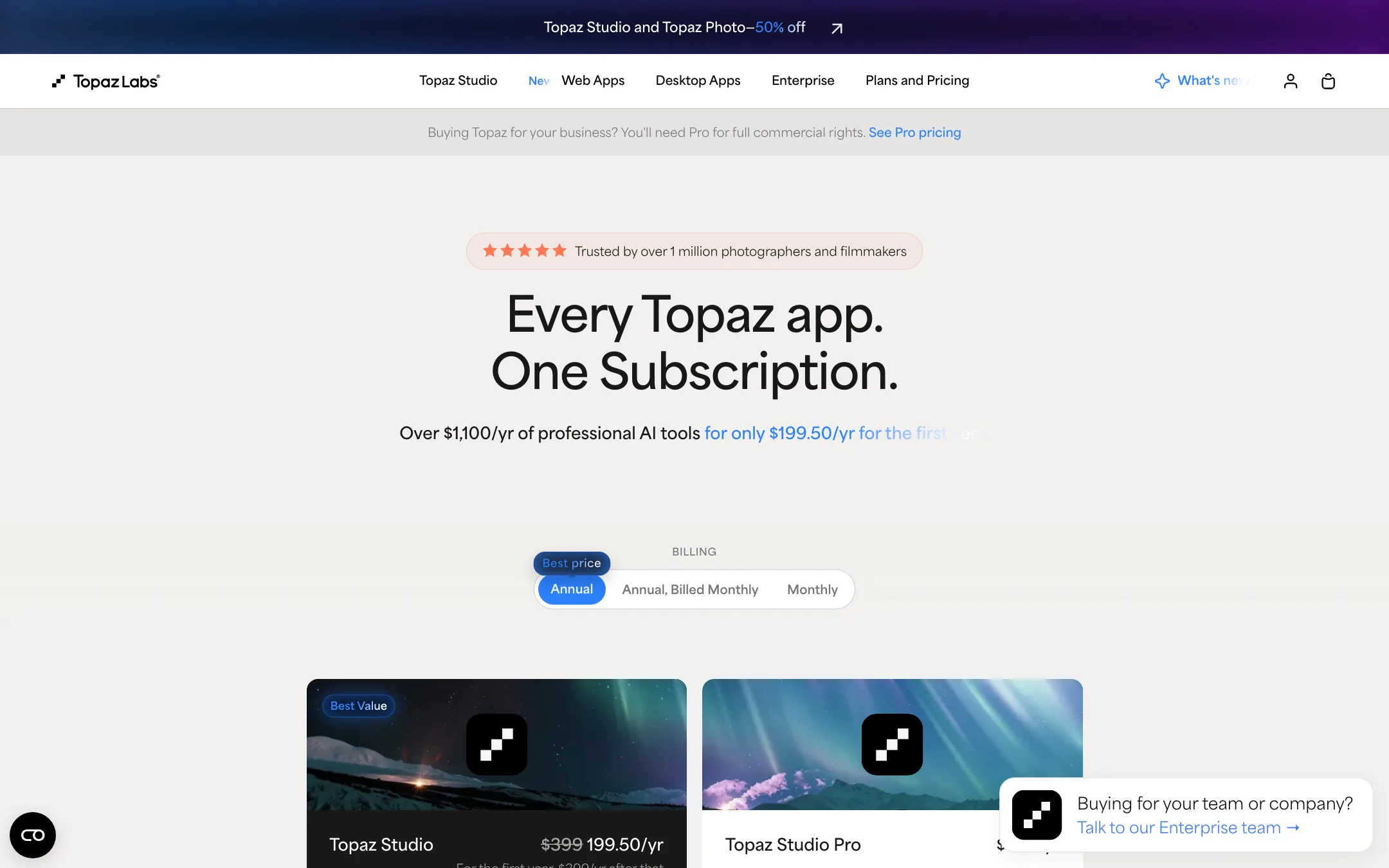
Topaz’s pricing is complicated. There are three billing modes (annual, annual billed monthly, and monthly), separate desktop and web apps, a bundle, Pro licenses and rotating promotions. These are the video-relevant plans as listed on the day we checked.
| Plan | Price | What you get |
|---|---|---|
| Topaz for Web Video | $19/mo or $199/yr (struck from $29 and $299) | Browser app, 200 cloud video credits a month |
| Topaz Video (desktop) | $299/yr, $39/mo annual, $59 monthly | Unlimited local rendering, 25 cloud credits a month |
| Topaz Studio | $199.50 first year then $399/yr, or $69 monthly | Every app, 300 cloud video credits a month |
| Topaz Video Pro | $699/yr | Commercial rights for larger companies, seat management |
| Topaz Studio Pro | $799/yr | Every pro app, 600 cloud video credits a month |
A few things the pricing page does not make obvious:
- The web price is a sale with no end date. Topaz for Web Video shows $29 struck through to $19, and $299 to $199 a year. We saw no expiry or explanation. Assume it may rise.
- Studio can be better value than Topaz Video alone. Month to month, Topaz Video is $59 and Studio is $69, with a $34.50 intro price for 3 months. For $10 more you get the photo apps, the web apps and 300 cloud credits instead of 25.
- First-year and first-3-month discounts revert. Studio’s $199.50 becomes $399 in year two. Budget for the full price.
- Credits expire monthly. Cloud video credits reset each month and do not roll over.
- Commercial use has a revenue line. Personal plans cover commercial use only for organizations under $1M a year in revenue. Above that, Pro licenses cost roughly twice as much or more.
- One computer at a time. A desktop license runs on one machine at once. More seats need a Pro license.
Refunds
Topaz says that if a product is not the right fit, you can ask within 2 days and get a full refund. That is short. You can cancel at any time and keep access until the end of the period you paid for.
A typical finishing run
Here is how Topaz fits after an AI generator or an edit, based on the workflows Topaz describes:
- Export your clip at its native resolution. Do not upscale it in your editor first, since that adds blur Topaz then has to fight.
- Decide what the clip needs. Soft AI footage often wants Creative Upscale. Real footage shot in low light wants denoise before any upscale.
- Preview a few seconds with two or three models side by side. The desktop app’s before and after view is built for this.
- Pick the output resolution and codec. Go to 4K only if you deliver 4K. Choose ProRes or EXR if you plan to grade.
- Add frame interpolation last if you need slow motion or a new frame rate.
- Render locally if you have the GPU, or in the cloud if you do not, and keep an eye on your credit balance.
Run one short test before you queue a long clip. A wrong model choice on a ten-minute render wastes hours locally or a month of credits in the cloud.
Verdict
Topaz is the tool most creators mean when they talk about AI upscaling, and its video models are built in-house for exactly this job. If you finish AI clips, restore old footage or deliver client work at 4K, it earns a place at the end of your workflow. The desktop app’s unlimited local rendering is the best deal if you have the hardware.
The friction is all in buying it. There is no free plan, the refund window is 2 days, cloud credit costs are not spelled out, and promotional prices make the real cost hard to read. Have your test footage ready, compare Topaz Video against Studio before you check out, and use Precise models wherever accuracy matters more than invented detail.
