
What AVCLabs is
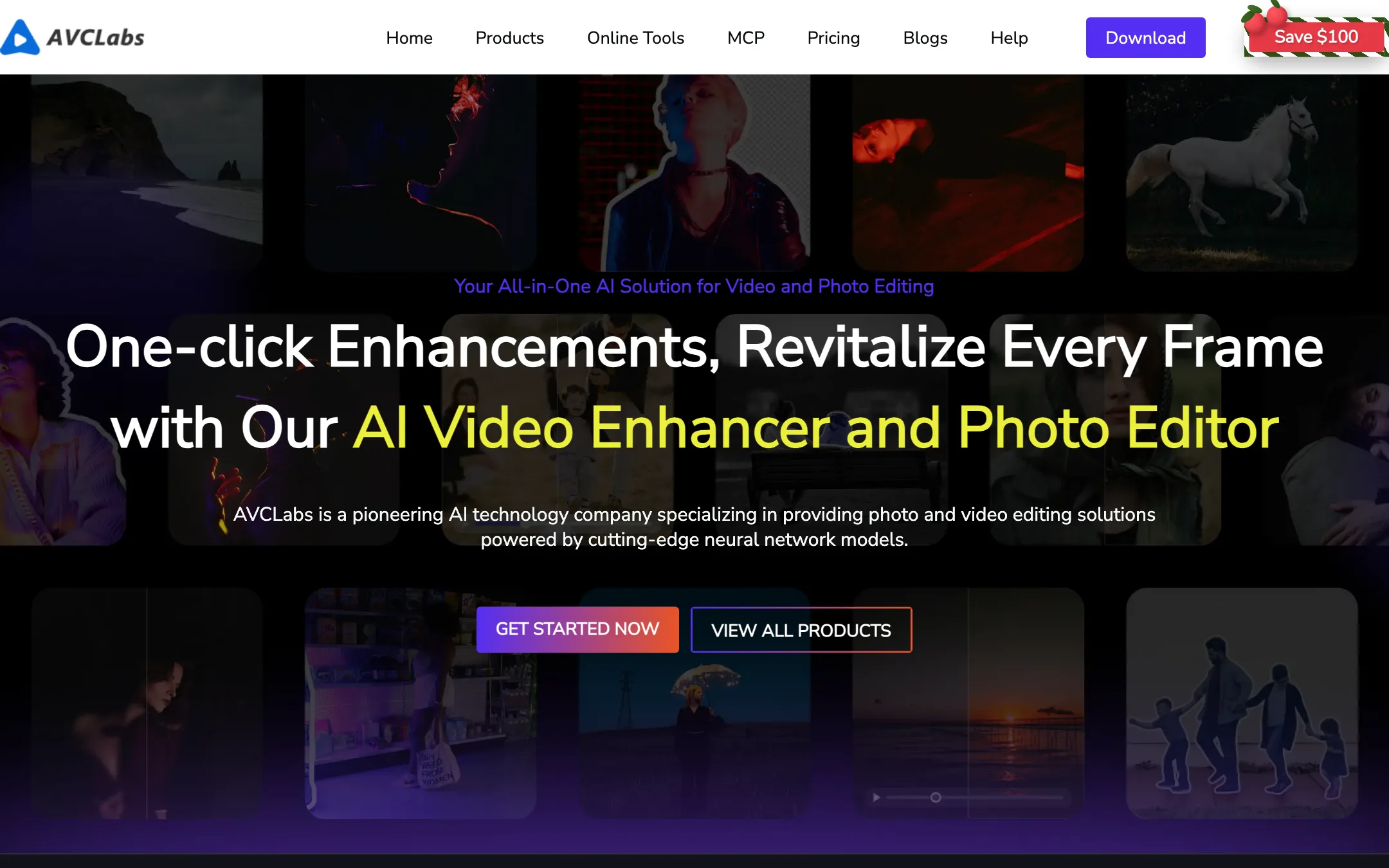
AVCLabs makes AI software for improving video and photo quality. Its flagship is Video Enhancer AI, a desktop app for Windows and Mac that upscales, denoises, stabilizes and restores footage. Around it sit several other apps: Video Blur AI, Photo Enhancer AI, PhotoPro AI, Any Video Converter, a cloud version of the enhancer, an online editor and an MCP server for AI agents.
AVCLabs says it has 20 years of experience in software and more than a million users. Unlike most tools on this site, it does not generate videos from prompts as its main job. It fixes footage you already have. That makes it a different kind of video editor, closer to a restoration lab than a timeline.
Who it is for
AVCLabs fits you if:
- You have old home videos, VHS or DVD transfers, or archive footage to clean up.
- You shot on an old phone or low-light camera and want sharper, cleaner clips.
- You need to upscale 720p or 1080p material to 4K for a YouTube channel or a client.
- You must blur faces or license plates in footage before publishing.
- You want processing to stay on your own machine for privacy or client reasons.
Skip it if:
- You want to create new videos from text or images. Use a text-to-video tool instead.
- You need a full editor with cuts, music and titles. AVCLabs fixes footage; it does not assemble it.
- You have a low-spec laptop and no budget for the cloud version. Local AI upscaling is heavy.
- You only need one quick upscale. A monthly licence at $39.95 is a lot for a single job.
How it works
Video Enhancer AI is a desktop app. You download it, import footage and pick what to do. AVCLabs describes a three-step workflow.
A typical restoration run
- Import your video. Drag in one file or several for batch processing. AVCLabs lists a long list of input formats, including MP4, MOV, MKV, AVI, VOB, MTS, FLV and RMVB.
- Choose a model and settings. AVCLabs offers several AI modes, including Ultra, Standard, Anime, Denoise and Colorize. Set the output resolution (1080p, 4K or 8K), frame rate and format.
- Preview, then export. Check the preview, adjust, and export. Output is saved as MP4, MKV, MOV or AVI.
AVCLabs’ own advice is to keep it simple. Its FAQ warns that switching on interpolation, enhancement and colorizing at once can make processing “exceedingly slow”. Turn on only what the footage needs.
What the app does
AVCLabs groups its features like this:
- Enhancer and upscaler. Sharpens detail, reduces blur and raises resolution up to 8K. AVCLabs says this uses a mix of CNN, RNN, GAN and transformer models.
- Denoiser. Removes grain, low-light noise and compression artifacts.
- Colorizer. Adds color to black-and-white footage while trying to keep tones stable between frames. AVCLabs cites the broadcaster TBS as a customer for historical colorization.
- Frame interpolation. Takes 24 or 30 fps footage up to 60 or 120 fps, or creates slow motion.
- Stabilizer. Corrects shake from handheld shots.
- Blur. Detects and blurs faces, license plates, logos and backgrounds, and tracks them as they move.
- Object removal. Removes watermarks, text, passersby and other objects using inpainting.
- Deinterlacing and color calibration for VHS, DVD and old camera transfers.
There are two processing styles. Multi-frame enhancement analyses several frames together to reduce flicker. Single-frame enhancement works frame by frame to pull out detail in low-motion shots like portraits.
Hardware
Local processing is the selling point and the catch. AVCLabs lists these requirements for Video Enhancer AI:
- Windows 10 or 11 (64-bit), or macOS 12 to 26
- 16GB of RAM or more
- 20GB of free disk space
- An NVIDIA GTX 1050 Ti, Radeon HD 7000 series or better recommended
AVCLabs says GPU acceleration on Apple M-series, NVIDIA, AMD and Intel makes processing up to three times faster. Even so, an 8K upscale of a long video will take a long time on a mid-range machine. If your computer is not up to it, the Video Enhancer Cloud runs the same kind of job on AVCLabs’ servers.
The rest of the lineup
- Video Blur AI is a standalone version of the blur and removal tools.
- Photo Enhancer AI and PhotoPro AI cover still images: upscaling, restoring and editing.
- Any Video Converter is a converter, downloader and basic editor with some AI features.
- The Online Editor runs in the browser and includes an image upscaler, video enhancer, object remover, background editor and AI image and video generators. AVCLabs says the video generator is now powered by Seedance 2.0, ByteDance’s model. That is a side feature here, not the reason to buy.
- AVCLabs MCP lets AI agents call its enhancement and segmentation tools.
Output quality
We did not run footage through AVCLabs ourselves, so these notes come from AVCLabs’ pages and how AI upscalers behave in general.
What AVCLabs claims:
- Upscaling up to 8K and frame rates up to 120 fps.
- Restoration of faces, texture and detail in degraded footage.
- Temporal consistency in colorizing so colors do not flicker between frames.
- Testimonials on its site, including one from a video forensics lab owner who says it beat his other tools in a side-by-side test. These are vendor-selected quotes.
What to expect from any AI upscaler:
- Invented detail. AVCLabs says it plainly in its FAQ: AI may reconstruct details from patterns learned elsewhere, so results can look slightly different from the original. Faces and text are where this shows most.
- Over-smoothing. Strong denoise settings can make skin and fabric look waxy. Compare models on a short section before you batch a whole archive.
- Garbage in, better garbage out. Heavily compressed or tiny source files improve, but they do not become true 4K footage.
- Slow renders. Long videos at high output resolutions take hours on consumer hardware.
The free trial exists for exactly this reason. Run your worst clip through it and judge the result on the screen you will publish to.
Pricing
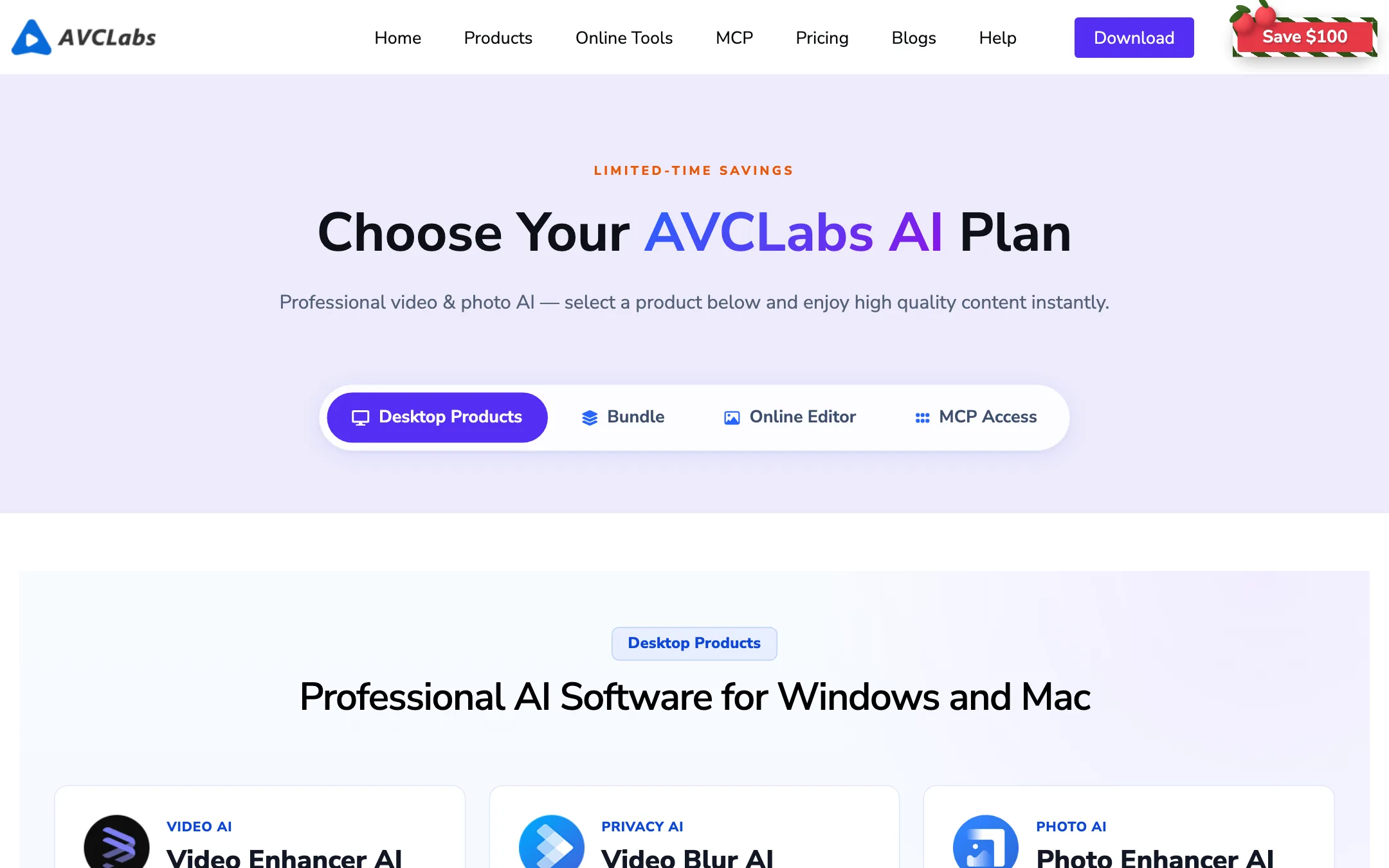
AVCLabs sells each app separately, priced per month on the store page.
| Product | Price | Notes |
|---|---|---|
| Video Enhancer Cloud / Online Editor | From $9.95/mo | Browser-based, no GPU needed |
| Photo Enhancer AI | $19.95/mo | Desktop, photos only |
| Video Enhancer AI | $39.95/mo | The main desktop app |
| Video Blur AI | $39.95/mo | Blur and removal tools |
| Video + Photo bundle | $49.95/mo | Saves $10 a month versus buying both |
Things to know before you pay:
- Yearly and perpetual licences exist, but the store page only shows monthly prices. The refund policy and FAQ mention one-year and perpetual plans; you see their prices when you click through to buy.
- A licence is tied to one computer. You can ask support to move it to a new machine.
- Windows and Mac are separate licences. If you work on both, you pay twice.
- Auto-renewal is on by default. The confirmation email includes a link to cancel it.
- Refunds are narrow. Five days for monthly and yearly plans, 30 days for perpetual. AVCLabs will not refund for disappointing results if you did not test the trial first, or for simply changing your mind.
- Updates are free for the life of your licence, according to the FAQ.
A “Save $100” banner and “limited-time savings” label ran across the site during our check, so expect promotional pricing to come and go.
Desktop, cloud or online: which to pick
- Pick the desktop app if you have a decent GPU, lots of footage or private client material. You pay a flat licence and nothing leaves your machine.
- Pick Video Enhancer Cloud if your computer is old or a laptop without a dedicated GPU. It costs less per month, but your files go to AVCLabs’ servers.
- Pick the Online Editor if you need light fixes, object removal or the occasional AI-generated clip in a browser, and you do not need batch processing.
- Pick the bundle only if you also restore photos regularly. Otherwise it is $10 a month for something you will not use.
Affiliate program
AVCLabs runs an affiliate program through impact.com. It pays 30% per sale, rising to 40% once your monthly sales pass $5,000, with a 30-day cookie. The page’s meta description mentions “up to 50%”, but the program details on the page itself cap at 40%.
Verdict
AVCLabs Video Enhancer AI is a specialist tool. If you need to rescue old, noisy or low-resolution footage, it does a range of restoration jobs, from deinterlacing to colorizing to 8K upscaling, and it does them locally where your files stay private.
It is not cheap for casual use, and the licensing is strict: one computer, one operating system, and a five-day refund window. Download the trial, run your hardest clip, and only buy once you have seen the result on your own machine. If your computer struggles, try the $9.95 cloud version first.