
What Tellers is
Tellers is a browser-based video editor with an AI agent at its center. You give it footage, a script, an audio file or just an idea. The agent searches your clips, assembles a first cut on a real timeline, and adds music, titles and captions. Then you keep going, either by asking for changes in chat or by editing the timeline yourself.
Tellers is a small team in Paris. Its team page lists five people, and the founder has a background in AI and voice recognition. The product moves fast. The public changelog shows a new release most weeks, and the version number was 0.0.318 when we checked.
It also bundles a long list of third-party AI models. Tellers says you can generate video, images, voice-overs, music and sound effects in the same app, from one subscription. So it can make clips you never filmed. But the core idea is editing, not generation. That is why we list it with the editors.
Who it is for
Tellers fits you if:
- You have hours of footage and dread scrubbing through it. Interviews, vlogs, events, trips and weddings all fit.
- You want a first cut fast but still want to fix it yourself on a timeline.
- You edit in Premiere Pro, DaVinci Resolve or Avid and want an assistant to build the rough cut.
- You make variations of the same video for different products, markets or channels.
- You already use Claude or Codex and like the idea of editing video from a chat.
Skip it if:
- You only want a one-click text-to-video generator. Dedicated generators are simpler for that.
- You want a fixed price per video. Tellers prices AI work in tokens, and the costs live inside the app.
- You need a mature, stable product for a big team right now. Tellers still calls parts of its product a preview.
How it works
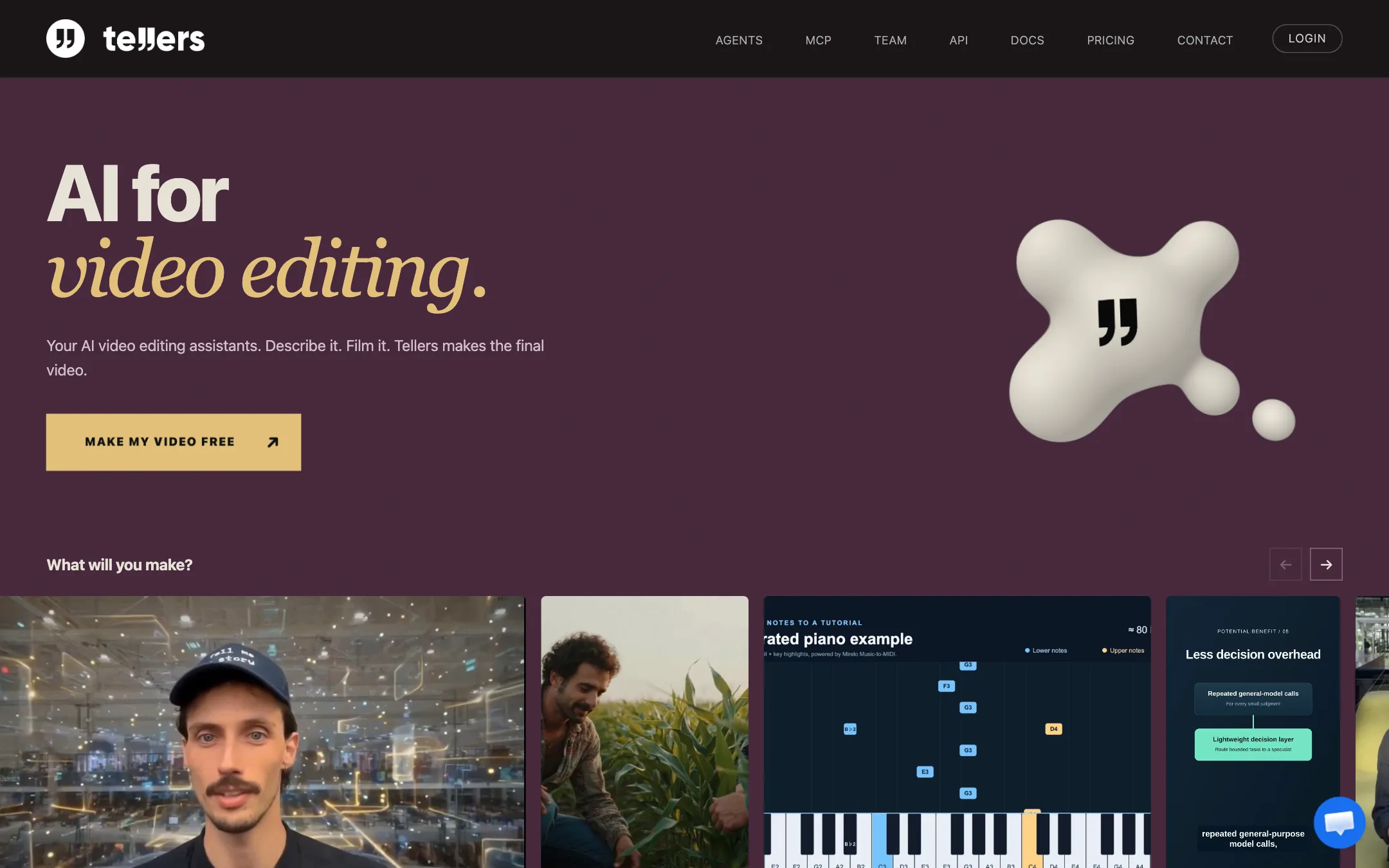
Tellers runs at app.tellers.ai in the browser. Its homepage describes three jobs the agent does for you.
Search. You describe a moment, a reaction or a piece of b-roll. Tellers searches your footage so you do not have to rewatch everything. Pricing lists “unlimited AI search in your footage.” Indexing new footage does use tokens, and the pricing page links to a separate indexing cost estimate.
Assemble. You give the agent a brief and it builds the timeline. Tellers’ example brief for TV work reads: “Build a two-minute sequence around this interview.” For personal films it suggests: “Make a two-minute film of our trip. Keep the funny moments and the original voices.”
Repeat. You adapt an approved edit for another product, market or channel. The structure stays and you swap what needs to change.
Editing by chat
Once there is a timeline, you can give plain instructions. Tellers’ own examples are “Start with the interview,” “Cut this to 30 seconds” and “Make a vertical version.” Its FAQ says the agent can search footage, restructure scenes, tighten pacing, reframe shots, change formats, and add captions, music, voice-over, picture-in-picture, titles and motion graphics.
You can also do things by hand. The September and October changelog entries add direct moving, resizing, cropping and rotating in the preview, clip snapping, text formatting, custom fonts and LUT color grading. That is a real editor, not just a chat window with a render button.
Assistants
Tellers has “assistants,” which are agents with their own prompt and tool set. The homepage shows ready-made ones such as Short Interview Edit, Epic Talking Head Video, Articles to Motion Video and Music Tutorial Creator. You can make your own, test it and publish it for others. The terms say published assistant materials get a separate license so Tellers can host them.
Models inside Tellers
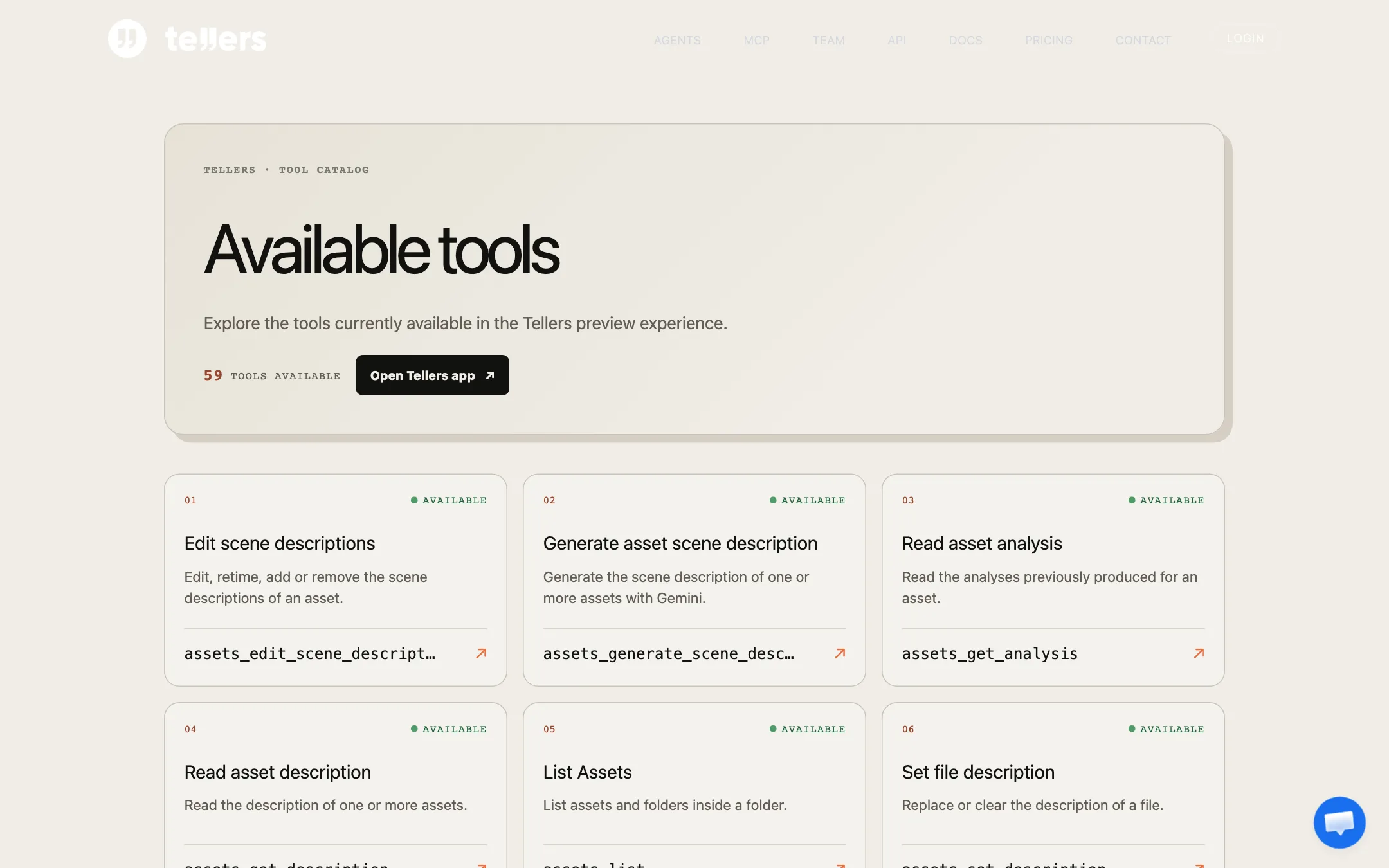
The homepage lists LTX, Veo, Sora, Runway, Wan, Happy Horse and Seedance for video, ElevenLabs for voice, Whisper for transcripts, GPT Image for images, Mirelo for music and sound, and Pexels for stock. The public tool catalog adds Gemini Omni Flash, Grok Imagine, Pruna P-Video and Seedream, and lists 59 tools in total.
These lists do not fully agree. The October 12, 2026 changelog says “Removed Sora video generation,” but the homepage still showed Sora when we checked. Treat the model list as a snapshot and check the picker inside the app before you plan around one model.
Exports and handoff
You can render a finished video in the cloud. Tellers added 4K MP4 export in October, but only when every clip has a 4K source. Cloud exports show a cost and time estimate first.
For professional work, Tellers says you can export an editable timeline to Avid, Premiere Pro or DaVinci Resolve. The CLI also exports OTIO files. That handoff is rare among AI editors and is the main reason editors may want to look at it.
MCP, API and CLI
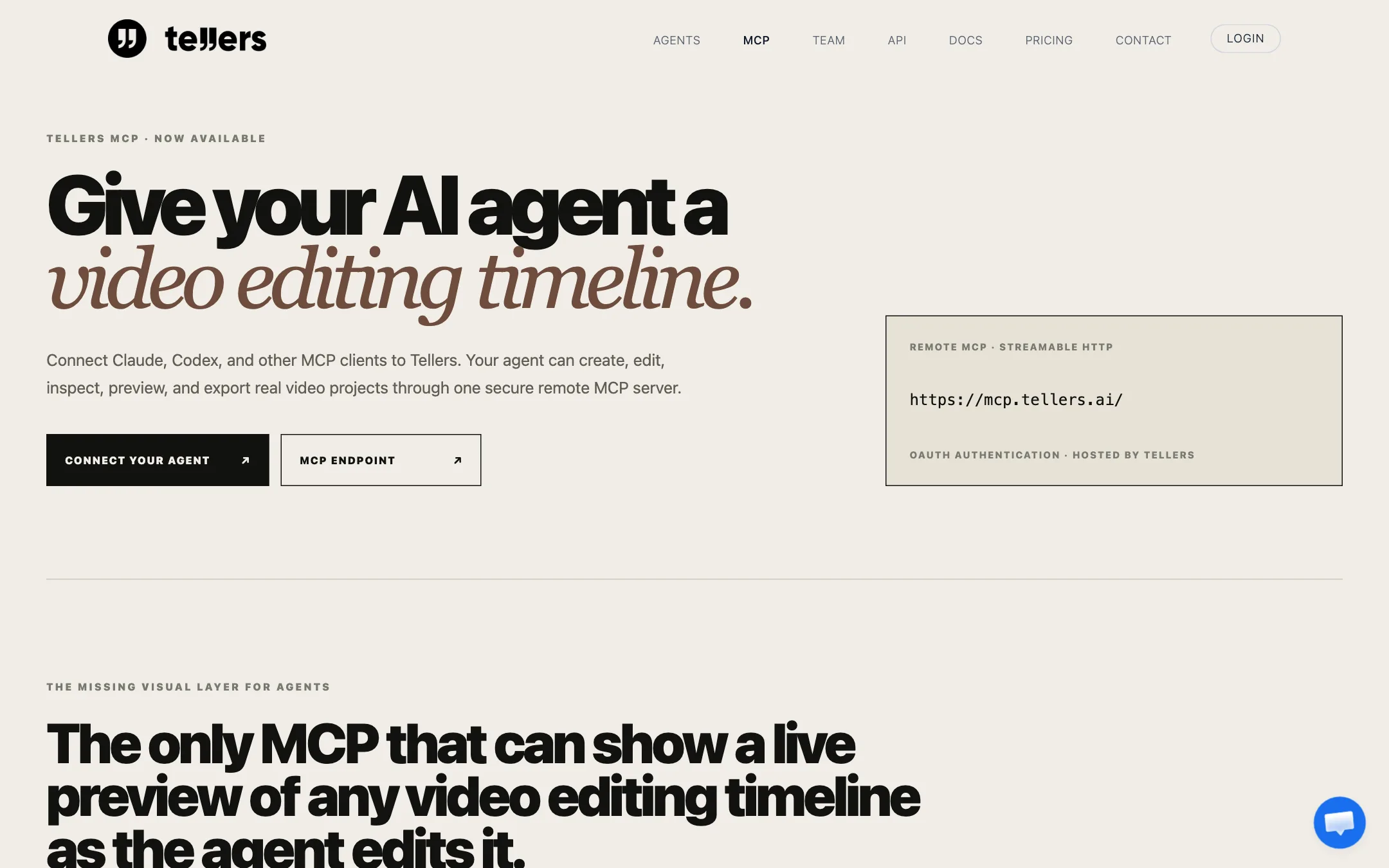
Tellers runs a remote MCP server. You add it as a custom connector in Claude or with two commands in Codex, sign in with OAuth, and your agent can create, edit, preview and export Tellers timelines. Tellers says it is the only MCP that shows a live, playable preview as the agent edits. There is also a public API and a CLI for developers.
Output quality
We have not tested Tellers hands-on, so quality claims here are Tellers’ own. A few things shape what you get:
- Edits from your own footage depend on the agent’s choices. Tellers stresses that “you keep creative control” and that the editor still makes the final calls. That is the right framing. Expect a usable rough cut, not a finished film, and plan to review every selection.
- Generated clips are only as good as the model you pick. Tellers does not make its own video model. A Veo, Seedance or LTX shot inside Tellers should look like that model’s output elsewhere.
- Mixing generated shots with real footage takes care. AI clips often differ in color, grain and motion from camera footage. The LUT grading tools help, but you will still need to match shots.
- Chat agents can misread a brief. The changelog includes fixes for agent edits failing in some cases and better messages when a request is blocked. That is normal for a young product, but budget time for retries.
The homepage shows sample videos such as an adventure montage, a parody music clip and a short interview edit. They show the range Tellers aims for. They are not proof of what your footage will produce.
Pricing
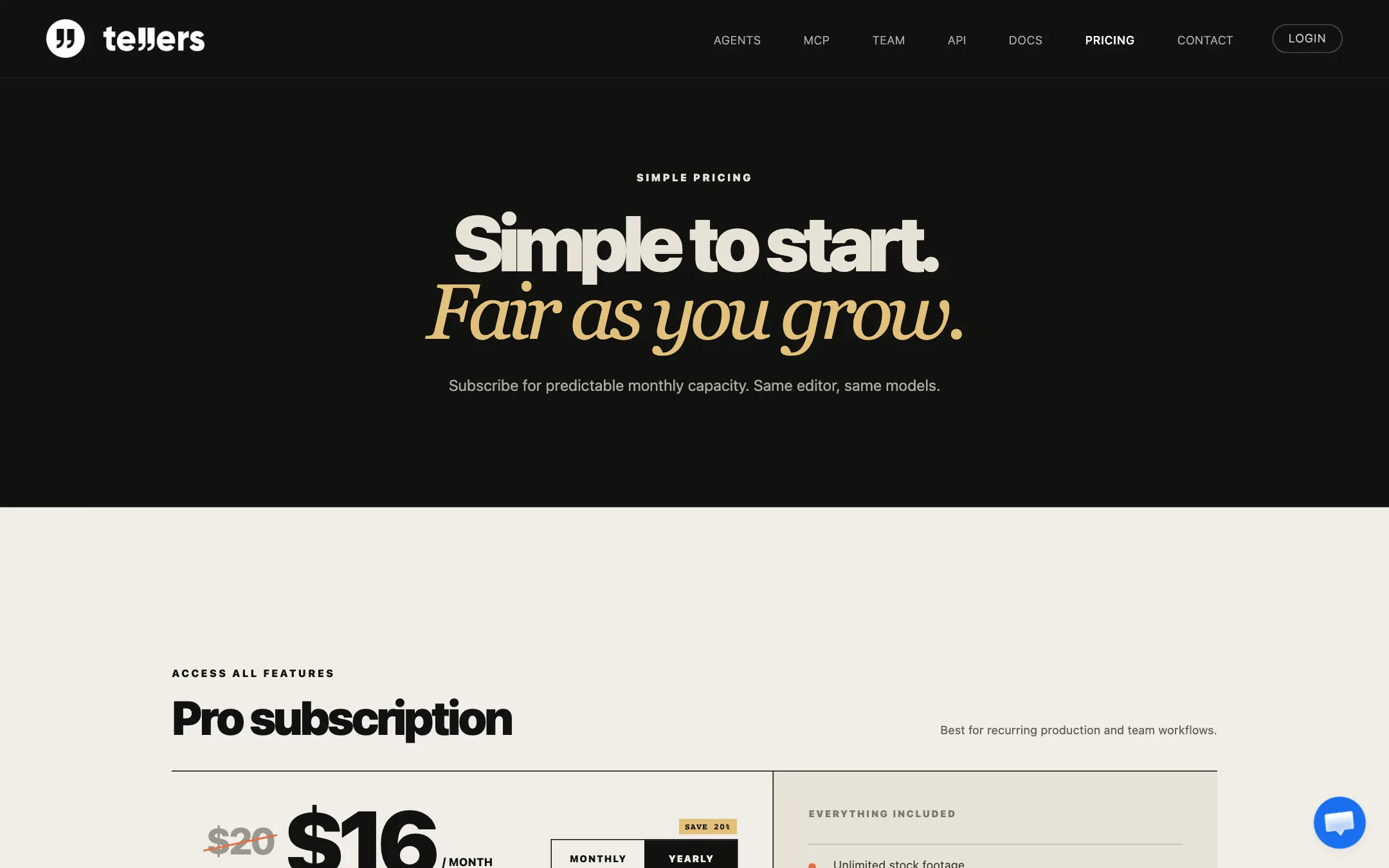
Tellers keeps pricing simple on the surface. There is one paid plan.
| Plan | Price | What you get |
|---|---|---|
| Free start | Free | Allowance not published |
| Pro | $16/mo yearly ($192), $20 monthly | Tokens and storage (adjustable), unlimited stock, edits and footage search, generation models |
| Tokens | Pay as you go | Extra AI usage at a per-token price shown in the app |
The Pro card also says the base plan covers up to 3 hours of video de-rush, up to 1,333 AI images or up to 133 AI videos. Read those as alternatives from the same token pool, not as a bundle.
Things the pricing page does not make clear:
- The free tier is implied, not described. Buttons say “Make my video free” and “Start editing free,” and the terms mention free services that can be ended with 30 days’ notice. Nothing says how many tokens you get.
- Token prices are inside the app. The changelog mentions a budget command, chat token budgets and a price per token in the app. None of that is on the public pricing page.
- “Unlimited” has limits. Edits, stock and footage search are unlimited. Indexing, generation and cloud exports use tokens, and storage is capped by your plan.
- The price moves with the sliders. Raising tokens or storage on the pricing page raises the monthly price. The $16 figure is the starting point, not a flat rate.
- Chat presets affect cost. New chats default to an ECO preset, per the changelog. If you switch to a stronger agent model, expect to spend more tokens per edit.
Commercial use and your data
The terms say you keep the rights to your uploads, Tellers claims no ownership of outputs, and you may use outputs commercially, including for clients. Third-party media such as stock or model output stays subject to its own terms.
On training, the terms are unusually specific. Tellers says it does not use uploaded media, including footage, audio, images and transcripts, to train or fine-tune AI models. It may use anonymised chat text. An organisation-wide opt-out from that chat training is possible, but it needs a written agreement and carries a fee.
Refunds
The Terms of Use point to separate Terms of Sale for cancellation and refunds. They also say that if a mid-term change materially reduces a paid service, you can cancel and get a proportionate refund of unused prepaid fees. Check the Terms of Sale before you commit to a yearly plan.
Things to watch
- It is early software. Version 0.0.x, a “preview experience” tool catalog and weekly patch notes fixing playback, exports and sign-in all point the same way. Expect rough edges.
- The docs lag the product. The docs overview still describes Tellers as a way to “create and edit interactive video stories,” which is older positioning than the AI editing agent on the homepage.
- Social posting is not there yet. Pricing lists direct posting to social media as “coming soon.”
- There is no affiliate program. The /affiliate, /affiliates and /partners pages returned 404 when we checked.
Verdict
Tellers is aimed at a real gap. Most AI video tools want to generate everything from a prompt. Tellers starts from the footage you already shot, finds the moments, and hands you an editable timeline. The NLE export makes it useful to working editors, and the MCP server makes it one of the first editors you can drive from Claude or Codex.
The catch is maturity and transparency. The free allowance and token costs are hidden until you sign in, the model list shifts week to week, and the product is still in its 0.0 versions. Start free, upload one real project, and watch how many tokens indexing and a first cut use. If that math works, Pro at $16 a month yearly is a fair price for what it does.