
What Subscribr is
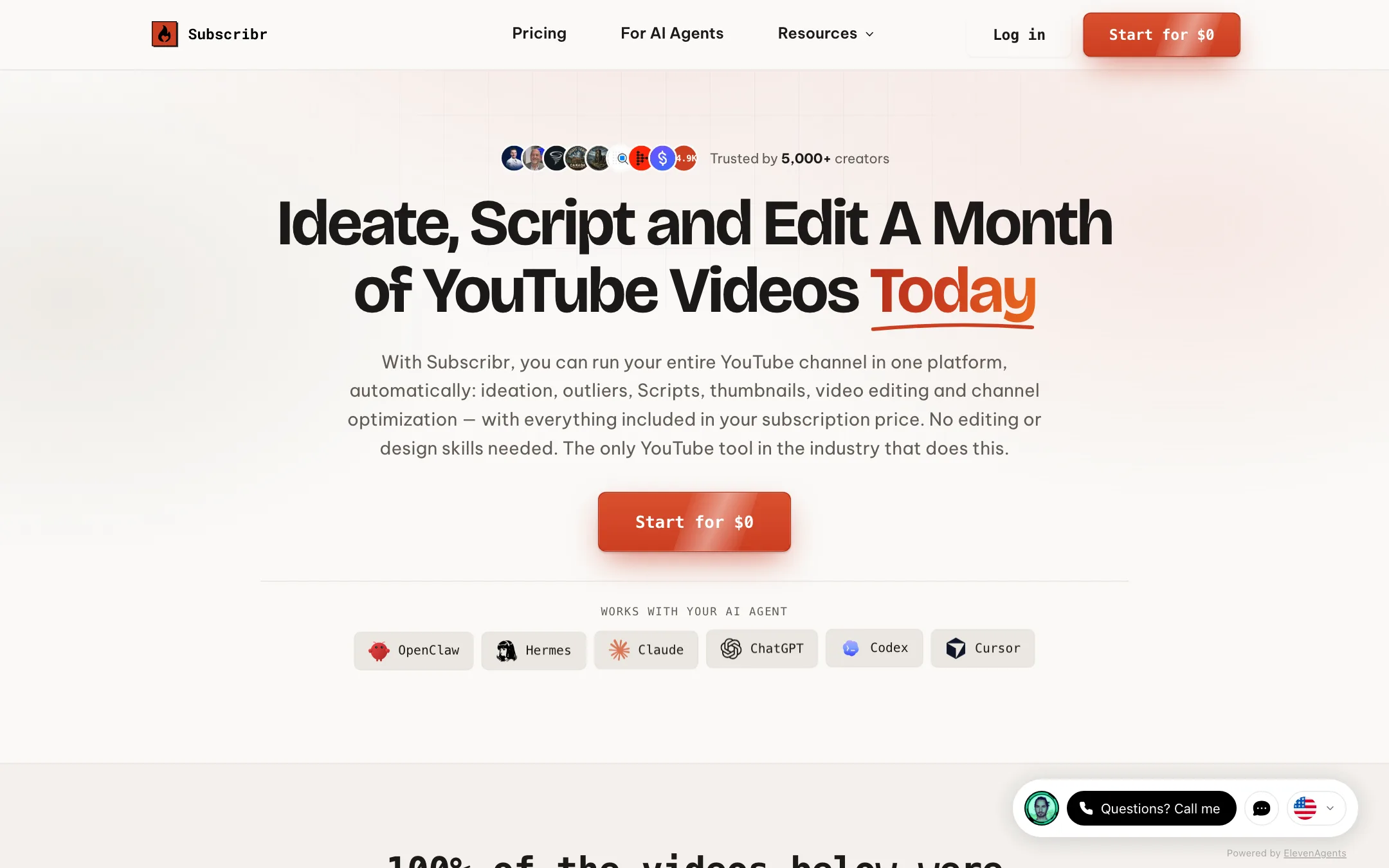
Subscribr is a web platform for running a YouTube channel. It started life as an AI YouTube script writer. Its pages now sell something bigger: a production line that goes from an idea to a rendered video ready to upload.
The pipeline has five stages, in Subscribr’s words:
- Find the idea from outlier data in your niche.
- Package it with a title and an AI thumbnail.
- Write the script in your channel’s voice.
- Generate the video from your recording, an AI avatar or fully faceless.
- Publish and track on a Projects board.
Subscribr says more than 5,000 creators use it. It also says every video in the homepage showcase was made and published with Subscribr from start to finish. Those are vendor claims.
The other big idea is agent support. Subscribr runs an MCP server, so Claude, ChatGPT, Codex, Cursor or any MCP client can drive your channel directly. Your agent pulls your channel data, writes scripts, makes thumbnails and submits videos for rendering.
Who it is for
Subscribr fits you if:
- You run a faceless channel in documentary, history, geography, explainers, tech or finance.
- You publish at least weekly and are paying for several tools and an editor today.
- You run several channels or an agency, and want one board for every video in flight.
- You already work in Claude or ChatGPT and want your agent to do the YouTube legwork.
- You struggle with hooks and retention and want a script process built for YouTube.
Skip it if:
- You post now and then as a hobby. $99 a month is a lot for occasional videos.
- You make Shorts only. Subscribr is built around long-form scripts and videos.
- You want cinematic AI footage. Subscribr renders explainer-style videos with voiceover, B-roll, graphics and captions, not text-to-video film clips.
- You need a refund safety net. All sales are final.
How it works
Channel setup and research
You start by pointing Subscribr at a YouTube channel. It builds an audience profile and a writing voice from it. If you have no channel yet, Subscribr’s FAQ suggests naming one that already serves your target audience.
Intel is Subscribr’s YouTube database, which it says holds more than 35 million videos. You search it for channels and videos, track competitors and find outliers: videos pulling five to ten times their channel’s normal views. Ideas come from those outliers.
You can also add research to any script. Subscribr reads web pages, YouTube transcripts, PDFs, Word documents, text files and images. Every plan includes 75,000 words of research storage. Social media links do not work directly; you paste the text instead.
Scripts
The Script Agent runs what Subscribr calls a 12-step pipeline. It researches, outlines, writes hook options, tunes for retention, humanizes the tone, cleans repetition and checks the draft against your voice. Subscribr says most people finish a script in 10 to 20 minutes.
You choose the AI model. Subscribr’s FAQ lists Claude Sonnet, GPT, DeepSeek, Grok, Gemini, GLM, Kimi and MiniMax models. Script credits are charged on length, not model, so no model costs more than another. A one-minute script costs one credit and a ten-minute script costs five. Chat, outlines, research and edits after a script exists are free.
Scripts keep a version history, and several people can edit the same script live.
Thumbnails
The AI Thumbnail Studio works from 157 proven formats, according to Subscribr. Three actions each use one thumbnail credit:
- Brainstorm gives four concept sketches from your idea.
- Clone builds your version of a thumbnail already working in your niche.
- Edit refines a thumbnail you already have.
Cloning a competitor’s thumbnail style is a common YouTube tactic. Make sure what you publish is your own design and not a copy of someone’s artwork or face.
Finished video
This is where Subscribr moves from writing tool to video tool. There are three paths:
- Faceless: a voiceover over AI-generated visuals in one of 14 visual styles, with a customizable theme.
- AI avatar: a presenter on screen, with the avatar and voice you pick.
- Your recording: upload your footage and Subscribr cuts dead air and adds B-roll, graphics and captions.
You can clone your voice once and reuse it, and render voiceovers in several languages. Before anything renders, Subscribr quotes the exact price from your script and settings. That quote is the final charge.
Subscribr does not name the image, video or avatar models it uses on the pages we checked. The affiliate page describes video generation as “fully edited talking-head videos up to 20 minutes long,” while the FAQ says scripts can run from one minute to three hours. Check the longest render you can get before you plan a long documentary.
Agents and API
Every plan, including free, can connect an AI agent over MCP. The affiliate page counts 23 tools in that MCP server. Your agent can generate ideas, start script projects, search Intel and run the full idea-to-video sequence. If your agent writes the script itself, you can save it into Subscribr for free and send it through thumbnails and rendering. A REST API with an OpenAPI contract covers the same operations.
Output quality
We have not rendered a video with Subscribr, so quality claims here are the vendor’s.
- Scripts are the oldest and most proven part of the product. Subscribr’s testimonials focus on scripts, and several users credit them with faster workflows. Some reviewers it quotes note the scripts still need fact-checking.
- Videos are explainer style: voiceover, visuals, B-roll, motion graphics and captions. The homepage case studies show documentary and listicle channels with six-figure view counts on single videos, per Subscribr.
- Resolution is listed as 1080p on Pro and Max. The Growth plan card does not state an export resolution.
On demonetisation, Subscribr’s FAQ says AI tools are not what gets channels demonetised; low-effort, repetitive content is. That matches YouTube’s own stance on mass-produced content. A pipeline this automated makes it easy to churn out the same video on repeat, so add your own angle and research to every one.
Pricing
Subscribr meters three kinds of work, each with its own balance: script credits, thumbnail credits and video credits. One video credit is 60 seconds of standard video.
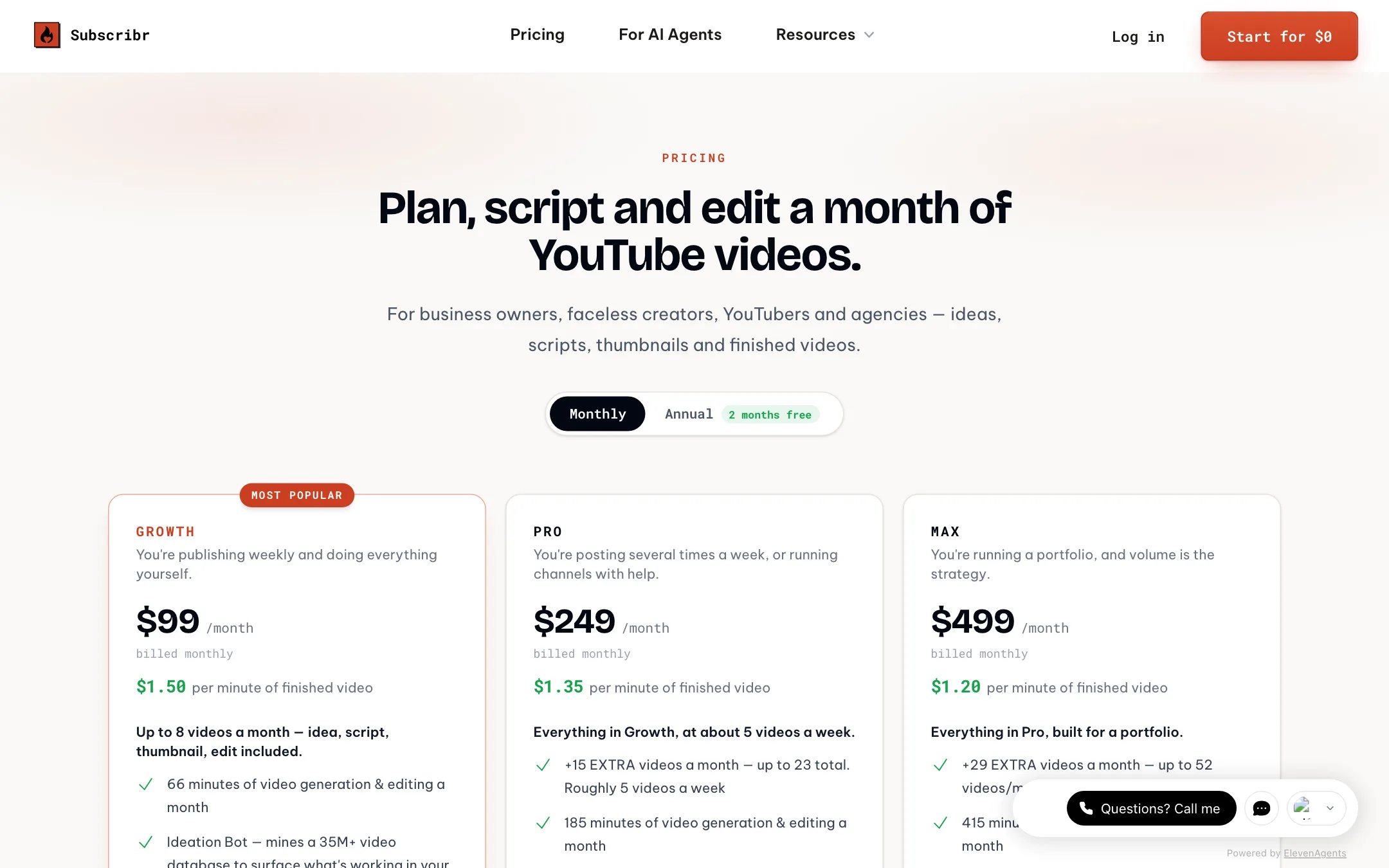
| Plan | Price | Scripts | Thumbnails | Video | Channels / users |
|---|---|---|---|---|---|
| Free | $0 | None | None | None | 1 / 1 |
| Growth | $99/mo | 60 credits | 150 | 66 min ($1.50/min) | 3 / 3 |
| Pro | $249/mo | 180 credits | 500 | 185 min ($1.35/min) | 5 / 10 |
| Max | $499/mo | 300 credits | 1,000 | 415 min ($1.20/min) | Unlimited |
What to know before you pay:
- The subscription is mostly video credit. Growth’s 66 minutes at $1.50 a minute equals $99, the plan price. Scripts, thumbnails and research are effectively bundled.
- “Up to 8 videos a month” assumes eight-minute videos. Longer documentaries use more minutes, and a video’s cost also depends on its visual mix.
- Annual billing gives two months free. The pricing page shows this as a toggle. The homepage savings calculator uses the monthly Growth price ($1,188 a year), so the real annual cost is lower than that example.
- Credits do not roll over. Plan credits reset each cycle. Top-ups and thumbnail packs carry over while your subscription is active.
- The free plan is a research workspace. You can plan, search and organise, but you cannot generate a script, a thumbnail or a video.
Refunds
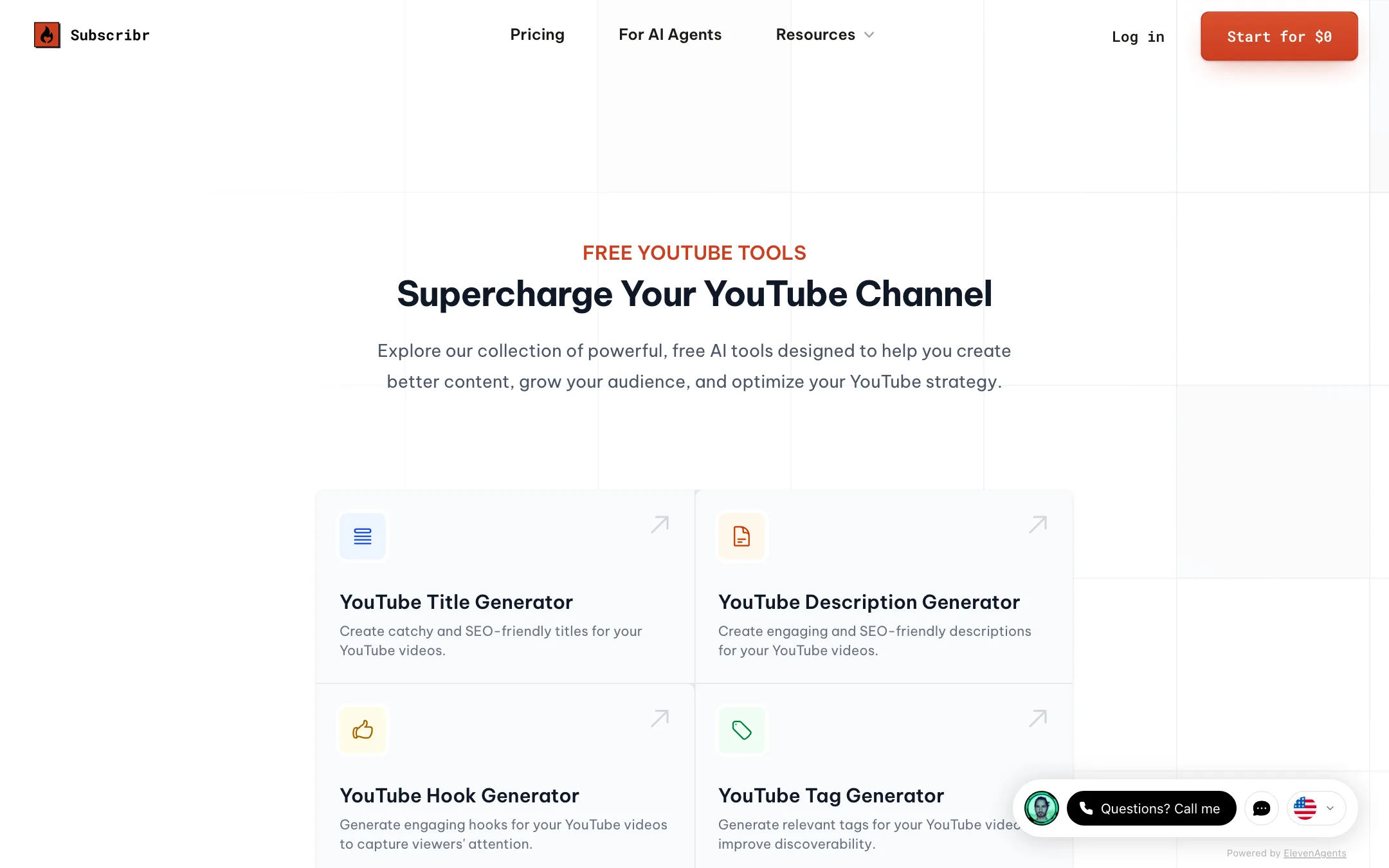
Subscribr’s refund policy, updated August 2026, says all sales are final: subscriptions, credits, add-ons, packs and lifetime access. You can cancel any time and keep access to the end of the paid period. Use the free workspace and the free YouTube tools to judge the research side before you pay.
Things to watch
- Cloned thumbnails and voices. Clone tools are powerful. Use them on your own voice and your own designs, and change enough of a reference thumbnail that the result is yours.
- Fact-checking. Scripts built from research still need a human pass. Subscribr’s own testimonials mention fact-checking before publishing, and documentary channels live or die on accuracy.
- Unnamed video models. Subscribr names its script models but not the models behind faceless visuals or avatars. You cannot compare render quality against tools that name theirs.
- Agent spending. An agent connected over MCP spends your real credits. Subscribr says the agent sees the price before it submits a video, but set clear limits in your instructions anyway.
- Mixed length claims. The affiliate page and the FAQ describe different maximum lengths. Test a render at the length you actually publish.
Verdict
Subscribr is the most complete YouTube-specific tool in this category. It connects outlier research, scripting, thumbnails and rendering in one place, and the MCP support is ahead of most competitors. If you run a faceless or educational channel and publish weekly, Growth can replace several subscriptions.
It is expensive to try. The free plan cannot generate anything, paid plans start at $99 a month, and there are no refunds. Commit only once the research side has convinced you, and keep your own voice and fact-checking in every script.