What Ssemble is
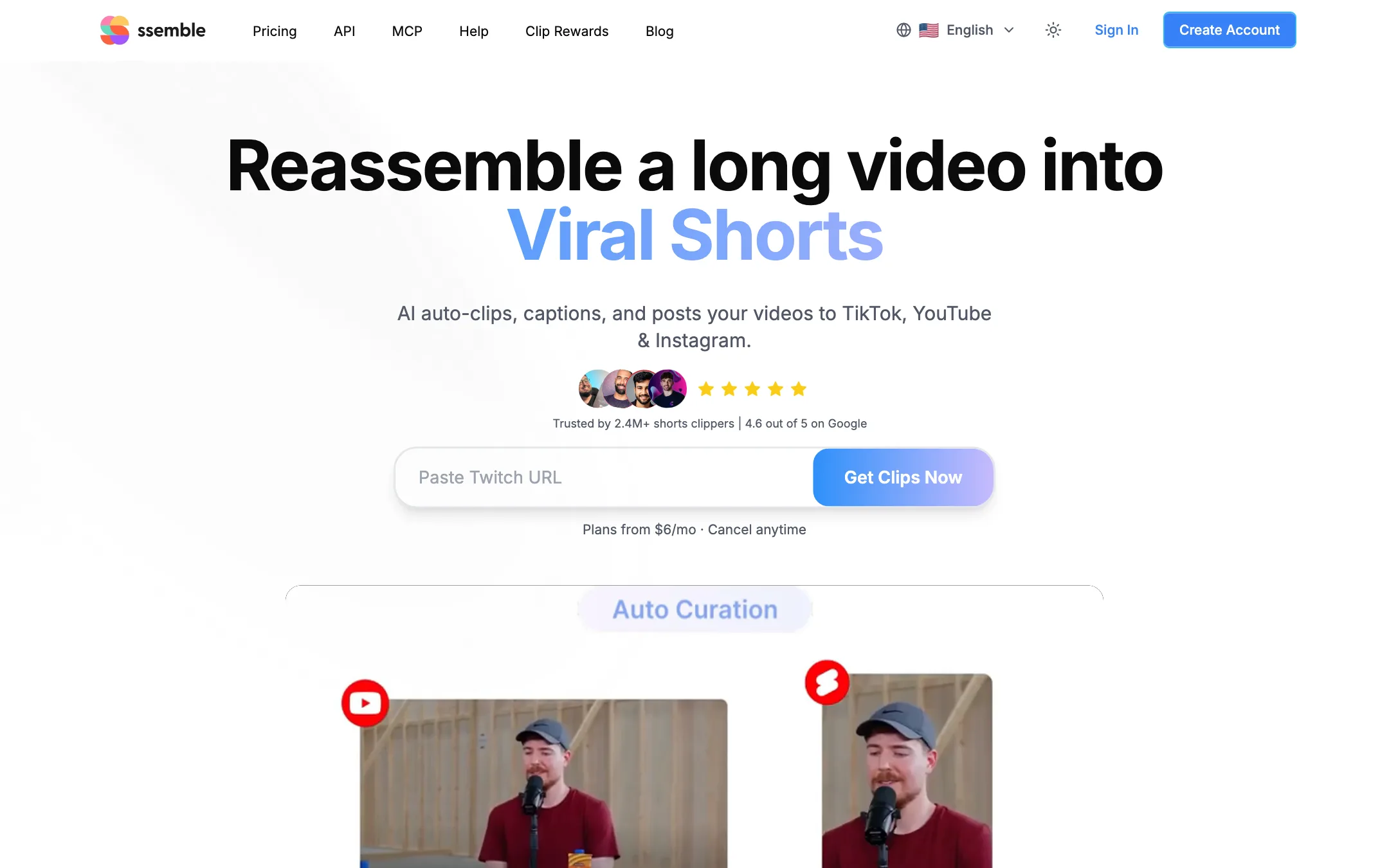
Ssemble is an AI clip maker. You give it a long video, and it cuts vertical shorts with captions, face tracking and hook titles. Then it can schedule and post them to TikTok, YouTube Shorts and Instagram Reels for you.
The name is a play on “reassemble,” and that is the job. Paste a YouTube, Vimeo, Twitch or Kick link, or upload a file. Ssemble says its AI finds the moments most likely to go viral, crops them to 9:16, adds captions, and hands you a batch of ready clips.
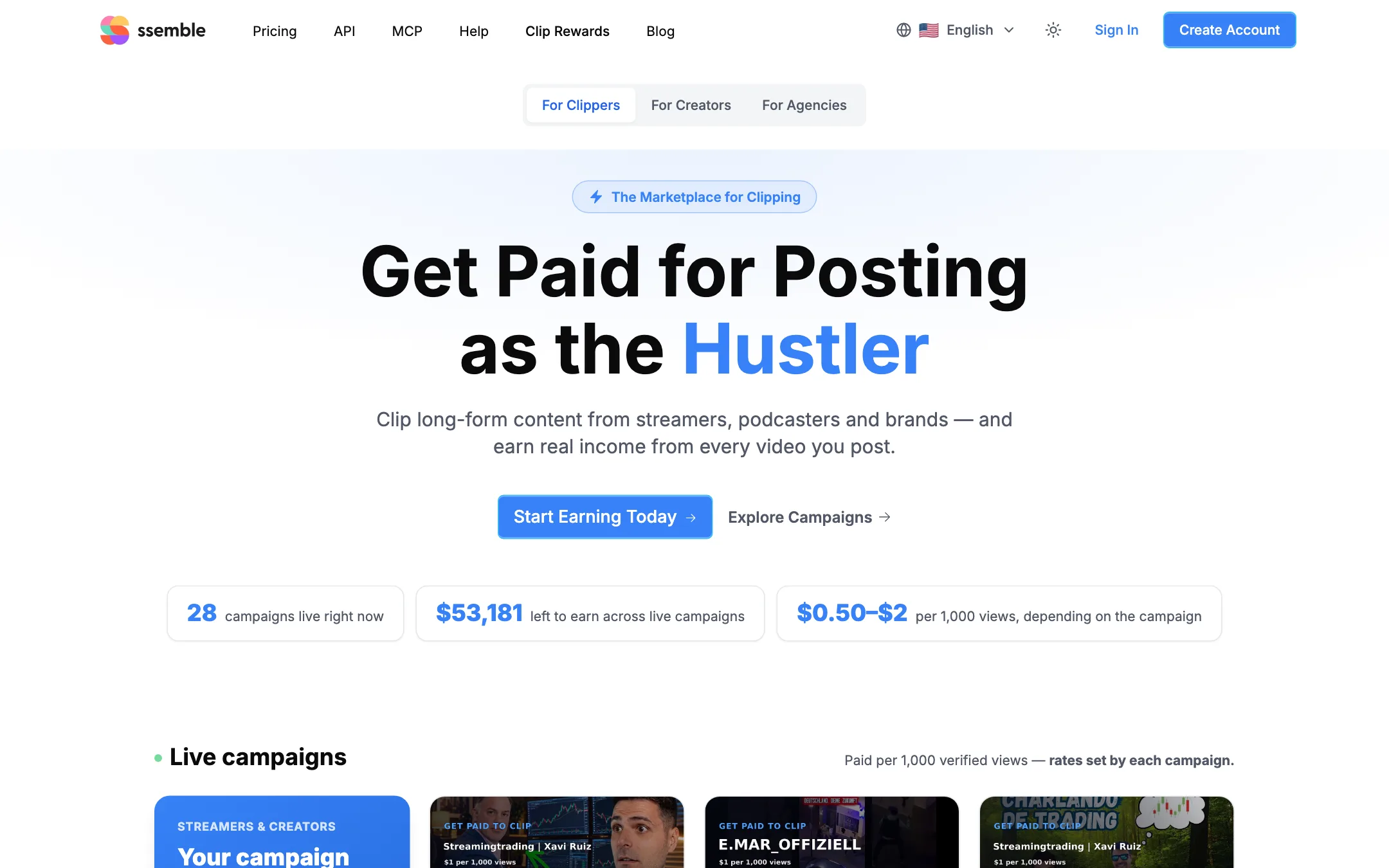
Two things set it apart from most clippers. The first is price: one credit covers up to 20 minutes of source video, and the cheapest plan works out to $6 a month billed yearly. The second is how hard it leans into “clipping” as a business. Ssemble runs a marketplace called Clip Rewards that pays people to post clips of other creators’ videos, and much of its homepage is a playbook for doing that at scale.
Who it is for
Ssemble fits you if:
- You run a podcast, stream or YouTube channel and want a steady flow of Shorts from your own back catalog.
- You stream on Twitch or Kick and want VOD highlights cut without exporting files first.
- You care more about volume and cost per clip than about fine editing control.
- You want clips posted automatically, or want to wire clipping into n8n, Zapier, Make or an AI assistant through the API.
- You clip sports or fast action and want framing that follows the play.
Skip it if:
- You want to try before you pay. There is no free plan.
- You need polished, brand-specific edits with B-roll and custom motion graphics. A full editor or a clipper with a deeper editor suits you better.
- You were drawn in by the “clipper side hustle” pitch and plan to repost creators you have no deal with. That carries real copyright and account risks.
How it works
Ssemble’s pitch is three steps: paste a link, let AI create clips, post everywhere.
Making clips
- Paste a link from YouTube, Vimeo, Kick or Twitch, or drag in an MP4, MOV or WEBM file.
- Pick the segment to process. Ssemble’s FAQ says each input can use up to a 20-minute segment. From a 60-minute video, you choose which 20 minutes to clip, and each segment costs one credit.
- Choose a template, caption style and options such as hook titles, gameplay footage or sports mode.
- Ssemble scores the moments, cuts several shorts, tracks faces to keep speakers centered, and adds captions.
- Review the clips and make small fixes. Ssemble’s FAQ claims “AI does 90% of the work” and you handle the remaining 10%.
- Download, or schedule them to your connected accounts.
Ssemble says clipping supports 30+ languages, and caption translation lets you add subtitles in another language while keeping the original audio. If a YouTube video has several audio tracks, such as a dubbed Hindi track, you can choose which one your Short uses.
Retention extras
Ssemble bundles several features aimed squarely at short-form retention:
- Hook title and CTA: AI-written text that sits on the clip to keep people watching.
- Game video: gameplay footage under your clip, the split-screen style common on TikTok.
- Meme hooks and music: a library of short intros and background tracks, listed among the MCP tools.
- End screen outro: an animated “please subscribe” card with your channel handle.
Sports mode
Most clippers frame around faces. That fails on sports footage. Ssemble’s sports mode tracks the ball and the action instead. Its examples show football and combat sports, with framing that follows the play or keeps both fighters in shot. This is a feature few rivals advertise.
Schedule, post and automate
Every plan includes Schedule and Post. You connect TikTok, YouTube and Instagram accounts, put clips on a calendar and let Ssemble publish them over several days. Ssemble also generates titles, descriptions and hashtags.
YouTube Channel Automation goes further. You paste a YouTube channel URL. Ssemble watches it for new uploads, clips each one, and auto-posts the clips that clear your virality threshold. Credits are only used when a new video is processed. For a creator with a weekly podcast, this can turn Shorts into a background task.
API and MCP
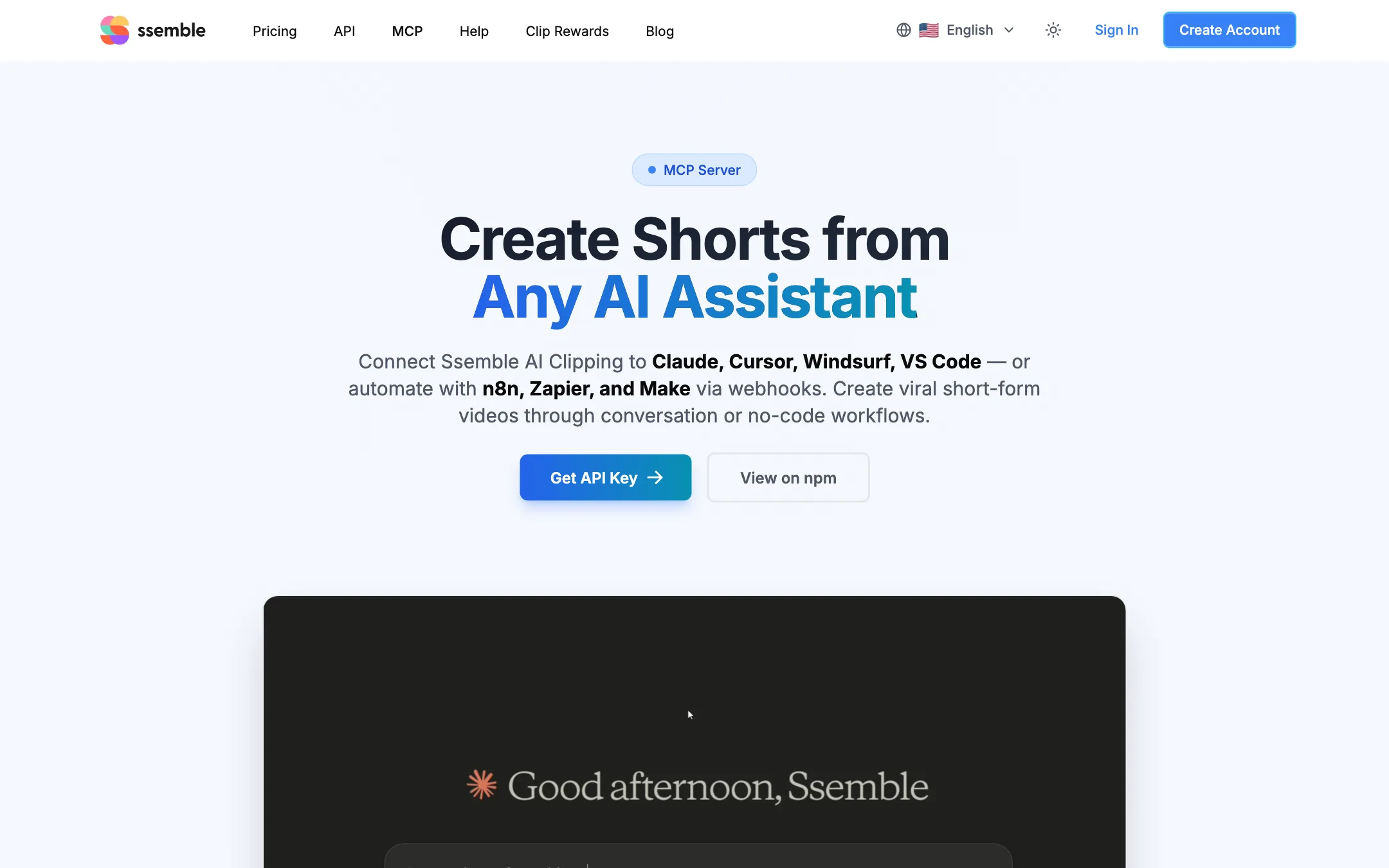
API access is on every plan, including Pro. Ssemble also publishes an MCP server, MIT licensed on npm, with a hosted endpoint. It exposes nine tools, such as creating a short, checking status and browsing templates, music and gameplay overlays. That means you can ask Claude, Cursor or another MCP client to “create shorts from this video” and get results back. Webhooks connect it to n8n, Zapier and Make.
Clip Rewards
Clip Rewards is a marketplace. Creators and brands fund campaigns. Clippers join, post clips of that creator’s content on their own accounts, and get paid per 1,000 verified views. Ssemble says a clip needs at least 1,000 views before it earns, views go through a bot and abuse review, and payouts become available five days after posting through a Stripe-connected account.
The rates are stated inconsistently. The homepage says $1 per 1,000 views. The Clip Rewards header says $0.50 to $2. Its FAQ says “roughly $0.35 to $4.” When we checked, the page listed 28 live campaigns, many with $100 budgets.
The reposting question
Ssemble’s homepage includes a four-step “how to succeed as a clipper” playbook. It tells you to pick under-clipped popular creators, create fresh TikTok, YouTube and Instagram accounts, warm them up to avoid being suppressed, then “open more accounts and reclip the same creator with slightly different templates.” Its blog features a post titled “How @kickclipper Made $300,000 per Month Clipping IShowSpeed Videos.”
Be careful here. Clipping a creator through a funded Clip Rewards campaign is the version Ssemble describes as having “no copyright risk.” Clipping anyone else without permission is a different matter. Ssemble’s own terms forbid uploading content that infringes someone else’s copyright, and platforms can strike or remove accounts that repost others’ work or run several near-duplicate accounts. If you use Ssemble on your own videos, none of this applies to you.
Output quality
We have not run Ssemble ourselves, so this section reflects what Ssemble shows and claims.
Ssemble says users posted 404,136 clips last month that drew 448 million views, with 25 clips over one million views. It links each top clip to the real post. That shows people get views with Ssemble clips. It does not tell you how much of that comes from the tool and how much from the source content and the account.
Clip quality for any AI clipper depends on a few things:
- Highlight picking. Ssemble does not publish how its virality scoring works. Expect to discard some picks, as with every clipper.
- Framing. Face tracking suits podcasts and talking heads. Sports mode covers action. Screen recordings and slides are harder for any auto-reframe.
- Captions. Automatic captions need checking for names and jargon. Ssemble’s editor lets you fix them before posting.
- The 20-minute window. You choose the segment, so on a two-hour stream you need to know roughly where the good parts are, or spend several credits.
Pricing
Ssemble has four plans, all paid. Yearly billing is marketed as 60% off.
| Plan | Yearly | Monthly | Video credits per year | Social accounts |
|---|---|---|---|---|
| Pro | $6/mo ($72/yr) | $15/mo | 360 | 1 |
| Expert | $12/mo ($144/yr) | $30/mo | 720 + 120 bonus | 3 |
| Business | $24/mo ($288/yr) | $60/mo | 1,440 + 360 bonus | Unlimited |
| Custom | $40/mo ($480/yr) | $100/mo | 2,000 + 600 bonus | Unlimited |
One credit processes one video segment of up to 20 minutes. On Pro yearly that is 360 segments for $72, or about 20 cents each. Ssemble claims this is “1/4 the price of competitors.”
What the pricing page does not make obvious:
- There is no free tier. You pay before your first clip. Cancel any time, and you keep access until the end of the billing period, per the FAQ.
- Credits are listed per year but reset each cycle. The FAQ says credits do not roll over. On a monthly plan, budget for a month’s share.
- Currency depends on where you are. Our first crawl saw Malaysian ringgit; a second visit showed USD. The page’s hidden structured data lists USD prices from $7.50 to $50, which do not match the $6 to $40 shown on the page.
- Social accounts are the real upgrade lever. Pro allows one connected account. If you post to TikTok, YouTube and Instagram, you need Expert.
Ssemble’s terms also say the free, non-paid use of the service is for personal, non-commercial purposes, while paid users get a license for their business. Since there is no free plan on the pricing page, most users will be on paid terms anyway.
There is no affiliate program. The Clip Rewards payout scheme is something else entirely.
Verdict
Ssemble is one of the cheapest clippers we have looked at, and it packs in features that rivals charge more for: auto-posting, channel automation, sports mode, and an API and MCP server on the entry plan. If you have hours of your own podcast or stream footage, it can turn that into a steady flow of Shorts for very little money.
The trade-offs are real. You cannot try it free, the 20-minute segment cap means long videos cost more than the headline suggests, and the site’s push to reclip other creators from fresh accounts is a path to strikes and bans unless you stick to funded Clip Rewards campaigns. Use it on content you own, and it is a strong budget pick.