
What Smartrazor is
Smartrazor is a desktop video editor for one kind of video: a person talking to a camera. You record in the app or upload raw footage. Smartrazor’s AI then finds your mistakes, bad takes and pauses and cuts them out. On the higher plans it also adds animated captions and zooms.
You review the result in a transcript editor. Instead of scrubbing a timeline, you read the text and adjust what stays and what goes. A small effects timeline lets you move the captions and zooms. When you are done, you upload straight to YouTube, download the full video, or download individual clips.
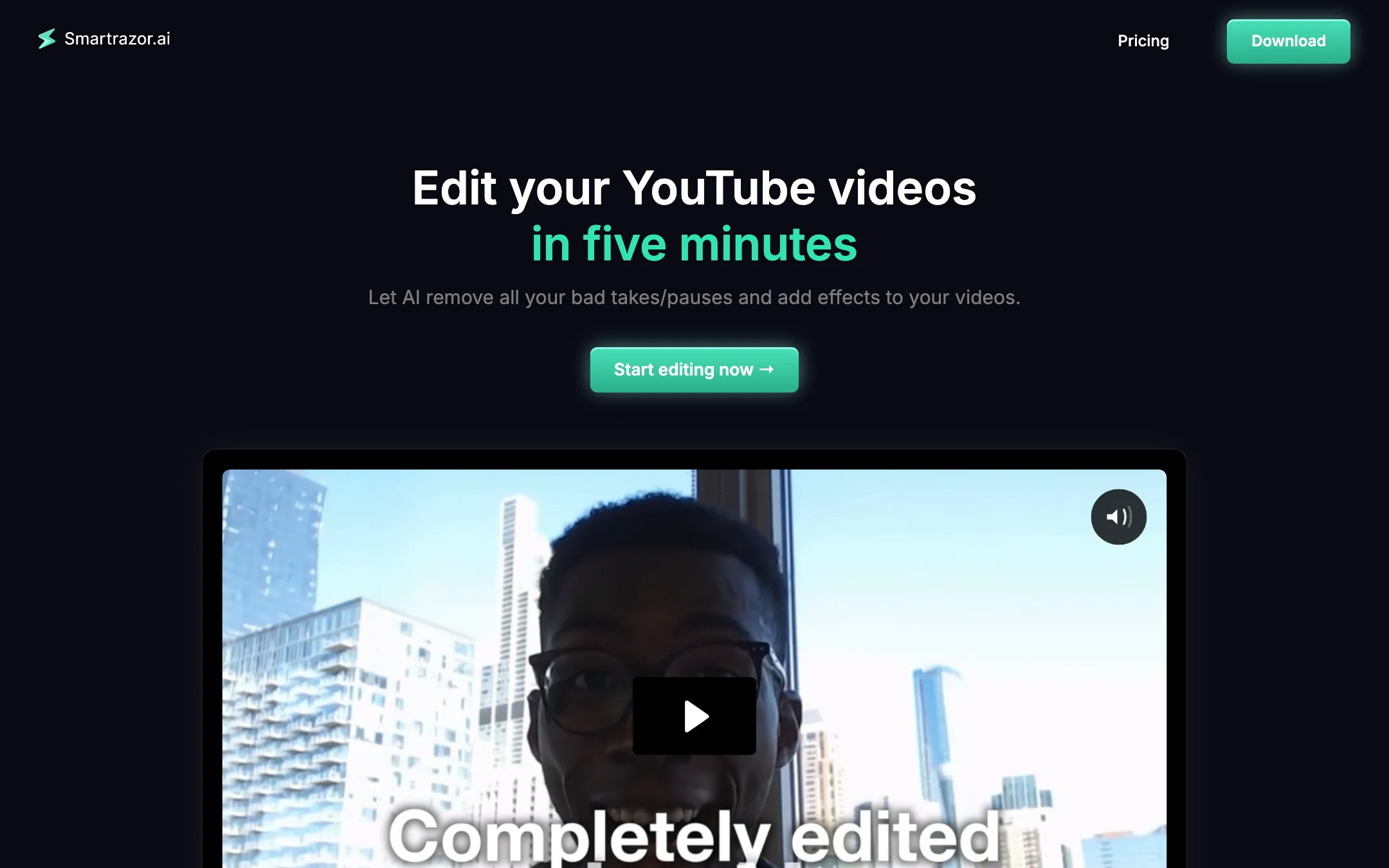
The pitch is aimed squarely at creators who burn out on editing. The homepage promises you can “edit your YouTube videos in five minutes” and get edits “for 2% of the cost for hiring an editor”. It shows a testimonial from YouTuber Brett Malinowski, listed with 440k subscribers.
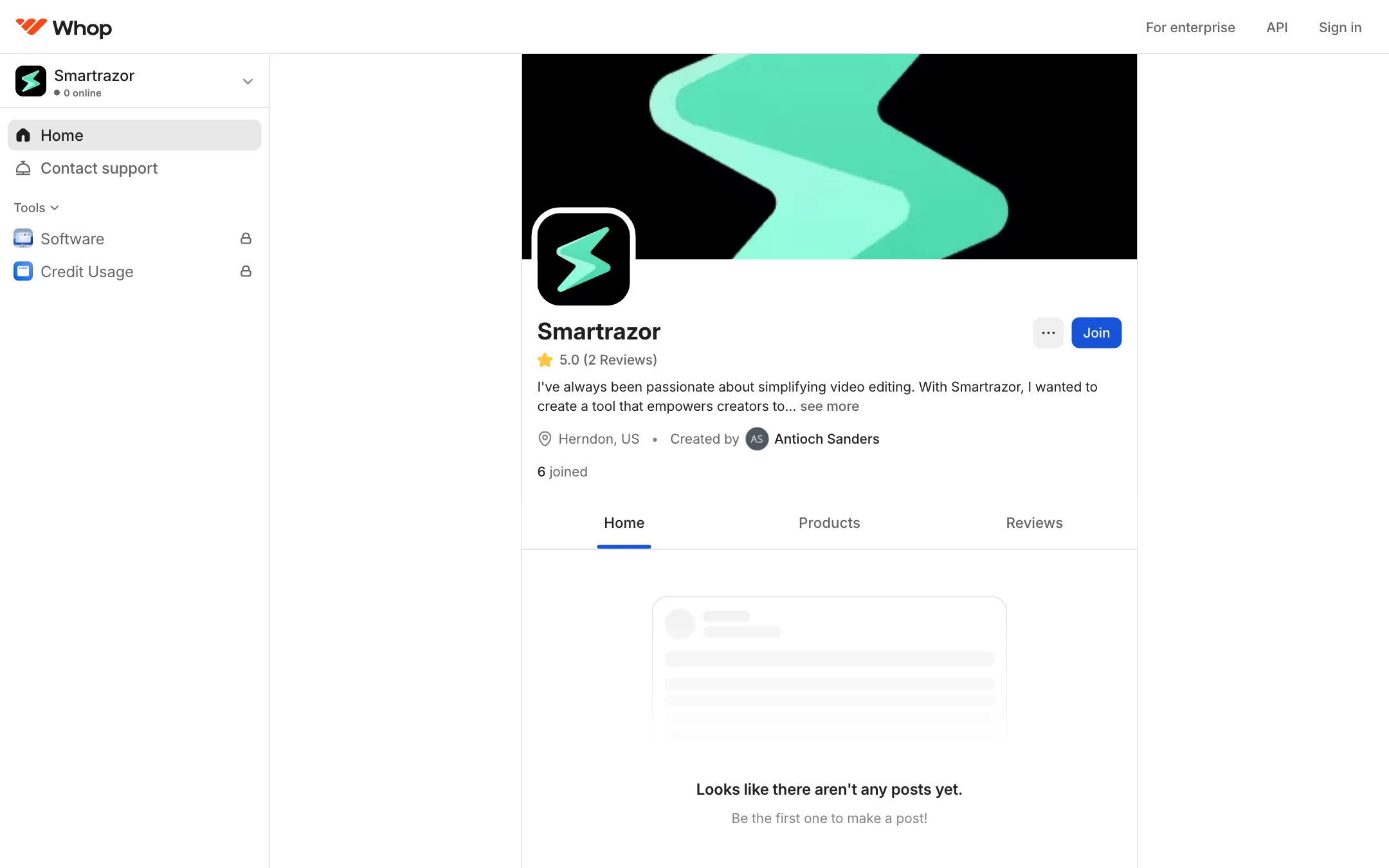
Smartrazor is a small operation. Sign-up and billing run through Whop, a creator storefront. The Whop page lists two team members, six people joined, and two reviews. The terms give a single contact address. That is not a reason to avoid it, but it is worth knowing before you build a weekly workflow on it.
Who it is for
Smartrazor fits you if:
- You make long-form talking-head videos for YouTube: commentary, education, business advice, coaching.
- You record with lots of retakes and pauses and spend hours cutting them out.
- You record in English.
- You want captions and punch-in zooms added for you, and you are willing to pay for the Standard plan.
Skip it if:
- You record in another language. Smartrazor’s FAQ says only English is reliably supported.
- Your videos are mostly b-roll, gameplay, tutorials with screen recordings or multi-camera interviews. Smartrazor is built around a single speaker.
- You mainly make Shorts, Reels or TikToks. It does not market vertical reframing or clip-finding.
- You want a browser tool. Smartrazor is a download for Mac and Windows.
How it works
Smartrazor describes the flow in a few steps on its homepage. There is little public documentation beyond that, so the details below stay close to what the site says.
1. Record or upload
You can open the app and talk at the camera, or upload footage you already recorded. Smartrazor does not list supported file formats, maximum file sizes or system requirements on its public pages. Check those during the trial if you shoot in 4K or long sessions.
2. Let the AI cut
Smartrazor’s AI processes the recording and removes mistakes, bad takes and pauses. The homepage calls it “AI mistake cutting that actually works”. That is the vendor’s claim. Smartrazor’s own FAQ is more modest: “our AI can mess up”.
Detecting a bad take is harder than detecting silence. Silence cutting is simple and most editors have it now. Spotting that your second attempt at a sentence is the keeper, and the first should go, is the part that would save real time. Smartrazor says it does this. Test it with your own footage, because how you restart sentences matters a lot.
3. Fix cuts in the transcript editor
The transcript editor is where you correct the AI. Smartrazor describes it as text-based editing that lets you “adjust cuts, so you don’t have to spend time listening through your footage”. Tools like Descript made this approach popular, and it works well for talking-head content because the words are the edit.
4. Adjust captions and zooms
On Standard and Team, Smartrazor adds animated captions and places zooms for emphasis. The effects timeline lets you shift their positions. Smartrazor does not show a gallery of caption styles or say how much you can customize them.
5. Export
You have three options, per the FAQ:
- Upload straight to YouTube.
- Download the full video.
- Download individual clips to your computer.
Export resolution and format are not stated on the public site.
Output quality
We have not used Smartrazor, so this section reports what the vendor shows and says.
- Cutting. Smartrazor claims it removes mistakes and bad takes, not just silences. Its FAQ admits errors happen and points you to the transcript editor to fix them.
- Language. English only, reliably. Accents and fast speech may also matter, but Smartrazor does not say.
- Captions and zooms. Smartrazor says they are “engaging”. The homepage demo video shows the style. There is no style library or font list published.
- Polish. The output is a cleaned-up talking-head video with captions and zooms. If you want b-roll, sound design, color grading or thumbnails, you still need another editor or a human.
The fair way to think about Smartrazor is as a first-pass editor. It gets you from raw footage to a watchable cut. Whether that cut is good enough to publish without another pass depends on your style and standards.
Pricing
Smartrazor sells three plans, monthly or yearly, each with a free trial. Billing runs through Whop.
| Plan | Monthly | Yearly | What you get |
|---|---|---|---|
| Lite | $9 | $67 | 80 upload minutes a month, auto-cutting |
| Standard | $29 | $217 | 240 minutes, auto-cutting, animated captions, zooms |
| Team | $79 | $590 | 960 minutes, auto-cutting, animated captions, zooms |
Things to note:
- Minutes are upload minutes. They count raw footage, not finished video. If you record 30 minutes to get a 12-minute video, you spend 30. Lite’s 80 minutes covers two or three long videos a month for most creators.
- Lite is cutting only. The captions and zooms that show up in the demo need Standard. For most creators who want the full promise, Standard at $29 a month or $217 a year is the real starting price.
- Yearly saves a lot. Lite drops from $108 to $67 a year, Standard from $348 to $217, and Team from $948 to $590. That is roughly 38% off, but only commit once the trial shows the cuts work on your footage.
- Team is about minutes, not seats. The Team card lists more minutes and the same features. Smartrazor does not mention multiple users, shared projects or roles.
- Refunds. The terms offer refunds within 14 days of subscription activation if you ask. Nothing after that.
Getting good results
Smartrazor publishes little guidance of its own, but auto-cutting tools all work best with the same habits. Use the trial to check them against your footage:
- Restart cleanly. When you flub a line, pause, then say the whole sentence again from the start. Tools that detect repeated takes look for a full repeat. Half-sentence restarts are harder to catch.
- Keep one mic and one speaker. Smartrazor is built for talking heads. Music, guests or a noisy room give any speech-based cutter more chances to get it wrong.
- Record in English. The FAQ is clear that other languages are not reliably supported.
- Read the transcript before you export. The transcript editor is where you catch a cut that removed a good line or kept a bad one. It is much faster than watching the whole video.
- Count your raw minutes. Long recording sessions burn upload minutes fast. If you film an hour to get a 15-minute video, Lite’s 80 minutes covers barely more than one video a month.
How it compares
Smartrazor competes with a handful of tools that cut talking-head footage automatically:
- Gling also targets YouTubers and removes bad takes and silences, then hands off to your editor. Compare how each one handles repeated takes on the same test recording.
- FireCut works as a plugin inside Premiere Pro and DaVinci Resolve, which suits you if you already edit there. Smartrazor is a standalone app instead.
- Descript popularized text-based editing and does far more, from screen recording to multitrack podcasts. It is also a bigger, more complex tool than you need if you only want rough cuts.
Smartrazor’s angle is doing everything in one pass, including captions and zooms, and sending the result straight to YouTube. That makes sense for a solo creator. A creator who already pays an editor may get more from a plugin that slots into the editor’s own timeline.
Verdict
Smartrazor has a clear and useful idea: take a raw talking-head recording, cut the bad takes, add captions and zooms, and send it to YouTube. If that is your exact workflow and you record in English, the Standard plan at $217 a year is far cheaper than an editor and worth a trial.
The risks are real, though. It is a very small product with little public documentation, sold through Whop with a handful of members. Captions and zooms need the $29 plan, and only English is reliably supported. Compare it with Gling and FireCut, which target the same cutting job. Use the trial and the 14-day refund window to test it on three or four of your real recordings before you commit to a year.

