
What Gling is
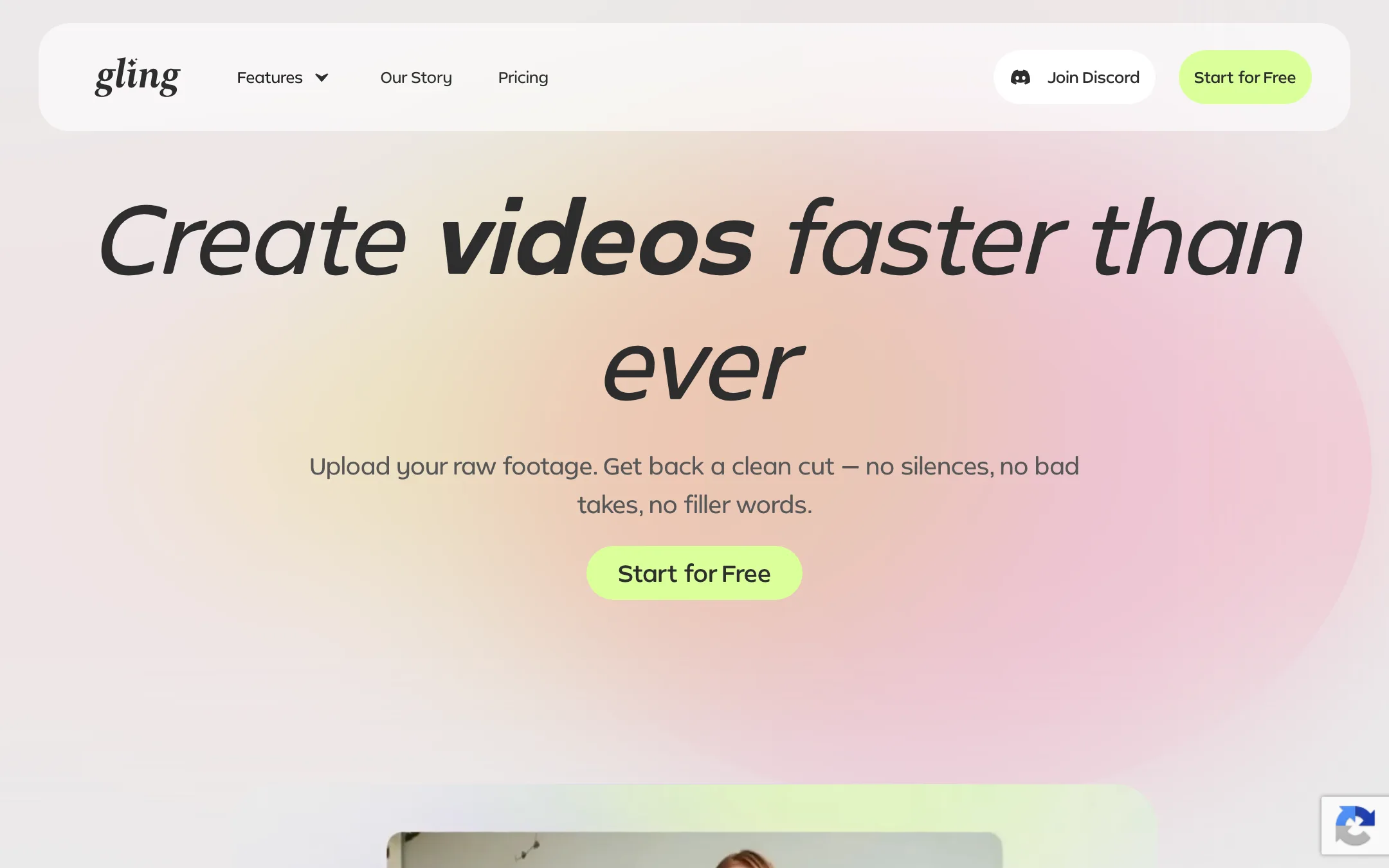
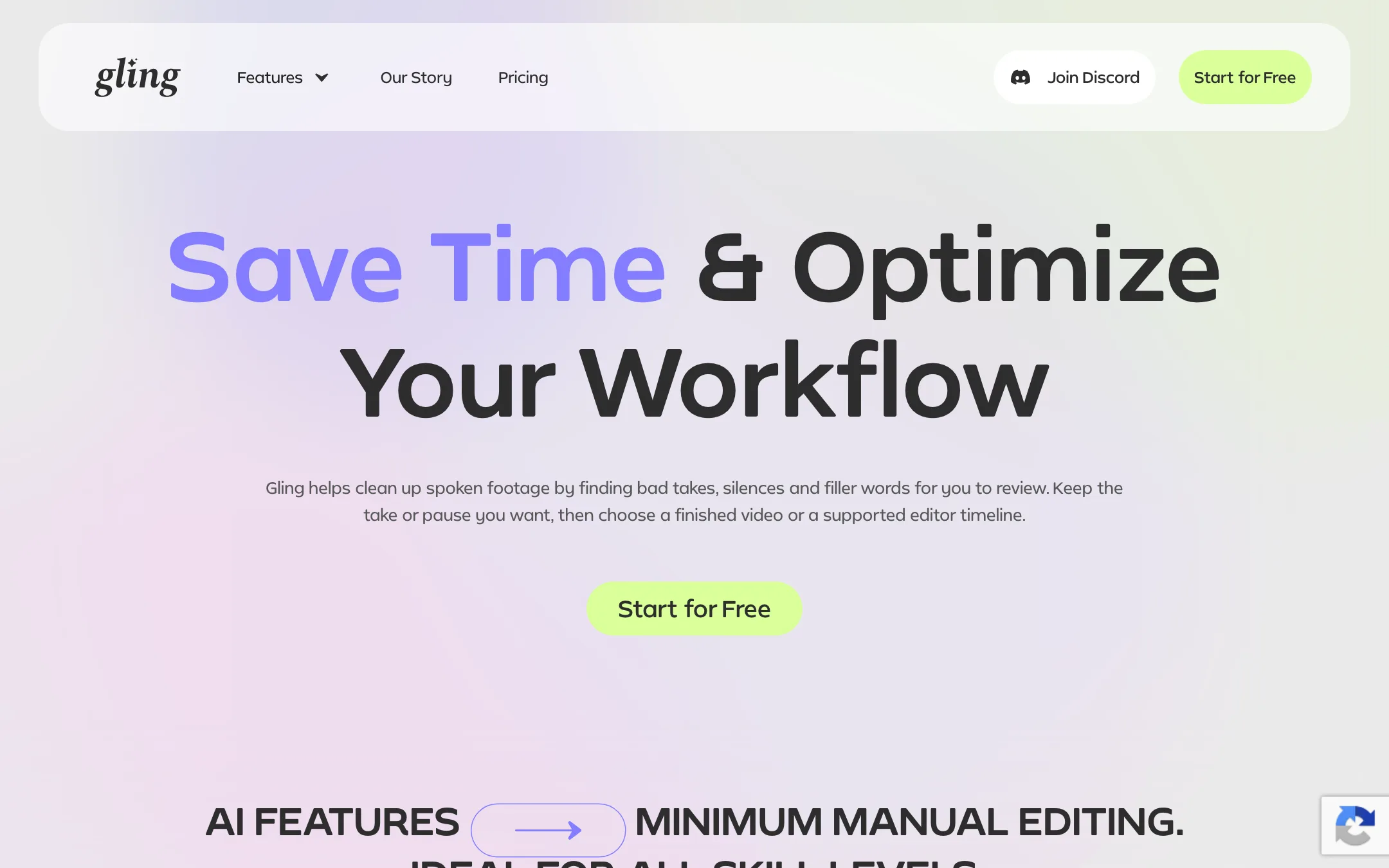
Gling is an AI editor for one specific, tedious job: the first cut of a talking-head video. You upload a raw recording. Gling transcribes it, finds the bad takes, the silences and the "um"s, and cuts them out. You check its choices, then either download a finished video or send the clean timeline to Premiere Pro, Final Cut Pro or DaVinci Resolve.
It is made for YouTubers. The homepage leans on creator testimonials from Shelby Church, DamiLee and Luke Barousse, and Gling’s own story says the company started when a co-founder built tools to help his wife, whose channel now has over 2 million subscribers. That focus shows in the feature list. Beyond cutting, it adds captions, auto zoom, noise removal, YouTube titles, chapters and ideas for your next video.
Gling is not a full editor. It does not try to replace your NLE. It tries to save you the hours of scrubbing through footage that come before the creative part.
Who it is for
Gling fits you if:
- You record yourself talking to camera and repeat lines until you get them right.
- You already edit in Premiere, Final Cut or Resolve and want a cleaner starting timeline.
- You spend more time deleting pauses than making creative decisions.
- You publish on YouTube and want titles, chapters and captions from the same transcript.
Skip it if:
- Your videos have little or no speech. Gling’s own FAQ says it may not be the best fit for you.
- You want a clip maker that turns long videos into dozens of Shorts. Gling has a clipping page, but its strength is the long-form rough cut.
- You want to finish everything inside one app. Gling expects you to finish in your own editor or accept a fairly plain MP4.
- You shoot multicam and edit in Premiere. That combination needs you to sync before upload.
How it works
Gling describes its workflow in three steps.
- Upload your raw recording. Video and audio files both work, and you can add several files to one project. Gling lists the codecs it supports: AAC, H.264, MP3, Opus, PCM variants, Vorbis, VP8, VP9 and AV1. Horizontal and vertical footage are both accepted.
- Edit and refine. Gling transcribes the recording and proposes cuts for bad takes, silences and filler words. You review them, restore anything you want to keep, and make further trims by editing the transcript text or removing clips on the timeline.
- Download or export. You can download an MP4 or MP3 with SRT captions, or export the timeline as XML to Premiere Pro, Final Cut Pro or DaVinci Resolve.
The review step matters. Gling’s own feature page tells you to check cuts where a repeated line changes meaning or a pause adds emphasis. That is a fair warning. Automatic cleanup gives you a starting point, not a finished edit.
Bad takes, silences and filler words
This is the core of the product. Gling says it analyzes spoken footage to find repeated lines and keeps the version you want. It also detects silences and filler words like “um” and “uh”. You can turn each of these on or off.
The “bad takes” feature is what separates Gling from simpler silence cutters. Removing silence is easy for any tool. Spotting that you said the same sentence three times and only the third one landed is harder. Gling’s testimonials focus on exactly this, with creators saying it saves them whole days of cutting. Those are vendor-selected quotes, so treat them as the best case.
Text-based trimming
Every edit can also be made from the transcript. Delete a sentence in the text, and the matching footage disappears from the video. This works the same way as Descript and other transcript editors, and it is the fastest way to tighten a rambling section without touching the timeline.
Quality tools
Gling adds a layer of polish on top of the cut:
- AI captions with a one-click option, plus SRT export for YouTube’s own subtitle track.
- Noise removal and speech audio enhancement for rooms that are not quite quiet.
- Auto framing, which adds zoom in and zoom out moves on key moments to break up a static shot.
- AI B-roll, listed on every plan in the pricing table. Gling’s pages say little about where the footage comes from.
YouTube tools
From the same transcript, Gling generates title ideas, chapter markers and suggestions for your next video. Gling says the title generator has SEO built in for YouTube. These are handy extras, but you can get similar output from any general AI chat tool if you paste in a transcript.
Video from a link
The pricing table mentions “words of generated video from link”. This is a newer feature that turns a blog post, newsletter or social post into a talking video, presented by an AI avatar with an AI voice. It shares a monthly allowance with editing hours. The homepage barely mentions it, and it sits outside Gling’s core editing pitch. Think of it as a bonus rather than a reason to buy.
Multicam and separate mics
Gling supports multicam and separate-mic recordings, but with a catch. Its FAQ says this only works if you export to DaVinci Resolve or Final Cut Pro. If you edit in Premiere, or want an MP4 or MP3 straight from Gling, you have to sync your cameras or audio before you upload. Premiere users with a two-camera setup should know this before they pay.
Web and desktop
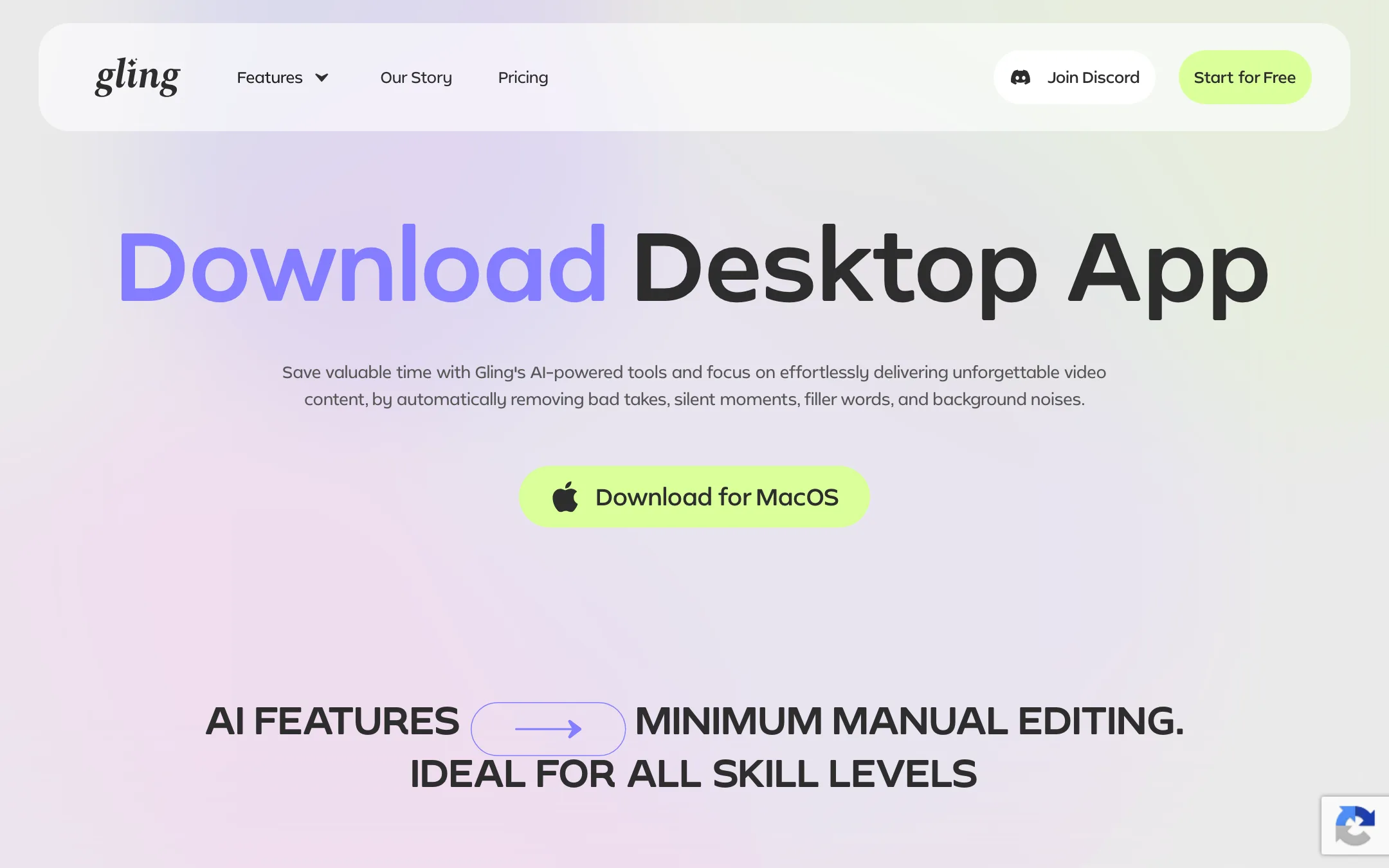
Gling runs in the browser at app.gling.ai. There is also a desktop app, and Gling’s feature page says timeline export to your editor requires a paid desktop plan. The desktop page title says Mac and Windows, but the only download button we found was for macOS. If you are on Windows, check before you count on the desktop workflow.
Output quality
We did not run footage through Gling for this review, so these points come from Gling’s own pages and its stated limits.
What Gling says it does well:
- Spoken, single-presenter footage. Talking-head YouTube videos, tutorials and commentary are the target.
- Pause and retake detection. This is the feature its testimonials praise most.
- Language range. Its FAQ lists 25 speech languages, from English and Spanish to Hebrew, Hindi, Arabic, Korean and Japanese. The app interface itself is English only.
Where you should expect to step in:
- Judgement calls. A dramatic pause or a deliberate repeat can look like a mistake to an algorithm. Gling flags this risk itself.
- Non-speech content. Music videos, B-roll montages and gameplay without commentary give Gling nothing to work with.
- Finishing. Captions, zooms and noise removal are helpful, but color, graphics and pacing still belong in your main editor.
Pricing
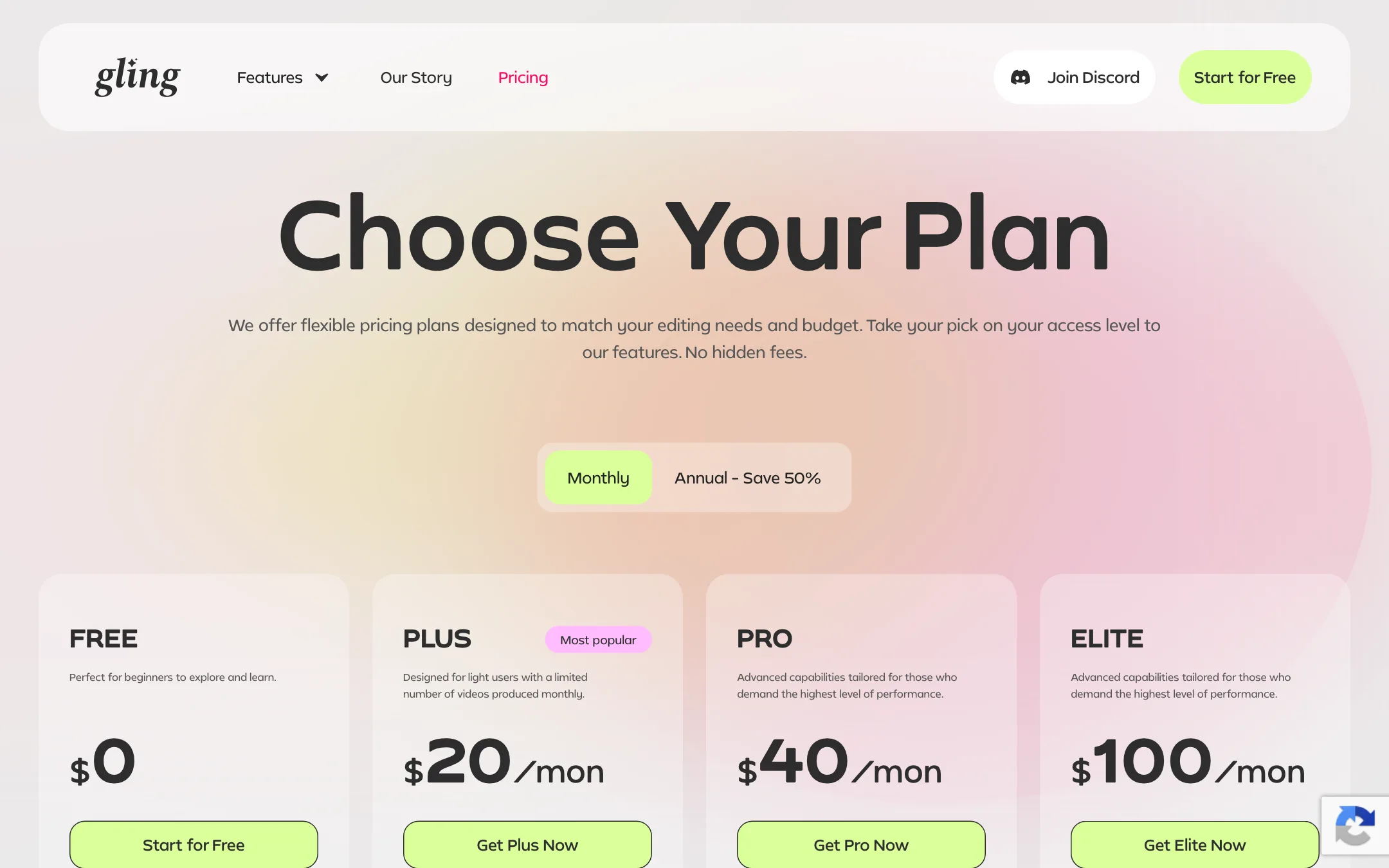
Gling prices by hours of footage processed each month. Every plan includes every feature. The differences are hours, the watermark, and support.
| Plan | Price | What you get |
|---|---|---|
| Free | $0 | 1 hour of AI-edited media a month, watermarked exports |
| Plus | $10/mo yearly, $20 monthly | 10 hours a month, no watermark |
| Pro | $20/mo yearly, $40 monthly | 30 hours a month, premium support |
| Elite | $50/mo yearly, $100 monthly | 100 hours a month, premium support |
Each paid plan can also spend its allowance on generated video from links instead: 300 words on Plus, 900 on Pro and 2,700 on Elite, or a mix of both.
Things worth knowing before you pay:
- Yearly billing halves the price. Gling’s “Save 50%” claim matches the numbers. Plus drops from $20 to $10 a month.
- The free plan is a test drive. One hour a month is enough to try Gling on a real video, but exports are watermarked.
- XML export on Free is unclear. The pricing table lists XML to Premiere, Final Cut and Resolve on every plan, including Free. The FAQ says free users cannot export to those editors, and the feature page says timeline export needs a paid desktop plan. Assume you need Plus.
- Hours do not roll over. Unused hours expire at the end of the month, on monthly and yearly plans alike.
- Hours count raw footage. If you record 40 minutes to get a 12-minute video, you use 40 minutes of your allowance.
You can cancel or downgrade from the Billing menu in the app at any time, and you keep access until the end of the paid period. Gling does not publish a refund policy on its pricing page. For billing questions it points you to [email protected] or its Discord server.
Gling also runs an affiliate program through Rewardful that pays 20% of payments from referred customers for their first 12 months.
Verdict
Gling does one thing and is clearly built by people who know the pain of cutting talking-head footage. If you record long takes for YouTube and then spend hours scrubbing out retakes and pauses, it is aimed squarely at you. The review-before-export design keeps you in control, and the XML export means you do not have to give up the editor you already know.
Its limits are real. The free plan is mostly a demo, multicam only works with Resolve and Final Cut, and Windows users should confirm the desktop app before committing. At $10 a month billed yearly, Plus is an easy test for any creator who edits every week. If you want a tool that clips long videos into Shorts, look at a dedicated clip maker instead.
