
What RecCloud is
RecCloud is an online AI toolkit for audio and video. It started as a screen recording and video hosting service from Apowersoft, the company behind ApowerREC. Today it is a bundle of AI tools that share one account and one credit balance.
For creators, the useful part is the language stack:
- AI subtitle generator that transcribes your video and lets you edit and style the captions.
- Subtitle translator that turns those captions into another language in one click.
- AI video translator that translates the voice-over as well as the subtitles.
- Speech to text with speaker labels, summaries and a chat about the transcript.
- Text to speech for voice-overs from a script.
Around that core sit a clip maker, a subtitle and watermark remover, a vocal remover, an AI video generator, a “viral video remaker”, a screen recorder and simple trim, crop and merge tools. It is a wide toolkit. Most creators will use two or three pieces of it.
Who it is for
RecCloud fits you if:
- You publish tutorials, courses or YouTube videos and need subtitles in several languages.
- You want to test dubbing your videos into another language without paying for a premium dubbing tool.
- You transcribe interviews, lectures or meetings as well as making videos.
- You want the lowest possible yearly price and do not mind tracking credits.
Skip it if:
- You earn money from your videos and do not want to pay for Business. Basic and Pro are for personal, non-commercial use only.
- You need animated, word-by-word captions for TikTok or Reels. Tools like Submagic or Zeemo focus on that style.
- You need a premium AI video generator. RecCloud’s generator is a side feature and it does not say which model it runs.
- You want predictable costs. Several features are priced as a range, such as 2 to 30 credits a minute.
How it works
Every AI tool on RecCloud follows the same pattern. You upload a file, paste a link or open “My Space” to pick a file you stored before. You choose single or batch mode. RecCloud processes it in the cloud and gives you an editor or a download.
Subtitles
RecCloud describes a three-step flow:
- Upload your video. It accepts MP4, MOV, WebM, MP3, WAV and more than 30 other formats. Video files can be up to 4GB, audio up to 500MB, and up to 5 hours long.
- Generate subtitles. RecCloud says its AI detects speech in 100+ languages and creates timed captions.
- Edit and download. You fix text and timing in the built-in editor, then export an SRT file or burn the captions into a new video.
The subtitle page says you can match fonts, colours and styles to your channel. It also offers one-click translation into 100+ languages. RecCloud markets “studio-quality” accuracy and results “in under a minute.” Those are its claims. We did not time or check them.
Video translation and dubbing
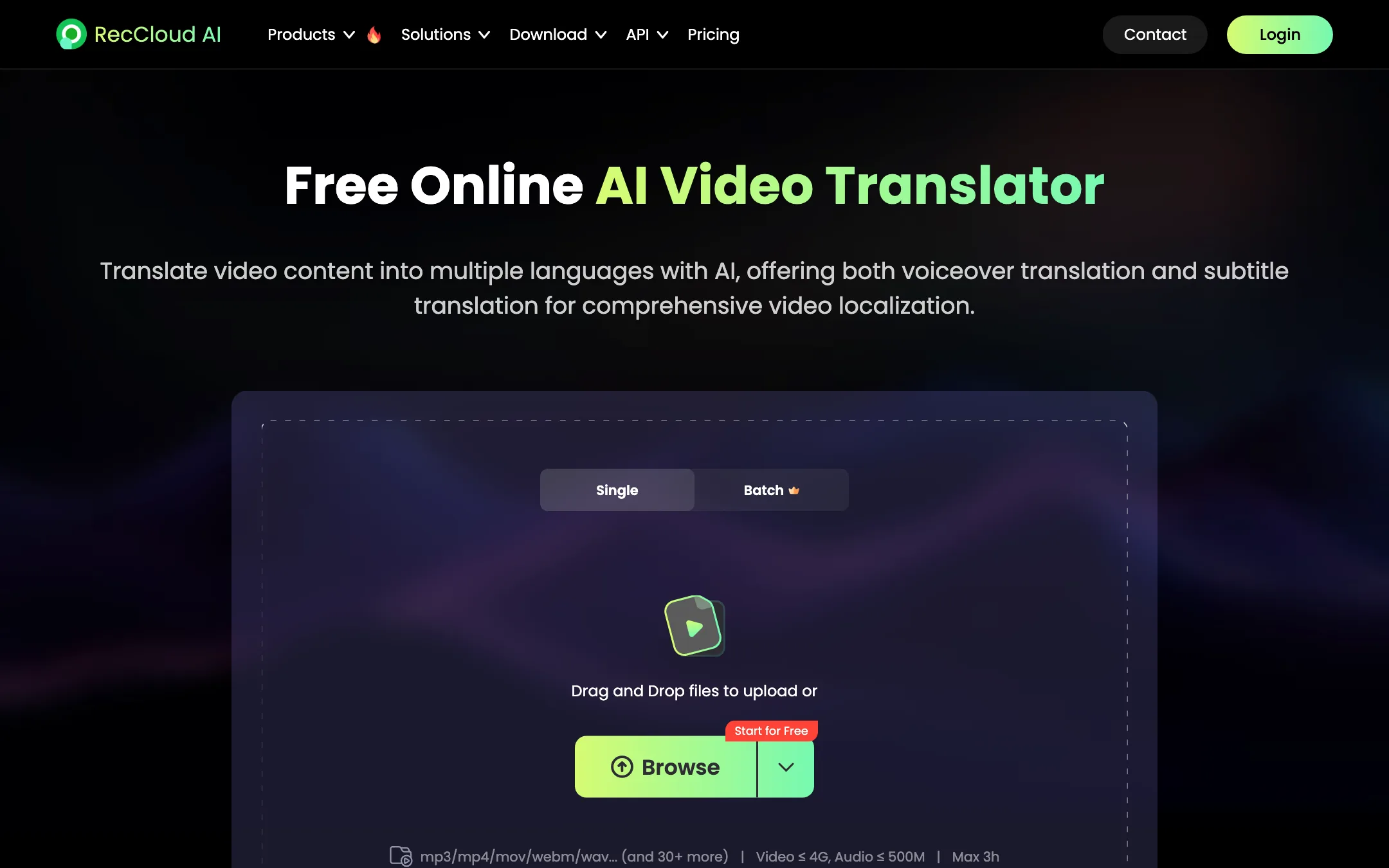
The video translator does two jobs. It translates subtitles, and it can replace the voice-over with a translated voice. You pick from a set of voice tones. You can edit both the original and the translated text before you export, which matters because machine translation always needs a human pass.
Limits differ from the subtitle tool. Translation accepts videos up to 3 hours and 4GB. RecCloud says it covers over 70 major languages on the translator page, while other pages mention 100+. The higher number likely refers to subtitles and transcription rather than voice translation.
The API price sheet hints at what happens under the hood: standard translation, translation with speaker identification, a separate “audio resynthesis” step and a video export step. Each is charged separately on the API.
Transcription and summaries
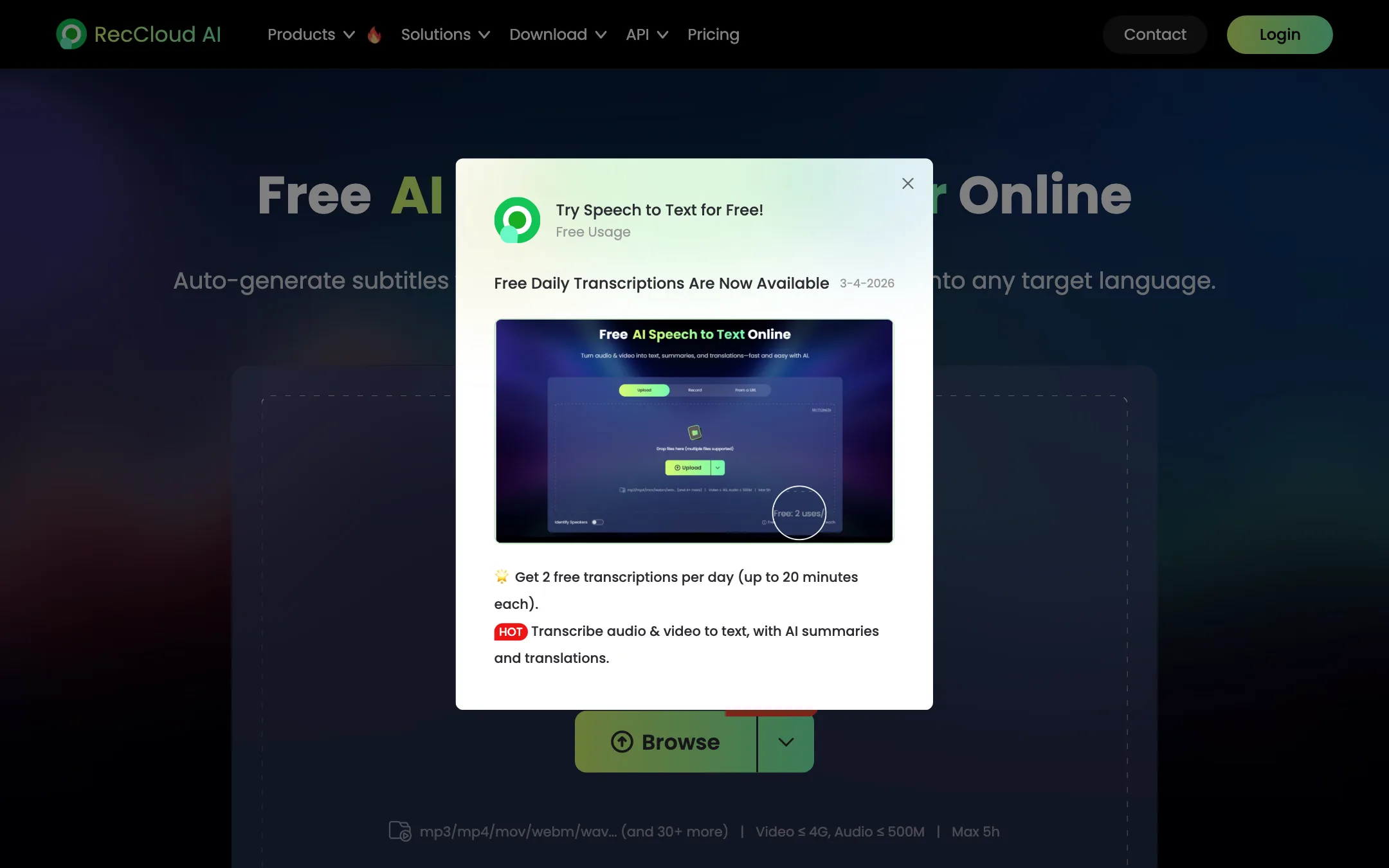
Speech to text is RecCloud’s most heavily marketed tool. You upload a file, record live or paste a YouTube, Facebook or Instagram link. You get a transcript with speaker labels, a summary, key points and a Q&A panel. It costs 1 credit a minute. For creators, this is useful for show notes, blog posts and finding quotes.
Short clips and other tools
The AI video clip maker turns long videos into short clips at 1 credit a minute. RecCloud’s pages say little about how it picks the moments. Treat it as a bonus, not a replacement for a dedicated clipping tool.
The subtitle remover and watermark remover clean existing on-screen text or logos at 10 to 15 credits per 30 seconds. Use them only on footage you own.
AI video generator
RecCloud has a text and image to video tool, a “viral video remaker” that recreates the idea of an existing video, and a separate page branded around Seedance. The main generator page says it is “powered by the latest AI models” without naming them. Generation costs 18 to 48 credits per second. At those rates, a 10-second clip could use a sixth of the Basic plan’s yearly credits.
Output quality
We did not run files through RecCloud, so quality claims here are RecCloud’s own.
- Accuracy. Different RecCloud pages claim 95%, 98%, 98.5% and 99% transcription accuracy. The numbers vary by page and none cite a test. Accuracy in any tool depends heavily on audio quality, accents and crosstalk.
- Speed. RecCloud says subtitles arrive in under a minute. Long files will take longer.
- Voice translation. The translator page promises a variety of voice tones. It does not mention voice cloning or lip-sync, so expect a translated voice-over rather than your own voice speaking a new language.
- Watermark. An older RecCloud blog post says free subtitle exports carry no watermark. The current pricing page does not mention watermarks at all.
Pricing
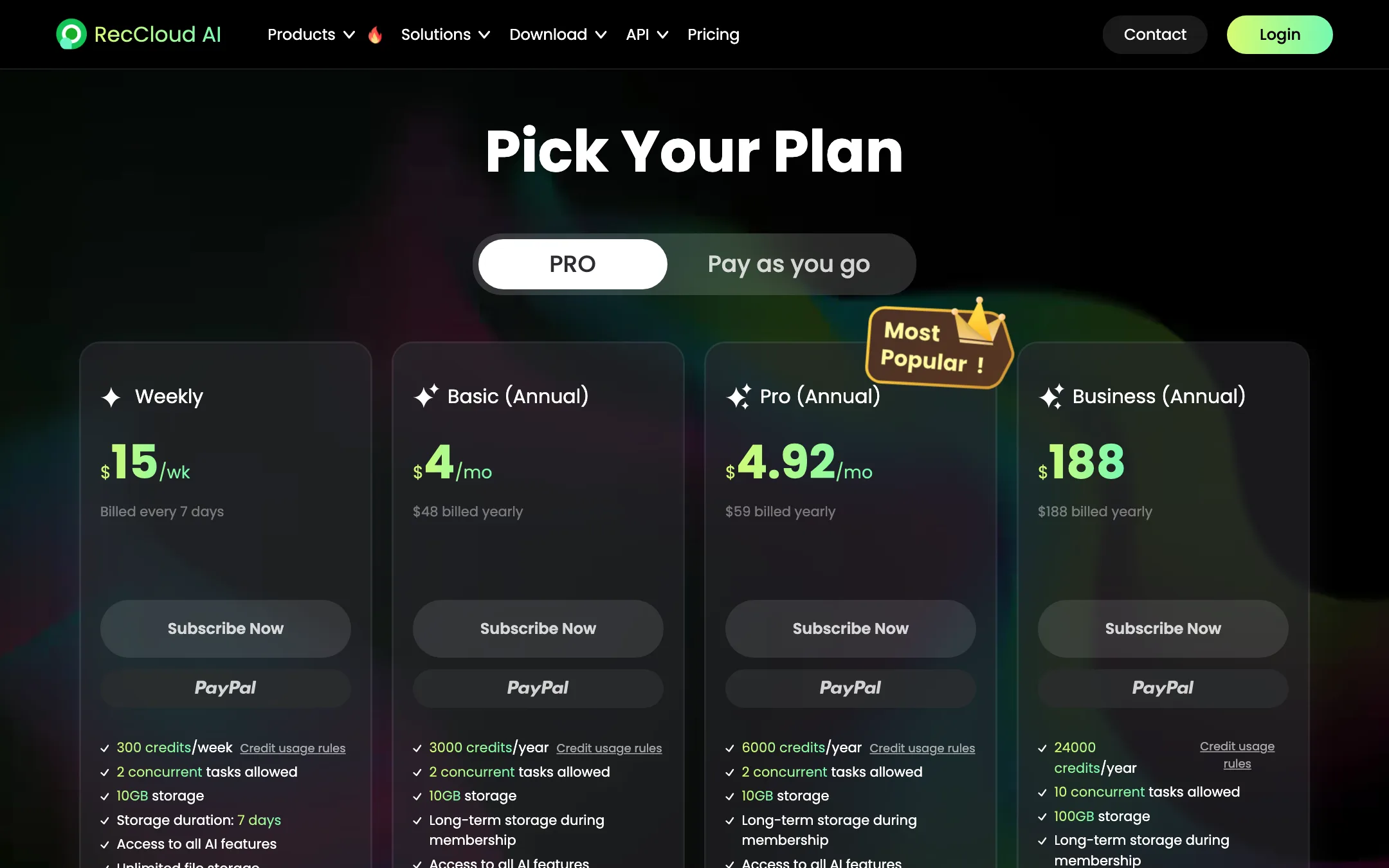
RecCloud sells memberships that come with credits. Every AI feature then spends credits.
| Plan | Price | Credits | Use |
|---|---|---|---|
| Weekly | $15/week | 300 a week | All features |
| Basic | $48/yr | 3,000 a year | Personal only |
| Pro | $59/yr | 6,000 a year | Personal only |
| Business | $188/yr | 24,000 a year | Commercial allowed |
What the credits buy, from the pricing page:
- AI subtitles: 1 to 30 credits a minute
- Video translation: 2 to 30 credits a minute
- Speech to text: 1 credit a minute
- Text to speech: 1 credit per 200 characters
- Clip maker: 1 credit a minute
- AI video generation: 18 to 48 credits a second
- File download: 6 credits per GB
Things to watch:
- The allowance is yearly. Basic’s 3,000 credits sound generous until you notice they must last a whole year. That is 250 credits a month on average.
- Commercial use costs extra. If your channel is monetised or you do client work, the pricing FAQ points you to Business at $188 a year.
- Membership credits die with the membership. Unused plan credits are voided when the membership ends. Credits bought separately last one year.
- Ranges hide the real price. A translation priced at “2 to 30 credits a minute” could cost 15 times more than the low end. Run a one-minute test to see your real rate.
- The weekly plan is pricey. At $15 a week it costs more than Basic’s whole year in four weeks. Use it only for a one-off rush job.
How to make your credits last
With a yearly allowance, a little planning goes a long way:
- Test with a one-minute clip. Run the exact job you need, such as subtitles plus translation, on a short file and check how many credits it used. Then multiply.
- Export SRT instead of burning in. Most platforms, including YouTube, accept an SRT file. That skips the video synthesis step and the download fee on a large file.
- Download only what you need. File downloads cost 6 credits per GB. Keep finished files in RecCloud’s storage until you know which version you want.
- Skip the video generator on Basic. At 18 to 48 credits a second, a few clips can eat the year’s allowance. Use a dedicated generator for that.
- Buy extra credits only as a member. Credits bought separately last one year and can only be bought on top of a membership.
Refunds
The pricing page promises a 7-day money-back guarantee. The full refund policy says 14 days for annual plans and credit packs and 3 days for weekly plans. Either way, RecCloud deducts the credits and storage you used. App Store purchases must be refunded through Apple.
Verdict
RecCloud is one of the cheapest ways to get AI subtitles, subtitle translation and translated voice-overs in one place. The toolkit is wide, it runs on web, Windows and mobile, and the Basic plan costs less per year than many rivals charge per month.
The catch is in the fine print. Credits are yearly, prices are ranges, and commercial use needs the $188 Business plan. RecCloud’s own pages contradict each other on commercial use, free use and refunds. If you make personal or educational content and want multilingual subtitles on a budget, it is worth a try. If you monetise, budget for Business or compare it with a subtitle tool that includes commercial rights on its entry plan.